Printing brochures used to be the standard. Stack them on a counter, hand them out at events, mail them to leads. But most printed brochures end up in recycling bins within 48 hours. If you want your content to actually reach people and hold their attention, turning your brochure into a flip book online for free is one of the fastest, most practical upgrades you can make right now. It costs nothing to start, takes minutes to complete, and the result is a shareable, mobile-ready digital publication that people can actually read.
Flipbooks AI makes this conversion straightforward: upload a PDF, get a polished digital flipbook with realistic page-turning effects, shareable links, and mobile-friendly display in minutes, without any technical knowledge required.
Why Printed Brochures Have a Shelf Life Problem
They Get Discarded Fast
A printed brochure has a short window to make an impression. Most promotional print materials are discarded within a day or two of being received. The cost per lead from print brochures is high: design, printing, shipping, and distribution all add up before a single person reads the content.
Worse, you have no way to know if anyone actually read it. No click data, no engagement metrics, no follow-up mechanism built in. You spend money producing something beautiful and then lose complete visibility the moment it leaves your hands.
The environmental cost is also real. Paper, ink, shipping, and disposal all have a footprint. A digital flipbook version of the same brochure has none of those costs, and it lasts indefinitely.
Digital Content Reaches People Where They Are
When your brochure lives online as an interactive flip book, everything changes. Someone on a phone during their commute can flip through your hotel's amenities. A prospect can share your product catalog with a colleague via a single link. An event organizer can embed your program directly on their website. A trade show visitor can scan a QR code at your booth and open the full brochure on their phone before they leave the floor.
The same content multiplied in reach, at zero additional production cost. Every share extends the lifespan of your brochure organically, without any extra work from your team.
What a Flip Book Does to Your Brochure
The Page-Turning Effect Is Not Just Visual
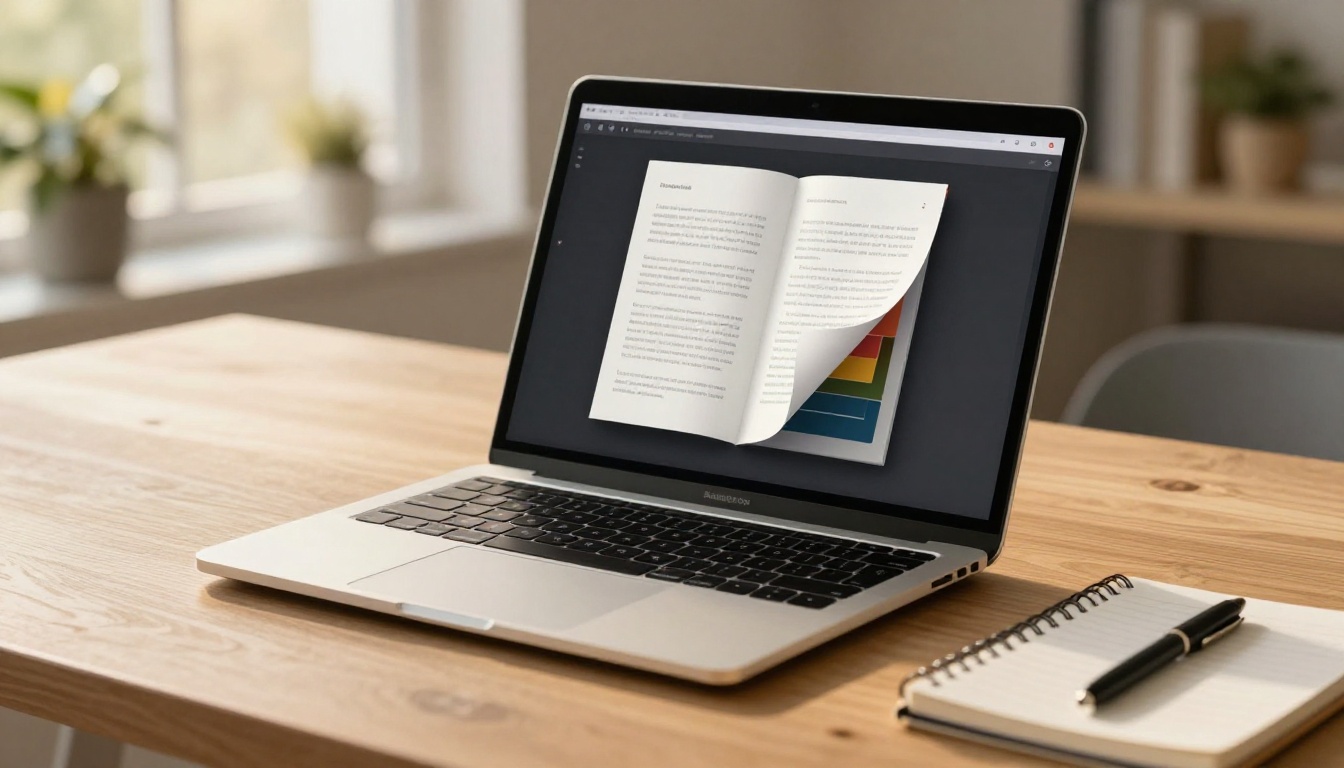
The physical sensation of turning a page is deeply familiar. When a digital flip book replicates that motion with realistic page curl, shadow, and depth, it triggers the same engaged reading behavior people associate with printed materials. Readers spend significantly more time on content presented as a flip book compared to a flat PDF link.
This is not a cosmetic detail. It is a conversion lever. Prospects who spend more time with your brochure are more likely to remember your brand, contact you, or make a purchase. Attention is the scarce resource in digital marketing, and the flip book format holds it better than static PDFs.
Mobile and Shareable by Default
A PDF sent via email often sits unopened. Browser PDF viewers vary widely in quality across devices, and many mobile users simply do not bother opening them. A flip book link works across every device and every browser with no app required. Flipbooks AI generates flipbooks that are fully mobile-responsive, meaning they adapt to any screen size without pinching, zooming, or horizontal scrolling.
Share via link, embed on a website, or post directly to social channels. The distribution friction drops to near zero, and the viewing experience stays consistent whether someone opens it on a desktop monitor, a tablet, or a phone screen.
How to Turn Your Brochure into a Flip Book Online for Free
This is the part that matters most, so here is exactly how to do it step by step with Flipbooks AI.

Step 1: Prepare Your Brochure PDF
Before uploading, make sure your PDF is in the best shape possible. The quality of your source file determines the quality of your flipbook.
- Resolution: Export at 150 DPI minimum, 300 DPI for sharp text and photography
- File size: Keep under 50MB for faster upload and processing speed
- Fonts: Embed all fonts in the PDF to prevent rendering issues on different systems
- Safe margins: Keep key content at least 3mm from page edges to avoid cropping
- Color mode: RGB is preferred for screen display, not CMYK
- Page count: Works best with 4 to 100 pages for most brochure formats
💡 If your brochure was designed in Adobe InDesign, Canva, or Illustrator, export directly to PDF using the "High Quality Print" or "Screen" preset for optimal flipbook rendering. Avoid exporting from Word or PowerPoint unless those are your only options.
Step 2: Upload to Flipbooks AI
- Go to Flipbooks AI and create a free account using your email
- Click "New Flipbook" from your dashboard
- Drag and drop your PDF into the upload area, or click to browse and select the file
- Wait for the conversion to complete, typically 15 to 60 seconds depending on page count
- Preview the generated flipbook before publishing to verify layout and image quality
The platform processes your PDF automatically, mapping each page to a flipbook spread with accurate layout and image rendering. No manual adjustments are required unless you want to customize the appearance.
Step 3: Customize Your Flipbook
Once your brochure is converted, you can customize the viewing experience to match your brand identity.
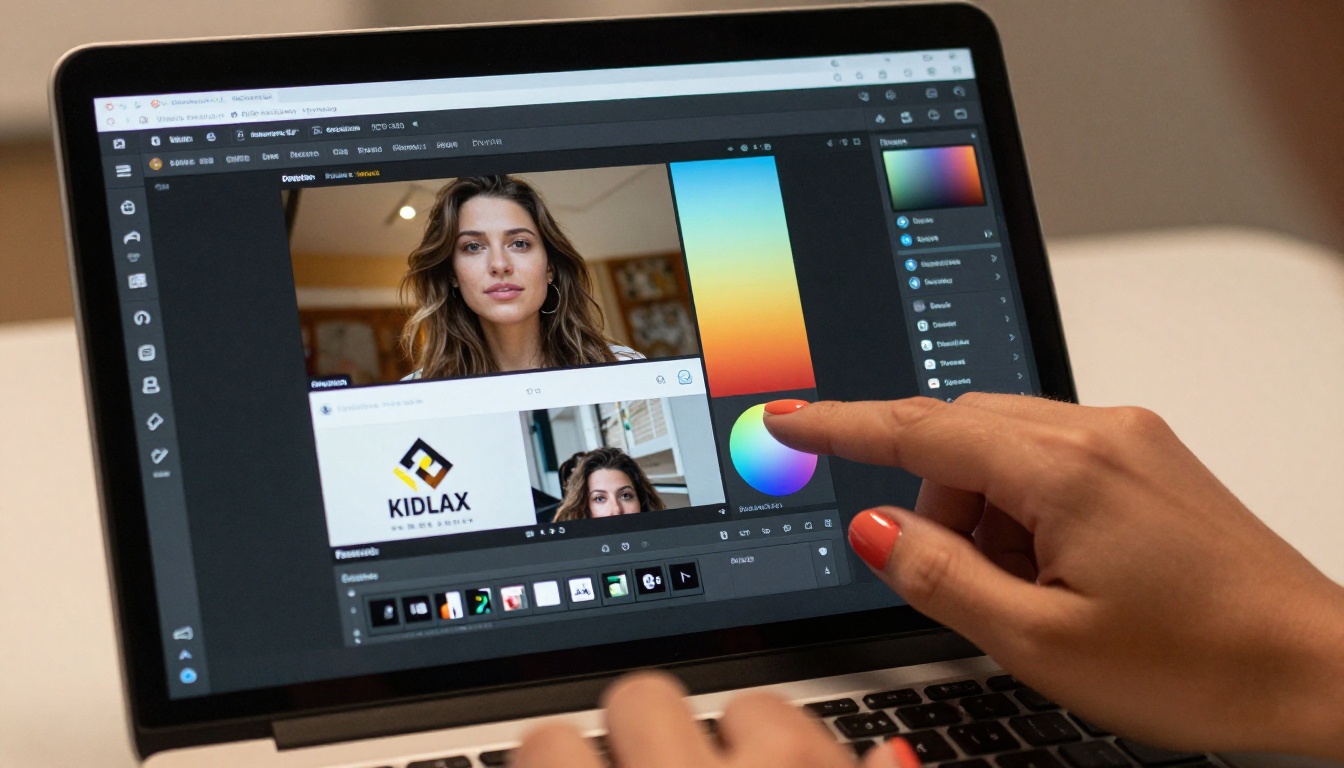
- Brand colors: Set background and toolbar colors to your exact brand palette using hex codes
- Logo placement: Add your logo to the flipbook viewer frame for consistent branding
- Page-flip animation style: Choose from different page-turn effects depending on your content tone
- Background texture: Select paper, gradient, or solid color backgrounds
- Multimedia embeds: Add videos or audio clips to specific pages (Standard plan and above)
- Password protection: Restrict access to specific audiences with a password for private materials
✅ Custom branding keeps your brochure flipbook looking intentional rather than like generic converter output. This matters especially for client-facing materials, investor documents, and premium product catalogs.
Step 4: Share or Embed It
With your flipbook published, sharing is immediate and flexible.
- Direct link: Copy a shareable URL for email campaigns, social media posts, or direct messaging
- Embed code: Paste an HTML snippet to display the flipbook directly on your website or landing page
- QR code: Generate a QR code that links to your digital flipbook, perfect for printed materials that bridge to digital
- Password-protected link: Send private preview access to clients, partners, or investors
The Embed Flipbook on Website tool gives you full control over embed dimensions, autoplay behavior, and display settings for seamless website integration.
Not all free flipbook tools are equal. Before committing to any platform, evaluate these critical features and what they actually mean for your workflow.
| Feature | What to Look For | Why It Matters |
|---|
| Page-flip animation | Realistic curl with drop shadow | Keeps readers engaged longer |
| Mobile responsiveness | Auto-adapts to all screen sizes | Most traffic is mobile |
| Watermarks | Clean output on free plan | Professional appearance |
| Embed capability | iFrame or JavaScript embed | Integration with your site |
| Sharing options | Direct link plus social sharing | Distribution without friction |
| Custom branding | Logo, colors, backgrounds | Brand consistency across materials |
| PDF quality retention | High-fidelity page rendering | Preserves your original design |
| Analytics | Page views, time on page, leads | Measure content performance |
⚠️ Many free flipbook tools add prominent watermarks on the free tier. Flipbooks AI does not add watermarks on any plan, including free. This is a meaningful differentiator when presenting materials to clients or prospects.
Page-Flip Animation Quality
The animation quality separates a professional flipbook from a cheap online converter. Look for realistic page curl with dimensional shadow, smooth animation without lag on mobile devices, double-page spread support for wide brochure layouts, and thumbnail navigation for quick jumping between sections.
Mobile Responsiveness
Over 60% of web browsing happens on mobile devices. A flipbook that does not work well on a phone is a flipbook most people will never finish reading. Always test on an actual mobile device before publishing, not just a browser window resized on desktop.
Sharing and Embedding Options
A flipbook is only as useful as its distribution. Platforms that offer both a shareable URL and an embed code cover the full range of distribution scenarios. The URL handles social, email, and direct sharing. The embed code puts the flipbook directly on your website for visitors to browse without leaving.
Who Actually Benefits from This
Marketing and Sales Teams
Sales teams distribute product brochures constantly. When those brochures exist as flip books with trackable links, marketing can see exactly which pages get the most attention. Analytics data from the Professional plan shows page views, time spent per page, and lead generation form completions.
This turns a static document into a measurable sales asset with ROI you can actually quantify.

A B2B company can use the Sales Presentation Flipbook tool to convert pitch decks and product brochures into interactive presentations that reps share before or after calls. When a prospect shares that flipbook with a colleague, the team gets notified and can follow up at the right moment.
Real Estate Professionals
Real estate agents produce high-quality property brochures for every listing. Converting these to digital flip books means buyers can review a property at any time, from any device, and share it with family members or financial advisors with a single tap.

The Real Estate Brochure Creator is built specifically for this workflow, with layouts optimized for property listings, floor plans, and location photography.
Key benefits for real estate professionals:
- Property pages flip naturally like a physical listing brochure, familiar to buyers
- Embed virtual tour videos directly on the relevant page
- Password protect pre-market listings so only qualified buyers can access them
- Share directly from CRM email campaigns with click tracking
Hospitality and Travel Brands
Hotels, resorts, and travel companies invest heavily in printed brochures for lobbies, travel agencies, and trade shows. A digital version extends the reach of those materials online without additional production costs.
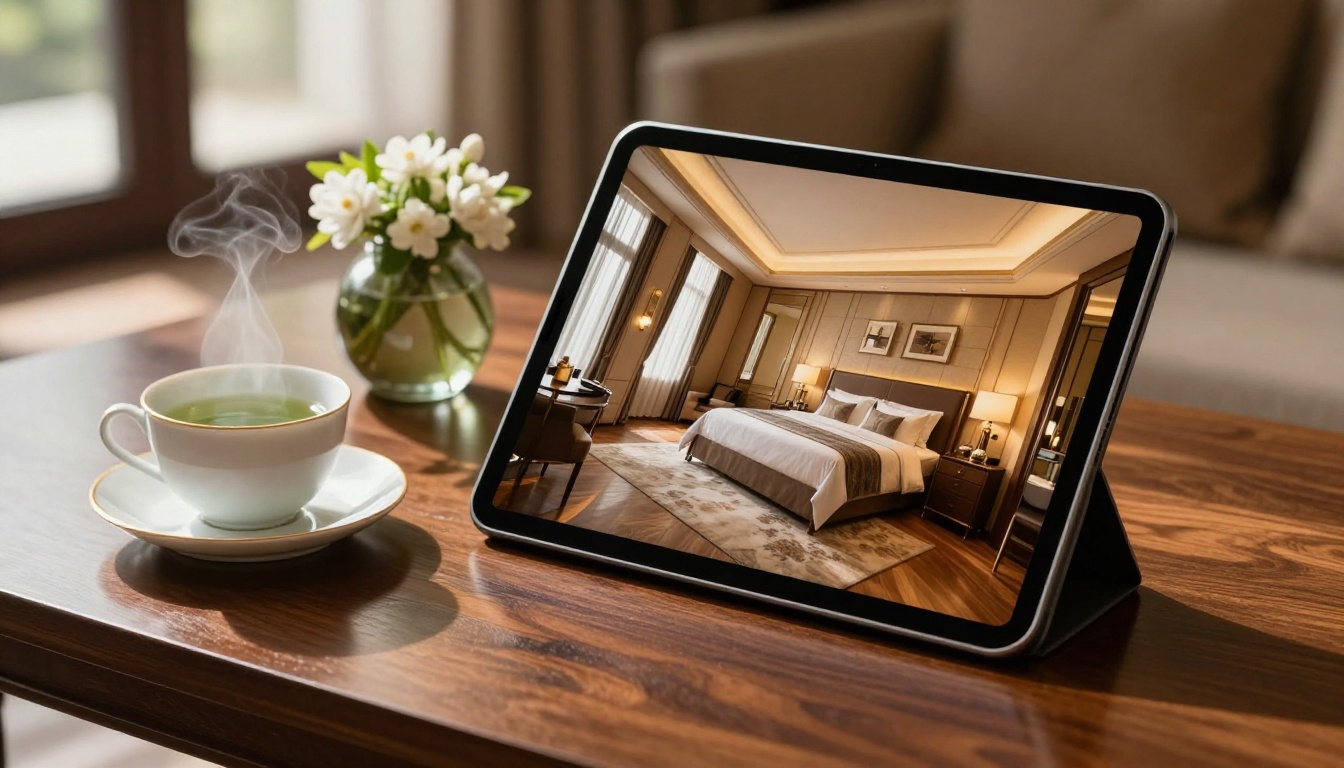
The Hotel Brochure Designer provides industry-specific layouts for hotel amenities, room types, packages, and location details. A resort can have their seasonal brochure live as an interactive flip book on their website within an hour of design completion. Guests browsing on their phones get the same premium experience as someone holding a printed piece in the lobby.
Free vs. Standard vs. Professional Plans
Understanding what each plan includes helps you decide whether the free tier covers your needs or whether an upgrade makes sense for your volume and workflow.
| Feature | Free | Standard | Professional |
|---|
| Flipbooks | Limited | Unlimited | Unlimited |
| Watermarks | None | None | None |
| Custom branding | Basic | Full | Full |
| Password protection | No | Yes | Yes |
| Analytics | No | Basic | Advanced |
| Lead generation forms | No | No | Yes |
| Offline downloads | No | Yes | Yes |
| Multimedia (video/audio) | No | Yes | Yes |
| Priority support | No | No | Yes |
| Custom domain | No | No | Yes |
💡 The free plan is genuinely useful for individuals and small teams trying the platform or producing occasional brochures. For organizations that need analytics, lead capture, or unlimited flipbooks, Standard or Professional is the practical choice. See everything at Flipbooks AI pricing.
5 Mistakes That Ruin a Brochure Flipbook
Low-Resolution Source PDFs
If you upload a PDF exported at 72 DPI or created from a low-quality scan, the flipbook will render blurry text and muddy images. Always start with the highest resolution PDF available. If you only have a low-resolution version, go back to the original design source file and re-export.
Too Many Pages Without Structure
Brochures converted to flipbooks work best when they mirror how people actually browse. A 40-page product catalog works well. A 200-page document should be split into logical sections, each as a separate flipbook, linked from a shared index page. Overwhelming readers with too many pages at once reduces completion rates significantly.
Skipping the Mobile Preview
Always preview your flipbook on a real mobile device before sharing publicly. Text that reads clearly on desktop may be too small on a phone. Images that look well-composed on a widescreen may feel cramped on portrait orientation. Adjust your PDF layout if needed, then re-upload and preview again.
Ignoring Brand Customization
A default-colored flipbook viewer looks generic, especially compared to competitor materials that have been fully branded. Spend five minutes in the customization panel adding your brand colors, logo, and background. The difference in perceived quality is significant and immediate.
No Clear Call to Action
A brochure flipbook without a next step wastes the engagement it generates. Add a contact button, a website link, or a lead generation form (available on the Professional plan) so readers have a clear path to act on what they just read. Every page of your flipbook should have a purpose in the buyer journey.

More Than Brochures: What Else You Can Convert
Once you see how well your brochure works as a flip book, the same workflow applies to almost any document you want to publish digitally. The PDF to Flipbook Converter handles every document type below with the same fast, high-quality result.
Browse the full flipbook tools directory to find templates and workflows built for your specific document type.
Your brochures deserve more than a recycling bin. Turn them into digital experiences that people actually read, share, and remember. Create your free account on Flipbooks AI and convert your first brochure flipbook in minutes. When you are ready to add analytics, lead generation, and unlimited publishing, compare all pricing plans to find the right fit for your team.



