You spent months perfecting your glaze combinations, hours at the wheel, and countless kiln cycles to build a collection worth showing the world. Then you photograph everything, post it online, and the response is underwhelming. The problem is rarely the ceramics. It's the presentation format. Static image grids flatten dimension, strip context, and give buyers no way to browse your full range intuitively. A digital flipbook catalog changes that entirely. With Flipbooks AI, ceramic artists are turning their collections into rich, page-turning digital publications that actually convert browsers into buyers.
Why Ceramics Struggle Online
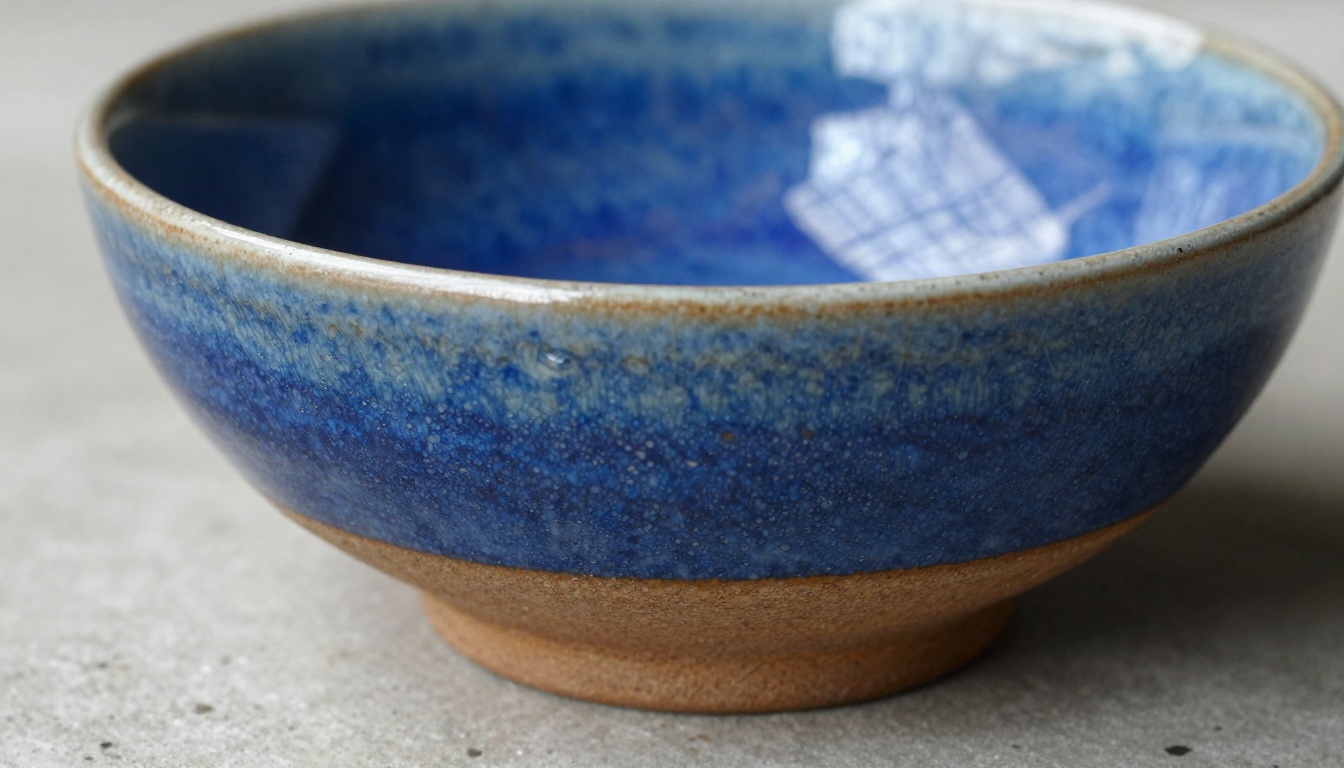
Ceramics are tactile objects. Their value lives in texture, weight, the slight imperfections that prove something was made by human hands. Online selling strips most of that away. But the format you choose for your digital presentation either widens or narrows that gap.
The Flat Grid Problem
Most ceramic sellers default to Instagram grids, Etsy listings, or basic website galleries. Each format shares the same weakness: buyers see one piece at a time, with no editorial flow to guide them through your collection. There's no sense of range, no story, no reason to linger. Buyers click in, scan a few images, and leave.
A catalog gives your collection narrative structure. A buyer flips through a spread of your mug series, then turns the page to your bowl collection, then lands on your limited glaze releases. That sequential journey sells more than a grid ever will.
What Buyers Actually Want to See
Whether they're purchasing for themselves, gifting, or sourcing for a boutique, ceramic buyers share a consistent set of needs:
- Range: They want to see what you make, not just one piece
- Context: Scale, texture, and lifestyle shots help them imagine the piece in their home
- Price clarity: A catalog includes pricing in a way that feels curated rather than commercial
- Easy sharing: They want to send your catalog to a partner, a buyer, or a friend with one link
A digital flipbook satisfies all four. A static product page satisfies maybe one.

What Goes Into a Ceramic Catalog
Before you upload anything, you need a catalog worth building. That means two things: strong photography and smart organization.
Photography That Captures Glaze and Texture
Ceramics photograph differently from most products. The glaze, the surface texture, the slight color variation across a single piece: these things need specific lighting to read properly in a photograph.
💡 Pro tip: For glaze detail, shoot with a single soft light source positioned at 45 degrees from the side. This creates raking light that reveals surface texture without blowing out reflective glazes.
The most common mistakes ceramic photographers make:
- Shooting in direct sunlight: Harsh shadows obscure form and glaze detail
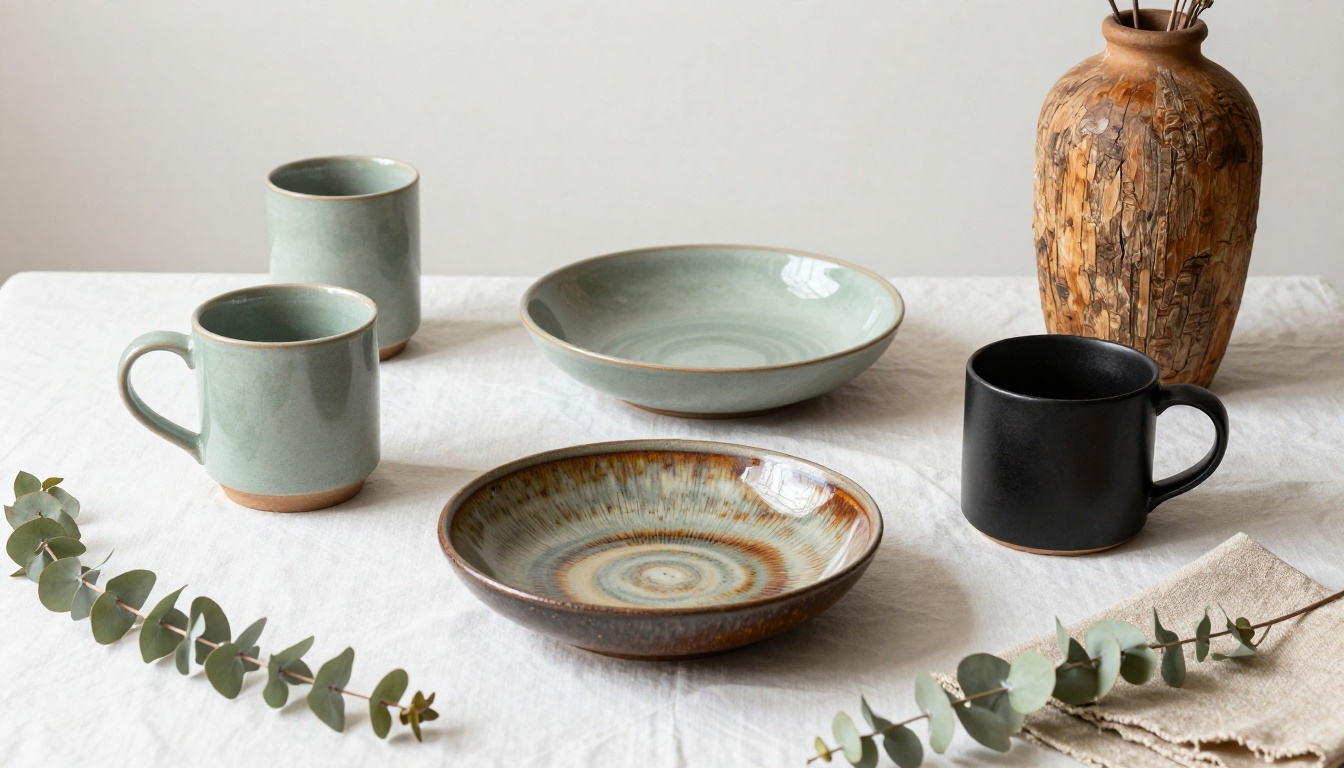
- Backgrounds that compete: A busy backdrop flattens attention; plain linen or concrete works better
- Only shooting straight-on: Ceramics need at least three angles — front, three-quarter, and top-down for bowls
- Inconsistent white balance: Across a catalog, this makes your collection look disjointed
| Shot Type | Best For | Light Setup |
|---|
| Straight front | Mugs, vases, pitchers | Diffused front light |
| Three-quarter | All pieces | 45-degree side light |
| Top-down flat-lay | Bowls, plates, sets | Even overhead diffused light |
| Detail macro | Glaze texture, foot ring, handle | Raking side light |
| Lifestyle | Mugs in use, bowls with food | Natural window light |
Organizing Your Collection
A catalog without structure is just a gallery. Structure turns a gallery into a sales tool. The most effective ceramic catalogs organize by:
- Category: Mugs, bowls, vases, plates, sets
- Glaze family: Earth tones, reactive glazes, matte finishes
- Price tier: Everyday pieces, mid-range, statement works
- Season or collection: Spring release, kiln sale, limited series
For a flipbook format, category-based organization works best. It gives buyers a natural page-turn rhythm and makes it easy to share specific sections rather than the whole document.
✅ Best practice: Open your catalog with your most visually striking piece, not your cheapest or most popular. The cover sells the brand; the interior sells the product.
How to Build Your Ceramic Flipbook Catalog
Flipbooks AI is built specifically for this kind of work. You don't need design software, a web developer, or even a graphic design background. The process starts from a PDF you can build in Canva, Adobe InDesign, Google Slides, or even Word.
Here's how the full process works, from first page to published link:
Step 1: Build Your PDF in Any Design Tool
Start with a PDF. This is the source file for your flipbook. You can design it in:
- Canva (free, easiest for non-designers)
- Adobe InDesign (most control, best for print-quality output)
- Google Slides (quick, collaborative, exports to PDF)
- Affinity Publisher (affordable InDesign alternative)
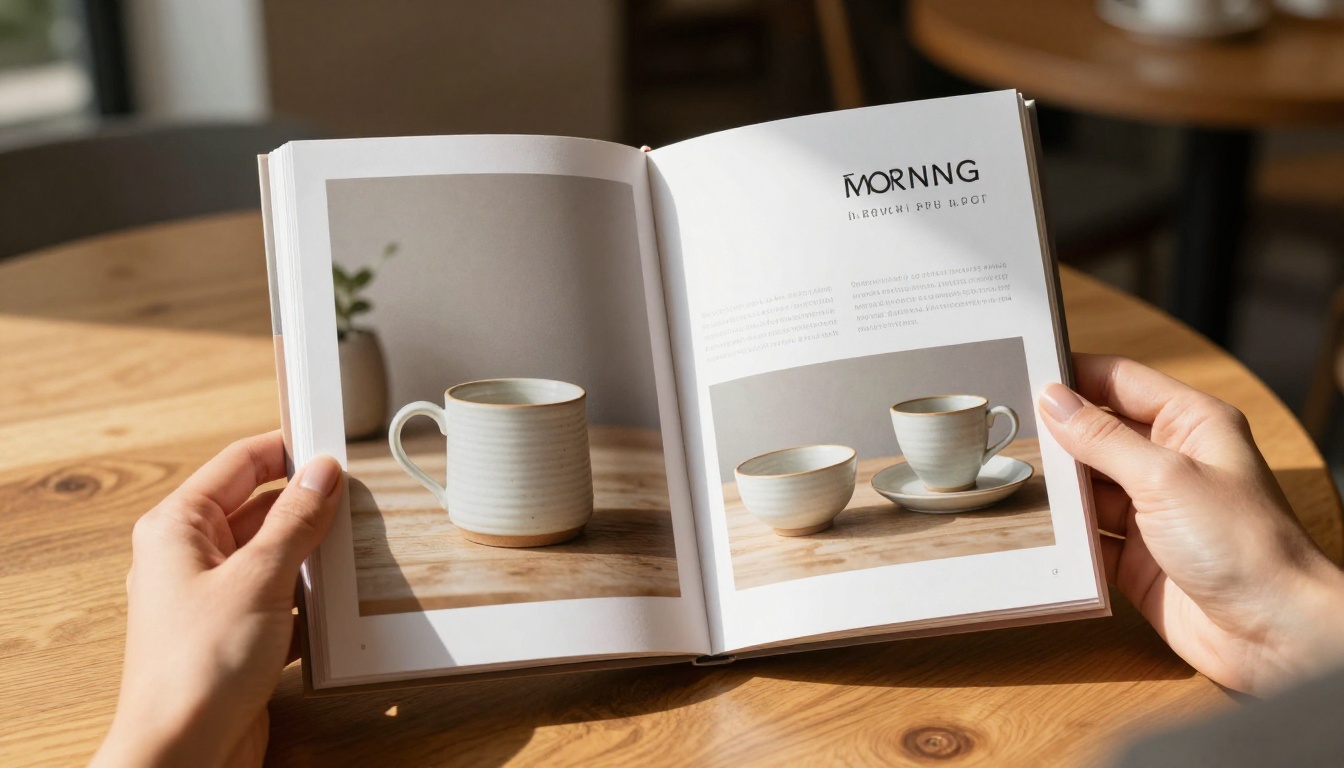
For ceramics, a clean editorial layout works best. Large photographs, minimal text, generous white space. Each page spread should feel like a magazine layout, not an e-commerce listing.
💡 Pro tip: Design at A4 or US Letter size in landscape orientation. This gives you natural two-page spreads that look great in the flipbook viewer.
Step 2: Create Your Account
Go to flipbooksai.com/account and create your free account. No credit card required to get started.
Step 3: Upload Your PDF
From your dashboard, click New Flipbook and upload your PDF. The platform converts it automatically into an interactive flipbook with realistic page-turn animations. A 20-page catalog typically converts in under a minute.
Step 4: Customize Your Branding
This is where your catalog becomes yours. Flipbooks AI lets you:
- Set custom cover colors that match your studio's palette
- Add your logo to the viewer interface
- Choose your page-turn style: realistic paper flip or smooth slide
- Set background colors around the viewer
- Add a custom domain if you want the catalog at your own URL
⚠️ Important: Use your studio's actual brand colors here. Buyers arriving from your Instagram or website should feel visual continuity, not a jarring context switch.
Step 5: Add Interactivity
This is what separates a flipbook catalog from a basic PDF download. Inside the Flipbooks AI editor, you can:
- Add clickable links on any piece that goes directly to its purchase page
- Embed video of pieces being thrown or fired (great for statement works)
- Include a lead capture form to collect buyer emails directly from the catalog
For a ceramic catalog, the most valuable additions are clickable purchase links and embedded short videos. A 30-second clip of a mug being thrown creates an emotional connection that a photograph cannot replicate.
Step 6: Set Sharing and Privacy
Flipbooks AI gives you full control over who sees your catalog:
- Public link: Anyone with the URL can view it (great for social sharing)
- Password protection: For wholesale buyers or collectors getting early access
- Embed code: Drop the flipbook directly into your website or online store
- Direct link: Share in emails, direct messages, or your Instagram bio
The Catalog Flipbook Creator and Digital Catalog Maker tools are specifically built for product presentation, with templates and workflows designed around physical goods.
Flipbooks AI Plans at a Glance
Not all plans include the same features. Here's what matters most for ceramic artists at different business stages:
| Feature | Free | Standard | Professional |
|---|
| Number of flipbooks | 1 | Unlimited | Unlimited |
| Watermark | Yes | No | No |
| Custom branding | No | Yes | Yes |
| Password protection | No | Yes | Yes |
| Embed on website | Yes | Yes | Yes |
| Analytics dashboard | No | No | Yes |
| Lead generation forms | No | No | Yes |
| Offline downloads | No | No | Yes |
| Custom domain | No | No | Yes |
💡 For most small ceramic businesses: The Standard plan removes watermarks and adds custom branding, which matters enormously for professional presentation. Move to Professional when you want analytics and lead capture working together.
Explore pricing plans to see full feature comparisons and current rates.
Real Situations Where This Works
The flipbook catalog format isn't a one-size-fits-all tool. Here's how different types of ceramic sellers actually use it:
Markets, Fairs, and Pop-Ups
At a craft market, you can't bring your whole inventory. But you can display a tablet or a QR code that opens your full catalog. Buyers browse the complete range while you talk with them in person. They save pieces they want, send the link to a partner at home, and often return with a larger order.
✅ Best practice: Create a QR code pointing to your flipbook URL and print it on a small card to hand out. This turns foot traffic into online sales long after the event ends.
Online Shops and Social Sharing
Instead of posting individual product photos to Instagram, post a teaser of your catalog cover, then put the full link in your bio. Buyers click, browse the complete flipbook, and arrive at your shop already knowing what they want.
The shareable link format means buyers naturally become distributors. When someone loves your ceramic line, they share the catalog link, not just a screenshot.

Wholesale and Boutique Pitches
Pitching your ceramics to a boutique store, interior designer, or restaurant requires professionalism. A polished flipbook catalog positions you as a serious supplier. You can include wholesale pricing tiers, minimum order quantities, and lead times, all within the same document, password-protected so only the intended buyer sees it.
| Use Case | Catalog Type | Key Features to Use |
|---|
| Art fair or market | Public link plus QR code | Shareable URL, mobile-responsive |
| Instagram or social | Public link plus bio link | Attractive cover, fast load |
| Wholesale pitch | Password-protected | Price lists, MOQ info, contact form |
| Website integration | Embedded flipbook | Embed code, custom branding |
| Email outreach | Direct link | Trackable analytics (Professional plan) |
Getting Your Photography Right First
No digital platform rescues bad photography. The catalog is the vehicle; the photographs are the product. Before building anything in Flipbooks AI, make sure your images are genuinely ready.
What Ready Looks Like
- Resolution: At least 2000px on the short side. 3000px or higher is ideal for print-ready PDF output.
- Consistency: Same background, same white balance, same general lighting style across all pieces in a category.
- Variety per piece: At minimum, front view and three-quarter view. Add top-down for anything with an interior like bowls and cups.
- No clutter: Props should support the piece, not compete with it. A sprig of eucalyptus works well; a full table setting distracts.
Natural Light vs. Studio Setup
Both work for ceramics. Here's when to choose each:
Natural light (north-facing window, overcast day):
- Best for lifestyle shots and pieces with warm, earthy glazes
- Free, accessible, great for reactive and wood-fired glazes
- Limitation: inconsistent, weather-dependent
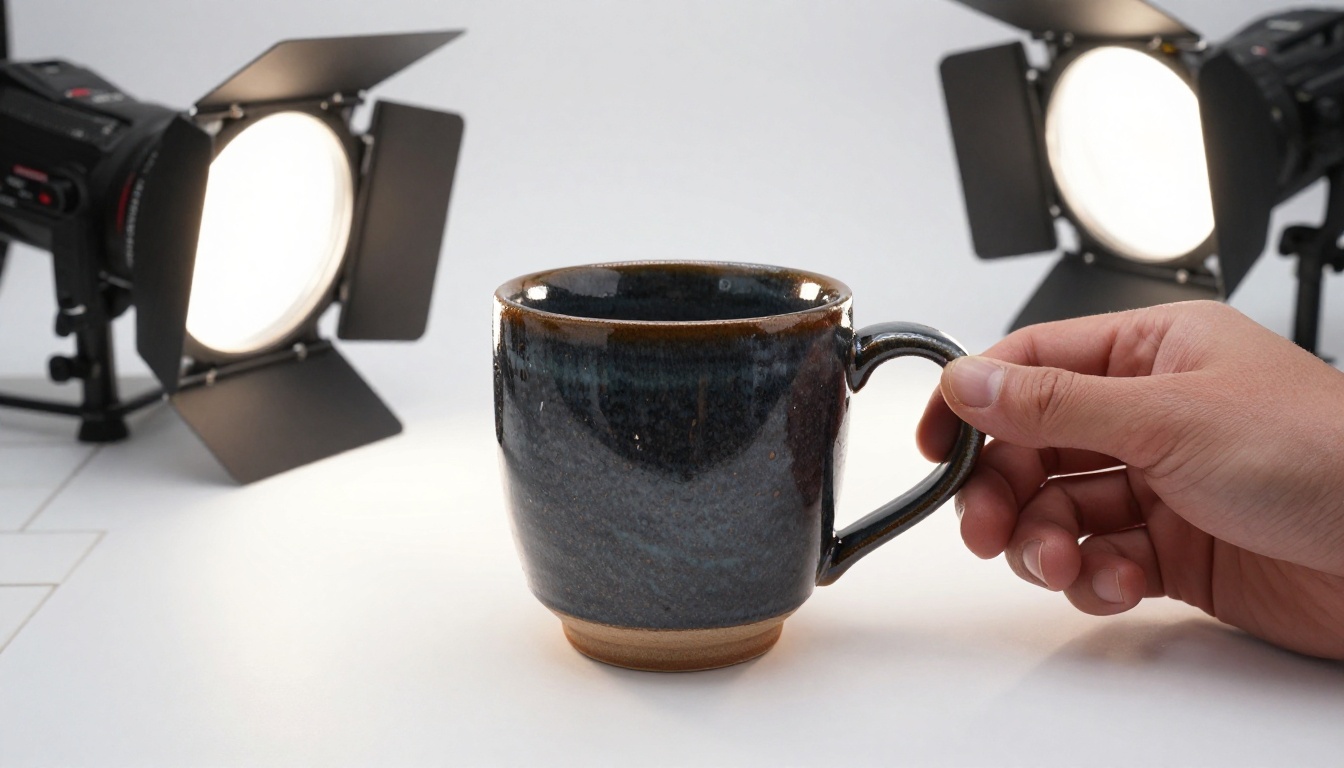
Studio setup (softboxes or LED panels):
- Best for consistency across a large collection
- Full control over shadows and highlights
- Limitation: equipment cost, setup time
💡 Pro tip: If you're photographing a full catalog, budget two full days. One day for consistent studio shots, one day for lifestyle and contextual images. Mixing the two on the same day leads to inconsistency.
Mistakes That Sink Ceramic Catalogs
Even with great photography and a solid platform, ceramic catalogs fail for predictable reasons:
- Too many pieces, not enough curation: A catalog with 80 pieces feels like inventory. Twenty curated pieces feel like a collection. Less is almost always more compelling.
- No pricing information: Buyers who have to ask for prices rarely bother asking. Include price ranges even if you prefer to discuss custom commissions directly.
- No call to action on the last page: Every catalog should close with clear next steps: how to order, how to contact you, where to find more work.
- Ignoring mobile: Most buyers will see your catalog on a phone first. Flipbooks AI renders correctly on mobile, but your PDF layout should account for smaller screens with legible text sizes.
- Never updating it: A catalog featuring last year's pieces signals inactivity. Update your flipbook seasonally, or after each significant kiln load, to keep buyers returning.
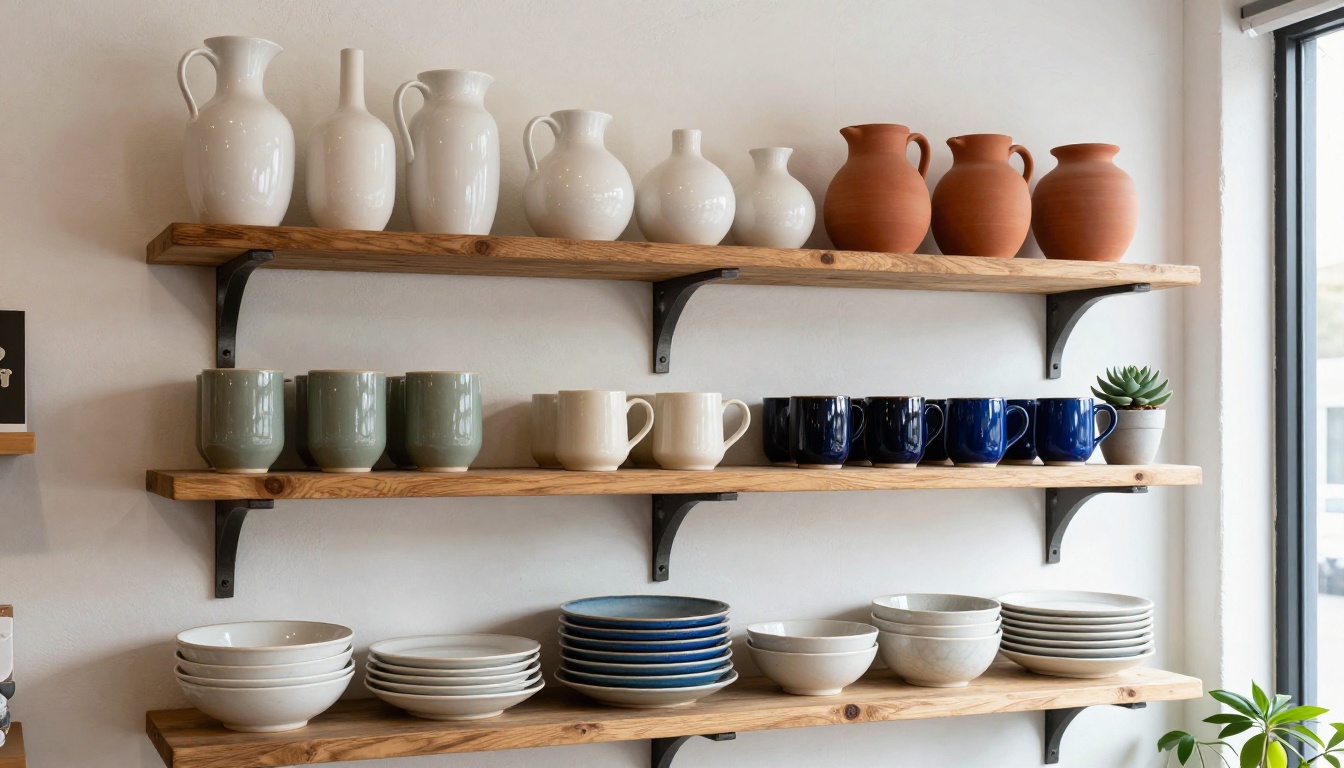
Your Collection Deserves Better Presentation
A flipbook catalog is not just a marketing document. For a ceramic artist, it's the most complete digital representation of who you are as a maker. It shows range, sensibility, pricing, and professionalism in a format that buyers actually enjoy using.
The barrier to building one has never been lower. Flipbooks AI handles the technical side entirely: the conversion, the page-turn animations, the embedding, the sharing controls. Your job is to build the PDF and fill it with photographs worth seeing.
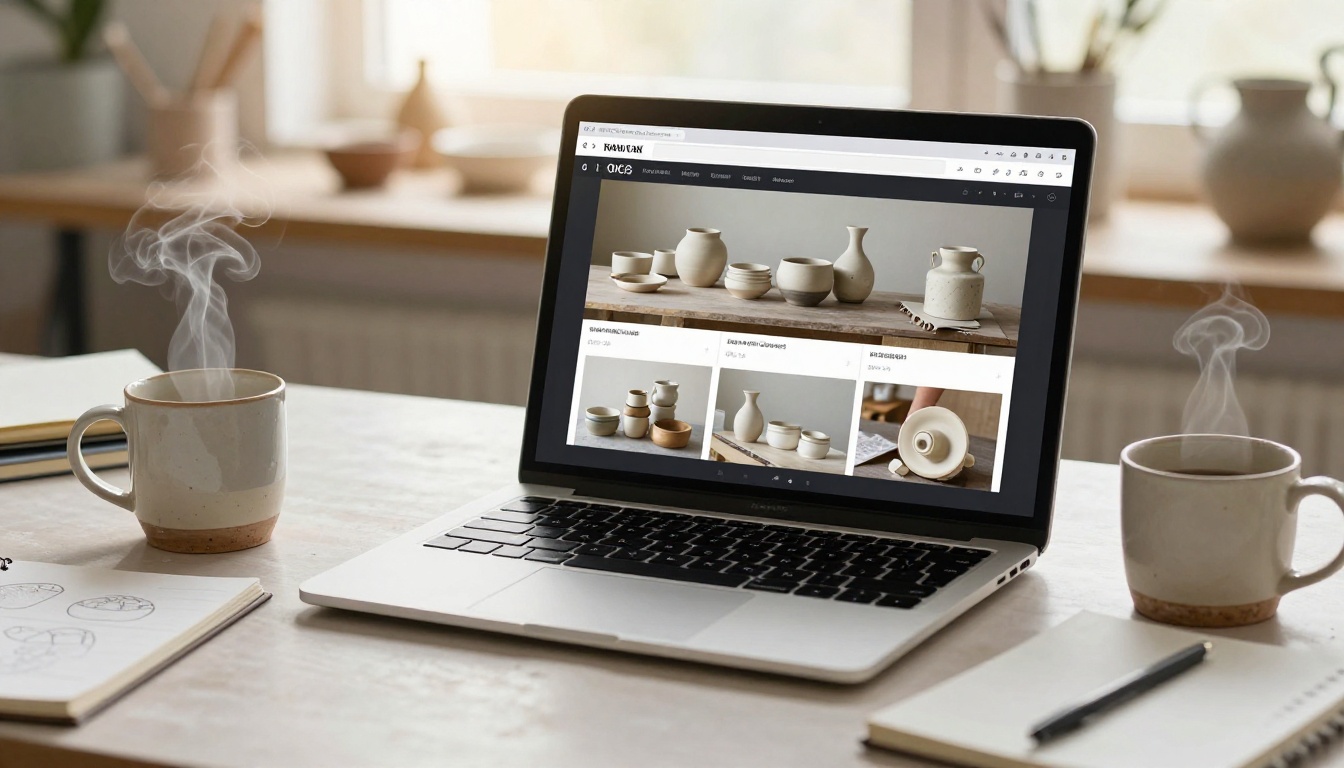
The Digital Portfolio Creator and Product Catalog tools on Flipbooks AI offer purpose-built templates for presenting physical goods. The Digital Price List Generator is also worth using for wholesale presentations where pricing structure needs to be clear and professional.

Start Publishing Your Catalog Today
Your ceramics deserve better than a static product grid. A flipbook catalog gives buyers the browsing experience they actually want, puts your full collection in front of them in one sitting, and creates a shareable artifact that works for markets, social media, wholesale pitches, and your own website simultaneously.
Get started for free on Flipbooks AI. Upload your first PDF, let the platform handle the conversion, and share your catalog link before the end of the day. When you're ready for custom branding, analytics, and lead capture, view the available plans to choose what fits your business stage.
Browse all available flipbook tools to find templates and features that fit your specific catalog type, from product spreads to wholesale price lists and beyond.



