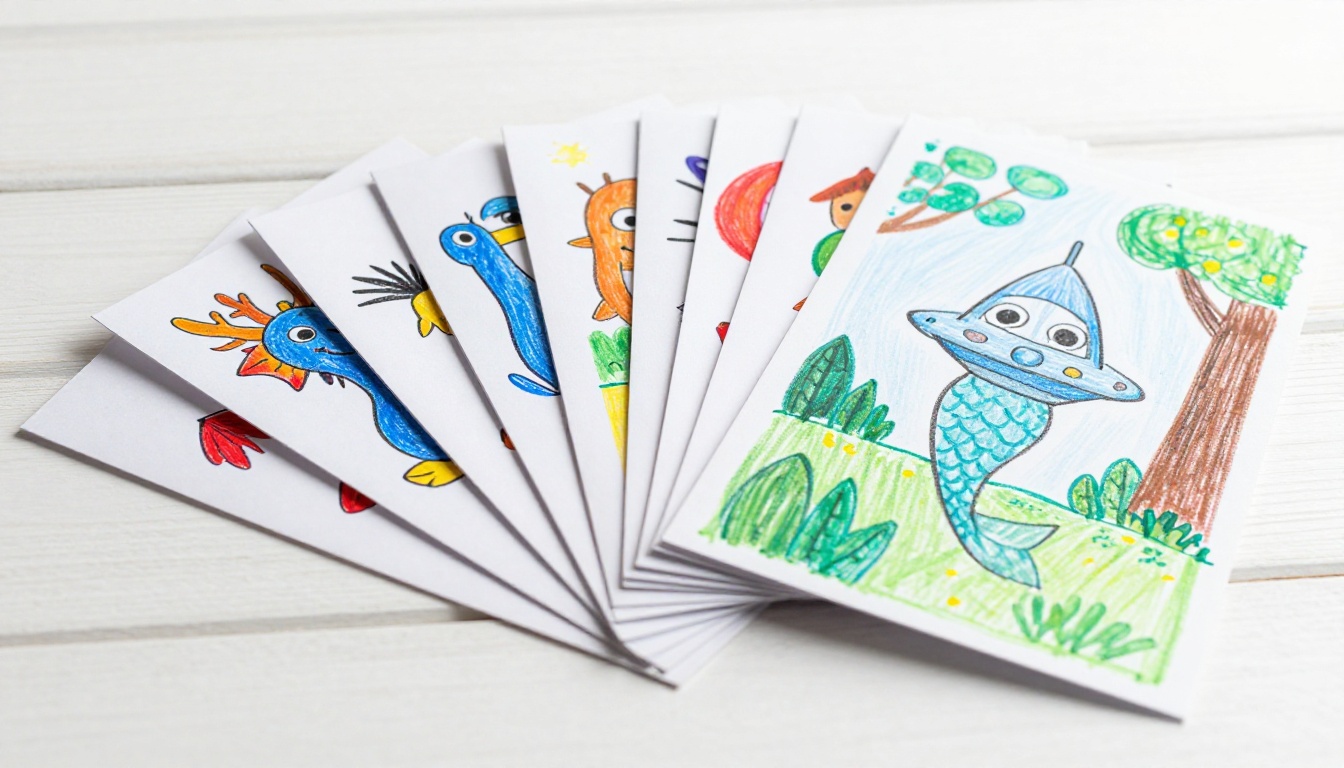
There's something irreplaceable about a child's drawing. The oversized sun in the corner, the stick-figure family with crayon smiles, the dragon that took forty-five minutes to get "just right." These aren't just paper scraps cluttering the fridge door. They're tiny windows into how your child sees the world, frozen in time on a sheet of construction paper.
The problem? Paper fades. Drawings get lost. That masterpiece your six-year-old proudly handed you last Tuesday can easily end up crinkled at the bottom of a school bag three weeks from now.
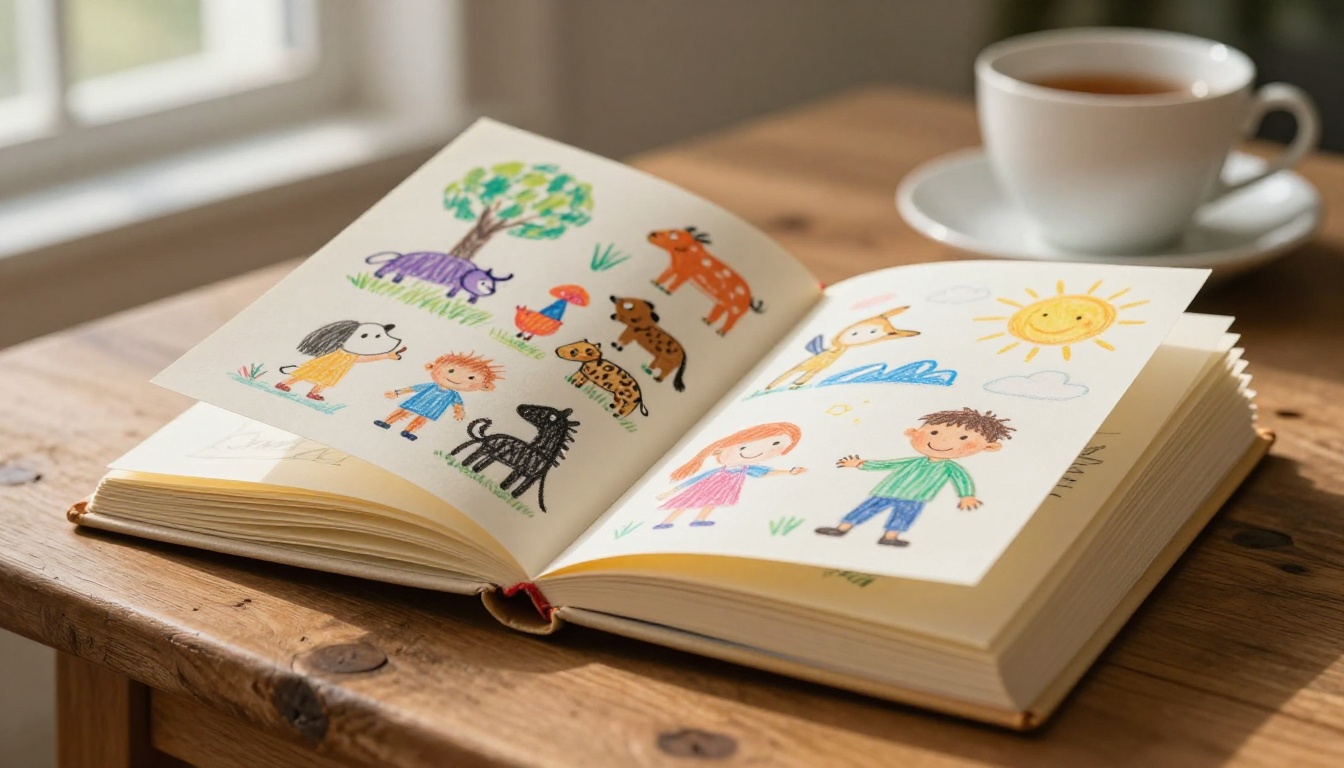
Turning your children's drawings into a flipbook solves all of that. With Flipbooks AI, you can preserve every drawing in a polished, shareable digital flipbook that grandparents can view from across the country, that kids can flip through with pride, and that families will keep for decades.
Here's exactly how to do it.
Before getting into the how, it's worth understanding why a flipbook is such a perfect match for children's drawings.
It Tells a Story, Page by Page
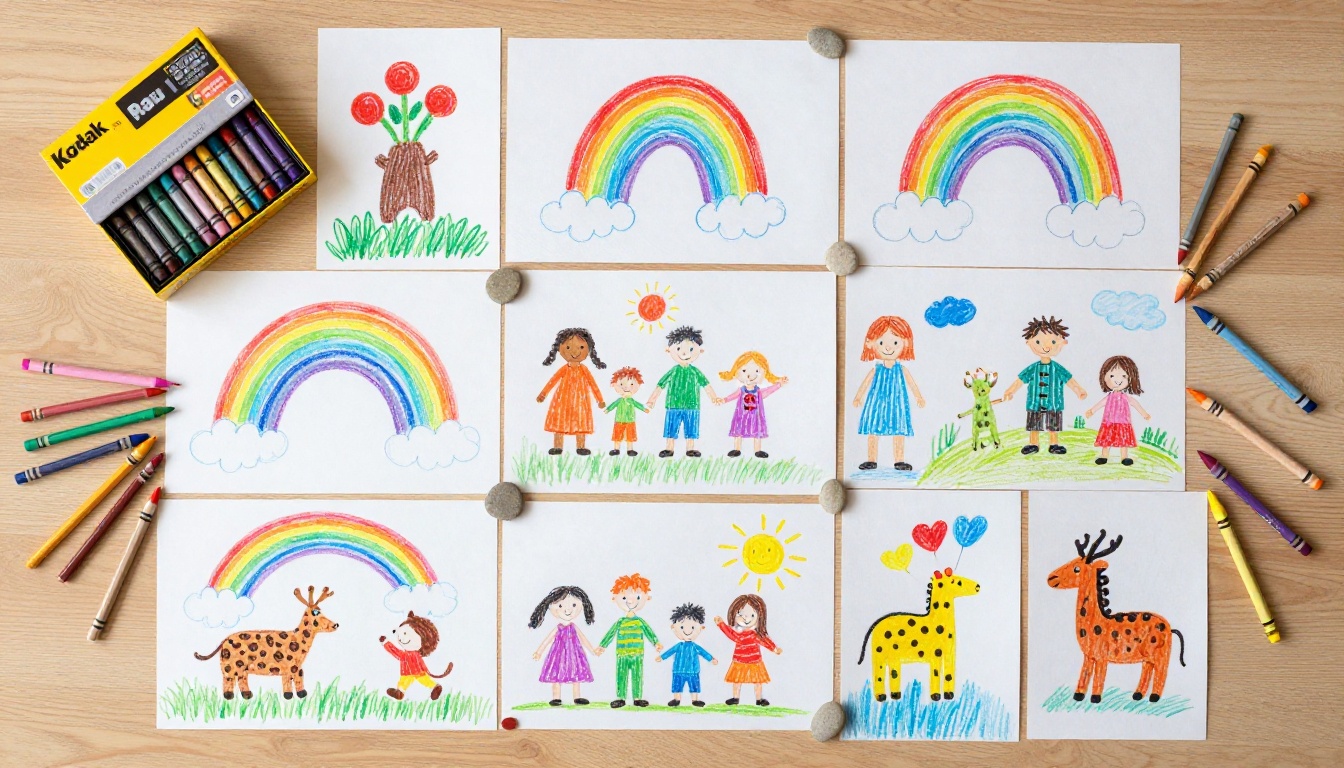
A single drawing is a snapshot. A flipbook is a narrative. When you organize your child's artwork chronologically, viewers can literally flip through their creative development, watching drawing skills grow, themes evolve, and personalities emerge. It's a visual timeline that photos alone can't replicate.
Each turned page is a small act of time travel. You go from age three's bold scribble experiments straight into age six's meticulously colored horses, and you feel every month of growth between them.
It Beats Every Other Option
Parents typically fall back on a few standard preservation methods, and each has real limitations:
| Method | Cost | Shareability | Durability | Ease of Creation |
|---|
| Physical folder or binder | Low | Very limited | Poor (fading, tearing) | Easy |
| Framing selected pieces | High | In-person only | Good | Moderate |
| Photo book | Moderate | Print copies only | Good | Moderate |
| Digital gallery or cloud folder | Low | Shareable link | Excellent | Easy |
| Digital Flipbook | Low | Shareable anywhere | Excellent | Easy |
A digital flipbook combines the warmth of a physical book with the accessibility of a shareable link. You can send it to family in another country, embed it on a personal website, or simply pull it up on a tablet at a moment's notice.
The Emotional Value Is Real
Research on childhood development consistently shows that children whose artwork is treated with respect show higher creative confidence and stronger emotional connection to their families. Presenting your child's drawings in a professional flipbook format sends a clear message: your art matters. That's not a small thing.
💡 Let your child help pick which drawings go into the flipbook. The act of curating their own collection builds decision-making skills and gives them real ownership over their creative work.
Step 1: Collect and Sort the Drawings
The first step is purely physical. Gather the artwork and decide what goes in.
How Many Drawings Do You Need?
There's no strict rule, but here are practical targets depending on your goal:
- Mini keepsake book: 10 to 20 drawings, great for a birthday or holiday gift
- Seasonal collection: 25 to 40 drawings, one term or season of artwork
- Annual portfolio: 50 to 80 drawings, a full year of creative output
- Full childhood archive: 100+ drawings, a multi-year retrospective
⚠️ Don't try to include every single drawing ever made. Curation matters. Choose pieces that show variety, personality, and moments you want to remember. A focused collection of thirty strong drawings beats a bloated book of one hundred.
Sort by Theme or Time
Two approaches work well:
- Chronological order: Great for showing artistic development over time. Label each drawing lightly in pencil on the back with a date if you don't already know when it was made.
- Thematic grouping: Group by subject matter, such as animals, family portraits, fantasy creatures, and school scenes. Works beautifully for a single-occasion flipbook like a birthday gift for a grandparent.
You can also combine both, grouping thematically within chronological sections. A section titled "Animals, Age 4 to 5" followed by "Animals, Age 6 to 7" shows growth in a satisfying way.
Step 2: Digitize the Artwork
Once sorted, every drawing needs to become a digital file. The good news is you don't need special equipment.
Scanning vs. Photographing
Both methods work well, but they have real trade-offs:
| Method | Best For | Quality | Speed | Equipment Needed |
|---|
| Flatbed scanner | Detailed line work, A4 or smaller | Excellent | Slow | Scanner or all-in-one printer |
| Smartphone camera | Large drawings, speed, convenience | Very good | Fast | Smartphone |
| Dedicated scanner app | Batch processing, auto-cropping | Good | Fast | Smartphone plus app |
| Professional scanning service | Archival quality, large batches | Outstanding | Very slow | External service |
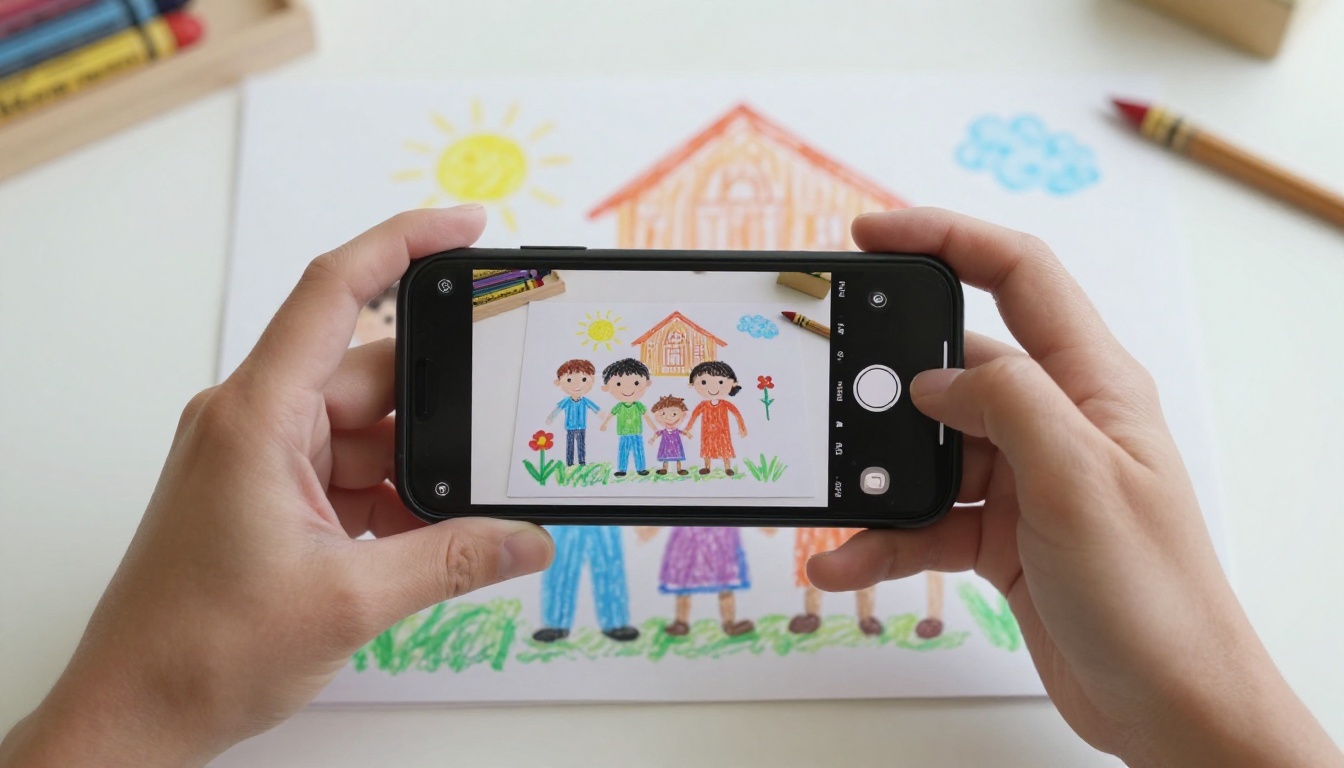
For most families, a smartphone with a good scanning app is the perfect balance. Apps like Microsoft Lens, Adobe Scan, or Apple Notes' built-in scan feature automatically crop, correct perspective, and improve colors with a single tap.
Scanning Tips for Best Results
- Use natural light: Place drawings near a window but avoid direct sunlight, which creates harsh reflections on glossy marker drawings.
- Flat surface is non-negotiable: Lay drawings completely flat. Wrinkled paper photographs poorly no matter how good your camera is.
- Consistent framing: Aim for the drawing to fill roughly 80% of the frame with a clean white border visible on all sides.
- Minimum 300 DPI: If using a physical scanner, set resolution to at least 300 DPI for crisp screen display and print quality.
- Name files logically: "Emma_age5_dragon.jpg" is infinitely more useful than "IMG_3847.jpg" when you're organizing fifty files six months later.
✅ Create a dedicated folder on your computer titled "Kids Art Archive 2025" and drop all scanned files there immediately after digitizing. Staying organized at this stage saves significant time when it comes to building the flipbook.
Step 3: Build the Flipbook with Flipbooks AI
This is where everything comes together. Flipbooks AI converts your scanned images into a polished, interactive flipbook with real page-turning animations in just a few minutes.
What You'll Need Before Starting
- All scanned drawings saved as JPG or PNG files, or compiled into a PDF
- A free Flipbooks AI account
- Basic decisions on layout: one drawing per page, or multiple drawings per page in a grid arrangement
💡 For young children's artwork, one drawing per page with a clean white background tends to look the most professional. For older children with more detailed or larger-scale work, consider adding small typed captions with the child's name, age, and a one-line note about what the drawing depicts.
How to Create Your Flipbook
-
Create your account on Flipbooks AI. The free tier lets you start immediately with no credit card required.
-
Prepare your PDF: The platform works best with PDF format. If you have individual image files, use a free tool like Canva, Adobe Express, or Apple Pages to arrange your drawings into a PDF layout, one drawing per page.
-
Upload the PDF: On your Flipbooks AI dashboard, click to create a new flipbook and upload your PDF. The platform processes the file and converts each page into a flipbook page with realistic page-curl animations.
-
Customize the front page: Add your child's name, the year, or a personal title. The front page is the first thing viewers see, so make it memorable. Use a particularly special drawing as the featured image.
-
Add a title page: Include a short introduction. Something like "Emma's Art Collection, Age 5 to 7" sets the scene beautifully for anyone viewing it for the first time.
-
Adjust colors and branding: Using Flipbooks AI's customization tools, you can set background colors, add a family logo, and choose typography that complements the artwork without overwhelming it.
-
Preview and adjust: Always flip through the entire book in preview mode before sharing. Check that all drawings are correctly oriented and that the page order matches your intended sequence.
-
Share or download: Generate a shareable link to send via WhatsApp, email, or social media. For more private collections, activate password protection so only family members with the password can view it.
Flipbooks AI Plan Comparison
Different families have different needs. Here's how the plans stack up for this specific use case:
| Feature | Free | Standard | Professional |
|---|
| Number of flipbooks | Limited | Unlimited | Unlimited |
| Watermark | Yes | No | No |
| Password protection | No | Yes | Yes |
| Custom branding | No | Yes | Yes |
| Analytics | No | No | Yes |
| Offline download | No | No | Yes |
| Lead generation tools | No | No | Yes |
For a personal family flipbook, the Standard plan offers everything you actually need: no watermarks, unlimited flipbooks, and password protection for keeping the content private. The Professional plan makes more sense if you're creating flipbooks for gifting at scale, school events, or selling as a product.
Check the full pricing plans to find what fits your situation.
Creative Ways to Use the Finished Flipbook
Once your flipbook is ready, the possibilities go well beyond just watching kids flip through it on a tablet.
Gifts That Actually Mean Something
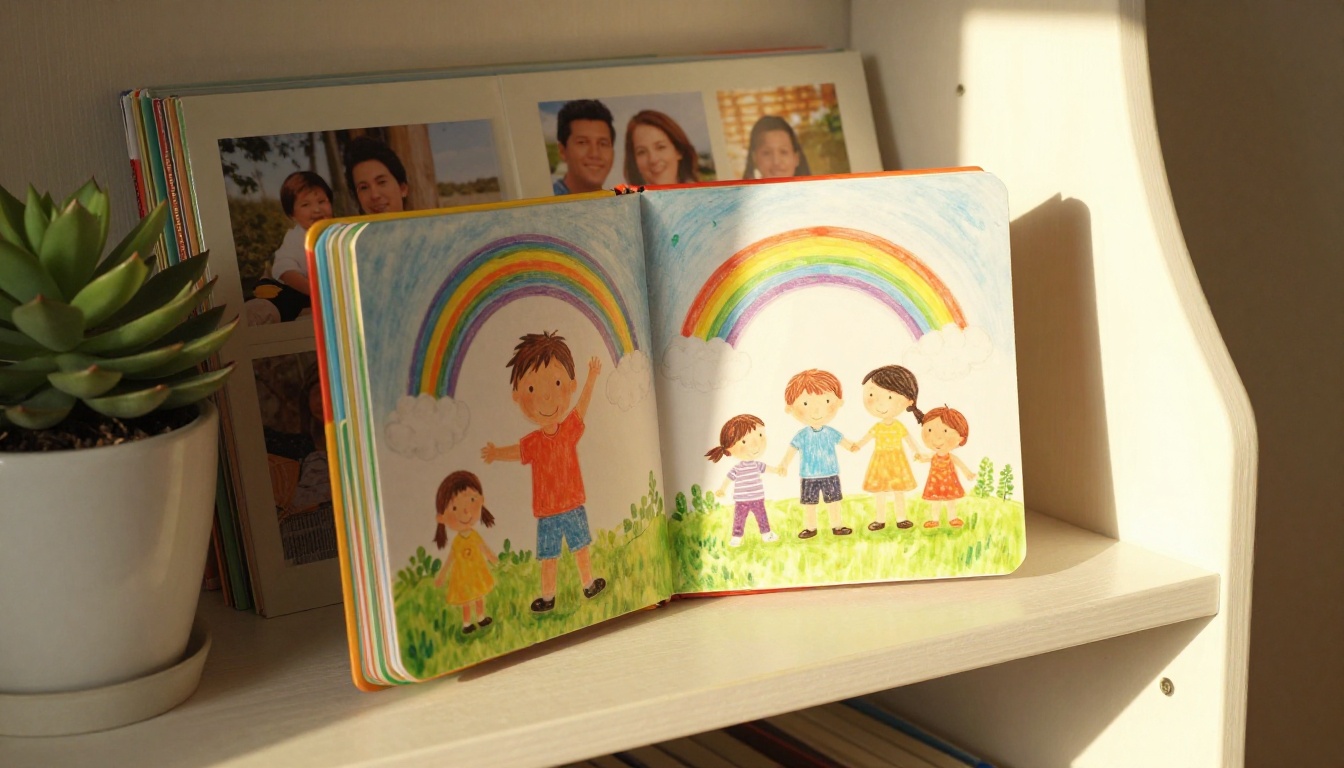
A printed version of a children's art flipbook is one of the most personal gifts you can give grandparents. Print services like Printify or Blurb accept flipbook-ready PDFs. A printed, bound copy of a grandchild's artwork is something grandparents will keep on their bookshelves for years, pulling it out every time the family visits.
School Projects and Class Gifts
Teachers often love receiving class art compilations at the end of a school year. Using the Digital Portfolio Creator tool, parents or teachers can build a class-wide flipbook featuring one drawing from each student. It becomes a digital yearbook of creativity that every family can access via a shared link, no printing costs required.
Annual Birthday Traditions
Create one flipbook per year, each covering the child's artwork from age four to five, five to six, and so on. After ten years, you'll have a full archive of how their drawing style, interests, and personality evolved through childhood. Very few families actually do this consistently, which makes it extraordinarily special when they do.
💡 Use the Yearbook Flipbook Maker to give each annual collection a polished, consistent format with year-based themes and a uniform visual identity across all volumes.
Embed on Family Websites or Blogs
Flipbooks AI provides embed codes that let you place the interactive flipbook directly on a personal website, blog, or digital family journal. Relatives anywhere in the world can view your child's artwork with the full page-turning experience, no app download or account required on their end.
Common Questions Parents Ask
What age is right to start?
Honestly, the moment a child picks up a crayon and makes a mark with intent. Some parents start collections at age two or three, capturing the earliest experiments with color and shape. These early drawings are often the most precious precisely because of their raw, unfiltered quality. A wobbly purple blob labeled "dog" is worth preserving just as much as a detailed landscape from a ten-year-old.
What if drawings are too large for a scanner?
Photograph them instead. For very large artwork (A3 or larger), lay the drawing on the floor in a well-lit room and photograph directly overhead from a standing position. Most modern smartphones produce images sharp enough for flipbook use at that distance.
Can I mix drawings with photographs?
Yes, and it often looks wonderful. Alternating a photograph of the child with the drawing they made that day creates a richer, more textured narrative. Flipbooks AI handles mixed media PDFs without any issues. A photo of your daughter standing next to her classroom mural, followed by her own interpretation of the same mural on paper, tells a much fuller story than either image alone.
What about 3D projects or sculptures?
Photograph them from multiple angles and include those photos as pages. A flipbook documenting a clay dinosaur from four sides, followed by drawings of the same creature, makes for a genuinely fascinating spread that captures the full scope of the project.
Organizing a Multi-Child Collection
If you have more than one child, the project gets richer and slightly more complex.
Keep Separate Collections Per Child
Maintain individual archives for each child rather than mixing their work together. Children feel proud ownership over their personal collection, and it makes retrieval much easier when you want to create a specific flipbook. Create separate Flipbooks AI projects for each child so their collections stay distinct.
Create a Family Collaborative Book
For special occasions, such as a grandparent's milestone birthday or a family reunion, bring all the children's artwork together into one combined flipbook with sections labeled by child and year. It becomes a family heirloom rather than just a keepsake for one person.
✅ When creating a combined family flipbook, include a simple table of contents page listing each child's section. It makes navigation much easier and adds a considered, professional quality to the whole collection.
Gift Ideas by Occasion
| Occasion | Flipbook Type | Best Plan |
|---|
| Grandparent birthday | Single child, full year | Standard |
| End of school year gift | Class-wide art portfolio | Standard |
| Family reunion | Multi-child collaborative | Standard |
| Holiday gift for relatives | Themed seasonal collection | Free or Standard |
| Child's own keepsake | Full childhood archive | Standard |
Sharing Across Generations
One of the most underrated benefits of a digital flipbook over a physical scrapbook is how easily it crosses distances.
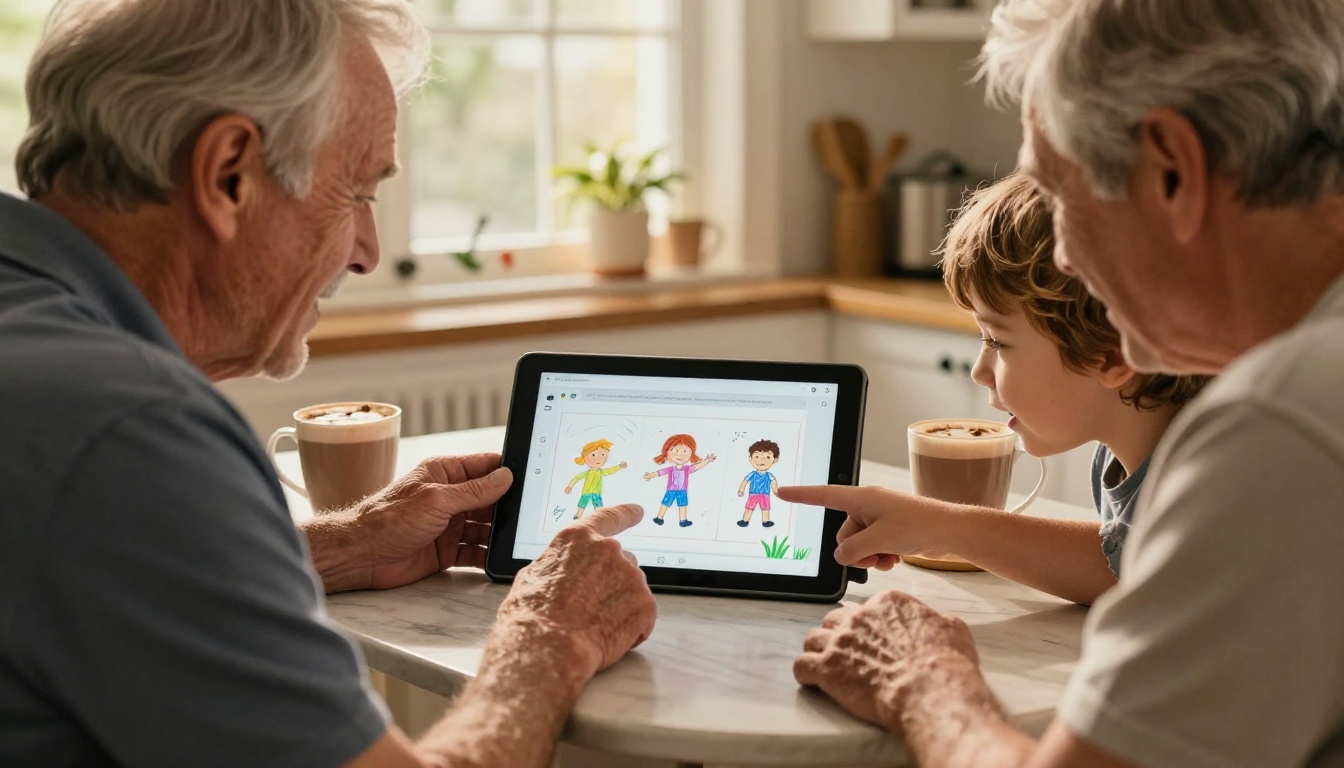
A grandparent in another country can open a link on their phone and experience the same page-turning interaction as if the book were in their hands. They can zoom into details, slow down on favorite pages, and forward the link to their own friends. That's something a physical envelope of photocopied drawings simply can't replicate.
With Flipbooks AI, password-protected links mean you control exactly who can view the collection. Share the password in a WhatsApp family group and keep the artwork private to immediate family, or make it public if you're comfortable with wider sharing.
The flipbook doesn't expire, doesn't get damaged in shipping, and arrives instantly. For families spread across different countries, that matters enormously.
The Drawings Won't Wait
Children grow faster than any parent expects. The five-year-old who drew that wonky purple elephant with the disproportionate ears will be twelve before you've had a chance to look up. Physical drawings deteriorate, get lost during moves, or end up in boxes that never get opened again.
Building a flipbook is a two-hour project that produces something lasting decades. You don't need design experience, expensive software, or professional equipment. You need a smartphone, a free account on Flipbooks AI, and the collection of drawings that's probably already sitting in a pile somewhere in your home right now.
Start with ten drawings. That's it. Upload them, arrange them, hit publish. In under an afternoon you'll have something your child will want to show every visitor who walks through your door, and something you'll be grateful you made every single year that passes.
Ready to create your first children's art flipbook? Get started for free on Flipbooks AI today. Browse all available tools and templates to find the perfect fit for your project. See pricing plans to choose what works best for your family.



