Every Sunday, hundreds of churches across the country spend valuable time and money printing bulletins that end up forgotten on pew cushions, stuffed in jacket pockets, or tossed in the recycling bin before the congregation reaches the parking lot. The information inside those bulletins matters deeply. Your weekly program, upcoming events, prayer requests, and sermon notes deserve a format that people will actually read, save, and share. That is exactly what happens when you turn your church bulletin into a digital flipbook.
Turn Your Church Bulletin into a Digital Flipbook
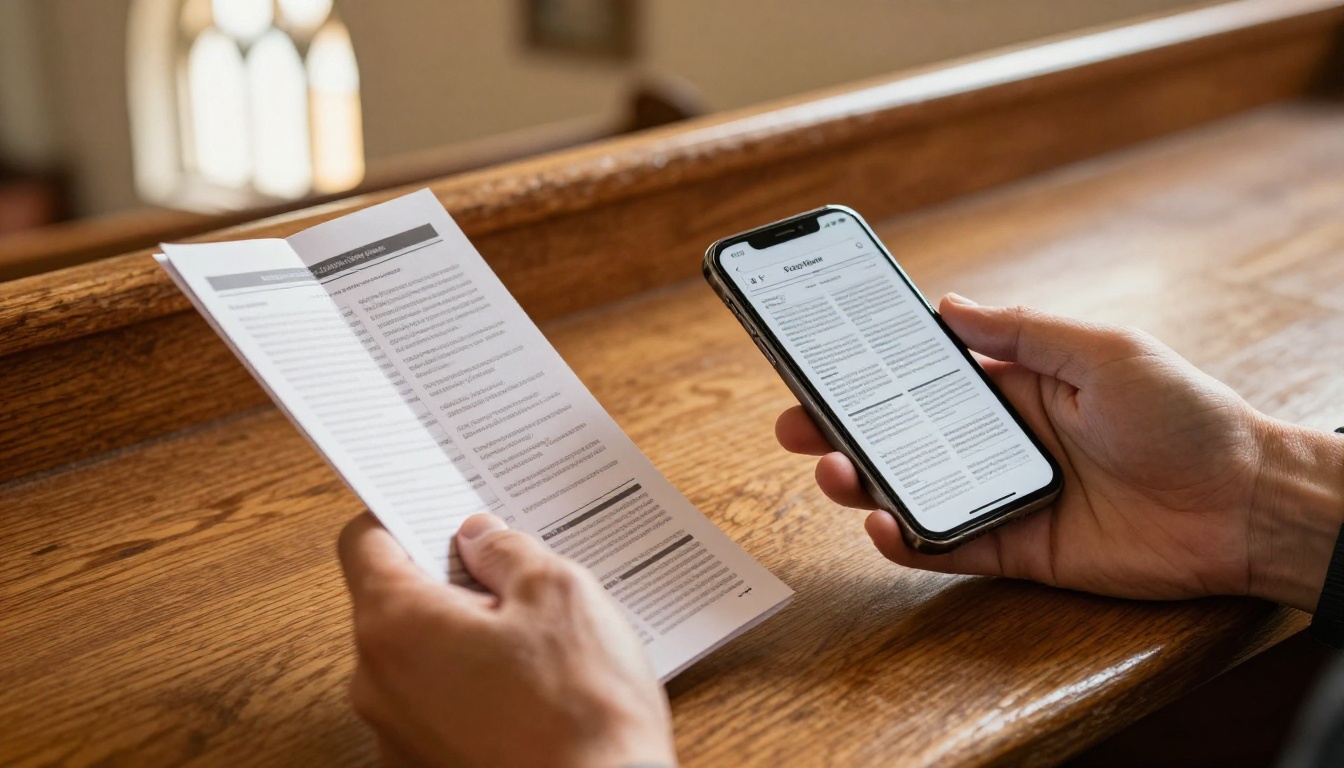
A digital flipbook takes your existing church bulletin PDF and converts it into a beautiful, interactive publication with realistic page-turning animations that work on any smartphone, tablet, or computer. No special app required. No printing budget. No paper waste. Just a link your congregation can open anywhere, anytime, from any device.
Flipbooks AI makes this conversion simple enough for any church administrator to do in minutes, and the results look far more polished than a stacked pile of photocopied sheets handed out at the door.
The Real Cost of Printing Bulletins Every Week
Before talking about what digital can do, it helps to look honestly at what print actually costs your church each year.
What Congregations Actually Spend
Most churches print bulletins without ever calculating the annual total. Here is what a typical congregation really spends when you add up paper, toner or printing service fees, and the occasional last-minute reprint:
| Church Size | Weekly Print Run | Est. Cost Per Bulletin | Annual Printing Cost |
|---|
| Small (75 members) | 80 bulletins | $0.10 | ~$416/year |
| Mid-size (250 members) | 275 bulletins | $0.08 | ~$1,144/year |
| Large (800 members) | 900 bulletins | $0.07 | ~$3,276/year |
| Multi-campus (2,000+) | 2,200+ bulletins | $0.06 | ~$6,864/year |
Those numbers do not include the staff time spent designing, printing, folding, and distributing each week. They also ignore the cost of reprinting when service details change at the last minute, which happens more often than any church secretary would like to admit.
The Environmental Impact Worth Considering
A congregation of 250 printing 275 bulletins every Sunday generates roughly 14,300 sheets of paper per year. Most of that paper ends up in landfill within hours of the service ending. Switching to a digital format does not just save money. It aligns your church's actions with values many congregations already preach about stewardship of resources.
What a Digital Church Bulletin Actually Looks Like
Many church leaders picture a plain PDF link when they hear "digital bulletin." A flipbook is something entirely different, and the difference matters.
Page-Turn Animations and Real Interactivity
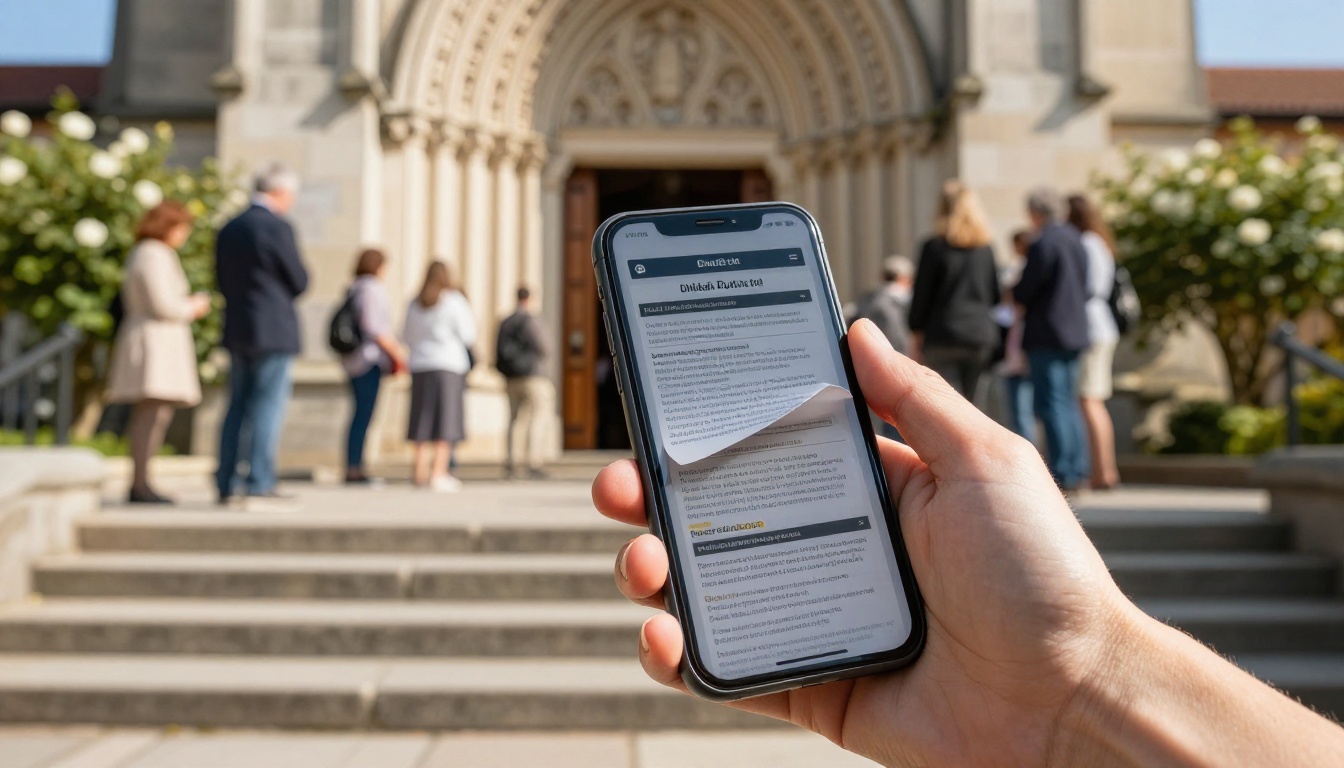
A properly built digital church bulletin behaves like a real printed publication. Pages curl and turn with realistic physics when a member swipes or clicks. They can tap links directly inside the bulletin, whether those links point to a donation page, a YouTube sermon recording, a volunteer sign-up form, or a map to a fellowship dinner.
You can embed videos directly into the bulletin. Imagine your congregation opening the digital program on a Sunday morning and seeing a short welcome video from the pastor play right there on page two. That is not a far-off concept. It is a feature available right now through Flipbooks AI, and it takes about 30 seconds to set up.
Works on Every Device Without Downloads
The single biggest concern churches raise about going digital is accessibility. The worry that older members will not use it is understandable but increasingly outdated. Smartphone usage among adults over 65 has climbed steadily for years, and a flipbook opens directly in any mobile browser with no app to download, no account to create, and no password to remember for the reader.
For members who genuinely prefer paper, you do not have to eliminate print entirely. Many churches print a small run for in-person attendees and send the digital version to everyone else. That approach alone typically cuts printing costs by 60 to 70 percent while keeping everyone included.
How to Turn Your Church Bulletin into a Digital Flipbook
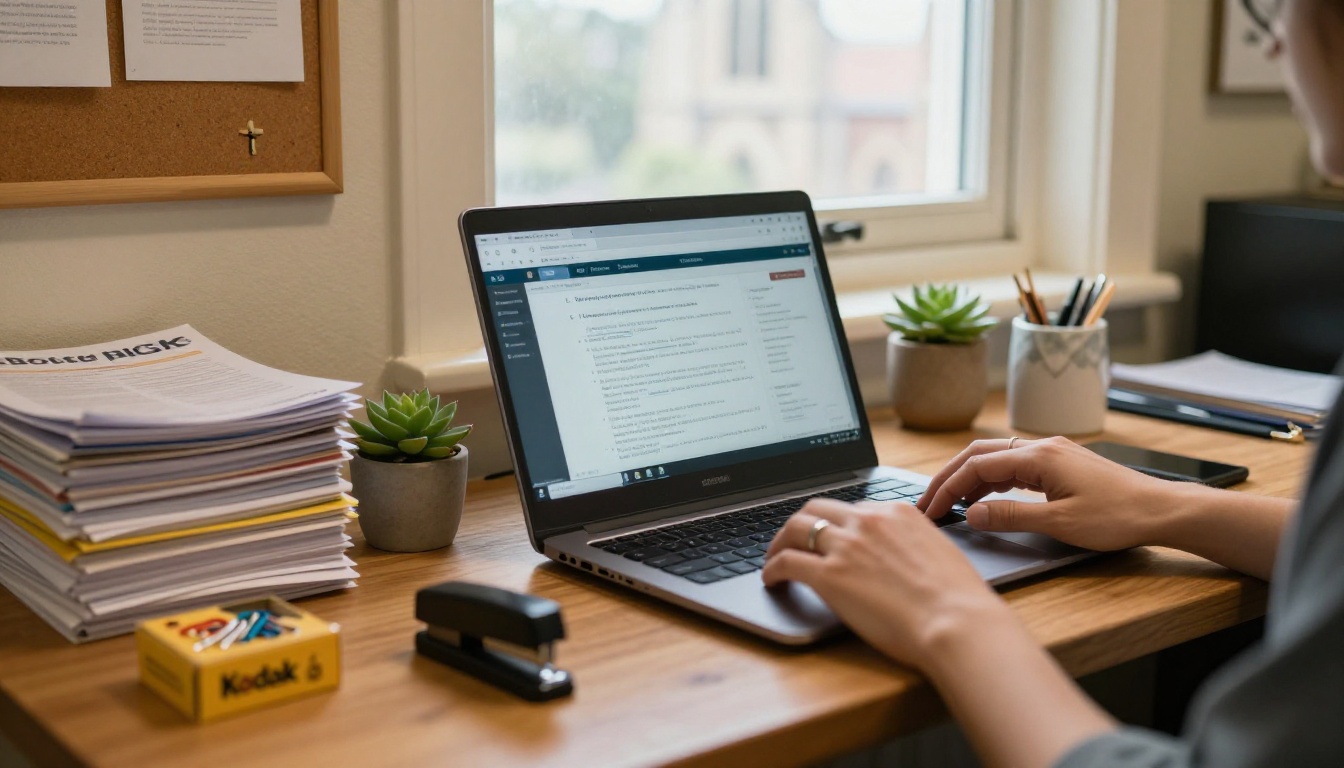
This is where most people expect a complicated technical process. It is not. If you can attach a file to an email, you can publish a digital church bulletin before this Sunday.
Step 1: Create Your Account
Go to Flipbooks AI and create your free account. No credit card required to start. The setup takes about two minutes, and you will be inside the dashboard well before your coffee finishes brewing.
Step 2: Upload Your Bulletin PDF
Your church likely already creates the bulletin in a design tool like Canva, Adobe InDesign, Microsoft Publisher, or Google Slides. Export it as a PDF and drag it into the Flipbooks AI uploader. The PDF to Flipbook Converter handles the rest automatically, converting each page into a crisp, high-resolution flipbook within seconds.
💡 Pro tip: Design your bulletin in landscape orientation (11 x 8.5 inches) for the best reading experience on tablets and laptops. Portrait orientation still works perfectly on mobile devices.
Step 3: Customize Your Church's Branding
Once uploaded, you can add your church's name, logo, and brand colors to the flipbook viewer. Choose a background color that matches your church's palette. Adjust the toolbar to show or hide features based on what your congregation needs. These customization options make the bulletin feel genuinely yours without touching a line of code.

You can also add background music. Many churches use this to play a soft hymn instrumental while members browse the bulletin before service starts, creating a seamless pre-service experience even for those joining remotely.
Step 4: Share with Your Congregation
This is where digital genuinely outperforms print in every meaningful way. Once your bulletin is published, you have multiple channels to get it into members' hands:
- Direct link: Paste the URL into your weekly email newsletter
- QR code: Print a single QR code on a small card placed in pews or on the welcome table
- Website embed: Use the Embed Flipbook on Website tool to place the bulletin directly on your church website with one line of code
- Social media: Share the link on your church Facebook page or community group
- WhatsApp or group text: Paste the link into any messaging platform your congregation already uses
✅ Best practice: Send the bulletin link on Thursday or Friday so members can preview it before Sunday. Engagement typically doubles when people have time to read through it at home before the service.
Step 5: Track Who Is Reading It
The Professional plan on Flipbooks AI includes detailed analytics: how many people opened your bulletin, which pages got the most attention, how long members spent reading, and even lead generation tools you can use to capture contact information from first-time visitors who access the bulletin online. That kind of insight is simply not possible with a printed sheet.
Reaching Members Who Never Make It In Person
One of the most overlooked benefits of a digital church bulletin is what it does for members who cannot attend services in person.
Connecting Homebound and Remote Members
For elderly members in assisted living, for members traveling for work, military families stationed abroad, or anyone recovering from illness, the digital bulletin is a meaningful lifeline to the church community. They open the same document everyone else is reading, on the same Sunday, from wherever they are in the world.
That continuity matters in ways a mailed paper copy simply cannot match. A paper bulletin mailed on Monday arrives Thursday. A digital flipbook link shared Friday morning is in their hands the same day.
Hospital Visits, Nursing Homes, and Care Ministry
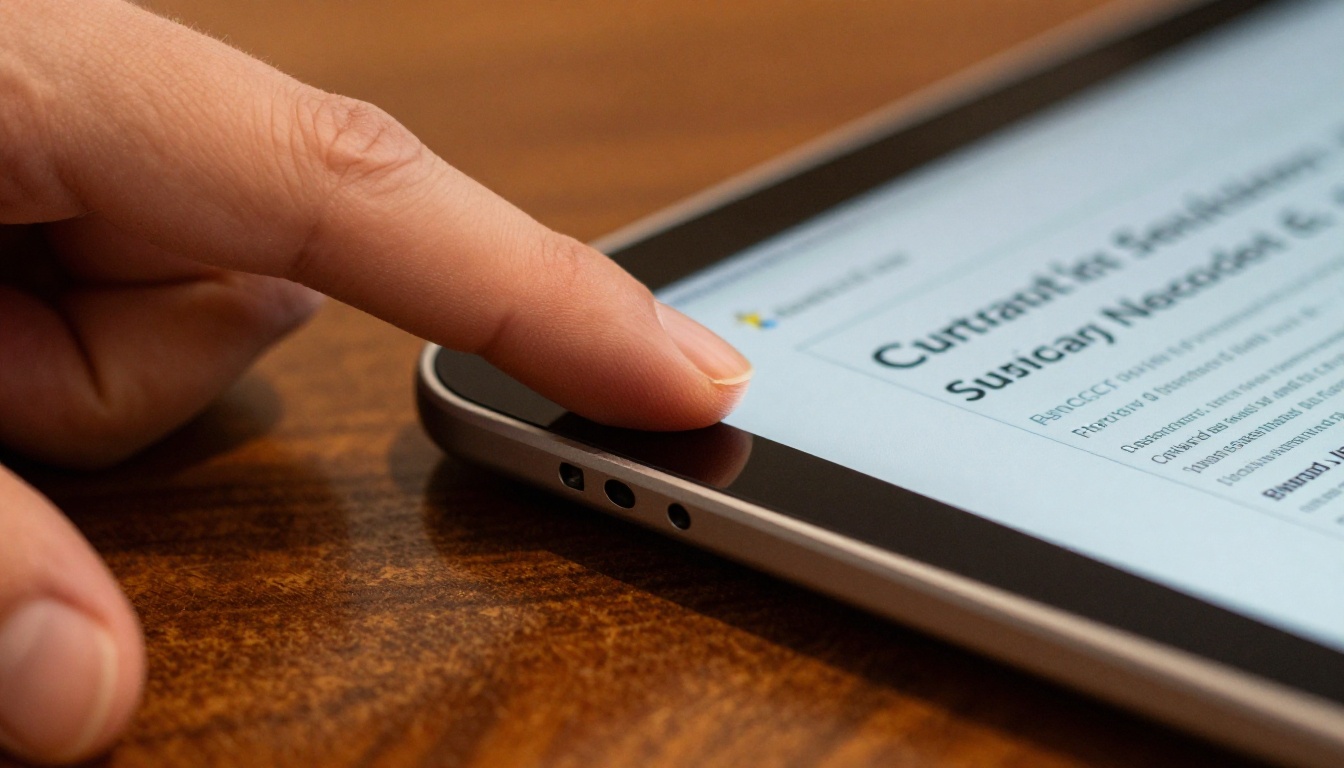
Many church visitors to hospitals or nursing homes now bring a tablet and walk through the digital bulletin page by page with a resident. The page-turning experience makes it feel less like reading a document and more like sharing a moment of community together. That human element is something no PDF viewer or email attachment can replicate.
💡 Pro tip: Enable password protection if your bulletin includes sensitive content like personal prayer requests. Flipbooks AI lets you add a password to any flipbook so only your congregation can access it, while still sharing freely via a link.
Print vs. Digital: A Side-by-Side Look
| Factor | Printed Bulletin | Digital Flipbook |
|---|
| Cost per week | $15 to $200+ | $0 after platform fee |
| Update after publishing | Not possible | Update anytime |
| Reach remote members | Requires mailing | Instant, worldwide |
| Clickable links | None | Full hyperlinks |
| Video content | None | Embedded directly |
| Analytics and readership data | None | Full tracking available |
| Environmental impact | High paper waste | Zero paper use |
| Mobile reading experience | Poor | Fully optimized |
| Archivable past issues | Physical storage only | Permanent digital archive |
| Searchable text | Not possible | Full text search |

How Different Church Sizes Benefit
Small Congregations Under 100 Members
For a small church with a tight budget and a part-time administrator, the digital flipbook removes the weekly print-and-fold task entirely. The time saved alone, typically two to four hours per week across design, printing, and distribution, is often worth the cost of the platform several times over.
The Newsletter Flipbook Publisher is particularly useful for small churches that combine their weekly bulletin with a monthly newsletter, letting them publish both in the same polished format without learning two different tools.
Mid-Size Churches Between 100 and 500 Members
Mid-size congregations typically run multiple ministries, promote several upcoming events each week, and need to communicate across different age groups and life stages. A digital bulletin lets you include direct links to specific event registration pages, embed a pastoral welcome video, update the schedule on Saturday evening if something changes, and even run a ministry spotlight with a short video clip on page three.
Multi-Campus Ministries and Growing Churches
For churches with multiple locations, the digital bulletin is nearly essential. Each campus can have its own branded flipbook, published from the same Flipbooks AI account, with location-specific announcements layered onto shared sermon content. The Non-Profit Annual Report tool also lets multi-campus ministries publish their annual stewardship or impact reports in the same consistent, polished format their congregation already trusts.

Flipbooks AI Features for Church and Nonprofit Use
When comparing platforms, these are the features that actually matter for a church context:
| Feature | Starter | Standard | Professional |
|---|
| Flipbooks per month | 3 | Unlimited | Unlimited |
| Watermarks on content | None | None | None |
| Custom branding and logo | Partial | Full | Full |
| Password protection | No | Yes | Yes |
| Embed on church website | Yes | Yes | Yes |
| Video embedding | Yes | Yes | Yes |
| Mobile-responsive layout | Yes | Yes | Yes |
| Offline downloads | No | Yes | Yes |
| Readership analytics | No | No | Yes |
| Lead generation tools | No | No | Yes |
⚠️ Note: The free Starter tier is a solid way to test the format with your congregation before committing. Most churches move to the Standard plan within the first month once they see how their members respond. Pricing details are at flipbooksai.com/pricing.
Not every flipbook tool is built the same. When evaluating options for your church, these are the criteria that separate a good solution from one that will frustrate your team in six months.
No Watermarks, Full Stop
Some free platforms plaster their company logo across every page of your flipbook. That is simply not appropriate for a weekly church program. Flipbooks AI includes zero watermarks on every plan, including the free tier. Your bulletin looks professional from the first publish.
Password Protection for Sensitive Content
Prayer request lists, pastoral letters, and financial giving reports should not be publicly indexed by search engines or accessible to anyone with the link. Password protection ensures only your congregation can access the bulletin while still making it frictionless to share via email or a QR code.
The Ability to Update After Publishing
Printers cannot undo a misprint. A digital bulletin can be updated any time after publishing without changing the share link. Your congregation opens the same URL and sees the corrected version automatically, with no notification required and no second email to send.
Three Common Mistakes to Avoid
- Waiting for perfect design: Your first digital bulletin does not need to be redesigned from scratch. Upload exactly what you already produce each week and improve from there.
- Skipping the QR code in the sanctuary: Members who arrive without pre-reading the bulletin still need access. A printed QR card in each pew solves this in seconds.
- Only sharing once: Post the bulletin link in your weekly email, on social media, and in your congregation messaging group. Three channels reach three times as many members.
Make This Sunday Different
Churches have been handing out paper bulletins since the early 1900s. The format made sense when it was invented. Today, there is a better option available to any congregation willing to spend 15 minutes setting it up.
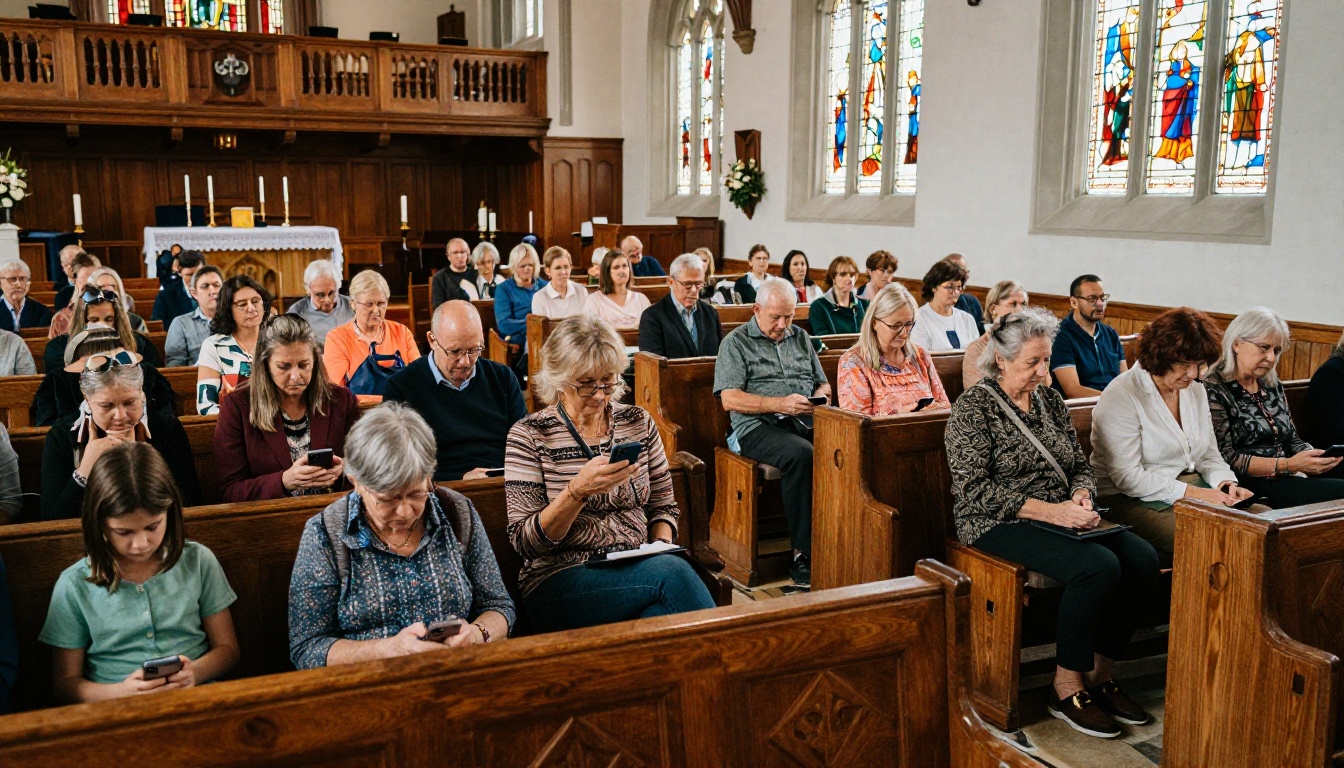
Your members are already on their phones before service begins. They are checking messages, reading news, catching up with family. A digital church bulletin meets them exactly where they already are, in the apps and browsers they open every single day, with content that reflects the genuine care your team puts into preparing it each week.
Ready to publish your first digital bulletin? Create your free account on Flipbooks AI and have it live before Sunday. Browse all available tools and templates to see what fits your ministry best, and review pricing plans to find the right level for your congregation's size and needs.
The ink is already dry on this week's printed bulletins. Next Sunday can be something different.



