Every Sunday, thousands of churches print hundreds of bulletins that get read once during the service, folded into pockets, and forgotten on the pew or tossed in the parking lot trash can. That quiet waste, both financial and communicative, is one of the most overlooked problems in faith community administration. Converting your church bulletin into a digital flipbook changes that completely. Flipbooks AI makes it possible to take your existing bulletin PDF and turn it into an interactive, shareable, beautiful digital publication in minutes.
Why Paper Bulletins Are Costing More Than You Think
Churches run on tight budgets. Every dollar spent on paper, ink, folding, and distribution is a dollar that could go toward ministry, outreach, or facilities. The real numbers are often shocking when congregations actually calculate them.
The Hidden Cost of Weekly Printing
A typical church printing 200 bulletins per week spends roughly $10 to $25 on paper and ink per run. Over a year, that adds up to $520 to $1,300, not counting printer maintenance, toner cartridges, or the time a volunteer or staff member spends printing and folding. Larger congregations printing 500 to 1,000 copies face annual costs in the thousands.
| Congregation Size | Weekly Bulletins | Annual Print Cost (Est.) |
|---|
| Small (under 100) | 75–150 | $200 – $500 |
| Medium (100–300) | 150–300 | $500 – $1,200 |
| Large (300–700) | 300–700 | $1,200 – $3,500 |
| Mega (700+) | 700+ | $3,500+ |
These figures don't account for the environmental cost of paper waste or the staff hours diverted from more impactful work.
Bulletins That Go Straight to the Pew Rack
Studies on print communication consistently show that people retain far less from static printed materials than from interactive digital content. At most churches, a significant portion of bulletins never make it home. Event announcements, volunteer opportunities, and prayer requests that took hours to compile get recycled within an hour of the service ending.
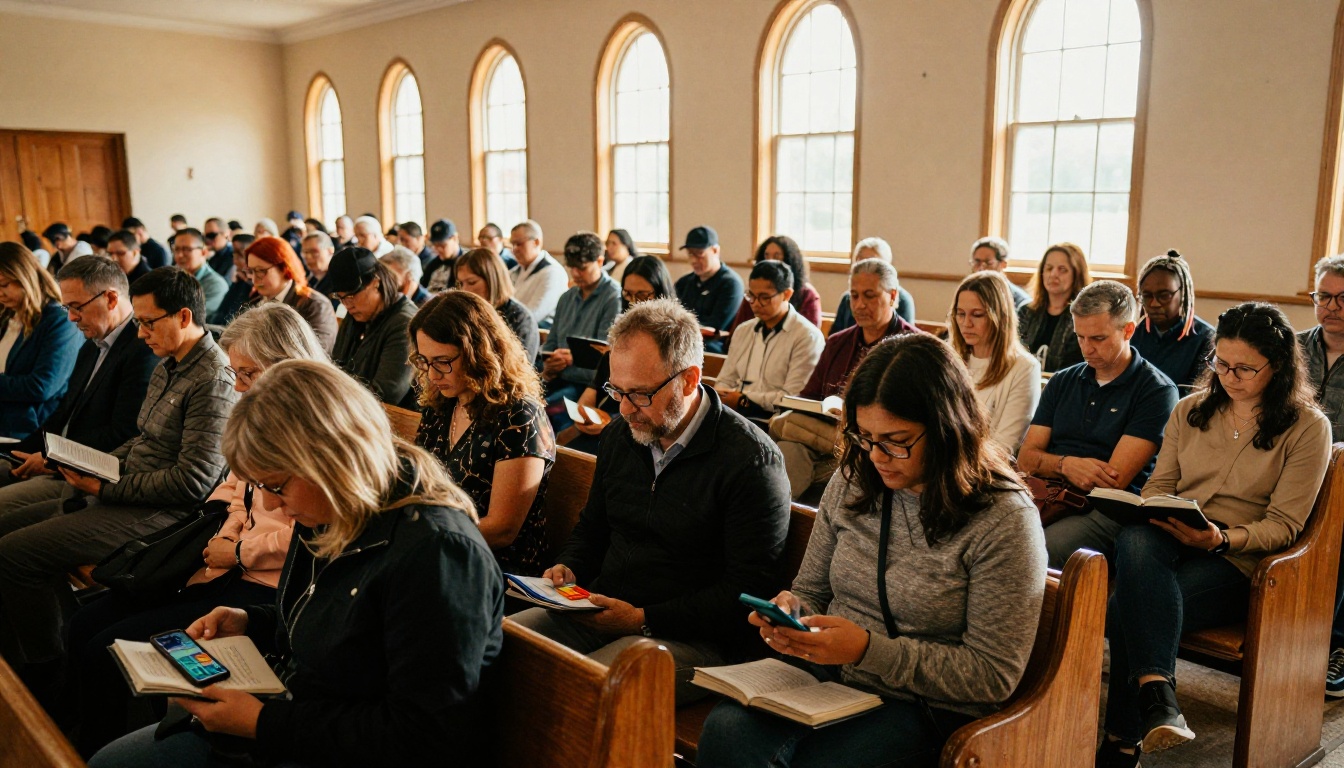
Digital bulletins, by contrast, stay accessible. Members can revisit them throughout the week, share them with family members who missed the service, or click directly on event registration links.
What a Church Bulletin Flipbook Actually Looks Like
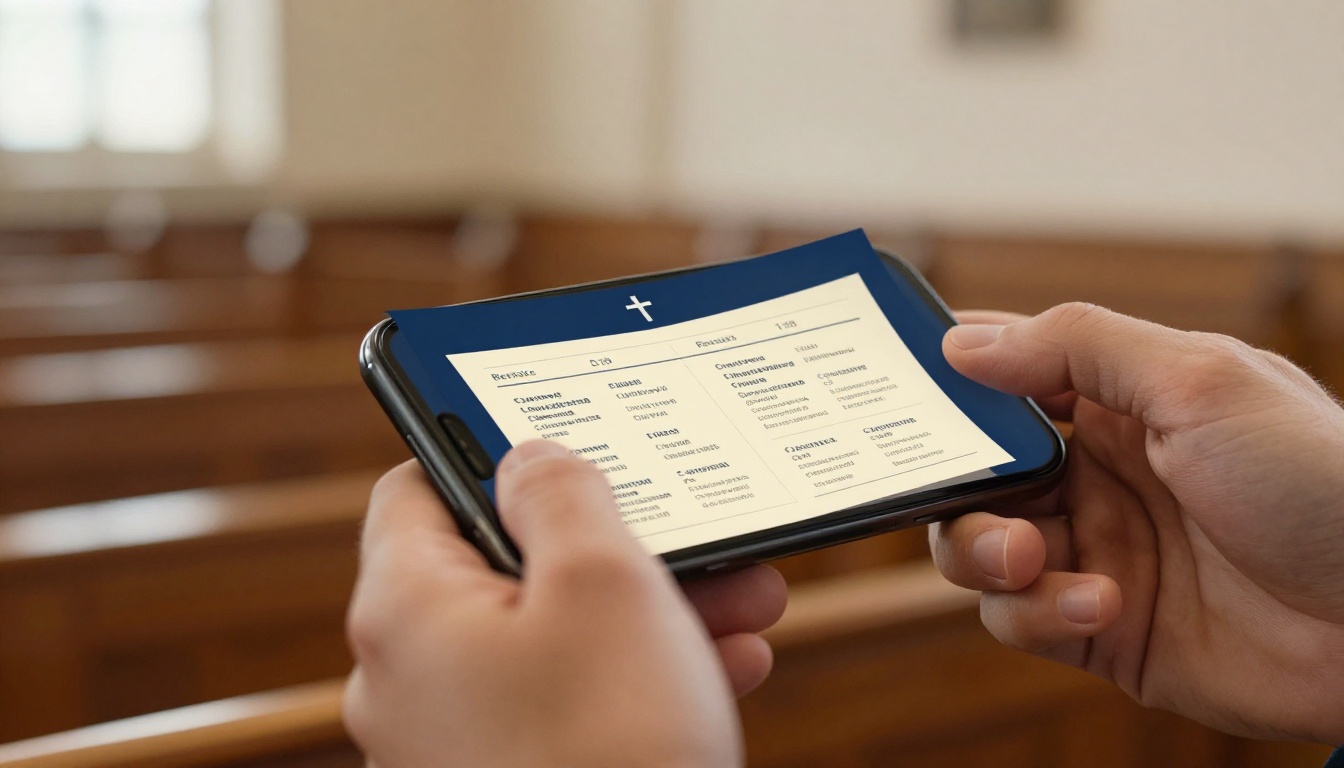
A flipbook is not just a PDF in a browser tab. It is a digital publication that mimics the satisfying experience of turning real pages, with animated page turns, a full-screen reading mode, and built-in interactivity. When your church bulletin becomes a flipbook, it feels alive in a way that a static document simply cannot.
Page-Turn Animations and Interactive Features
The core experience is the realistic page-turn animation. Members tap or click to move through the bulletin just like they would a physical program. But built on top of that, the format supports:
- Clickable links directly to online giving, event signups, or the church website
- Embedded audio for a welcome message from the pastor or a preview of worship music
- Embedded video for announcements or sermon previews
- Searchable text so members can find the specific reading for the day
- Zoom functionality for older members who need larger text
It Works on Every Device
One of the most practical advantages of a flipbook format is that it renders correctly on phones, tablets, laptops, and desktop computers. Members in their 70s opening it on a desktop at home see the same polished experience as the teenager viewing it on an iPhone. No app download required. No PDF viewer conflicts. Just a clean, beautiful, responsive reading experience.
💡 Pro Tip: Share the flipbook link in your church's group text or WhatsApp group right after the service to catch members while they are still engaged.
How to Convert Your Church Bulletin PDF into a Flipbook
The process is straightforward. If your church already designs its bulletin in Canva, Microsoft Publisher, Adobe InDesign, or even Word, you already have everything you need. Export it as a PDF, and you are ready.
Step 1: Prepare Your Bulletin PDF
Before uploading, do a quick quality check on your PDF. Make sure:
- All fonts are embedded and not just linked
- Images are at least 150 DPI for clear display
- The file size is under 200MB (most bulletins are well under 10MB)
- The page count is correct, typically 4 to 8 pages for a weekly bulletin
If you are designing from scratch, use a consistent color palette that matches your church's branding, a readable font at 11 to 12pt minimum, and margins of at least half an inch on all sides.
Step 2: Upload to Flipbooks AI
Head to Flipbooks AI and sign in, or create an account if you have not already. The upload process takes under a minute:
- Click New Flipbook from your dashboard
- Select Upload PDF and choose your bulletin file
- Wait for the conversion to process, usually 30 to 60 seconds
- Preview your flipbook in the built-in viewer
The PDF to Flipbook Converter handles all the technical work automatically. You do not need any design or coding knowledge.
Step 3: Customize Your Flipbook
Once uploaded, this is where the bulletin goes from functional to impressive. The customization options include:
- Brand colors: Set the flipbook interface to match your church's colors
- Logo: Add your church logo to the viewer header
- Background: Choose from solid colors, gradients, or custom backgrounds
- Page effects: Toggle the realistic page-turn shadow and curl
- Table of contents: Auto-generated from your PDF headings for easy navigation
✅ Best Practice: Use your church's primary color for the flipbook toolbar. It reinforces brand recognition and makes the bulletin feel like an official communication rather than a generic document.
Step 4: Share with Your Congregation
This is where a digital flipbook genuinely outpaces paper. Once published, your bulletin becomes shareable in multiple ways simultaneously:
- Direct link: Copy and paste into emails, texts, or social media posts
- Embed code: Drop the bulletin directly onto your church website
- QR code: Print one small QR code on the Sunday bulletin stand or projection screen instead of printing hundreds of bulletins
- Password protection: For members-only content or private communications
Sharing Your Digital Bulletin Effectively
Getting members to actually read the bulletin requires meeting them where they are. That means multiple distribution channels working together.
Putting It on Your Church Website
Embedding the flipbook on your church website is one of the highest-value actions you can take. Members who visit the site before or after the service can find the current bulletin without you needing to email it or post it separately. The Embed Flipbook on Website tool generates a simple code snippet you paste into any website builder, whether WordPress, Squarespace, Wix, or custom HTML.
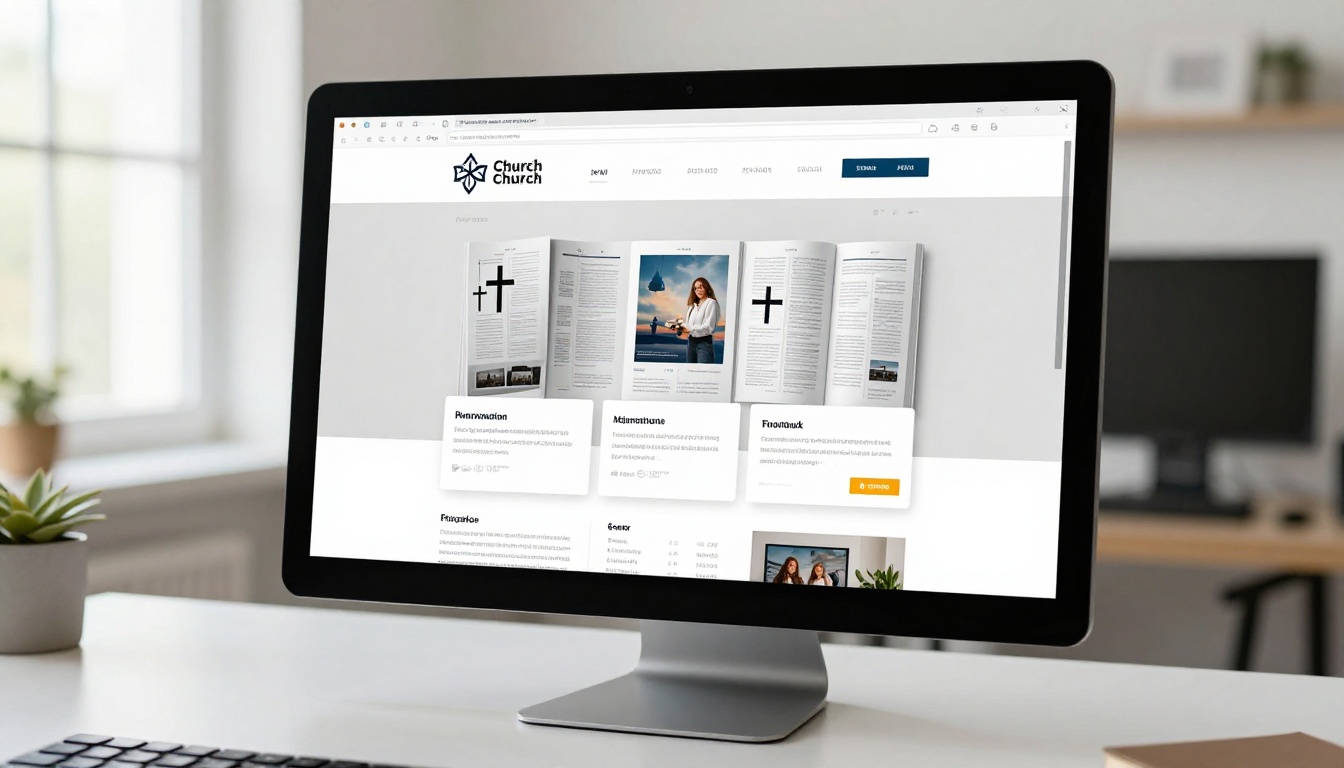
The embedded viewer is fully responsive. On mobile screens, it adjusts to a single-page reading layout. On wider screens, it shows a traditional two-page spread.
Email and Social Media Distribution
The weekly bulletin email is a staple of church communication. Instead of attaching a PDF, which often gets flagged by spam filters or ignored, include a thumbnail image of the bulletin front page with a prominent button linking to the flipbook. Click-through rates on visual email calls-to-action dramatically outperform plain text PDF links.
For social media, post a short screen-capture clip of the flipbook page-turn as a teaser, then include the link in the caption. Instagram stories, Facebook posts, and church app notifications all benefit from the visual nature of the flipbook format.
⚠️ Warning: Do not abandon paper bulletins entirely overnight. Transition gradually, offering both paper and digital options for a month or two while your congregation adjusts. Some members, particularly older ones, may need time to get comfortable with the digital format.
Who Actually Benefits from a Digital Bulletin
The value of this shift extends well beyond the church office. Multiple groups within the congregation experience concrete improvements.

Members who miss Sunday service: They can still read the full bulletin, follow the scripture readings, and stay informed about upcoming events, without needing someone to mail or scan a copy.
Remote and out-of-state family members: Grandparents watching the livestream from across the country can follow along with the same bulletin as everyone in the pews.
Visitors considering the church: A prospective member browsing your website can find the most recent bulletin and immediately get a feel for the community's rhythm, priorities, and culture.
Church leadership: Instead of printing 50 copies for the elder board meeting, everyone gets the same link. Annotations, corrections, and updates can be made to the live version without printing again.
Comparing Plans for Church Use
Flipbooks AI offers several plans suited to different congregation sizes and needs. Here is how they compare for typical church use cases:
| Feature | Free | Standard | Professional |
|---|
| Number of Flipbooks | 1 | Unlimited | Unlimited |
| Watermark | Yes | No watermarks | No watermarks |
| Custom Branding | No | Yes | Yes |
| Password Protection | No | Yes | Yes |
| Embed on Website | No | Yes | Yes |
| Analytics | No | No | Yes |
| Lead Generation | No | No | Yes |
| Offline Downloads | No | No | Yes |
💡 For most churches: The Standard plan hits the sweet spot. Unlimited flipbooks with no watermarks, custom branding, and website embedding covers the full weekly bulletin workflow. Check the pricing page for current plan details.
Most small to medium congregations will find the Standard plan covers everything they need. Larger churches running multiple ministries, small group newsletters, and event programs might benefit from Professional for the analytics dashboard, which shows how many people opened the bulletin, how long they spent reading, and which pages got the most attention.
More Church Content That Works as Flipbooks
Once you see how well the weekly bulletin works as a flipbook, you will start noticing other church documents that deserve the same treatment.
The Newsletter Flipbook Publisher is purpose-built for the kind of monthly or quarterly newsletter many churches produce, the ones with member spotlights, ministry updates, mission trip reports, and community news. Turning these into flipbooks makes them far more likely to be read and shared.
Other church content that converts beautifully:
- Annual reports: Use the Non-Profit Annual Report tool to showcase your church's year in ministry with impact stats, photos, and giving summaries
- Event programs: Wedding ceremonies, funerals, Christmas and Easter services all benefit from the Event Program Maker
- Training materials: Deacon training, small group leader resources, and volunteer handbooks work well with the Training Manual Flipbook tool
- Sermon series study packs: Multi-week discussion questions and reading plans become interactive publications members can follow on their phones
| Document Type | Best Tool | Use Case |
|---|
| Weekly Bulletin | PDF to Flipbook Converter | Sunday morning program |
| Monthly Newsletter | Newsletter Flipbook Publisher | Community updates and stories |
| Annual Report | Non-Profit Annual Report | Stewardship and impact summary |
| Event Programs | Event Program Maker | Special services and ceremonies |
| Training Materials | Training Manual Flipbook | Volunteer and leader training |
| Study Materials | Course Material Publisher | Small groups and sermon series |
Paper vs. Digital: The Real Comparison
The debate between paper and digital bulletins is less about preference and more about effectiveness. Here is an honest look at both formats across the criteria that matter most to church administrators:
| Criteria | Paper Bulletin | Digital Flipbook |
|---|
| Weekly Cost | $10–$50+ (ink, paper) | Included in plan |
| Time to Distribute | 1–2 hours (print, fold, stack) | Under 5 minutes |
| Reach | In-person only | Anyone with the link |
| Interactivity | Static text and images | Links, video, audio |
| Accessibility | Fixed font size | Zoomable, screen-reader friendly |
| Archiving | Physical storage required | Stored in cloud indefinitely |
| Environmental Impact | Paper waste every week | Zero physical waste |
| Corrections After Print | Reprint required | Edit and republish instantly |
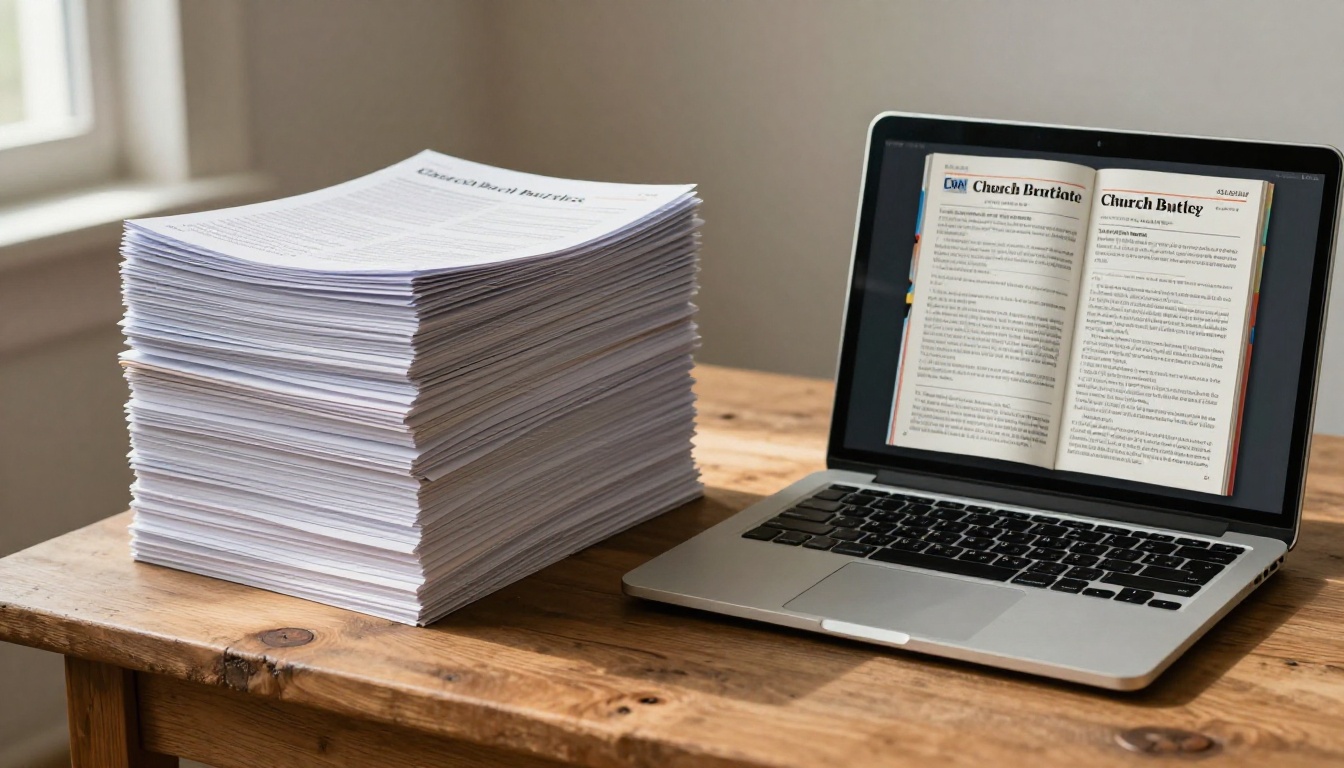
The ability to edit and republish instantly is particularly valuable. If the start time for a Wednesday event changes, or a speaker cancels, updating a digital bulletin takes 60 seconds. Correcting a printed one means reprinting or living with the error in front of the whole congregation.
Start This Sunday
Your congregation is already on their phones before and after the service. Meeting them there with a polished, interactive digital bulletin is not a compromise, it is a more intentional form of communication. The church bulletin has always been about connecting people to what is happening in the life of the community. A flipbook just does that job better, for less money, with greater reach, and with zero trips to the printer.
Ready to create your first digital bulletin? Get started for free on Flipbooks AI and have your first flipbook live before Sunday. Browse all flipbook tools to see the full range of publishing options available, or compare pricing plans to find what fits your church's budget and needs.



