If you've put time into creating a coloring book, whether it's for your kids, your classroom, or your Etsy shop, a flat PDF doesn't do it justice. Pages don't flip. Nothing animates. The whole experience feels closer to filling out a form than flipping through a real book. That's exactly why converting your coloring book into an interactive flipbook is one of the smartest moves you can make. With Flipbooks AI, the whole process takes minutes and the result looks professionally published from the very first page.
Why Static PDFs Fail Coloring Books
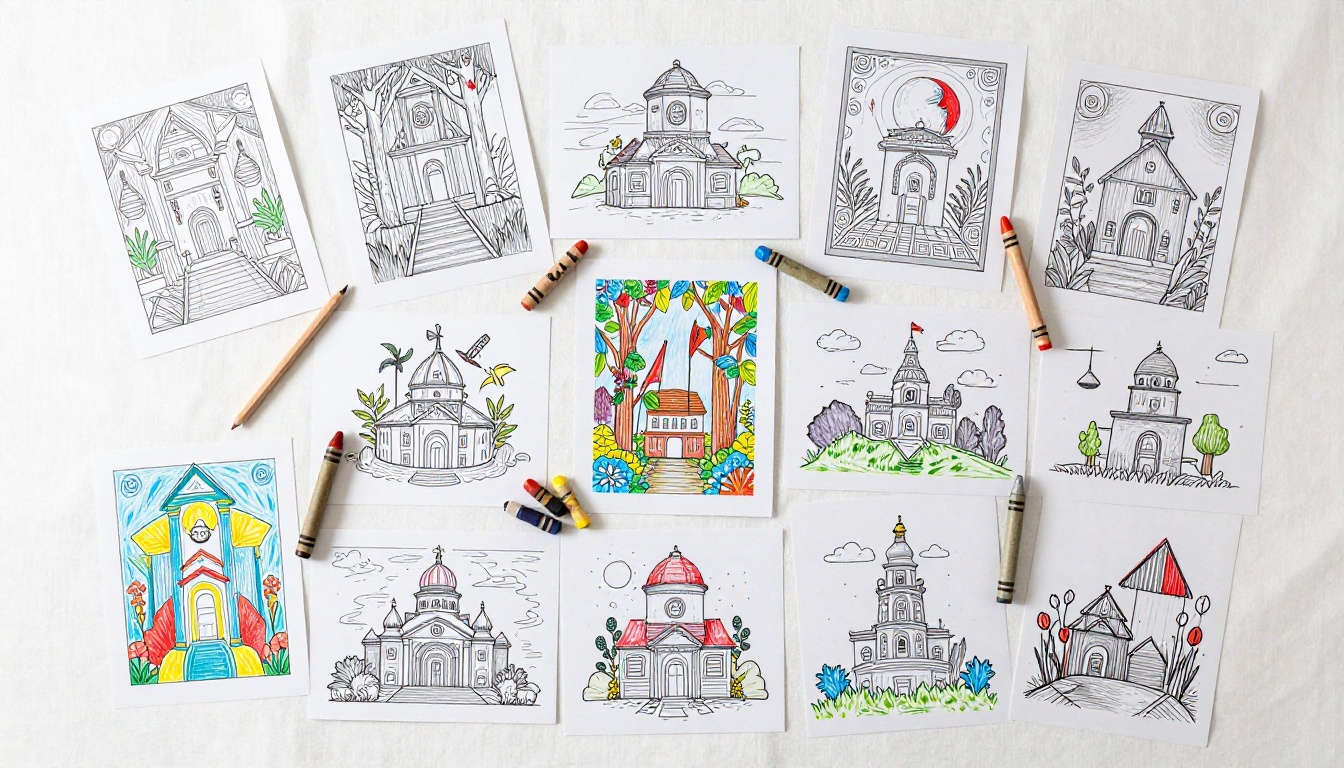
You spend hours illustrating pages, choosing themes, and sequencing your book. Then you export to PDF and share a link. The reader clicks, a viewer opens, and the magic evaporates. There's no tactile experience, no sense of a real book, and on mobile it's often just a long scroll. Kids lose interest fast when the interaction feels like reading a report.
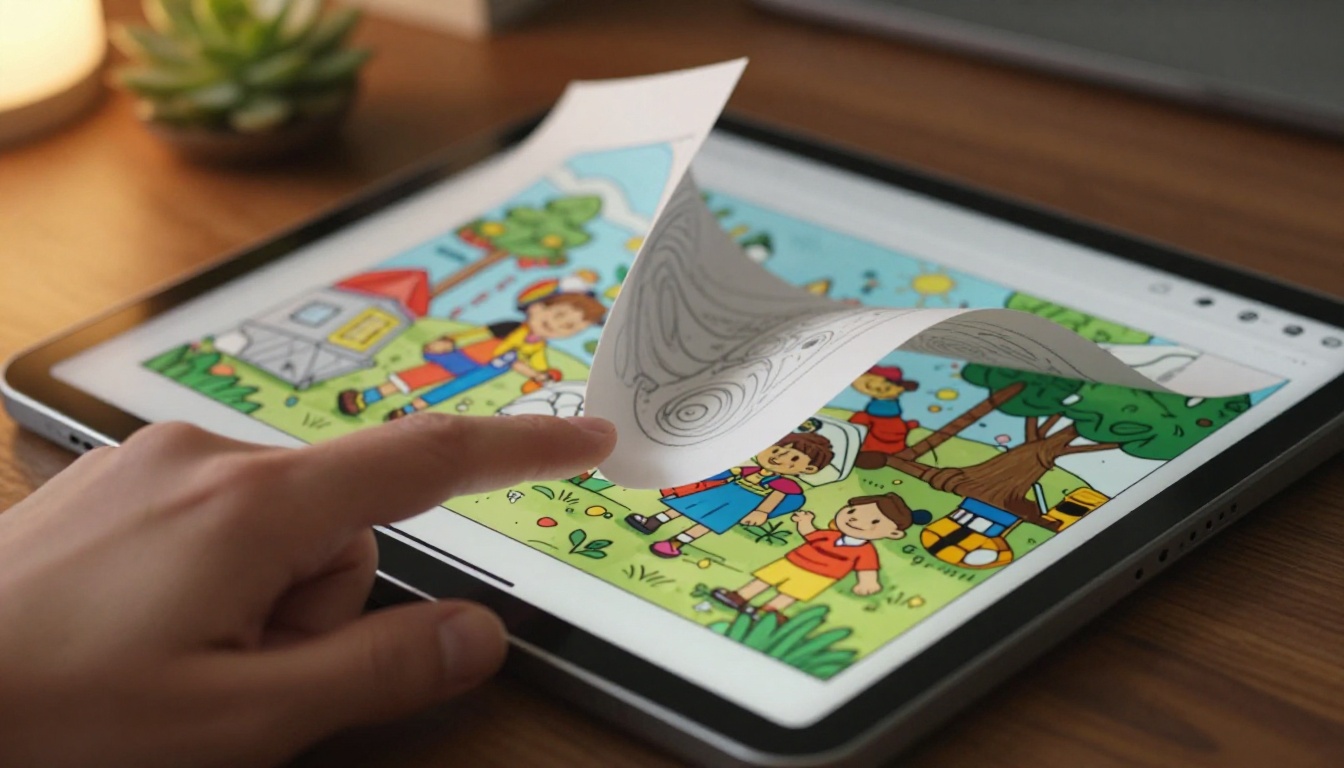
Flipbooks fix all of this. A page-turn animation changes how a child relates to digital content. Instead of scrolling down, they're flipping forward. That single shift in interaction changes everything about how the content feels.
The PDF Problem in Numbers
Most digital coloring books are shared as PDFs or image downloads. The problem is that neither format was designed for casual reading or exploration. PDFs require a specific viewer app. Downloads create friction. Neither works intuitively on a phone in a child's hands.
An interactive flipbook, on the other hand, opens in any browser with zero downloads. It's just a link, and it works on every device from the first tap.
What Kids Actually Want from Digital Content
Children between the ages of four and twelve respond strongly to animated transitions. The page-curl effect in a flipbook mimics the physical act of turning a page, which is something kids associate with real books. That sense of familiarity makes digital coloring books feel like a treat rather than a screen-time compromise.
💡 Interactive reading formats consistently increase time spent by 30 to 60 percent compared to static PDFs, particularly among early-childhood readers.
What You Need Before You Start
Getting your coloring book ready for conversion takes maybe fifteen minutes if your files are already organized. Here's what matters.
Build Your PDF Correctly
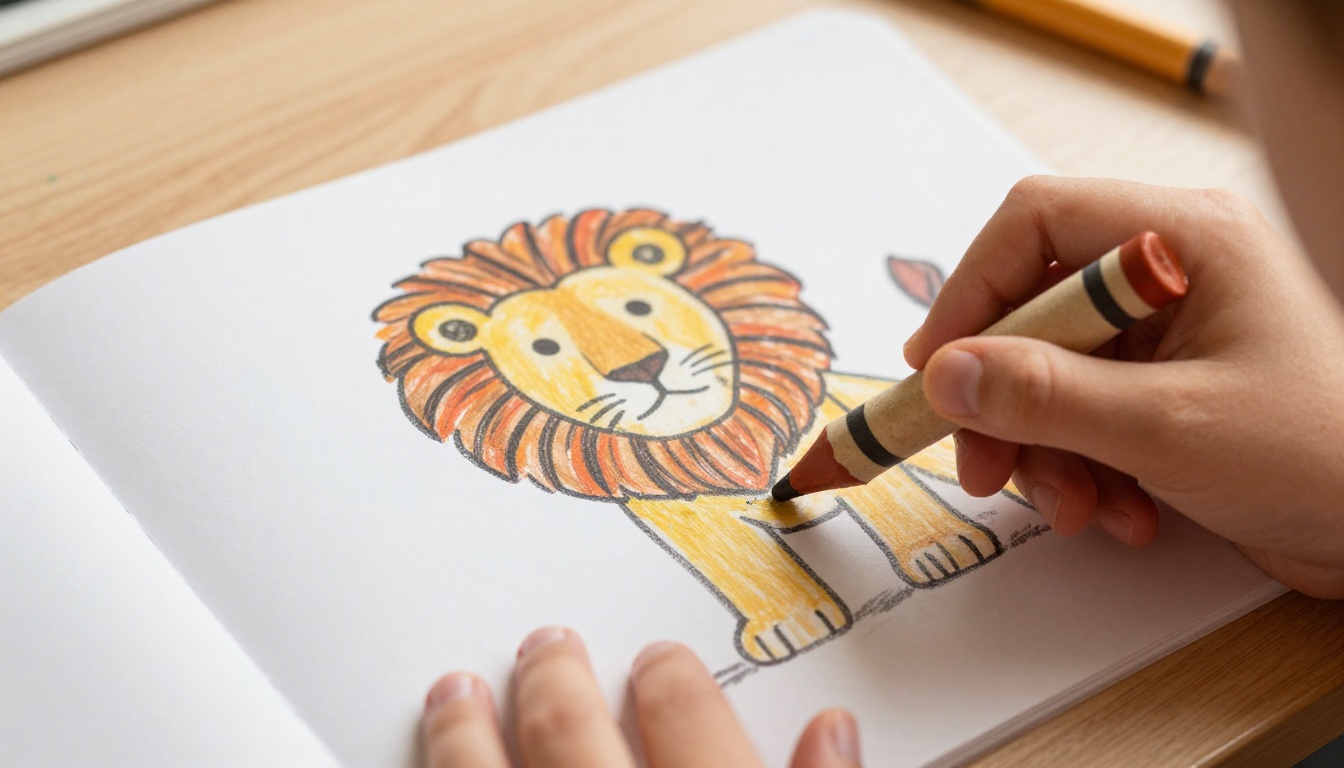
Your coloring book needs to be a single, multi-page PDF before upload. Most illustration tools (Procreate, Canva, Adobe Illustrator, even Microsoft Word) can export directly to PDF. If your pages are separate image files, combine them in a tool like Adobe Acrobat, Smallpdf, or a free online PDF merger.
Specs to hit before uploading:
- Page size: A4 or US Letter works perfectly. Consistent sizing across all pages matters.
- Resolution: 150 to 300 DPI for digital use. Higher resolution means sharper page textures when zoomed.
- Color mode: RGB for screen display, not CMYK which is print-only.
- File size: Under 100MB is ideal. Compress images if needed without sacrificing quality.
Image Resolution Matters More Than You Think
Low-resolution coloring pages look pixelated when a child pinches and zooms on a tablet. At 150 DPI minimum, lines stay sharp and the coloring book looks polished. At 300 DPI, it's exceptional. The extra file size is worth it for the viewing experience.
⚠️ Avoid exporting at 72 DPI. It's fine for quick previews but makes your coloring pages look blurry on any modern high-resolution screen.
Converting Your Coloring Book Step by Step
Flipbooks AI is built specifically for this kind of project. It's not a general-purpose PDF viewer; it's a dedicated flipbook platform with page animations, customization tools, sharing options, and analytics built in. Here's exactly how to do it.
Step 1: Create Your Account
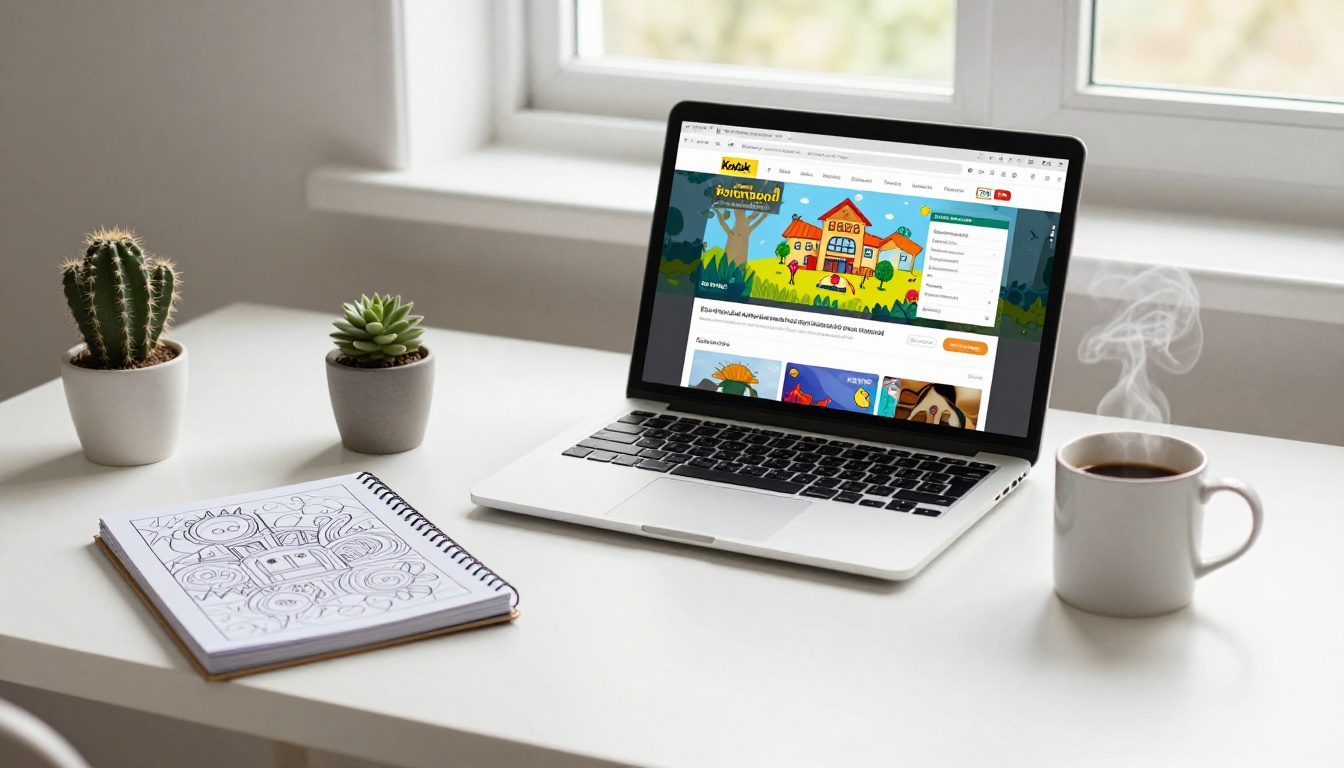
Head to flipbooksai.com/account and sign up. The free tier lets you get started right away without entering a credit card. Once you're in, you'll see a clean dashboard with an upload button front and center.
Step 2: Upload Your PDF
Click "Create Flipbook" and drag your PDF into the upload zone. Flipbooks AI processes it automatically, converting each page into an interactive flipbook with smooth page-turn animations. Depending on your PDF size and page count, this usually takes under two minutes.
✅ Name your PDF clearly before uploading. The filename often auto-populates the flipbook title, saving you an edit step.
Step 3: Customize Your Coloring Book Flipbook
Once uploaded, you'll land in the customization panel. This is where your coloring book goes from generic to genuinely branded.
Options include:
- Background color: Match it to your coloring book's theme. A pastel background feels right for children's content.
- Page-flip sound: Optional, but kids love it. A soft paper rustle on each turn adds tactile realism.
- Custom logo: Add your brand or creator name in the corner for professional presentation.
- Table of contents: If your coloring book has chapters or themes (animals, ocean, jungle), a linked table of contents lets kids jump to their favorite section.
- Embed video or audio: For educational coloring books, you can embed a narrated story or background music directly into specific pages.
Step 4: Set Sharing and Privacy Options
This is one of the most underused features of the platform. If you're selling a premium coloring book or distributing it to a specific classroom, you can add password protection. Only people with the password can view the flipbook. This is perfect for Etsy sellers offering digital downloads or teachers sharing curriculum materials.
Sharing options available:
- Direct link: Copy and paste anywhere, works on all devices instantly.
- Embed code: Drop the flipbook into your website or Squarespace store with a single snippet. Use the Embed Flipbook on Website tool for this.
- QR code: Print it on the physical version of your coloring book so buyers can access the digital version immediately.
- Social sharing: One-click share to Instagram, Pinterest, or Facebook.
Step 5: Publish and Share
Hit publish. Your flipbook is now live at a shareable URL. Test it on mobile and desktop to confirm everything looks right. On a phone, kids can swipe pages left and right naturally, the same as turning a real book.
Flipbooks AI Plan Comparison
Choosing the right plan depends on how many coloring books you plan to publish and what features matter most for your use case.
| Feature | Free | Standard | Professional |
|---|
| Flipbooks | 1 | Unlimited | Unlimited |
| Watermarks | Yes | No | No |
| Password Protection | No | Yes | Yes |
| Custom Branding | No | Yes | Yes |
| Analytics | No | No | Yes |
| Lead Generation | No | No | Yes |
| Offline Downloads | No | No | Yes |
| Embed on Website | Limited | Yes | Yes |
| Page-Flip Sound | Yes | Yes | Yes |
💡 For most coloring book creators selling on Etsy or sharing with classrooms, the Standard plan covers everything needed. Upgrade to Professional only if you need analytics or lead capture.
Explore all pricing plans to pick the right fit for your publishing volume.
Who Actually Does This
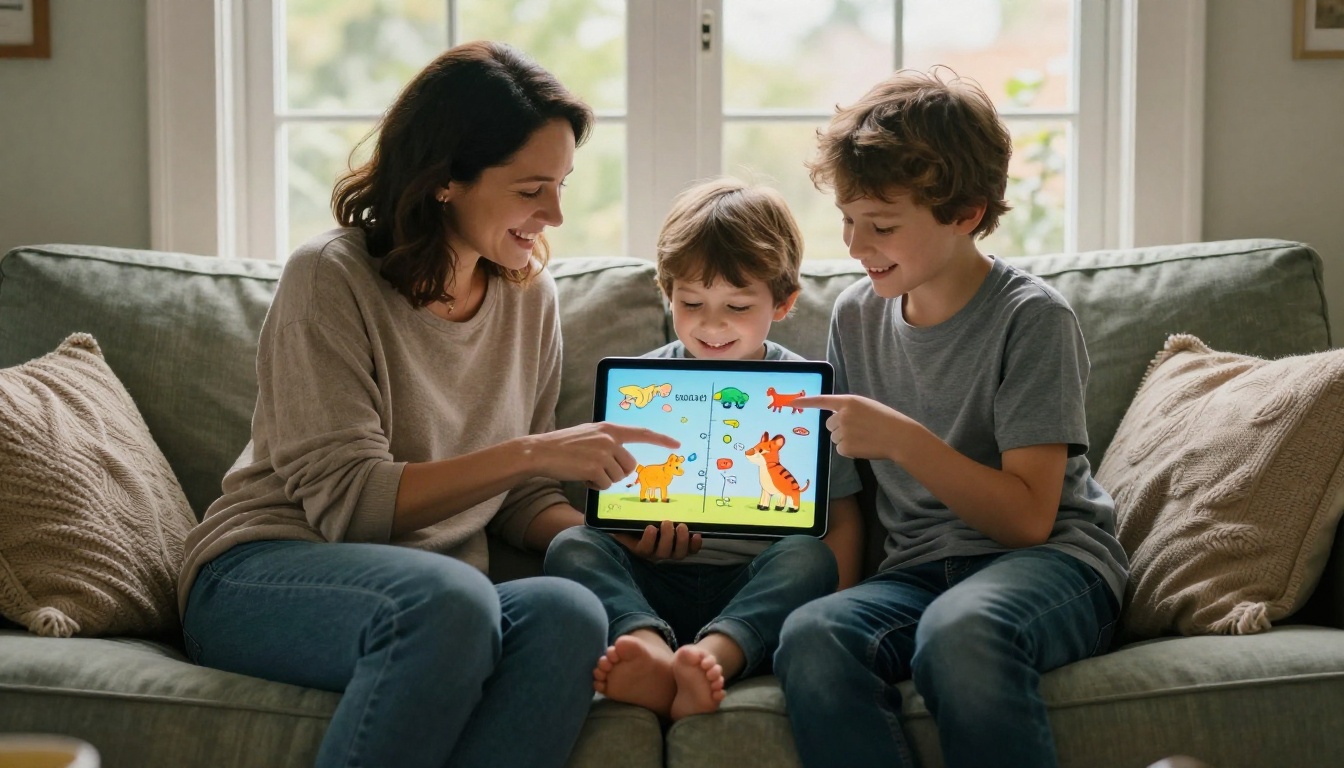
Turning a coloring book into a flipbook isn't just for tech-savvy creators. These are the people doing it right now.
Parents Creating Activity Books
Parents who make seasonal or themed coloring books for their kids (think birthday party activity books, holiday coloring sets, or summer bingo pages) are using flipbooks to share them with grandparents, family friends, and other parents. One PDF upload creates a link that works on any phone or tablet, no printing required.
Teachers Using Digital Curriculum Materials
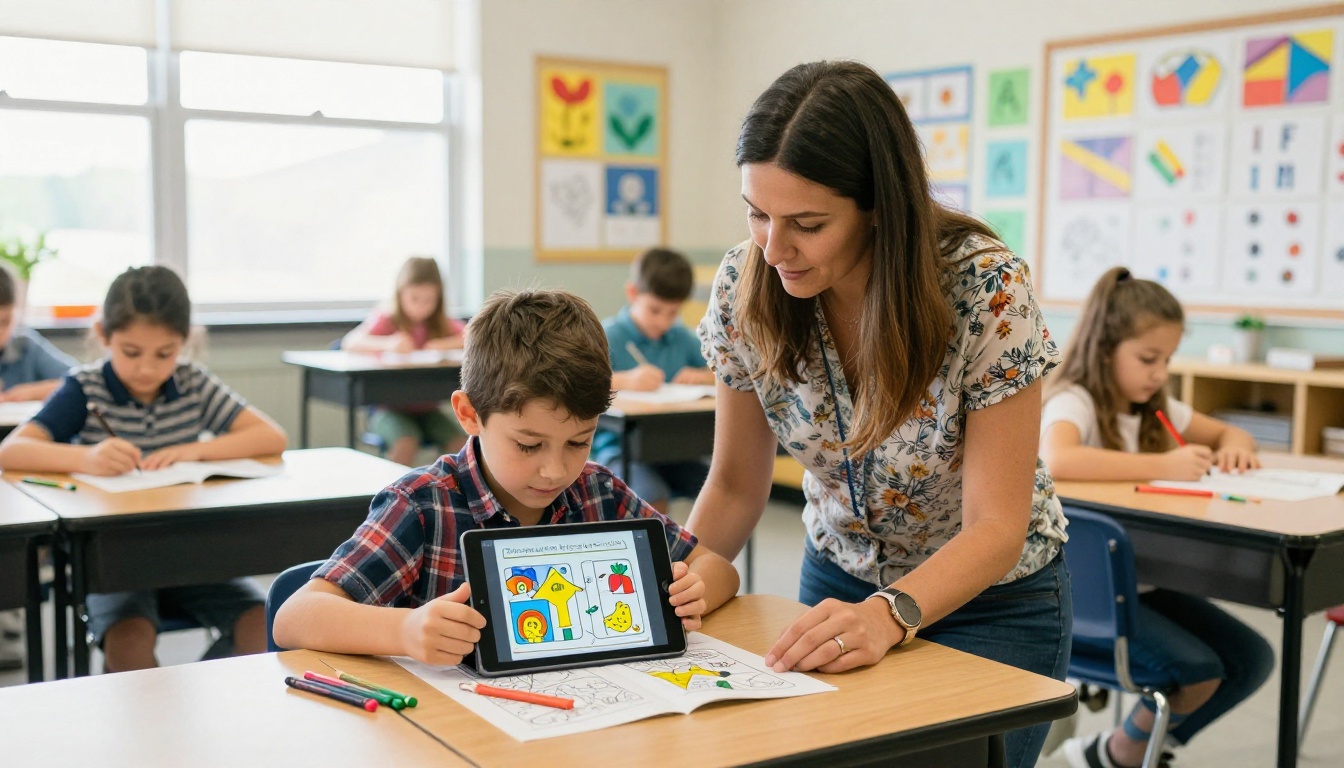
In classrooms where tablets are part of daily learning, a flipbook version of a coloring worksheet is dramatically more engaging than a printed handout. Teachers upload their coloring sheets as a flipbook and share the link in their classroom management platform. Students tap through pages instead of shuffling papers.
Etsy Sellers Going Digital
The digital downloads market on Etsy is massive, and coloring books are consistently among the top-selling categories. Sellers who convert their coloring books into flipbooks use the preview feature to let potential buyers flip through a few pages before purchasing. It's a much more compelling sales tool than a flat image mockup.
✅ Create a free preview flipbook with five to eight sample pages from your coloring book. Embed it on your Etsy shop or website as a live preview. Buyers who interact with the flipbook convert at significantly higher rates than those who only see static images.
Children's Book Authors
Authors who self-publish illustrated books are combining text and coloring pages into hybrid flipbooks. The result is a read-along coloring experience where kids follow the story and color the corresponding pages. With the Interactive E-Book Publisher, this kind of hybrid publication is straightforward to set up.
Print vs. Digital Coloring Books
Many creators wonder whether going digital takes something away from the coloring experience. Here's an honest comparison.
| Factor | Printed Coloring Book | Digital Flipbook |
|---|
| Tactile experience | Physical pages and texture | Screen-based, no touch texture |
| Accessibility | Requires printing | Instant access on any device |
| Cost to distribute | High (printing, shipping) | Near zero |
| Updates and edits | Impossible once printed | Instant edits, re-publish in seconds |
| Sharing | Limited to physical copies | One link works globally |
| Interactive features | None | Video, audio, animations |
| Environmental impact | Paper, ink, shipping | Fully digital, zero waste |
| Child interest | High (tactile) | High (animated transitions) |
The answer for most creators: both. Sell the printed version for the full tactile experience. Offer the digital flipbook as a bonus or standalone product. This two-product approach dramatically increases the perceived value of your coloring book.
Not all digital formats are equal when it comes to presenting coloring content. Here's how they stack up.
| Format | Interactive? | Mobile-Friendly? | Embeddable? | Page-Flip Effect? |
|---|
| PDF | No | Partial | No | No |
| Image Gallery | No | Yes | Partial | No |
| Google Slides | Partial | Partial | Yes | No |
| EPUB / eBook | Partial | Yes | No | No |
| Flipbook (Flipbooks AI) | Yes | Yes | Yes | Yes |
The flipbook format wins on every interactive dimension. For a product that's meant to be flipped through, the page-flip format is the only one that actually feels like reading a real book.
3 Features That Make Flipbooks Stand Out
Page-Flip Animation Quality
Not all flipbook tools animate the same way. Cheap tools produce a flat slide transition. Flipbooks AI uses a physics-based page curl that looks like a real book being turned. For a coloring book especially, this physical realism matters. It tells the child this is a real book, not just a slideshow.
Mobile-First Design
More than 70 percent of children's digital content is consumed on tablets and phones. A flipbook that doesn't feel natural on mobile is a failed flipbook. Flipbooks AI is built with mobile-first responsiveness. Swiping left and right flips pages naturally. Pinch-to-zoom works on every page. The navigation controls disappear when not in use, leaving the full coloring page visible.
Password Protection for Paid Content
If you're selling coloring books digitally, password protection is non-negotiable. Without it, a single purchase can be shared with an unlimited number of people. With password protection enabled on Flipbooks AI (Standard plan and above), you control access. Give each buyer a unique password or use a single password per product.
Page Count and File Size: What to Expect
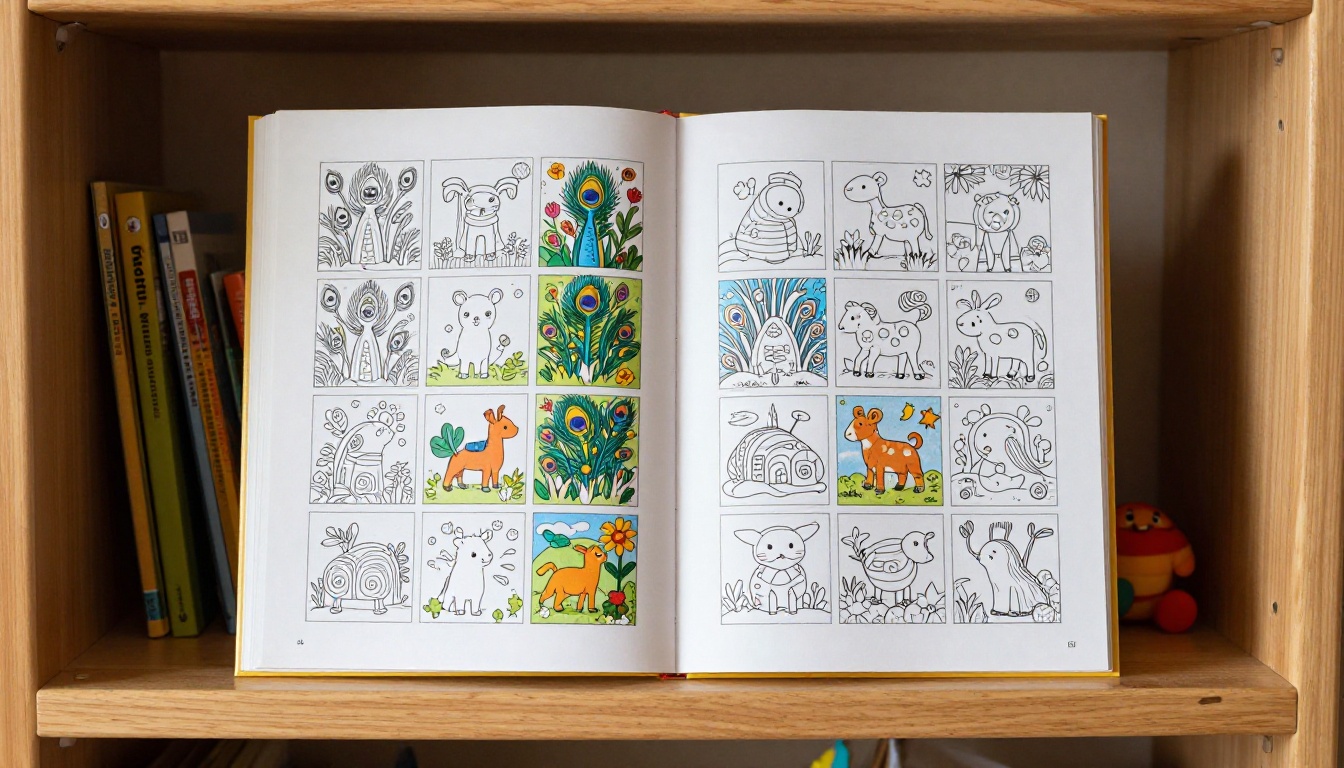
Most children's coloring books run between 20 and 80 pages. Here's how that translates to flipbook performance.
| Page Count | Estimated PDF Size | Load Time | Best For |
|---|
| 10 to 20 pages | 2 to 8 MB | Under 3 sec | Sample or preview books |
| 20 to 40 pages | 8 to 25 MB | 3 to 6 sec | Standard coloring books |
| 40 to 80 pages | 25 to 60 MB | 6 to 10 sec | Full activity books |
| 80+ pages | 60 to 100 MB | 10 to 15 sec | Curriculum sets |
⚠️ For books over 80 pages, consider splitting into themed volumes. Smaller flipbooks load faster and keep young readers from feeling overwhelmed before they even start.
Why This Matters for Digital Creators
The coloring book market, both physical and digital, reached over 1 billion dollars in annual sales globally. The digital slice continues to grow as tablets become the default entertainment device for children under twelve. Creators who position their coloring books in flipbook format are meeting that audience where they already spend time.
Beyond reach, there's the practical reality of distribution. A coloring book PDF requires download and a compatible app. A flipbook requires nothing. It opens in the browser, it flips beautifully, and it works on a Kindle Fire, an iPad, an Android tablet, or a laptop equally well.
The digital coloring space is competitive. The creators standing out are the ones giving their audience the best possible experience, and right now that means interactive, animated, mobile-ready flipbooks. Static downloads are falling behind.
Make It Happen
You don't need a publishing deal, a web developer, or a design background to turn your coloring book into an interactive flipbook. You need a PDF and about ten minutes.
Ready to create your first flipbook? Get started for free on Flipbooks AI and see how your coloring book looks when it finally gets the presentation it deserves.
Want to see what else the platform can do? Browse all flipbook tools for everything from children's books to product catalogs and educational publications.
Compare pricing plans to find the right fit for your publishing volume and start sharing your coloring book with the world.



