That cookbook you spent years writing deserves more than a dusty shelf. Whether you are a home cook with a cherished family collection, a culinary school graduate ready to share your first recipe book, or a food blogger who wants to monetize your content, turning your printed cookbook into a digital flipbook opens a world your physical pages simply cannot reach. Flipbooks AI is built exactly for this moment.
The Real Problem with Printed Cookbooks
Physical cookbooks are beautiful objects. They have weight, texture, and a kind of authority that a PDF file just does not carry. But they also have hard limits. You can print one. You can mail it. You can stack it on a shelf. That is where the story ends.
Reach Stops at Your Front Door
A printed cookbook can only travel as far as a hand can carry it. You can give copies to family. You can sell them at local markets. But scaling that to hundreds or thousands of readers requires printing costs, shipping logistics, and physical inventory that most people simply cannot manage on their own.
Recipes Do Not Stay Fresh
Food culture changes fast. Dietary trends shift. New ingredients become available. With a printed book, once it is off the press, those pages are frozen in time. You cannot update a recipe, fix a typo, or add a note without printing an entirely new edition.
⚠️ Printing a revised cookbook edition can cost thousands of dollars. A digital flipbook lets you edit and republish in minutes, at no extra cost.
Your Audience Is Already Online
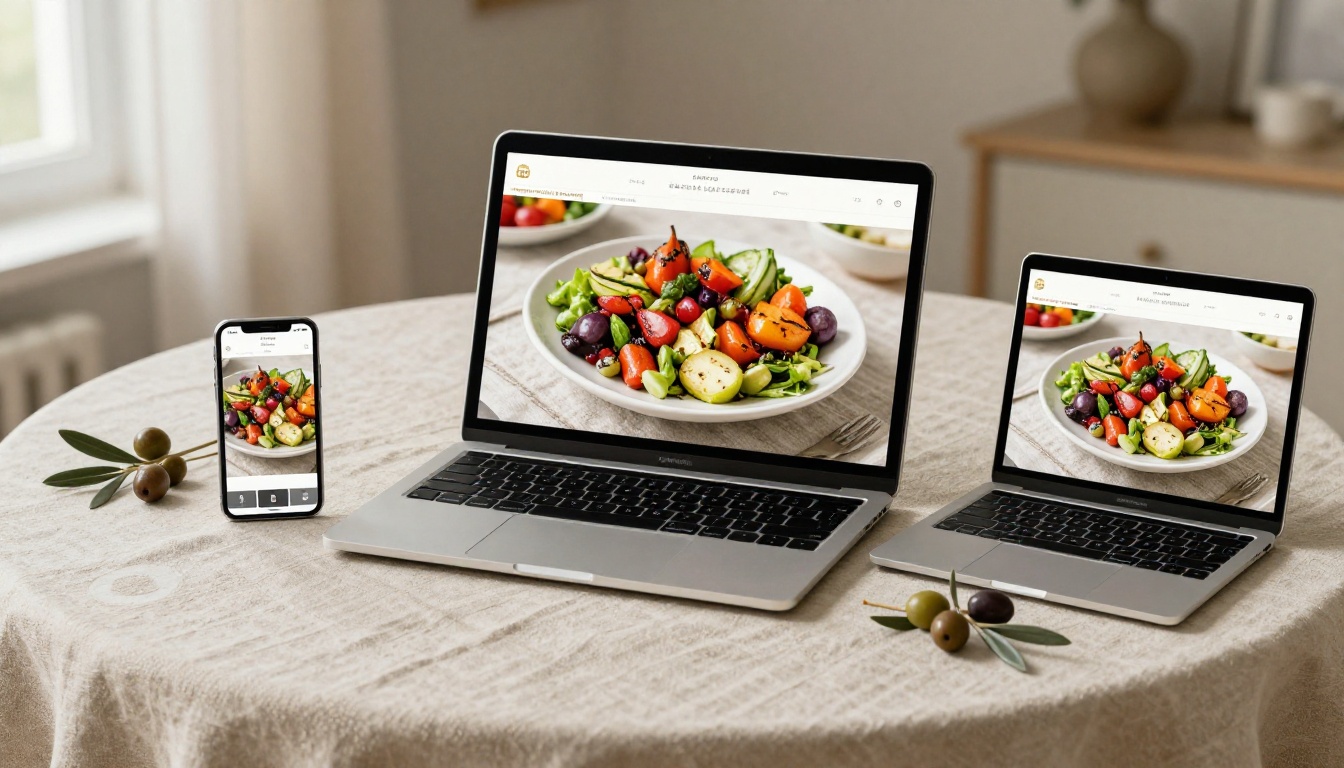
People search for recipes on phones, tablets, and laptops every single day. A physical cookbook on a shelf does not show up in those searches. A digital flipbook does. It can be indexed, shared on social media, embedded on a website, and sent as a link in seconds.

What a Digital Cookbook Flipbook Actually Is
A digital flipbook is not a flat PDF and it is not a static webpage. It is an interactive publication that simulates the physical act of turning pages, with a realistic page-curl animation, responsive layouts, and the ability to embed media like videos and audio directly into the reading experience.
Page-Turn Effects That Feel Real
The page-turn animation is not a gimmick. It triggers the same psychological response as holding a physical book, which keeps readers engaged longer. Research on digital reading behavior consistently shows that interactive formats produce higher time-on-page metrics than static documents.
More Than Just a PDF
| Feature | PDF | Static Website | Digital Flipbook |
|---|
| Page-turn animation | No | No | Yes |
| Mobile-responsive | Partial | Yes | Yes |
| Embeddable on websites | No | N/A | Yes |
| Password protection | Limited | Complex | Yes |
| Analytics tracking | No | Requires setup | Built-in (Pro) |
| No download required | No | Yes | Yes |
| Custom branding | No | Yes | Yes |
| Offline access | Yes | No | Yes (Pro) |
💡 A flipbook gives you the best of both formats: the tactile feel of print and the accessibility of the web.
5 Types of Cooks Who Need This
Not every cookbook creator has the same goal. Here is how different people use digital flipbooks for their culinary content.
The Family Recipe Keeper
You have your grandmother's handwritten pie recipe, your uncle's barbecue rub, and decades of holiday meal traditions. Scanning and converting these into a family flipbook creates a shareable heirloom that relatives anywhere in the world can access, without anyone needing to print a single page.
The Independent Food Blogger
Food bloggers spend enormous time writing and photographing recipes. A digital cookbook flipbook packages that content into a premium product you can sell directly, offer as a newsletter incentive, or embed on your website to increase session time and reduce bounce rates.
The Culinary School Graduate
A flipbook recipe portfolio is far more impressive in a job application than a PDF attachment. It shows design sensibility, attention to presentation, and technical comfort with modern tools. The Interactive E-Book Publisher tool on Flipbooks AI is built for exactly this type of polished professional output.
The Restaurant or Catering Business
Restaurants can share seasonal menus, tasting menus, or full recipe guides with customers via a digital flipbook link. It is a marketing asset that lives on your website, your social media profiles, and inside email campaigns. The Restaurant Menu Creator tool makes this effortless.
The Cooking Class Instructor
Recipe books for cooking classes are expensive to print and constantly going out of date. A digital flipbook cuts printing costs to zero, allows real-time updates between classes, and can be password-protected so only enrolled students have access.
How to Create Your Cookbook Flipbook with Flipbooks AI
Flipbooks AI makes the entire process straightforward, even if you have never published anything digitally before. Here is the exact workflow from physical cookbook to published flipbook.
Step 1: Prepare Your Cookbook as a PDF
Before uploading, your cookbook needs to exist as a PDF file. If you have a physical book, you can scan it with any modern smartphone app (Adobe Scan, Apple Notes, or Google PhotoScan all work well). If you designed your cookbook in Canva, InDesign, or Word, export it directly to PDF.
✅ Best practice: Export at 150-300 DPI for a balance of quality and file size. Higher resolution means sharper food photography in your flipbook.
Before uploading, verify these items:
- All images are embedded, not linked externally
- Font sizes are legible at mobile screen dimensions
- Page dimensions are consistent throughout the document
- File size is under 500MB for smooth uploading
Step 2: Upload and Convert
Create your account on Flipbooks AI, then use the PDF to Flipbook Converter. Click Upload PDF, select your cookbook file, and the conversion engine processes each page automatically.
The conversion typically takes 30 to 90 seconds depending on page count and file size. Once complete, you will see a live preview of your cookbook with the page-turn animation active.
Step 3: Customize Your Branding
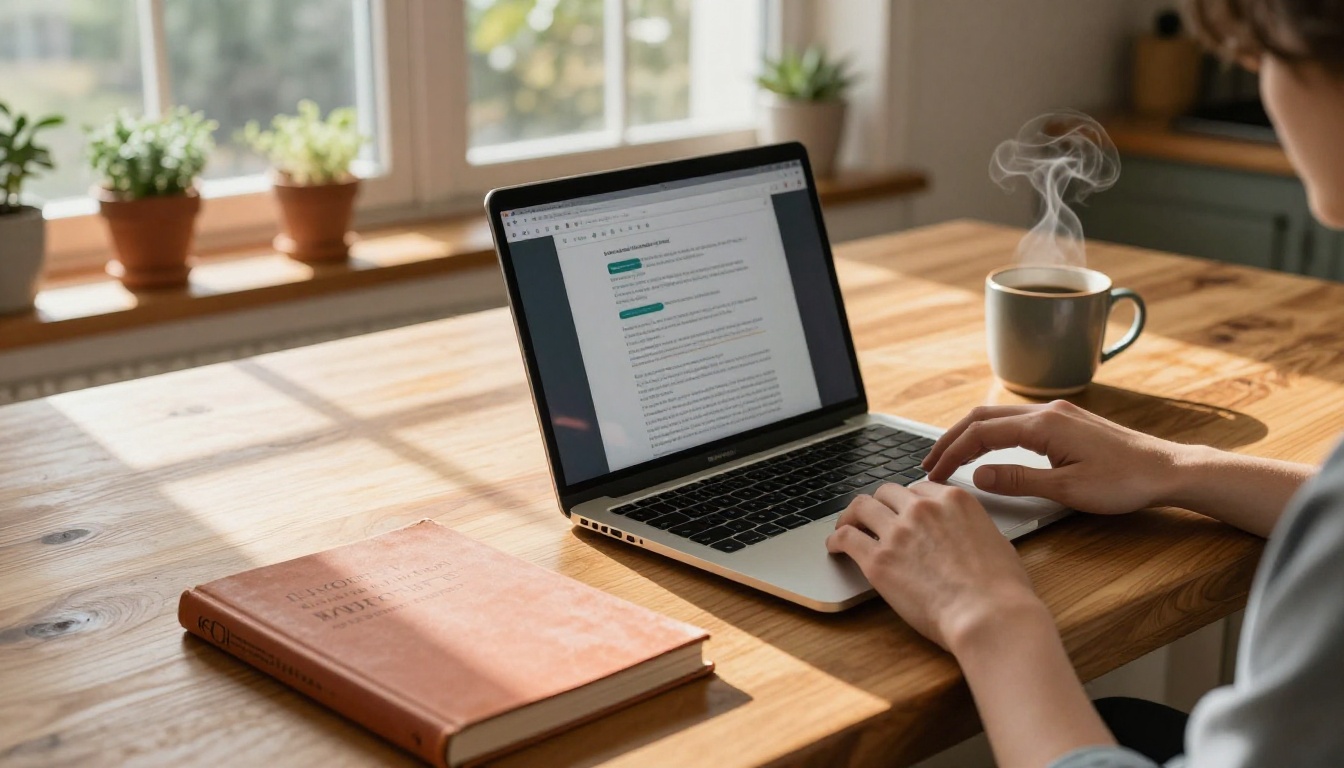
This is where your cookbook becomes yours. The customization panel lets you:
- Set your color palette: Match your cookbook cover colors or brand identity
- Choose your background texture: Options range from clean white to warm parchment tones perfect for food content
- Add your logo: Appears in the flipbook header for consistent branding
- Configure the page-flip speed: Slower for a premium, magazine feel; faster for a more casual read
- Add a custom cover thumbnail: The image readers see before they open the flipbook
For cookbook content, warm earthy tones (terracotta, forest green, cream) consistently outperform cold corporate palettes in reader retention.
💡 Pro tip: Use a strong food photograph as your flipbook thumbnail. Readers are more likely to click on a flipbook featuring a visually appealing dish than one with plain text on the cover.
Step 4: Set Your Sharing Options
Flipbooks AI offers several ways to distribute your cookbook:
- Direct link: A clean URL you can share on social media, email, or messaging apps
- Embed code: Paste a snippet into any website or blog to display the flipbook inline
- Password protection: Restrict access to students, clients, or paying customers
- QR code: Print on physical materials like business cards or at cooking events
The Embed Flipbook on Website tool generates a responsive embed code that works on any platform, including WordPress, Squarespace, and Webflow.
Step 5: Track Performance
Once your cookbook is live, the analytics dashboard on the Professional plan shows exactly how readers engage with it. You can see which recipes get the most page time, where readers stop flipping, and how many people accessed it from each device type. This data is invaluable for improving future editions.
The Professional plan also includes lead generation forms that appear when a reader finishes the flipbook, capturing email addresses directly from the reading experience.
Comparing Plans for Cookbook Creators
Different cookbook projects have different needs. Here is how Flipbooks AI plans stack up for culinary creators.
| Feature | Free | Standard | Professional |
|---|
| Flipbooks | 1 | Unlimited | Unlimited |
| Watermark | Yes | No | No |
| Password protection | No | Yes | Yes |
| Custom branding | No | Yes | Yes |
| Analytics | No | No | Yes |
| Lead generation | No | No | Yes |
| Offline download | No | No | Yes |
| Embed on website | Yes | Yes | Yes |
| Custom domain | No | No | Yes |
✅ For most cookbook creators: The Standard plan is the sweet spot. No watermarks, unlimited flipbooks, and full branding control without paying for enterprise-level features.
See the full breakdown at Flipbooks AI pricing to find the right fit for your project scale.
What Makes a Cookbook Flipbook Worth Reading
The technology is only half the equation. The cookbooks that actually get read and shared consistently have a few things in common.
Strong Visual Hierarchy Per Recipe
Every recipe page should follow a consistent pattern: recipe name, a hero photograph, ingredient list, and numbered steps. Readers scan before they commit to reading, so the layout needs to signal what each page contains within two seconds of landing on it.
Photography That Sells the Recipe
Readers do not cook recipes they cannot visualize finishing. High-contrast food photography with warm lighting consistently drives more engagement than process shots of raw ingredients. Your photos do not need to be professional level, but they do need to be well-lit and in focus.
Sections That Make Navigation Easy
Long cookbooks benefit from a clickable table of contents at the front. In a digital flipbook, this can link directly to specific pages, so a reader looking for the desserts section does not have to flip through 40 pages of appetizers to find it.
You have options beyond flipbooks. Here is an honest comparison of every format available to cookbook creators today.
| Format | Reader Experience | Shareability | Updateable | Cost to Publish |
|---|
| Printed book | Excellent | Low | No | High |
| PDF download | Poor (static) | Medium | Yes | Free |
| Blog posts | Good | High | Yes | Free/Low |
| Digital flipbook | Excellent | Very high | Yes | Free/Low |
| Mobile app | Best | Low (download barrier) | Yes | Very high |
Digital flipbooks occupy the ideal intersection of high reader experience and low publishing cost, which is why they are increasingly the default choice for independent food creators and culinary brands.
Real-World Uses for Cookbook Flipbooks
Holiday Gift Cookbooks
Instead of printing and mailing physical copies of a family recipe collection, send a beautiful flipbook link with a personal note. Recipients can access it forever, on any device, without worrying about it getting lost or damaged.
Cooking Class Materials
Replace printed recipe packets with a password-protected flipbook. Students get a polished, professional resource they can access on their phone while cooking. You update it between sessions without reprinting anything.
Food Brand Recipe Booklets
Specialty food brands regularly publish recipe booklets to show customers how to use their products. A digital flipbook version can be embedded directly on product pages, driving both time-on-site and repeat purchases.
Charity and Fundraiser Cookbooks
Community cookbooks are a popular fundraising format. Digital flipbooks eliminate printing costs entirely, meaning more of every sale goes directly to the cause. The Recipe Book Flipbook tool on Flipbooks AI is purpose-built for this exact use case.
Common Mistakes That Kill Cookbook Flipbooks
Even with the right tools, some cookbook flipbooks fail to connect with readers. These are the most common reasons.
Too much text per page. Cookbooks are visual first. Pages dominated by dense text blocks feel like reading a manual, not a recipe book. Aim for no more than 300 words per recipe page, with the rest of the space given to photography and whitespace.
Inconsistent photography style. Mixing professional studio shots with casual phone photos in the same cookbook creates a jarring reading experience. If you cannot reshoot older photos, use consistent editing presets to create visual cohesion across the whole collection.
No sharing strategy. A flipbook sitting unpublished in your account reaches nobody. Before publishing, decide where it will live: your website, your email newsletter, your Instagram bio link, or all three. The distribution plan matters as much as the content.
Ignoring mobile. More than 60% of digital content is now consumed on mobile devices. Preview your flipbook on a phone before publishing. If small text or tightly packed recipe steps are hard to read on a 6-inch screen, simplify the layout.
⚠️ Always test your flipbook on at least two different screen sizes before sharing it publicly.
Your Cookbook, Everywhere at Once
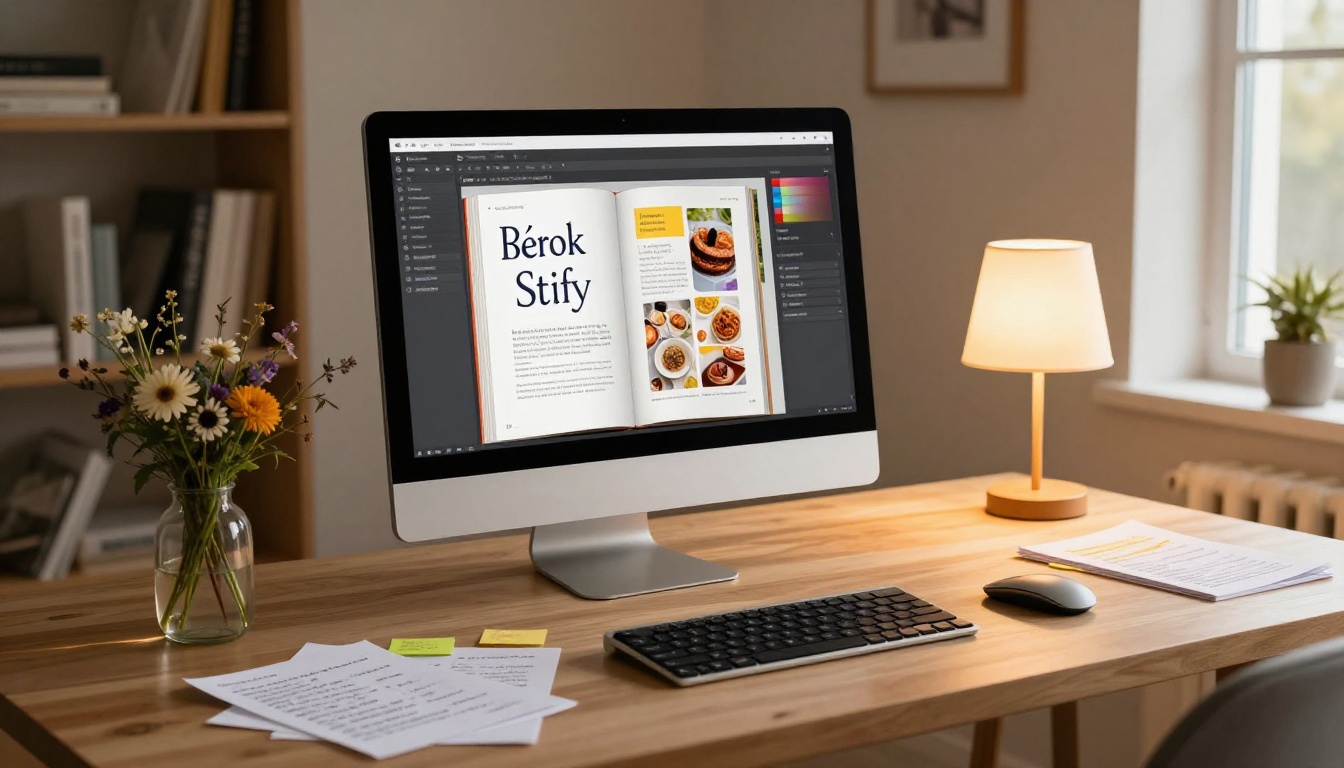
Your recipes represent real time, real skill, and real passion. They deserve a format that travels as far as your ambition. A digital flipbook takes everything that makes a printed cookbook beautiful and adds the reach, flexibility, and interactive depth that physical pages can never provide.
The Recipe Book Flipbook tool and the full suite of publishing features on Flipbooks AI are available right now, free to start. Upload your first cookbook PDF, see it transformed in under two minutes, and share it before the end of today.
Ready to publish? Create your free account and upload your first cookbook. Browse all available tools to see everything you can build. When you are ready for professional features like analytics and lead capture, compare plans to find what fits your goals.



