Every home cook has that one cookbook — wait, no. Every home cook has that cookbook. The one with sticky notes folded into the pages, handwritten margin scribbles, and loose recipe cards tucked between chapters. Sharing it? That part has always been the hard part. Flipbooks AI changes that. With just a PDF and a few clicks, you can turn your cookbook into a digital flipbook for free, complete with realistic page-turning effects, mobile-friendly reading, and shareable links that work on any device.
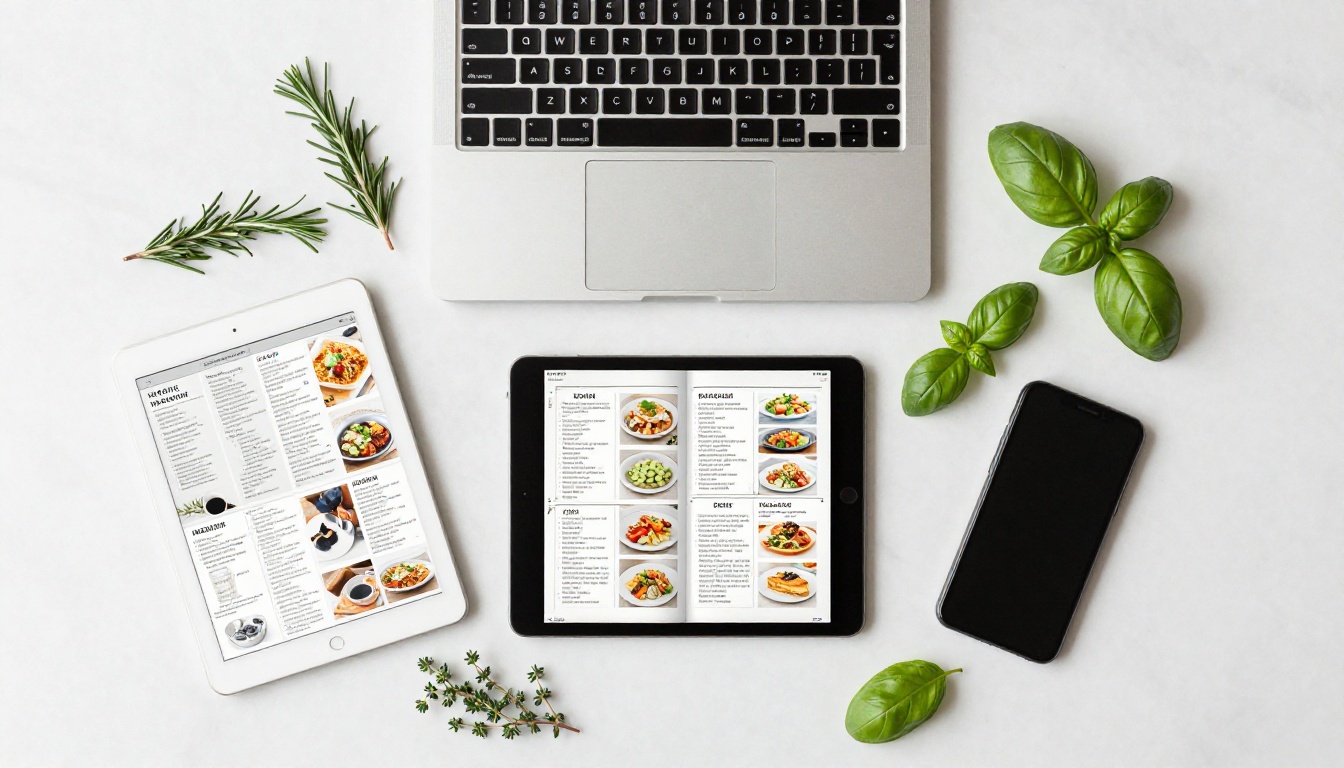
This is not about scanning pages and calling it a day. A digital flipbook is a living, interactive version of your cookbook that your family, followers, or customers can actually enjoy flipping through online.
Why Digital Cookbooks Are Changing How People Cook
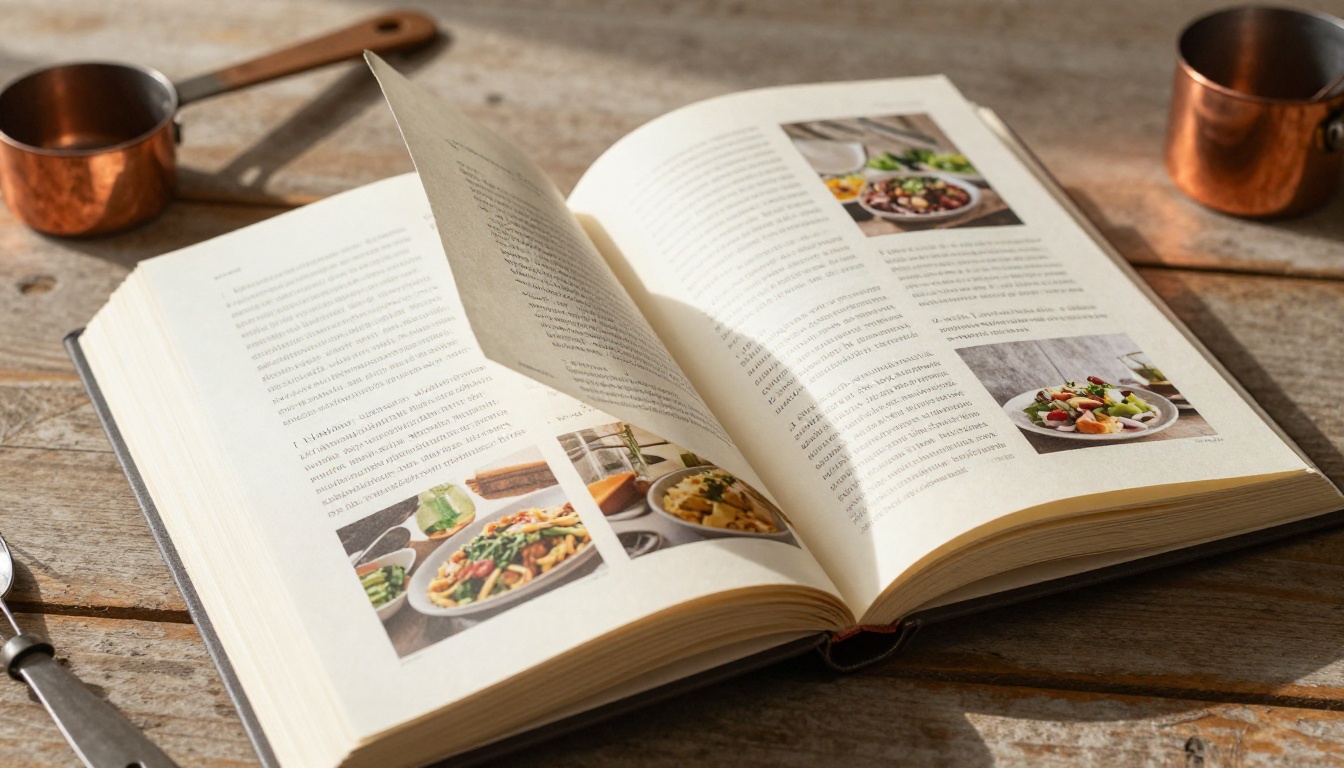
Physical cookbooks are beautiful, but they have real limitations. They get stained, they cannot be searched, you cannot share them with someone across the country, and they sit on a shelf when they could be reaching thousands of readers online.
The shift toward digital recipe content is not just a trend. It is a response to how people actually cook now, using phones and tablets propped up on kitchen counters, saving recipes to digital collections, and sharing food content with communities online.
The Problem with Static PDF Recipes
Most people who digitize their cookbooks stop at a PDF. It works, but barely. PDFs are clunky on mobile, they do not present well when shared, they have no visual appeal, and they feel nothing like reading an actual book.
A PDF is a file. A flipbook is an experience.
What a Flipbook Actually Does Differently
When you convert your cookbook to a flipbook, readers get:
- Page-turning animations that mimic a real physical book
- Zoom-in functionality for detailed ingredient lists and step-by-step instructions
- Mobile-responsive layouts that adapt to any screen size automatically
- Shareable links that open instantly in any browser, no app download required
- Embed codes to place the flipbook directly inside a blog, website, or food platform
These are not cosmetic differences. They change how people actually interact with your recipes.
Free vs. Paid: What You Actually Get
One of the most common questions is whether "free" digital cookbook conversion delivers a useful result, or whether it is a bait-and-switch toward a paywall. Here is an honest breakdown:
| Feature | Free Plan | Standard Plan | Professional Plan |
|---|
| Flipbooks per account | 3 | Unlimited | Unlimited |
| Watermark | None | None | None |
| Custom domain | No | Yes | Yes |
| Password protection | No | Yes | Yes |
| Analytics | No | No | Yes |
| Lead generation forms | No | No | Yes |
| Offline downloads | No | No | Yes |
| Embed on website | Yes | Yes | Yes |
| Mobile-responsive | Yes | Yes | Yes |
| Shareable link | Yes | Yes | Yes |
💡 The free plan is genuinely useful. No watermarks means your cookbook looks professional from day one. Upgrade when you need features like private access or reader analytics.
The free tier is not a demo. It is a real working product. Three flipbooks is more than enough to share a family recipe collection, a holiday cookbook, or a specialty menu with the world.
If you are building something larger, a published cookbook with subscriber access, analytics to see which recipes get the most attention, or lead generation for a cooking class, the pricing plans scale up logically from there.
How to Turn Your Cookbook into a Digital Flipbook
This section walks through the exact process using Flipbooks AI. The whole process takes less than 10 minutes for most cookbooks.
Step 1: Prepare Your Cookbook as a PDF
Before uploading, your cookbook needs to be in PDF format. Here is how to get there depending on your starting point:
If your cookbook is a physical book:
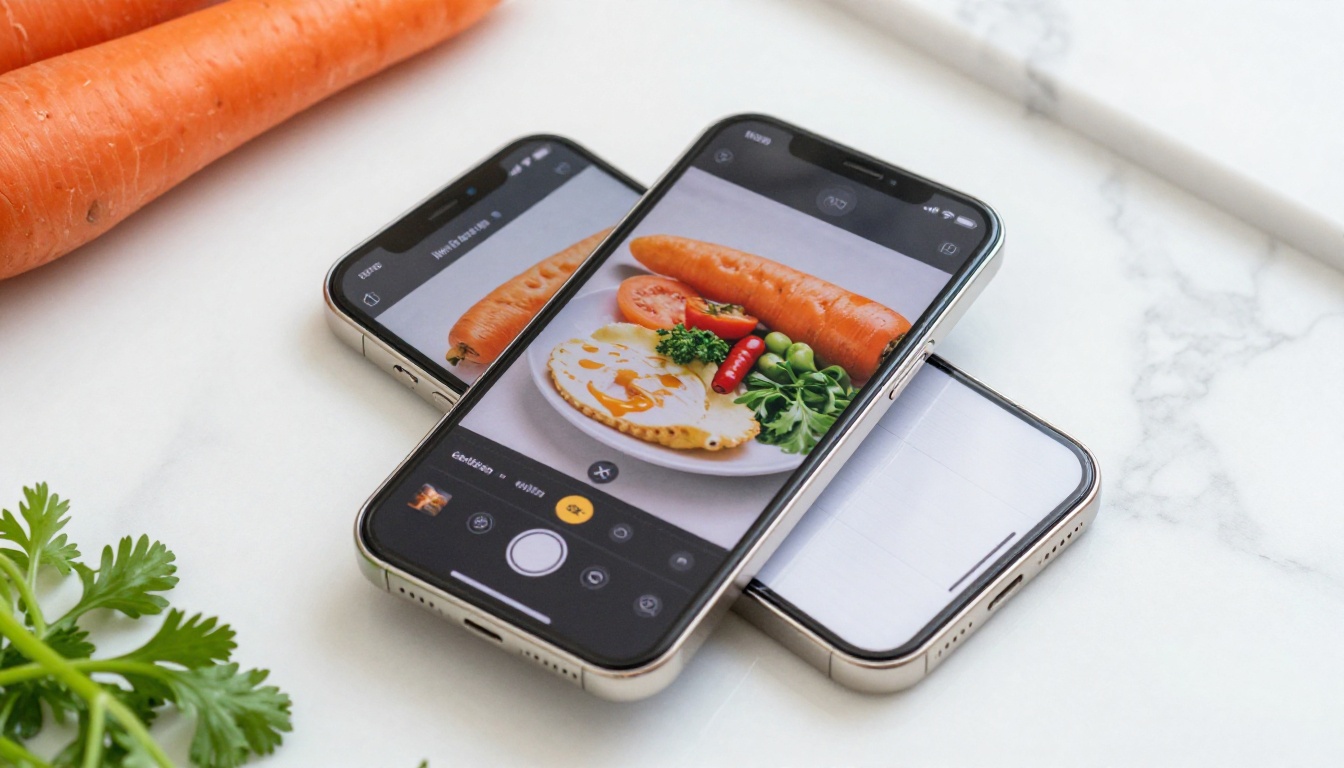
- Use a flatbed scanner to scan each page at 300 DPI minimum
- Combine scanned pages into a single PDF using free tools like Adobe Acrobat Reader, Smallpdf, or your operating system's built-in PDF tools
- Check page order carefully before saving
If your cookbook is a Word document or Google Doc:
- Export directly as PDF (File > Download > PDF in Google Docs)
- Use "Print to PDF" on desktop if your app does not have a direct export option
If your cookbook already exists as a PDF:
- Open it and confirm it looks correct, all pages present, text readable
- Compress if file size is very large (over 100MB) using Smallpdf or ilovepdf.com
⚠️ Low-resolution scans look blurry when zoomed in. Always scan at 300 DPI or higher for recipe text and food photography to display sharply in the flipbook.
Step 2: Upload to Flipbooks AI
- Go to flipbooksai.com and create a free account
- From your dashboard, click Create New Flipbook
- Select Upload PDF and choose your cookbook file
- Wait for the conversion to process, typically 30 to 90 seconds depending on file size
- Preview your flipbook once processing is complete
The PDF to Flipbook Converter handles the technical side automatically. You do not need to configure anything for the base conversion to work.
Step 3: Customize Your Cookbook Flipbook
Once the base conversion is done, this is where you make it yours:
- Title and cover: Set a display title that appears as the flipbook name
- Branding colors: Match your cookbook's color palette or your personal brand
- Page effects: Choose between hard-cover flip, soft page curl, or flat slide transitions
- Background: Select a background color or texture that frames your cookbook attractively
- Table of contents: Enable automatic chapter detection for longer cookbooks
💡 For recipe books specifically, a warm background color like cream, light terracotta, or sage green reinforces the food aesthetic far better than a plain white background.
Step 4: Share and Publish
Once you are happy with the appearance, you have several ways to get your cookbook in front of readers:
- Direct link: Copy the shareable URL and send it to anyone. Works in any browser, no account needed to view.
- Embed code: Paste the provided HTML code directly into your food blog, website, or cooking platform
- Social sharing: Share the link directly on Instagram bio, Facebook posts, or food community groups
- Email newsletters: Include the flipbook link in your recipe newsletter for subscribers
For cookbooks you want to keep private, the Standard plan includes password protection so only people with the password can view your flipbook. Perfect for exclusive recipe collections or paid content.
Who Actually Uses Digital Cookbook Flipbooks
The use cases are broader than most people expect. This is not just for professional cookbook authors.
Home Cooks and Food Bloggers
If you have been building a recipe collection for years, digitizing it as a flipbook gives you something genuinely shareable. Post the link in food communities, add it to your Instagram bio, or send it to family members who always ask "how do you make that dish?"
Food bloggers especially benefit from embedding a recipe flipbook directly on their site. It keeps visitors on the page longer and gives their content a premium feel without any premium cost.
Restaurants and Cafes
A restaurant that has built a signature recipe collection, cooking class curriculum, or customer newsletter can publish it as a flipbook in minutes. The Recipe Book Flipbook tool is built specifically for this purpose.
Restaurants can also use the Menu Flipbook Designer to turn seasonal menus into shareable digital experiences that load instantly on any phone, no printing costs, no minimum orders.
Cookbook Authors and Publishers
For authors who want to create a digital preview of their cookbook before publication, or self-publishers who want to share their work without a traditional publisher, a flipbook provides a professional-looking digital edition that rivals what traditional publishers produce.
Community and Charity Cookbooks
Schools, churches, community organizations, and nonprofits regularly publish fundraising cookbooks. Printing is expensive. Digital distribution costs nothing. A community cookbook flipbook can be shared by link with every contributor and reader, no printing fees, no shipping, no minimum order quantities.
Comparing Your Digital Cookbook Options
Not all digital cookbook formats are created equal. Here is how the main options stack up:
| Format | Mobile-Friendly | Page-Turn Effect | Free to Share | Embed on Site | Interactive |
|---|
| PDF link | Partial | No | Yes | Partial | No |
| Google Slides | Yes | No | Yes | Yes | No |
| Canva presentation | Yes | No | Yes | Yes | No |
| Flipbook (Flipbooks AI) | Yes | Yes | Yes | Yes | Yes |
| Printed book | No | Yes | No | No | No |
The flipbook format wins on nearly every dimension when digital sharing is the goal. The page-turning effect alone creates a reading experience that PDFs and slide decks simply cannot match.
✅ Best practice: Keep your PDF master file. Use the flipbook for sharing and distribution. Update your flipbook any time you revise the PDF by uploading a new version to your account.
Features That Make Recipe Flipbooks Worth It
Beyond the basic page-turn, there are specific features that make Flipbooks AI particularly well-suited for recipe and cookbook content.
Mobile-First Reading
The majority of people consuming recipe content do it on their phones. A flipbook built on Flipbooks AI automatically adapts to any screen size. Pages reflow, text stays readable, and images stay crisp whether you are viewing on a 5-inch phone or a 27-inch desktop monitor.
Embed Anywhere, Instantly
The Embed Flipbook on Website tool generates a simple HTML code snippet. Drop it into any food blog, WordPress site, Squarespace page, or cooking platform and the full interactive flipbook appears inline. No plugins, no technical headaches, no size limitations.
Password Protection for Exclusive Recipes
Running a paid cooking community? Offering a premium recipe collection as a membership benefit? Password protection on the Standard plan means your best content stays behind a gate while still being delivered digitally in the most polished format possible.
No Watermarks, Ever
This is worth repeating: Flipbooks AI does not put watermarks on your flipbook at any plan level. Your cookbook looks exactly how you designed it, on every plan, including free. That is rare in the free-tool space and worth noting.
Pro Tips for a Stunning Digital Cookbook
These details separate an ordinary PDF conversion from a truly impressive digital cookbook experience:
Photography matters more in digital format. High-resolution food photography shows up beautifully when readers zoom in. If your cookbook has low-resolution images, consider reshooting key dishes before creating the final PDF.
Add a proper table of contents page. Even if the flipbook generates one automatically, a visual contents page inside your PDF helps readers navigate naturally when flipping through pages.
Use consistent fonts throughout. Digital flipbooks render fonts exactly as they appear in your PDF. Inconsistent fonts that might be forgiven in print look messy on screen. Pick two fonts maximum, one for headings, one for body text.
Test on mobile before sharing. Open your flipbook link on your phone before sending it to anyone. What looks great on a desktop sometimes needs adjustments when viewed vertically on a smaller screen.
Write recipe headnotes. The best digital cookbooks tell a story above each recipe. A short paragraph about where the recipe came from, what makes it special, or a memory attached to it creates an emotional connection that plain ingredient lists never will.
Cookbook Flipbook Ideas You Might Not Have Considered
The obvious use case is a personal or family recipe collection. But here are formats worth building that most people overlook:
| Cookbook Type | Who It's For | Flipbook Advantage |
|---|
| Seasonal recipe collection | Food bloggers | Shareable link, embed directly on blog |
| Restaurant signature dishes | Restaurant owners | Password protect for staff access only |
| Cooking class curriculum | Culinary educators | Analytics to see which pages readers spend time on |
| Holiday gift cookbook | Families | Password protect, send as a private link |
| Community fundraiser cookbook | Schools, nonprofits | Free plan, share by link with zero printing cost |
| Meal prep weekly guide | Fitness coaches | Lead generation for email list signups |
| Allergen-specific recipe book | Health coaches | Embed on health and wellness site |
Each of these has a slightly different audience and purpose, but the workflow is identical: PDF in, flipbook out, share immediately.
Start Sharing Your Recipes Today
Your cookbook deserves to be read, not sit in a folder on your hard drive or collect dust on a shelf. The process of turning it into a digital flipbook is genuinely free, takes minutes, and produces a result that is shareable, embeddable, and visually impressive from the very first page.
Create your first cookbook flipbook on Flipbooks AI and see how your recipes look with real page-turning effects and mobile-friendly formatting that works on any device.
If you want to go further, browse all flipbook tools to find specialty tools for recipe books, menus, and food publications built for specific use cases. When you are ready to add features like analytics, password protection, or lead generation forms, compare pricing plans to find the right fit for where you are taking your cookbook.
Your recipes have been waiting long enough.



