Your grandmother's lasagna recipe. The holiday cookie collection your aunt perfected over thirty years. That binder stuffed with handwritten notes from cooking classes, oil-stained and beloved. These things deserve more than a dusty shelf or a shared Google Doc. Turning your cookbook into a digital flipbook gives those recipes a real home online, one that people can browse, share, and return to, just like flipping through a real book. Flipbooks AI makes this possible without any technical skills, in minutes.
Why Paper Cookbooks Need a Digital Upgrade
Physical cookbooks are irreplaceable in feel, but they come with real limits. They're easy to lose, hard to share with someone across the country, and they don't survive a kitchen spill the way a digital backup does.
The Problem With PDFs and Google Docs
Most people who digitize their recipes stop at a PDF or a shared document. It works, technically. But a flat PDF has no personality. There's no page-turning effect, no visual hierarchy, no way for your reader to feel like they're actually paging through your book. A Google Doc feels even less like a cookbook and more like a homework assignment.
What a Flipbook Actually Adds
A digital flipbook recreates the physical act of reading. Pages curl and turn. Readers can zoom in on ingredient lists. You can embed photos between recipes, add links to cooking video methods, and include a clickable table of contents. For a cookbook, this isn't just cosmetic. It changes how people interact with your content.
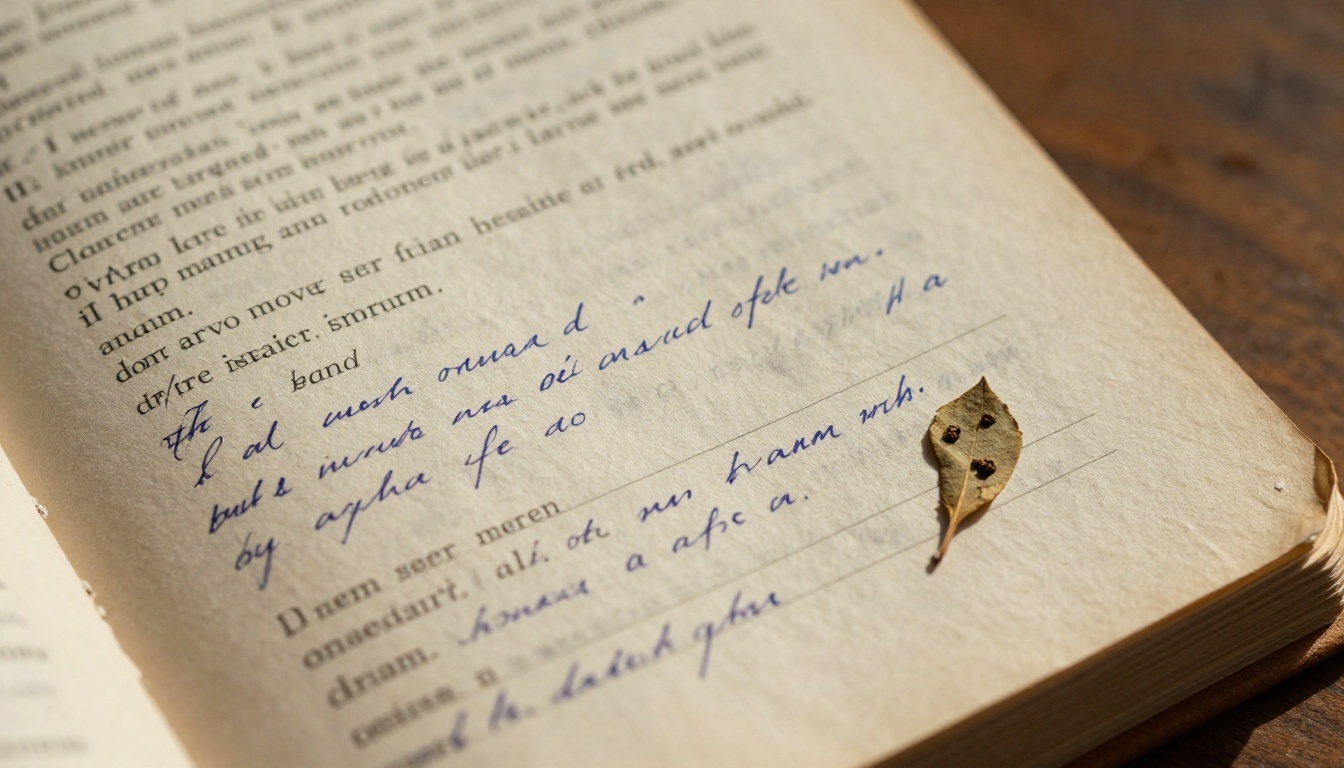
Before you upload anything, the format of your cookbook matters. Not all starting points are equal.
PDF Is the Gold Standard
If your cookbook already exists as a PDF, from a design tool like Canva, Adobe InDesign, or even Microsoft Word exported to PDF, you're in the best possible position. The PDF to Flipbook Converter takes your file and produces a fully interactive flipbook in seconds.
Starting From a Physical Book
If your cookbook only exists in physical form, you'll need to scan it first. A decent flatbed scanner or even a high-resolution smartphone scanning app can produce a clean PDF. Once you have a PDF, the process is identical to starting digitally.
Recipe Builders and Design Templates
Some people build their cookbook from scratch using a template. Tools like Canva have dedicated cookbook and recipe book templates that export as PDF. The advantage here is full creative control before converting.
💡 Pro tip: Keep your PDF pages at 300 DPI minimum for crisp image quality in the final flipbook. Lower resolution scans will show pixelation when readers zoom in on recipes.
| Starting Format | Effort Required | Final Quality | Recommended? |
|---|
| Existing PDF | Very Low | Excellent | Yes |
| Scanned Physical Book | Medium | Good to Excellent | Yes |
| Word or Google Docs Export | Low | Good | Yes |
| Image Files (JPG/PNG) | High | Variable | Only if needed |
| Canva Template to PDF | Low | Excellent | Yes |

How to Turn Your Cookbook into a Flipbook with Flipbooks AI
This is where it gets practical. The process on Flipbooks AI is built for people who aren't designers or developers. Here's exactly how it works.
Step 1: Set Up Your Account
Go to flipbooksai.com/account and sign up. The free tier lets you test the platform immediately without committing to a paid plan.
Step 2: Upload Your Cookbook PDF
Once logged in, click "New Flipbook" and upload your PDF. The Recipe Book Flipbook tool is specifically designed for this use case and handles multi-page uploads cleanly. Processing typically takes under a minute for cookbooks up to 100 pages.
Step 3: Choose Your Layout and Style
After upload, you'll see a live preview of your flipbook. At this point you can:
- Select a page transition style: classic curl, fade, or slide
- Set a background color or texture
- Add your name or brand logo to the front page
- Choose font styles for any text overlays
Step 4: Add Interactive Elements
This is what separates a flipbook from a static PDF. You can:
- Embed links: link ingredient names to purchasing pages, or cooking terms to YouTube tutorials
- Add video embeds: include a cooking demonstration video directly inside a recipe page
- Insert audio clips: narrate recipes or add background music
- Create a clickable table of contents: chapter navigation for long cookbooks
Step 5: Publish and Share
When you're satisfied with the preview, hit Publish. You'll receive:
- A direct shareable link you can send via text, email, or social media
- An embed code to place the flipbook on your website or blog
- Options for password protection if your cookbook is private or for paid subscribers only
✅ Best practice: Use password protection for family recipe collections you only want specific people to access. It keeps your content private while still being shareable as a link.
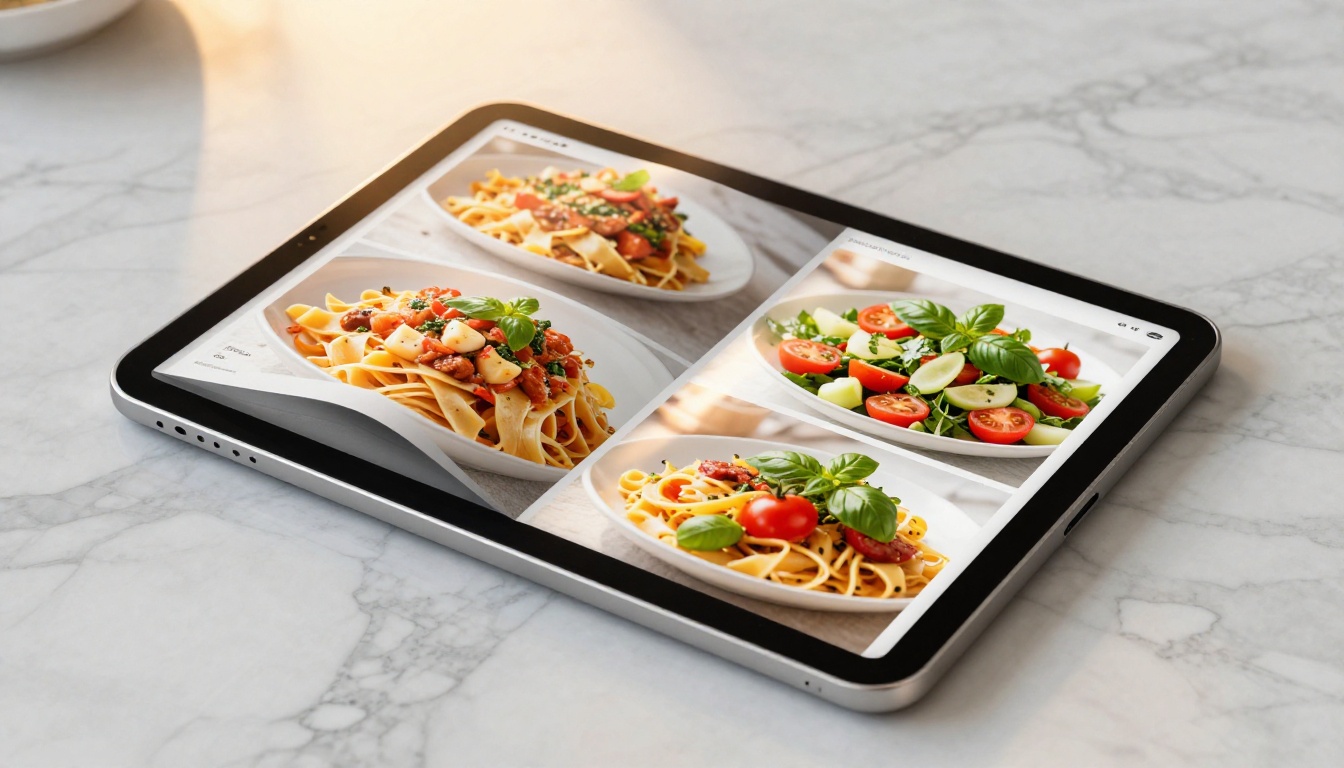
Customizing Your Recipe Flipbook
A flipbook that looks like yours is far more memorable than a generic one. Flipbooks AI gives you enough customization to make it feel personal without overwhelming you with options.
Branding and Visual Identity
Whether you're a home cook sharing recipes with family or a food blogger building an audience, visual consistency matters. You can upload a custom logo, set brand colors, and choose a header image for the front page. For food bloggers or culinary entrepreneurs, this makes your digital cookbook feel like a real published product.
Typography That Reads Well
Cookbooks need legible fonts at various sizes. Your PDF's fonts carry over into the flipbook, so design decisions you make in Canva or InDesign apply directly. For any text added inside the flipbook editor, choose clean sans-serif fonts for ingredient lists and a more expressive serif for recipe titles.
Mobile-Responsive Design
Every flipbook on the platform is automatically optimized for mobile. Readers on a smartphone can pinch-to-zoom on ingredient amounts, flip pages with a swipe, and read your recipes without squinting. This matters because most recipe browsing happens on phones.
Who Actually Benefits From This
Turning a cookbook into a flipbook isn't just for food bloggers. The range of people who find real value here is wider than you'd expect.
Home Cooks and Family Recipe Keepers
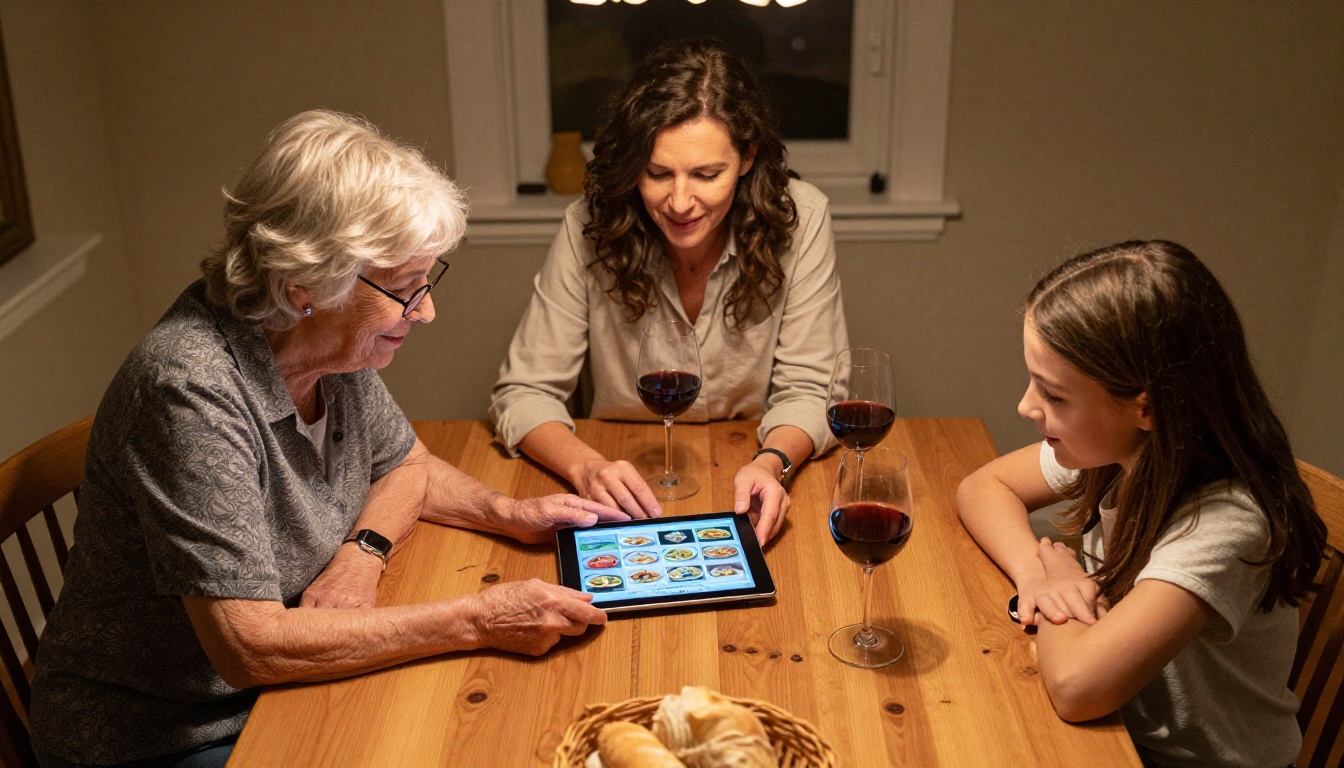
The most common use case is personal: someone wants to preserve and share a family recipe collection. A flipbook lets grandma's handwritten notes become something the whole extended family can access on any device, anytime.
Food Bloggers and Content Creators
If you write about food online, a digital cookbook in flipbook format is a high-value lead magnet. Offer it as a free download to new newsletter subscribers, or sell it as a low-cost product. The Interactive E-Book Publisher gives content creators the tools to make this look professional.
Culinary Schools and Cooking Classes
Cooking schools distribute printed handouts that inevitably get lost or damaged. A digital flipbook sent to students before class gives them a reference they can access on their phone at the stovetop, pause and zoom in on, and keep permanently.
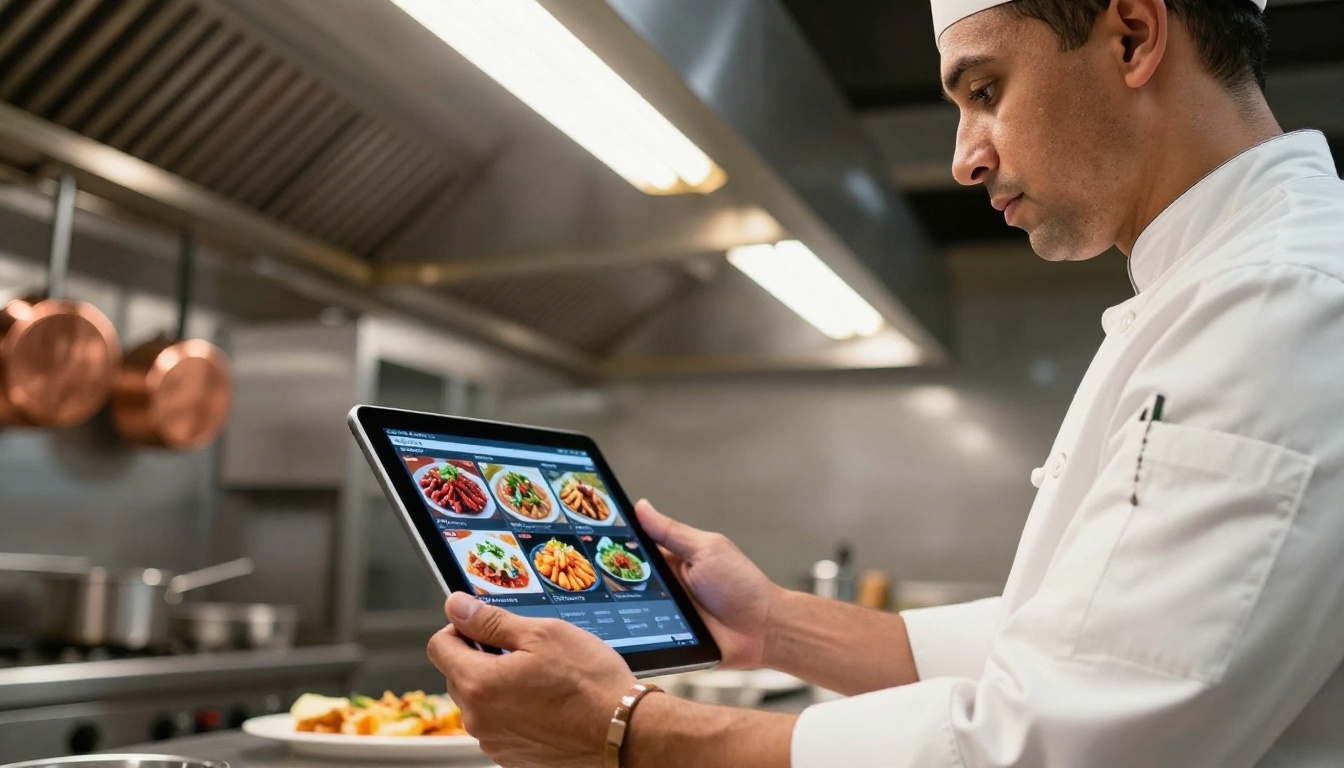
Restaurants and Private Chefs
Restaurants can create branded recipe books for private dining guests, cooking class participants, or as gifts. The Restaurant Menu Creator also pairs well with a recipe flipbook for businesses that want to give guests a full culinary experience.
💡 Pro tip: For cooking class instructors, create a separate flipbook per class session rather than one massive cookbook. It's easier to update individual sessions and students only download what they need.
Comparing Flipbook Plans for Cookbook Creators
Flipbooks AI pricing is structured around how much you plan to publish and what features you need. Here's how the plans stack up for cookbook use cases.
| Feature | Free | Standard | Professional |
|---|
| Watermark-free flipbooks | No | Yes | Yes |
| Number of flipbooks | Limited | Unlimited | Unlimited |
| Password protection | No | Yes | Yes |
| Custom branding | No | Yes | Yes |
| Analytics and lead generation | No | No | Yes |
| Offline downloads | No | Yes | Yes |
| Embed on website | No | Yes | Yes |
| Video and audio embeds | No | Yes | Yes |
For personal family cookbooks, the Standard plan covers everything you need. For food bloggers monetizing their content or culinary businesses tracking reader activity, the Professional plan adds analytics and lead generation that are genuinely useful.
⚠️ Note: The free plan adds a watermark to all flipbooks. If you're sharing your cookbook publicly, upgrade before publishing so your content looks polished.
Sharing Your Cookbook With the World (or Just Your Family)
Once your flipbook is published, getting it in front of people is simple. The right method depends on who your audience is.
Direct Link Sharing
Every flipbook gets a unique URL. You can drop this into a family group chat, email it to cooking class students, or post it on social media. Anyone who clicks opens the flipbook directly in their browser, no download required, no app install.
Embedding on a Website or Blog
If you have a food blog, embedding your flipbook is a strong move. It keeps visitors on your site longer and adds rich interactive content. The embed code is generated automatically. Just paste it into your blog post or dedicated cookbook page.
Password-Protected Private Cookbooks
For recipe collections that are personal, sensitive, or commercial, password protection keeps your content exclusive. Set a password, share it only with intended recipients. This is particularly useful for paid recipe books or exclusive member content.
SEO Benefits of a Public Flipbook
A flipbook with a public URL is indexable. Search engines can see the content, which means your digital cookbook can attract organic traffic if you're publishing publicly. This is a real advantage over a PDF sitting in someone's downloads folder.
Cookbook Flipbook Ideas Worth Trying
Sometimes the hardest part is deciding what to make. Here are specific flipbook cookbook ideas that work well in this format.
Family Heritage Collection
Gather recipes from multiple family members, scan handwritten cards, and compile them into one cohesive PDF. Add a short introduction from each contributor. The resulting flipbook becomes a family artifact, something to share at reunions or as a holiday gift.
Seasonal Recipe Series
Instead of one giant cookbook, create four seasonal flipbooks. Spring produce, summer grilling, fall comfort food, winter baking. Each one stays focused and relevant throughout the year.
Dietary-Specific Books
A gluten-free baking book, a plant-based weeknight dinners collection, a low-sodium recipes for seniors reference. Specific audiences respond better to targeted cookbooks than to general collections.
Restaurant Staff References
Chefs running professional kitchens can create internal recipe flipbooks as training resources. Consistent, visually rich, and easy to update when recipes change. The Training Manual Flipbook tool works perfectly for this purpose.
Common Mistakes to Avoid
A few missteps can undermine an otherwise good cookbook flipbook.
Low-Resolution Food Photography
Food photography in your cookbook needs to be sharp. If your recipe photos are blurry or pixelated, they'll look worse in a flipbook than in a static PDF because readers will zoom in. Use high-resolution originals and export your PDF at 300 DPI minimum.
Overpacking the Pages
Cookbooks with dense text and no breathing room are hard to read on screen. Use whitespace generously. If your original cookbook is text-heavy, consider reformatting before converting.
Skipping the Table of Contents
For cookbooks with more than 20 recipes, navigation matters. A clickable table of contents at the front turns a scroll-through into a real browsing experience that readers appreciate.
Not Testing on Mobile
Before you share your flipbook with anyone, test it on a smartphone. Open the link on your phone, flip through a few pages, and zoom in on text. What looks fine on a desktop can be cramped or hard to read on mobile.
Not everyone agrees that a flipbook is the right format for every use case. Here's an honest look at the options.
| Format | Page-Turning Feel | Shareable | Searchable | Interactive | Best For |
|---|
| Flipbook | Yes | Yes | Yes (public) | Yes | Sharing, publishing, selling |
| PDF | No | Yes | Yes | Limited | Archiving, printing |
| Google Doc | No | Yes | Yes | No | Collaboration, drafting |
| Printed Book | Yes | No | No | No | In-kitchen use |
| Website/Blog | No | Yes | Yes | Yes | Ongoing content |
For most people who want to share a finished cookbook, a flipbook wins on almost every dimension that matters.
Your Recipes Are Ready for an Audience
Your cookbook has already been written. The recipes are there. All that's left is giving them a format that matches the care you put into creating them. Create your first flipbook on Flipbooks AI and have your interactive cookbook online today.
If you're deciding which plan fits your needs, compare pricing options before publishing. For the most direct path, the Recipe Book Flipbook creator and the PDF to Flipbook Converter are the two tools built most specifically for this use case. Browse all available tools to see the full range of options.
Your recipes are worth more than a folder on your desktop.



