If you've spent months writing, editing, and formatting an eBook, the last thing you want is for readers to open a flat PDF and scroll through it like a spreadsheet. Static documents don't hold attention the way interactive formats do, and that gap is exactly where flipbook versions of eBooks are winning. Flipbooks AI makes this conversion straightforward, giving any author a polished, page-turning reading experience without hiring a developer or learning new software.

Why Static PDFs Fall Short
The PDF reading problem
PDFs were built for printing, not for screens. When readers open a PDF eBook on a laptop, tablet, or phone, they get a static document that requires continuous scrolling or clicking through pages with no tactile sense of progress. There's no visual feedback, no sense of depth, and no reason to stay beyond the words on the page.
For authors who've invested in layout, typography, and imagery, a PDF flattens all of that effort into something utilitarian. A well-designed cookbook, a photo-heavy travel book, or a children's illustrated story loses most of its visual impact when delivered as a scrollable file.
What readers actually want
Reader behavior data consistently points toward interactive formats. When given the choice between a standard PDF and an HTML5 flipbook, readers spend more time on the flipbook version, navigate to more pages, and are more likely to share the link. The page-turn animation creates a psychological sense of reading a real book, triggering familiar reading patterns.
Beyond the animation itself, flipbooks allow authors to embed links, video content, audio clips, and interactive elements that PDFs simply can't support in a browser-friendly way.
What a Flipbook Version Actually Does
The page-turning mechanics
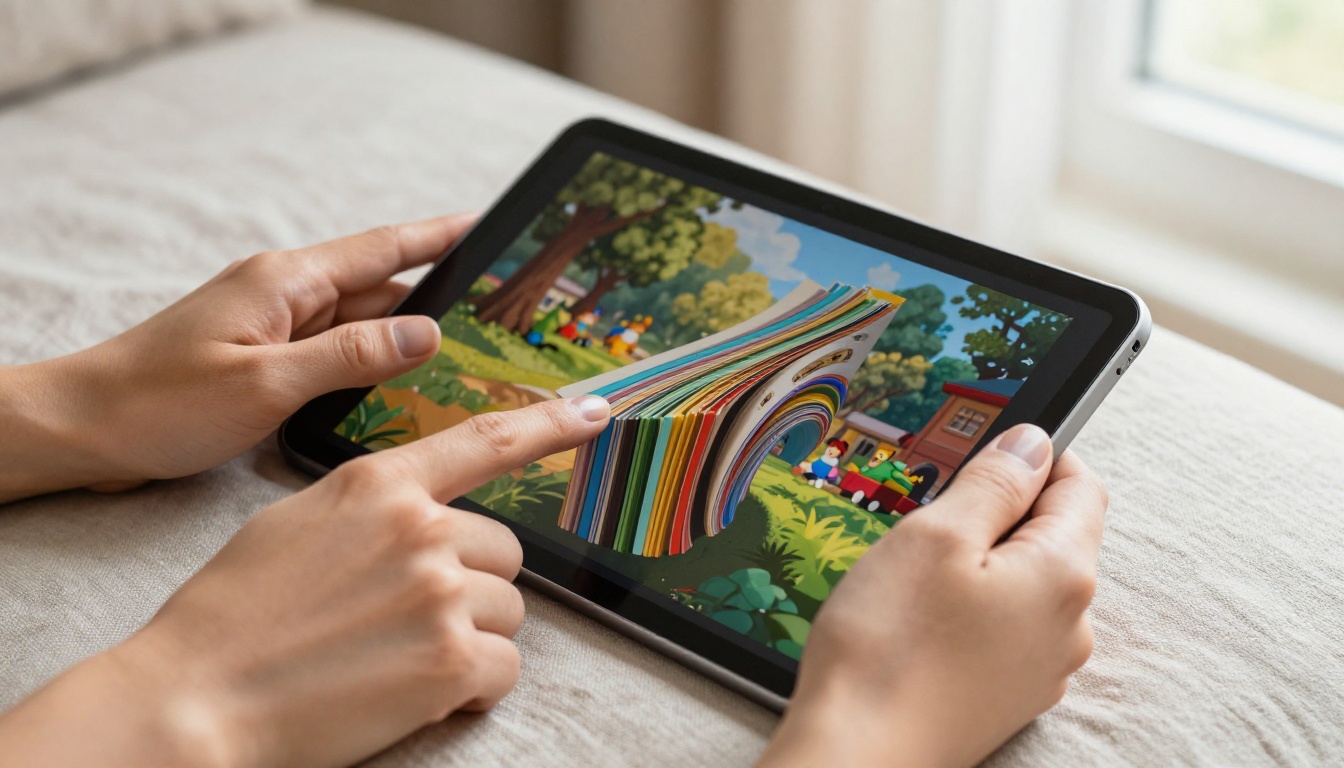
A flipbook version of your eBook converts each page of your PDF into a high-resolution image that renders inside an HTML5 viewer. When a reader clicks or swipes to advance, they see a smooth, realistic page-curl animation that mimics physically turning a page. The effect works on desktop, tablet, and mobile without any plugins or downloads.
The underlying technology uses vector rendering to keep text sharp at any zoom level, and most platforms including Flipbooks AI preserve hyperlinks embedded in the original PDF so internal navigation and external links remain fully functional.
More than just animation
The page-turn effect is the hook, but the real value is in what it enables:
- Embedded multimedia: Add YouTube videos, audio narration, or product demos directly into the reading experience
- Clickable links: Every hyperlink in your PDF stays active, including table of contents jumps and external URLs
- Mobile-responsive layout: The flipbook automatically adjusts to any screen size without reformatting your content
- Custom branding: Add your logo, choose color themes, and set a custom domain for sharing
- Password protection: Restrict access to paying readers or private distribution lists
- Analytics tracking: See which pages readers spend time on and where they drop off (available on the Professional plan)
💡 If your eBook has a table of contents with internal links, test those links after conversion. Most flipbook platforms preserve PDF hyperlinks, but it's worth verifying before distributing.
eBook Types That Work Best as Flipbooks
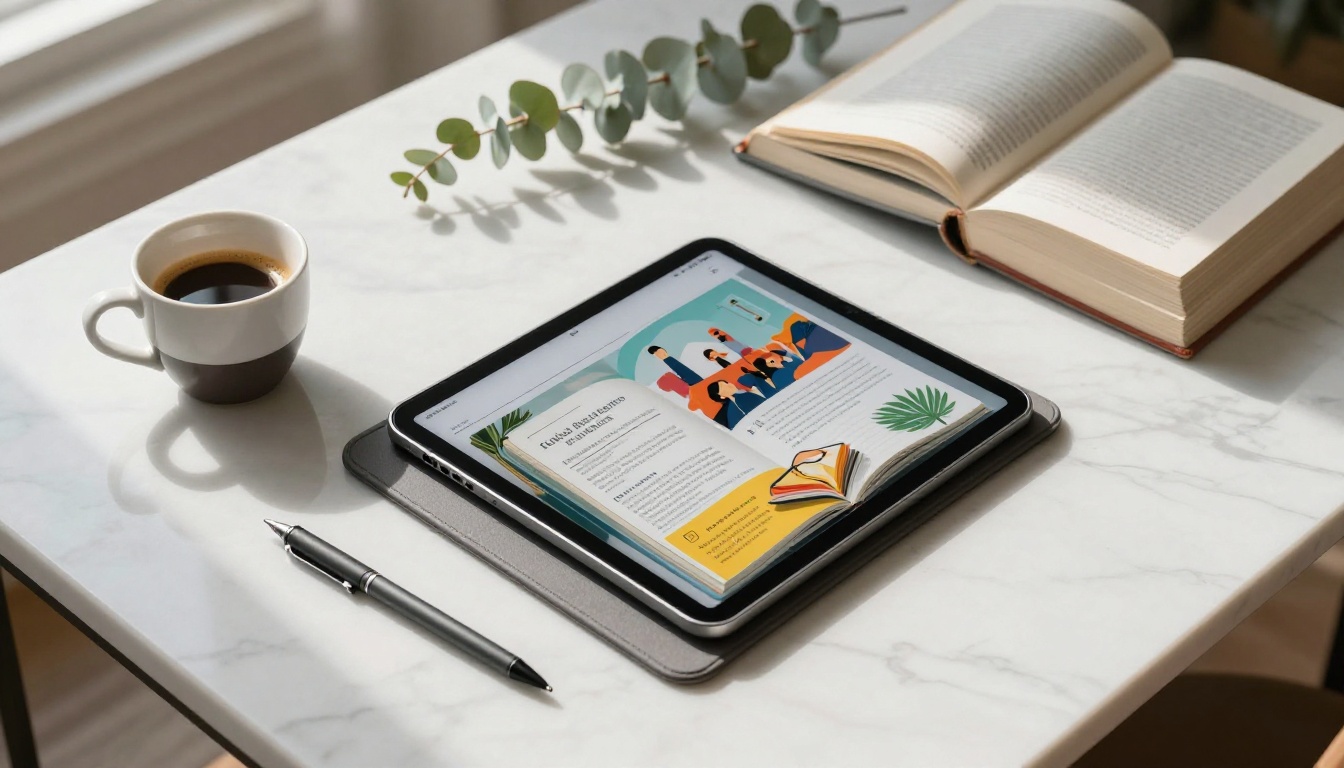
Not every eBook benefits equally from the flipbook format, but most improve meaningfully. Here's a practical breakdown:
| eBook Type | Flipbook Benefit | Why |
|---|
| Illustrated children's books | Very High | Visual spread layouts shine in page-turn format |
| Photo books and art portfolios | Very High | Full-bleed images look better in page context |
| Cookbooks and recipe collections | High | Page spreads feel natural; video links work perfectly |
| Business reports and white papers | High | Professional look; analytics track stakeholder reading |
| Travel guides | High | Maps, photos, and links are all enhanced |
| How-to and instructional books | High | Step numbering and callout boxes render crisply |
| Fiction novels | Moderate | Less visual, but still better than PDF scrolling |
| Academic texts | Moderate | Good for reference; footnote links stay active |
✅ If your eBook has any visual content, double-column layouts, or relies on page spreads for meaning, the flipbook format is almost certainly an improvement.
The Interactive E-Book Publisher and the E-Book Flipbook Generator on Flipbooks AI are specifically built for these use cases, offering purpose-built tools for authors converting their work.
How to Convert Your eBook on Flipbooks AI
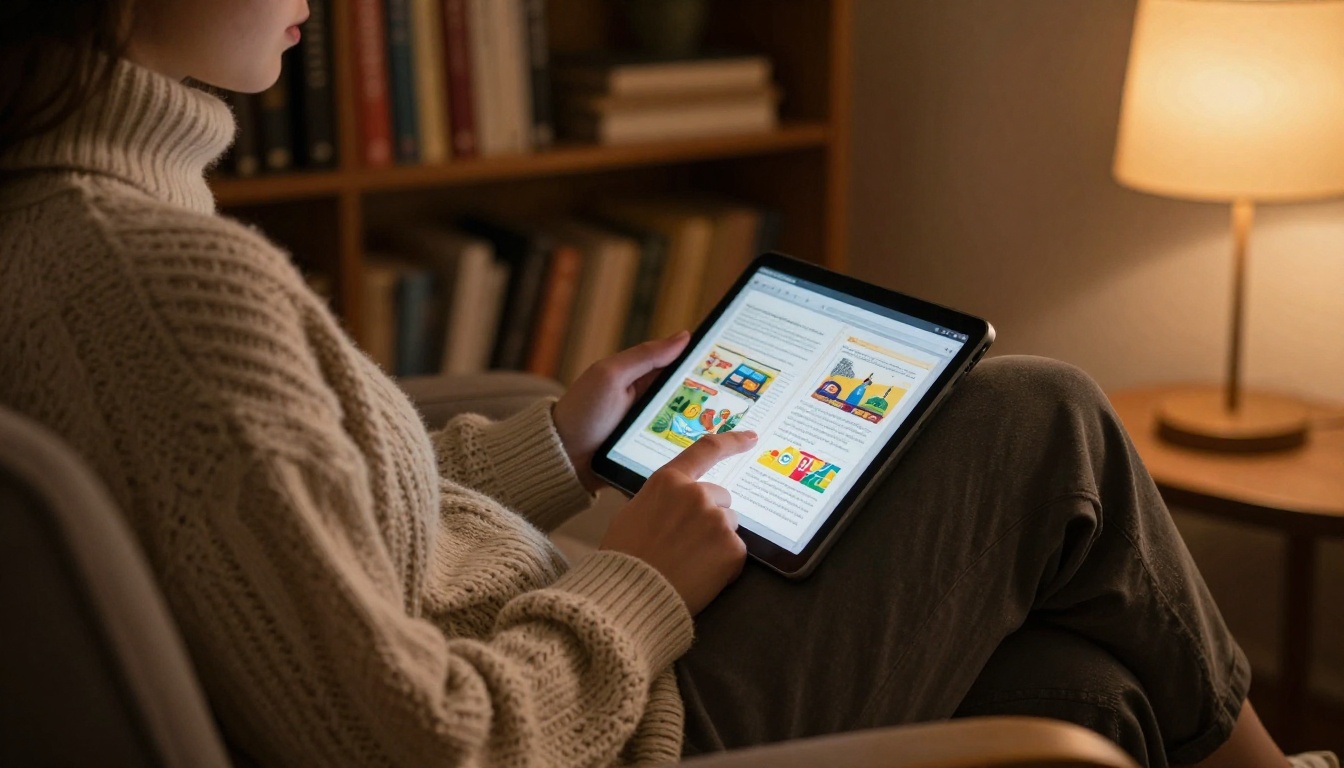
Flipbooks AI makes the conversion genuinely simple. You don't need to reformat your eBook or export to a special file type. If you have a PDF, you're ready to go.
Step 1: Prepare your PDF
Before uploading, run a quick quality check on your PDF:
- Open it at 100% zoom and verify text is sharp, not pixelated
- Confirm all internal hyperlinks work correctly
- Check that embedded images are at least 150 DPI (300 DPI preferred for photo-heavy books)
- Remove any existing password protection from the PDF before upload (you can add flipbook-level password protection after conversion)
If your eBook was designed in Canva, Adobe InDesign, or similar software, export it as a print-quality PDF for the best rendering results.
Step 2: Upload and convert
- Go to flipbooksai.com/account and sign in or create your free account
- Click New Flipbook and select your PDF file
- The platform processes each page and generates the interactive flipbook, typically within a few minutes depending on page count
- Once processing is done, preview the flipbook to verify page rendering and link functionality
⚠️ Very large PDFs (300+ pages) may take longer to process. For best performance, consider splitting extremely long books into sections or volumes before uploading.
Step 3: Personalize your flipbook
This is where you make it yours. The customization panel lets you:
- Set a preview thumbnail: Choose which page displays as the preview image in sharing links
- Add your branding: Upload a logo and set brand colors for the viewer interface
- Configure page effects: Adjust the page-turn speed and animation style
- Add background audio (optional, great for children's books and mood-driven content)
- Set the reading direction: Left-to-right or right-to-left for languages like Arabic or Japanese
- Enable chapter navigation: Readers can jump to sections directly from a table of contents panel
Step 4: Share and distribute
Once your flipbook is live, you have several distribution options:
- Direct link: Share a clean URL directly with readers, subscribers, or advance reviewers
- Embed code: Paste an HTML snippet into your website or blog to host the flipbook in-page
- Password protection: Require a password before anyone can open the flipbook, ideal for paid content
- Social sharing: Flipbooks AI generates a preview card for social platforms automatically
- Offline download: Allow readers to save a copy for offline reading (available on Standard plan and above)
💡 For authors selling directly to readers, password protection works as a lightweight access control solution. Send readers the password after purchase and change it if needed.
Flipbooks AI Plans: What Authors Need
Different authors have different distribution needs. Here's how the plans compare for eBook use cases:
| Feature | Free | Standard | Professional |
|---|
| Number of flipbooks | Limited | Unlimited | Unlimited |
| Watermarks | Yes | No | No |
| Password protection | No | Yes | Yes |
| Custom branding | No | Yes | Yes |
| Embed on website | No | Yes | Yes |
| Video and audio embeds | No | Yes | Yes |
| Offline downloads | No | Yes | Yes |
| Analytics dashboard | No | No | Yes |
| Lead generation forms | No | No | Yes |
For most self-published authors, the Standard plan covers everything needed for professional distribution with no watermarks and full embedding options. The Professional plan adds analytics (so you can see exactly which pages readers spend time on) and lead generation forms, which is valuable for building an email list directly from your readership.
Check the full breakdown at flipbooksai.com/pricing to find the right fit for your publishing workflow.
Real-World Use Cases for Authors
Fiction authors and novelists
For novels, the flipbook format improves the reading experience even without heavy visual content. Readers get a clear sense of their position in the book through visual page depth, chapter navigation is faster, and the format works cleanly on both desktop and mobile without reformatting issues.
Fiction authors using Flipbooks AI often set up password-protected flipbooks as advance reader copies (ARCs) for reviewers. This avoids file-sharing risks and lets the author revoke access after the review period simply by changing the password.
Non-fiction and how-to books
How-to content benefits enormously from interactive flipbooks. Authors can embed tutorial videos directly into the pages where they're referenced, add clickable cross-references between chapters, and include downloadable worksheet links that open without leaving the reading experience.
A business book author, for example, can embed a video walkthrough of a framework right on the page that introduces the concept, turning a static chapter into a multimedia lesson without any coding.
Children's books and illustrated content
This is arguably where the flipbook format is most impactful. Illustrated spreads render exactly as designed, the page-turn animation adds genuine delight for young readers, and authors can layer in audio narration or ambient sound effects. The same visual richness that makes the Photography Portfolio tool so effective applies directly to illustrated children's content.
✅ If you sell children's books, a password-protected preview flipbook showing the first 10 pages free with the rest locked is a proven way to increase conversions from your website or landing page.
When choosing how to distribute your eBook, flipbooks compete primarily with PDFs and dedicated eReader formats like EPUB and MOBI. Here's an honest comparison:
| Format | Mobile-friendly | Interactive | Visual fidelity | Shareable link | Analytics |
|---|
| PDF | Partial | No | High | No | No |
| EPUB / MOBI | Yes | Limited | Medium | No | No |
| HTML5 Flipbook | Yes | Yes | High | Yes | Yes (Pro) |
| Embedded Flipbook | Yes | Yes | High | Yes | Yes (Pro) |
The main scenario where PDFs win: when readers need to print your book. For digital-first distribution to readers consuming content on screens, the flipbook format is stronger on nearly every dimension. EPUB and MOBI formats work well for long-form text reading on dedicated eReaders (Kindle, Kobo) but strip away visual layouts and don't support embedding on websites.
For authors distributing directly to readers through their own websites, email lists, or social channels, the flipbook is the format that gives you the most control and the best presentation.
Questions Authors Ask Before Converting
Does the flipbook replace my PDF or run alongside it?
Both options work. Many authors keep the PDF available for readers who prefer it or need a print-ready version, while offering the flipbook as the primary digital reading experience. There's no technical reason you can't offer both.
Will my layout look exactly the same?
If your PDF uses fixed-layout formatting, as most professionally typeset eBooks do, the rendering will be very faithful. The only layouts that may need adjustment are those relying on custom fonts that aren't embedded in the PDF file itself.
Can I update the flipbook after it's live?
Yes. You can replace the source PDF on Flipbooks AI and the flipbook will regenerate with the updated content while keeping the same URL. This is particularly useful for authors who release updated editions or need to fix errors post-publication.
How many pages can a flipbook handle?
Most long-form books convert without issues. Flipbooks AI handles documents up to several hundred pages. For very long reference works, splitting into volumes improves load performance for readers on slower connections.
Is my content protected from copying?
Flipbooks AI includes right-click protection and text selection controls. Combined with password protection, this provides meaningful security for premium content without the friction of DRM systems that frustrate legitimate readers.
Your Next Step
If you've already written and formatted your eBook as a PDF, the conversion process takes less than 10 minutes. The results, especially for visually designed books, are immediately noticeable.
Ready to see what your eBook looks like in flipbook format? Create your free account on Flipbooks AI and upload your PDF today. No design skills needed, no developer required.
If you're comparing options before committing, review the pricing plans to see exactly what you get at each tier.
For specific use cases beyond general eBooks, browse the full tools directory, including the E-Book Flipbook Generator, Interactive E-Book Publisher, and Newsletter Flipbook Publisher for authors building a subscriber-facing content library.
Your eBook deserves to be read. Give it the format that makes that actually happen.



