Every email newsletter fighting for inbox space is playing a losing game. Subscribers scan subject lines, skim three sentences, and archive. The format itself is the problem, not your content. When you turn your email newsletter into a flipbook issue, you step outside the inbox entirely and give your audience something worth bookmarking, sharing, and returning to. This article shows you exactly how that works, why it performs better, and how to do it today with Flipbooks AI.
Why Email Newsletters Hit a Wall
The inbox is a terrible reading environment
Think about what is working against you: promotional tab filters, dozens of other newsletters from competitors, mobile preview text that cuts off, images blocked by default, and a back button one tap away. Email was built for communication, not for immersive editorial content. The moment you accept that, you stop trying to make email do something it was never designed for.
Average newsletter open rates sit between 20-25% for most industries, and click-through rates hover around 2-3%. That means 97 out of every 100 subscribers who signed up to hear from you do not click on anything.
What readers actually respond to
Readers interact more deeply with content that feels like a publication. Flipbooks replicate the physical sensation of turning pages, which triggers a different psychological response than scrolling. Studies in digital reading behavior consistently show that users spend more time per page when page-turn navigation is present compared to infinite scroll. The format signals "this is worth reading" before a single word is consumed.
💡 Pro Tip: A flipbook version of your newsletter can live permanently at a shareable URL, while your email disappears into archive folders within days.
Newsletter vs. Flipbook: The Real Differences
Before committing to the format, seeing the contrast clearly helps:
| Feature | Email Newsletter | Flipbook Issue |
|---|
| Reading experience | Vertical scroll in inbox | Page-flip, magazine-style |
| Shareable link | No (requires email forward) | Yes, direct URL |
| Image rendering | Often blocked by default | Always visible, full quality |
| Analytics | Open rate, click rate | Page views, time per page, drop-off |
| Archivable | Buried in inbox folders | Permanent URL, bookmarkable |
| Embeddable | No | Yes, embed on any website |
| Mobile experience | Varies by email client | Consistent, responsive |
| Password protection | No | Yes |
| Offline access | Requires email client | Downloadable PDF option |
Every dimension where email falls short, a flipbook format wins. This is not about abandoning email as a distribution channel. It is about what you send people to when they click.
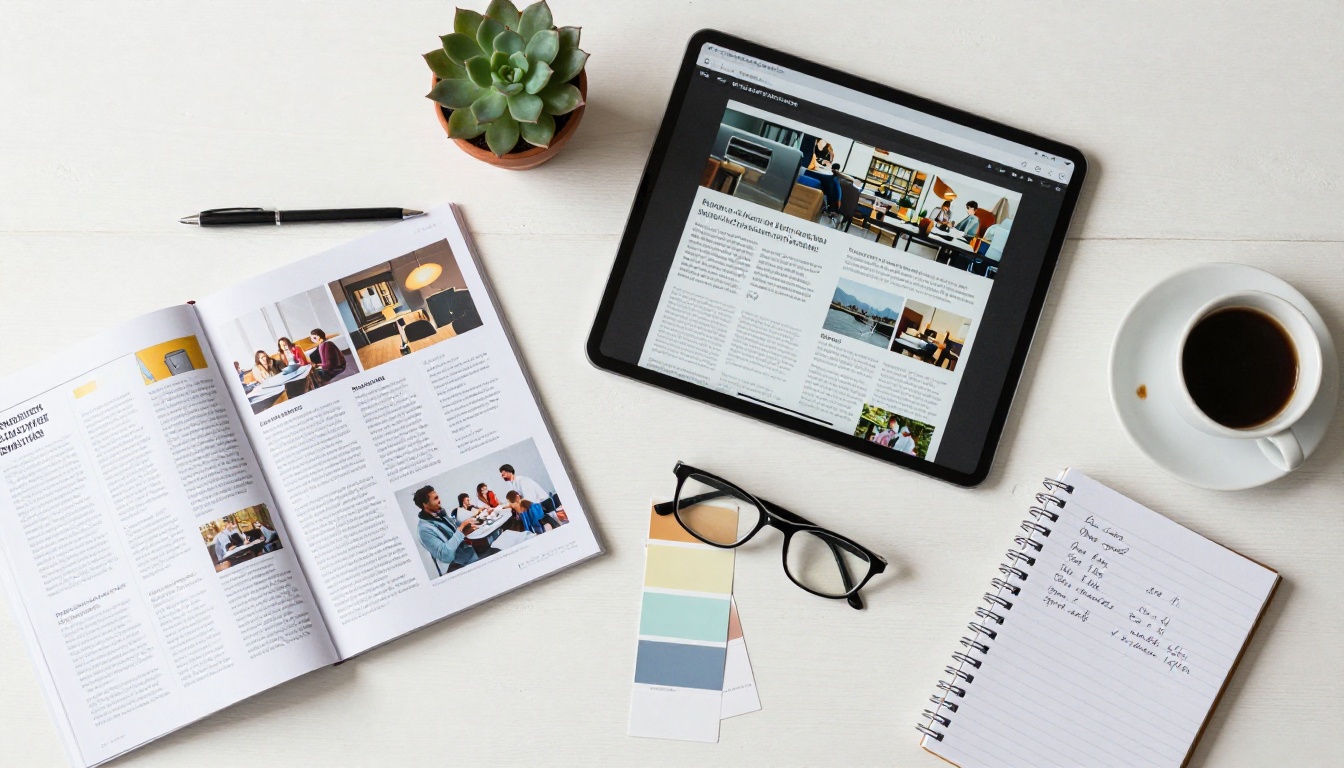
How to Turn Your Email Newsletter into a Flipbook Issue
This is the practical part. The process is straightforward and does not require design experience or technical knowledge.
Step 1: Design Your Newsletter as a PDF
If you are already using tools like Canva, Adobe InDesign, Mailchimp's design editor, or even Google Slides, you can export any layout as a PDF. Design your newsletter issue with a proper editorial layout: an opening page with issue number and date, a contents section, feature articles, and a final page. Think in pages, not in scroll length.
For best results:
- Use a consistent grid (two or three columns work well)
- Keep fonts at 11pt minimum for body text
- Include high-resolution images (300 DPI for print, 150 DPI minimum for digital)
- Design at A4 or Letter size for optimal flipbook display
- Add a branded opening page with your publication name and issue number
⚠️ Warning: Avoid designing at 72 DPI if you want the flipbook to look sharp on retina displays. Use 150-300 DPI source files.
Step 2: Upload to Flipbooks AI
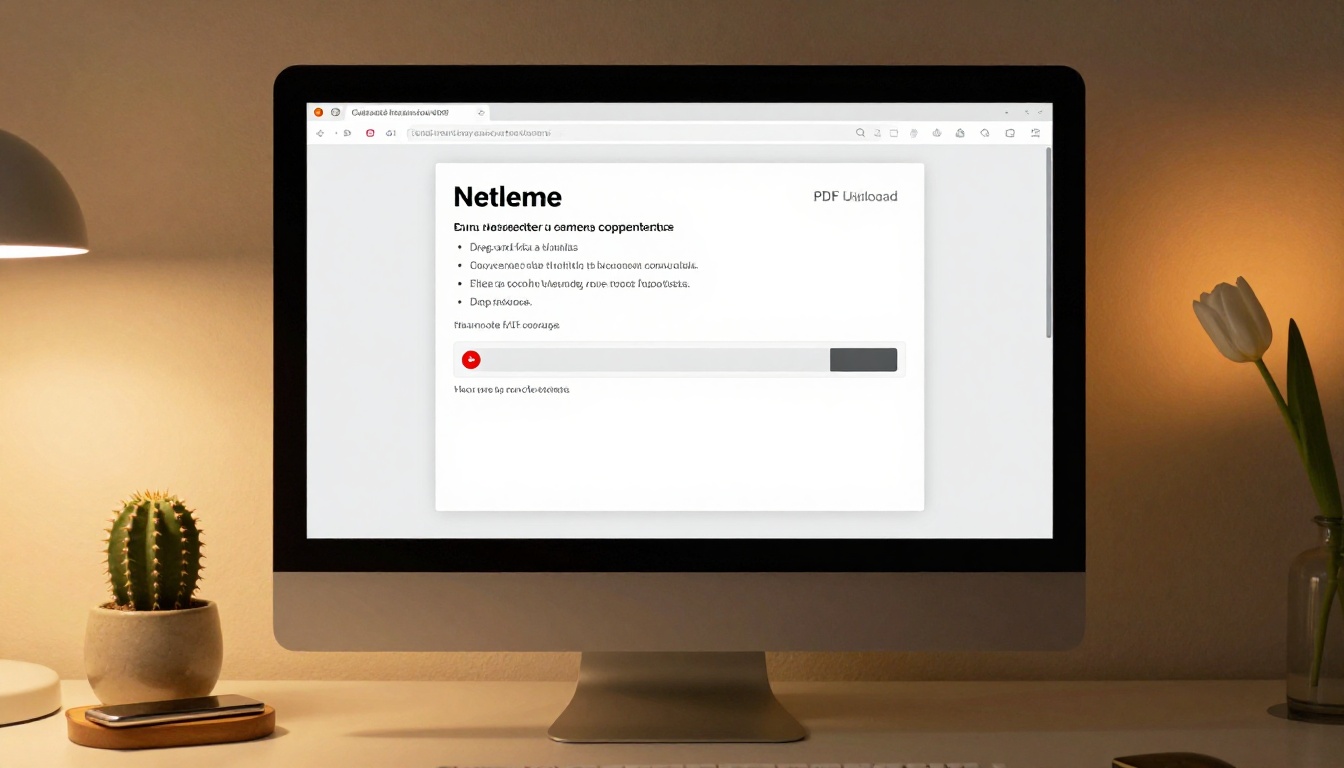
Head to Flipbooks AI and log in or create your account. The upload process takes about 30 seconds:
- Click "New Flipbook" from your dashboard
- Drag your PDF file into the upload area or click to browse
- Wait for conversion (typically under 60 seconds for a 20-page newsletter)
- Your flipbook is automatically generated with page-flip animations
The Newsletter Flipbook Publisher tool is specifically built for this use case, with presets optimized for newsletter-style layouts and multi-column text.
Step 3: Customize Your Flipbook
Once converted, you can fully brand the reading experience:
- Custom colors: Match your newsletter's brand palette
- Logo placement: Add your publication logo to the viewer header
- Background: Choose solid colors or upload a custom background
- Page effects: Adjust the flip animation speed and style
- Contents section: Auto-generated from your PDF structure
✅ Best Practice: Keep your flipbook brand consistent with your email template. Readers should feel like they are reading the same publication they signed up for.
Step 4: Share, Embed, and Distribute
This is where the format genuinely changes your reach:
- Direct link: Share a clean URL in your email, social media bio, or Linktree
- Embed code: Paste one line of HTML to embed the flipbook directly on your website or blog
- Social sharing: Built-in share buttons for your readers to forward the issue
- Password protection: Lock premium issues for paying subscribers only
- QR code: Generate a QR code linking to the flipbook for print materials
Your email becomes the delivery vehicle. The flipbook becomes the destination. Send a short teaser email with a button that says "Read the full issue" and link directly to the flipbook. This single change often increases time-on-content by 3-5x compared to reading inside an inbox.

Flipbooks AI Plans for Newsletter Publishers
Different newsletter operations have different needs. Here is how the plans compare for common newsletter publishing requirements:
| Feature | Free | Standard | Professional |
|---|
| Flipbooks per month | 3 | Unlimited | Unlimited |
| Watermark | Yes | No | No |
| Custom domain | No | Yes | Yes |
| Password protection | No | Yes | Yes |
| Analytics depth | Basic | Standard | Detailed |
| Lead generation forms | No | No | Yes |
| Offline downloads | No | Yes | Yes |
| Embed on website | Yes | Yes | Yes |
| Priority support | No | No | Yes |
For most newsletter publishers starting out, the Standard plan gives everything needed to publish professionally without watermarks and with full customization. The Professional plan becomes valuable once you are monetizing through paid subscriber tiers or need lead capture built directly into the flipbook reading experience.
Compare all pricing plans to find the right fit for your publication size and goals.
Who Actually Does This: Real Use Cases
Brand and company newsletters
A software company publishes a monthly "State of the Product" newsletter to 12,000 subscribers. Instead of a plain email, they design a 10-page flipbook issue with product updates, customer stories, and a team spotlight. The flipbook lives at a permanent URL that gets linked from the website's press page, shared on LinkedIn, and archived as a searchable publication history.
The same content that got 22% open rates as a plain email gets 40% more reading time when delivered as a flipbook, and the shareable URL drives additional organic traffic from social shares.
Industry association publications
Professional associations often publish monthly or quarterly newsletters for members. Converting these to flipbook format gives the publication a more authoritative feel, closer to a trade magazine than a forwarded email. Members can access back issues, share specific articles, and download issues for offline reading during conferences or flights.
School and community newsletters
The School Newsletter Creator tool is built specifically for educational institutions. A parent newsletter that used to get buried in inbox clutter can now be shared as a flipbook link in a WhatsApp group or pinned to the school website, visible to anyone visiting, not just email subscribers.

Lifestyle and editorial newsletters
Food bloggers, travel writers, and lifestyle creators who publish newsletters with rich imagery have the most to gain from the flipbook format. Email clients routinely block images or compress them aggressively. In a flipbook, every photo renders at full quality with proper layout, exactly as designed.
💡 Pro Tip: Lifestyle newsletters work exceptionally well as flipbooks because the visual-first format lets photography and design carry the content the way a magazine does.
Not every newsletter style translates equally well. Here is a quick reference:
| Newsletter Type | Flipbook Fit | Why |
|---|
| Editorial / magazine-style | Excellent | Multi-column layouts, rich imagery, features |
| Company or brand update | Excellent | Professional appearance, archivable |
| Curated links digest | Good | Add context and visual structure to links |
| Product launch announcement | Good | Showcase products with proper imagery |
| Plain text personal newsletter | Fair | Works, but gains less from format upgrade |
| Transactional / receipts | Poor | No design benefit, stay with email |
| Event programs | Excellent | Event Program Maker handles this perfectly |
Getting More From Your Content
Analytics that actually tell you something
Email analytics tell you who opened and who clicked. Flipbook analytics tell you which pages people read, how long they spent on each section, where they dropped off, and which articles drove the most reading activity. For newsletter publishers, this data is a real shift. You stop guessing what subscribers find valuable and start reading actual behavior.
The Professional plan on Flipbooks AI includes detailed analytics showing per-page reading activity, reader geography, and device breakdown. Use this data to shape your next issue's content mix.

Lead generation built into the reading experience
One of the most powerful features on the Professional plan is embedded lead generation forms. You can place an email capture form on any page of the flipbook. A reader who discovered your flipbook through a social share, a website embed, or a friend's forwarded link can subscribe directly from inside the flipbook itself, without ever visiting a separate landing page.
This turns every shared flipbook into an active subscriber acquisition channel, not just a passive reading format.

Building a permanent archive
Email newsletters disappear. Flipbook issues stack up into a searchable, browsable archive that new subscribers can read at any time. A reader who joins your list in November should be able to read your January through October issues. That archive has real value: it demonstrates expertise, shows consistency, and gives new subscribers a reason to trust you before they have read a single current issue.
Flipbooks AI stores all your published flipbooks, organized and accessible from a single dashboard with no storage limits on paid plans.
The Workflow in Practice
Once you establish the production cycle, it takes minimal extra effort to publish a flipbook issue alongside your email send. A typical workflow looks like this:
- Design the issue in your preferred layout tool and export as PDF
- Upload to Flipbooks AI and let conversion run (under 60 seconds)
- Apply branding (colors, logo, background)
- Copy the shareable URL
- Write a short teaser email with a "Read the full issue" button linking to the flipbook
- Send the email to your list as you normally would
- Share the flipbook URL on social channels separately
The email drives existing subscribers to the flipbook. Social sharing drives new readers to the flipbook. The flipbook converts new readers into subscribers. The cycle builds itself.
Your Next Issue Is Already Ready
Every newsletter you have already written is a flipbook waiting to happen. The content is there. The audience is there. The only thing missing is the format that does your work justice.
The publishers who make this shift do not replace email. They use email as the opening line of a better conversation. The flipbook is where the real reading happens, where the brand impression forms, and where your expertise lives permanently.
Create your first flipbook issue on Flipbooks AI today. The free plan lets you publish three flipbooks immediately with no credit card required. When you are ready to publish without limits, check the pricing plans and choose the tier that fits your publishing schedule.
Your subscribers signed up to read what you write. Give them a format that makes reading worth it.



