Estate sales generate hundreds, sometimes thousands of individual items to catalog, price, and move in a matter of days. The printed paper catalog has been the default tool for decades, but it creates a bottleneck that costs real money. Buyers who can't preview items before arriving skip your sale entirely. Stacks of printed pages go straight to the recycling bin. And you're back at zero the moment the ink dries. Converting your estate sale catalog into a digital flipbook changes the entire dynamic, and platforms like Flipbooks AI make it faster and more affordable than most liquidators expect.
Why Paper Catalogs Cost You Sales
Every estate sale professional has a version of the same story: you spend hours photographing items, writing descriptions, formatting a document, paying for printing, and then half the copies end up in a pile nobody touched.

The Printing and Distribution Problem
Printing 200 copies of a 30-page catalog runs $150 to $400 depending on your local print shop, and that cost hits before you've sold a single item. Distribution adds another layer: you're mailing them, handing them out at the door, or hoping visitors pick one up.
The bigger problem is updates. Prices change. Items sell before the event. Typos slip through. With a printed catalog, fixing anything means reprinting. With a digital flipbook, you update the source PDF and re-upload. The live version reflects the change instantly.
Buyers Want to Browse Before They Arrive
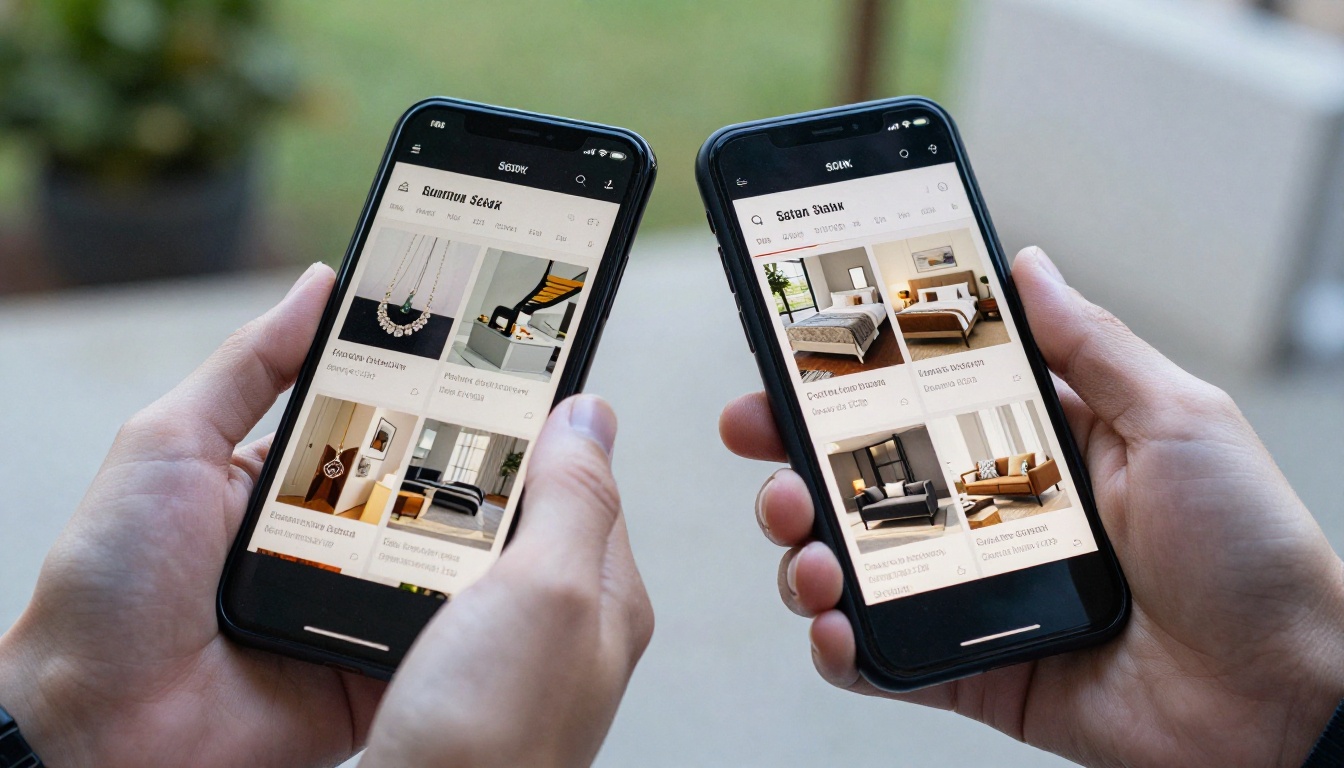
The behavior of estate sale buyers has shifted significantly. Most serious buyers now research before they show up. They check listings on estate sale platforms, Facebook groups, and local community forums. A catalog they can actually flip through on their phone the night before is a genuine competitive advantage.
A shareable digital catalog serves as pre-sale marketing your paper version simply cannot do. Buyers pre-select the items they want, arrive more committed to purchasing, and spend less time browsing aimlessly, which means faster turnover for you.
💡 Estate sales with online pre-browsing options consistently report higher early-morning traffic, because buyers arrive knowing exactly what they came for.
What a Digital Flipbook Actually Does
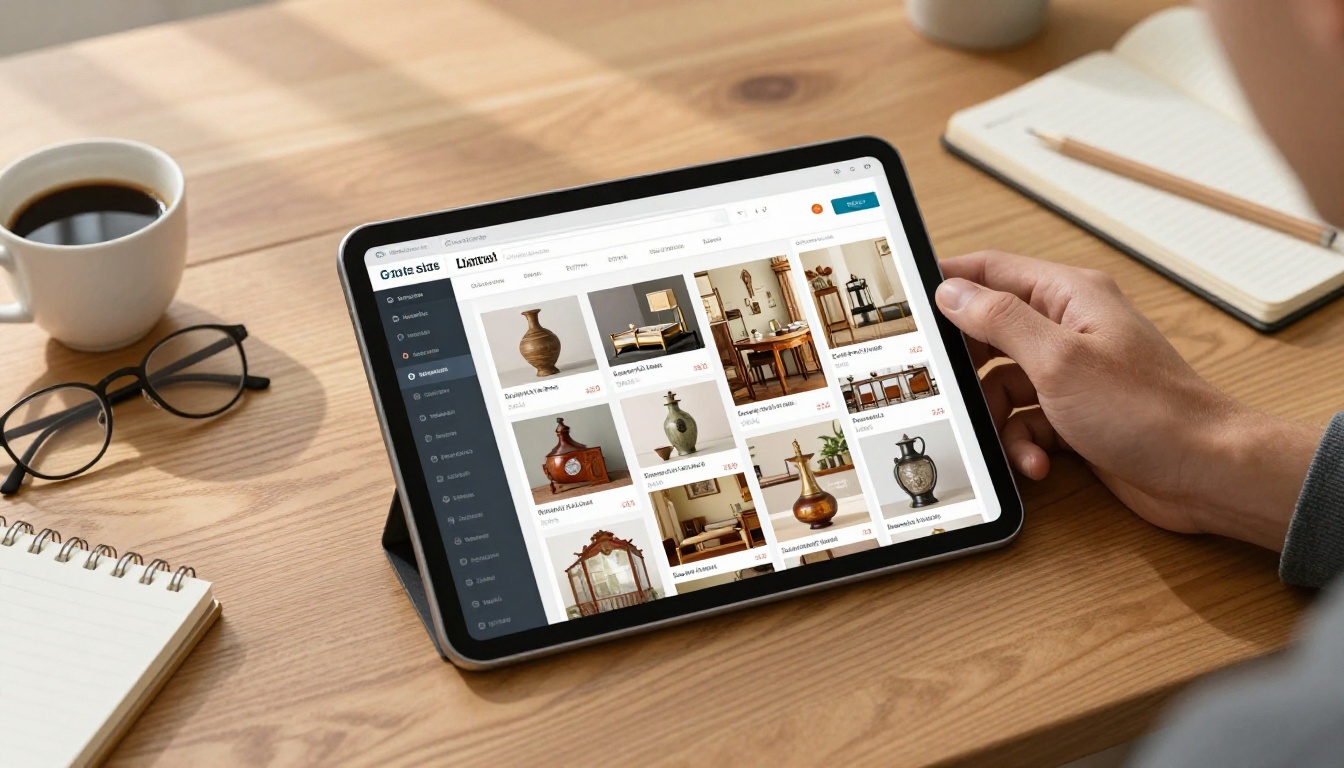
A digital flipbook replicates the page-turning experience of a printed catalog but works on any screen, loads in a browser without an app install, and can be shared via a link in a text message or email.
Page-Turn Experience on Any Device
The page-flip animation isn't just cosmetic. It preserves the familiar browsing behavior people associate with catalogs: you see a spread, you skim visually, you flip forward or back. This keeps buyers engaged longer than a static PDF or a flat webpage with no structure.
On mobile, the same flipbook works with swipe gestures. On desktop, it responds to clicks or keyboard arrows. Flipbooks AI automatically optimizes the viewing experience across all screen sizes with no extra configuration required.
Share It Everywhere in One Click
Once your catalog is live, sharing it is a single URL. That link works in:
- Facebook event pages and estate sale community groups
- Email newsletters to your existing buyer list
- Text messages to repeat customers
- Your website or listing on estate sale platforms
- Printed QR codes on physical signage at the venue
✅ A QR code printed on a simple sign at the entrance lets in-person visitors pull up the full digital catalog on their phone while they browse, even if they didn't see it beforehand.
How to Build Your Estate Sale Flipbook
This is where the process moves from concept to something you can actually publish in under an hour.
Step 1 - Prepare Your Catalog PDF
Start with what you already have or create your catalog in a tool you're comfortable with, whether that's Microsoft Word, Google Docs, Canva, or Adobe InDesign. The output needs to be a PDF.
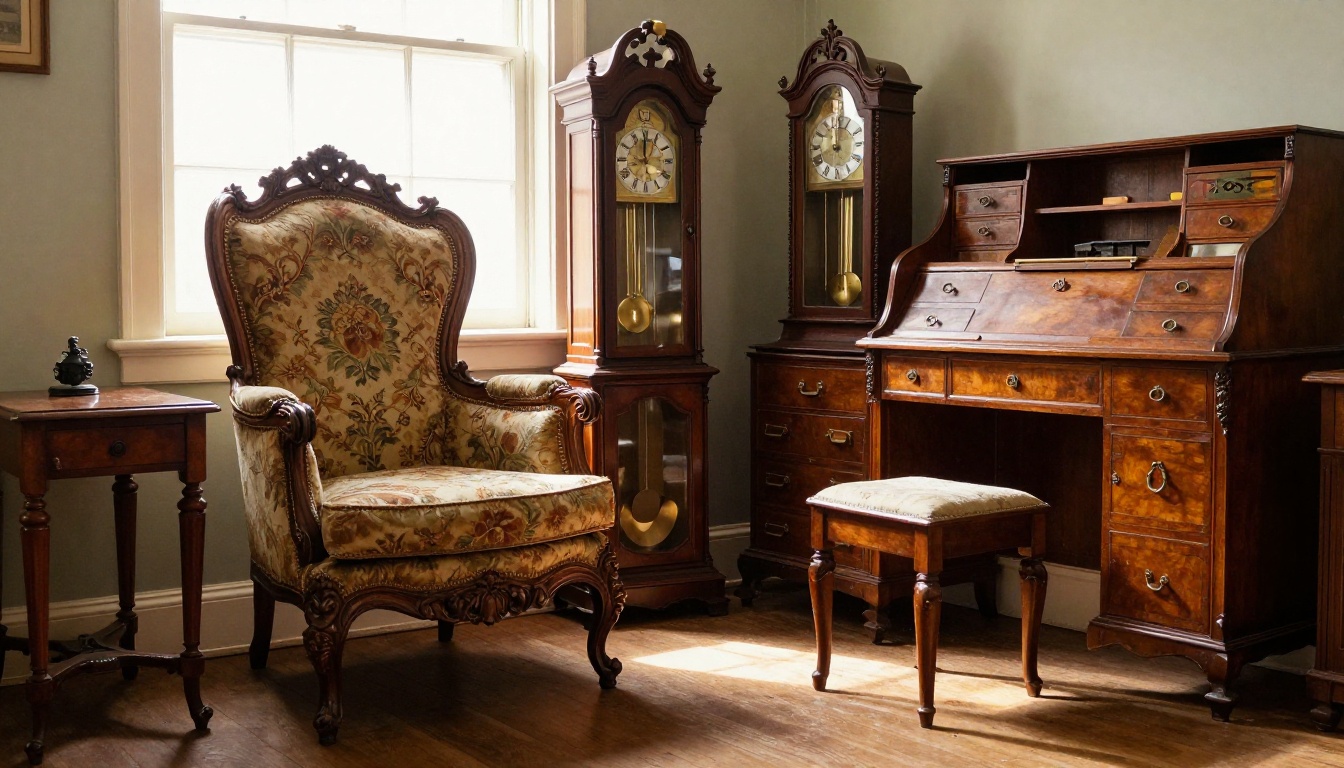
For estate sale catalogs, organize by category: furniture, jewelry, art, collectibles, kitchenware, linens, and so on. Each section should open with a clear category header, followed by item photos, brief descriptions, condition notes, and asking prices.

PDF formatting tips that improve your flipbook:
- Use high-resolution item photos (minimum 1200px wide)
- Keep each item to a consistent layout for visual consistency
- Include page numbers for easy reference during the sale
- Use a readable font size (minimum 11pt for descriptions)
- Add a table of contents on page 2 that buyers can use to jump to sections
⚠️ Avoid placing critical item details too close to page edges. In flipbook format, the page spine area is partially obscured during the page-turn animation.
Step 2 - Upload and Convert
Head to Flipbooks AI and create your account. The PDF to Flipbook Converter handles the technical conversion automatically.
Upload your catalog PDF, and the platform processes it page by page, applying the realistic page-flip rendering and optimizing images for fast loading. Most catalogs under 60 pages are ready in under two minutes.

Step 3 - Brand It and Customize
With your flipbook generated, you can customize:
- Cover page: Set the thumbnail buyers see before they open it
- Color theme: Match your estate sale company colors
- Background: Choose a page texture or solid background
- Page effects: Control the flip animation speed and style
- Multimedia: Add audio or video to specific pages (useful for demonstrating mechanical items like clocks or musical instruments)
For professional estate liquidators who want to keep catalog URLs private until announced, password protection ensures competitors can't preview your inventory in advance.
Step 4 - Share and Track Results
Once published, copy your flipbook link and distribute it. For Professional plan users, Flipbooks AI includes built-in analytics so you can see which pages get the most views, how long visitors spend on each section, and how many unique visitors your catalog has received before the sale date.
This data is genuinely useful. If your furniture pages are getting heavy traffic but your kitchenware section is barely viewed, you can adjust your day-of layout to bring high-interest items to the front.
💡 Lead generation tools on the Professional plan let you collect buyer names and emails directly through the flipbook, building your list for future estate sales automatically.
What Your Estate Sale Catalog Needs
The flipbook format is only as strong as the catalog inside it. These two areas make the biggest difference in whether buyers convert from browsing to buying.

Photos That Move Items
Buyers browsing a digital catalog make split-second decisions based on images. A blurry, dark, or cluttered photo is as damaging as no photo at all.
Practical photo standards for estate catalog items:
| Item Category | Recommended Shots | Lighting |
|---|
| Furniture | 3/4 front, detail of joints/hardware, any damage | Natural window light |
| Jewelry | Flat lay on neutral cloth, close-up of hallmarks | Diffused box light |
| Art/Paintings | Straight-on full piece, signature detail, frame edge | Indirect daylight |
| Collectibles | Front, back, bottom (for marks), any chips | Softbox or window |
| China/Glassware | Full set spread, individual piece close-up | White background |
Consistency across your photos makes the catalog feel professional and increases buyer confidence, particularly for online-only bidders or buyers traveling from outside your area.
Pricing, Condition, and Details
Every item in your catalog needs three pieces of information: a clear asking price, an honest condition rating, and enough descriptive detail for a buyer to make a decision remotely.
Use a simple condition scale:
- Excellent: No visible wear, fully functional
- Good: Minor surface wear, fully functional
- Fair: Visible wear or minor damage noted, priced accordingly
- As-Is: Known damage or incomplete, sold without warranty
Buyers who pre-research will eliminate items that don't match their standards, which means fewer awkward conversations on sale day and more serious inquiries about the pieces that actually interest them.
Digital vs. Paper Catalog
| Feature | Printed Paper Catalog | Digital Flipbook |
|---|
| Cost per catalog | $0.75 to $3.00 | $0 (unlimited sharing) |
| Distribution range | Local only | Global via link |
| Updates after printing | Reprint required | Instant re-upload |
| Pre-sale browsing | Not possible | Shareable days before |
| Analytics | None | Page views, visit duration |
| Multimedia | Static photos only | Video and audio capable |
| Mobile experience | N/A | Optimized swipe navigation |
| Storage after event | Physical bin | Cloud archive |
| Lead generation | Manual signup sheets | Automated via flipbook |
| Environmental impact | Paper and ink waste | Zero physical waste |
The cost difference alone justifies the switch for most estate sale operations. But the pre-sale reach and analytics capabilities are what actually change buyer behavior and sale-day results.
Who Gets the Most from This
Professional Estate Liquidators
For companies running multiple sales per month, the efficiencies compound quickly. A template-based catalog structure, consistent branding through Flipbooks AI, and a standardized photo workflow can cut catalog production time from a full day to a few hours.
Password-protected flipbooks also let you offer VIP preview access to repeat buyers, dealers, and consignment clients before the public announcement, a service that builds loyalty and generates early sales.
Real Estate Agents Handling Estates
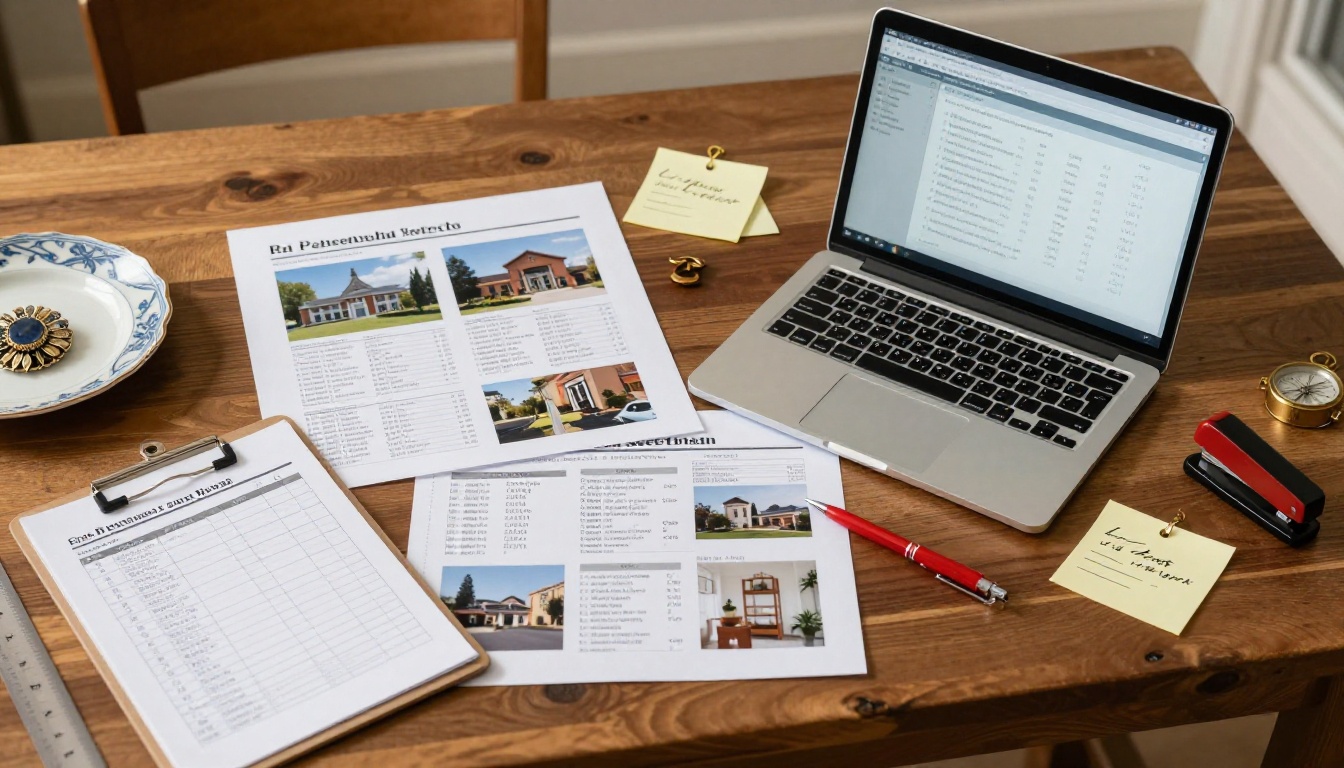
Real estate professionals frequently manage estate sales as part of property liquidation before listing. A polished digital catalog signals professionalism to heirs, attorneys, and buyers alike.
The Real Estate Brochure tool and Digital Catalog Maker can both be adapted for estate content, and the ability to embed a flipbook directly on a property listing site creates additional buyer touchpoints.
Auction Houses and Liquidation Companies
High-volume operations benefit most from the analytics and lead generation features available on the Professional plan. Knowing which item categories generate the most pre-sale interest lets you adjust bidding minimums, arrange item placement strategically, and prioritize which categories to photograph first in future sales.
The Catalog Flipbook Creator is purpose-built for this kind of high-volume catalog work and integrates smoothly into existing workflows.
Plans Worth Knowing About
Flipbooks AI pricing is structured around how many flipbooks you need to publish and which features matter most to your operation.
| Plan | Best For | Standout Features |
|---|
| Free | First-time users testing the format | 1 flipbook, basic viewer |
| Standard | Independent estate sale operators | Unlimited flipbooks, no watermarks, custom branding |
| Professional | Companies running frequent or high-value sales | Analytics, lead generation, offline downloads, password protection |
For most estate sale professionals running more than two sales per month, the Standard plan covers the full publishing workflow without limitations. The Professional plan makes sense once you're actively building a buyer database and want data to inform your sale strategy.
✅ No plan includes watermarks on published flipbooks, which keeps your catalog looking clean and professional regardless of which tier you choose.
Start Selling Smarter Today

Paper catalogs had their moment, and they served the industry well. But buyers are browsing on their phones the night before your sale, sharing links with friends, and making decisions before they walk through the door. A digital flipbook meets them where they already are.
The process is straightforward: build your catalog PDF the way you always have, upload it to Flipbooks AI, customize the branding, and share a single link. You spend less on printing, reach more buyers, and have real data on what's generating interest.
Ready to publish your first one? Get started for free and see how quickly your next estate sale catalog can go live. Browse all available tools and templates to find the right fit for your catalog type, or compare pricing plans to choose what works for your volume.



