If you've been sending clients a PDF attachment or a Google Drive link to show off your work, you already know the problem: it feels flat. It doesn't move. It doesn't reflect the energy of what you actually do at events. The good news is there's a better way to present your event planning portfolio, and it takes less than 20 minutes to set up.
Why a Static PDF Kills Your First Impression
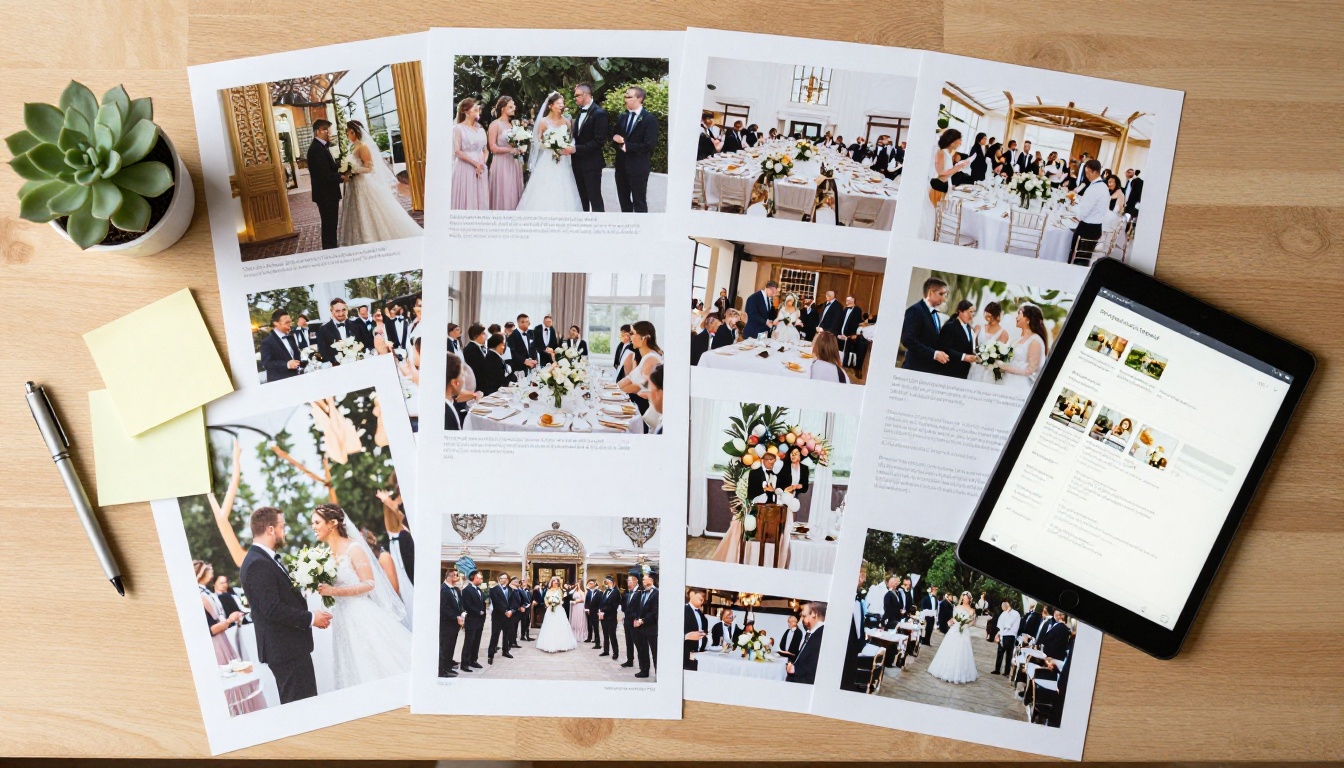
Most event planners put serious effort into curating their best photos, client testimonials, and service packages. Then they compress all of it into a static PDF that clients scroll through in 30 seconds on their phone before moving on to someone else.
The format fights against you. A PDF has no personality. It doesn't feel like an experience. And for a profession built entirely on creating experiences, that's a significant mismatch.
The Problem with Email Attachments
Email attachments get ignored, blocked by spam filters, or open in a generic reader that strips all your formatting. Even when a prospect does open it, they're looking at a frozen document on a screen, not engaging with your brand.
Worse, you have no idea if they opened it. Did they actually see your work? Did they get to the testimonials section? Did they even download it? With a static file, you're flying blind.
What Clients Actually Want
Prospective clients making decisions about who to trust with their wedding, corporate gala, or product launch want to feel confident before they even reach out. They want a portfolio that mirrors the quality and attention to detail they expect from their event.
A beautiful, interactive presentation signals professionalism before you've said a single word.
What a Flipbook Portfolio Does Differently
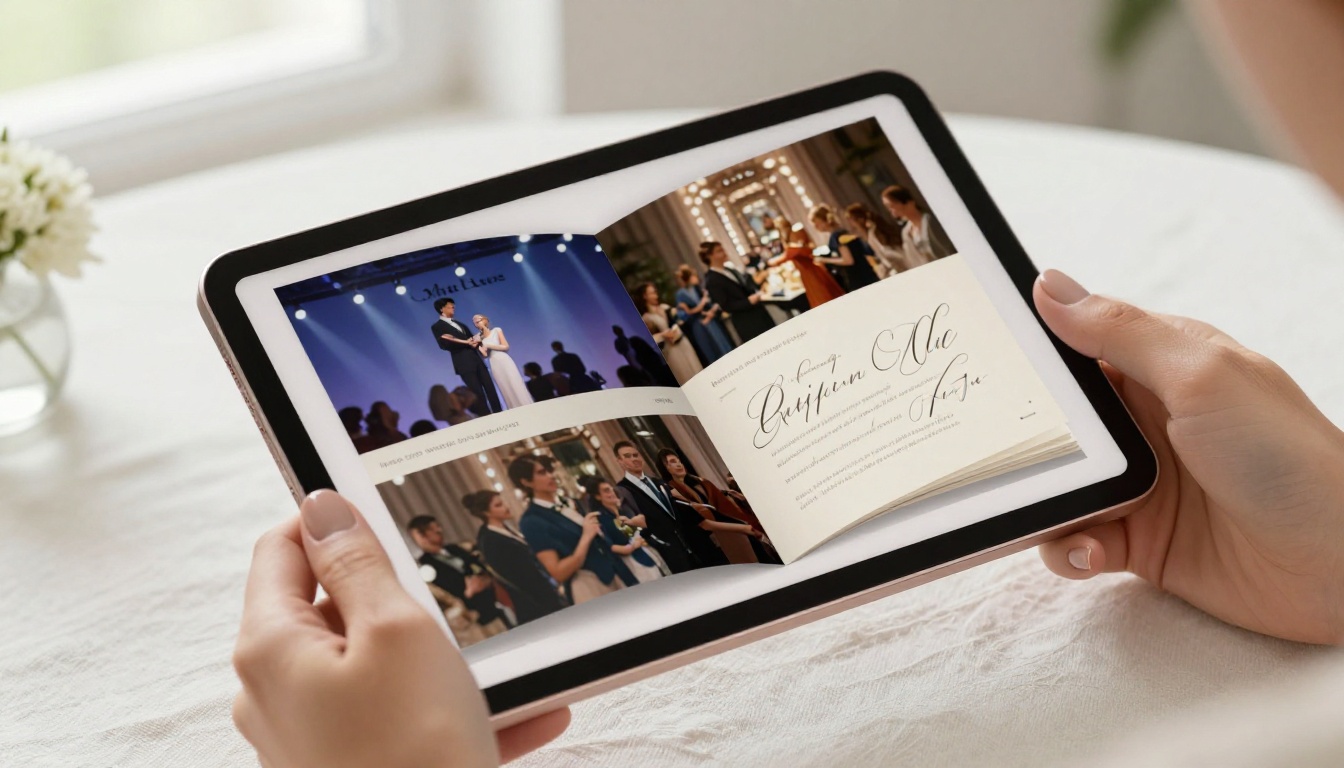
A digital flipbook replicates the satisfying page-turn of a physical portfolio book, except it lives online, loads instantly on any device, and can be shared with a single link. When you turn your event planning portfolio into a flipbook, the experience of browsing your work becomes part of your brand.
Flipbooks AI converts your PDF portfolio into a fully interactive digital flipbook with realistic page-turn animations, mobile-responsive layout, and customizable branding.
Pages That Actually Turn
The page-turn effect isn't just aesthetically pleasing. It slows the viewer down. Instead of scrolling past your best work in seconds, prospects turn through each page, spending more time with each photo, each layout, each section of your portfolio. That dwell time translates directly into stronger first impressions.
Mobile-Ready, Always
Over 60% of people browsing creative portfolios do so on mobile. A static PDF on mobile is a painful experience: pinching to zoom, scrolling sideways, losing the layout entirely. A flipbook automatically reflows to fit any screen size, ensuring your portfolio looks intentional whether it's viewed on an iPhone, an Android tablet, or a desktop monitor.
Sharing Is Instant
Instead of attaching a 15MB file to an email, you paste one link. That link works in emails, Instagram bios, WhatsApp messages, LinkedIn profiles, and embedded directly on your website. One flipbook, endless distribution.
What to Put in Your Event Planning Flipbook
Before you upload anything, think carefully about what your portfolio needs to communicate. A strong event planning flipbook answers three questions for the prospective client: What have you done? What can you do for me? Why should I trust you?
Past Events Section
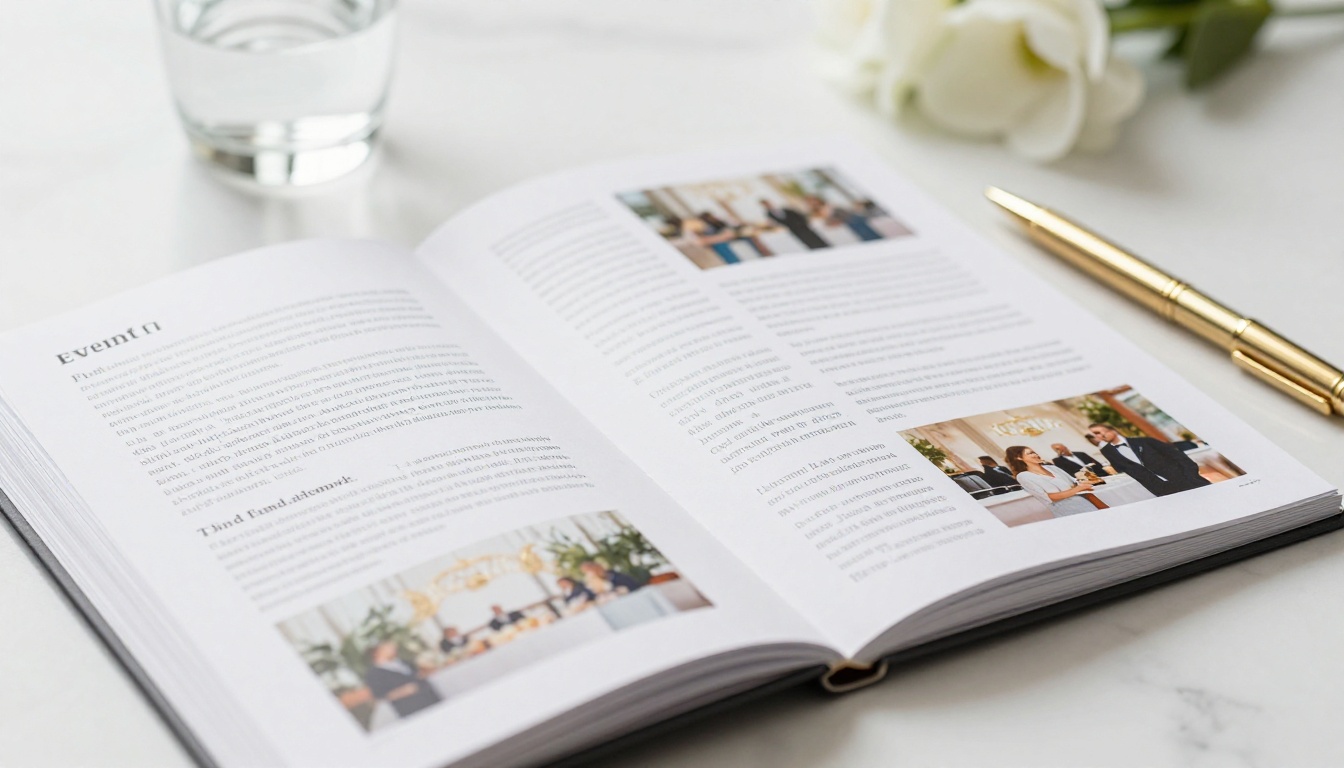
This is the heart of your portfolio. Organize past events by type: weddings, corporate events, brand activations, galas, festivals. Use high-resolution photos, and don't over-explain. Let the visuals carry the story, with short captions noting the event type, guest count, and venue.
💡 Pro tip: Lead with your 3-5 most impressive events, not your most recent. The first spread sets the tone for everything that follows.
Services and Packages
Most event planners lose potential clients because prospects can't figure out what they actually offer. Dedicate 2-3 pages to your service tiers: full-service planning, day-of coordination, partial planning. Use a clean table format for packages so clients can quickly compare what's included.
| Package | What's Included | Best For |
|---|
| Day-of Coordination | Vendor management, timeline, on-site presence | DIY planners needing execution support |
| Partial Planning | Vendor sourcing, design input, coordination | Partially planned events needing direction |
| Full-Service Planning | End-to-end planning, design, vendor, logistics | Clients wanting full professional oversight |
Testimonials and Social Proof
Client reviews are the most powerful page in your portfolio. Don't hide them at the back. Place 2-3 strong testimonials mid-portfolio, after your best event photos, so they arrive at exactly the right moment.
About and Contact Pages
Close the flipbook with a brief "About" spread covering your background, credentials, and what makes your approach distinct. Follow it with a clear contact page: email, phone, website, social handles. Make it impossible for a warm lead to lose your contact information.
How to Build Your Event Portfolio Flipbook
This is where Flipbooks AI makes the process genuinely simple. You don't need design software skills or a developer. You need a well-designed PDF and about 15 minutes.
Step 1: Design Your PDF in Your Preferred Tool
Create your portfolio as a PDF first. Canva, Adobe InDesign, Google Slides, or even PowerPoint all work fine. Design for a horizontal landscape format at 16:9 or standard A4/Letter ratio. Keep text legible at small sizes for mobile viewing.
✅ Best practice: Use high-resolution photos (minimum 1200px wide per image). Blurry photos in a flipbook look worse than in a PDF because the page-turn effect draws more attention to image quality.
Step 2: Upload to Flipbooks AI and Convert
Create an account on Flipbooks AI. From your dashboard, click to create a new flipbook and upload your portfolio PDF. The conversion is automatic, typically completing in under 60 seconds depending on file size.
The PDF to Flipbook Converter renders each PDF page as a crisp flipbook spread, preserving your fonts, colors, and layout exactly as designed.
Step 3: Customize Branding and Style
This is where your portfolio goes from generic to professional. In the editor, you can:
- Set your brand colors on the flipbook background and controls
- Add your logo to the flipbook cover
- Choose page-turn style: classic book flip, hard cover, soft pages
- Enable multimedia: embed inquiry forms, video showreels, or audio clips
- Customize the URL to match your brand
Step 4: Share, Embed, and Track
Once published, Flipbooks AI gives you several distribution options:
- Direct link: Copy and paste into emails, messages, or social bios
- Embed code: Drop your flipbook directly onto your website using the Embed Flipbook on Website tool
- Password protection: Set a password for exclusive or confidential portfolio versions
- Analytics (Professional plan): Track page views, time spent per page, and lead captures
⚠️ Note: Analytics and lead generation features require the Professional plan. If you're actively prospecting and want to know how prospects engage with your portfolio, this upgrade pays for itself quickly. See pricing plans for details.
Flipbooks AI Plans at a Glance
Choosing the right plan depends on how actively you're using your portfolio for business development.
| Feature | Free | Standard | Professional |
|---|
| Flipbooks | 1 | Unlimited | Unlimited |
| Watermarks | Yes | No | No |
| Custom branding | No | Yes | Yes |
| Password protection | No | Yes | Yes |
| Analytics | No | No | Yes |
| Lead generation | No | No | Yes |
| Offline downloads | No | No | Yes |
| Embedded video and audio | No | Yes | Yes |
For most event planners actively pitching clients, the Standard plan removes watermarks and unlocks branding, which is the minimum you need for a professional presentation. The Professional plan adds analytics and lead generation: genuinely valuable if you want to understand how prospects engage with your portfolio before they reach out.
Also worth noting: the Digital Portfolio Creator and Portfolio Flipbook Builder tools on Flipbooks AI are purpose-built for exactly this use case.
Who Actually Uses Flipbook Portfolios
The flipbook portfolio format works across every niche of the events industry. Here's how different event professionals use it in practice.
Wedding Planners
Wedding planners often have the richest visual portfolios in the industry. A flipbook lets them organize work by theme: rustic, modern, garden, luxury, with separate spreads for ceremony, cocktail hour, reception, and detail shots. Couples browsing vendors appreciate the magazine-like experience.
Many wedding planners also use the Wedding Album Flipbook tool to create client delivery albums as digital keepsakes, alongside their own business portfolio.
Corporate Event Coordinators
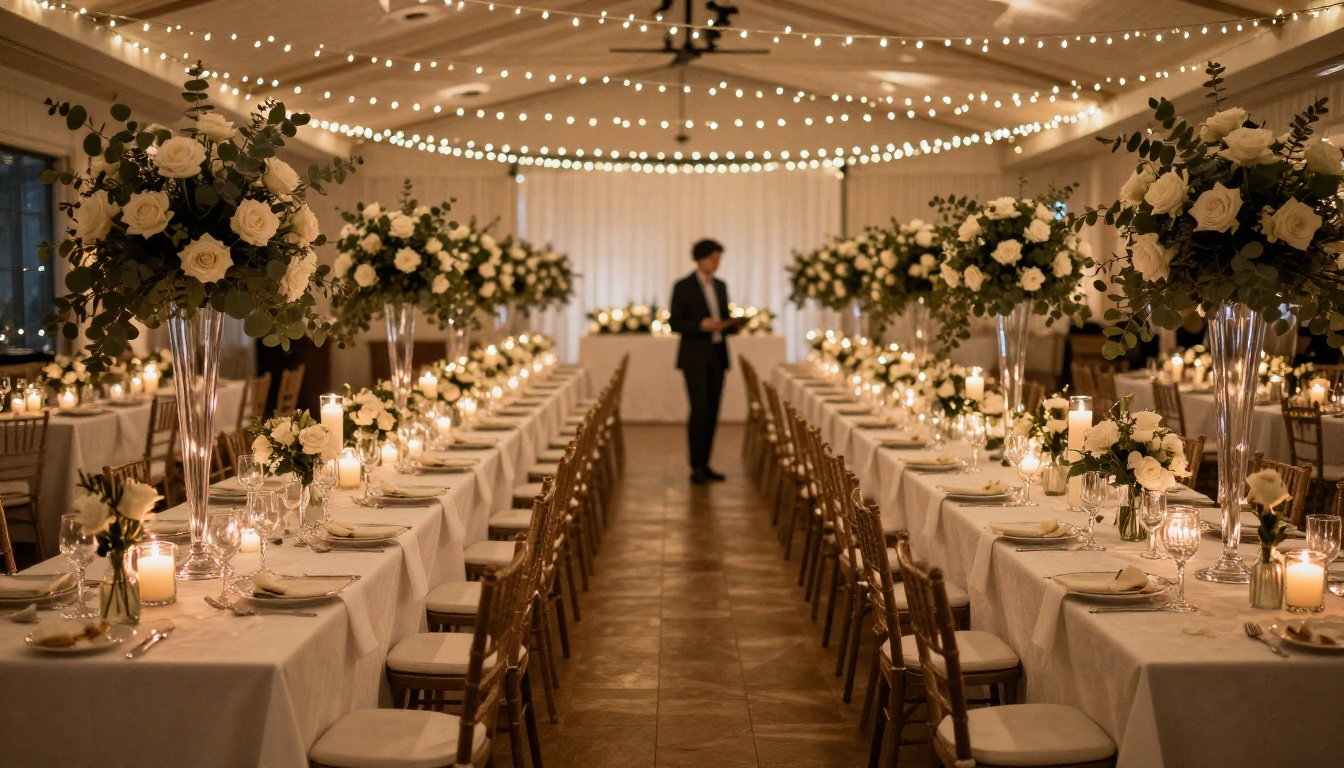
Corporate clients evaluate event coordinators differently than individuals. They're looking for organizational capability, vendor relationships, and the ability to manage large-scale logistics. A flipbook portfolio for corporate work should emphasize event scale (guest counts, venue sizes), vendor partnerships, and post-event outcomes.
Coordinators working with brands and companies also use Flipbooks AI to build Sales Presentation decks and capabilities documents for pitching new corporate clients.
Festival and Concert Organizers
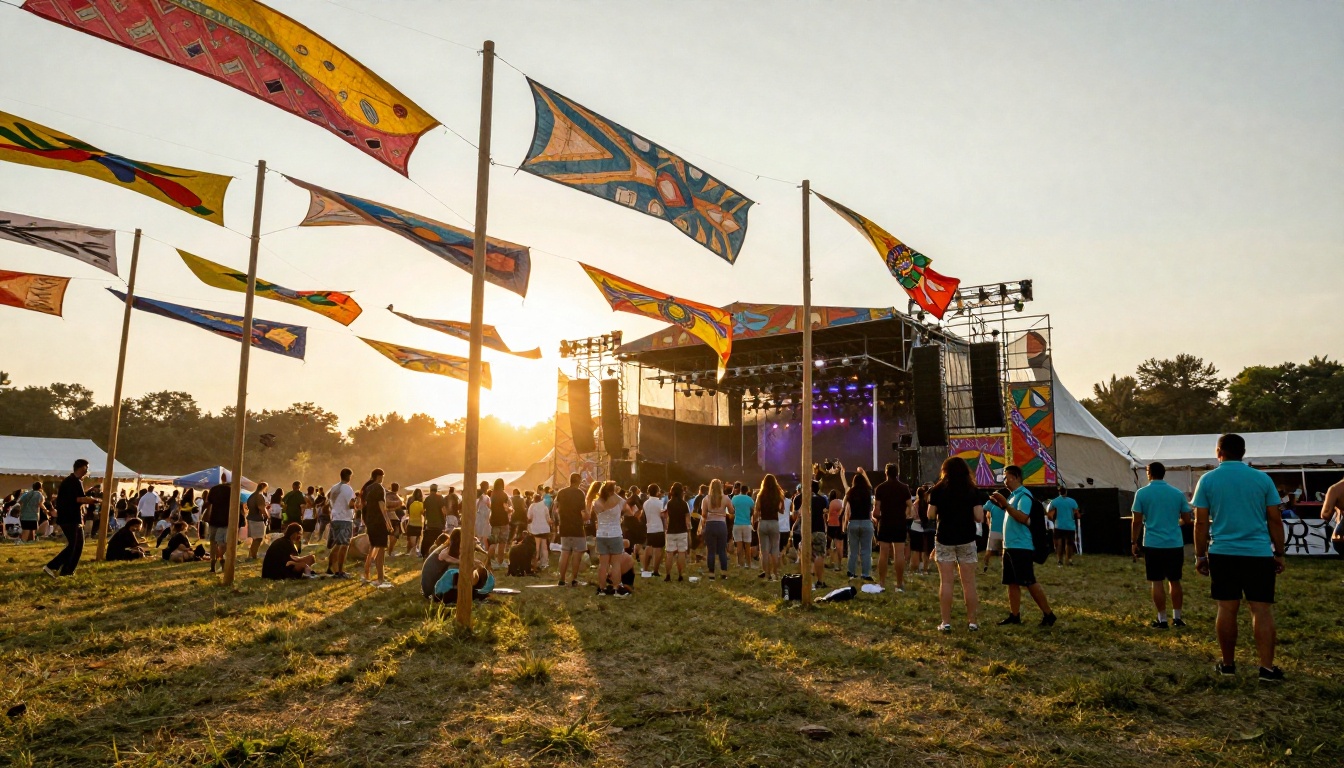
Festival organizers have a unique challenge: their best work is chaotic, large-scale, and hard to capture in a few photos. A flipbook lets them create a narrative arc across dozens of pages, covering setup process, crowd shots, stage moments, vendor coordination, and breakdown. The storytelling format of a flipbook suits this type of portfolio naturally.
Independent Event Stylists and Decorators
Stylists focused on decor and ambiance can use an Interactive Lookbook Designer format within their flipbook to showcase color palettes, floral arrangements, table settings, and lighting concepts in a way that feels aspirational and editorial.
What Prospective Clients Compare You Against
When a prospective client is shortlisting event planners, they're comparing you against 3-5 other professionals simultaneously. Here's how format affects that comparison:
| Portfolio Format | Client Experience | Shareability | Mobile Experience | Impression |
|---|
| Email PDF attachment | Opens in basic viewer, hard to scroll | Must forward entire file | Poor, requires download | Generic |
| Google Drive link | Inconsistent formatting | Easy to share | Mediocre at best | Adequate |
| Static website gallery | Good visuals, no structure | Easy to link | Decent | Professional |
| Interactive flipbook | Page-turn experience, magazine-like | Single link, no download | Excellent on all devices | Distinctive |
The flipbook format isn't just about aesthetics. It's about being memorable in a shortlist.

Real Scenarios Where a Flipbook Portfolio Wins
Wedding inquiry via Instagram: A couple messages you after seeing a tagged photo. Instead of sending a Dropbox link to a PDF, you reply with a single flipbook link. They view it on their phones side by side within minutes. The experience feels curated and intentional. They reach out that same evening.
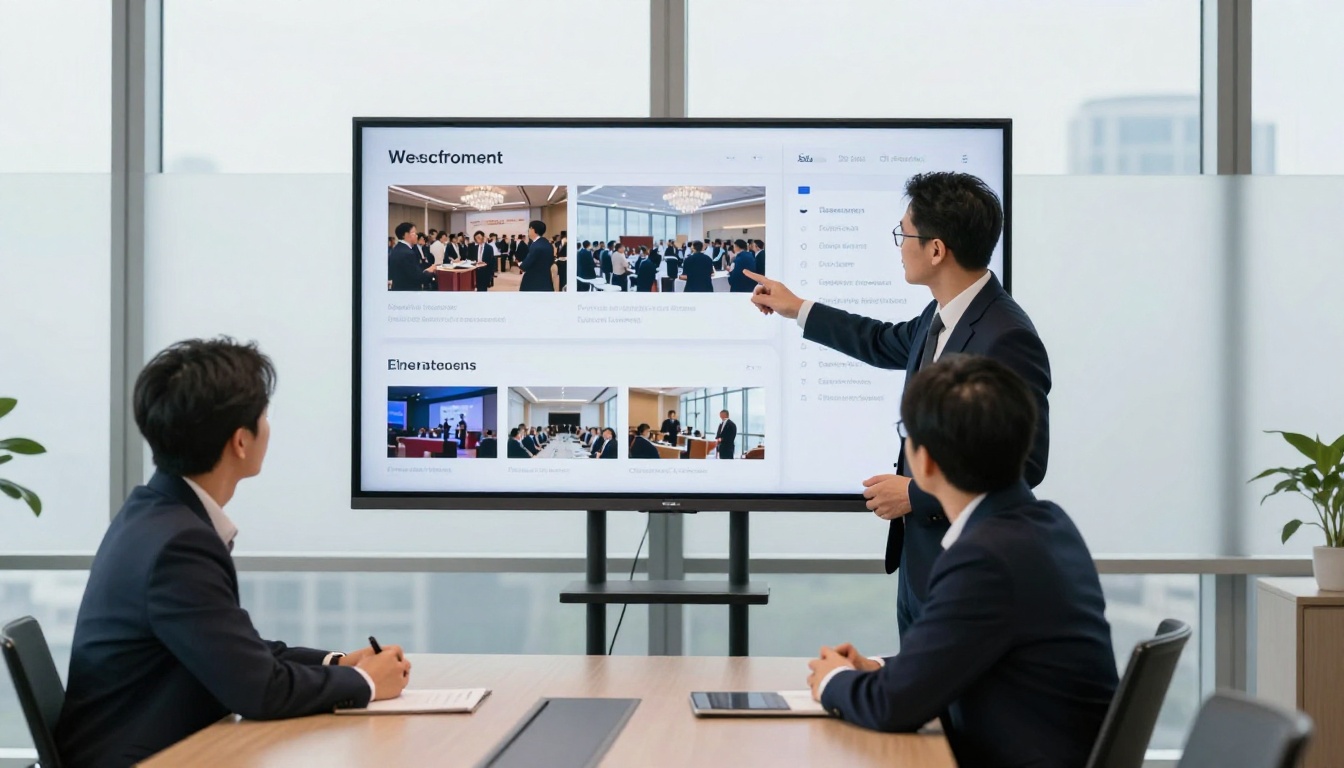
Corporate RFP response: A hospitality company requests proposals from three event coordinators. Your response includes a link to your interactive portfolio flipbook. The decision-maker opens it in a meeting room on the office TV. Your work fills the screen like a magazine presentation. The other two sent PDFs.
Referral situation: A past client refers you to a colleague. They text them your flipbook link. It opens immediately in the browser on the colleague's phone, with no app download, no login, no friction. First impression achieved within 10 seconds of receiving the text.
💡 Pro tip: Keep a second, shorter "highlight reel" flipbook of just 10-12 pages for quick sharing in casual referral situations. Save the full 30-40 page portfolio for formal inquiries.
Practical Tips for a Better Portfolio Flipbook
- Start with your strongest spread: The cover and first two pages are your hook. Use your single best event photo as a full-bleed opening page.
- Keep it under 40 pages: Attention spans are finite. Curate relentlessly.
- Update it every 3-6 months: A portfolio with events from 3 years ago signals stagnation. Regular updates also give you a reason to re-share the link to your network.
- Name your flipbook URL professionally: Use your name or business name in the custom URL slug rather than the default string of characters.
- Test it on mobile before sharing: Open the link on your own phone, flip through every page, check that all images load and text is legible.

How to Share Your Flipbook Portfolio Strategically
Having a great flipbook only works if you share it in the right places at the right moments.
Email signature: Add your flipbook link to your email signature with anchor text like "View My Portfolio." Every email you send becomes a passive portfolio touchpoint.
Instagram and LinkedIn bio: Replace the generic website link with your flipbook URL. Anyone who visits your profile and clicks through lands in an immersive portfolio experience.
Inquiry response: The moment you respond to a new inquiry, include your flipbook link. Don't wait for them to ask to see your work.
Vendor referral network: Share your flipbook with photographers, caterers, florists, and venues you work with regularly. They refer clients too, and a memorable portfolio link is more likely to be forwarded than a PDF.
After events: Send your flipbook link to guests, staff, and vendors after each event. Organic word-of-mouth starts with people experiencing your work firsthand.

The Investment vs. the Opportunity
Event planners typically spend significant budget on photography, logo design, and website development. A digital flipbook portfolio costs a fraction of those investments and often has a more direct impact on conversion because it operates at the exact moment of prospect decision-making.
The ability to share a single link that opens a fully branded, interactive portfolio in under 3 seconds, with no downloads, no app installs, and no format dependencies, is a practical business advantage in a competitive market.
Ready to Share Your Portfolio Like a Pro?
Your work deserves a presentation format that matches its quality. If you've been relying on PDF attachments or static gallery pages, now is the time to switch.
Get started for free on Flipbooks AI and turn your event planning portfolio into a flipbook in under 20 minutes. Browse all available flipbook tools to find additional formats for your business, or compare pricing plans to find the right tier for where you are right now.
The next client who searches for an event planner in your market is going to compare several portfolios. Make sure yours is the one they remember.



