Food truck owners spend between $300 and $800 a year printing menus that customers fold into pockets, spill salsa on, and lose before they ever share the truck's location with a friend. If you stop three people from walking away because they couldn't read your laminated sheet in the sun, you've already paid for a better solution. Flipbooks AI lets you convert your food truck menu PDF into a polished digital flipbook that customers browse on their phones, share in group chats, and access the moment you pull up to a new spot.
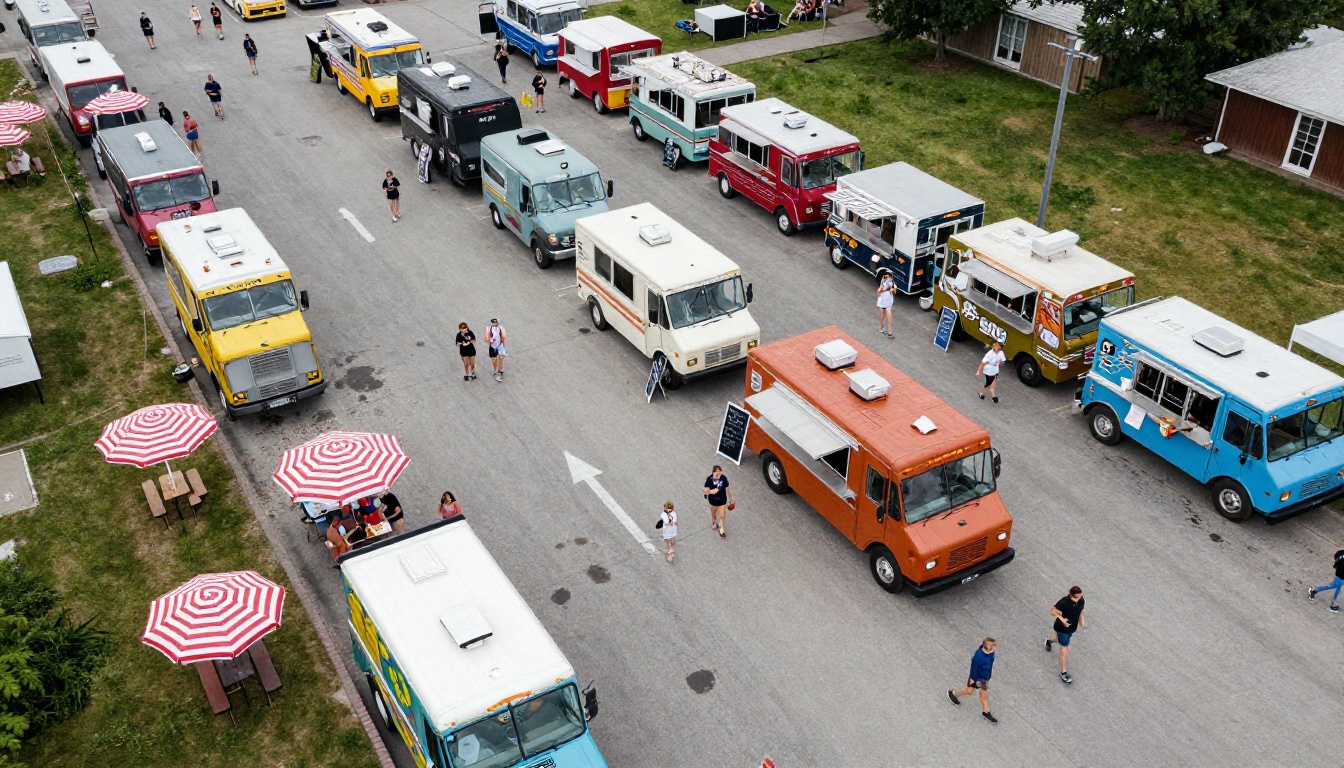
Most food truck operators think of printing as a fixed, unavoidable cost. It isn't. Run the numbers: 500 laminated menus at $1.20 each is $600. Reprint after a price change: another $600. A new seasonal item added in November: another round. Over three years, a single mid-size food truck operation can burn through $2,000 or more on printed menus alone, before factoring in the labor cost of stuffing them into bags or the embarrassment of handing someone a menu that still shows last summer's prices crossed out in marker.
What Printing Actually Costs Per Year
| Expense Item | Annual Cost (Avg.) |
|---|
| Initial menu print run (500 copies) | $600 |
| Seasonal reprints (2x per year) | $700 |
| Emergency reprints for price changes | $300 |
| Menu holders, stands, and clips | $120 |
| Total | $1,720+ |
A digital flipbook eliminates every line in that table except your internet connection.
What Customers Actually Want From Your Menu
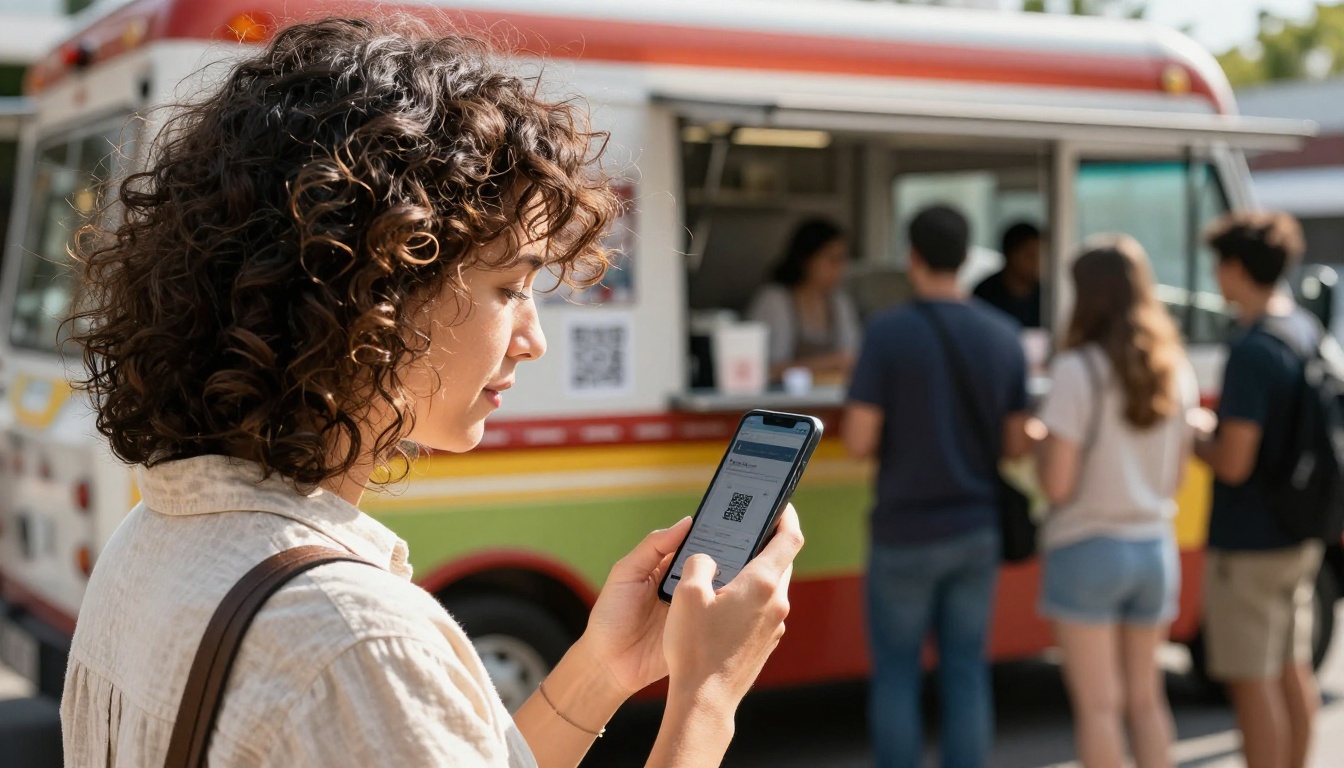
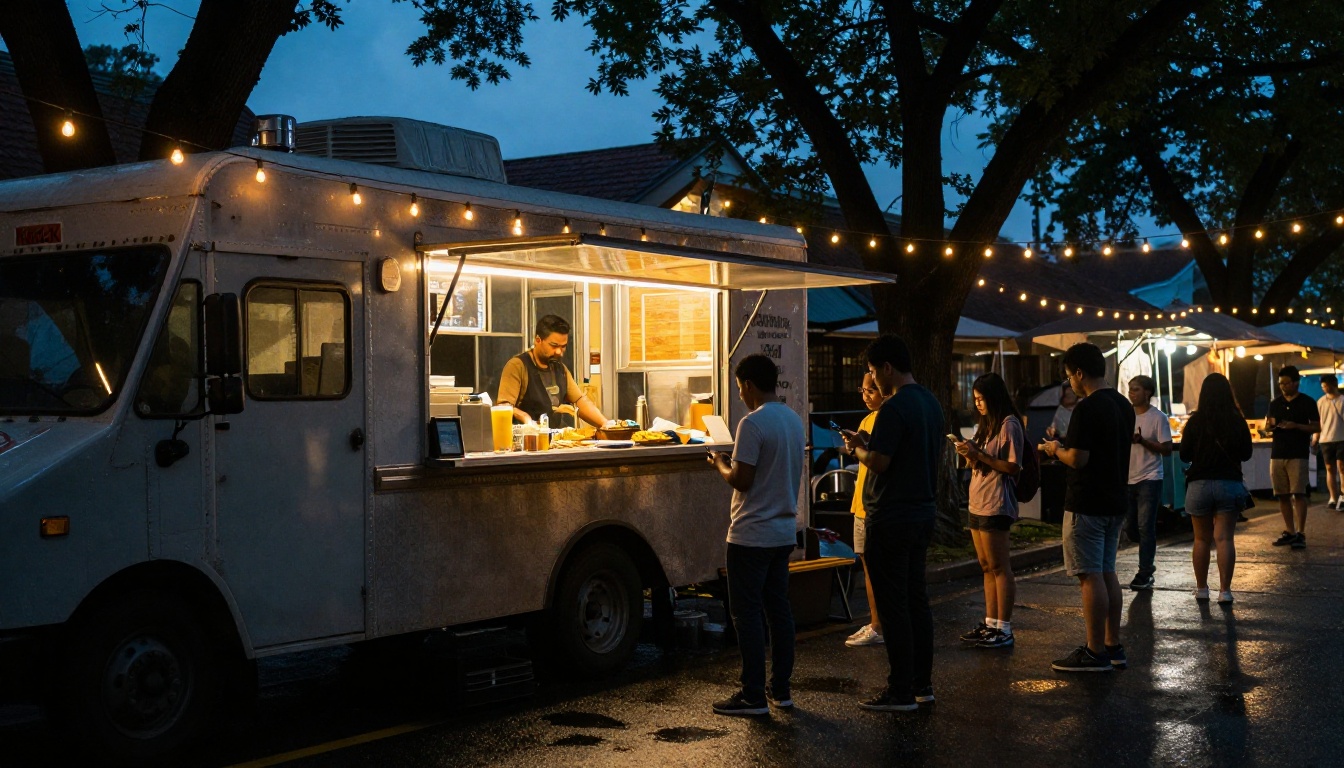
Customers at food trucks are making fast decisions under sunlight, often in a queue. They want to know what's on the menu before they reach the window. They pull out their phones at the back of the line. A QR code that opens a clean, tap-friendly digital flipbook gives them exactly what they need: a browsable, zoomable menu they can share with the person next to them in three seconds.
💡 Pro tip: Post your flipbook QR code on your social media bio. Customers who find you on Instagram can browse your menu before they even know where you're parked today.
What a Food Truck Flipbook Actually Looks Like
Forget the static PDF that customers have to pinch-zoom on a tiny screen. A flipbook is a page-turning digital publication: pages animate with a realistic flip, sections are clearly separated, and the whole thing is designed to work on a phone screen without any awkward horizontal scrolling.
Pages That Flip on Any Screen
When you upload your menu PDF to Flipbooks AI, the platform converts each page into an interactive digital spread. Customers can:
- Swipe or click to flip between pages
- Tap to zoom into individual items without losing their place
- Share the link directly in a text message or group chat
- Bookmark their favorite items or sections
The result is something that feels as native on a phone as any app, without requiring anyone to download anything.
More Than a PDF Viewer
Static PDFs are flat. A flipbook is interactive. That distinction matters more than most food truck owners expect. Consider the difference:
| Feature | PDF File | Digital Flipbook |
|---|
| Page flip animation | No | Yes |
| Mobile optimized | No | Yes |
| Shareable link | Clunky | One-tap |
| QR code generation | Manual / third-party | Built-in |
| Update without reprinting | No | Yes |
| Embed on website | No | Yes |
| Analytics (views, clicks) | No | Yes (Pro plan) |
| Password protection | No | Yes |
| No watermark | Depends | Yes (Standard+) |
You don't need a designer, a developer, or a new software subscription to learn. If you already have your menu in PDF format, you're most of the way there.
Start With Your Existing Menu PDF
If your menu exists only as a printed sheet, take a photo or scan it into a PDF. If you have it in a design tool like Canva or Adobe Express, export it as PDF. That file is everything you need.
⚠️ Before uploading: Check that your PDF has clear, readable fonts at 72 DPI or higher. Menus scanned from physical copies sometimes look blurry when converted. A quick check in any PDF viewer will show you what customers will see.
Create Your Food Truck Flipbook With Flipbooks AI
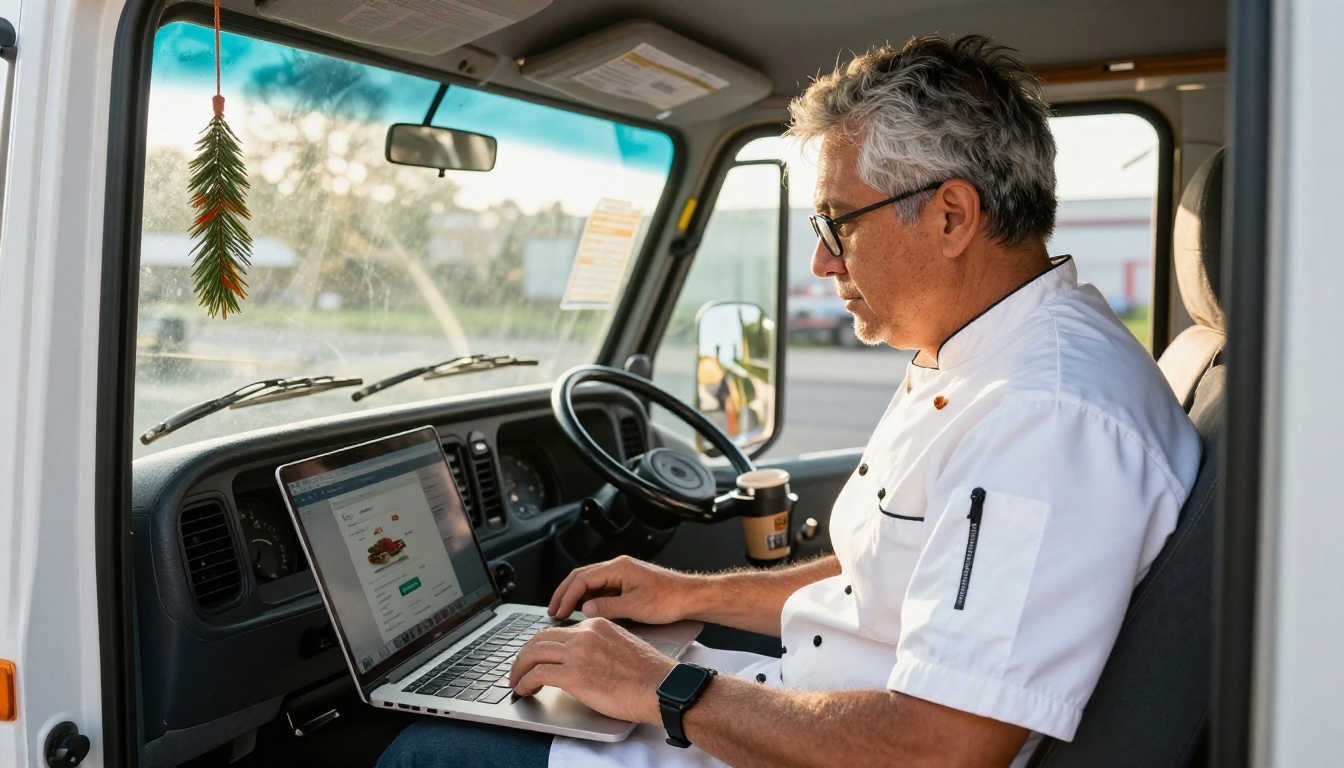
Creating your flipbook takes under five minutes once your PDF is ready. Here's the exact process:
- Create a free account at flipbooksai.com/account. No credit card needed to get started.
- Upload your menu PDF. Drag and drop or click to browse. The platform handles conversion automatically.
- Customize your branding. Add your food truck's name, logo, and brand colors to the flipbook cover and interface. This takes about two minutes.
- Set page effects. Choose from realistic page-curl, smooth slide, or fade transitions. For menus, the page-curl effect looks most natural.
- Generate your QR code. Flipbooks AI creates a scannable QR code automatically. Download it and print it on a sticker for your truck window.
- Copy your shareable link. Paste it in your Instagram bio, add it to your Google Business Profile, send it to regulars via text.
- Publish. Your menu is live immediately and accessible on any device.
✅ Best practice: Set a custom URL slug for your flipbook so the link is clean enough to say out loud at the window.
The Menu Flipbook Designer tool on Flipbooks AI is specifically built for food service businesses and handles multi-page menus, high-resolution food photography, and section dividers cleanly.
Features That Actually Matter for Food Trucks
Food trucks operate differently from restaurants. You're mobile, your menu changes with seasons and availability, and your customers find you through social media more often than through Google Maps. These specific features are built for exactly that reality.
QR Codes and Instant Sharing
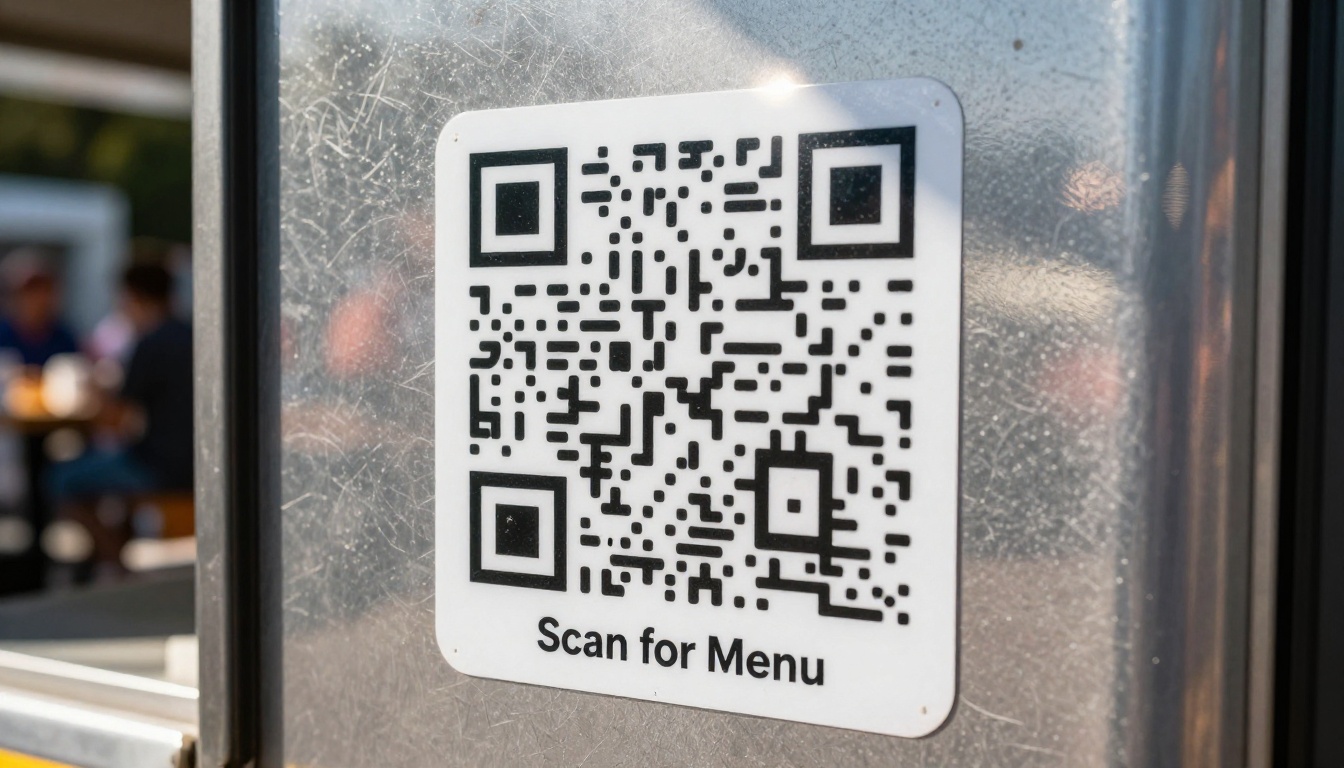
Every flipbook gets a QR code the moment it's published. Print it once on a vinyl sticker (under $5 at most print shops), stick it on your truck window, and it points to your live menu forever. When you update the menu PDF and re-upload, the QR code still works. No reprinting. No expired links.
💡 Put a second QR code on your takeout packaging. Customers who eat your food at home can browse your full menu later and share it with people who weren't there.
Mobile-First by Default
Every flipbook is responsive and mobile-optimized without any extra configuration. The reading experience adapts to screen size: on a phone, pages display one at a time in portrait mode; on a tablet or laptop, it shows a natural two-page spread. Your customers never have to rotate their phone or pinch-zoom to read a price.
Password Protection for Private Menus
Running a catering or private event operation alongside your truck? Flipbooks AI supports password-protected flipbooks. Create a separate version of your catering menu with bulk pricing and share the link plus password only with event coordinators. The public menu stays clean and customer-facing.
Embed on Any Website or Social Page
If you run a basic food truck website or a Linktree page, you can embed your flipbook directly using the embed code Flipbooks AI generates. Visitors can flip through your menu without leaving your site. The Embed Flipbook on Website tool makes this a copy-paste operation.
Plans and Pricing: What Food Trucks Actually Need
Most food trucks need one or two active flipbooks: a current menu and a seasonal or catering version. Here's how Flipbooks AI pricing breaks down for that use case:
| Plan | Flipbooks | Watermark | Analytics | Password Protection | Best For |
|---|
| Free | 1 | Yes | No | No | Testing and side projects |
| Standard | Unlimited | No | Basic | No | Active food trucks |
| Professional | Unlimited | No | Full + Lead Gen | Yes | Catering and multi-menu ops |
✅ Recommendation for most food trucks: The Standard plan removes watermarks and gives you unlimited flipbooks, which matters as soon as you want a seasonal menu, a kids' menu, or a drinks-only version. One reprint job saved pays for months of Standard.
The Professional plan adds full analytics (see which menu pages customers look at most), lead generation forms, and offline downloads. For food truck operators running corporate catering accounts, those features pay for themselves quickly.
Real Scenarios Where This Changes Operations
Abstract benefits are easy to ignore. Concrete ones aren't.
The Saturday Farmer's Market Truck: A taco truck that parks at three different markets each week used to bring 200 printed menus to each location. After switching to a digital flipbook, they put a QR sticker on the window and stopped printing. When the market organizer asked them for a menu to include in the weekly newsletter, they sent a link. The organizer embedded the flipbook directly on the market website. Traffic to the truck's menu that week reached 340 views, and none of it cost anything.
The Rotating Specials Truck: A burger truck runs five rotating weekly specials that used to require a chalkboard and a verbal rundown at the window. They now update a "Specials" page in their flipbook every Monday morning (about four minutes with a PDF editor) and post the link to Instagram. Followers check the menu before deciding whether to make the drive. Pre-orders via DM went up noticeably.
The Catering Side Business: A Mediterranean truck uses a separate password-protected flipbook for their catering menu. It includes pricing tiers, minimum order quantities, and a photo of their full event setup. They send the link and password to event planners instead of attaching a PDF to an email. Planners share it internally without forwarding attachments.

This is the operational shift that saves the most money over time. When an ingredient is unavailable, a price goes up, or you add a new item, the old process was: design, send to printer, wait, pay, distribute. With a flipbook, the process is: open PDF editor, make change, re-upload, done. The QR code and link stay identical. Customers who open it five seconds later see the updated version.
⚠️ One thing to know: If you re-upload your PDF, check that the page count and layout haven't shifted in a way that disrupts the flipbook's existing structure. Minor text edits are seamless; a full redesign is worth a quick review before you go live.
Sharing Your Flipbook Everywhere Customers Are
A digital flipbook lives wherever you share the link. Use it across every channel:
- Instagram bio link: One tap from your profile to your full menu
- Facebook page: Post the link in your "About" section under website
- Google Business Profile: Add the flipbook URL as your menu link
- Yelp, TripAdvisor, local food blogs: Any platform that accepts a URL
- WhatsApp and SMS to regulars: Send the link directly, it renders as a preview
- Printed flyers: Put the QR code on any printed material you still distribute
Your menu is not just a price list. For a food truck, it's often the first impression: before the food, before the truck design, before anyone talks to you. A clean, well-formatted digital flipbook signals that you take your business seriously enough to invest in presentation. That impression converts browsers into buyers.
Beyond first impressions, a flipbook is content customers actually share. "Here, check out this menu" is a natural thing to say in a group chat when deciding where to eat. A shareable link makes that happen. A PDF attachment doesn't. A paper menu definitely doesn't.
The Restaurant Menu Creator and Menu Flipbook Designer tools are both built with food service in mind, handling everything from single-page menus to multi-section publications with drinks, mains, sides, and seasonal specials organized cleanly.
💡 Add a short story paragraph to your flipbook's first page. "Started in 2019 out of a 1987 Airstream, we source our tortillas from a family bakery three blocks from our commissary." That page takes thirty seconds to read and is worth more than any review platform star.
Stop Printing. Start Sharing.
The printed menu had a good run. For decades it was the only option. Now it's the expensive, fragile, unshareable option. A digital flipbook costs less than a single reprint job, updates in minutes, reaches customers before they even arrive, and turns every person who scans your QR code into a potential referral.
You already have the PDF. The conversion takes five minutes. The QR code sticker costs under $5.
Ready to stop printing and start sharing? Create your free account and upload your first menu today. If you want to see what the platform offers before committing, compare pricing plans or browse the full list of flipbook tools built for food service, retail, and small business operators.



