Scattered sticky notes, half-filled notebooks, PDFs you never open again. If that sounds like your study setup, you are not alone. Most students collect lecture notes without ever building a system that actually helps them retain anything. Turning those notes into a flipbook changes how you interact with the material entirely. It is not just about looking organized. It is about creating a format that fits the way your brain actually absorbs information. Flipbooks AI makes this easier than ever, giving students a real tool to convert their PDF notes into interactive, shareable flipbooks in minutes.
Why Static Notes Don't Work
The average student takes notes in three to five different formats throughout a semester: handwritten pages, typed documents, screenshot folders, highlighted PDFs, and camera roll photos of whiteboards. By the time finals arrive, finding what you wrote in week three feels like archaeology.
The Problem Is the Format
Paper notes cannot be searched. Highlighted PDFs are locked behind apps that do not talk to each other. Google Docs do not feel like studying material; they feel like work. There is no sense of progress, no visual flow, no way to quickly flip to the section you need without scrolling through walls of text.
What students actually need is a format that:
- Is easy to flip through rapidly
- Works across all devices without friction
- Feels more like reading a book than navigating a file system
- Can be shared instantly with classmates
What Research Says About Visual Learning
Studies consistently show that students retain significantly more information when content is presented with visual structure: headings, diagrams, paged layouts, and clear visual breaks between topics. A flipbook replicates exactly that structure. Each page becomes a mental "chapter" that anchors memory during recall.
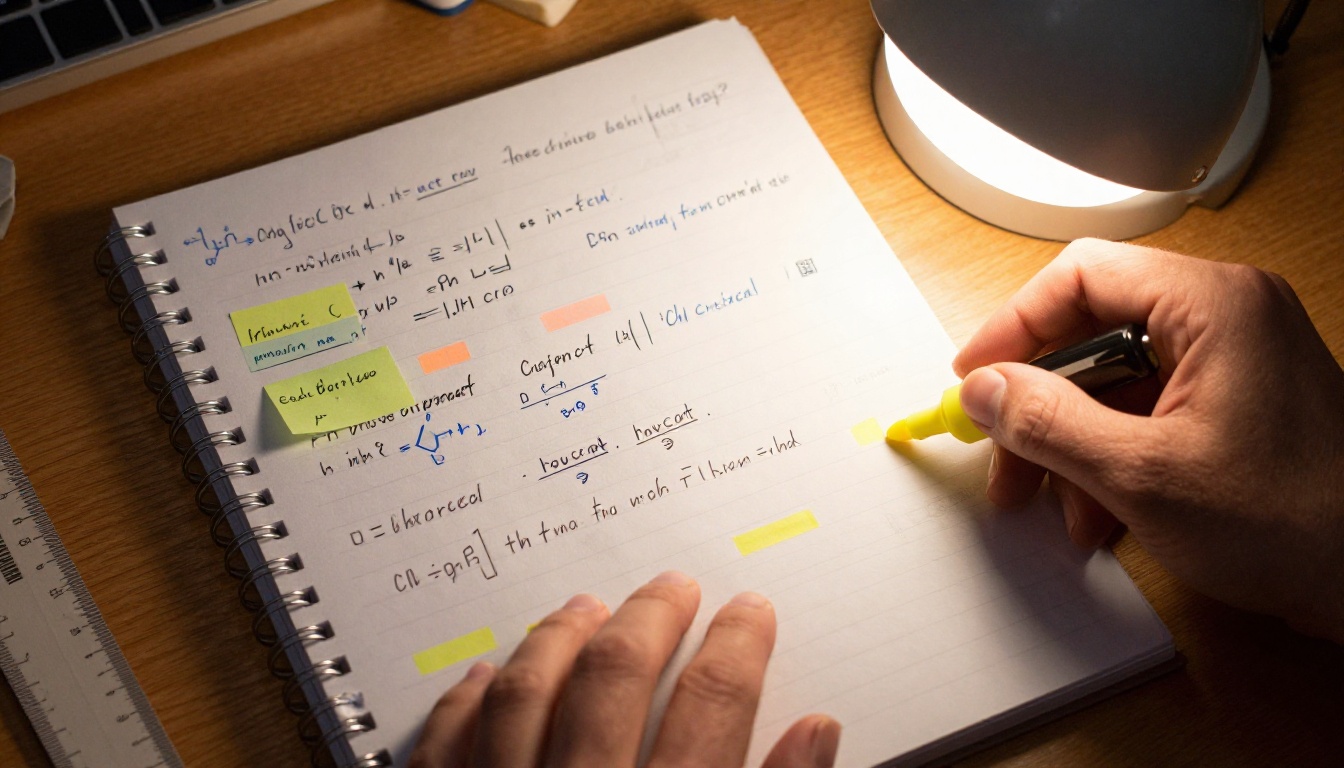
When you flip through pages rather than scroll through a document, your brain processes the information spatially. You remember "this was on page 4" the same way you remember "this was on the left side of the textbook." That spatial memory is a genuine cognitive advantage during exams.
What a Flipbook Does for Your Studies
A digital flipbook is not just a PDF with a page-turning animation. The best flipbook tools add layers of interactivity and accessibility that a static document simply cannot offer.
Beyond Just Flipping Pages
When your notes live in a flipbook format, you get:
- Page-by-page structure that breaks content into digestible chunks
- Mobile responsiveness so you can review notes from your phone without pinching and zooming
- Shareable links that let your study group access the same document in one click
- Password protection for notes you do not want just anyone reading
- Embedded multimedia support so you can add images and diagrams directly into the flow
💡 Students on the Standard plan at Flipbooks AI get unlimited flipbooks with no watermarks, which means you can create a separate flipbook for every subject without hitting a paywall.
Interactive Features That Help Retention
The act of creating a flipbook, organizing your notes, deciding what goes on each page, and reviewing the final product is itself a form of active recall. You are not passively re-reading. You are making decisions about structure, which forces deeper processing.

On top of that, a flipbook your study group can access simultaneously means you can coordinate review sessions without anyone needing to "send the file again."
3 Note Types That Work Best as Flipbooks
Not every set of notes translates equally well into a flipbook. These three categories benefit the most from the format.
Science and Biology Diagrams
Subjects like biology, chemistry, and anatomy involve a lot of spatial relationships. Where does the cell membrane sit relative to the nucleus? Which enzyme triggers which reaction? A flipbook lets you dedicate full pages to single diagrams, with labels and annotations that do not get buried under walls of text.
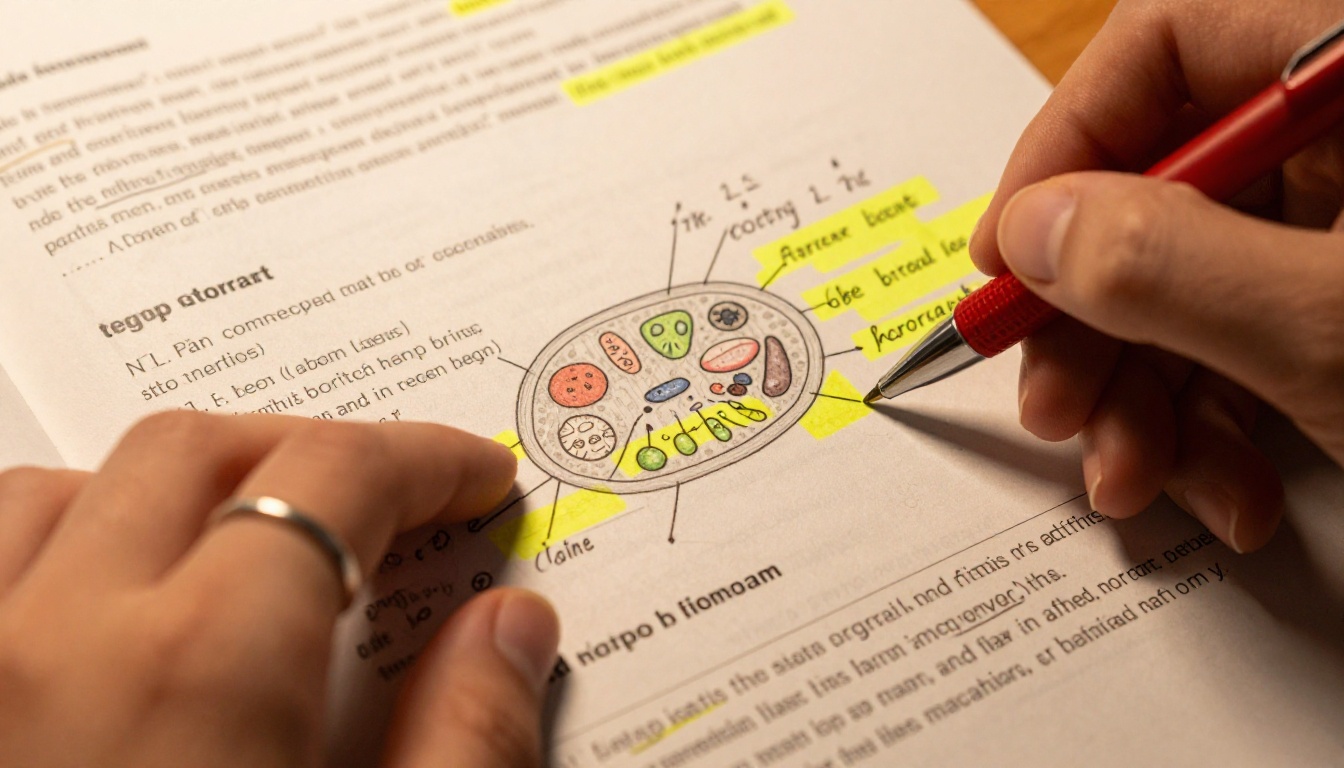
✅ Best practice: Use one page per diagram. Leave white space. Do not cram multiple concepts onto a single spread just because you are worried about page count.
History Timelines
Chronological subjects benefit enormously from paged layouts. Each spread can represent a decade, an era, or a single major event. When you flip through a history flipbook, you physically move through time. That sequential page-turning motion reinforces the sequential nature of the content.
Math Formula Sheets
Formula-heavy subjects like calculus, statistics, or physics need quick-reference formats. A flipbook with a formula on one side and a worked example on the other side of each spread is a powerful study tool. Students can test themselves by looking at the formula page and trying to recall the example before flipping.
| Subject Type | Why Flipbook Works | Best Format |
|---|
| Biology / Anatomy | Spatial diagrams benefit from full-page layouts | One diagram per page |
| History / Civics | Chronological content matches page-by-page flow | Timeline spreads |
| Math / Physics | Formula plus example pairing aids active recall | Two-page formula sets |
| Literature | Character analysis and quotes flow well in chapters | Chapter-by-chapter |
| Economics | Charts and data tables are visually clearer in paged format | Full-page data visuals |
Before committing to a format, it helps to see how flipbooks compare to the alternatives students typically use.
| Feature | Flipbook | PDF | Google Doc | Physical Notebook |
|---|
| Mobile-friendly | ✅ Yes | Partial | ✅ Yes | No |
| Shareable link | ✅ Yes | Via email only | ✅ Yes | No |
| Visual page structure | ✅ Yes | Partial | No | Partial |
| Password protection | ✅ Yes | Via PDF tool | No | No |
| Multimedia embedding | ✅ Yes | Limited | Limited | No |
| No app required | ✅ Yes | PDF viewer needed | Google account needed | N/A |
| Offline access | ✅ Yes (Pro plan) | ✅ Yes | Partial | ✅ Yes |
| Page-turning navigation | ✅ Yes | No | No | ✅ Yes |
| Analytics (who viewed it) | ✅ Yes (Pro plan) | No | Limited | No |
⚠️ PDFs look great on paper but they were designed for print, not for studying on devices. Scrolling through a 40-page PDF on a phone is a frustrating experience. A flipbook built from the same PDF is genuinely comfortable to read anywhere.
How to Convert Your Notes, Step by Step
This is the practical part. Here is exactly how to take your lecture notes from wherever they currently live and get them into a shareable, interactive flipbook using Flipbooks AI.
Step 1: Collect and Organize as a PDF
Before uploading anything, your notes need to be in PDF format. Here is how to get there from the most common starting points:
- Handwritten notes: Photograph each page with your phone. Use a scanning app to combine them into a single PDF. Adjust contrast so the ink reads clearly.
- Typed documents: Export directly from Word, Google Docs, or Notion as a PDF. Make sure your headings are formatted properly so the visual hierarchy is clear in the final flipbook.
- Slide decks: Download your professor's slides as a PDF if they are shared. Combine them with your own notes using a free merger tool before uploading.
- Mixed formats: Combine everything into one PDF before uploading.
💡 Name your PDF clearly before uploading. Something like "BIO301-Week5-CellDivision.pdf" makes it much easier to manage when you are creating flipbooks across multiple subjects.
Step 2: Upload and Convert
Head to Flipbooks AI and create your account. The process takes under a minute:
- Click New Flipbook from your dashboard
- Select Upload PDF and choose your notes file
- Wait for the conversion, usually under 30 seconds for a typical lecture summary
- Your notes are now a fully interactive flipbook
The Course Material Publisher tool is particularly useful for academic content, handling multi-chapter PDFs cleanly and preserving the formatting of diagrams and tables.

Step 3: Customize for Your Study Style
Once your flipbook is created, you can customize it to make studying more effective:
- Add your subject as a branded cover so it is instantly recognizable when you share it
- Set a custom color theme that matches how you color-code your subjects (blue for biology, red for history, and so on)
- Add a table of contents page at the front so study group members can jump directly to relevant sections
- Embed supplementary images directly into the flipbook if you have extra diagrams or charts
✅ Color-coding your flipbooks by subject creates a visual association that actually helps during recall. When you remember "the blue flipbook," your brain starts pulling up biology content before you even open it.
Step 4: Share With Your Study Group
This is where a flipbook genuinely outperforms every other study format. Once your flipbook is live, sharing it takes one action:
- Click Share from your flipbook dashboard
- Copy the direct link, or use the embed code if your study group uses a shared class website or Notion page
- Set a password if the notes contain anything sensitive or if you only want to share with specific people
- Send the link via your group chat
No file attachments. No "can you resend that?" No version confusion. Everyone accesses the same live flipbook, and if you update it after reviewing, they see the update automatically.

Step 5: Track Study Group Activity
If you are on the Professional plan, you get access to analytics showing who viewed the flipbook, when, and for how long. For study groups, this is genuinely useful. You can tell at a glance whether your classmates actually opened the notes before the exam, or who spent the most time on the section you all agreed was the hardest.
Study Groups Love Shared Flipbooks
There is a persistent friction in group studying: someone always has "the notes" and everyone else is waiting for them to send the file.
No More Email Chains
With a shared flipbook link, the entire group accesses the same resource simultaneously. There is no "wrong version" problem. No 50MB attachment that will not open on someone's phone. The person who created the flipbook can keep updating it throughout the semester, and the link stays the same.

Password Protected Class Notes
Some notes are genuinely valuable and took real effort to produce. Password protection means you control who has access. You share the link with your study group, set a password, and only the people you tell the password to can open it. It is simple, but it matters when you have spent hours building a detailed subject flipbook.
💡 Use the Training Manual Flipbook tool when your notes are structured like step-by-step processes, lab procedures, or methodologies. It handles sequential content particularly well.
Plans Worth Knowing About
Here is a breakdown of what each plan offers, so you can decide what level of access makes sense for your study needs.
| Feature | Free | Standard | Professional |
|---|
| Flipbooks per account | Limited | Unlimited | Unlimited |
| Watermarks | Yes | No | No |
| Password protection | No | ✅ Yes | ✅ Yes |
| Custom branding | No | ✅ Yes | ✅ Yes |
| Embed on external sites | No | ✅ Yes | ✅ Yes |
| Analytics and tracking | No | No | ✅ Yes |
| Offline downloads | No | No | ✅ Yes |
| Multimedia embedding | No | ✅ Yes | ✅ Yes |
For most students, the Standard plan hits the right balance: unlimited flipbooks, no watermarks, password protection, and multimedia embedding, all without paying for analytics features you may not need. Check the current pricing page for the latest rates.
Real Scenarios Where This Makes a Difference
Abstract advice only goes so far. Here is how specific students in specific situations actually benefit from note flipbooks:
Pre-med students: Biology, anatomy, and pharmacology involve dense diagrams with intricate labeling. A flipbook lets you dedicate a full spread to each organ system, with clean diagrams and clear labels, flippable from your phone during downtime between classes.
Law students: Case summaries, statutes, and procedural frameworks benefit from a chapter-style layout. A flipbook organized by topic area lets you quickly flip to the section relevant to that week's seminar without scrolling through a wall of text.
Engineering students: Formula references, derivations, and worked examples are ideal flipbook content. Each page can show a formula on one side and a worked example on the next, creating a self-testing loop as you flip through.
Language students: Vocabulary, grammar rules, and example sentences are naturally suited to flashcard-style paged content. A flipbook with one concept per spread is a superior review tool compared to a scrollable list.
What to Do Right Now
You do not need to wait until the end of the semester to start. Pick one subject and one week of notes. Export them as a PDF. Upload to Flipbooks AI and create your first flipbook in the next ten minutes. Share it with one classmate and see how they respond.
No perfect system required. Start with one flipbook, see how it feels to flip through your own notes, and build from there.
When you are ready to go further, browse all the tools available on the platform. The Course Material Publisher is a natural fit for academic content, and the Training Manual Flipbook works exceptionally well for lab procedures and step-by-step subject matter.
For students sharing content with larger groups or embedding flipbooks in class websites, the Embed Flipbook on Website tool handles the technical side without requiring any coding knowledge.
Ready to stop studying from documents that were never built for studying? Create your account and convert your first set of lecture notes into a flipbook today.



