Print magazines are slowly losing ground, and the culprit is not content quality. It is the format itself. Readers today scroll, swipe, and tap. They expect digital experiences that feel alive, not static PDFs that require pinching to zoom on mobile. If your magazine is still sitting in a Google Drive folder as a flat PDF, you are losing readers before they even get through page one.
Flipbooks AI gives magazine publishers, creative studios, and independent editors a way to convert any PDF into a rich, interactive flipbook with genuine page-turning animations, embedded multimedia, and seamless sharing, all without touching a single line of code.
Why Static PDFs Are Costing You Readers
The Attention Gap Is Real
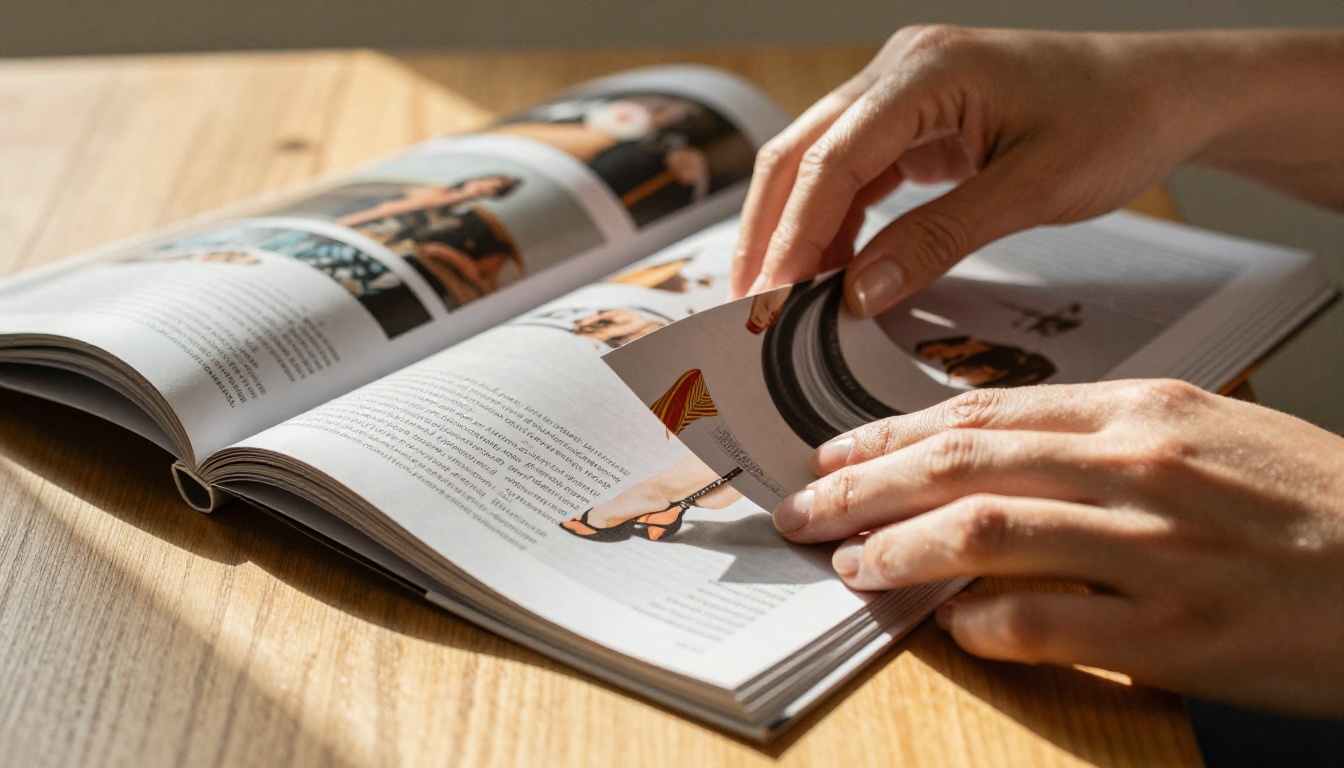
A reader who downloads a PDF gets a passive experience. No animation. No sound. Pages that do not respond to a swipe the way a real magazine would. On desktop, the experience is functional at best. On mobile, it often breaks entirely, with columns that reflow poorly and text that becomes unreadably small.
Interactive flipbooks close this gap. The page physically curls when a reader swipes or clicks, responding to their gesture with physics-based motion. That single detail changes how people perceive the quality of your publication. It signals craft and intention before they have read a single word.
What Mobile Readers Expect Now
Over 60% of online content is consumed on mobile devices today. A PDF laid out for A4 or Letter size was not designed for a 6-inch phone screen. Interactive flipbooks are mobile-responsive by default, automatically adapting the reading experience to the screen size without reformatting your original layout.
💡 Readers who interact with flipbooks spend significantly more time per page than those reading equivalent PDF content. The tactile feel of page-turning keeps them in the publication longer.
The gap between a print-optimized PDF and a properly formatted digital magazine is where most independent publishers are losing subscriber loyalty. Readers who find your content hard to access on their phone simply do not come back.
What Sets a Flipbook Apart from a PDF
Real Page-Turn Physics
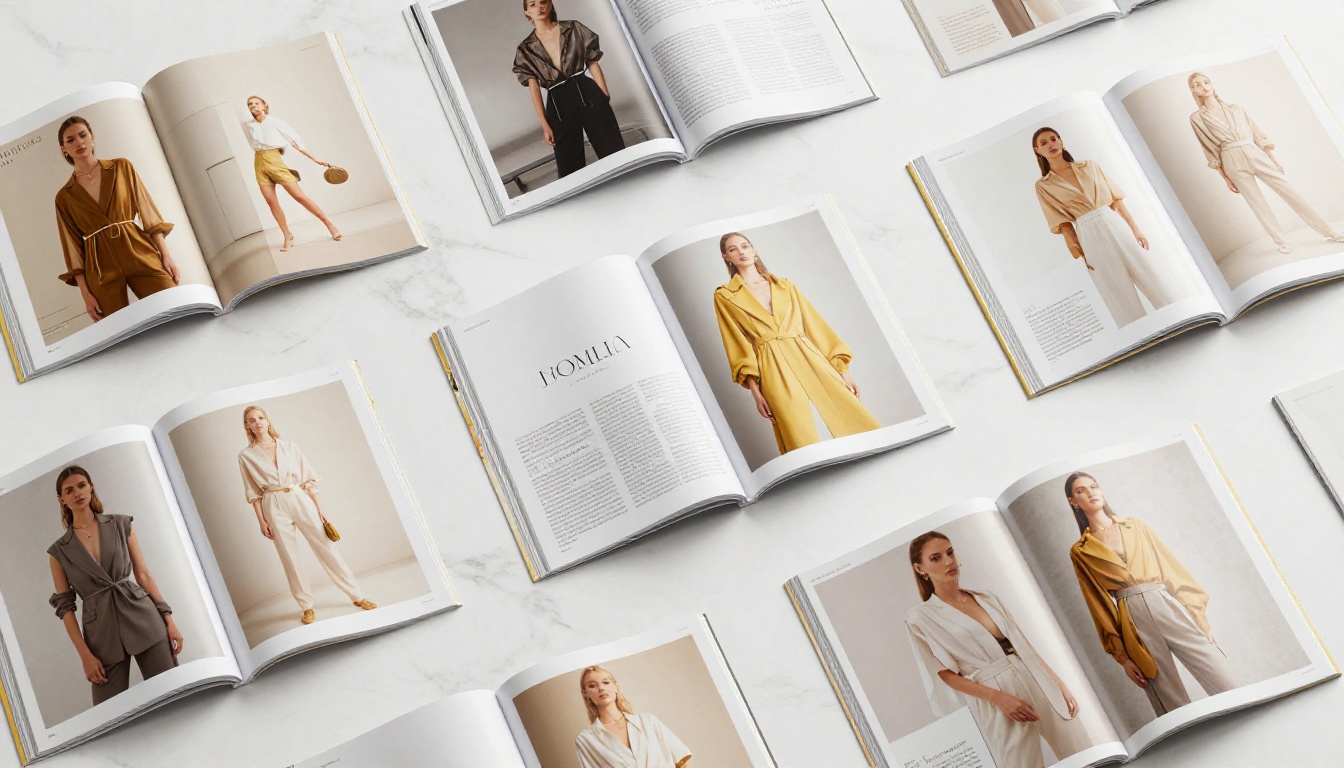
The difference between a flipbook and a PDF viewer is immediately visible. Open a flipbook and the pages curl, cast shadows, and fold exactly the way a physical magazine would. Readers can grab a page corner and drag it slowly, savoring the turn, or tap to flip quickly through sections. The experience is tactile even on a screen.
This is not cosmetic. It changes the emotional register of reading. A fashion editorial that flips beautifully feels premium. A trade publication with smooth transitions feels authoritative. The physicality of the format borrows credibility from its print origins.
Embedded Media That PDFs Cannot Do
PDFs are static by design. A flipbook is not. Within the same pages that display your editorial photography and typography, you can embed video, audio, clickable product links, animated content, and even lead capture forms. This transforms your magazine from a document into a destination.
| Feature | Static PDF | Interactive Flipbook |
|---|
| Page-turn animation | No | Yes, physics-based |
| Mobile-responsive | No | Yes, automatic |
| Embedded video | No | Yes |
| Clickable hyperlinks | Limited | Full support |
| Analytics and tracking | No | Yes (Professional) |
| Password protection | No | Yes |
| Offline download | No | Yes |
| Custom branding | No | Yes |
| Website embed | No | Yes via iframe |
| No watermarks | N/A | Yes (Standard+) |
How to Convert Your Magazine in Minutes

The conversion process on Flipbooks AI is straightforward. No software to install, no design experience required, no steep learning curve. If you have a PDF of your magazine, you are ready to publish.
Upload Your PDF File
- Go to Flipbooks AI and create your free account
- Click New Flipbook from your dashboard
- Drag and drop your magazine PDF into the upload area, or click to browse your files
- The platform automatically renders each page into high-resolution flipbook pages
- Preview the result in the live viewer before publishing or sharing
- Adjust page order or remove blank pages if needed
✅ The platform handles PDFs at high page counts with no issues, making it ideal for magazine issues running 80 to 150+ pages.
Set Branding and Customization
After conversion, you can fully brand your flipbook before sharing it with readers:
- Upload your publication logo to display in the viewer header
- Set brand colors for the navigation bar and background
- Add a custom cover thumbnail for social sharing
- Set a publication title and meta description for SEO indexing
- Apply a custom domain if you host the flipbook at your own URL
Choose Effects and Transitions
The platform offers multiple page presentation options that affect how readers experience each turn:
- Hard cover effect for a realistic book-style opening sequence
- Soft page curl for the magazine-style turning feel most publications prefer
- Zoom on double-tap for spreads with fine typography or detailed photography
- Auto-flip slideshow mode for kiosk displays or social media embedding
💡 For luxury fashion or lifestyle magazines, the soft page curl against a dark background creates the most premium reading experience and makes editorial photography pop.
Customization That Makes It Look Yours
Branding and Color Settings
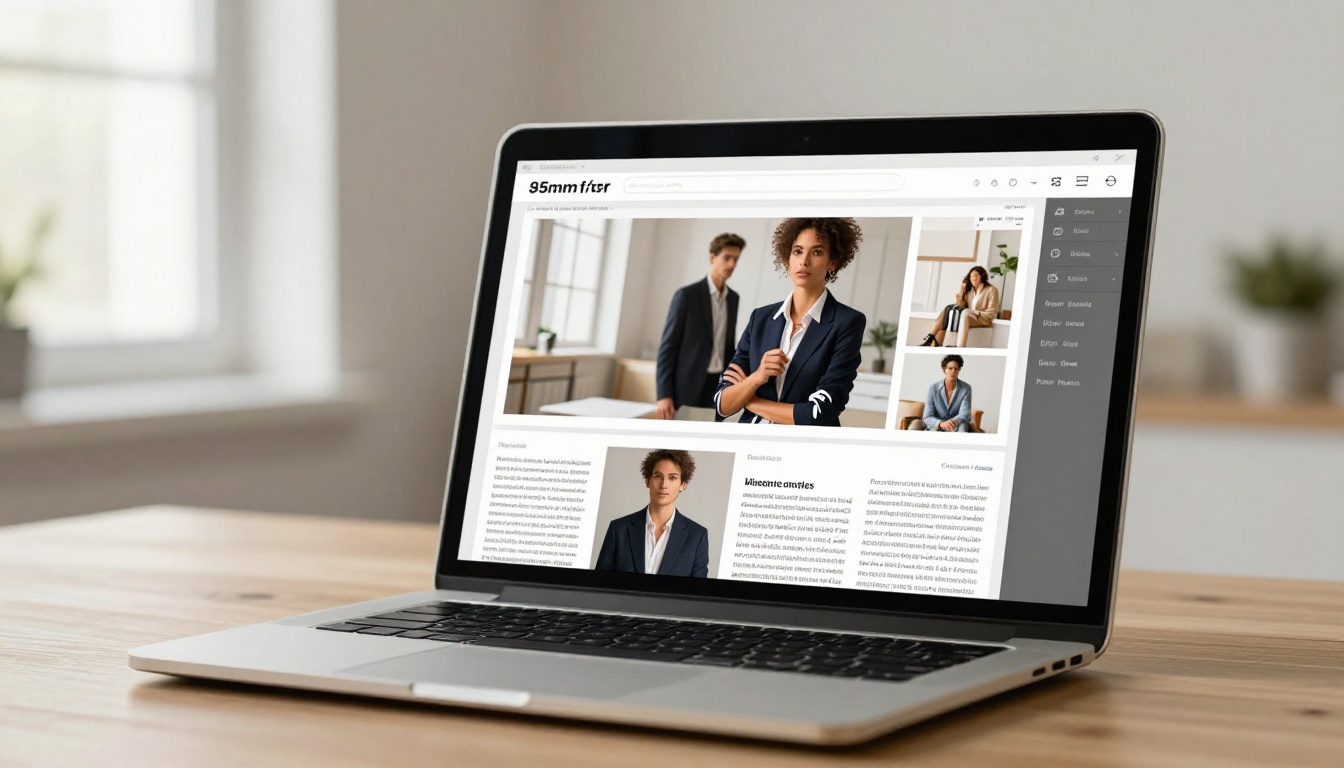
Your magazine flipbook should feel like an extension of your publication, not a generic document viewer. Navigation arrows, toolbar icons, loading screens, and background colors all adapt to your brand palette. For publications with a strong visual identity, this matters.
Readers should not notice the technology. They should just experience the magazine. When every element of the viewer matches your brand colors and typography, the flipbook becomes invisible and the content takes over.
Multimedia Embeds That Add Real Value
The Magazine Flipbook Creator supports embedding rich media directly within your pages. This is where interactive magazines pull decisively ahead of print:
- Video interviews that autoplay when a reader reaches a specific spread
- Background audio to set the mood for a particular editorial section
- Clickable product links in fashion, beauty, or lifestyle spreads
- Interactive maps within travel features
- Audio slideshows for photojournalism-led issues
- Lead capture forms for growing your subscriber list
| Multimedia Type | Placement | Best Use Case |
|---|
| YouTube or Vimeo embed | Any page via hotspot | Behind-the-scenes, interviews |
| Audio clip | Upload MP3 to page | Podcast companion issues |
| Hyperlink hotspot | Draw over any page area | Product links, advertisers |
| Lead capture form | Any page (Professional) | Subscriber and list growth |
| Animated GIF overlay | Upload to page | Fashion motion editorial |
| External URL button | Toolbar or page | Sponsor destinations |
Sharing and Distribution Options

Embed on Your Website
One of the most powerful distribution features is the ability to embed your flipbook directly on your website using a simple iframe code. The Embed Flipbook on Website tool generates the code automatically after you publish.
Readers never need to leave your site. The flipbook loads at full responsive width, looks native to your page design, and works on all devices without requiring any plugin, app download, or special viewer. Your magazine lives where your audience already spends time.
Direct Links and Social Sharing
Every flipbook receives its own clean, shareable URL that you can distribute across every channel:
- Email newsletters with a link to the latest issue
- Social media posts with a thumbnail preview
- Digital advertising campaigns with campaign-specific links
- QR codes printed in your physical edition, linking readers to the digital version
- PR outreach and press kits with a professional-looking digital publication link
The URL loads instantly with no download required. Readers click, the flipbook opens, and they start reading within seconds.
Password-Protected Issues
For subscription-based magazines or premium content, password protection keeps your publication exclusive to paying readers. Subscribers receive the password as part of their membership confirmation. Non-subscribers see a locked cover with a visible call-to-action to subscribe.
⚠️ Password protection is available on all paid plans and works at the individual flipbook level. You can protect premium issues while keeping sample or preview issues fully public.
This feature is especially useful for publications that offer a free sample issue to attract new subscribers, then require login or password for back issues and current editions.
Plans Worth Knowing About
The pricing structure at Flipbooks AI is built to scale with your publication needs, from independent editors publishing quarterly to media companies with high-volume monthly output.
| Plan | Flipbooks | Watermark | Password | Analytics | Lead Gen | Offline Download |
|---|
| Free | Limited | Yes | No | No | No | No |
| Standard | Unlimited | No | Yes | No | No | No |
| Professional | Unlimited | No | Yes | Yes | Yes | Yes |
Key differences to understand:
- Free plan: Useful for testing the platform and running a first conversion before committing
- Standard plan: The right choice for independent publishers who want clean, professional output with no watermarks and unlimited flipbooks
- Professional plan: Built for media businesses that need full analytics, lead capture within the publication, and offline download capabilities for readers
💡 The offline download feature on the Professional plan is particularly valuable for travel, health, and outdoor publications whose readers often consume content in low-connectivity environments.
The analytics dashboard on Professional shows you exactly which pages readers spend the most time on, where they drop off, and which links they click. That data makes every editorial meeting more productive.
Who Uses Magazine Flipbooks
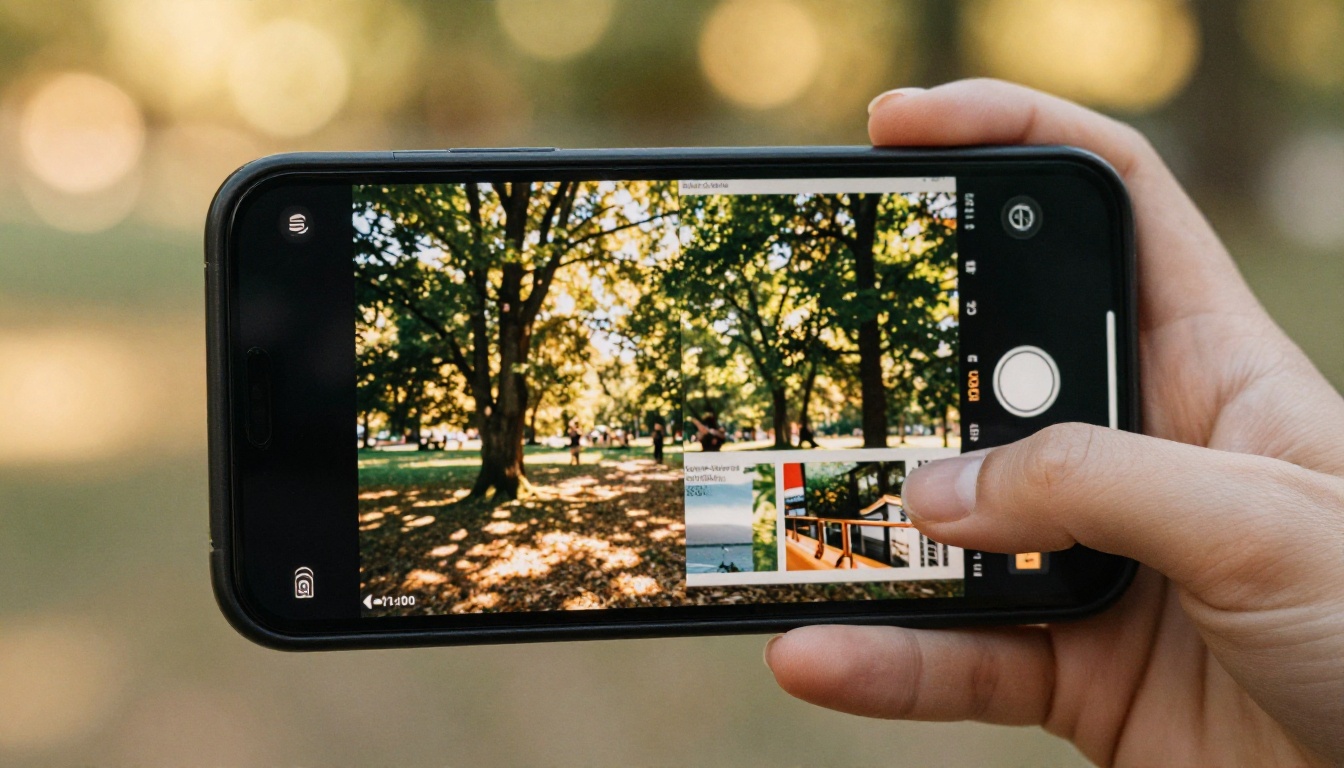
Fashion and Lifestyle Publications
Fashion magazines were among the first print formats to go digital, and flipbooks remain the gold standard for replicating the glossy, aspirational reading experience online. A fashion flipbook preserves the original photography at full resolution, maintains the editorial layout exactly as designed, and adds the page-turning physicality that flat PDFs strip away entirely.
Beauty brands use the Interactive Lookbook Designer to create seasonal campaign lookbooks embedded directly on their e-commerce sites. Readers flip through the editorial, click on featured products, and complete a purchase, all without leaving the reading experience.
Trade and B2B Publications
Industry trade magazines, technical journals, and B2B publications gain enormously from the analytics available on the Professional plan. Editors can see exactly which pages hold attention, where readers exit, and which content drives external clicks.
This data shifts magazine publishing from a gut-feel exercise into an evidence-based editorial strategy. If readers consistently exit on pages 24 to 26, that tells you something specific about the content in that section. No print publication can give you that signal.
Internal Company Magazines
Many organizations produce internal employee magazines, newsletters, or annual reports as beautifully designed PDFs that rarely get read. Converting these to interactive flipbooks changes that dynamic. The format communicates respect for the audience. It feels like a real publication, not a corporate attachment.
The E-Magazine Publishing Tool suits communications teams producing regular internal publications. The Annual Report Creator handles the structured, data-heavy corporate publishing end.
✅ Internal magazines distributed as flipbook links are fully trackable with Professional analytics. You can measure read rates, page engagement, and click-throughs across departments. That data is simply not available from a PDF email attachment.
Start Publishing Interactively Today

The barrier to publishing an interactive magazine online has never been lower. You already have the content. You already have the design. The only thing standing between a static PDF and a fully interactive digital magazine is a five-minute conversion process.
Here is what the complete workflow looks like in practice:
- Export your magazine layout from InDesign, Affinity Publisher, Canva, or any design tool as a high-resolution PDF
- Upload it to Flipbooks AI and let the automatic conversion run
- Apply branding settings including logo, colors, and custom cover thumbnail
- Configure sharing permissions: public, password-protected for subscribers, or embedded directly on your site
- Distribute the link via email newsletter, social channels, or embed it in a dedicated issues page
- Review analytics on the Professional plan to refine editorial decisions for the next issue
The E-Magazine Publishing Tool and Magazine Flipbook Creator are specifically built for publications making this transition, with default settings optimized for magazine-format content and multi-page spreads.
The difference between a PDF and an interactive flipbook is something readers feel within the first three seconds of opening it. Once they experience it, going back feels like a step backward.
Ready to publish your first interactive issue? Create your free account on Flipbooks AI and run your first conversion today. For teams that need analytics, lead generation, and offline downloads, explore the full pricing options. Browse every available flipbook tool to find the one built for your exact publication type.



