Most marketing teams spend thousands on beautifully designed brochures that get opened once, skimmed for 30 seconds, and never seen again. The prospect closes the PDF, forgets the email, and your sales team is left chasing ghosts. The problem is not your design. The problem is that a static brochure cannot do anything while you sleep. It cannot capture a name, send a follow-up, or tell you who read page 4 three times. Flipbooks AI changes that entirely.
Why Printed Brochures Bleed Money
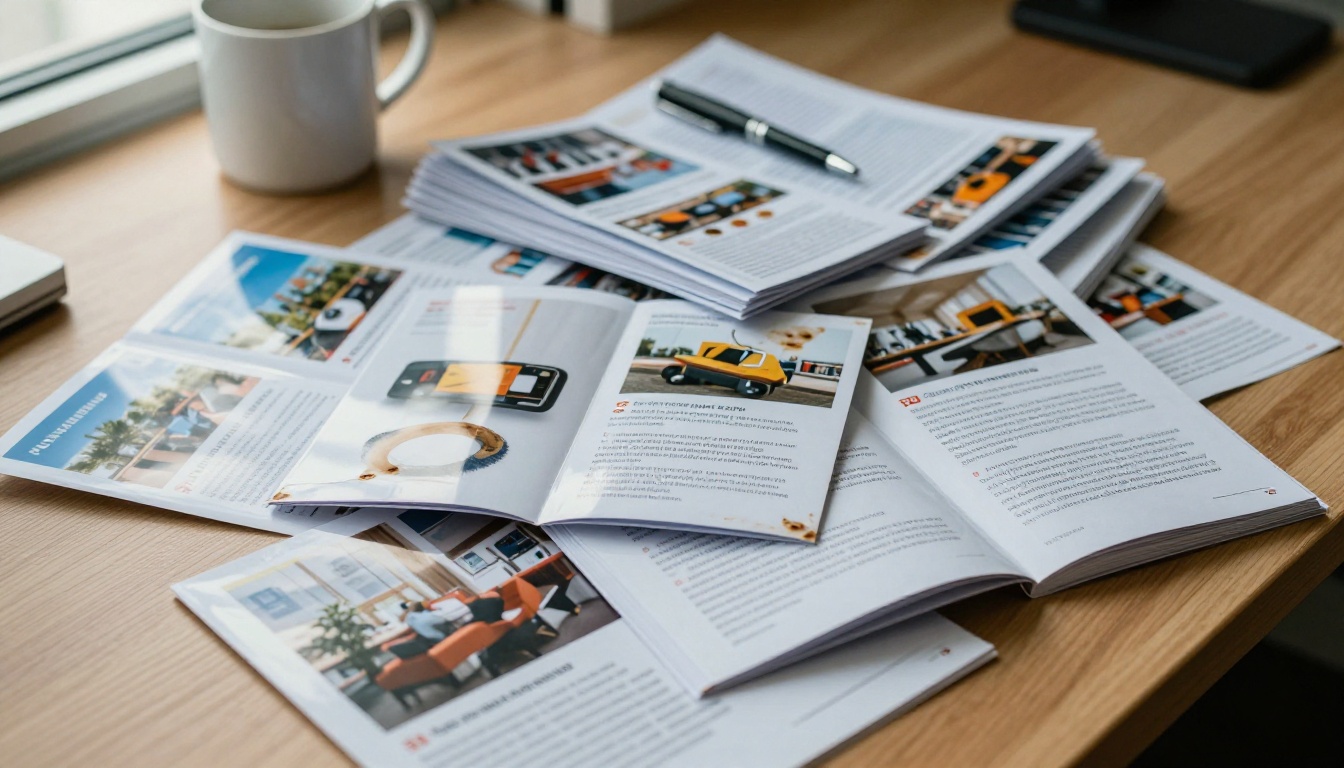
Printed brochures cost between $500 and $5,000 per print run depending on quantity and quality. Factor in design revisions, reprints when prices or products change, shipping costs, and the labor of physically distributing them at events, and you are looking at one of the most expensive zero-accountability marketing channels in existence.
Here is the core issue: a printed brochure is a one-way communication tool. You push information out. You have no idea what happened to it. Did anyone read it? Which section interested them most? Did they pass it on? You will never know.
⚠️ According to B2B marketing research, over 60% of printed sales collateral is never used by sales teams, and 80% of it ends up discarded by prospects within a week of receipt.
Digital brochures solve the accountability problem, but a flat PDF is not much better than a printed page. It still does not capture leads. It still cannot be tracked at a page level. And it offers no interactive elements to hold attention past the first scroll.
The Static PDF Problem
A PDF sent via email might get opened. It might get forwarded. But it will not:
- Capture the reader's email address or contact details
- Show you which pages they spent time on
- Let you embed a video, a product demo, or a booking link
- Notify your CRM when a hot prospect reads the pricing section
- Allow your prospect to share it with a colleague via a branded link
That gap between sending a brochure and knowing if it worked is exactly where leads go to die.
What a Lead Machine Actually Does
A brochure becomes a lead machine when it actively participates in your sales funnel rather than passively sitting in someone's downloads folder. The characteristics of a high-converting digital brochure are straightforward:
| Feature | Static PDF | Printed Brochure | Interactive Flipbook |
|---|
| Lead capture form | No | No | Yes |
| Page-level analytics | No | No | Yes |
| Shareable branded link | Partial | No | Yes |
| Embedded video and audio | No | No | Yes |
| Real-time content updates | No | No | Yes |
| Mobile responsive | Partial | No | Yes |
| Password protection | No | No | Yes |
| No watermarks | Varies | N/A | Yes (always) |
The interactive flipbook format closes every single gap. Readers experience a page-turning interface that feels premium and polished, while you collect data with every interaction.
💡 Flipbooks with embedded video on the first spread see 2.3x longer average session times than text-only pages. Add a short product demo clip to your opening spread.
How to Convert Your Brochure with Flipbooks AI

This is where the practical work happens. Flipbooks AI is built specifically for this workflow: take your existing PDF, convert it into a polished interactive flipbook, layer in lead generation tools, and publish it with a shareable link in under 10 minutes.
Step 1: Create Your Account
Go to flipbooksai.com/account and sign up. No credit card required on the free tier. You can be inside the dashboard in under two minutes.
Step 2: Upload Your PDF Brochure
Click New Flipbook and drag your PDF into the upload area. The PDF to Flipbook Converter processes your file and renders every page with crisp fidelity, preserving your typography, images, and layout exactly as designed. Most brochures convert in 30 to 60 seconds.
✅ Make sure your PDF is exported at 150dpi or higher for optimal screen rendering. Screen-optimized exports look sharper than print-optimized PDFs.
Step 3: Apply Branding and Customization
Once converted, you can customize:
- Brand colors on the toolbar and interface chrome
- Custom domain or subdomain for your flipbook URL
- Logo placement on the viewer frame
- Page effects: hard page curl, soft flip, or slide transitions
- Background color or texture behind the book spreads
- Embedded multimedia: click any page to add a YouTube or Vimeo video, an audio clip, or an external link
For marketing brochures, the Online Brochure Designer and Brochure Flipbook Maker tools provide pre-optimized settings for this exact use case.
Step 4: Add a Lead Capture Form

This is the step that separates a pretty digital brochure from an actual lead machine. In the Flipbooks AI dashboard:
- Navigate to Lead Generation in the left sidebar
- Toggle on Capture leads before viewing or Show form after X pages
- Configure your fields: name, email, company, phone, job title
- Set whether the form is mandatory or optional (soft gate vs. hard gate)
- Connect your CRM via webhook or direct integration
- Save and publish
The lead gate can be positioned at entry (prospect must submit before viewing), after a specific page (they have read enough to signal interest), or as a persistent floating CTA throughout the entire flipbook. Each approach works differently depending on your audience temperature.
💡 Warm audiences from email campaigns respond better to soft gates (optional form after page 3). Cold traffic from paid ads converts better with a hard gate at entry when the offer is compelling enough.
Step 5: Set Sharing and Distribution Options
Flipbooks AI gives you multiple distribution formats:
- Direct link: a clean branded URL you can share anywhere
- Embed code: paste into your website, landing page, or email signature
- QR code: generated automatically for print materials and event signage
- Password protection: restrict access to specific clients or partners
- Email distribution: send directly from the dashboard with open tracking
The Embed Flipbook on Website tool makes website embedding particularly clean, rendering the flipbook in a responsive iframe that adapts to every screen size automatically.
Step 6: Professional Features for Serious Lead Volume
With the Professional plan, you get access to:
- Full analytics suite: page dwell time, drop-off points, heat maps
- Offline downloads: let prospects save the flipbook for later without losing tracking
- Lead export: push collected leads directly to your email platform or CRM
- Priority support for high-volume campaigns
✅ Start with Standard to replace your PDF workflow, then move to Professional once your flipbooks are live and you want to optimize conversion rates with real data.
Reading the Data: Analytics That Matter
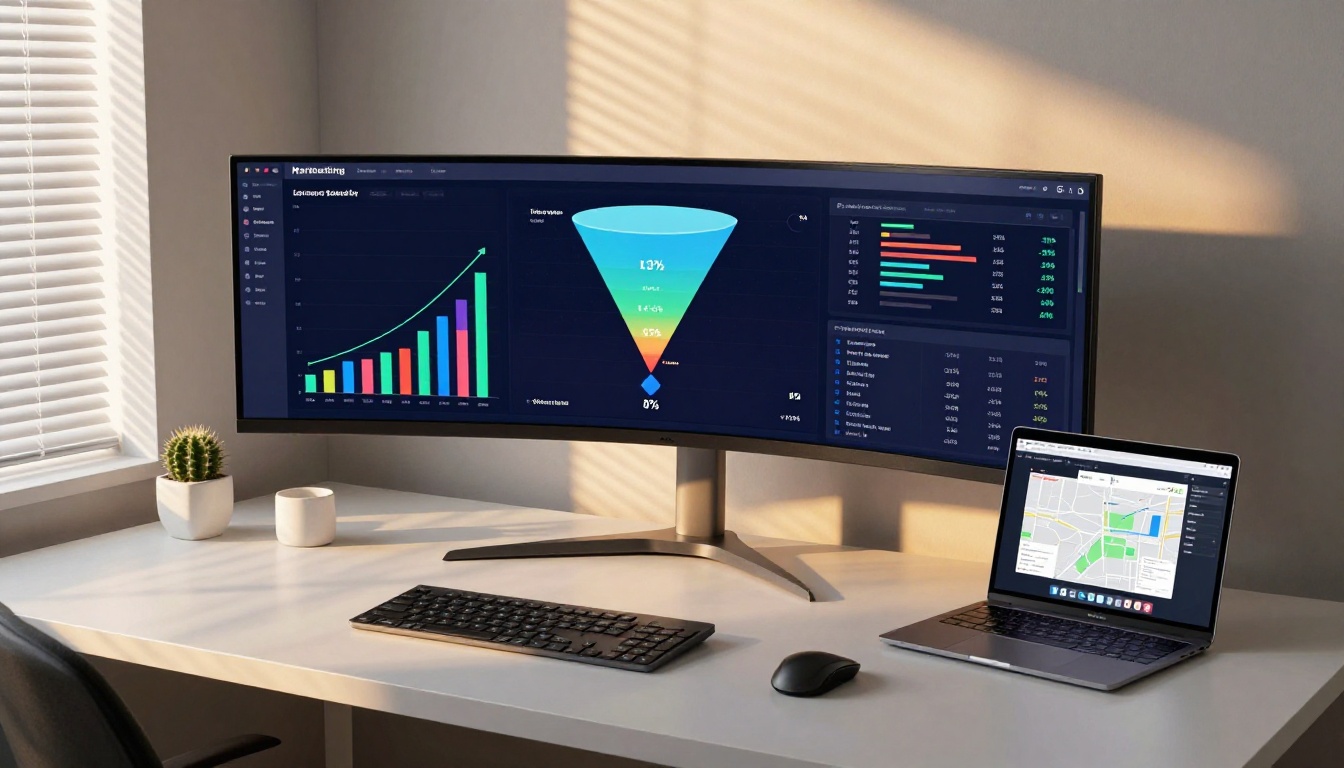
Most marketers treat brochure distribution as a black box. You send 500 PDFs and hope for the best. With Flipbooks AI's analytics, every view becomes a data point you can act on.
Metrics That Drive Decisions
| Metric | What It Tells You | Action to Take |
|---|
| Total views by source | Which channels drive brochure traffic | Double down on top channel |
| Average time on page | Which sections hold attention | Move that content earlier in the flipbook |
| Drop-off page | Where readers lose interest | Redesign or shorten that section |
| Lead conversion rate | What % of viewers submit a form | Test different gate positions |
| Return visits | Who came back for a second look | Flag for immediate sales follow-up |
| Share rate | How often it gets forwarded | Incentivize sharing with gated bonus content |
⚠️ Do not obsess over total view count. A brochure with 100 views and a 25% lead capture rate outperforms one with 1,000 views and a 2% rate every time. Optimize for conversion, not vanity metrics.
Setting Up a Lead Notification Workflow
Once analytics are active, connect them to your sales process:
- Set up email alerts when a specific prospect views more than 4 pages
- Trigger a CRM task when a lead submits the capture form
- Use UTM parameters on your flipbook link to trace which campaign source drove the view
- Export lead data weekly to your email platform for automated nurture sequences
This closes the loop between your brochure and your pipeline in a way that printed materials will never achieve.
Real Industries Using This Workflow

Real Estate

A real estate agency replaced their printed property listings with digital flipbooks created via the Real Estate Brochure tool. Each listing flipbook includes an embedded virtual tour video, a mortgage calculator link, and a lead capture form collecting buyer contact info and pre-qualification status. Their cost per lead dropped by 67% compared to printed marketing packets.
Hospitality and Food Service

A boutique hotel chain converted their seasonal packages brochure using the Hotel Brochure tool. The flipbook embedded a direct booking widget, included a video tour of the property, and captured 847 qualified leads over a single summer season from a single shared link. Their front desk team reported significantly higher lead quality because prospects had already self-educated through the full brochure before making contact.
Restaurants using the Restaurant Menu Creator report that digital menus with embedded ordering links drive 22% higher average order values than printed menus, because customers spend more time browsing all available options.
B2B and Corporate Sales
Corporate sales teams using the Sales Presentation tool report that sending a gated flipbook before a discovery call produces more qualified prospects. The reasoning is simple: if a prospect fills in a form to access your capabilities brochure, they are already warmer than someone who receives an unsolicited PDF attachment.
Trade Shows and Events
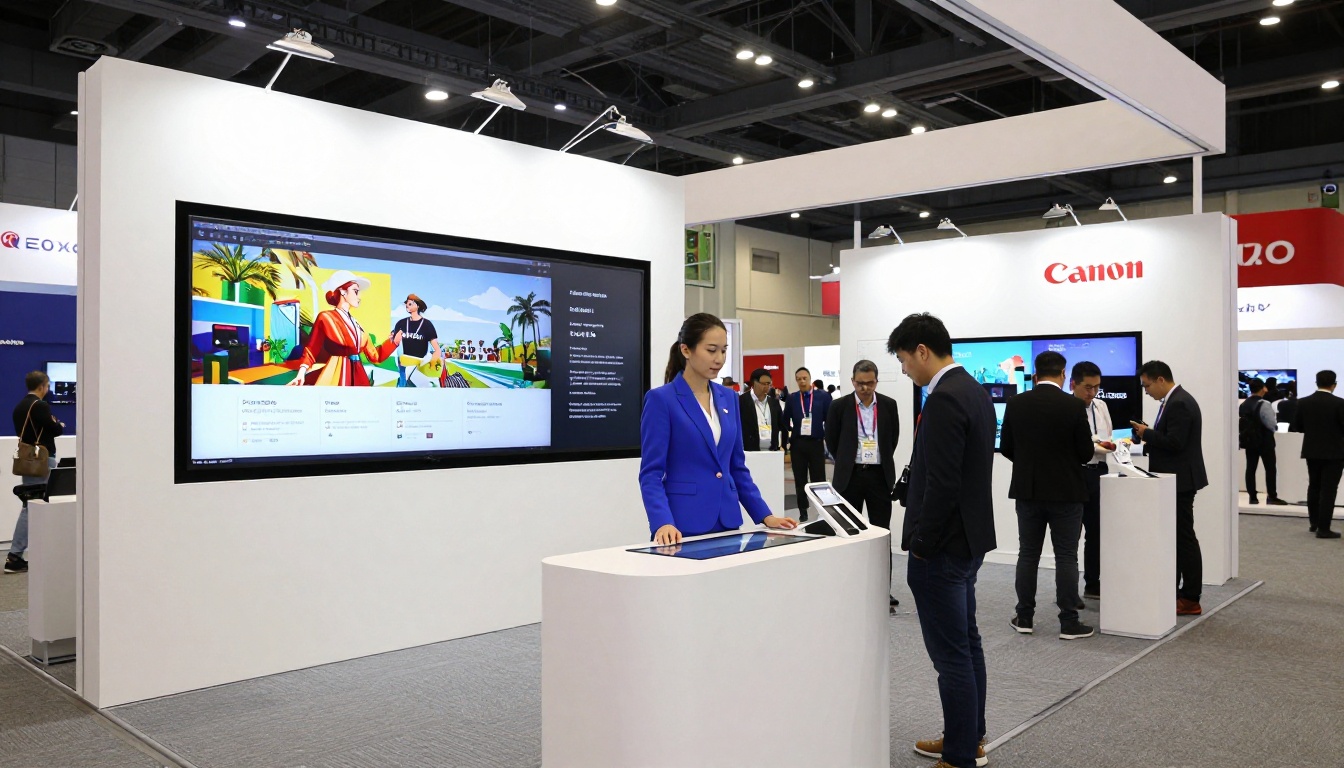
Instead of printing 500 brochures and shipping them to a trade show, exhibitors now display their flipbook on a kiosk or large format screen and collect leads directly through the built-in form. Every badge scan becomes a trackable flipbook view, and every person who reads past page 3 automatically enters a post-show email nurture sequence.
Choosing the Right Plan
Flipbooks AI pricing is structured to match where you are in your lead generation journey:
| Plan | Best For | Lead Capture | Analytics | Flipbooks |
|---|
| Free | Testing the concept | Basic | Basic | 3 |
| Standard | Growing teams | Yes | Yes | Unlimited |
| Professional | Lead-focused campaigns | Full lead generation | Full suite | Unlimited |
For teams using brochures as a core sales asset, the Professional plan pays for itself with a single captured lead in most industries. No watermarks on any plan, unlimited flipbooks from Standard upward, and full password protection for private or tiered content.
Distribution Channels That Amplify Results
A lead machine only works if people reach it. Here is where interactive flipbooks outperform PDFs in real distribution scenarios:
Email campaigns: Embed a flipbook preview thumbnail with a "View the full brochure" CTA. Click-through rates on animated flipbook previews consistently outperform static PDF attachment open rates.
LinkedIn outreach: Share your flipbook link directly in InMail. LinkedIn's preview card renders the first page as a visual thumbnail, making it far more clickable than a "see attached PDF" message.
Website landing pages: Use the Embed Flipbook on Website tool to place your brochure directly on a product page. Visitors stay on-page longer, and the lead form captures intent at the moment of highest interest.
QR codes on physical materials: Print a QR code on your business card, event badge, or pop-up banner that links directly to your digital flipbook. Every scan becomes a trackable lead event with full analytics.
Social media links: A clean branded flipbook URL in your Instagram bio or LinkedIn summary is far more compelling than a raw PDF link.
The Workflow in Numbers
Before switching to interactive flipbooks, the average marketing team running print brochures sees:
- Cost per printed brochure: $2 to $15
- Lead capture rate from print campaigns: 0% (zero trackability)
- Average PDF open rate when emailed cold: 22%
- Leads captured per 100 PDF views: 1 to 3
After switching to Flipbooks AI with lead generation enabled:
- Cost per flipbook: included in subscription
- Lead capture rate with soft gate: 12 to 18%
- Lead capture rate with hard gate: 25 to 40%
- Leads captured per 100 views: 15 to 40
That is not an incremental improvement. That is a complete restructuring of what a brochure can do in your pipeline.
Your Brochure Should Work While You Sleep
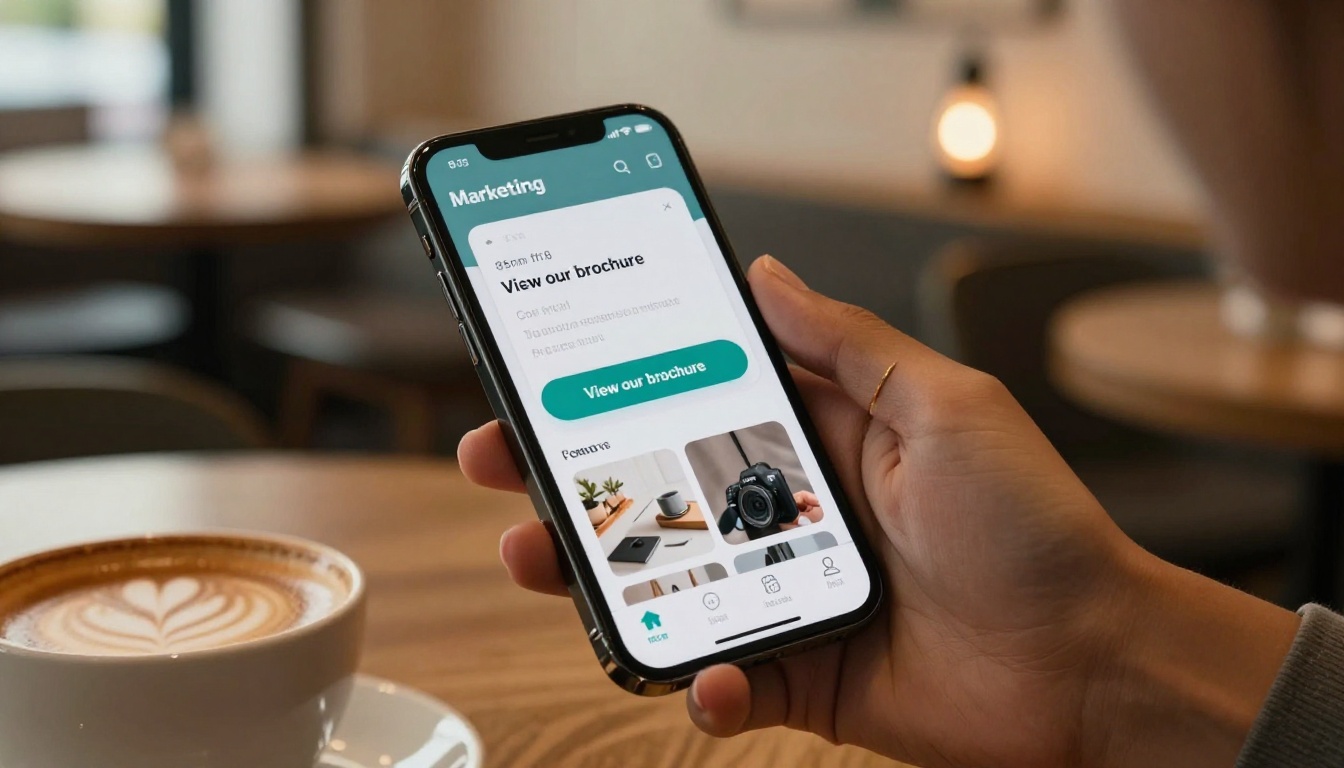
The goal of any marketing asset is to generate revenue without requiring your personal presence every time someone reads it. A printed brochure requires a human to hand it over, explain it, and follow up manually. An interactive digital flipbook does all three automatically.
It captures the lead. It sends a notification to your sales team. It tracks behavior so your follow-up is informed rather than generic. And it does all of this at 2am on a Sunday just as effectively as it does at 9am on a Monday.
Ready to turn your existing brochure into a 24/7 lead generation asset? Create your free account on Flipbooks AI and have your first flipbook live before the end of the day. Browse all available tools and templates to find the exact format for your industry. When you are ready to activate lead capture and analytics, compare the pricing plans to choose the tier that fits your volume.
Your brochure is already designed. It just needs the infrastructure to do its job.



