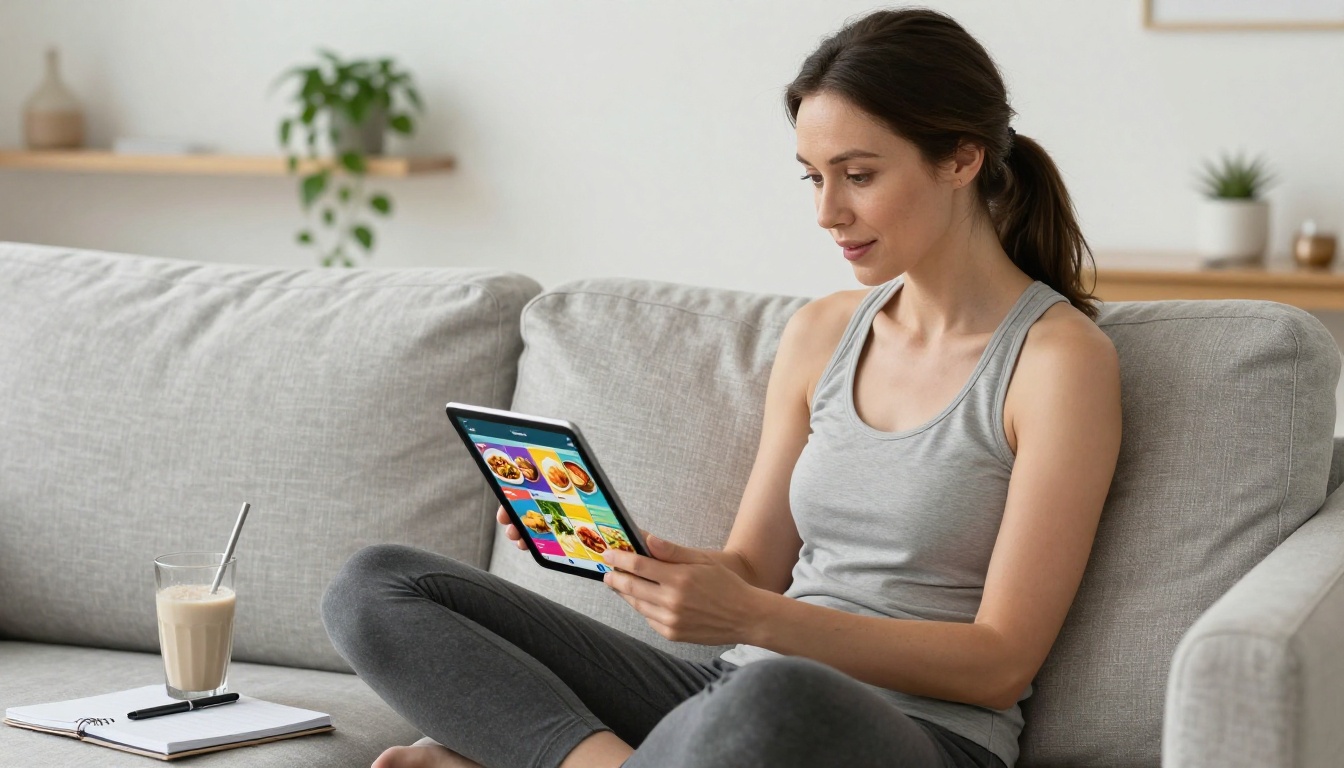
Most clients don't fail their diet because the plan was wrong. They fail because they never actually looked at it past day two. The PDF you emailed them sits buried in a downloads folder, sandwiched between a utility bill and a Terms of Service update nobody asked for. If you've ever put hours into crafting a detailed, thoughtful meal plan only to have a client ask "what was I supposed to eat again?" three weeks later, this is for you.
Flipbooks AI lets you turn that static document into something clients genuinely want to open: an interactive, page-turning digital flipbook that looks as polished as a magazine and works on any device.
Why Clients Never Open That PDF
The PDF Problem No One Talks About
There's a quiet frustration running through nearly every nutrition coaching practice. Coaches invest serious time building meal plans, color-coding macros, writing out grocery lists, attaching recipe cards. Then they send a PDF. And the client doesn't use it.
This isn't a motivation problem. It's a format problem. PDFs were designed for printing, not for browsing on a phone while standing in a grocery store. They don't scroll like a social media feed. They don't feel like a resource worth revisiting. They feel like paperwork.
💡 People engage more with visual, interactive content than with static text documents. The format of your materials directly impacts how much clients actually use them.
The difference between a client who follows a meal plan and one who ignores it is often not the quality of the nutrition advice. It's how accessible and appealing the information looks when they try to open it at 6am before breakfast.
First Impressions in Nutrition Coaching
Your meal plan is a product. Every time a client opens it, they're forming an impression of your professionalism, your attention to detail, and whether this investment in coaching was worth it. A flat, black-and-white PDF sends one message. A vibrant, branded, navigable flipbook sends another.
✅ A well-presented meal plan increases perceived value, improves compliance, and reduces the number of "what do I eat?" messages you get every week.
Clients who feel like they received something high-quality are more likely to follow through, refer friends, and renew. That's a business outcome, not just a design preference.
What a Meal Plan Flipbook Actually Is
Pages, Visuals, and Navigation
A meal plan flipbook is a digital publication that replicates the tactile experience of flipping through a magazine or booklet, but lives entirely online. When a client opens the link you send them, they see an actual page-turning interface with smooth animations. They can click forward through sections, tap on images, zoom into recipe details.
It's built from a PDF you already have (or design from scratch), converted into an interactive format through a tool like Flipbooks AI. The output is a shareable link, an embed code, or a downloadable file, depending on what works best for your workflow.

How Clients Interact with It
The interaction model matters. Instead of scrolling endlessly through a PDF, clients can jump between chapters: Week 1 starts at page 3, the grocery list is on page 8, the recipe section begins at page 12. Clear visual hierarchy makes the content feel organized rather than overwhelming.
On mobile, the flipbook adjusts automatically. Clients don't need to pinch-zoom or scroll horizontally. Everything adapts to their screen size, which means the experience is just as clean on a phone as it is on a laptop.
💡 The best meal plan flipbooks are structured like magazines: a strong visual front page, clear section breaks, and a layout that rewards browsing as much as reading.
What to Put Inside Your Client Flipbook
Weekly Menus and Grocery Lists
The most-used sections of any meal plan are the weekly menu and the shopping list. Both of these deserve visual treatment. A weekly menu laid out in a clean table with color-coded meal types (breakfast, lunch, dinner, snacks) is far easier to use than a bulleted list of food items.
Grocery lists work well as checkable columns, organized by category: produce, proteins, pantry staples, dairy. When laid out in a visually clean format, clients can actually carry this through a store without confusion.
| Section | Standard PDF Format | Flipbook Format |
|---|
| Weekly menu | Bulleted text list | Color-coded table with icons |
| Grocery list | Single long list | Categorized columns by aisle |
| Recipe cards | Text-only with no images | Photo-accompanied step format |
| Macro breakdown | Raw numbers table | Visual bar charts or pie graphics |
| Progress notes | None | Structured annotation sections |
Macro Breakdowns and Calorie Targets
Nutrition data is one of the most intimidating parts of a meal plan for clients who aren't already fluent in macros. How you present this data changes everything. A wall of numbers is easy to ignore. A clean visual breakdown with context ("this is what 2,100 calories looks like across your day") gives clients something they can actually absorb and act on.
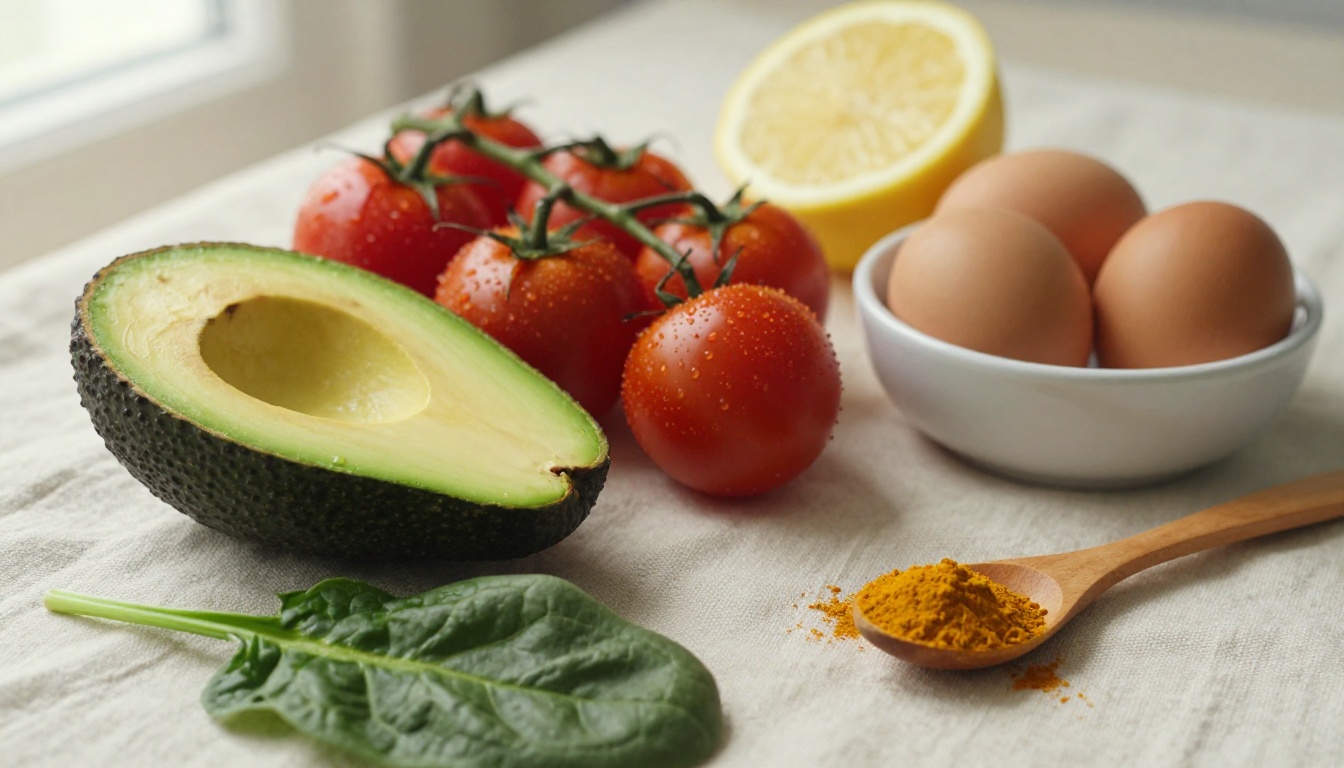
If your PDF design tool includes charts, those translate beautifully into a flipbook. Pie charts showing macro ratios, bar graphs for daily calorie distribution, simple progress milestone tables: these are the kinds of visuals that keep clients engaged with the content week after week.
Recipe Cards That Look Professional
This is where the flipbook format pulls so far ahead of a plain PDF that it's almost unfair. Recipe cards with food photography, clear ingredient lists, and step-by-step instructions presented in a clean layout feel like something worth following. They don't look like a homework assignment. They look like a cookbook.
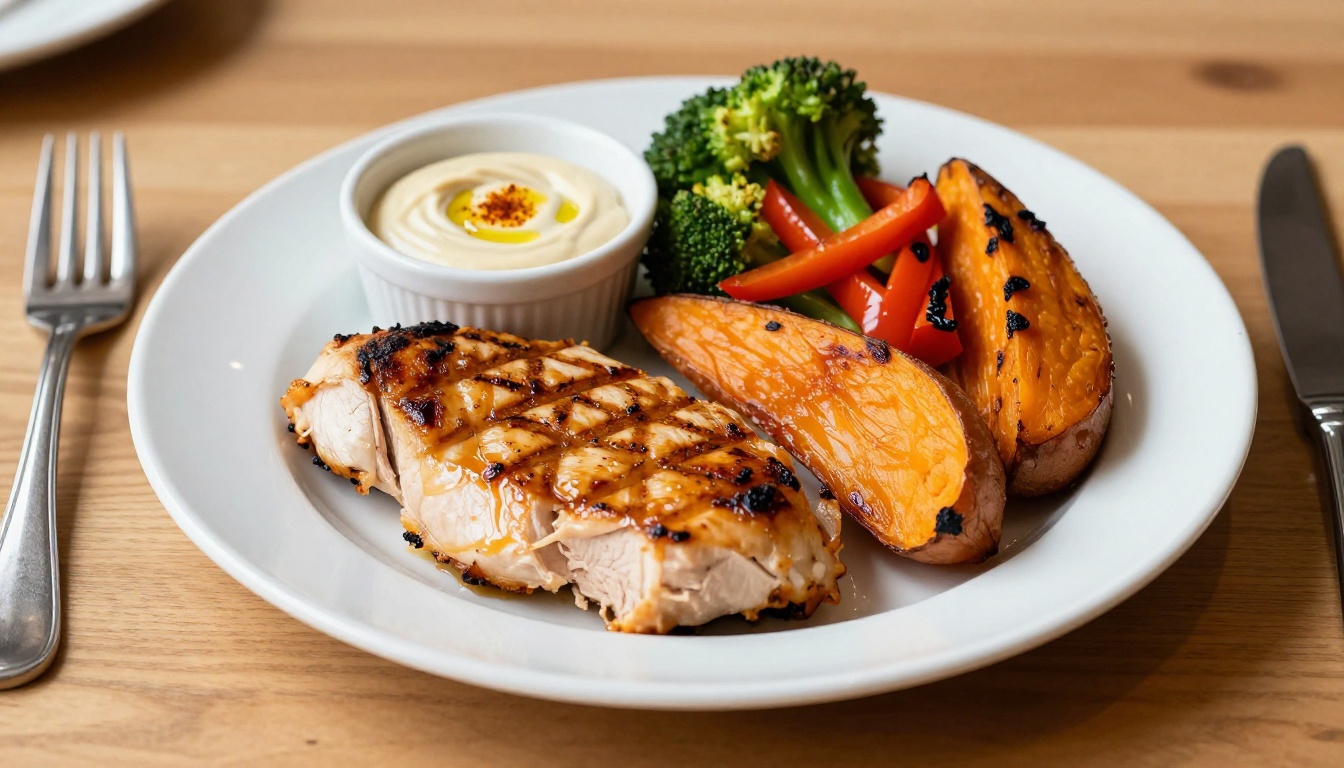
Even if you're not a graphic designer, there are plenty of drag-and-drop tools that let you create clean recipe card templates. Export them to PDF, then convert with Flipbooks AI. The output is a professional-looking flipbook your clients will actually want to flip through.
How to Build Your Meal Plan Flipbook on Flipbooks AI
Step 1: Design Your Meal Plan PDF
Before you upload anything, your PDF needs to be presentable. You don't need to hire a designer. Tools like Canva, Adobe Express, or Google Slides can produce clean, visually structured meal plans. Focus on:
- A clear front page with the client's name, date range, and your brand logo
- Section headers that divide the content by week, meal type, or category
- Food photography (stock images work fine) to break up text-heavy sections
- Consistent fonts, colors, and spacing throughout
Once your PDF is ready, head to Flipbooks AI and create your account.
Step 2: Upload and Convert
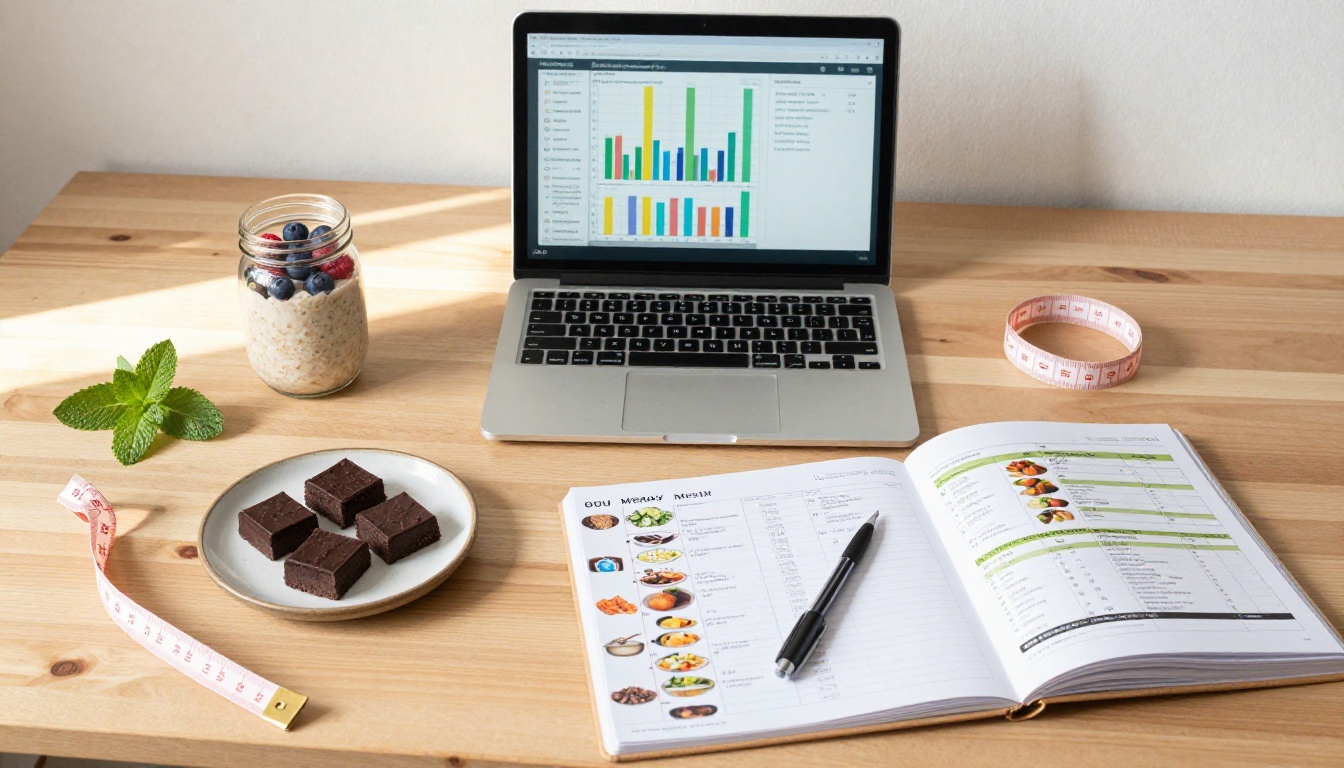
The upload process is straightforward. From your dashboard, select "New Flipbook" and upload your PDF. The PDF to Flipbook Converter processes the file and renders each page as an interactive, page-turning spread. Depending on the file size, this usually takes under a minute.
You'll immediately see a preview of how your meal plan looks as a flipbook. Most well-designed PDFs translate cleanly without any additional adjustments needed.
Step 3: Customize Your Branding
This step is where your practice's identity comes through. In the flipbook editor, you can:
- Set your brand colors for the flipbook interface (navigation bars, buttons)
- Add your logo to the viewer
- Customize the page-turn animation style
- Set a custom thumbnail for the flipbook preview
These details matter. A client who sees your logo every time they open their meal plan is receiving a continuous brand impression that reinforces the value of working with you specifically.
Step 4: Set Sharing and Privacy Options
Flipbooks AI gives you several ways to share your meal plan with clients:
- Direct link: A unique URL you copy and paste into any message, email, or client portal
- Embed code: Drop the flipbook directly into your coaching website or client dashboard
- Password protection: Set a password so only the intended client can access their specific plan
⚠️ If you work with multiple clients simultaneously, use password protection or unique links per client to keep plans private. Sharing a generic link without protection means anyone with the URL can view the content.

Step 5: Send to Your Client
Once your flipbook is live, copy the link and send it through your preferred communication channel: email, WhatsApp, your coaching app, or a client portal. The client clicks it, and the flipbook opens immediately in their browser. No downloads required. No app to install.
Sharing Your Flipbook with Clients
Direct Links vs. Embedded Flipbooks
Both delivery methods have their place depending on your practice setup.
| Method | Best For | Pros | Cons |
|---|
| Direct link | Email, messaging apps, client portals | Instant access, no tech setup | Client needs to save the link |
| Embedded flipbook | Coaching websites, member portals | Always accessible in one place | Requires website access to update |
| Password-protected link | High-value premium plans | Private and secure | Extra step for client to open |
| QR code | In-person sessions, printed handouts | Physical-to-digital bridge | Requires camera app to scan |
Password Protection for Premium Clients
If you offer tiered coaching packages, password protection is a simple way to create visible differentiation between plan tiers. A premium client receives a personalized, password-protected flipbook with custom branding and their name on the front page. A standard client receives a more general version. This difference in delivery quality can justify price differences in a way that's immediately felt.
✅ Password protection is available on Flipbooks AI's Standard plan and above. The pricing page has a full breakdown of what's included at each tier.

Plans Worth Knowing About
Flipbooks AI's pricing is structured to grow with your practice. Here's a practical breakdown of what each tier means for a nutrition coach:
| Feature | Free | Standard | Professional |
|---|
| Number of flipbooks | Limited | Unlimited | Unlimited |
| Watermark | Yes | No watermarks | No watermarks |
| Password protection | No | Yes | Yes |
| Custom branding | Limited | Full | Full |
| Analytics and lead gen | No | No | Yes |
| Offline downloads | No | Yes | Yes |
| Embed on website | No | Yes | Yes |
| Mobile-responsive | Yes | Yes | Yes |
For most solo coaches or small practices, the Standard plan covers everything needed to deliver professional client meal plans. The Professional plan adds analytics and lead generation tools, which become relevant when you're running a content marketing strategy or want to track which clients are actually opening their plans. See full details on the pricing page.
Real-World Use Cases for Nutrition Pros
Weight Loss Coaching
A 12-week weight loss program delivered as a flipbook series gives clients something to look forward to each week. Instead of emailing a new PDF every Monday, you send a new chapter or an updated version of the flipbook that changes seamlessly. Clients who see the program laid out like a well-designed publication tend to treat it with more seriousness than a document attachment.
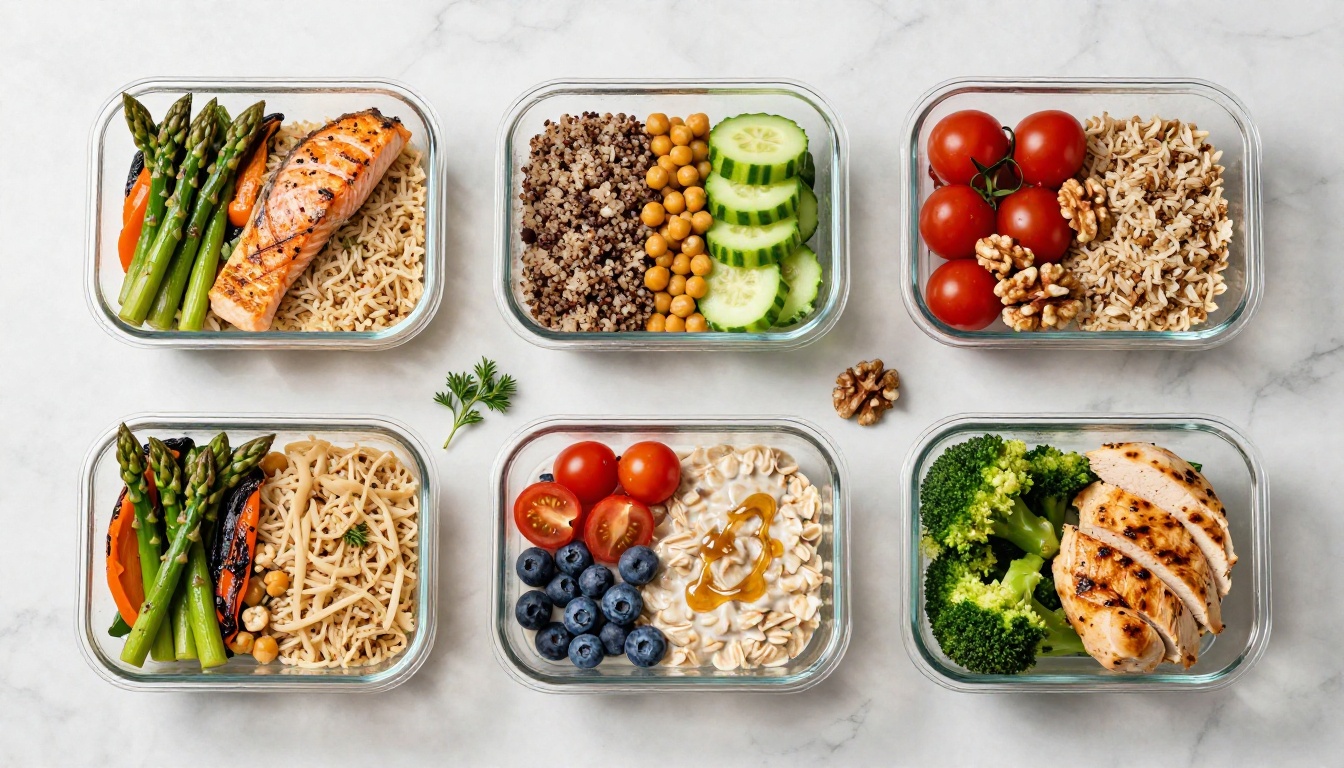
The Recipe Book Flipbook tool is particularly useful here: you can build a custom recipe collection that complements the weekly meal plans and share both as a cohesive set.
Sports Performance Nutrition
Athletes and fitness clients often want detailed macro tracking, periodized nutrition plans, and pre/post-workout meal timing guidance. A flipbook handles this complexity better than a PDF because coaches can organize it into clearly labeled, distinct sections: training days, rest days, competition prep, recovery windows.
Using the Digital Portfolio Creator as a structural reference, you can present a comprehensive athlete nutrition dossier that feels authoritative and thorough without being overwhelming.
Corporate Wellness Programs
HR departments and wellness coordinators who need to deliver nutrition resources to employees benefit enormously from the embed option. Drop a flipbook into a company intranet or wellness portal and it becomes a persistent resource that employees can return to anytime. The Course Material Publisher tool works well for this use case.
💡 Corporate wellness clients often require branded materials that match company colors and guidelines. Flipbooks AI's full custom branding options make this straightforward without any design expertise needed.
Group Coaching Programs
When you're running a cohort-based program, consistency of delivery matters. Every participant receives the same beautifully presented materials. No formatting differences between operating systems. No missing attachments. No version confusion when you update the plan mid-program: just update the flipbook and the link stays the same.
This operational consistency is something coaches who've switched from PDF delivery notice almost immediately.
From Static to Something They'll Actually Use
Nutrition advice only works when clients act on it. And clients act on things they can access easily, that look worth their attention, and that feel like they came from someone who takes their work seriously. A meal plan flipbook satisfies all three conditions.
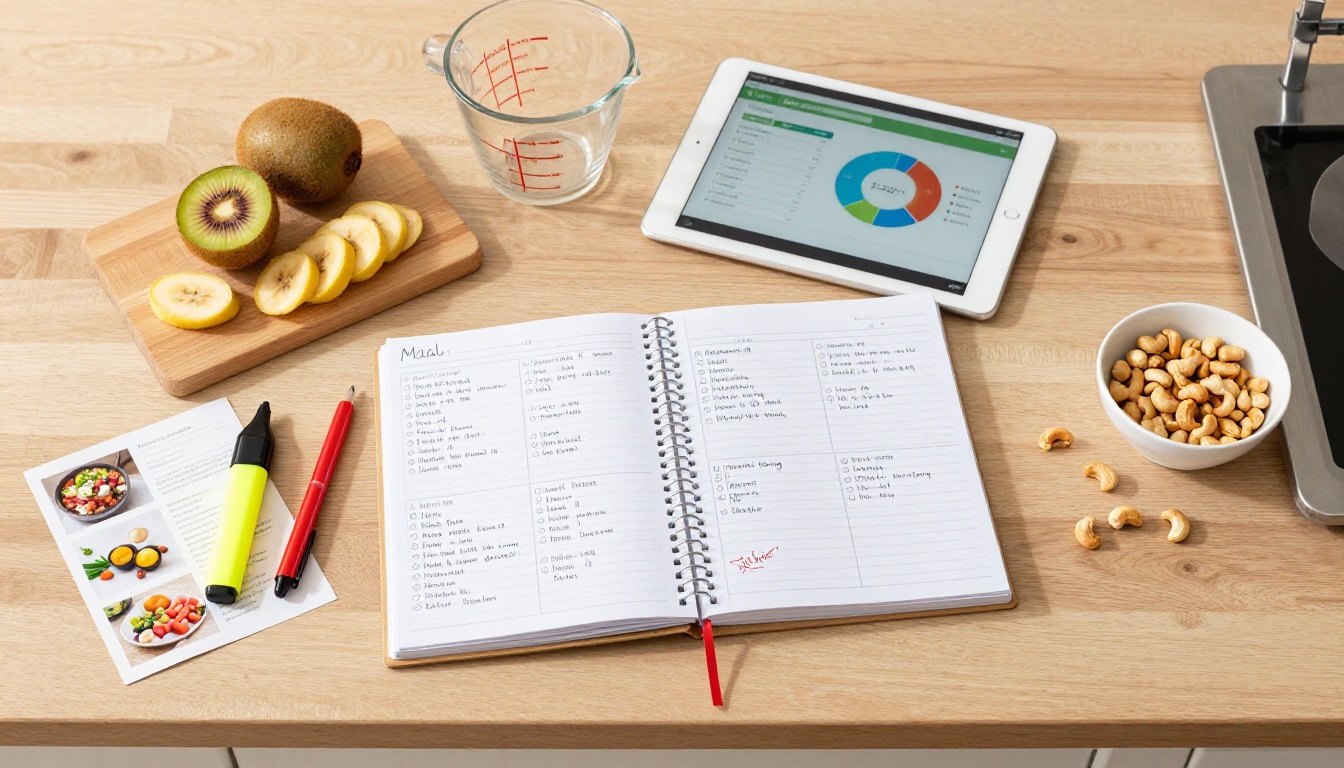
The switch from PDF to flipbook doesn't require rebuilding your entire practice. You already have the content. You already have the expertise. What Flipbooks AI adds is a delivery format that makes that expertise visible in the moment clients need it most: when they're standing in a grocery store, deciding what to cook for dinner, or trying to remember what you told them to eat on rest days.
Ready to start? Create your account on Flipbooks AI and upload your first meal plan PDF today. The whole conversion takes minutes. Browse all available tools and templates to find what fits your practice. Or review the pricing plans to choose the right tier for where you are right now.