Your newsletter already has an audience. The stories are written, the design is polished, and the content is ready. What is missing is a format that actually does it justice. Flat PDF attachments and plain email sends leave readers scrolling passively, with nothing pulling them deeper into the pages. Flipbooks AI changes that equation by letting you turn any newsletter PDF into a rich, page-turning flip magazine online in minutes, no developer required, no design overhaul necessary.
Why a Flat Newsletter Falls Short
Every week, inboxes fill up with PDF newsletters. Most get a quick scroll, a glance at the subject line images, and then they disappear. The format is entirely passive. There is no sense of depth, no interaction, and no reason to linger on a page. Readers who would happily spend ten minutes with a well-designed print magazine will close a PDF in under sixty seconds.
That gap, between what print delivers and what a PDF actually offers, is exactly where flip magazines step in.
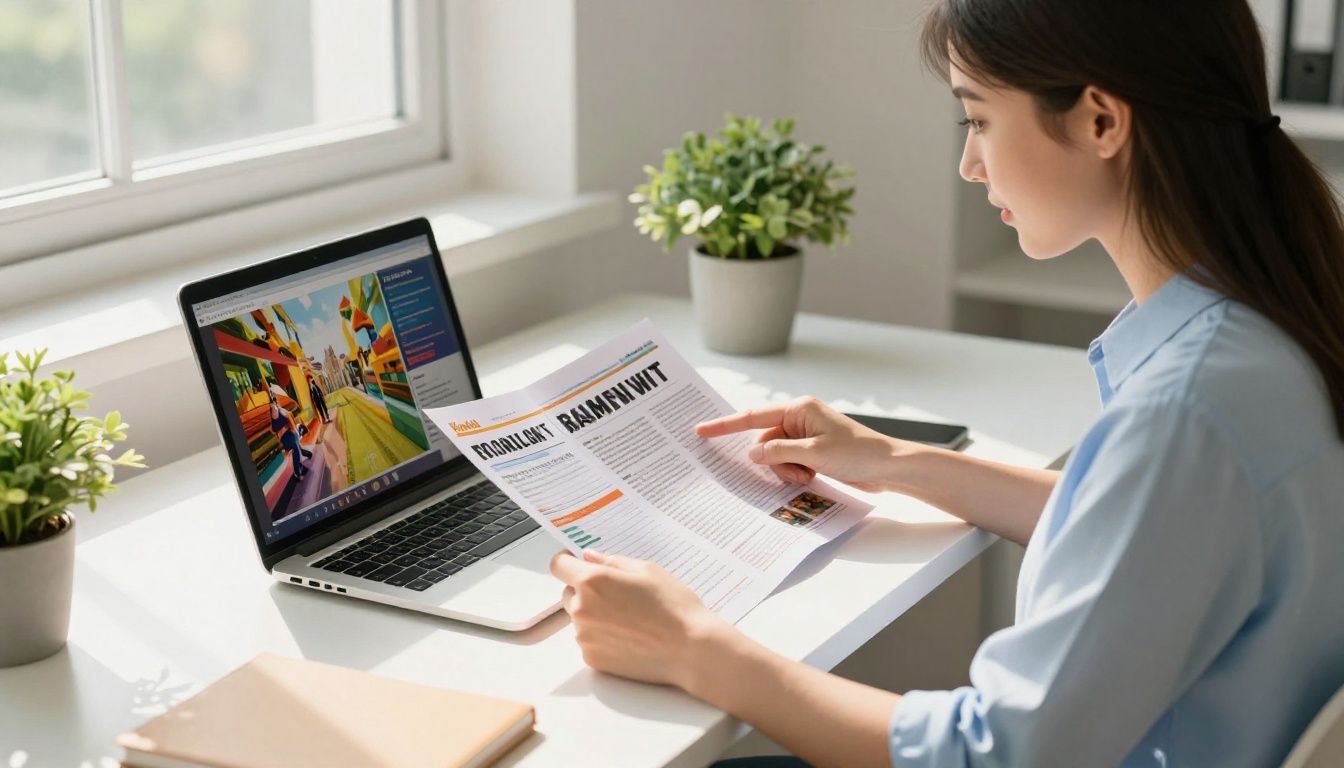
A flip magazine brings the tactile, editorial feeling of a printed publication into a browser window. Pages curl. Readers zoom into articles. You can embed video clips, audio files, and clickable product links throughout. The experience is immersive in a way that no static PDF attachment can replicate.
💡 Pro Tip: Research consistently shows readers spend significantly longer on interactive flip magazines compared to equivalent PDFs. That extra attention is precisely where conversions happen.
What Makes a Flip Magazine Different
Before diving into the how, it helps to see exactly what sets a flip magazine apart from other digital newsletter formats.
| Feature | PDF Newsletter | Email Newsletter | Flip Magazine |
|---|
| Page-turn animation | No | No | Yes |
| Embedded video and audio | No | Limited | Yes |
| Mobile-responsive design | Basic | Yes | Yes |
| Reader analytics | No | Basic opens/clicks | Full page-level data |
| Custom branding | Partial | Yes | Full |
| Password protection | No | No | Yes |
| Offline download | Yes | No | Yes |
| SEO-friendly | No | No | Yes |
| Embeddable on any website | No | No | Yes |
The advantages are not subtle. A flip magazine is not just a prettier PDF. It is a different publishing medium with interactive capabilities that static files simply cannot offer.
Who Should Convert Their Newsletter
Flip magazines are not reserved for big media companies. The format works brilliantly across a wide range of industries and publishing types.
Content Creators and Publishers
If you produce a regular newsletter with editorial content, interviews, or features, a flip magazine gives your work the presentation it deserves. Readers feel they are engaging with something substantial, not a forwarded document.
E-commerce Brands
Product newsletters with new arrivals, lookbooks, and seasonal collections come alive as flip magazines. Clickable links embedded directly on product images mean readers go straight from browsing to the cart.
Schools and Educational Institutions
The School Newsletter Creator is built specifically for this. Parent updates, student achievement spotlights, and event calendars become genuinely engaging publications rather than pages lost in email threads.
Corporate Communications Teams
Internal newsletters for staff, client-facing updates, and investor communications all benefit from the professional presentation a flip magazine provides.
Non-Profits and Advocacy Organizations
Donor newsletters, impact reports, and community updates gain credibility and emotional weight when presented as polished interactive magazines rather than attached PDFs.

How to Create Your Flip Magazine Online
The process with Flipbooks AI is built for speed. You do not need design experience, coding skills, or expensive software. Here is the step-by-step process from PDF to published flip magazine:
1. Prepare Your Newsletter as a PDF
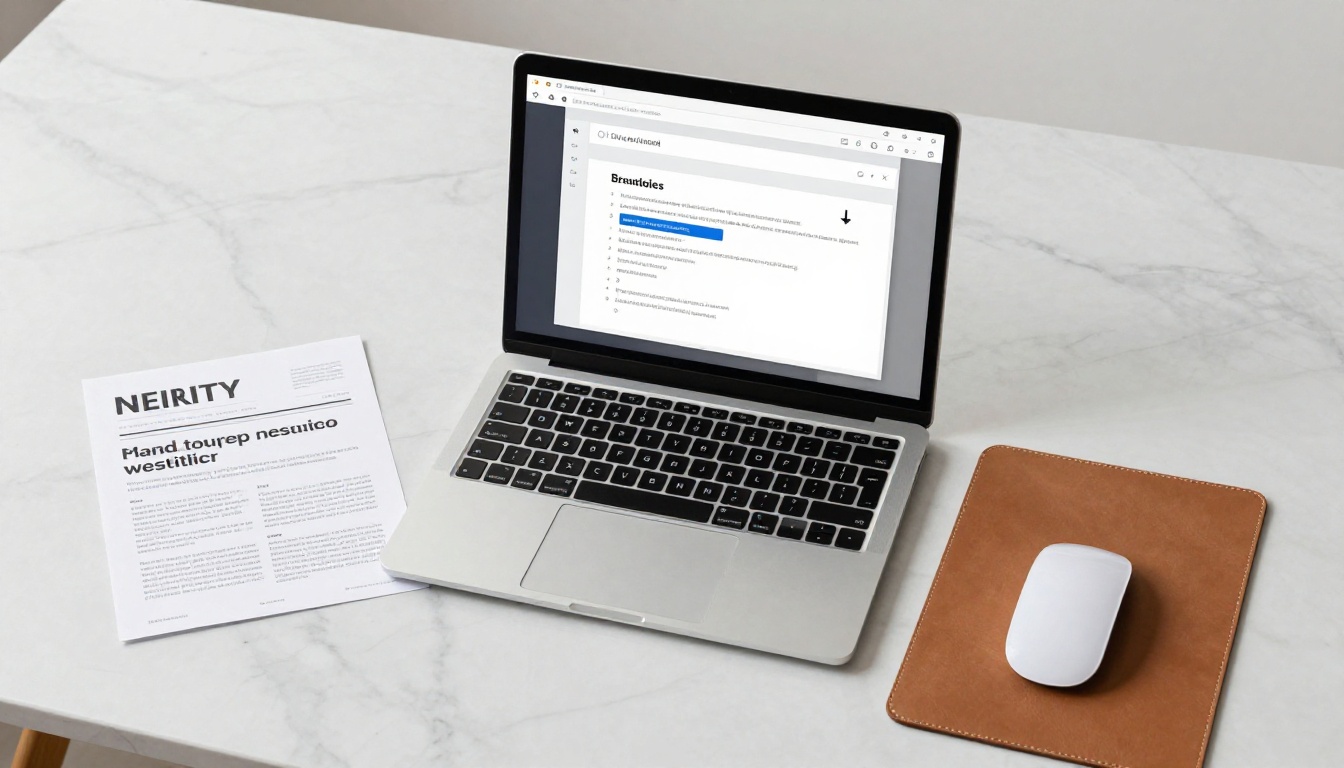
Start with your existing newsletter in PDF format. Most popular newsletter design tools, including Canva, Adobe InDesign, and Mailchimp's export function, produce a print-ready PDF. If your newsletter already exists as a PDF, you are ready to proceed immediately.
✅ Best Practice: Use a high-resolution PDF (at least 150-300 DPI) to ensure images look sharp after conversion. Low-resolution source files produce a soft, blurry output that undermines the professional look you want.
2. Set Up Your Flipbooks AI Account
Head to Flipbooks AI and create your account. No credit card is required for the initial setup. The free plan lets you publish your first flip magazines immediately to test the format before committing to a plan.
3. Upload and Convert Your PDF
Inside the dashboard, click "New Flipbook" and upload your newsletter PDF. The platform supports files of all sizes and automatically begins the conversion process. Within seconds, your newsletter is rendered as an interactive flip magazine with the page-curl effect applied automatically.
4. Apply Your Custom Branding
This is where the format really separates itself from generic PDF viewers. The customization panel in Flipbooks AI lets you:
- Set your brand colors for the background, toolbar, and control elements
- Upload your logo to appear within the flipbook viewer chrome
- Choose page transition styles including standard curl, hard cover, or soft flip
- Add a custom cover page design for each issue
- Configure font overlays and text color themes to match your identity
5. Add Interactive Media
Beyond the base conversion, you can enrich your flip magazine with layered interactive elements:
- Embedded videos directly within article spreads, ideal for tutorials, product demos, or event recaps
- Audio tracks for ambient music, voiceovers, or editorial commentary
- Clickable hotspots linking to product pages, landing pages, social profiles, or external resources
- Pop-up notes providing additional context on editorial content without cluttering the page layout
6. Set Privacy and Access Controls
For paid subscriber newsletters, password protection ensures only authorized readers access each issue. The Professional plan includes this feature along with lead generation forms that can capture new subscriber data directly from within the flip magazine itself.
For public newsletters, you simply generate a direct shareable link and an embeddable iframe code using the Embed Flipbook on Website tool, which works on any website platform including WordPress, Webflow, Squarespace, and custom HTML pages.
7. Publish and Distribute
Once published, your flip magazine is available via:
- A direct shareable link you drop into your email campaigns as the primary CTA
- An embeddable iframe placed on your website, landing page, or blog
- Social media previews with rich link cards
- A QR code for print collateral, event signage, or packaging
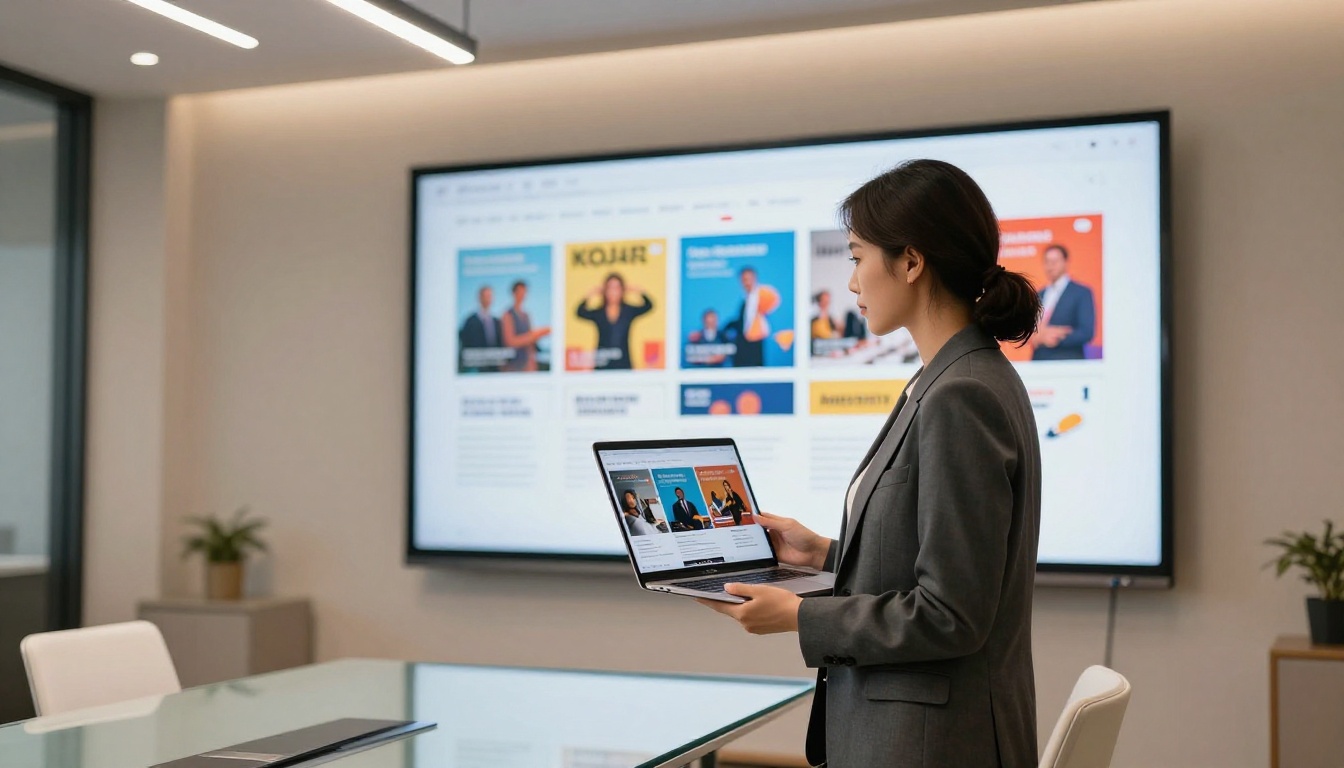
💡 Pro Tip: Instead of attaching the PDF in your email, send the flip magazine link as your main call-to-action. Recipients get the full magazine experience without downloading a heavy file, and you get actual page-level reading data instead of just open rates.
Plans and Pricing at a Glance
Flipbooks AI offers tiered plans scaled to different publishing volumes and feature requirements.
| Plan | Flipbooks | Watermark | Password Protection | Analytics | Lead Generation | Offline Download |
|---|
| Free | 3 | Yes | No | No | No | No |
| Standard | Unlimited | No | No | Basic | No | No |
| Professional | Unlimited | No | Yes | Full | Yes | Yes |
⚠️ Note: The free plan includes watermarks on all published flipbooks. To publish clean, branded magazines without any watermarks, upgrading to the Standard plan or above is required.
For newsletters with paid subscriber tiers, the Professional plan is the clear choice. Password protection keeps content behind your paywall, full analytics reveal how readers engage with every page, and lead generation forms capture new subscriber interest directly from within the publication. See all pricing plans to find the right fit for your publishing frequency and audience size.
Flipbooks AI goes beyond a single generic conversion tool. The platform includes purpose-built tools for specific newsletter types and industries:
Editorial and Media Newsletters
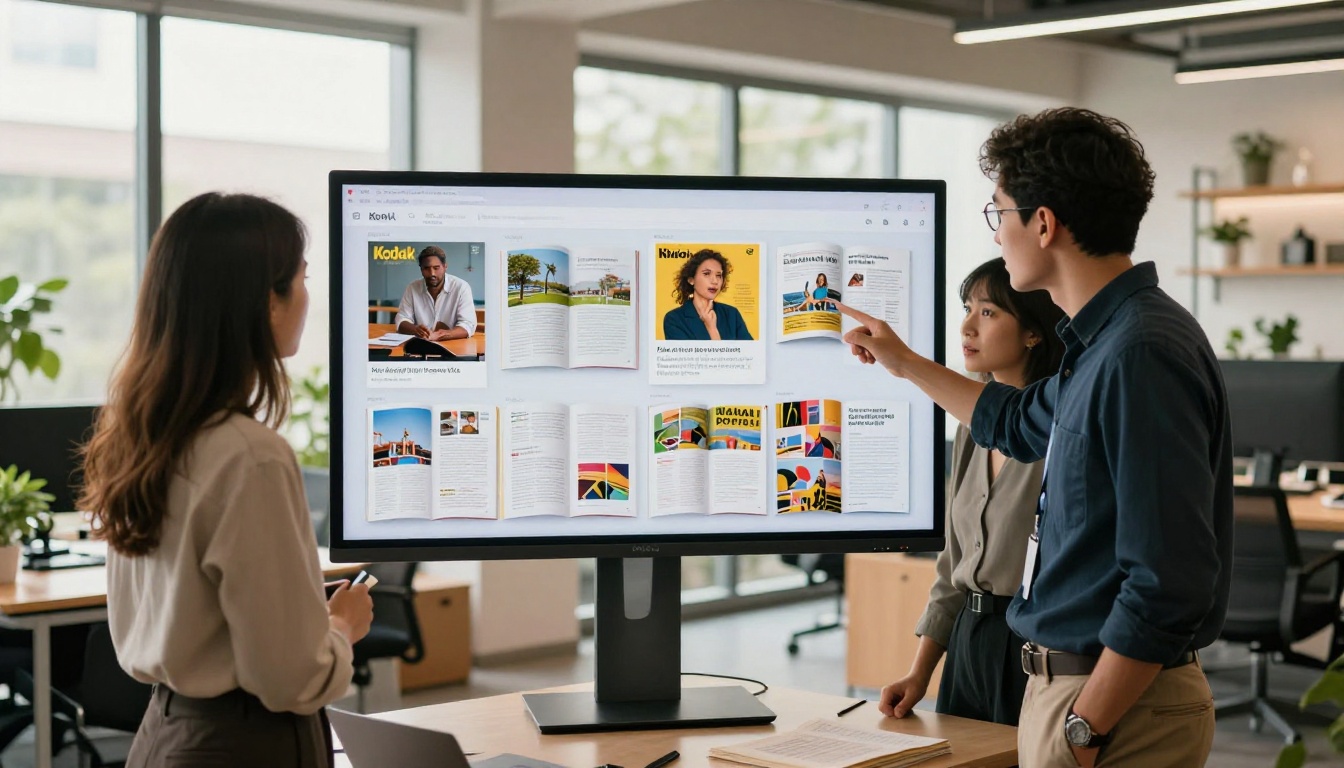
The Newsletter Flipbook Publisher is built specifically for content-forward newsletters with article-based layouts. For publishers scaling from newsletter to full digital magazine, the E-Magazine Publishing Tool and Magazine Flipbook Creator offer multi-issue management and advanced layout rendering.
E-commerce and Product Newsletters
Brands sending product-focused newsletters can use the Interactive Lookbook Designer to build shoppable flip magazines. Each product image becomes a clickable element linking directly to the product page. Fashion, home goods, and lifestyle brands consistently see higher click-through rates from this format compared to standard email newsletters.
Educational Institutions
Schools and universities publishing regular newsletters for students, parents, or alumni can use the School Newsletter Creator or the Course Material Publisher to produce polished flip magazines that project institutional quality.
Corporate Communications
Internal communications teams working on company newsletters, quarterly updates, or investor letters can use the Annual Report Creator or Corporate Report Maker to produce publications that carry genuine authority.
Reading the Numbers: Analytics That Change How You Publish
One of the most underappreciated advantages of flip magazines over PDF newsletters is the analytics layer. With Flipbooks AI's Professional plan, you access data that simply does not exist with PDFs:
- Page-level dwell time: See exactly which pages readers spend the most time on
- Average session duration: Understand how long readers engage with each full issue
- Geographic distribution: Know where in the world your audience is located
- Device breakdown: See the split between mobile, tablet, and desktop readers
- Drop-off pages: Identify precisely which pages readers exit from most often
- Lead capture data: Track form submissions from within the publication itself
This intelligence changes how you produce future issues. If page 4 is where readers consistently stop, your editorial team knows that content needs rethinking. If page 8 shows unusually high dwell time, that signals exactly what your audience finds most valuable.
| Metric | PDF Newsletter | Flip Magazine (Professional) |
|---|
| Total views | Via email client only | Yes |
| Per-page time spent | No | Yes |
| Device type data | No | Yes |
| Geographic data | No | Yes |
| Drop-off page identification | No | Yes |
| Embedded lead capture | No | Yes |

Mobile-First Reading Experience
Over 60% of digital content is now consumed on mobile devices. Standard PDFs on smartphones are a painful experience: tiny text, horizontal scrolling, and no responsive reflow. Flip magazines built with Flipbooks AI are fully mobile-responsive out of the box, with zero extra configuration required.
On a smartphone, the magazine automatically adapts its layout. Pages resize cleanly, text remains readable without pinching to zoom, and the touch-swipe gesture for page turns feels completely natural. The experience is comparable to a native magazine app, without requiring your readers to download anything at all.
This mobile parity matters especially for newsletters targeting younger audiences who primarily read on their phones, and for any brand publishing a product-focused newsletter where browsing on mobile is the dominant behavior.

Common Mistakes to Avoid
Even with a platform as intuitive as Flipbooks AI, a few pitfalls trip up first-time flip magazine publishers:
1. Low-Resolution Source PDFs
If your original newsletter PDF was designed for email at 72 DPI, the flip magazine will look soft and blurry. Always export at 150-300 DPI from your design tool before uploading.
2. Too Much Embedded Media on a Single Page
Adding multiple videos and audio clips to the same page can slow load times noticeably. Distribute interactive elements across multiple pages for a smoother reader experience.
3. Skipping Password Protection for Paid Content
If your newsletter is behind a paywall, enabling password protection is not optional. Without it, anyone who receives or finds the direct link can read your content freely.
4. Sending Only a Direct Link
Many publishers send just a link and skip the embed option. Placing the flip magazine directly on your website via the Embed Flipbook on Website tool creates an owned destination that drives SEO value and keeps readers on your domain.
5. Not Testing on Mobile Before Publishing
Always preview your flip magazine on an actual smartphone before distributing to your list. What looks polished on a desktop can have layout quirks on smaller screens.
⚠️ Warning: Over half your readers will open the flip magazine link on a phone first. The mobile preview step is not optional.
A Fashion Brand's Monthly Product Edit
A fashion retailer produces a monthly product newsletter in PDF format and historically sends it to subscribers as an email attachment. By converting the same PDF to a flip magazine with the Interactive Lookbook Designer, every product photo becomes a direct link to the store. Page-level analytics reveal that the "New Arrivals" spread drives the majority of all click-throughs, prompting the brand to feature it earlier in subsequent issues.
A University Alumni Newsletter
A university's alumni relations team switches from a quarterly PDF newsletter to a flip magazine using the Newsletter Flipbook Publisher. Alumni spend significantly more time per issue compared to the old PDF format. The development team embeds a lead generation form on the third page, capturing donation interest directly from within the publication.
A Corporate HR Department's Internal Newsletter
A global company's HR team uses the flip magazine format for its monthly internal newsletter covering policy updates, employee spotlights, and event announcements. Password protection ensures only verified employees can access each issue. The professional presentation raises the perceived value of internal communications noticeably.
Your Next Issue Deserves Better
Your newsletter already has the content. The stories are written, the design is done, the audience is waiting. The only missing piece is a format that gives that work the reading experience it deserves.
Flipbooks AI gives you everything needed to publish your next newsletter as a flip magazine: an instant PDF converter, a full branding toolkit, interactive media embedding, privacy controls, and reader analytics, all in one platform with no watermarks on paid plans.



