The newspaper is not dead. It's just stuck in the wrong format. Every year, publishers convert thousands of print editions into static PDFs that readers scroll through once, skip most of, then close forever. The experience is flat, uninspiring, and entirely disconnected from how people actually consume content today. Publishers who switch to an interactive flipbook format consistently see dramatically higher read times, sharing rates, and return visits. Flipbooks AI makes this switch simpler than most editorial teams expect, and the difference shows up in reader behavior within the first published issue.

Why Static PDFs Are Killing Readership
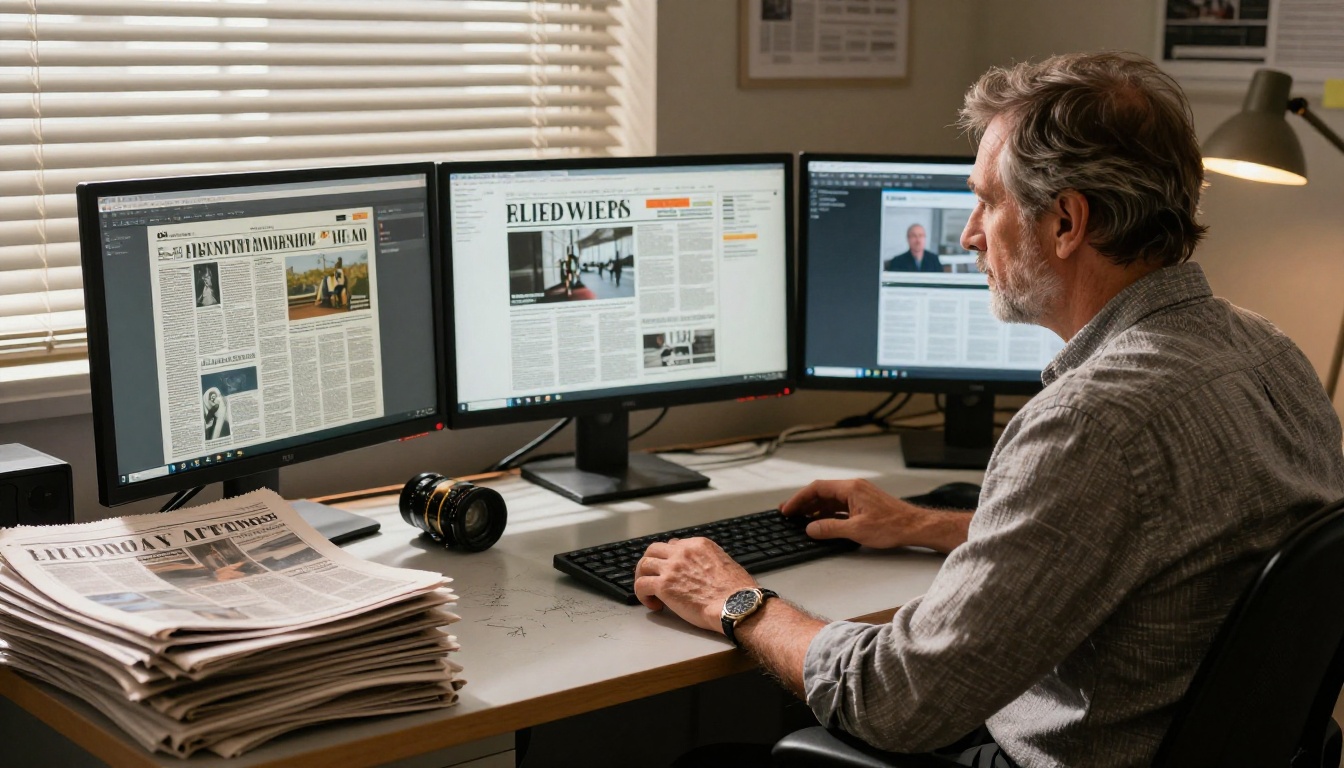
A static PDF is not a reading experience. It's a file. Readers don't experience PDFs the way they experience a newspaper at a breakfast table or a magazine during a commute. They skim, search for the one section they wanted, then move on. The page-turn ritual, the tactile progression through a curated publication, the sense of reading something from beginning to end. All of that collapses when the format is a scrollable document with no sense of physical space or navigation.
The data backs this up consistently. Publishers tracking session analytics on static PDF editions find average read times under 2 minutes per session. Those same publishers, after switching to interactive flipbook editions, commonly report session durations of 8 to 12 minutes. That's the difference between a reader who found one article and a reader who stayed for the whole issue.
Why PDFs fail newspaper publishers specifically:
- No page-turn interaction means no psychological sense of reading a publication
- No multimedia: video, audio, and animated content are impossible to embed
- No reader analytics: no data on which pages held attention and which sections readers abandoned
- No shareable link: a PDF download is a dead end, not a living reading experience
- Terrible mobile experience: pinch-zooming on a broadsheet PDF is not reading, it's archaeology
💡 Publishers who add interactive elements like embedded video and internal navigation links report up to 40% longer session durations compared to equivalent static PDF editions.
What Makes a Newspaper Flipbook Actually Interactive
An interactive flipbook isn't just a PDF with a page-turn animation layered on top. The best implementations treat the digital format as its own medium, not a facsimile of print. Here's what separates a genuine interactive newspaper from a glorified PDF viewer.
The Page-Turn Physics Matter More Than You Think
The realistic page-curl animation is not cosmetic. Studies on digital reading behavior show that physics-based page-turn effects trigger the same psychological cues as physical reading, shifting readers from browsing mode into actual reading mode. When the corner of a page lifts and curls, something registers in the reader's brain that a scrollbar simply cannot replicate.
Embedded Media Rewrites What a Newspaper Can Do
A newspaper reporting on a local concert can now include the artist's latest track. A sports section doesn't just report on last night's game with photographs. It shows the highlight clip. A business profile isn't limited to a headshot and a quote. It includes the CEO's 90-second interview. The format can deliver on the editorial ambitions that print could only gesture at.
Media types embeddable in a newspaper flipbook:
- YouTube and Vimeo video clips, embedded directly into the page
- Audio interviews and podcast excerpts attached to article regions
- Animated infographics replacing static charts
- Photo galleries with swipe navigation built into the page
- Clickable hyperlinks on every reference, advertisement, and call-to-action
Navigation That Respects Reader Time
Print newspapers have physical sections with visible dividers. Interactive flipbooks can replicate and improve on that with a clickable table of contents, section jump links, and a searchable text layer running underneath every page. Readers who can navigate directly to Sports or Business or Opinion are readers who stay with the publication rather than abandoning it after the front section.
✅ Best practice: Always include a clickable table of contents on your flipbook's first interior page. Readers who use it stay an average of three pages longer than those who scroll sequentially.
How to Create Your Newspaper Flipbook with Flipbooks AI
This is the practical part. Flipbooks AI handles the entire conversion pipeline, from raw PDF to published interactive edition, in a process that takes most editorial teams under 15 minutes after the first issue.
Step 1: Prepare Your Newspaper PDF
Before uploading, verify your PDF is production-ready:
- Resolution: Export at minimum 150 DPI, ideally 300 DPI for crisp text and photography
- Fonts: Embed all fonts to prevent text rendering issues in the digital viewer
- Page layout: Export spreads as individual pages, not as side-by-side doubles
- File size: Aim for under 100MB per issue for optimal upload speed; compress images where resolution allows
Step 2: Sign Up and Upload Your First Issue
Create your account at Flipbooks AI and head to the dashboard. The upload process is drag-and-drop:
- Click New Flipbook from your dashboard
- Drag your newspaper PDF into the upload zone, or click to browse files
- Wait for conversion (typically 30-90 seconds depending on page count and file size)
- Your flipbook is now live in draft mode, ready for customization
⚠️ If your newspaper has more than 100 pages, allow up to 3 minutes for conversion to complete. The platform processes every page individually to ensure maximum fidelity.

Step 3: Apply Your Publication's Branding
This is where the flipbook becomes your newspaper rather than a generic digital document:
- Publication thumbnail: Set a custom image or let the system generate one from your front page
- Brand colors: Apply your publication's primary and accent colors to the viewer interface
- Masthead logo: Upload your newspaper's logo for display in the viewer header
- Background style: Choose a neutral background that complements your newspaper's visual identity
Step 4: Add Interactive Elements to the Issue
Within the Flipbooks AI editor, select any region on any page to add interactivity:
- Hyperlinks: Select text or image regions and link to referenced URLs, advertiser sites, or extended online content
- Video embeds: Click any page region, choose embed media, and paste a YouTube or Vimeo URL
- Table of contents: Use the navigation panel to create jump links for each editorial section
- Audio clips: Attach audio files to relevant articles for podcast-style supplements or interview recordings
Step 5: Publish and Distribute
Once the content is ready, configure how and where your newspaper reaches readers:
- Direct link: Share a clean URL that opens the flipbook in any browser, no download or app required
- Website embed: Use the Embed Flipbook on Website tool to place the reader directly on your publication's homepage
- Password protection: Restrict access for subscriber-only editions with a simple password gate, included on Standard plan and above
- Newsletter distribution: Replace the PDF attachment in your email newsletter with a direct flipbook link
Newspaper Flipbook Features That Hold Readers
Not all flipbook platforms deliver the same experience for newspaper publishers. Here's a breakdown of the capabilities that matter most for this specific publishing format.
Mobile-First Reading
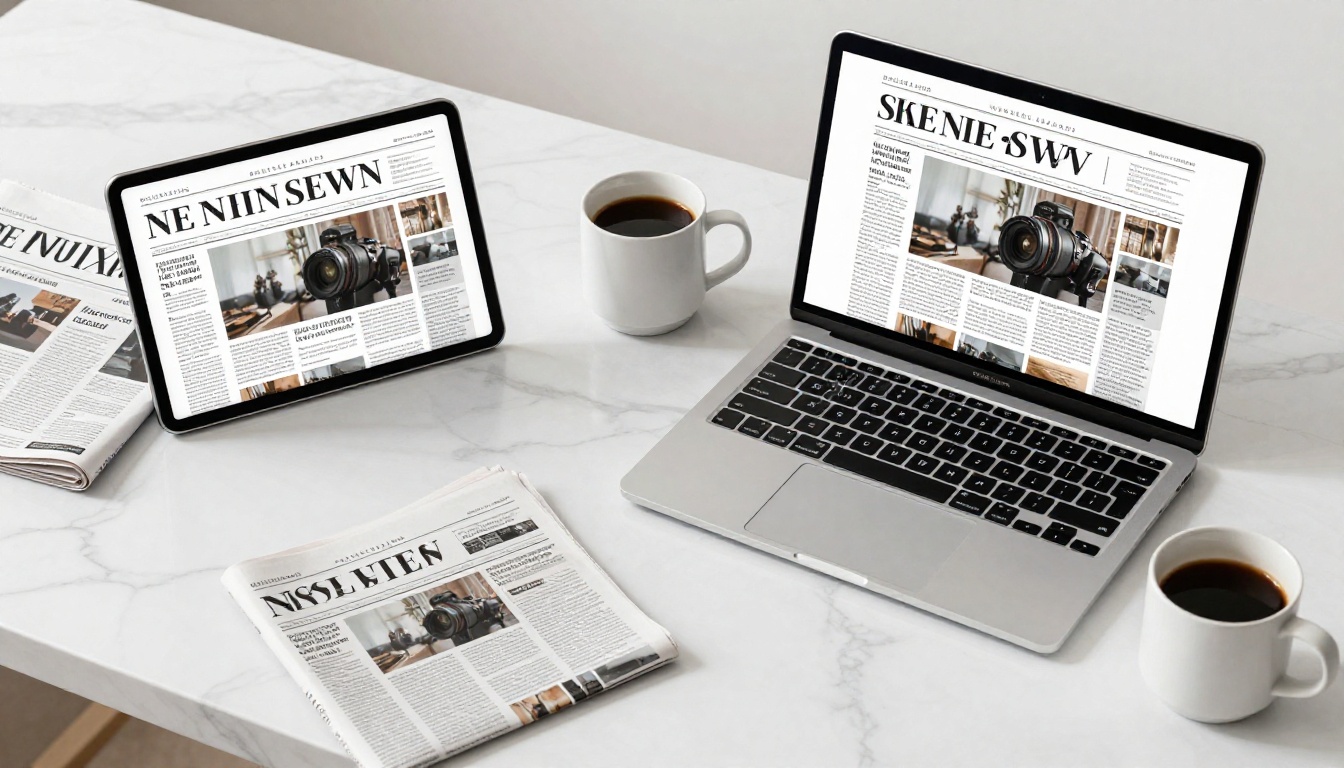
More than 60% of digital newspaper readers are on mobile devices. Any platform that delivers a desktop-first experience with a scaled-down mobile version is fundamentally misaligned with modern newspaper audiences. Flipbooks AI renders every edition natively for mobile, with touch swipe gestures for page turns and automatic reflow for single-column mobile reading on complex layouts.
| Feature | Static PDF | Basic Flipbook | Flipbooks AI |
|---|
| Page-turn animation | No | Yes | Yes, physics-based |
| Mobile-responsive | Poor | Basic | Native mobile |
| Embedded video | No | No | Yes |
| Searchable text layer | Varies | No | Yes |
| Clickable table of contents | No | No | Yes |
| Full reader analytics | No | Basic only | Yes, Professional plan |
| Password protection | No | Varies | Yes |
| Website embed code | No | Varies | Yes |
| No watermarks | N/A | Often included | Yes, all paid plans |
| Offline downloads | No | No | Yes, Professional plan |
Analytics That Tell You What Readers Actually Do
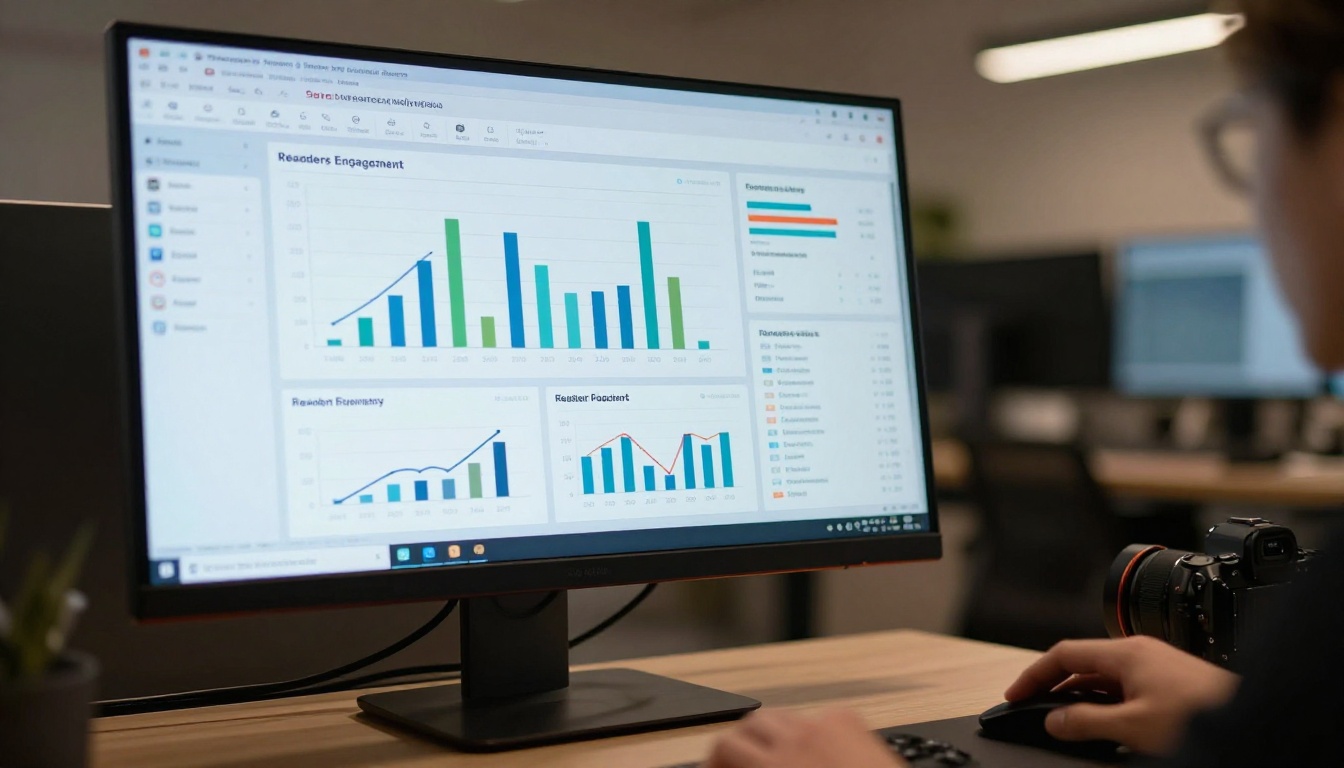
For newspaper publishers, reader analytics are the editorial intelligence that informs next week's decisions. With the Flipbooks AI Professional plan, analytics include:
- Page-level attention data: See exactly which pages readers spend the most time on
- Session duration: Average and per-session read times across your readership
- Geographic distribution: Where your readers are located, down to city level
- Device breakdown: The mobile vs. tablet vs. desktop split for your specific audience
- Lead generation forms: Capture reader email addresses directly within the flipbook for subscriber list building
This data changes how editorial teams make decisions. Knowing that the opinion section holds readers for an average of 4 minutes while the classifieds section drops them in under 30 seconds is information that directly improves the next issue.
💡 Use page-level attention data to identify sections that consistently lose readers. This often reveals layout or content positioning issues that are invisible in a traditional print production workflow.
Offline Access and Archiving
Not every reader has reliable internet access. Flipbooks AI allows readers to download individual issues for offline reading on Professional plan accounts. This matters for community newspapers serving areas with inconsistent connectivity, and for archived editions that subscribers want to retain as permanent records.
Who Should Be Doing This Right Now
Interactive flipbook publishing isn't theoretical for newspaper teams. Here are concrete scenarios where the format delivers clear, immediate wins.
Community Newspapers Going Digital-First
A local weekly with 10,000 print copies in circulation can reach a digital audience many times that size with a flipbook edition that costs nothing to distribute beyond the platform subscription. The Newsletter Flipbook Publisher tool handles this workflow specifically, with templates optimized for community publication layouts.
University and School Publications
Student newspapers are ideal candidates. No printing budget, but a campus-wide audience that lives on mobile devices. The School Newsletter Creator and Yearbook Flipbook Maker tools extend this same capability to publications at every educational level.
Trade and Industry Papers

B2B trade newspapers benefit enormously from the lead generation features in the Professional plan. A reader who spends 12 minutes on your industry publication and submits their contact details to access a gated supplement is a significantly more qualified prospect than someone who downloaded a PDF months ago and has since forgotten about it.
Feature-Heavy Publications With Long-Form Content
Newspapers built around long-form journalism, photography spreads, and investigative pieces are where the interactive format most dramatically separates from print. The Magazine Flipbook Creator is purpose-built for this publication style, with layout options that honor the visual design of photojournalism-heavy editions.
Flipbooks AI Plan Comparison for Publishers
Choosing the right plan depends on your publication frequency and whether analytics and lead generation are priorities.
| Plan | Flipbooks | Analytics | Lead Capture | Offline Downloads | Password Protection | Watermarks |
|---|
| Starter (Free) | 1 | No | No | No | No | None |
| Standard | Unlimited | Basic | No | No | Yes | None |
| Professional | Unlimited | Full | Yes | Yes | Yes | None |
✅ For publishers releasing weekly or monthly editions, the Standard plan removes all practical limitations on how many issues you can publish. Professional is worth the step up specifically if you need full analytics and subscriber lead capture.
Full plan details are on the Flipbooks AI pricing page.
A Practical Weekly Publishing Workflow
For editorial teams operating on a weekly cycle, here is a production workflow that keeps flipbook publishing from adding significant overhead.
Weekly newspaper flipbook production schedule:
- Monday through Wednesday: Editorial production as normal in your layout software
- Thursday morning: Export final PDF at 300 DPI with embedded fonts
- Thursday afternoon: Upload to Flipbooks AI, apply branding, add interactive elements. Allow 60 to 90 minutes for the first issue, 20 to 30 minutes once you have a template established
- Friday: Publish, send the flipbook link to newsletter subscribers, embed on your website homepage
- Following Thursday, before editorial meeting: Pull the analytics report and review page-level data before starting the next issue
The analytics review before the editorial meeting is the step most teams skip initially and then wish they hadn't. Within three or four publication cycles, you'll have concrete data on which content categories hold readers the longest, and that information directly improves editorial decisions going forward.
What to Know Before Your First Issue Goes Live
Flipbooks AI includes several capabilities that newspaper publishers often discover after they've already been using the platform for months. Worth knowing upfront so you can plan around them from day one:
- No watermarks on any paid plan: Your publication carries your branding, not the platform's
- Custom domain support: Point your flipbook reader to your own domain for a fully branded reading experience
- Multiple editor access: Team access lets your layout editor, editor-in-chief, and digital team work on the same issue simultaneously
- Version history: Roll back to a previous published version if an error is discovered after publication
- Duplicate issues: Start each new issue from the previous edition's template rather than rebuilding from scratch every week
- Embed anywhere: The embed code works in any website builder, CMS, or email client that supports HTML embeds
Start Publishing Your First Interactive Edition
The barrier to publishing an interactive newspaper edition has never been lower. You already have what matters most: the editorial content. Converting from a static PDF to a browsable, shareable, fully interactive edition takes under an hour for your first issue and under 30 minutes once you have your template and workflow established.
Create your free account on Flipbooks AI and upload your most recent edition today. The difference in how readers interact with it will be immediately apparent in your session data within the first week.
If you're evaluating options before committing, the pricing page shows every plan feature side by side with no ambiguity. And if your publication extends beyond a single newspaper format, the full tools directory at Flipbooks AI includes purpose-built solutions for newsletters, magazines, annual reports, and digital portfolios.
Your next issue deserves to be read from start to finish, not just downloaded and forgotten.



