Every nonprofit communications director has been there: you spend weeks designing a 40-page annual report, export it as a PDF, attach it to a donor email, and wait. Open rates hover around 20 percent. Clicks on the PDF link? Maybe 8 percent if you're lucky. Of those, how many donors actually read past page three?
Flipbooks AI changes the equation entirely. A digital flipbook turns that same PDF into an interactive, page-turning experience your donors want to share, screenshot, and return to. This article walks through why the shift matters, how to do it, and what features actually move the needle for nonprofits doing important work on tight budgets.

Why Printed Annual Reports Are Not Working
Nonprofits pour significant resources into annual reports. Design fees, printing costs, mailing expenses, and staff hours add up fast. Yet the most common distribution method, a PDF email attachment, is arguably the worst way to share one.
The PDF Problem Nobody Talks About
PDF annual reports have three critical weaknesses that hurt donor relationships and organizational reach:
- They do not load well on phones. Nearly 60 percent of emails are opened on mobile devices. A 40-page PDF pinch-zoomed on a smartphone is not a storytelling experience, it is a chore. Most donors close it within 30 seconds.
- They feel static. A PDF cannot play a video of the family your organization helped, cannot show an animated data chart, and cannot let a donor click directly to your donation page from inside the report itself.
- You cannot see who reads what. Send a PDF attachment and the engagement data disappears entirely. You have no idea if major gift prospects read the financials, skipped the program updates, or closed the file on page one.
What Donors Actually Want to See
Modern donors, especially major gift prospects and institutional funders, expect the same quality digital experience from nonprofits that they get from commercial brands. Research from the Nonprofit Finance Fund consistently shows that transparency and storytelling are the two factors donors cite most when deciding to renew or increase a gift.
They want:
- Stories with faces and names, not just aggregate statistics
- Photographs and video that show real, specific impact
- Easy sharing so they can forward the report to colleagues and friends
- A direct, frictionless path to donate immediately after reading
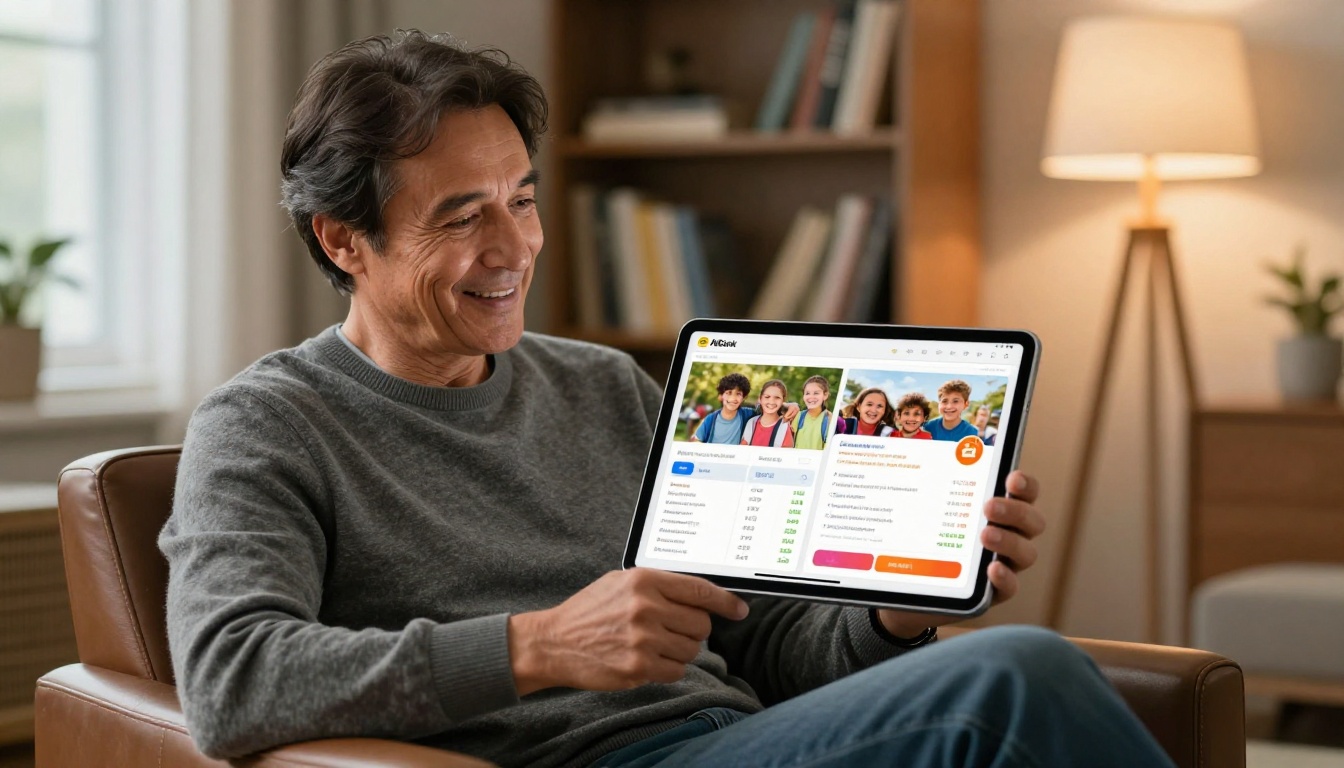
A digital flipbook addresses every one of these points without requiring donors to download anything or install software.
What a Flipbook Annual Report Does Differently
The format shift from PDF to flipbook is not cosmetic. It fundamentally changes how donors interact with your content, how long they stay with it, and what they do afterward.
Page-Turning Experience vs. Flat Scroll
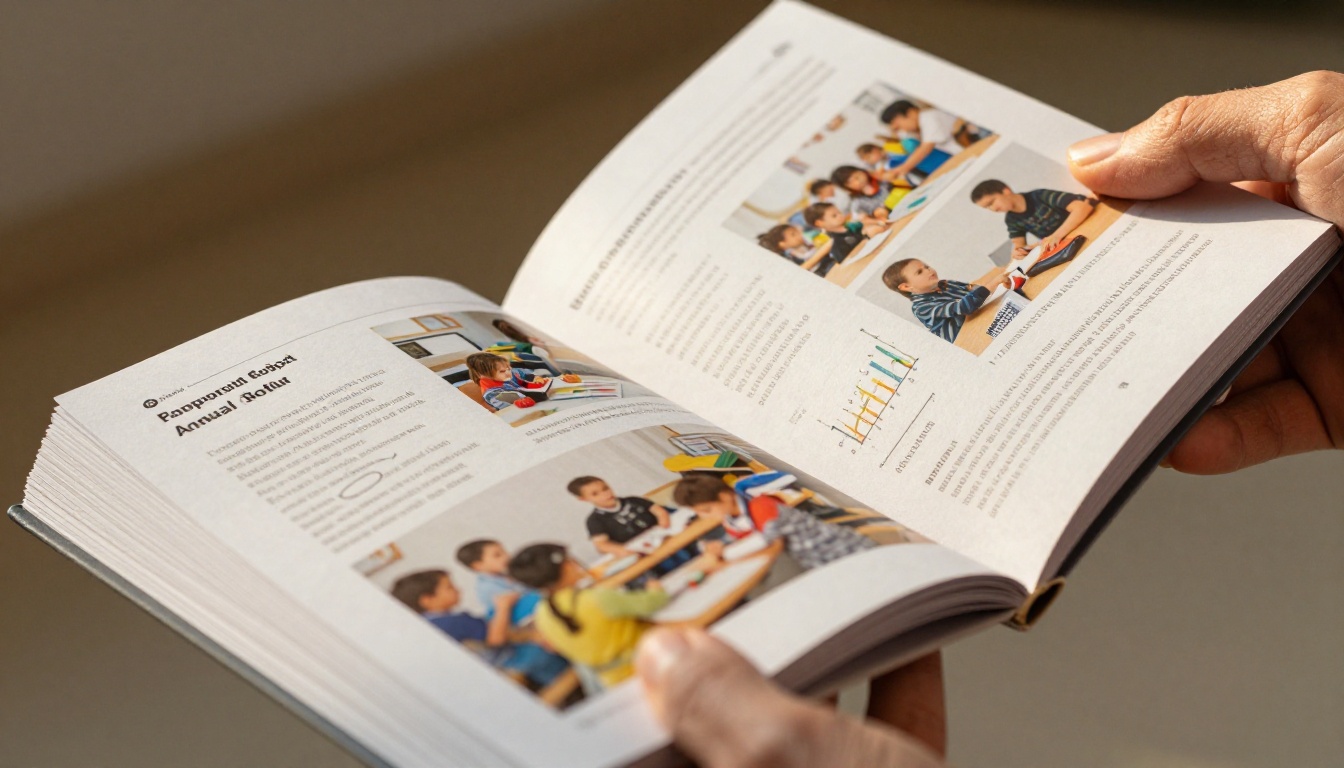
The page-curl animation of a digital flipbook creates a psychological association with high-quality print magazines and coffee-table books. Donors spend more time with content when it feels premium. A flipbook also signals that your organization invested in the presentation, which correlates in donor psychology with organizational competence and trustworthiness.
Studies on digital reading behavior show that paginated content, where readers progress through discrete pages rather than scrolling endlessly, produces significantly higher completion rates. Donors are more likely to reach your financial summary, your program outcomes, and your donation call-to-action when the format structures their journey through the document.
💡 Pro tip: Place your most emotionally resonant story on pages 4 to 6. Donors who reach that section are already engaged, and a strong personal story there dramatically increases time-on-page and downstream giving.
Rich Media, Real Impact
Static PDFs cannot contain embedded video. Your flipbook can. When a donor reads about your education program and then watches a 60-second video of a student describing how a scholarship changed their family's life, the emotional impact is orders of magnitude higher than text and photographs alone.
With Flipbooks AI, you can embed directly into your annual report pages:
- YouTube and Vimeo videos that autoplay or open in a lightbox
- Audio clips from beneficiaries, program staff, or executive leadership
- Clickable links to donation pages, program websites, and social profiles
- Animated data visualizations that bring financial summaries to life
- Image galleries with tap-to-expand functionality for photography collections
How to Convert Your Report in 5 Steps
The conversion process with Flipbooks AI takes less than 15 minutes for a standard 40-page report. Here is the full workflow from PDF to published flipbook.
Step 1: Prepare Your PDF
Before uploading, check three things that will significantly affect the quality of your finished flipbook:
- Resolution: Ensure all photographs are at least 150 DPI for sharp display. Print-quality PDFs at 300 DPI look excellent at any screen size.
- Embedded fonts: Make sure all custom typography is embedded in the PDF file itself, not just installed on your design workstation. Missing fonts render as system defaults and break your visual identity.
- File size: Compress images within your PDF to keep the file under 50MB for faster processing. Adobe Acrobat's "Reduce File Size" function works well, as does Smallpdf's online compression tool.
Step 2: Upload to Flipbooks AI
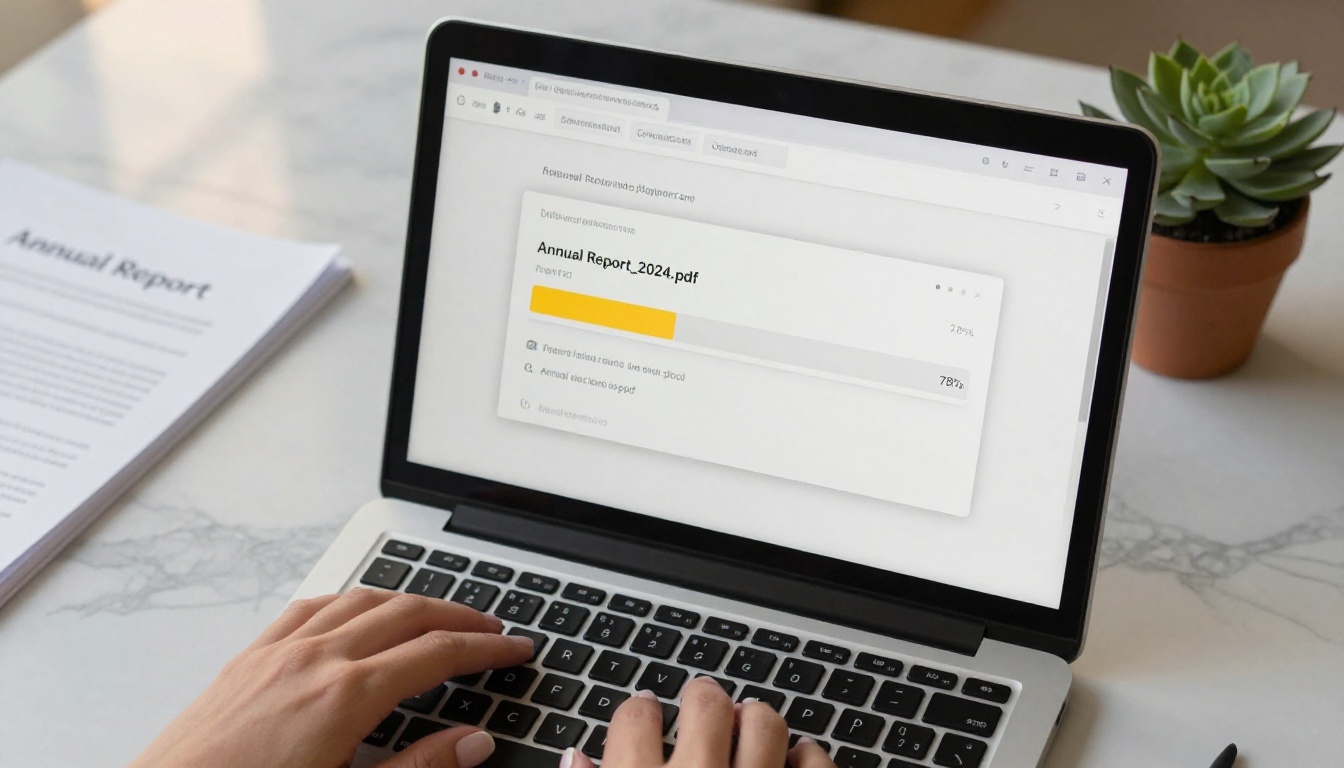
Create your account and navigate to the dashboard. Click the upload button and select your prepared PDF. Flipbooks AI processes the file and generates a page-by-page preview, typically in under two minutes for standard report sizes.
The Non-Profit Annual Report tool is specifically built for this use case and includes layout options that match common nonprofit report structures, including cover pages, program summaries, financial breakdowns, and donor recognition sections.
For organizations producing formal corporate-style governance documents, the Corporate Report Maker offers a polished institutional template set. The Report Flipbook Creator works across both formats.
Step 3: Apply Your Branding
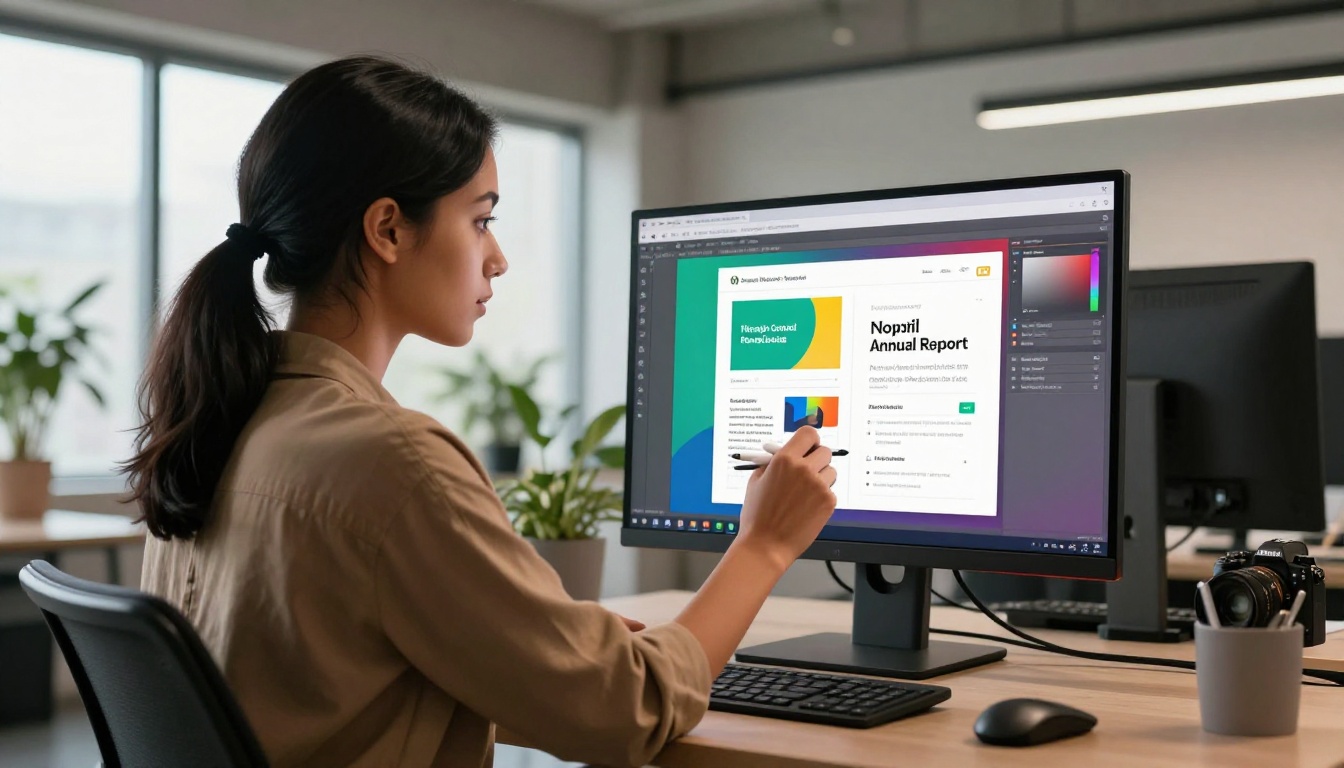
This step is where most organizations see the most immediate visual impact. Customize:
- Brand colors: Match your nonprofit's primary and secondary palette exactly using hex codes for pixel-perfect accuracy
- Logo placement: Add your organization's logo to the cover, footer, both, or as a watermark on every page
- Typography: Select from available font families that align with your visual identity guidelines
- Background and frame: Subtle paper textures or clean solid colors behind the flipbook frame affect the overall professional feel
✅ Best practice: Use your exact brand hex values rather than visually approximate theme colors. Consistency between your flipbook and your website builds institutional credibility, particularly with major donors and foundation program officers who visit multiple touchpoints.
Step 4: Embed Multimedia Content
Select any page in your flipbook editor and use the overlay tools to add interactive elements:
- Video hotspots: Click zones that open embedded YouTube or Vimeo videos in a clean lightbox player
- Image galleries: Tap-to-expand photo collections within a single page without disrupting the reading flow
- Donation buttons: Direct links to your giving page embedded in the report at strategic moments
- Social sharing buttons: Allow donors to share individual pages directly to LinkedIn, Facebook, or X
Step 5: Share and Track Results
Once published, you have multiple distribution options depending on your audience and privacy requirements:
- Direct link: A clean, shareable URL for email campaigns, social posts, and text messages
- Embed code: Place the flipbook directly on your website's annual report landing page
- Password protection: For board-only versions, pre-launch previews, or reports containing donor-specific data
- PDF download option: Donors who prefer a print copy can download from within the flipbook interface

Features Nonprofits Need Most
Not every feature on a digital publishing platform matters equally for nonprofit annual reports. Here are the capabilities that directly affect donor relationships, board governance, and organizational operations.
Password Protection for Sensitive Data
Audited financial statements, board meeting summaries, major donor giving amounts, and program evaluation data are often appropriate for specific audiences but not the general public. Flipbooks AI's password protection lets you share one URL with your full donor list while controlling access with a separate password for board members or foundation funders.
⚠️ Warning: Never share an unprotected link to a report containing donor names, giving amounts, or personally identifiable beneficiary information. Always use password protection or produce a separate public-facing version with sensitive details removed.
Analytics That Show Donor Behavior
The Professional plan includes detailed engagement analytics that reveal exactly how donors interact with your report:
- Total views and unique visitors per publication
- Average time spent on each individual page
- Geographic distribution of your readership
- Which pages had the highest exit rate, and where donors lost interest
- Lead generation data from embedded contact capture forms
This information is genuinely valuable for development strategy. Knowing that 85 percent of donors who opened your report stopped reading at the financial summary tells you exactly where to add more context, more storytelling, or clearer visualization in next year's report. Knowing which program section kept donors engaged longest helps you prioritize funding asks.

Flipbooks AI Plans for Nonprofits
Choosing the right plan depends on your organization's publication volume, audience size, and need for advanced analytics. Here is a direct comparison of the key features that matter most for nonprofit use cases:
| Feature | Free | Standard | Professional |
|---|
| Flipbooks per account | 1 | Unlimited | Unlimited |
| Watermark | Yes | No | No |
| Password protection | No | Yes | Yes |
| Custom branding | Limited | Full | Full |
| Video embedding | No | Yes | Yes |
| Analytics | No | Basic | Advanced |
| Lead generation forms | No | No | Yes |
| Offline download | No | Yes | Yes |
| Custom domain | No | No | Yes |
| Mobile responsive | Yes | Yes | Yes |
For most mid-sized nonprofits, the Standard plan covers annual reports, donor newsletters, grant documentation, and board packets with no watermarks and full branding control. Organizations with major donor cultivation programs, multiple regional chapters, or a need to capture leads directly from publications benefit significantly from the Professional plan's analytics depth and lead generation forms.
Review all current options on the pricing page to find what fits your budget and production volume.
Real-World Use Cases for Nonprofit Flipbooks
Annual reports are the obvious starting point, but they are rarely the only document a nonprofit produces that would benefit from the flipbook format.
Annual Impact Report
Your flagship donor communication. A flipbook version of your annual impact report allows you to:
- Showcase financial transparency with interactive charts donors can engage with
- Tell individual beneficiary stories with embedded photographs and video testimonials
- Present program outcomes with visual infographics rather than dense tables
- Include a prominent donation call-to-action on the final page while the emotional resonance is highest
The Non-Profit Annual Report and Report Flipbook Creator tools are specifically built for this format.

Donor Newsletters and Mid-Year Updates
Quarterly and mid-year donor updates perform significantly better as flipbooks than as plain email newsletters. Donors can share them across networks. Organizations can track which sections generate the most interest. And the format itself communicates organizational health through its production quality, even before a donor reads a single word.
The Newsletter Flipbook Publisher handles recurring publications with template consistency across issues, so each edition maintains visual coherence without rebuilding from scratch.
Grant Proposals and Funder Reports
Foundation program officers receive dozens of grant reports monthly. A flipbook format makes yours stand out in a shared folder full of PDFs. Embedded video testimonials, high-resolution program photography, and a clean financial summary page create a document that communicates both rigor and mission impact simultaneously.
💡 Pro tip: For foundation reports, add a dedicated data and methodology section with interactive charts that program officers can share internally. A well-designed flipbook travels farther within a foundation's review process than any PDF attachment could.
Board and Governance Documents
Password-protected flipbooks work exceptionally well for board packets, strategic planning documents, conflict of interest disclosures, and audited financial statements. Board members appreciate reviewing materials on their phones before meetings without needing to download files or search through email attachments.
The Corporate Report Maker and Annual Report Creator both offer formal governance publication templates appropriate for board-level documents.

Common Mistakes When Sharing Annual Reports
Even organizations that invest in genuinely beautiful design often undermine their own work through distribution and format mistakes that are entirely avoidable.
Sending Attachments Instead of Links
Email attachments get blocked by spam filters, expire in recipient inbox storage limits, and cannot be updated after sending. If your communications team discovers a data error or photograph credit mistake after sending to 10,000 donors, a flipbook link lets you update the source file immediately. Every subsequent reader sees the corrected version automatically. An emailed PDF attachment is permanently broken the moment it leaves your outbox.
No Mobile Optimization
A flipbook or PDF that requires horizontal scrolling on a phone will be abandoned within seconds by most mobile readers. Flipbooks AI's responsive design adapts automatically to any screen size and orientation. Before distributing your report link to your full donor list, test it on an iPhone, an Android device, and a tablet. What you see is exactly what your donors see.
| Distribution Method | Mobile Experience | Engagement Tracking | Updatable After Send | Shareable |
|---|
| Email PDF attachment | Poor | None | No | Rarely |
| Shared drive link | Variable | None | Yes | Limited |
| Printed and mailed | Not applicable | None | No | No |
| Flipbook link | Excellent | Full analytics | Yes | Yes |
| Embedded on website | Excellent | Full analytics | Yes | Yes |
Burying the Donation Link
Your annual report is a fundraising document. Many nonprofits treat it purely as a transparency obligation and forget to include a prominent call to action. Place a donation link on the inside cover, again after your strongest impact story in the middle section, and prominently on the final page. Donors who are inspired by your report should be able to give immediately without navigating away to find your website.
Making Your Report Work Harder
The shift from printed reports to digital publications is accelerating across the nonprofit sector. Print budgets are shrinking, donors expect mobile-first digital experiences, and foundation funders increasingly prefer a link they can open in a browser over a file they need to download and store.
Nonprofits that build a digital publication workflow now will spend less on production costs, reach more donors through shareable links, collect better data to inform future communications strategy, and present their mission with the professional quality that major donors and institutional funders have come to expect.
A flipbook does not replace a well-written, beautifully designed annual report. It is the distribution and presentation layer that ensures the investment your team made actually reaches the people it was made for. Your communications staff worked hard on that report. Your programs team provided the data and stories. Your beneficiaries trusted you with their experiences. A flipbook makes sure donors actually read what was created for them.
Ready to convert your next annual report? Create your free account on Flipbooks AI and upload your first PDF in minutes. For organizations producing multiple publications throughout the year, review the pricing plans to find the right fit. And to see the full range of document types you can publish, browse the flipbook tools directory for templates built around every nonprofit communication need.



