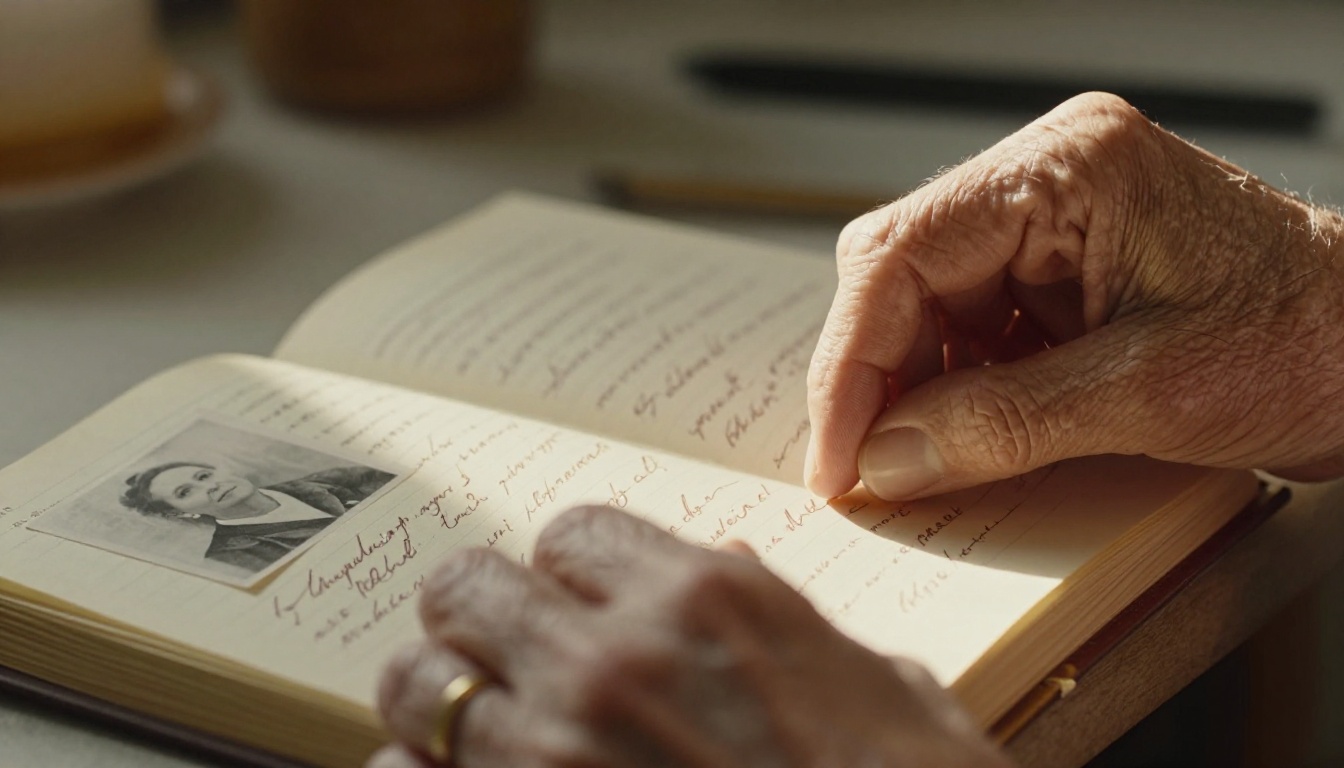
There is something irreplaceable about a handwritten diary. The smudged ink, the folded corners, the pressed flowers tucked between pages from a summer you still dream about. But paper is fragile. Bindings split. Water stains creep in. And for most people, those private pages stay locked in a box where only one person ever reads them. Flipbooks AI changes that entirely, giving you a way to turn your old diary into a living, shareable flipbook memoir that your whole family can hold onto for generations.
Why Your Diary Deserves More Than a Shelf
Most diaries never get read again after they are written. They sit in drawers, attics, and storage bins while the stories inside slowly deteriorate. Research from archival preservation organizations consistently shows that paper documents begin degrading within 50 to 100 years under typical storage conditions, and handwritten ink fades even faster. The problem is not just physical decay. It is also access. A diary written in your grandmother's hand sits in a box at your parents' house while cousins three states away have never once had the chance to read a single page.
A flipbook memoir solves both problems at once. It digitizes your content so the words and images survive beyond the physical object, and it puts them into a format that anyone with a phone, tablet, or laptop can read at any time, from anywhere.
💡 Digitizing before physical deterioration happens is always easier than restoring degraded pages later. If your diary is older than 30 years, move it to digital format now.

What a Flipbook Memoir Actually Is
A flipbook memoir is not a simple scanned PDF. It is an interactive digital publication that recreates the page-turning experience of a physical book, complete with realistic page flip animations, embedded images, multimedia, and clickable elements. Think of it as the digital equivalent of sitting down and actually opening the book, rather than reading a flat document on a screen.
The format is particularly well suited to personal diaries because it preserves the visual character of handwritten pages. Readers see the actual handwriting, the drawings, the stains, the margin notes. Nothing gets translated into sterile typed text. The personality stays intact.
What makes flipbook memoirs different from a printed photobook or a simple PDF:
| Feature | Printed Book | PDF Document | Flipbook Memoir |
|---|
| Page-turn animation | Physical only | No | Yes, interactive |
| Embeddable multimedia | No | Limited | Yes (video, audio) |
| Shareable by link | No | Attachment only | Yes, direct URL |
| Password protection | No | Basic | Yes, full control |
| Mobile-responsive | N/A | Often poor | Yes, optimized |
| Analytics | No | No | Yes (Professional plan) |
| Offline download | N/A | Yes | Yes (Professional plan) |
| No watermarks | Yes | Yes | Yes (Standard plan+) |
Preparing Your Diary Pages
Before you can create your flipbook, you need digital versions of your diary pages. The quality of your scans directly affects the final result, so this step is worth doing carefully.
Scanning vs. Photographing
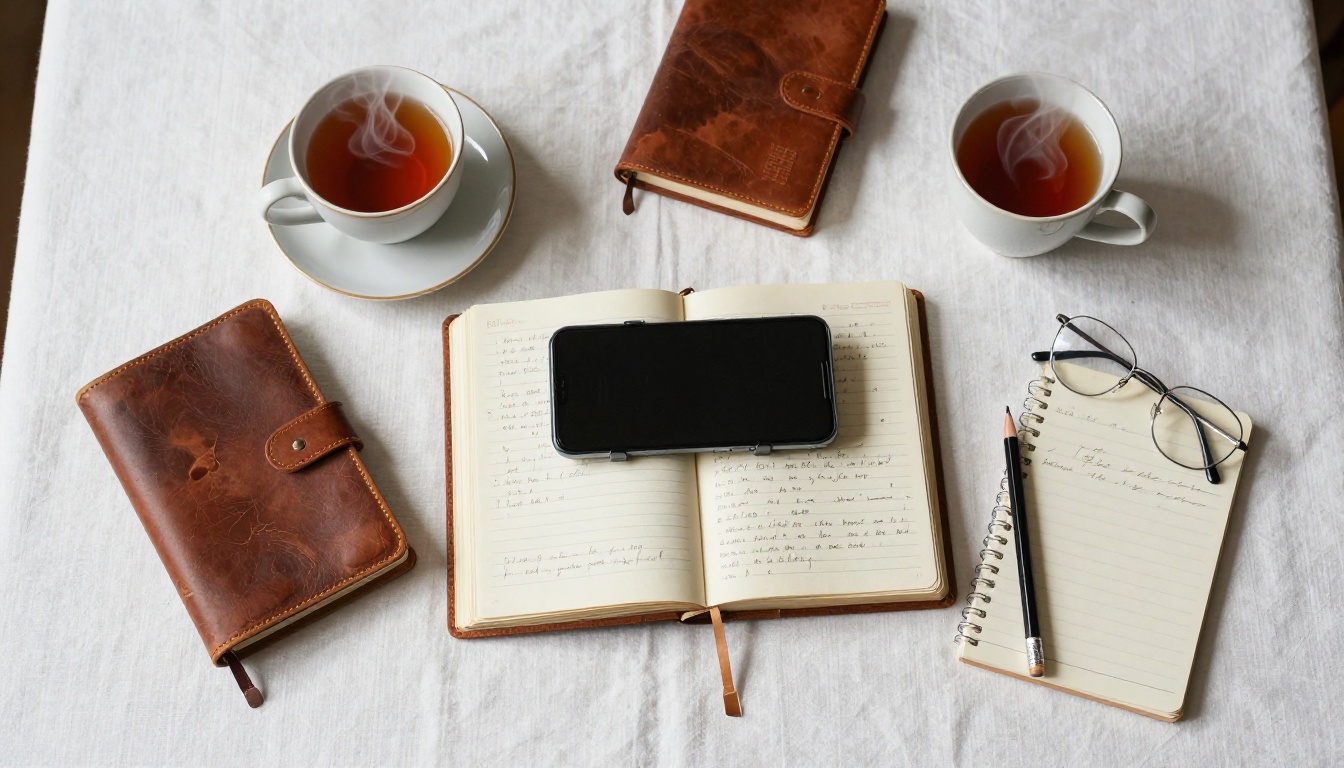
Most people have two practical options: a flatbed scanner or a smartphone camera with a document scanning app. Each has real tradeoffs.
| Method | Resolution | Cost | Best For |
|---|
| Flatbed scanner (600 DPI) | Excellent | $80-$200 one-time | Fragile or very old diaries |
| Smartphone scanning app | Very good | Free | Modern diaries, quick results |
| Professional archive service | Superior | $0.50-$2.00/page | Irreplaceable historical documents |
| Overhead camera rig | Good | $30-$80 for rig | Thick or bound diaries that won't lay flat |
For most personal projects, a modern smartphone with a good scanning app (Adobe Scan, Microsoft Lens, or Apple's built-in document scanner in Notes) produces results more than sufficient for a flipbook memoir. If you are working with genuinely old or fragile pages, a flatbed scanner is worth the investment.
⚠️ Never force an old binding flat to scan it. Spine damage is irreversible. Instead, photograph each page at a slight angle and use perspective correction in your scanning app.
Organizing Your Entries
Once you have your scans, think about structure before assembling the PDF. A few approaches that work well:
- Chronological: The most natural. Start from the first entry and move forward. Works especially well for diaries covering a single defined period, like school years, a pregnancy, or a move to a new city.
- Thematic: Group entries by theme, all the travel writing together, all the relationship reflections, all the entries about a particular person. Good for journals spanning decades.
- Era-based chapters: Divide by decade or life phase. Each chapter opens with a brief typed introduction giving context for the handwritten entries that follow.
- Hybrid: Combine chronological structure with thematic chapters, with an opening page for each section explaining what was happening in your life at that time.
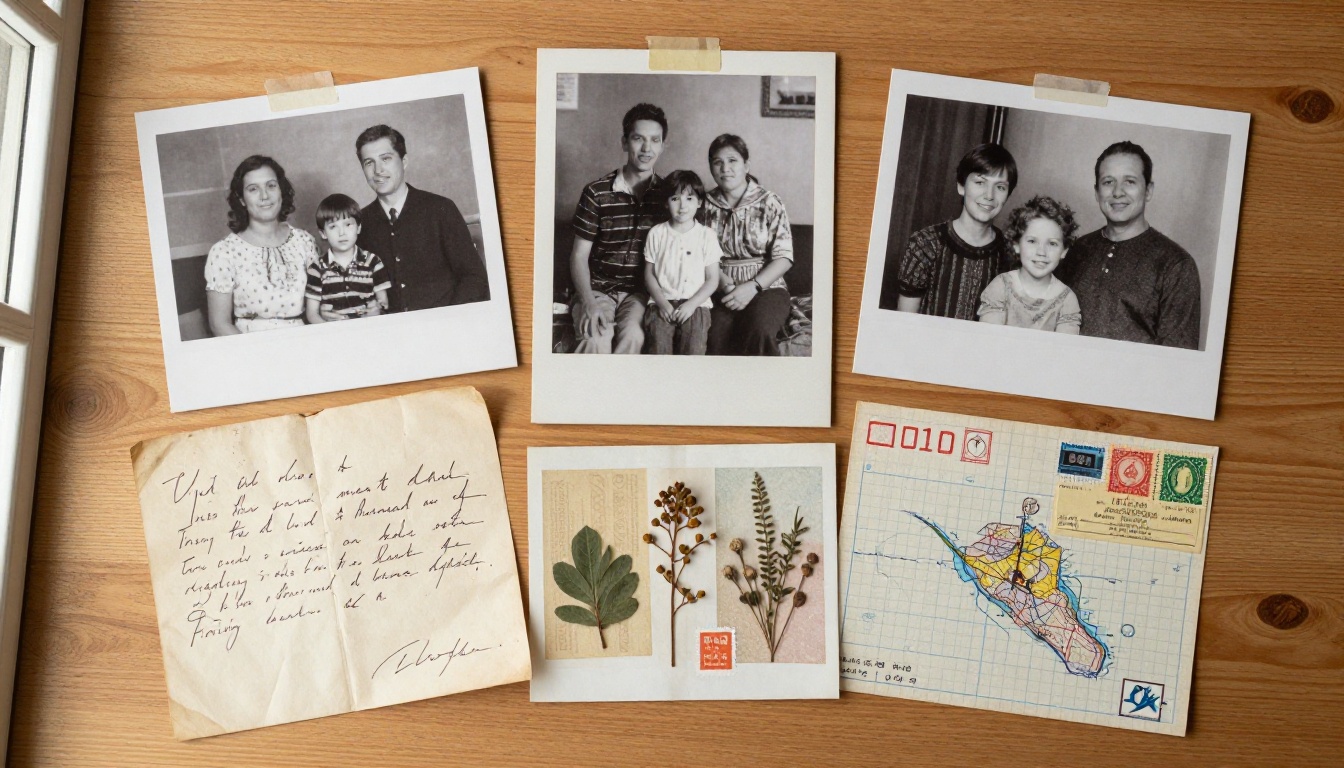
Adding typed context notes alongside the original handwritten pages is one of the most valuable things you can do. Future readers may not recognize the names, places, or cultural references in entries from decades ago. A short caption or sidebar paragraph gives them the context they need to fully feel the story.
Building Your PDF
Once your scans are organized, compile them into a single PDF. Most people use one of these tools:
- Adobe Acrobat: Most control, paid subscription
- Apple Preview: Free on Mac, drag-and-drop page reordering
- Canva: Excellent for adding designed title pages, chapter headers, and captions
- Google Slides: Free, exportable as PDF, good for hybrid text-and-image layouts
Canva works beautifully for this because you can create a professionally designed opening page, section divider pages, and caption pages, then insert your scanned diary images between them. The result is a PDF that already reads like a book before you even upload it.
How to Create Your Flipbook Memoir with Flipbooks AI
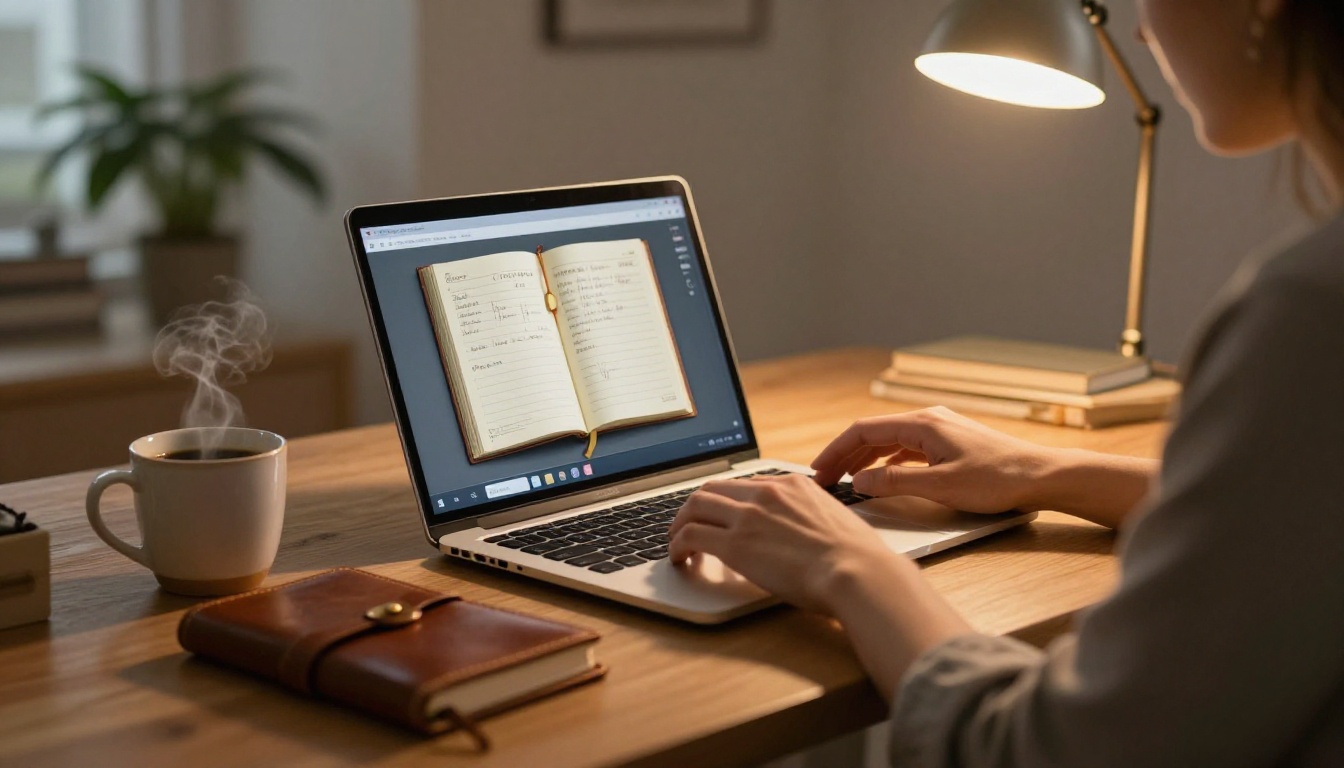
With your PDF ready, the actual conversion process on Flipbooks AI takes minutes.
Step 1: Create Your Account
Go to flipbooksai.com/account and sign up. The free tier lets you test the experience, while the Standard plan and above gives you unlimited flipbooks with no watermarks, which matters for something as personal as a memoir.
Step 2: Upload Your PDF
From your dashboard, click "Create New Flipbook" and upload your PDF file. The converter processes pages quickly, typically under a minute for a 100-page document. Once uploaded, you see a live preview of the page-turning experience before making any changes.
Step 3: Customization Options
This is where your memoir gets its character:
- Title image: Upload a high-resolution photograph for the opening page, like a portrait of the diary's author or a meaningful location from the entries.
- Background and page color: Warm off-white tones work well for diary aesthetics. Avoid stark white, which feels clinical.
- Page flip style: The standard flip works beautifully for memoirs. Some users prefer a softer, slower animation for reflective content.
- Branding: Add the person's name and years as the publication title.
Step 4: Add Multimedia
One of the most emotionally powerful additions is embedding audio recordings alongside written entries. A 60-second voice recording of the person who wrote the diary, reading one of their own entries aloud, turns a digital document into something extraordinary. If you have old home videos, they can be embedded directly into the flipbook pages as well.
Step 5: Set Privacy and Sharing
For personal memoirs, privacy control is essential. Flipbooks AI offers:
- Password protection: Share a private link with a password that only family members have. Perfect for content that is personal but meant to be shared within a trusted circle.
- Direct link sharing: Send a URL by email, text, or family group chat. No app download required for readers.
- Embed code: If your family has a shared website or private blog, embed the flipbook directly so it lives in a familiar place.
✅ Create a private family group and share the flipbook link there. Set a simple password that multiple family members can remember, like a family address or meaningful year.
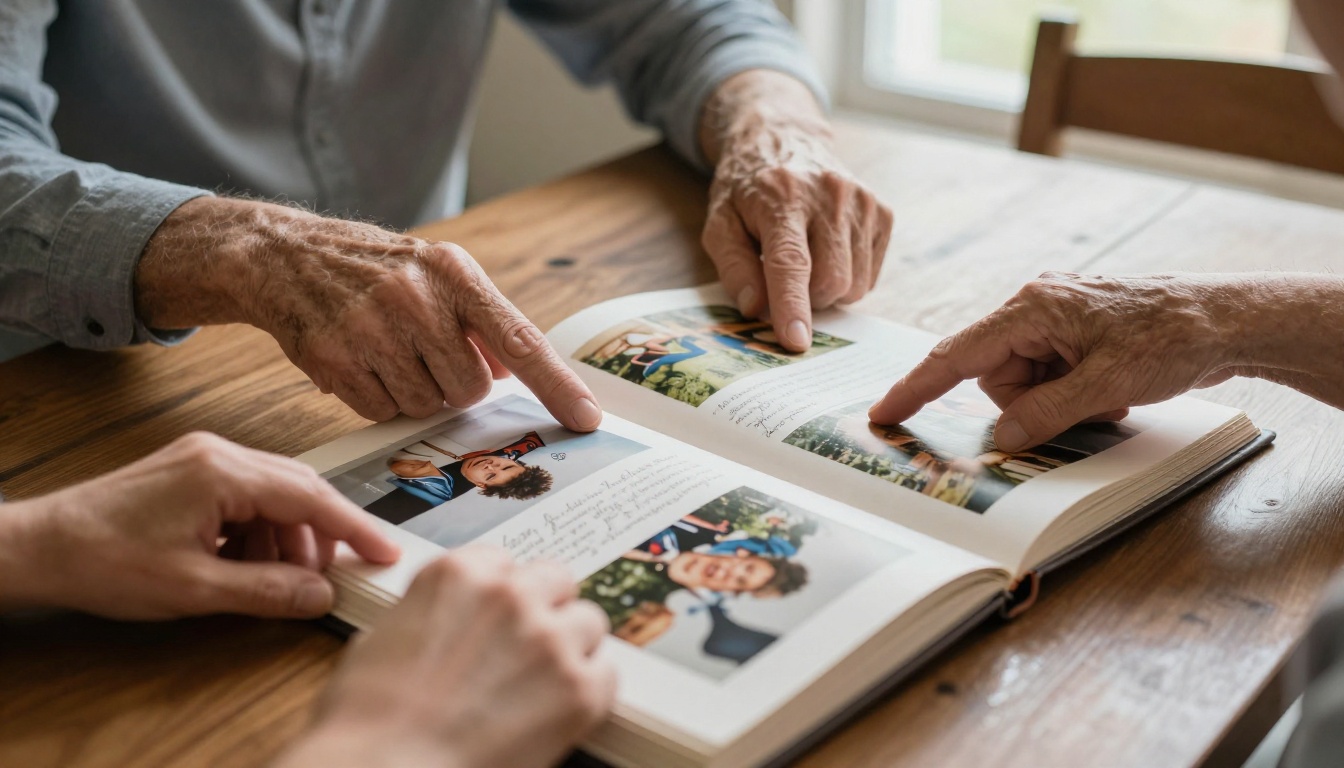
Diary Types That Work Beautifully as Flipbooks
Not every diary calls for the same treatment. Here are specific approaches for different types of personal journals.
The Decade Journal
If you have 10 or more years of consistent journal writing, structure the flipbook as a decade review. Each chapter covers one 10-year period with a designed section opener that includes a brief "what was happening in the world" sidebar alongside "what was happening in my life." Readers feel the personal story within historical context, which gives the memoir unexpected depth.
The Travel Diary
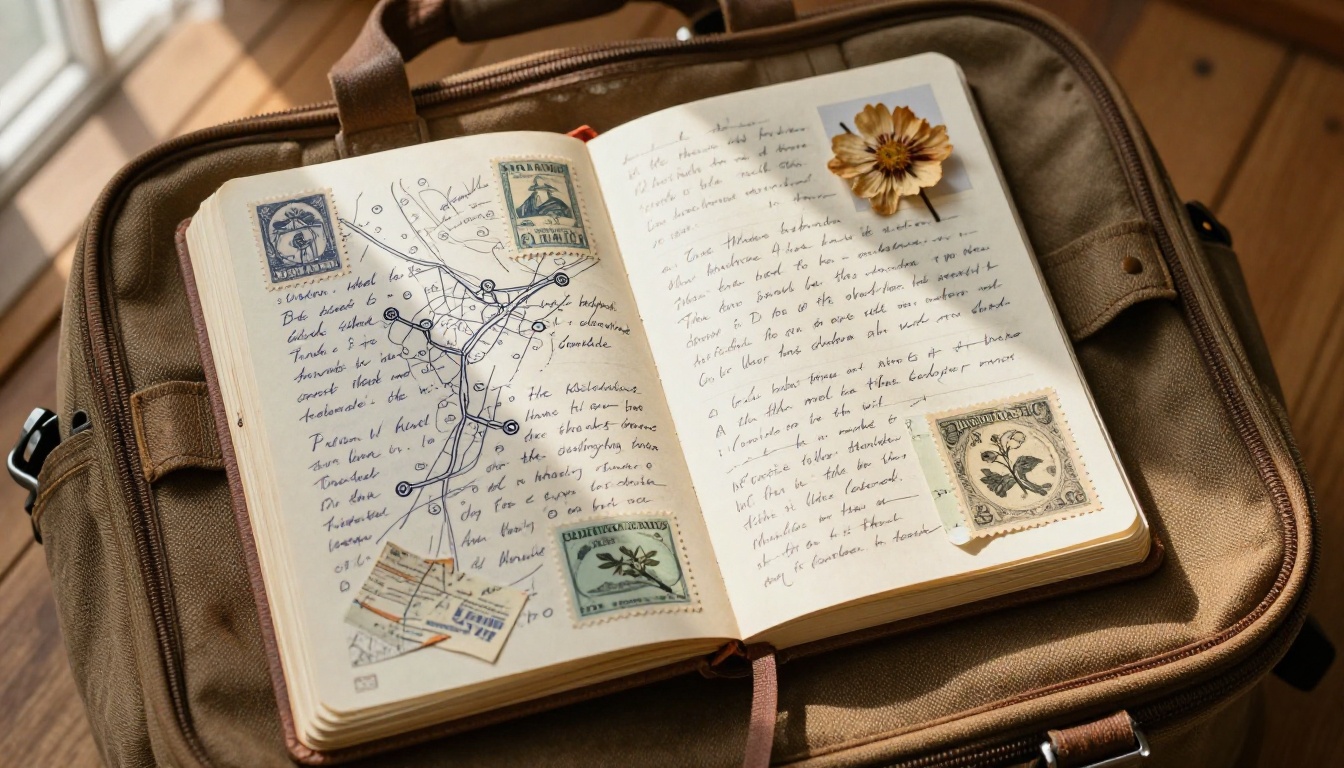
Travel diaries are especially rich with sensory detail, foreign words, hand-drawn maps, and pasted ephemera. For these, the Travel Guide Flipbook format works particularly well. Arrange entries by destination rather than strict date order, and embed photographs from each location alongside the written pages.
The Wartime or Historical Diary
These require the most contextual enrichment. Add typed historical notes, period photographs (many are in the public domain), newspaper headlines from the relevant dates, and explanatory sidebars. The result reads more like a living historical document than a simple personal diary. The Interactive E-Book Publisher format handles long-form narrative content particularly well for these projects.
The Parent-to-Child Diary
Many parents write diaries addressed directly to their children, sometimes starting before the child is even born. These flipbooks work best with a dual timeline: the original handwritten entries alongside present-day photographs of the child at each described age. The side-by-side format makes the emotional resonance immediate and powerful.
Sharing Across Generations
The biggest advantage of a digital flipbook over a printed book is how easily it travels across time and distance.

Consider these sharing strategies:
- Family reunion gift: Send the flipbook link before a gathering so everyone arrives having already read it, then use the reunion to share stories triggered by the entries.
- Holiday email: A simple email with the link and password in December reaches family members who might not otherwise seek it out.
- Birthday delivery: Share the flipbook on a milestone birthday of the person whose diary it is, or on the anniversary of a meaningful event described in the entries.
- Offline archival: The Professional plan includes offline download capability, meaning you can export the flipbook for permanent archival storage alongside the original digital files.
💡 Create a short typed "foreword" as the first page of your PDF, written by whoever assembled the memoir. It should explain who wrote the diary, when, and what the reader is about to experience. This single page transforms a collection of scans into an intentional family artifact.
Some families want both a digital flipbook and a physical printed copy. Others are fine with digital only. Here is how to think about the tradeoffs:
| Format | Longevity | Accessibility | Cost | Shareability | Interactivity |
|---|
| Digital flipbook only | Very high (cloud backup) | Anywhere, any device | Low monthly subscription | Instant, unlimited copies | High |
| Printed photobook only | Medium (paper decay) | Physical copy only | $30-$150 per book | Limited to copies purchased | None |
| Both formats | Very high | Maximum flexibility | Moderate | Excellent | High (digital) |
| Scanned PDF only | High (local backup) | Device-dependent | Free | Email attachment | None |
For most people, the digital flipbook serves as the primary artifact and a single printed copy serves as a physical heirloom for display. Many print-on-demand services take your PDF directly, so the two formats are complementary rather than competing choices.
The Case for Doing This Now
Diaries hold a version of people that photographs cannot capture. The exact words someone chose when they were 22, or 45, or 70. The things they worried about before the outcome was known. The small observations that turned out to matter enormously. Once those physical pages are gone, that voice is gone with them.
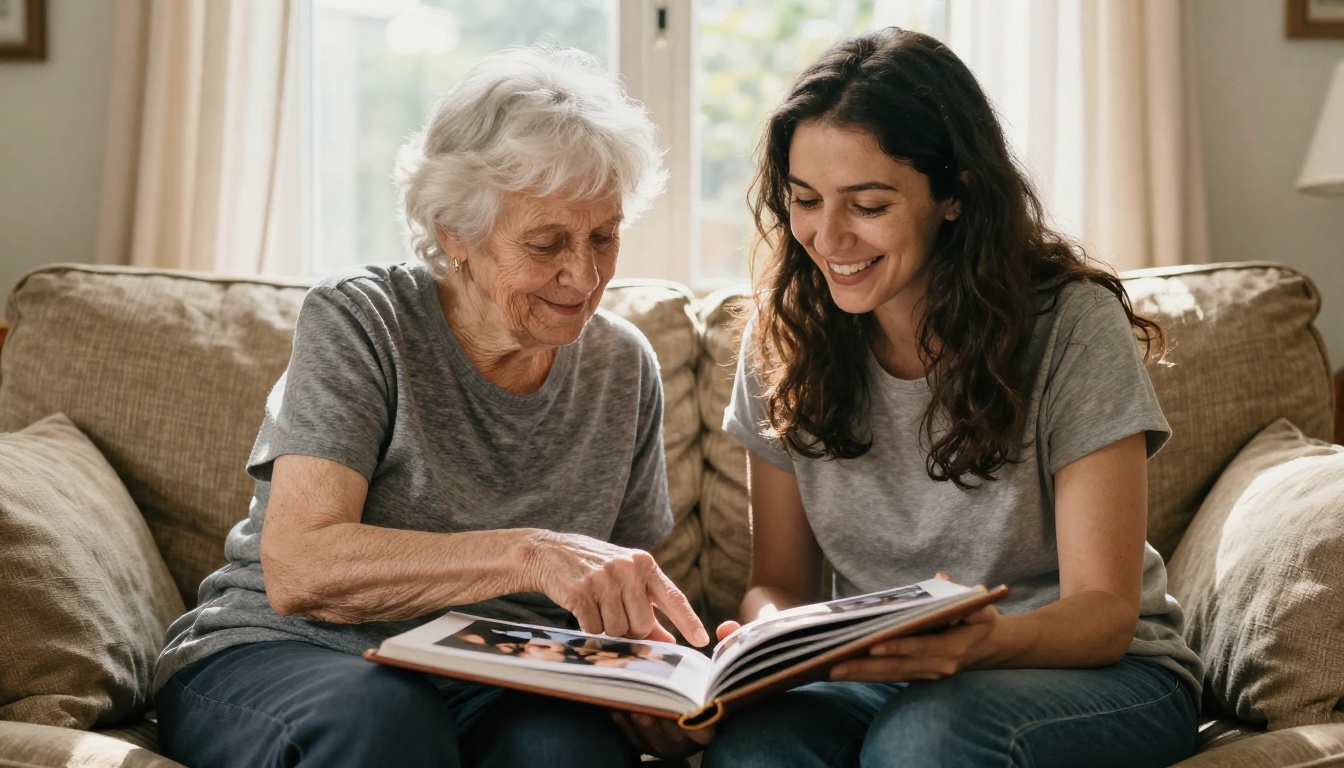
The people who most often regret not preserving a diary are those who inherit one after someone passes and find pages they wish they had read years earlier. The people who feel they made the right call are those who shared a living person's diary with that person still alive to answer questions, add context, and watch others read their words.
Turning your old diary into a flipbook memoir is not just a preservation project. It is a decision about which voices and stories your family carries forward.
Make Your Memoir Permanent
There is no better time to start than the moment the diary is still in your hands. Scan the pages, build the PDF, and upload it to Flipbooks AI to see what the experience looks like before committing to anything.
If you are working on multiple memory projects at once, browse all available tools and templates to find formats suited to photo albums, recipe collections, and correspondence archives. The Wedding Album Flipbook and Yearbook Flipbook Maker formats work equally well for personal visual archives beyond diaries.
For families who want the full feature set including analytics to know who has read the memoir and offline downloads for permanent archival, review the pricing plans and choose the tier that fits the scope of your project.
Your handwriting deserves to outlast the paper it is written on. Get started today.



