Static PDFs get the job done, but they rarely impress anyone. A client opens a 40-page product catalog, sees a wall of scrollable pages, and closes it within seconds. That same document as an interactive flipbook, with realistic page-turn animations, embedded links, and mobile-friendly navigation, keeps people reading three times longer. The best part? With Flipbooks AI, converting your PDF takes less than five minutes, and you need zero design skills to do it.
Why PDFs Fall Short
PDFs were built for printing. Online, they fight against the grain. A static file requires a separate viewer, loads slowly on mobile, and offers no way to track whether anyone actually read it.
The engagement problem
When you send someone a PDF link, you get silence. Did they open it? Did they read page 12? Did the pricing section get any attention? There is no way to know. Meanwhile, the person on the other end is pinching and zooming on a phone screen, trying to read text sized for an A4 sheet.
What modern readers want
Online content needs to feel native. People expect smooth navigation, responsive layouts, and something that does not look like it was emailed in 2009. A flipbook delivers exactly that: realistic page-turn physics, a reading experience that feels like holding the real thing, and a layout that adapts cleanly from desktop to phone.
| Feature | Static PDF | Interactive Flipbook |
|---|
| Mobile-friendly | Poor (pinch-to-zoom) | Yes (responsive design) |
| Page-turn animation | No | Yes |
| Embeddable on websites | Limited | Yes, with one line of code |
| View analytics | No | Yes (Professional plan) |
| Password protection | No | Yes |
| Offline download | No | Yes |
| Embed video and audio | No | Yes |
| Share via link | Download required | Direct link, no download |
What a Flipbook Actually Does
Before getting into the steps, it is worth knowing what you are actually creating. A flipbook is not just a PDF with a prettier wrapper. It is a fully interactive digital publication.
The page-flip experience
The defining feature is the page-turn effect. Pages curl and turn like a physical book, with realistic shadow and depth. That tactile sensation, even in a digital format, changes how people engage with content. Readers browse, not just scroll. They flip back to sections they liked. They spend more time per page.
Beyond the animation
A good flipbook tool lets you go further than animation. You can embed clickable links, videos, audio files, and contact forms directly into pages. You can set a custom domain. You can password-protect confidential documents or set an expiry date on time-sensitive content. These are things a PDF simply cannot do.

Convert Your PDF in 5 Minutes
Here is the exact process using Flipbooks AI. The steps below take most people four to five minutes from upload to live link.
Step 1: Create your account
Go to Flipbooks AI and sign up. The free tier is available immediately, no credit card needed. Once inside, you see a clean dashboard with a single prominent option: upload a PDF.
Step 2: Upload your PDF
Click the upload button and select your PDF file. Flipbooks AI accepts PDFs of any size. The system processes each page automatically, converting it into a high-resolution flipbook page. Most documents under 50 pages process in under 30 seconds.
💡 Pro tip: Before uploading, make sure your PDF has high-resolution images embedded. Low-resolution source files result in blurry flipbook pages.
Step 3: Customize your branding
Once uploaded, you get access to a customization panel. Here you can:
- Set brand colors for the flipbook toolbar and background
- Add your logo to the top of the viewer
- Choose a background texture (white, dark, wood, fabric)
- Set the page-flip speed and sound effects
- Add a table of contents so readers can jump to sections
This is where your flipbook stops looking generic and starts looking like your brand. A product catalog for a furniture company looks completely different from a spa wellness menu, even though both started as PDFs.
✅ Best practice: Upload a square logo at minimum 200x200px for the sharpest result in the viewer header.

Step 4: Share or embed
When your flipbook is ready, you have three options for getting it in front of people:
- Direct link: Copy a shareable URL and paste it anywhere, including email, social media, WhatsApp, or Slack.
- Embed code: Copy one line of HTML and paste it into your website. The flipbook loads inline with no redirects needed.
- QR code: Download a QR code to use on printed materials, packaging, or event signage.
⚠️ Warning: On the free plan, your flipbook lives at a Flipbooks AI subdomain. Upgrade to Standard or Professional to use a custom domain or remove the subdomain entirely.
That is the entire process. Four steps, under five minutes, from a static PDF to a fully interactive publication with a shareable link.
Flipbooks AI Features Worth Knowing
Flipbooks AI is built around one idea: your documents should work as hard online as they do in print. Here is what each plan actually includes.
Plans at a glance
| Feature | Free | Standard | Professional |
|---|
| Flipbooks per month | 3 | Unlimited | Unlimited |
| Custom branding | No | Yes | Yes |
| Password protection | No | Yes | Yes |
| Analytics | No | No | Yes |
| Lead generation forms | No | No | Yes |
| Offline downloads | No | No | Yes |
| Custom domain | No | No | Yes |
| Embed on website | Yes | Yes | Yes |
| Video and audio embed | No | Yes | Yes |
| Watermarks | Never | Never | Never |
For most individuals and small teams, the Standard plan covers everything needed. Businesses that need to know who is reading, how long they stay on each page, and where they drop off will benefit most from the Professional plan.
💡 Pro tip: The Professional plan analytics show page-by-page engagement data. For sales teams using product catalogs or pitch decks, this is genuinely useful: you can see which pages a prospect spent the most time on before a call.
Check the pricing page for current rates and plan details.
Privacy and password protection
Not everything is meant for public consumption. Internal training manuals, investor decks, and draft proposals need to stay private. Password protection on Standard and Professional plans means you share the link but only authorized people can open it. You set the password, share it with your intended audience, and the rest of the internet sees a locked door.

Who Uses PDF Flipbooks
Flipbooks are not just for one type of business. Almost any industry that produces printed or digital documents benefits from converting them.
Business and marketing teams
Sales decks, proposals, and company reports become shareable assets that do not require downloading software. A marketing team distributing a 30-page brand report can send one link instead of a 15MB attachment. Recipients open it instantly in any browser, on any device.
The PDF to Flipbook Converter handles everything from one-page flyers to multi-chapter annual reports. For corporate documents, the Annual Report Creator offers a specialized workflow.
Restaurants and hospitality
A printed menu becomes outdated the moment prices change. A digital menu flipbook can be updated in minutes and the QR code on every table already points to the new version. Hotels use the same approach for room service menus and property brochures.
The Restaurant Menu Creator is purpose-built for this. Hospitality businesses can also use the Hotel Brochure Designer for property guides that actually get read.
Real estate professionals
Property brochures with floor plans, photography, and specifications are perfect flipbook content. Instead of emailing a PDF that agents must download and print, a real estate flipbook loads instantly, shows every photo in high resolution, and can be embedded directly on a listing page.
The Real Estate Brochure Creator handles property-specific formatting. Agents close deals faster when clients actually engage with materials rather than ignoring email attachments.
Educators and training departments
Course materials, student handbooks, and employee training manuals work exceptionally well as flipbooks. Students and employees can access them on any device, on any operating system, without installing a PDF reader.
The Training Manual Flipbook and Course Material Publisher are specifically designed for educational content. Schools also benefit from the Yearbook Flipbook Maker for digital yearbooks that families can revisit anytime.
Creative professionals and publishers
Photographers, designers, and portfolio holders use flipbooks to showcase work in a format that feels considered and curated. A photography portfolio in flipbook format reads like a printed coffee table book.
The Digital Portfolio Creator and Photography Portfolio tools make this straightforward. Publishers converting print magazines to digital get the same benefit: the Magazine Flipbook Creator and E-Magazine Publishing Tool handle multi-issue publications with consistent branding across every edition.

Different document types benefit differently from the flipbook format. Here is a quick reference for the most common scenarios.
Browse the full tools directory to find purpose-built options for your specific document type.
Sharing and Distribution That Works
Creating the flipbook is half the job. Getting it in front of the right people is the other half. Flipbooks AI gives you several distribution channels built in.
Embedding on your website
The embed feature is one of the most useful tools in the platform. Copy a snippet of HTML and paste it into your website builder, whether that is WordPress, Squarespace, Webflow, or raw HTML. The flipbook loads inline on your page. Visitors never leave your site to read it.
For businesses that embed flipbooks on their website, this creates a much stronger brand experience than a basic download button.
Link sharing and QR codes
A single URL works across every channel. Post it on LinkedIn, add it to an email signature, include it in a text message. For offline-to-online connections, the QR code feature generates a scannable code you can print on business cards, packaging, menus, or event signage.
Knowing What Readers Do
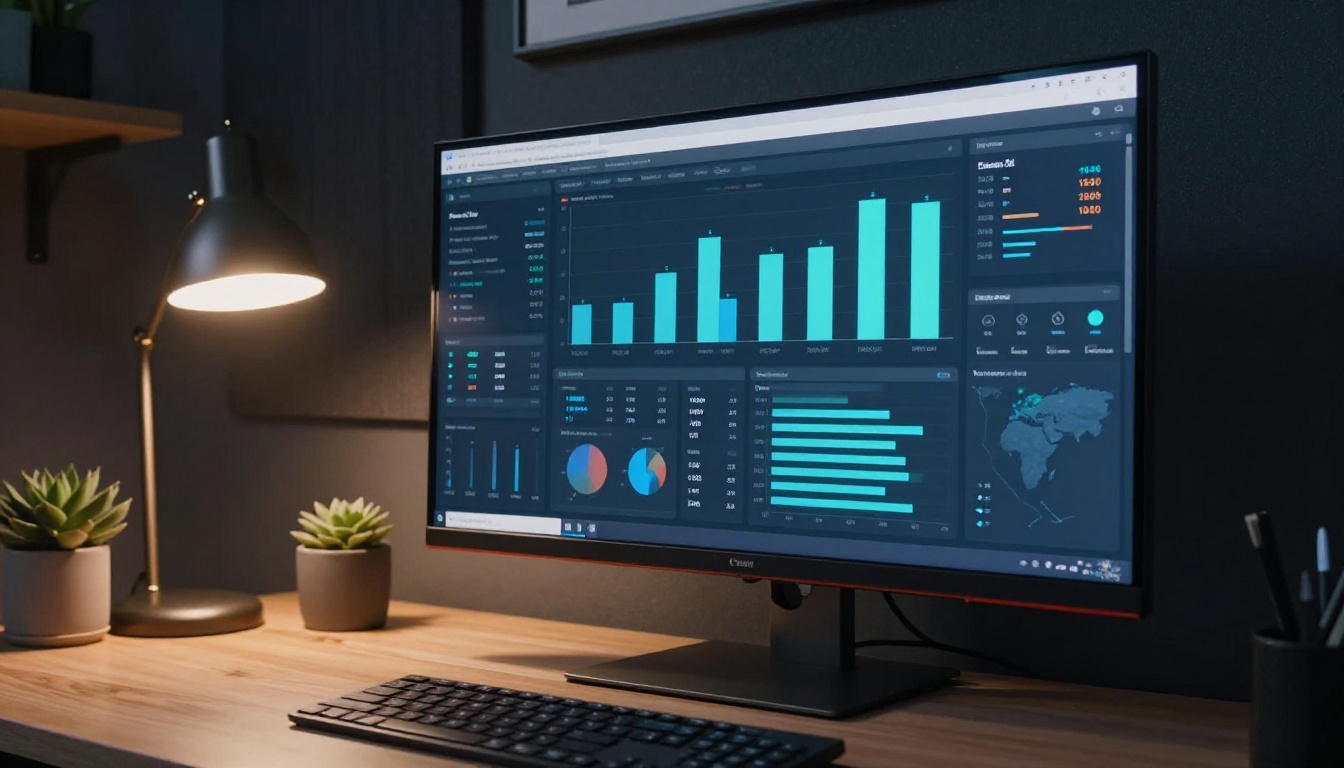
Publishing a flipbook without analytics is like running ads without tracking conversions. The Professional plan on Flipbooks AI includes page-by-page analytics that show exactly how readers interact with your content.
What you can track:
- Total views and unique visitors
- Average time spent per page
- Pages with the highest drop-off rate
- Geographic location of readers
- Device breakdown (mobile vs. desktop vs. tablet)
- Lead capture form submissions
For sales teams, this data is particularly valuable. If a prospect spent four minutes on the pricing page and zero seconds on the about page, that tells you exactly where to focus the follow-up conversation.
Before You Upload: PDF Preparation
The quality of your flipbook is directly tied to the quality of your source PDF. A few quick checks before uploading save time and produce better results.
PDF preparation checklist:
- Images embedded at 150 DPI minimum (300 DPI for print-quality output)
- Fonts embedded in the PDF, not linked externally
- Page size consistent throughout the document (mixed portrait and landscape causes layout issues)
- File size under 100MB for fastest processing
- Hyperlinks already active in the PDF (they transfer to the flipbook automatically)
✅ Best practice: Export your PDF from InDesign or Illustrator using the "High Quality Print" preset for optimal flipbook rendering. If working from Word or Google Docs, export via the PDF option rather than Print to PDF for better font handling.
Start Publishing Today
Your documents deserve better than a download button. Whether it is a product catalog, a restaurant menu, a real estate brochure, or a training manual, converting it to an interactive flipbook takes five minutes and produces something people actually want to read.
Create your first flipbook on Flipbooks AI and see how quickly a static PDF becomes a shareable, branded, interactive experience. Browse all available tools to find the right option for your document type, or compare pricing plans to choose what works for your workflow.
The PDF is already done. The flipbook is five minutes away.



