PDFs are everywhere. Every business uses them. But here's the uncomfortable truth: most people close a PDF before finishing page two. They're static, they're clunky on mobile, and they offer no reason to keep reading. If you're sending reports, catalogs, menus, or portfolios as flat PDF files, you're leaving real engagement on the table.
Flipbooks AI solves this in minutes. Upload your existing PDF, and in under five minutes you have a fully interactive, page-turning flipbook that readers actually want to engage with. No design software, no technical knowledge, no watermarks.
This article shows you exactly how to do it, step by step, with feature comparisons, real-world use cases, and tips to get the most out of every flipbook you create.
Why Static PDFs Lose People Fast
The Attention Problem
When someone opens a PDF, they face a wall of scrollable content with no clear signal about where to look next. There's no visual hierarchy that adapts to their screen, no page-turn animation to indicate progress, and no interactivity to reward their attention.
On mobile devices, the problem is even worse. PDFs weren't designed for portrait-orientation phone screens. Text becomes tiny, images get cropped, and users have to pinch-and-zoom constantly. The bounce rate on mobile-accessed PDFs is significantly higher than on desktop.
The result: beautiful, expensive content gets abandoned before it makes an impact.
What a Flipbook Changes
A digital flipbook replicates the physical experience of flipping through a magazine or catalog. Pages turn with a satisfying animation. Readers can jump to sections, zoom in on details, and interact with embedded content. On mobile, the layout adapts automatically.
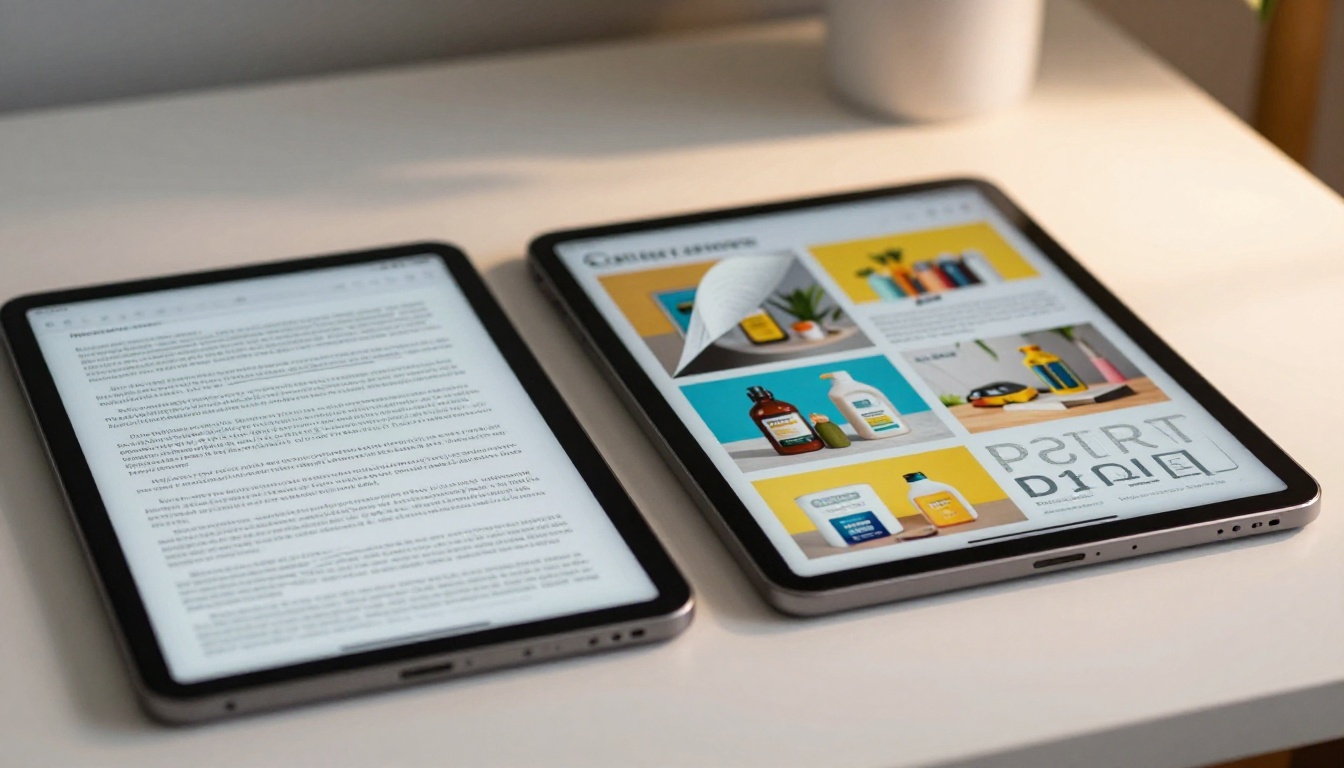
The difference in time-on-page and content completion rates between a PDF and a flipbook is significant. Flipbooks create a narrative flow that static files simply cannot replicate.
💡 Pro tip: Flipbooks are especially effective for content that has a natural beginning-to-end flow: catalogs, menus, lookbooks, reports, and e-books all perform better in flipbook format than as flat PDFs.
Before You Convert: What You Need
PDF Requirements
Before uploading, make sure your PDF is ready. Most PDFs work straight out of the box, but a few things to check:
- File size: Keep it under 300MB for fastest processing
- Fonts: Embed all fonts in the PDF so text renders correctly
- Image resolution: Use at least 150 DPI for images so they stay sharp when zoomed
- Pages: No hard limit, but very long documents (500+ pages) may take slightly longer to convert
- Orientation: Both portrait and landscape PDFs are supported
⚠️ Warning: Password-protected PDFs need to be unlocked before uploading. Remove the protection in your PDF software first.
Picking the Right Plan
Flipbooks AI offers three plans. Here's a side-by-side so you know exactly what you're getting before you start.
| Feature | Free | Standard | Professional |
|---|
| Flipbooks | 3 | Unlimited | Unlimited |
| Watermarks | Yes | No | No |
| Custom Branding | No | Yes | Yes |
| Password Protection | No | Yes | Yes |
| Embed on Website | No | Yes | Yes |
| Analytics | No | No | Yes |
| Lead Generation | No | No | Yes |
| Offline Downloads | No | No | Yes |
| Video & Audio Embed | No | Yes | Yes |
| Custom Domain | No | No | Yes |
For most businesses, Standard plan hits the right balance. For teams that need conversion tracking, audience insights, or lead capture inside their flipbooks, the Professional plan unlocks all of that.
✅ Best practice: Start with a free account to test the conversion process before committing to a paid plan. You'll have your first flipbook ready in minutes.
How to Turn Your PDF into a Flipbook
This section walks through the exact steps, from zero to a published, shareable flipbook, in under five minutes.
Step 1. Create Your Free Account
Go to Flipbooks AI and sign up. The process takes about thirty seconds. No credit card required for the free plan.
Once inside your dashboard, you'll see your flipbook library. It starts empty. Not for long.
Step 2. Upload Your PDF

Click "New Flipbook" and select your PDF file. You can either drag-and-drop the file or browse your local storage. The platform processes your PDF immediately, converting each page into a crisp, interactive flipbook spread.
Processing time depends on file size and page count. A standard 20-page catalog typically converts in under 60 seconds. You'll see a progress bar, and when it's done, a preview loads automatically.
💡 Pro tip: Use the PDF to Flipbook Converter tool directly for a streamlined conversion experience.
Step 3. Brand It Your Way
This is where your flipbook goes from generic to on-brand. The customization panel lets you control:
- Cover style: Choose the cover page design and background color
- Color palette: Match your brand colors with a hex code picker
- Logo: Upload your company logo to appear on the flipbook viewer
- Background: Solid color, gradient, or a custom background image behind the pages
- Page effects: Soft shadow, hard shadow, or flat mode for the page-turn effect
- Font selection: Set the typography for any overlay text elements
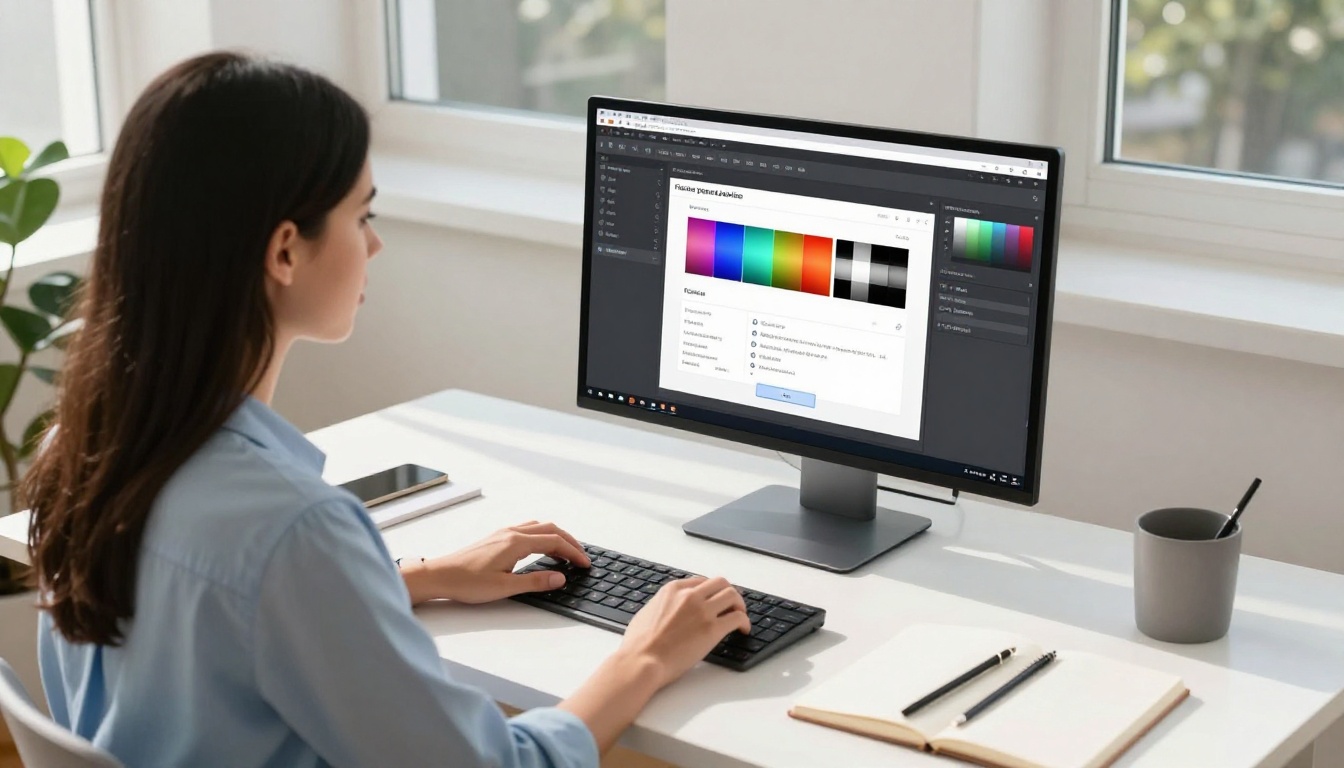
None of this requires design experience. Every change previews in real time. What you see in the editor is exactly what your readers will see.
Step 4. Add Interactive Elements
Beyond page turns, flipbooks support genuinely interactive content:
- Clickable links: Any URL in your original PDF stays clickable
- Embedded video: Add YouTube or Vimeo videos directly onto specific pages
- Audio tracks: Attach background music or narration to individual pages
- Table of contents: Auto-generated from your PDF's bookmarks for easy navigation
This is what separates a flipbook from a basic PDF viewer. A product catalog with embedded demo videos. A training manual where employees can play instructional clips. A restaurant menu where clicking a dish shows its ingredients.
Step 5. Share It Everywhere
When you're satisfied with the result, hit Publish. You immediately get:
- Direct link: A permanent URL you can share in emails, messages, and social media
- Embed code: A snippet that drops your flipbook into any website or CMS in seconds
- Password protection: Restrict access to private content with a password (Standard plan and above)
- QR code: Auto-generated QR code for print materials and physical signage
- Social share: One-click sharing to major platforms
✅ Best practice: Use the embed code to place the flipbook directly on your website. Readers stay on your domain and your brand is front and center. Use the Embed Flipbook on Website tool for guidance.
That's the full process. Most users go from PDF upload to published flipbook in two to four minutes.
Real Uses That Actually Work
Businesses and Marketing Teams

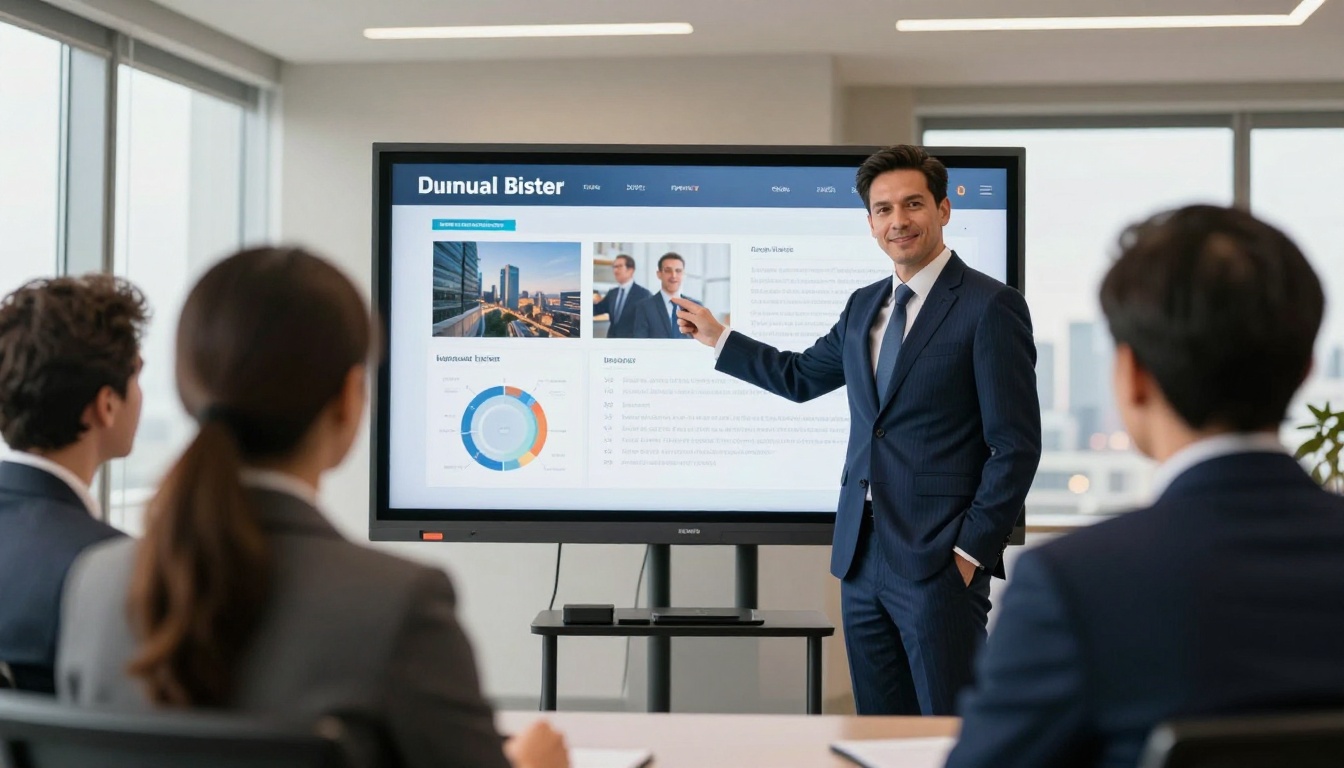
Marketing teams benefit immediately from the switch. Instead of attaching a PDF to an email (which many clients never open), they send a link to a flipbook that loads instantly in any browser, on any device.
Sales teams use flipbooks for presentations that live online. A prospect can revisit the flipbook after the meeting, share it with decision-makers, and the sales team can track who viewed it and which pages they spent time on (Professional plan).
Common marketing use cases:
Restaurants and Hospitality
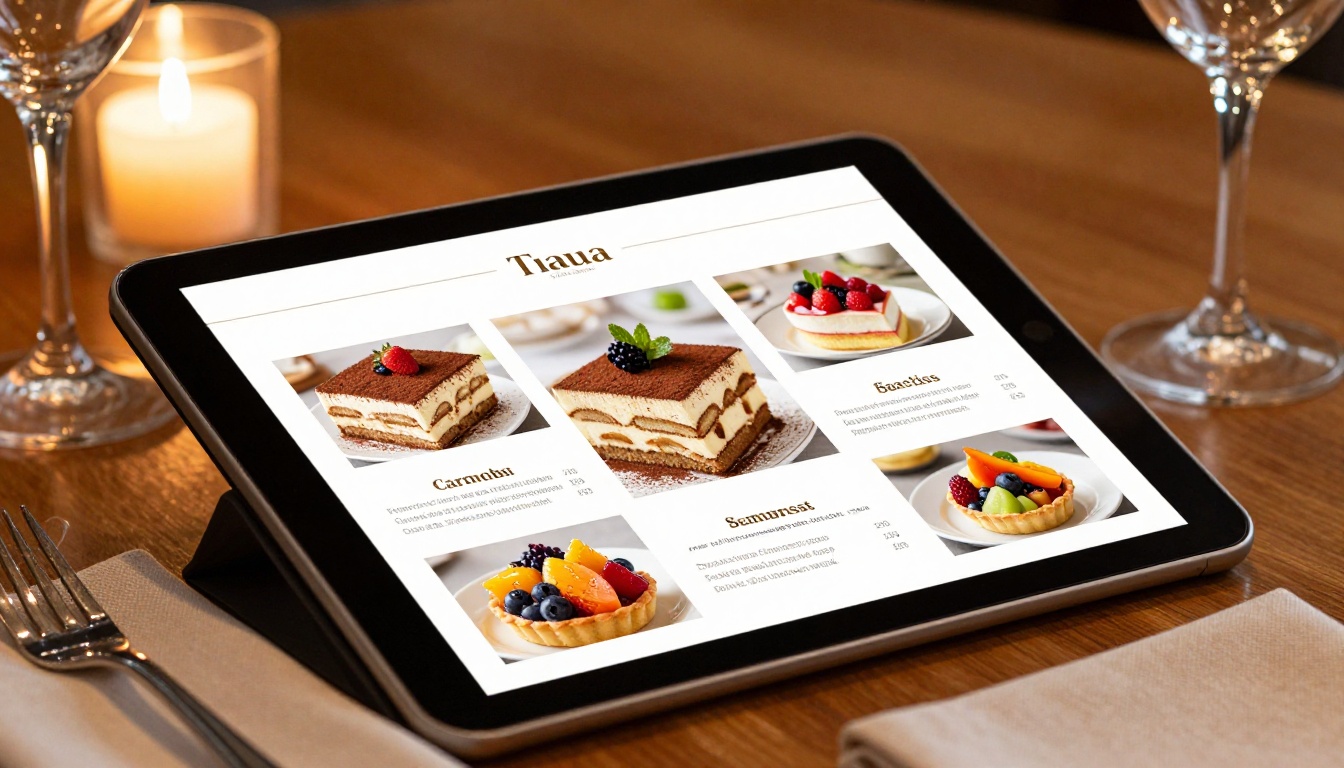
Restaurants that switched from printed menus to digital flipbooks report faster menu updates, better table presentation, and zero printing costs. When a dish sells out or a price changes, you update the PDF and re-publish. The QR code link stays the same.
The Restaurant Menu Creator is built specifically for this, with layouts that put food photography front and center. Hotels use the Hotel Brochure Designer to showcase rooms and amenities in a format that converts lookers to bookers.
Spas and wellness centers use the Spa & Wellness Menu Creator to present treatment menus that feel as luxurious as the services themselves.
Real Estate Professionals

Real estate agents who send a flipbook property brochure instead of a PDF stand out immediately. The Real Estate Brochure Creator lets agents turn listing sheets into visually compelling interactive brochures with embedded virtual tour videos, clickable floor plans, and neighborhood photo galleries.
Buyers can share the flipbook link with family members or co-buyers who weren't at the showing, giving the property more exposure with zero additional effort from the agent.
Education and Training

Training departments convert dense compliance documents and onboarding manuals into flipbooks that employees actually read. The Training Manual Flipbook and Course Material Publisher tools make this straightforward.
Schools use the School Newsletter Creator and Yearbook Flipbook Maker for communications that parents and students engage with rather than delete.
For e-learning providers, the Interactive E-Book Publisher and E-Book Flipbook Generator provide professional publishing without the cost of a dedicated platform.
Not all PDF-to-flipbook tools are equal. Here's how the major options compare on the features that matter most.
| Feature | Flipbooks AI | Issuu | FlipHTML5 | Yumpu |
|---|
| No Watermarks (paid) | ✅ | ✅ | ✅ | ✅ |
| No Watermarks (free) | No | No | No | No |
| Custom Branding | ✅ | ✅ | ✅ | Limited |
| Password Protection | ✅ | ✅ | ✅ | ✅ |
| Website Embed | ✅ | ✅ | ✅ | ✅ |
| Analytics | ✅ Pro | ✅ Premium | ✅ Pro | ✅ |
| Lead Generation | ✅ Pro | No | ✅ Pro | No |
| Offline Downloads | ✅ Pro | No | ✅ | No |
| Specialized Tools | ✅ 40+ | No | No | No |
| Conversion Speed | Fast | Fast | Moderate | Fast |
| Mobile Responsive | ✅ | ✅ | ✅ | ✅ |
The biggest differentiator for Flipbooks AI is the library of 40+ specialized tools built for specific content types. Instead of starting from scratch, users begin with a template and workflow designed exactly for their use case, whether that's a restaurant menu, a real estate brochure, or a fashion lookbook.
Picking the Right Tool for Your Content
With over 40 tools available at flipbooksai.com/tools, it helps to know which one fits your situation. Here's a quick reference for the most common content types.
| Content Type | Best Tool | Key Benefit |
|---|
| Product catalog | Digital Catalog Maker | Product grid layouts, clickable items |
| Restaurant menu | Restaurant Menu Creator | Food photography layouts, QR code delivery |
| Real estate brochure | Real Estate Brochure Creator | Property specs, embedded virtual tours |
| Annual report | Annual Report Creator | Chart-friendly layouts, professional design |
| E-book | Interactive E-Book Publisher | Chapter navigation, reading progress |
| Fashion lookbook | Interactive Lookbook Designer | Full-bleed image spreads, editorial feel |
| Portfolio | Digital Portfolio Creator | Project showcase, contact link integration |
| Training manual | Training Manual Flipbook | Section bookmarks, quiz link integration |
| Wedding album | Wedding Album Flipbook | Cinematic layouts, music support |
| Travel guide | Travel Guide Flipbook | Map embeds, destination photography |
Tips That Actually Improve Results
Design Choices That Convert
The conversion from PDF to flipbook handles the technical work, but a few design decisions on your end will make a significant difference in how readers engage.
Start with a strong cover page. The cover is the first thing viewers see before they open to page one. Make it count with a high-quality photograph, your logo, and a single clear headline.
Use high-resolution images throughout. Images that look fine in print at 72 DPI will look blurry in a digital flipbook at zoom. Use 150 DPI minimum, 300 DPI for close-up product shots.
Keep page layouts clean. Dense text-heavy pages are just as hard to read in a flipbook as in a PDF. Use white space generously. Let visuals carry sections where possible.
Use consistent fonts. Stick to two fonts maximum: one for headings, one for body text. This holds true even in flipbook format.
3 Mistakes to Avoid
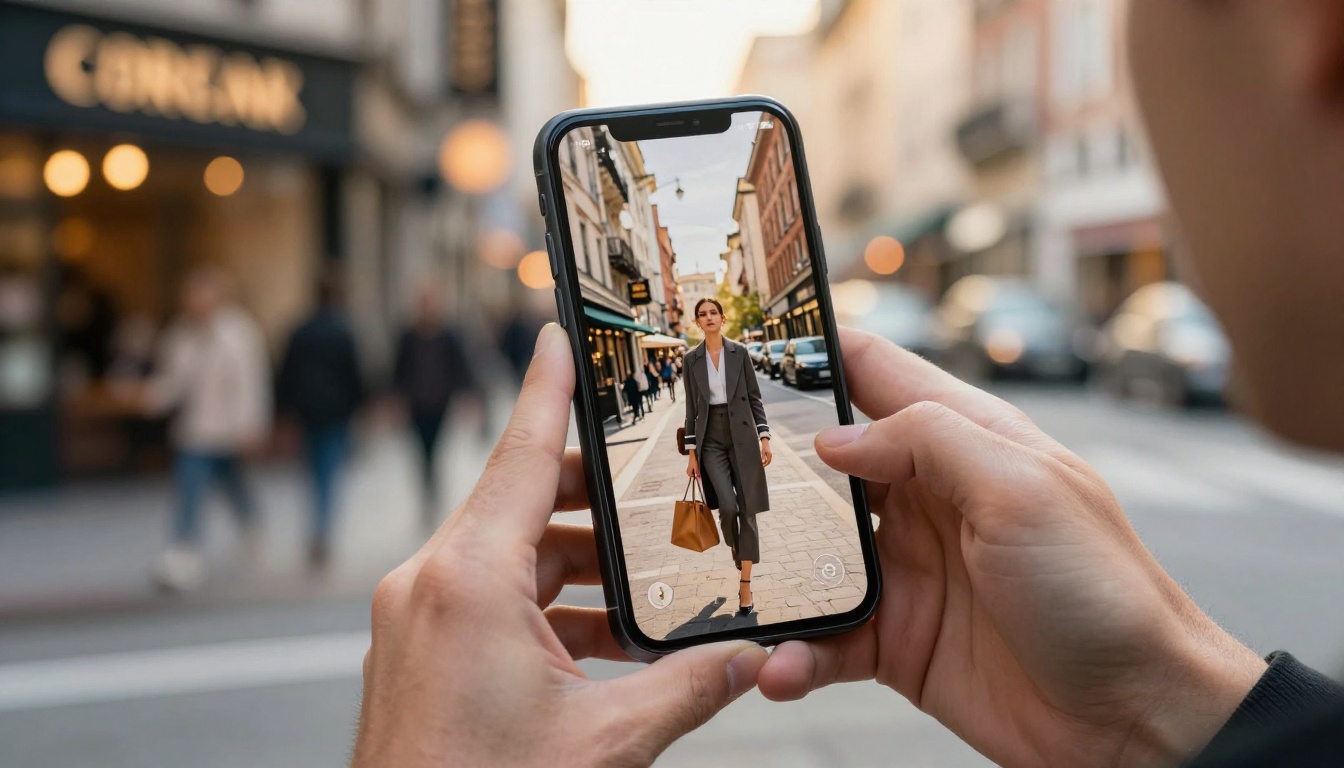
1. Ignoring mobile preview. Always check how your flipbook looks on a phone before publishing. Most viewers will open your flipbook on mobile. Use the platform's mobile preview mode before going live.
2. Using low-quality source PDFs. The flipbook conversion is only as good as the source file. A blurry, poorly formatted PDF becomes a blurry, poorly formatted flipbook. Fix the source document first.
3. Forgetting to set a custom URL slug. By default, your flipbook gets a random ID in its URL. Set a clean, descriptive slug (like "spring-2026-catalog") so the link looks professional when shared.
⚠️ Warning: Do not use your flipbook URL from a free account for high-traffic campaigns. Free accounts include watermarks and lack custom branding. Upgrade to Standard plan before sharing widely.
The tools directory at Flipbooks AI covers virtually every content format a business or creator might need:
Every tool comes with format-specific layouts and settings that match the content type. A recipe book needs different page proportions than a corporate report. These tools handle that automatically.
Start Making Flipbooks Today
The five-minute timeline isn't marketing copy. It's the actual experience for most users. Upload a PDF, make a few brand adjustments, and share a link. That's the whole process.
What you get from the very first flipbook:
- A permanent, shareable URL that works on any device
- Professional page-turn animation with no technical setup
- A viewer experience that keeps readers engaged longer than a static PDF ever could
Ready to stop sending flat files? Create your free account on Flipbooks AI and have your first flipbook live in minutes.
If you're comparing what's included at each price point, the pricing page breaks it down clearly. And when you're ready to go beyond the basics, browse all flipbook tools to find the right fit for your specific content type.
Your readers deserve content that moves. Your PDFs can do that now.



