Most PDFs are ignored. Not because the content is bad, but because a flat, scrollable file does nothing to hold attention. When someone receives a link to a PDF, they skim the first two pages and close it. When they receive a link to a flipbook with realistic page-turn animations, they read it from the first page to the last. The difference is not the content. The difference is the format. Flipbooks AI makes that conversion happen in three clicks, from any device, with no design experience required.

What Actually Changes When You Convert a PDF
Static Pages vs. Flipping Pages
A standard PDF is a container. It holds your text and images, but it delivers them flat. Readers scroll downward with no sense of place, no physical feedback, and nothing that signals how far through the document they are. The scrolling experience is identical whether the document is 3 pages or 300.
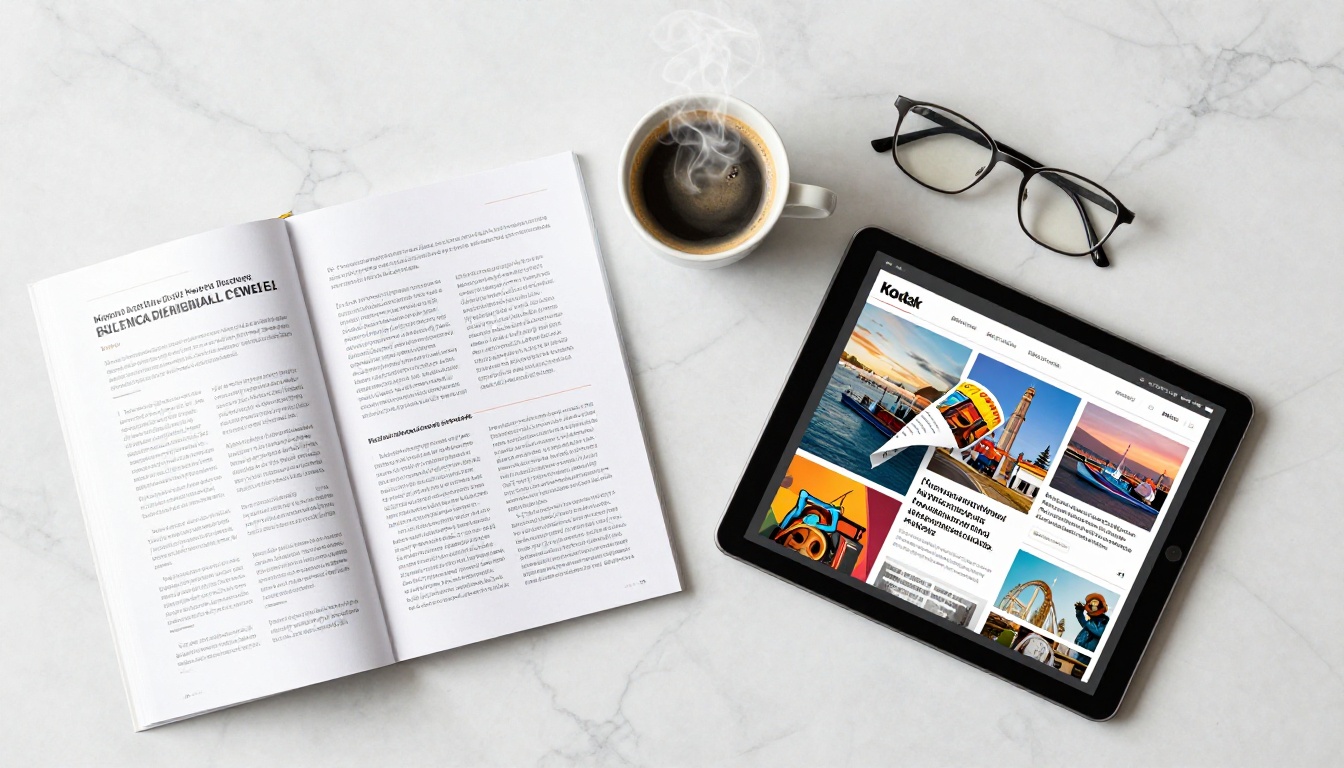
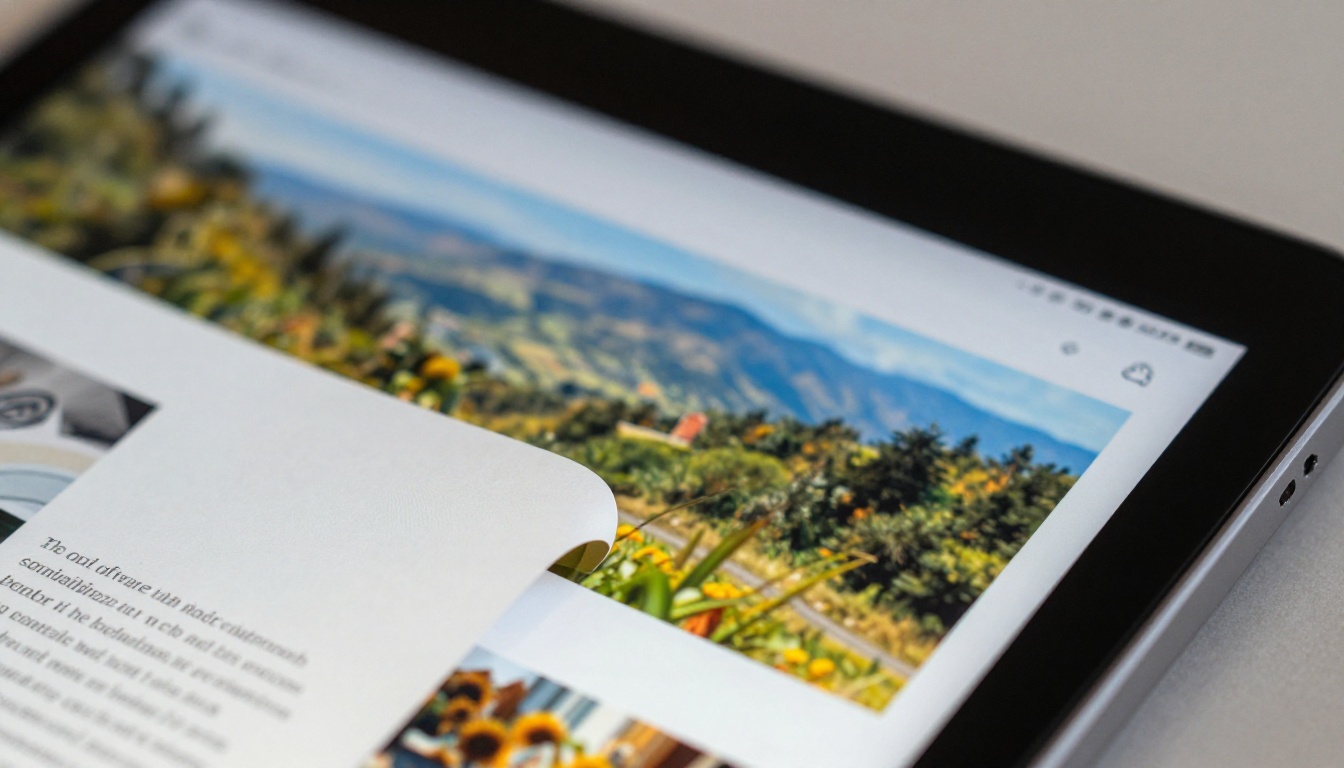
An online flipbook replaces scrolling with turning. Pages curl realistically when navigated. Readers can see the thickness of the remaining document in the spine. They can double-click to zoom, search through all pages, and share a direct link to any specific page. The interaction model mirrors a physical book or magazine, a format readers have been trained to use for centuries.
This is not a cosmetic difference. Research on digital publications consistently shows that interactive flipbooks achieve higher average time-on-page, lower bounce rates, and significantly more page views per session compared to equivalent PDFs.
Why the Page-Turn Effect Keeps Readers In
The page-flip animation creates what UX researchers call a spatial mental model. Readers know where they are in the document. That sense of position reduces cognitive load and increases willingness to continue reading. A reader who can feel the weight of what remains is more likely to finish than one staring at a scrollbar sitting at 40%.
For marketing materials, this translates directly into sales metrics. A brochure that gets read to the end is doing its job. A PDF that gets closed on page two is not. The psychological difference between the two formats is measurable and consistent across every content category, from product catalogs to annual reports.
The 3-Click Process, Step by Step
💡 The entire conversion from PDF upload to shareable link takes under two minutes on a standard internet connection.
Click 1: Upload Your PDF
Visit Flipbooks AI and create your free account. On the dashboard, hit the upload button and either drag your PDF directly into the upload zone or click to browse your files. The platform accepts PDFs across a wide range of sizes depending on your plan tier. The file processes automatically, with no manual settings required at this stage.
The upload process converts each page of your PDF into a high-resolution image layer. Typography stays sharp, images retain their original quality, and the layout is preserved exactly as you designed it in your source application, whether that is Adobe InDesign, Canva, Microsoft Word, or anything else that can export a PDF.
Click 2: Pick Your Style
Once uploaded, you land in the flipbook editor. This is where you choose the visual behavior of your publication. Select a page-turn animation (soft fold, hard cover, or magazine curl), pick a background color or texture for the reader interface, and optionally apply your brand colors and logo. You can adjust toolbar visibility, toggle the table of contents, and set the opening spread to a double-page or single-page view.
This step takes under 30 seconds for a basic setup. More detailed personalization, such as adding audio narration, embedding videos within pages, or pointing the flipbook at a custom domain, is available on higher plans but not required to get your flipbook live.
Click 3: Share or Embed
Hit Publish. The platform immediately generates three shareable outputs: a direct link for emails and social media, an embed code for websites and CMS platforms, and a QR code for print materials. Your flipbook is live instantly. No file hosting configuration, no CDN setup, and no special viewer application required for your readers.
✅ Your flipbook URL is permanent from the moment it's published. You can update the content later by re-uploading a revised PDF, and the existing link continues to deliver the new version automatically. Any links you have already shared stay valid.

Not all PDF-to-flipbook converters deliver the same result. The core conversion is baseline functionality. What distinguishes a professional-grade tool is everything that happens after the conversion.
No Watermarks on Your Work
Free tiers on many competing platforms stamp your document with their logo on every page. When you send that link to a client or customer, they see the tool's branding instead of yours. Flipbooks AI removes watermarks entirely across all paid plans. Your document looks exactly as you designed it, with no third-party branding anywhere on the page.
Mobile-Ready Without Extra Setup
Over 60% of digital content is read on mobile devices. A flipbook that requires desktop Flash or a native app download is unusable for the majority of your audience. Every flipbook created on Flipbooks AI is responsive by default. The page-turn experience works on iPhone, Android, tablet, and desktop with no configuration required. Pinch-to-zoom, swipe navigation, and full-screen mode all work out of the box.
Password Protection and Privacy
Not every document is meant for public access. Internal training manuals, confidential pricing sheets, and private event programs all require access control. The password protection feature lets you set a password on any flipbook so the link only opens for people who have the code. Recipients do not need an account or a login. They simply enter the password at the flipbook landing page, which takes about three seconds.
How to Create Your Flipbook on Flipbooks AI
Flipbooks AI is purpose-built for this workflow. Here is the full process from zero to a published, shareable flipbook:
- Go to flipbooksai.com and click "Create Account." Signup takes under a minute and requires no credit card for the free tier.
- From your dashboard, click "New Flipbook" and select "Upload PDF." Drag your file into the upload zone or browse your local files. Documents under 50MB process in seconds.
- Choose your flipbook style in the editor. Pick a page animation type, set a background, and add your logo to the header bar if you want a branded presentation. The live preview updates in real time as you adjust.
- Set privacy options if needed. Toggle password protection on and enter your chosen password for documents not intended for public viewing.
- Click "Publish." Your flipbook is immediately live at a unique URL. Copy the direct link, embed code, or QR code from the share panel.
- Distribute via any channel. Email the link, paste the embed code into your website, print the QR code for physical materials, or share the link directly on social media platforms.
- Track performance (Professional plan). Use the analytics dashboard to see total views, time spent per page, and where readers stopped reading.
💡 For specific document types, Flipbooks AI offers dedicated tools with pre-optimized layouts: the PDF to Flipbook Converter for general use, the Restaurant Menu Creator for hospitality, the Real Estate Brochure Creator for property, and many more in the full tools directory.

Marketing and Sales Teams
Sales decks sent as PDFs disappear into inboxes and folders. A flipbook link sent after a meeting is professional, memorable, and trackable on the Professional plan. Marketing teams use flipbooks for digital catalogs, product lookbooks, and quarterly reports. The Digital Catalog Maker and Interactive Lookbook Designer are built specifically for these workflows, with layouts that make product photography look exceptional.
With analytics active, teams can see exactly which pages generated the most interest and which products readers spent the most time on. That data shapes future content decisions in a way that a simple PDF download count never could.
Educators and Trainers
Training materials in PDF form get printed, lose formatting in transit, and become outdated the moment they are distributed. A flipbook link can be updated at any time without sending anything new. Educators using the Course Material Publisher or Training Manual Flipbook tools distribute once and update continuously, with every reader always accessing the current version automatically.
Restaurants, Hotels, and Hospitality
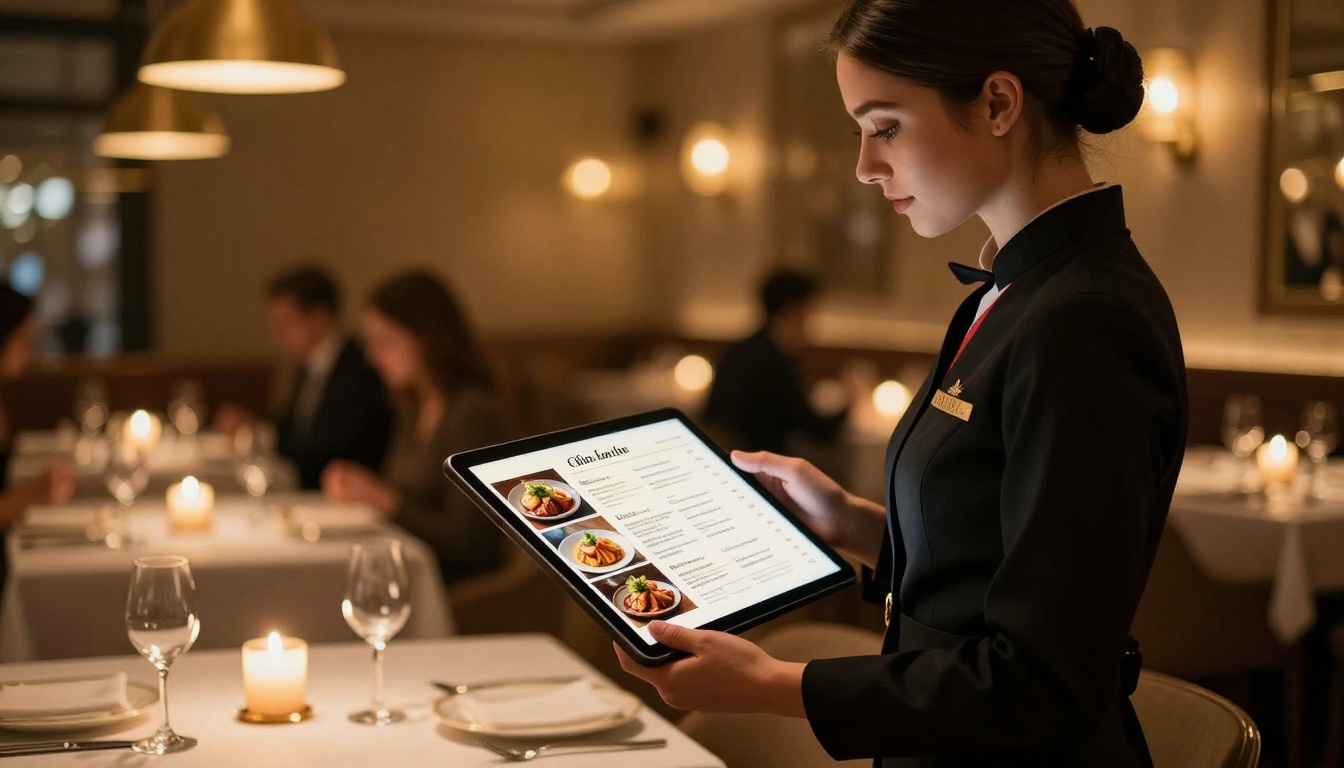
Paper menus have a practical lifespan of about three months before they show visible wear. Digital menus presented as flipbooks via QR codes at each table are updated instantly when prices or items change, with no reprinting cost. Hotels using the Hotel Brochure Designer can present property features, room service menus, and local area content in a single branded publication accessible from any guest device.
Real Estate Professionals
Property brochures are high-cost items to print and distribute. A flipbook version costs nothing beyond the platform subscription and can include the full photo library that print budgets force you to cut. The Real Estate Brochure Creator is optimized for property photography and feature lists, and the resulting link can be shared via email or messaging apps to prospective buyers within seconds of a viewing.
Comparing PDF Sharing Methods
| Method | Interactive | Mobile-Ready | Shareable Link | Embed Code | Analytics | Watermark-Free |
|---|
| Raw PDF link | No | Partial | Yes | No | No | Yes |
| Google Drive preview | No | Yes | Yes | No | No | Yes |
| Free flipbook tools | Basic | Partial | Yes | Partial | No | No |
| Flipbooks AI Standard | Yes | Yes | Yes | Yes | No | Yes |
| Flipbooks AI Professional | Yes | Yes | Yes | Yes | Yes | Yes |
⚠️ Sharing a raw PDF link provides no visibility into whether anyone actually read the document. A flipbook with analytics shows you exactly which pages held attention and where readers dropped off, giving you actionable data instead of a download count.
Flipbooks AI Plan Breakdown
| Feature | Free | Standard | Professional |
|---|
| Flipbooks | 1 | Unlimited | Unlimited |
| Watermark | Yes | No | No |
| Password Protection | No | Yes | Yes |
| Custom Branding | No | Yes | Yes |
| Embed Code | No | Yes | Yes |
| Analytics | No | No | Yes |
| Lead Generation Forms | No | No | Yes |
| Offline Downloads | No | No | Yes |
| Priority Support | No | No | Yes |
The Standard plan handles the core workflow for most small businesses and freelancers. Professional adds tracking, lead capture, and priority support for teams that rely on flipbooks as a primary distribution channel. Full plan details and pricing are on the Flipbooks AI pricing page.
Use Cases Across Industries

What to Do After Publishing
Publishing is the starting point, not the finish line. Here is how to get full value from your flipbook once it goes live:
- Embed on your website: Paste the embed code onto product pages, landing pages, or portfolio sections to keep visitors on your site while they read your content. The Embed Flipbook on Website tool generates a customizable embed with no iFrame compatibility issues.
- Send in email campaigns: Flipbook links in emails open instantly in the browser without triggering attachment warnings or running into file size limits imposed by email providers.
- Add to LinkedIn: Pin your portfolio, report, or product catalog as a featured item on your LinkedIn profile using a direct flipbook link for maximum visibility.
- Print a QR code: For trade show booths, restaurant tables, hotel lobbies, or retail displays, print the QR code that Flipbooks AI generates and let visitors access the digital version on their phones immediately.
- Update without resharing: When your content changes, re-upload the revised PDF. Every existing link continues to deliver the updated version automatically, so nothing you have already distributed becomes stale.
✅ Setting up analytics on the Professional plan before you start distributing means you will have data from the very first reader, not from a point six months later when you decide tracking would be useful.

Static PDFs had their moment. That moment ended when screen time overtook print time in daily life. The documents that get read today are built for the screen: interactive, navigable, shareable with a single link, and designed around how people actually consume content on their devices.
Converting your PDF to a flipbook online is not a technical project. It is a formatting decision, and it takes three clicks. The people who receive a flipbook link instead of a PDF attachment notice the difference immediately. The ones reading on mobile notice it even more, because the experience is built for their screen rather than being adapted from a print-centric format.
Flipbooks AI handles the conversion, the hosting, the embedding, and the distribution in one platform. No software to install, no design work to redo, and no file to re-attach every time something changes.
Ready to convert your first PDF? Create a free account and publish your first flipbook in under two minutes. When you are ready for unlimited flipbooks and professional features, check the pricing plans and choose what fits your workflow best.



