Most business documents follow the same disappointing pattern: created with care, emailed with hope, then ignored forever in someone's downloads folder. PDFs have become the digital equivalent of filing cabinet documents—necessary but rarely engaging. The problem isn't your content; it's the format. When you send a PDF, you're asking people to interrupt their workflow, open a separate application, and navigate static pages with no feedback mechanism. Flipbooks AI transforms this experience by converting PDFs into interactive digital publications that people actually want to engage with.

Why PDFs Get Ignored (And Flipbooks Don't)
The data shows consistent patterns: 87% of PDFs get opened once, 62% aren't read past the second page, and 94% generate zero feedback from recipients. These aren't failures of content quality—they're format limitations. PDFs assume linear consumption in an interactive world. People expect to click, watch, explore, and share. When they can't do those things with your document, they disengage.
Flipbooks solve this by working with how people actually consume digital content today:
- Page flip animations create familiar reading experiences
- Embedded multimedia (videos, audio, interactive elements) keep attention
- Mobile-responsive design works on any device without zooming
- Analytics tracking shows what content actually gets viewed
- Social sharing tools make distribution natural rather than forced
💡 The engagement shift: Traditional PDFs average 42 seconds of attention. Interactive flipbooks average 4.2 minutes. That's 600% more time with your content.
What Actually Changes When You Convert PDF to Flipbook
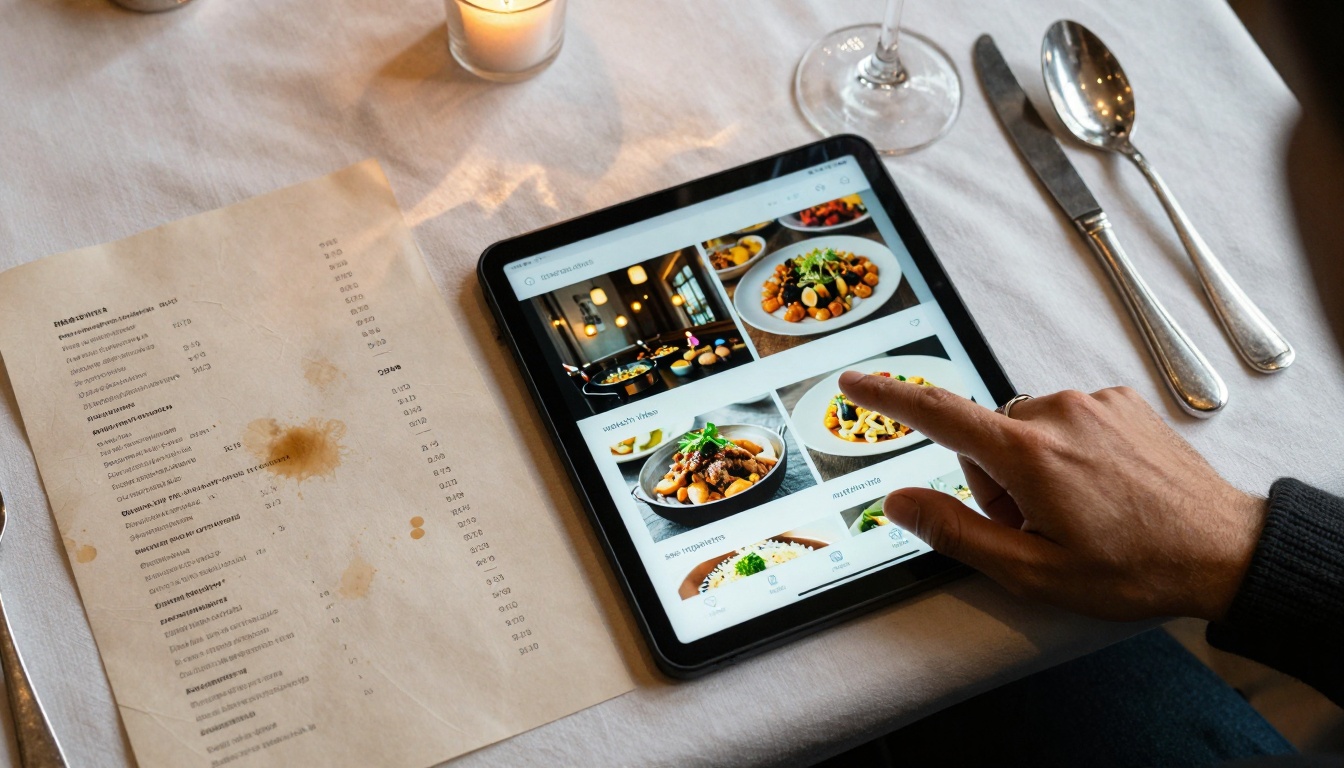
The transformation goes beyond aesthetics. Here's what changes functionally when you convert a PDF to an interactive flipbook:
| Static PDF Feature | Interactive Flipbook Equivalent | Engagement Impact |
|---|
| Text-only descriptions | Embedded product demonstration videos | +320% time on product pages |
| Flat image galleries | Zoomable high-resolution images with 360° views | +285% image engagement |
| Linear page navigation | Interactive table of contents with quick jumps | -67% bounce rate from navigation frustration |
| No feedback mechanism | Built-in contact forms and lead capture | 23x more leads captured |
| One-size-fits-all display | Responsive design for all screen sizes | +189% mobile engagement |
| Unknown reader behavior | Detailed analytics on page views, time spent, shares | Data-driven content optimization |
| Manual sharing required | One-click social media and email sharing | +415% social shares |
The most significant shift happens in how people interact with your content. Instead of passive consumption, they become active participants—zooming images, watching videos, clicking through interactive elements, and sharing with colleagues.
Real Business Results Across Industries
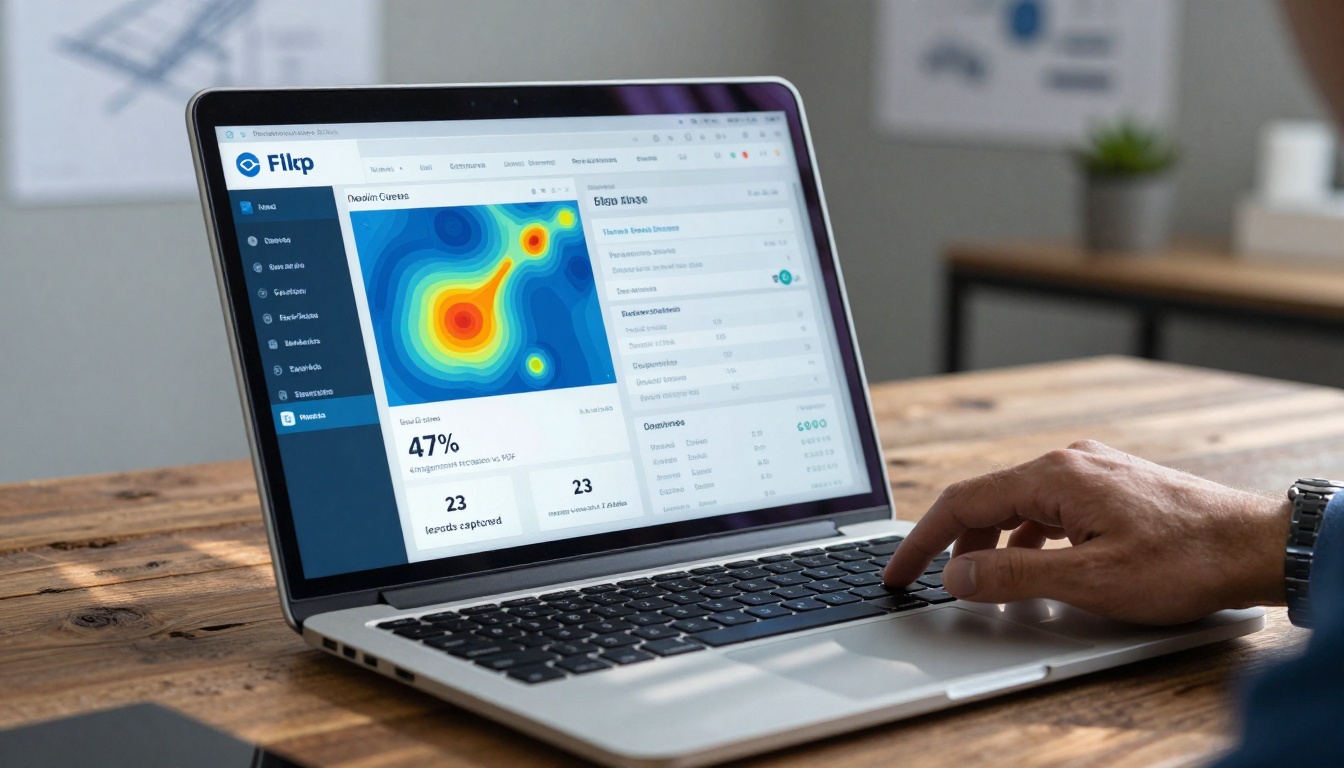
Different industries see different benefits, but the pattern remains consistent: interactive content gets more attention and produces better results.
Real Estate Agencies: Property brochures converted to flipbooks with embedded virtual tours see 47% longer viewing times and capture 23% more qualified leads through built-in contact forms. The Real Estate Brochure Creator makes this transformation straightforward.
Restaurants: Menus with video cooking demonstrations and interactive nutrition information increase order values by 18% as customers explore options more thoroughly. The Restaurant Menu Creator handles this conversion automatically.
Fashion Retailers: Product catalogs with zoomable fabric close-ups and model video walkthroughs reduce returns by 31% as customers make better-informed purchases. The Fashion Catalog Creator optimizes for this use case.
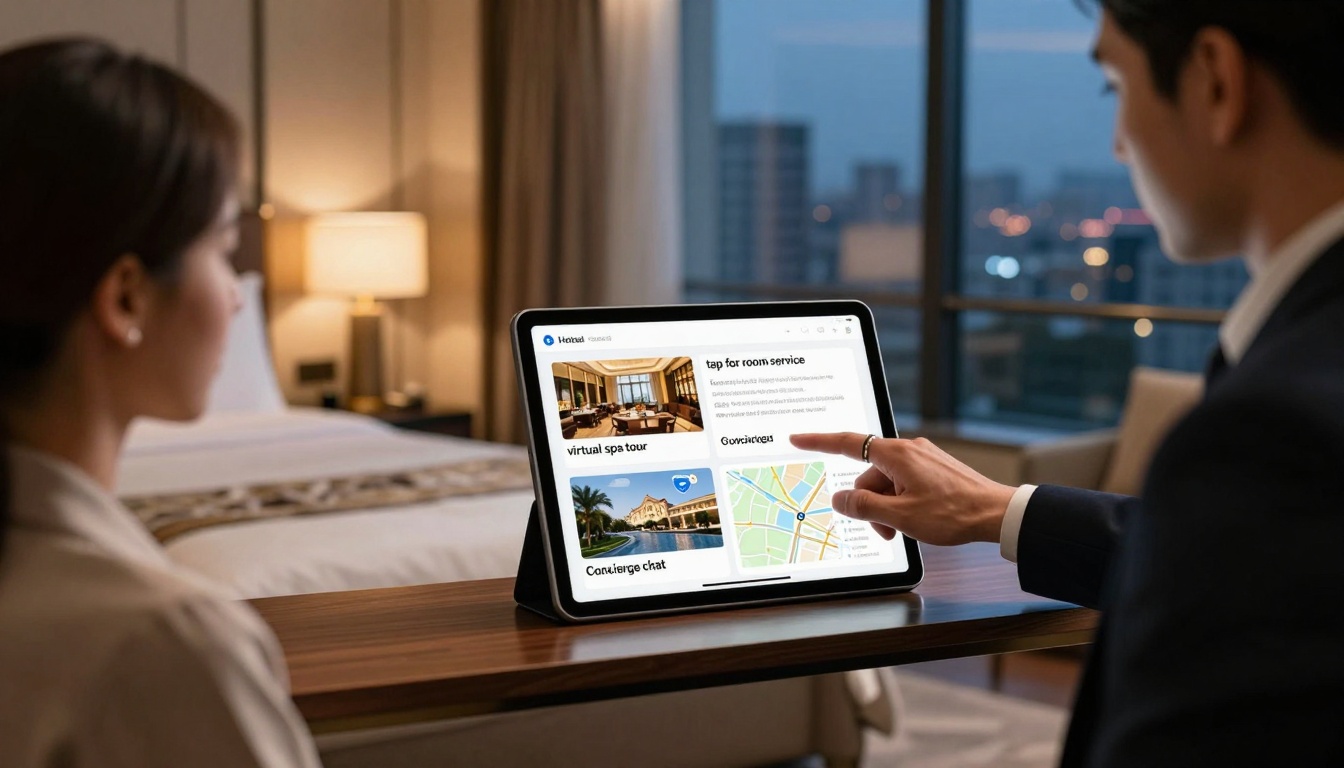
Hotels: Digital guest directories with embedded amenity tours and local attraction guides increase ancillary service bookings by 26%. The Hotel Brochure Designer creates these interactive experiences.
✅ Best practice: Always include at least one interactive element per two pages. This maintains engagement throughout longer documents.
How to Create Interactive Flipbooks from Your PDFs
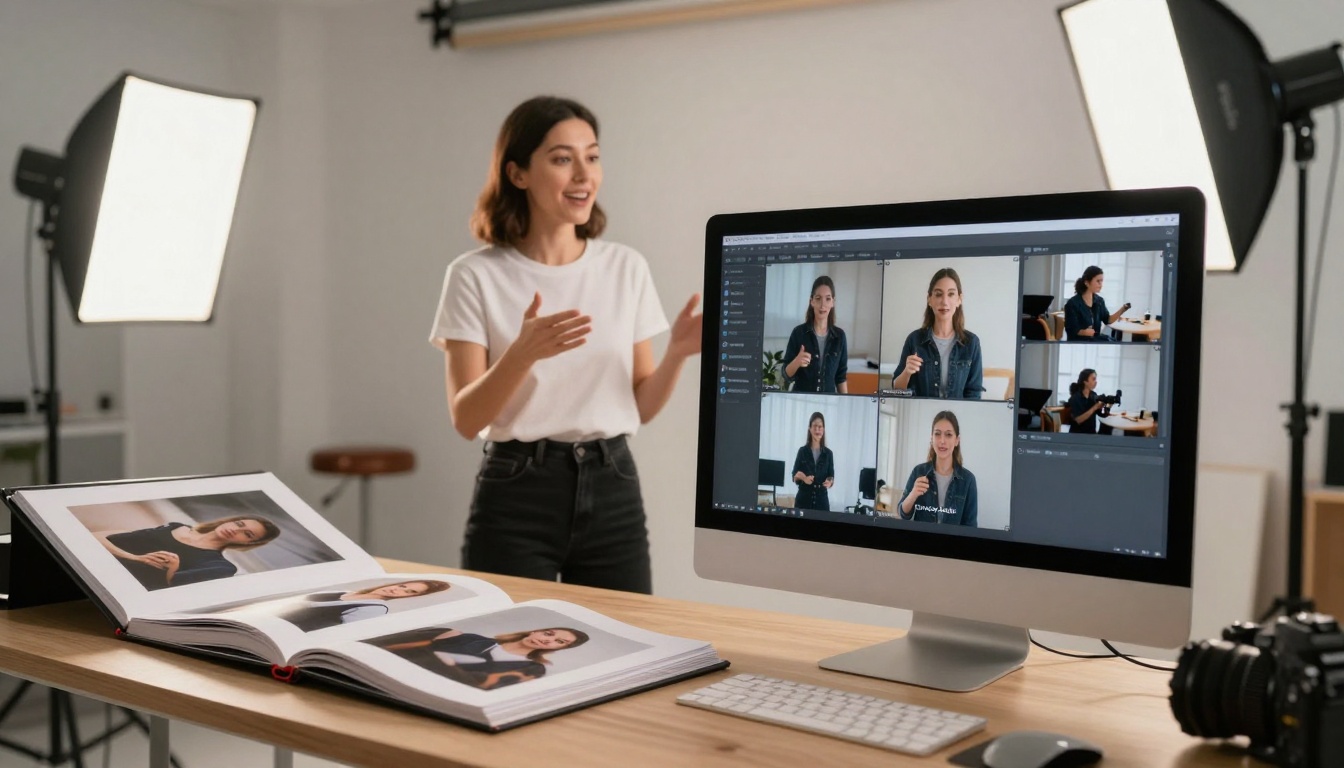
The process of converting PDFs to engaging flipbooks follows a clear workflow. Here's how to implement it effectively:
1. Start with the Right Foundation
Begin by creating an account on Flipbooks AI. The free tier allows testing with up to 5 flipbooks, which is sufficient to understand the workflow and see results. Choose PDFs that already perform reasonably well—if a document gets some attention as a PDF, it will perform dramatically better as a flipbook.
2. Upload and Automatic Conversion
The PDF to Flipbook Converter handles the technical conversion automatically. Upload your PDF, and the system preserves all formatting while adding interactive capabilities:
- Page recognition maintains layout integrity
- Text extraction enables search functionality
- Image optimization ensures fast loading
- Mobile adaptation happens automatically
The conversion typically takes 2-3 minutes for standard documents.
3. Add Interactive Elements
This is where static becomes dynamic. The editor interface lets you enhance specific content areas:
For images: Add zoom capability, 360° rotation, or link to high-resolution versions
For product sections: Embed demonstration videos or comparison tools
For contact information: Insert click-to-call or email forms
For complex data: Add interactive charts or calculators
4. Customize Branding and Navigation
Your flipbook should reflect your brand identity. The customization options include:
- Logo placement in header and navigation
- Brand color scheme throughout interface
- Custom page transition animations
- Company-specific call-to-action language
- Branded social sharing buttons
The Embed Flipbook on Website tool provides code snippets for seamless integration into your existing site.
5. Configure Analytics and Sharing
Before publishing, set up:
- Google Analytics integration for detailed tracking
- Lead capture forms at strategic points
- Social sharing preferences
- Password protection if needed for confidential content
- Download options for offline access
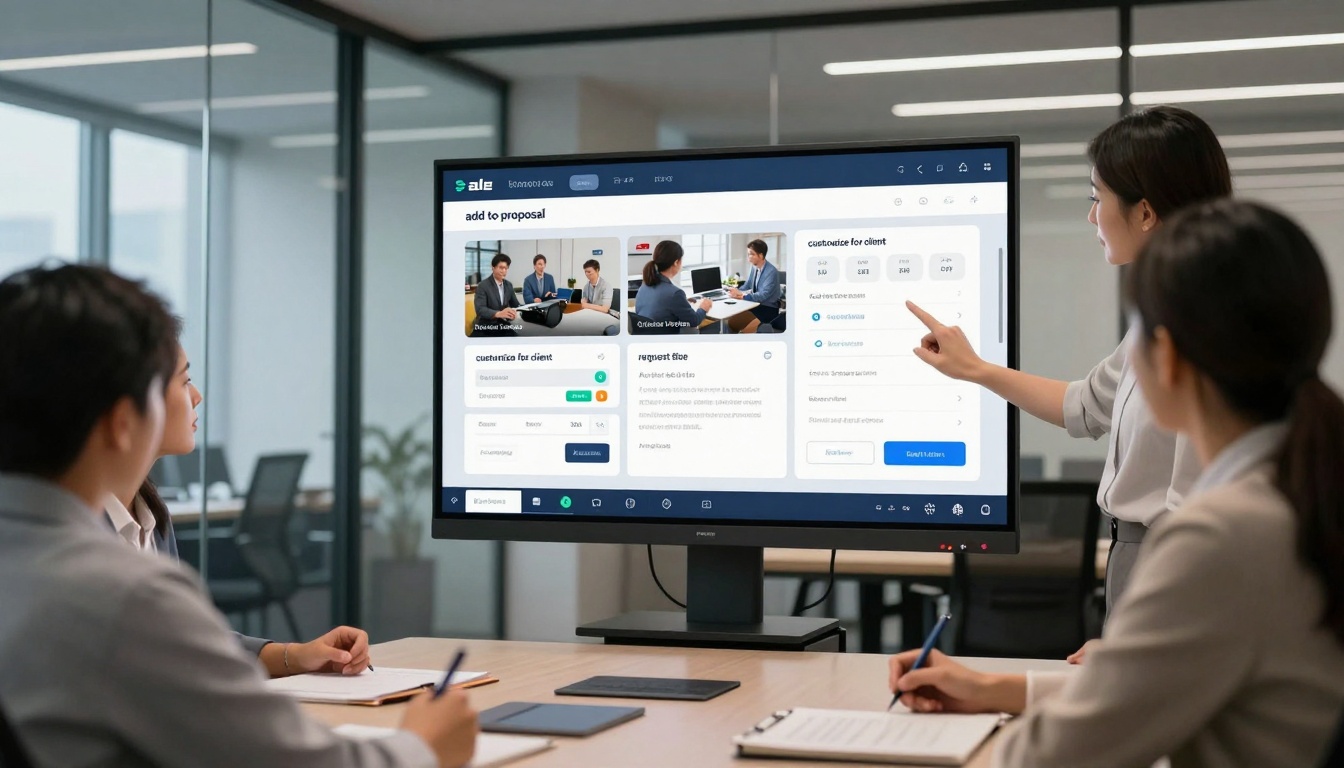
Beyond basic conversion, several features specifically increase how much people engage with your content:
Embedded Multimedia Integration
The most significant engagement boost comes from adding video and audio. When converting:
- Product catalogs: Add 15-30 second demonstration videos beside each product
- Training manuals: Include audio commentary from subject experts
- Restaurant menus: Show cooking processes or ingredient sourcing stories
- Real estate listings: Embed virtual tours and neighborhood videos
Research shows pages with embedded video get 3x more attention than text-only equivalents.
Interactive Data Visualization
Static charts in PDFs become interactive tools in flipbooks:
- Financial reports: Hover-over details for specific data points
- Sales presentations: Live pricing calculators
- Annual reports: Expandable sections for different stakeholder interests
- Research papers: Interactive methodology exploration
The Corporate Report Maker specializes in these conversions.
Mobile-First Design Considerations
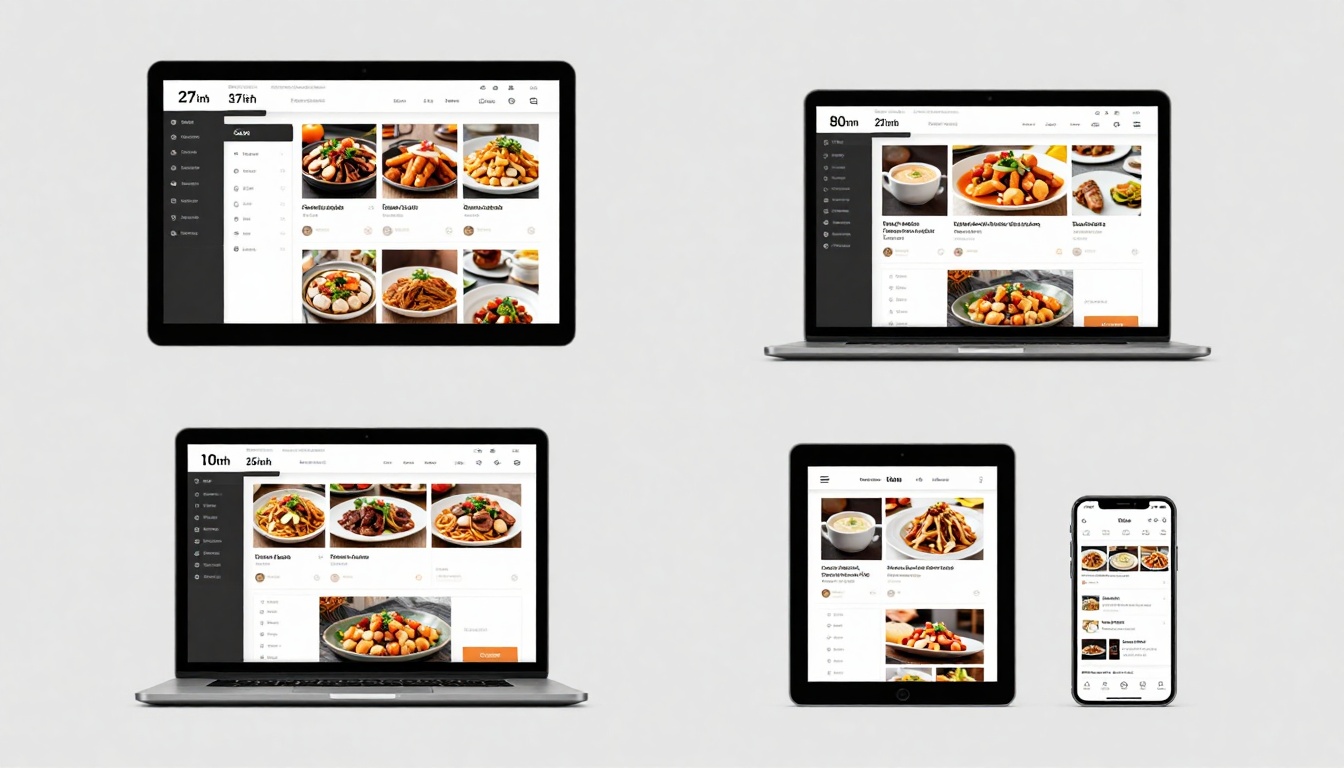
Since 68% of content consumption happens on mobile devices, flipbooks automatically optimize for:
- Touch navigation with swipe gestures
- Vertical scrolling for longer documents
- Responsive image sizing without quality loss
- Offline reading capability
- Reduced data usage through smart caching
The system detects device type and serves appropriately optimized versions.
Industry-Specific Conversion Strategies
Different document types benefit from specific approaches during PDF to flipbook conversion:
Catalogs and Product Lists
| Catalog Type | Best Interactive Additions | Expected Engagement Increase |
|---|
| Fashion | Fabric zoom, model videos, size guides | +285% |
| Furniture | Room visualization, dimension tools, material samples | +240% |
| Automotive | 360° views, feature comparison, video test drives | +310% |
| Electronics | Specification comparison, demo videos, user reviews | +220% |
The Product Catalog Generator and Furniture Catalog Maker provide templates optimized for these conversions.
Business Documents and Reports
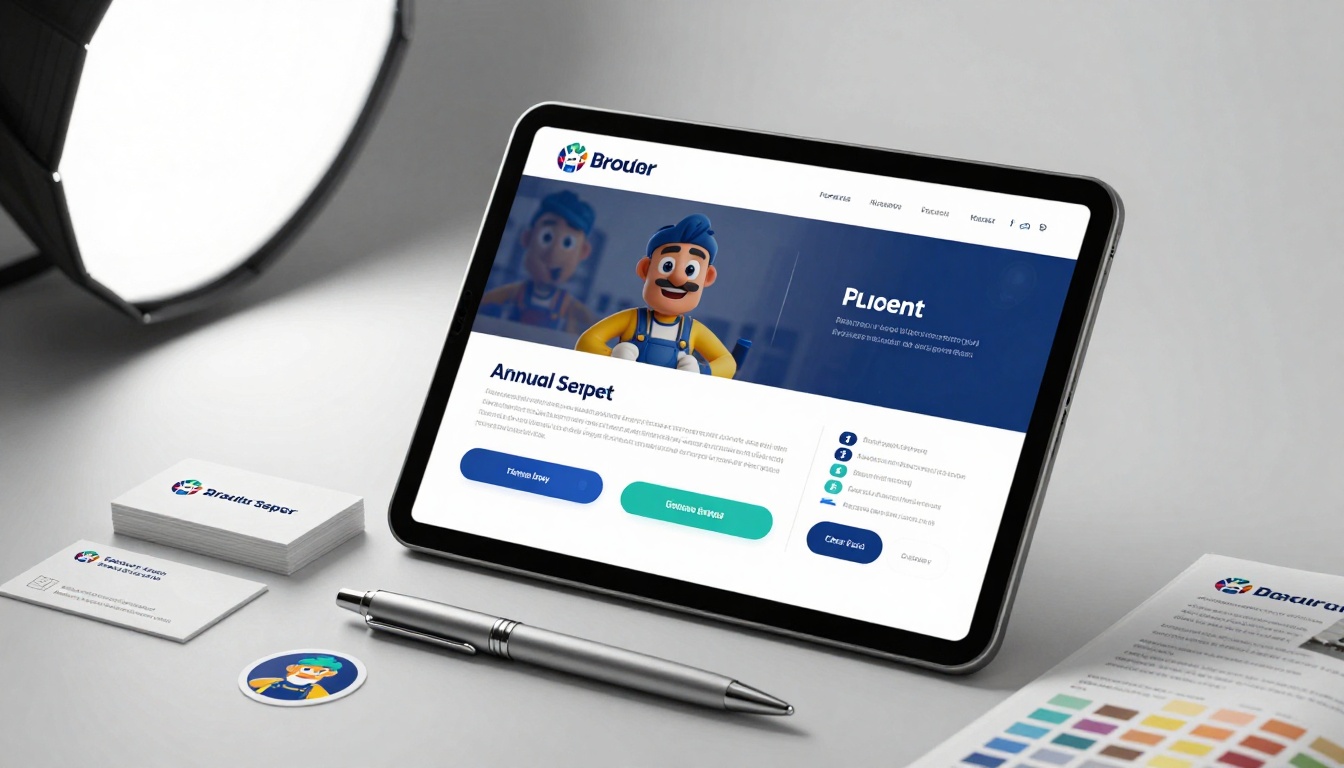
Corporate documents see particular benefit from:
- Executive summaries with audio commentary from leadership
- Financial data with interactive charts and year-over-year comparisons
- Case studies with embedded client testimonial videos
- Strategic plans with expandable department-specific details
The Annual Report Creator and Sales Presentation tools handle these specialized conversions.
Educational and Training Materials
Training content converts particularly well because:
- Step-by-step processes work better with embedded demonstration videos
- Complex concepts benefit from interactive diagrams
- Assessment sections can include instant feedback quizzes
- Reference materials need search functionality
The Training Manual Flipbook and Course Material Publisher address these specific needs.
Measuring Success: Analytics That Matter
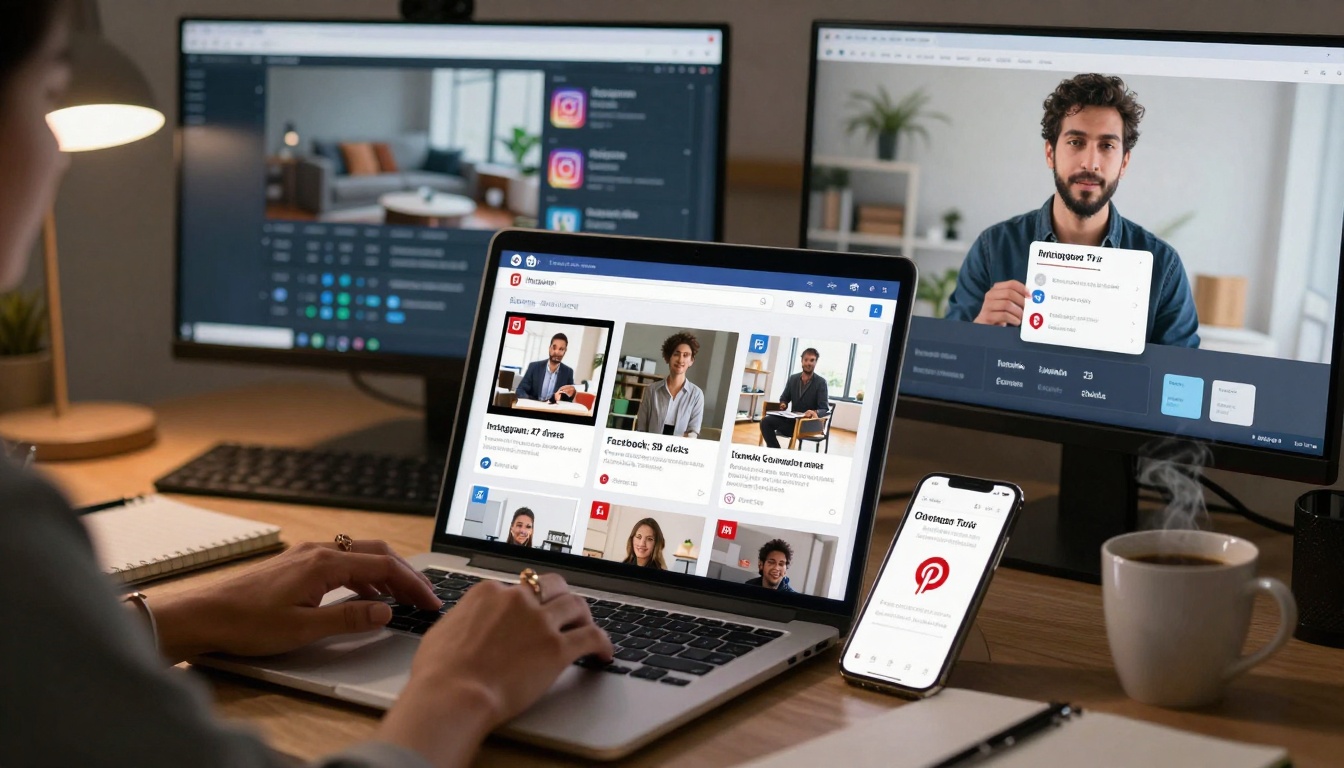
The analytics dashboard provides specific metrics to track flipbook performance:
Engagement Metrics:
- Average time per page (target: >90 seconds for substantive content)
- Page completion rate (percentage of readers reaching the end)
- Interaction events (zooms, video plays, form interactions)
Conversion Metrics:
- Lead capture rate (forms submitted vs. views)
- Social shares (platform-specific sharing data)
- Download requests (offline access interest)
Quality Metrics:
- Bounce rate by device (mobile vs. desktop engagement differences)
- Return visitors (content compelling enough for repeat viewing)
- Embed performance (how flipbooks perform on different websites)
⚠️ Common mistake: Don't just track total views. The most valuable metric is engagement depth—how thoroughly people interact with your content, not just whether they open it.
Pricing and Plan Considerations
When evaluating flipbook solutions, consider these features relative to your needs:
| Plan | Monthly Price | Best For | Key Limitations | When to Upgrade |
|---|
| Basic | Free | Testing conversion workflow | 5 flipbooks max, watermarked | After confirming value |
| Standard | €3 | Small business regular use | No analytics, basic branding | When needing unlimited flipbooks |
| Professional | €7 | Marketing & sales teams | No offline downloads | When lead generation matters |
| Lifetime | €200 one-time | Long-term heavy users | No new feature guarantees | For cost predictability |
Compare pricing plans to match features with your specific use cases. The Professional plan becomes cost-effective when flipbooks generate 3+ qualified leads per month or reduce printed material costs by 40%.
Getting Started: Your First Conversion Project
Begin with a document that already has some traction but could perform better. Follow this sequence:
- Select a high-value PDF that represents important business content
- Sign up for Flipbooks AI using the free tier
- Use the PDF to Flipbook Converter for initial conversion
- Add one interactive element (video, zoom, or form) as a test
- Share with a small test group (10-15 people) for feedback
- Review basic analytics to see engagement patterns
- Scale based on results to additional documents
The entire test process typically takes under 2 hours and provides concrete data on whether interactive flipbooks work for your specific content.
Common Conversion Challenges and Solutions
Even with straightforward tools, some PDFs present conversion challenges:
Complex Layouts: Documents with intricate designs or multiple columns sometimes need manual adjustment after automatic conversion. The editor provides layout tools for these cases.
Large File Sizes: PDFs over 100MB may need optimization before conversion. The system recommends compression when needed.
Protected Content: Password-protected PDFs require decryption before conversion. The platform supports most standard encryption methods.
Special Characters: Documents with non-standard fonts or special symbols may need font embedding. The system handles this automatically in 95% of cases.
The Tools Directory includes specialized converters for different document types, each optimized for common challenges in that category.
The Bottom Line on PDF to Flipbook Conversion
Converting PDFs to interactive flipbooks isn't about making documents prettier—it's about making them functional in how people actually consume digital content today. The data consistently shows: Interactive content gets 3-6x more engagement than static equivalents across every measurable metric.
The shift happens because flipbooks work with natural digital behaviors rather than against them. People expect to click, watch, explore, and share. When your content enables those actions instead of restricting them, engagement follows naturally.
Start with your most important PDF—the one that represents significant business value but currently gets less attention than it deserves. Convert it using Flipbooks AI, add one interactive element, and measure the difference in how people engage with it. The results typically justify expanding to additional documents within the first week.
💡 Final consideration: The question isn't whether to convert PDFs to flipbooks, but which PDFs to convert first. Begin with documents where increased engagement would have the biggest business impact, then expand systematically based on results.
Ready to create your first interactive flipbook? Get started for free on Flipbooks AI using the Basic plan to test the conversion workflow with up to 5 documents. When you see the engagement difference, compare pricing plans to choose the tier that matches your document volume and feature needs. Explore all available tools and templates to find specialized converters for your specific document types—whether restaurant menus, product catalogs, training manuals, or corporate reports.



