Static PDFs are a dead end for magazine publishers who want readers to actually stay engaged. You share the file, the reader downloads it, and the experience ends there. No animations, no interactive elements, no analytics telling you how far anyone read. Converting that same PDF into an interactive flipbook changes the entire publication experience. With Flipbooks AI, the conversion takes minutes, and the result is a digital magazine that readers actually want to browse.
Why Static PDFs Push Readers Away
Modern readers expect digital content to behave like digital content. A flat, unresponsive PDF breaks that expectation immediately, and publishers pay the price in low read rates and zero behavioral data.
The Email Attachment Problem
Sending a PDF magazine as an email attachment creates friction at every step. Readers need to download the file, open it in a separate application, and scroll through pages that were not designed for a screen. On mobile devices, the experience worsens: text becomes too small to read without zooming, two-page spreads lose their layout logic, and there is no intuitive way to navigate between sections.
For publishers, the result is invisible. You cannot see which pages got the most attention, whether readers made it past the opening spread, or how many times the file was actually opened. A static PDF gives you nothing useful about how your magazine performs with real readers.
Print Habits Don't Work Online
Magazines were designed as physical objects. The double-page spreads, the tactile page-turn, the visual rhythm of a printed issue, all of it was built for a reader holding paper in their hands. When you export that layout to a flat PDF and share it digitally, you strip away the format's best qualities without gaining anything meaningful from the digital medium.
An interactive flipbook preserves the visual design of your spreads while layering on the behaviors readers now expect: smooth page-flip animations, clickable links, embedded video, and instant sharing across any device.

What a Flipbook Does Differently
The gap between a PDF and an interactive flipbook is bigger than the page-turn animation. It is the difference between a file readers tolerate and a publication they return to.
Page-Flip Effects That Hook Readers
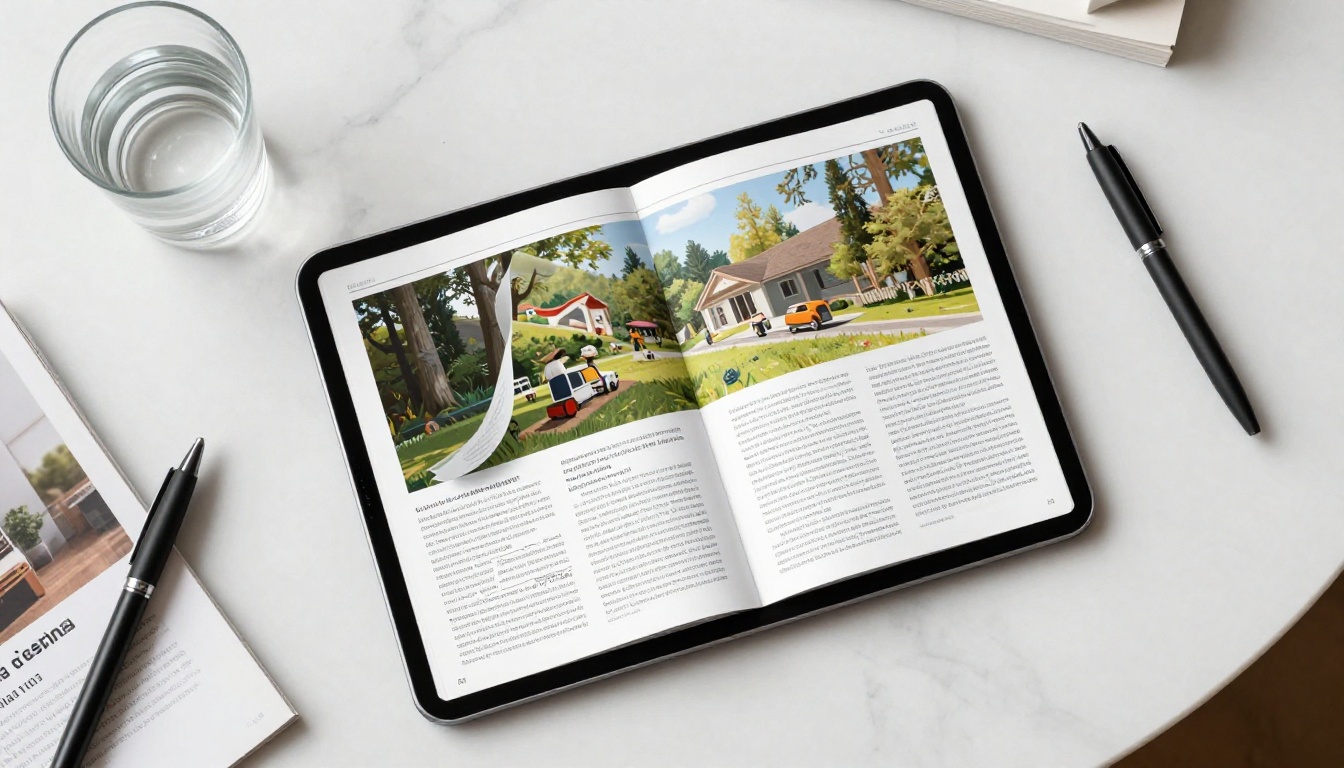
The page-turn animation is more than a cosmetic feature. It creates a reading rhythm that makes browsing feel intentional. When a reader clicks or swipes and sees a page curve realistically to reveal the next spread, the experience shifts from passive scrolling to active reading. It replicates the physical act of flipping through a magazine, something no PDF viewer can offer.
Flipbooks AI renders these animations with hardware-accelerated performance across all browsers and devices, including older smartphones. No app download required, no plugins, no compatibility issues.
Embedded Media Brings Pages to Life
One of the strongest reasons to convert a PDF magazine to a flipbook is the ability to add media directly inside pages. The result is a publication that does things print never could:
- Video interviews alongside editorial features
- Product demo clips embedded in catalog spreads
- Audio narration on long-form articles
- Clickable hotspots linking to product pages, advertiser sites, or related content
Readers interact with the content without ever leaving the publication. This turns a passive reading session into a genuinely engaging media experience.
Mobile Reading That Actually Works
Over half of all digital content is consumed on mobile devices. A PDF on a smartphone means constant pinch-zooming and horizontal scrolling. Flipbooks are built mobile-first. Layouts adapt automatically, text stays legible at any screen size, and swipe-to-flip feels natural on touch screens.
The Magazine Flipbook Creator and the E-Magazine Publishing Tool are both designed to handle the complex multi-column layouts that magazine spreads require, rendering them correctly on every device without any manual adjustment.
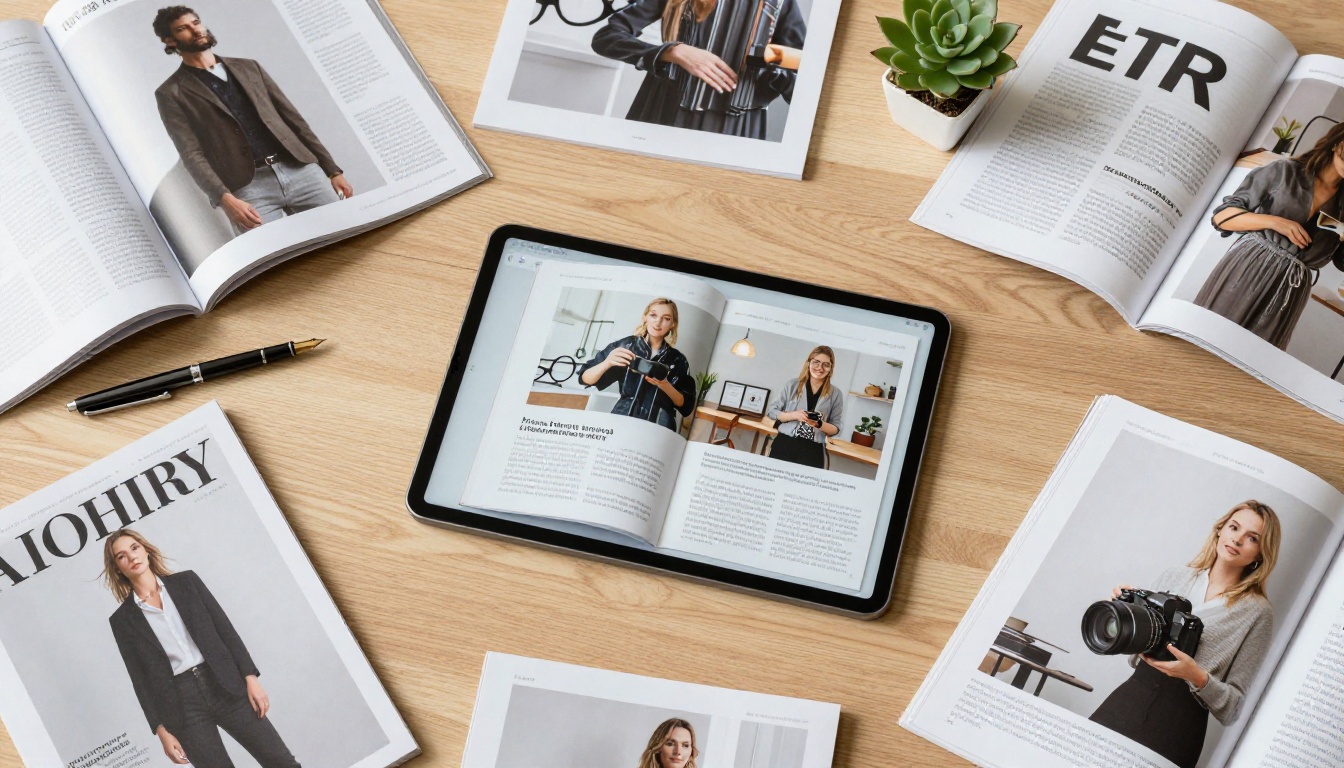
How to Convert Your PDF Magazine Step by Step
Converting a PDF magazine to an interactive flipbook on Flipbooks AI takes three steps and requires no technical background. No design software, no code, no additional tools.

Step 1: Upload Your PDF
Create your account on Flipbooks AI and open the dashboard. Click New Flipbook and upload your PDF directly. The platform accepts files of any size and handles complex layouts, including bleed areas, embedded fonts, and high-resolution photography spreads.
Once the file uploads, Flipbooks AI processes the PDF automatically, converting each page into a high-fidelity digital spread with the page-flip engine applied.
💡 Pro Tip: Export your PDF at 300 DPI or higher for the sharpest text and image rendering in the final flipbook. Low-resolution exports will appear soft on retina displays and modern tablet screens.
Step 2: Customize Your Flipbook
After conversion, you land in the visual editor. From here, you can:
- Add your logo to the flipbook toolbar for consistent branding across every session
- Set custom accent colors matched to your magazine's visual identity
- Choose a page-flip style: classic curl, flat slide, or soft shadow variant
- Enable auto-flip for kiosk or lobby display installations
- Embed videos and audio on specific pages via drag and drop
- Add clickable hotspots on images and text that link to external pages
The editor is fully visual. You click on elements, adjust settings in a side panel, and see all changes in real time before publishing.
✅ Best Practice: Add a clickable table of contents on the first spread. Readers can jump directly to sections instead of flipping through every page, which is especially useful for issues with 50 or more pages.
Step 3: Publish and Share
When your customization is finished, click Publish. Flipbooks AI generates a unique URL for your flipbook immediately. You then choose how to distribute it:
- Direct link: Share via email, newsletter, or social media posts
- Embed code: Paste a responsive iframe snippet into your website or CMS
- QR code: Print on physical materials to drive traffic to the digital version
- Password protection: Restrict access to subscriber-only issues
⚠️ Note: Password protection and the analytics dashboard are Professional plan features. Compare all options at flipbooksai.com/pricing before choosing your plan.
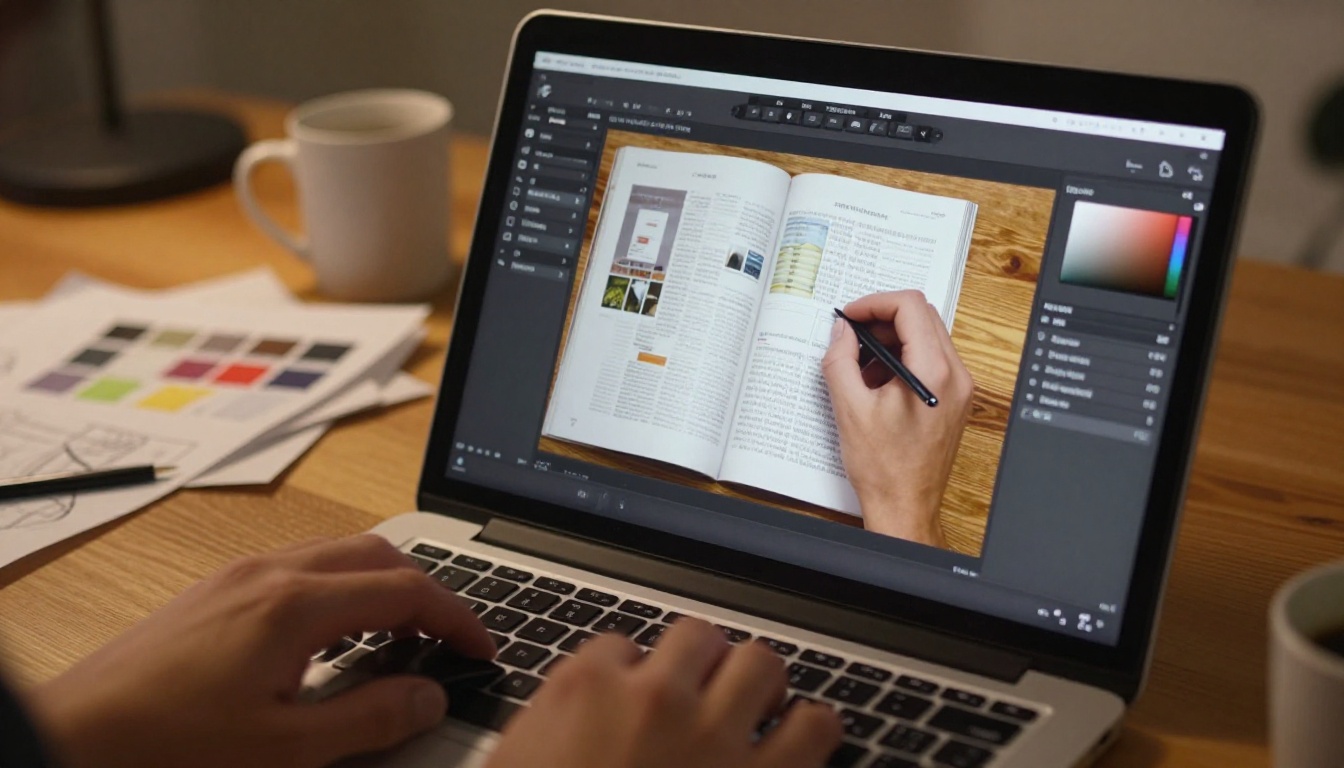
Branding Your Flipbook for Impact
A flipbook should feel like an extension of your magazine, not a generic document viewer. Flipbooks AI gives publishers full control over the visual experience readers encounter.
Custom Colors, Fonts, and Logo
Set the toolbar color, loading screen background, and button styles to your exact brand palette. Upload your logo to appear in the top-left corner throughout the reading session. Every interaction reinforces your publication's visual identity, which matters especially for subscription magazines that depend on brand recognition and reader loyalty.
Readers who encounter a well-branded flipbook associate that quality with your magazine, not the tool that built it. The platform stays invisible. Your brand stays prominent.
Adding Videos and Audio to Pages
Beyond design, embedded media is where flipbooks separate from every other digital publishing format. Select any page area in the editor and insert a video or audio file. The media appears as a playable element when readers reach that page.
Practical applications by magazine category:
- Fashion magazines: Embed runway clips alongside editorial spreads
- Food and lifestyle: Add cooking tutorial videos directly to recipe features
- Business and trade: Include exec interview clips inside profile articles
- Music and entertainment: Embed audio previews on review pages
This level of interactivity requires no technical setup. It is a drag-and-drop process inside the editor that any member of your editorial team can handle on their own.

How to Share Your Interactive Magazine
Embed on Your Website
The Embed Flipbook on Website tool generates a responsive iframe snippet you paste into any page of your site. The flipbook renders fully inside your website with all animations and embedded media intact. Readers never leave your domain, which keeps your traffic and session data in one place.
This is the best option for publishers with an existing website who want the flipbook to feel like a native part of their digital presence rather than an external link.
Direct Links and QR Codes
For newsletters, social media, or print materials, a direct link or QR code gets your flipbook in front of readers with a single tap. The flipbook opens in any browser with no download required, removing the biggest barrier for casual mobile readers.
QR codes work particularly well for hybrid publishers. Print the code on the physical magazine cover so print subscribers can access the digital version and all its embedded media instantly, without any searching.
Password-Protect Private Issues
For subscriber-only content, Flipbooks AI supports per-flipbook password protection. Set a unique password per issue, share it only with paying subscribers, and the flipbook stays private from public view. Readers enter the password once per session and get full access with no interruptions.
This feature pairs with the analytics dashboard, which shows you page-by-page reader behavior: where readers spend the most time, which pages see the highest drop-off, and which content keeps people reading through to the end.

Real Use Cases by Magazine Type
Different publications get different value from the flipbook format. The table below shows how publishers across categories are using interactive flipbooks to reach readers more effectively.
💡 Real-World Example: A regional fashion magazine converted its quarterly print issue to an interactive flipbook and added shoppable links on each editorial spread. Readers clicked through to product pages directly from inside the magazine, creating a new revenue channel without any additional design work.
Why Flipbooks AI Stands Apart
Not every PDF-to-flipbook tool delivers on its promises. Most charge per publication, watermark free-tier flipbooks, or cap the number of pages you can convert. Flipbooks AI takes a different approach, focusing on giving publishers a full-featured platform without per-publication fees.
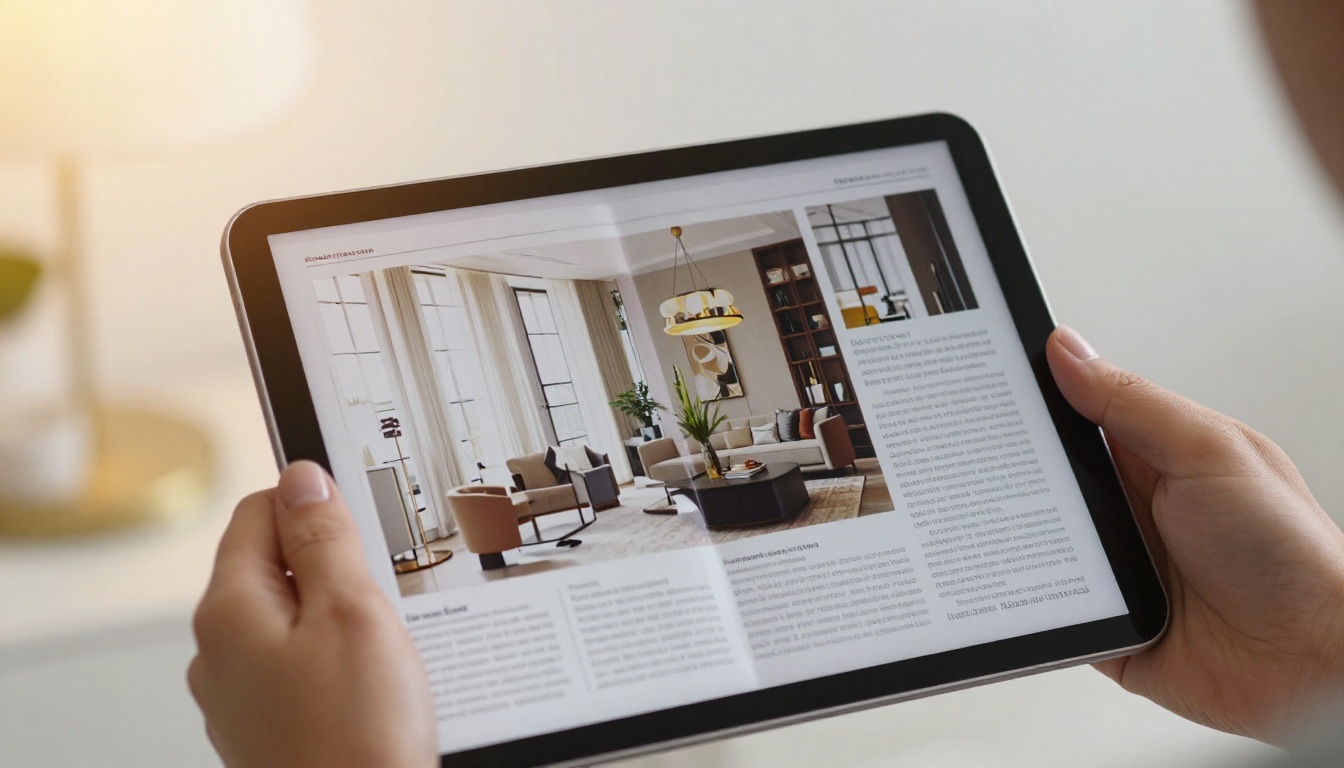
Flipbooks AI vs. Standard PDF Viewers
| Feature | Flipbooks AI | Standard PDF Viewer |
|---|
| Realistic page-flip animation | Yes | No |
| Mobile-responsive layout | Yes | Inconsistent |
| Embed video and audio | Yes | No |
| Password protection | Yes (Pro) | No |
| Analytics dashboard | Yes (Pro) | No |
| No watermarks | Yes (paid) | Varies |
| Custom branding | Yes | No |
| Offline downloads | Yes (Pro) | N/A |
| Embed on website | Yes | Limited |
| Lead capture forms | Yes (Pro) | No |
Plan Comparison
| Plan | Flipbooks | Watermarks | Analytics | Password | Offline |
|---|
| Free | Limited | Yes | No | No | No |
| Standard | Unlimited | No | No | No | No |
| Professional | Unlimited | No | Yes | Yes | Yes |
The Standard plan removes watermarks entirely and provides unlimited flipbooks, making it the practical minimum for any active publication. The Professional plan adds analytics, password protection, lead generation, and offline downloads, the features that subscription-based and B2B magazines depend on for monetization and reader management. Full details available at flipbooksai.com/pricing.
✅ Always included on paid plans: Custom branding, mobile-responsive design, video and audio embedding, embed code generation, and direct link sharing. No hidden restrictions on core publishing features.
Your First Interactive Magazine Is Ready to Publish
Converting your PDF magazine to an interactive flipbook is one of the highest-return changes a publisher can make to their digital strategy. The same content, the same design, the same editorial work, packaged in a format that readers actually want to use on every device they own.
Get started for free on Flipbooks AI and convert your first issue today. If you publish multiple content types, browse all flipbook tools to find the right format for each one. Ready to add analytics and subscriber access controls? Compare pricing plans to find the option that fits your publication.



