Your price list is one of the most visited documents in your sales cycle, yet most businesses are still sending it as a flat, unresponsive PDF that gets lost in an inbox. Clients download it, struggle to zoom in on pricing tables, and rarely share it further. There is a better way. Flipbooks AI lets you turn that same PDF into a fully interactive, page-turning digital flipbook your customers can browse from any device, share with colleagues, and return to again and again.
Why a PDF Price List Fails in 2025
Most sales teams rely on PDF price lists out of habit. They were designed for print, standardized, and easy to create. But in a world where buyers compare options on mobile, share documents via chat, and expect instant access, a static PDF creates friction at exactly the wrong moment.
The Hidden Cost of a Static File
A PDF sent via email has no tracking, no interactivity, and no branding beyond the document itself. You cannot tell if the client opened it, which products they lingered on, or whether they forwarded it to a decision maker. Every time your pricing changes, you chase down every recipient and resend. Clients end up with multiple versions saved locally, and nobody is sure which one is current.
⚠️ Warning: PDF files that are not mobile-optimized display as tiny, hard-to-read text on smartphones, which is where over 60% of business documents are first opened today.
What Buyers Actually Want
Modern buyers want a pricing experience, not just a document. They want to flip through your product range the same way they browse a digital magazine or an online catalog. They want pages that load fast, images that are crisp, and the ability to share a single link instead of a bulky attachment.

That shift in expectation is exactly why converting a PDF price list into a browsable flipbook is no longer a nice-to-have. It is a measurable competitive edge in any industry that relies on pricing documentation to close deals.
What a Price List Flipbook Looks Like
A flipbook is not a webpage and it is not a PDF viewer. It is a rendered, page-turning experience that preserves your original PDF layout while layering interactivity on top. Pages animate with realistic flip transitions. Images render at full resolution. Tables stay clean and legible at any screen size.
Products That Feel Tangible
Instead of a flat grid of text and numbers, your products get space to breathe. Clients swipe or click through pages at their own pace. Pricing columns align cleanly without the crowding that happens when a PDF is scaled down for mobile. Section headers jump out. Product photography fills the page as it was intended to.
Accessible from Any Device
A flipbook link opens directly in any browser. No downloads, no app installs, no compatibility issues. On mobile, clients pinch-to-zoom just as they would in any native app. On desktop, the experience is immersive with smooth page animations. Tablet users get the best of both: a tactile swipe experience on a large viewing canvas.

💡 Pro tip: Generate a QR code for your flipbook and place it on physical brochures, business cards, or product packaging. Anyone who scans it lands directly on your interactive price list, with no friction between your physical and digital presence.
How to Convert Your PDF Price List
The process takes minutes, not days. You do not need a designer or a developer. Here is exactly how it works on Flipbooks AI.
Step 1: Upload Your PDF
Head to Flipbooks AI and create a free account. From your dashboard, click New Flipbook and drag your PDF price list into the upload area. The platform processes your file and renders each page as a high-quality flipbook spread. Most files under 50MB upload and convert in under 30 seconds.

✅ Best practice: Before uploading, make sure your PDF has consistent margins and fonts. The converter preserves your original layout exactly, so a well-formatted source file produces the sharpest flipbook output.
Step 2: Brand It Your Way
Once uploaded, open the flipbook editor. Add your logo to the header or footer. Set your brand colors for the viewer interface. Choose a background that matches your identity, whether that is clean white, deep charcoal, or a custom hex value. You can also set a custom cover page with your company name and the pricing period, so clients immediately understand what they are looking at.
Step 3: Share It Everywhere
When your flipbook is ready, you get a shareable link and an embed code. Your distribution options are wide:
- Direct link: Send in emails, WhatsApp, LinkedIn messages, or any messaging platform
- Embed on your website: Paste the embed code into any page or CMS with one click
- Password protection: Lock your price list so only authorized distributors or partners can view it
- QR code: Print it on physical materials for offline-to-online access
- Social sharing: Share directly to LinkedIn or copy a thumbnail preview link
The Digital Price List Generator is a purpose-built tool designed specifically for price sheet publishing, with layout options optimized for pricing documents.

Step 4: Track Who Views It
On the Professional plan, every flipbook comes with built-in analytics. You can see total views, average time spent per page, which pricing sections attract the most attention, and where readers drop off. This is data your static PDF never gave you.
The lead generation feature goes further: add an optional email capture gate before the flipbook opens, so every prospect who views your price list becomes a trackable contact you can follow up with directly.
Who Benefits Most from a Price List Flipbook
The short answer: any business that regularly sends pricing documentation to clients, distributors, or partners. But some industries see immediate, outsized results.
Wholesale and B2B Suppliers
Wholesale businesses often manage hundreds of SKUs across multiple categories. A PDF with 40 pages of pricing is a chore to navigate. A flipbook with a clickable table of contents, category sections, and high-resolution product imagery turns that same document into a genuine browsing experience.

Distributors can jump straight to the category they need and share individual sections with their own buyers downstream. B2B buyers also appreciate the professionalism. A branded, interactive price list signals that your business operates with modern tools, and that signal builds trust before a conversation even starts.
Retail and E-Commerce Brands
Retail brands use price list flipbooks for wholesale buyer presentations, seasonal collections, and promotional pricing periods. Instead of updating and resending a PDF for every new season, they update the flipbook once and the link stays the same. Buyers always access the current version automatically.
The Product Catalog and Digital Catalog Maker tools extend this use case into full catalog creation, blending pricing with lifestyle photography and product descriptions for a richer buyer experience.
Service-Based Businesses
Agencies, consultancies, photographers, and studios use price list flipbooks to present service packages in context. A photography studio's pricing guide becomes a visual showcase with session photos alongside investment tiers. A marketing agency's rate card includes case study thumbnails next to each service. Pricing stops being a reference document and starts being part of the pitch.
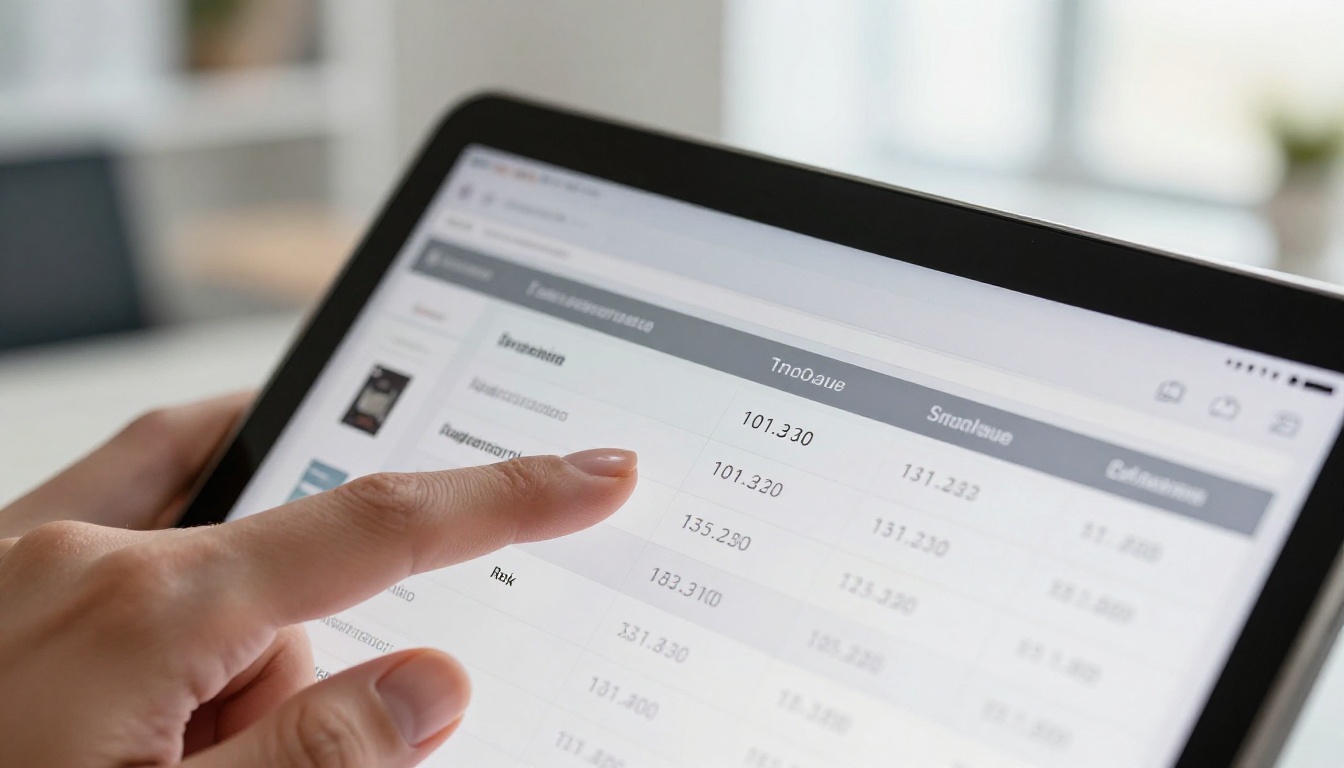
| Feature | Static PDF | Flipbook | Website Page |
|---|
| Mobile-friendly | Partial | ✅ Full | ✅ Full |
| Page-turning experience | No | ✅ Yes | No |
| No download needed | No | ✅ Yes | ✅ Yes |
| Password protection | No | ✅ Yes | Limited |
| Real-time updates | No | ✅ Yes | ✅ Yes |
| Analytics and tracking | No | ✅ Yes (Pro) | Limited |
| Lead capture gate | No | ✅ Yes (Pro) | Limited |
| Custom branding | Partial | ✅ Full | ✅ Full |
| Embed on website | No | ✅ Yes | N/A |
| Offline access | ✅ Yes | ✅ Yes (Pro) | No |
| No watermarks | ✅ Yes | ✅ Yes (Standard+) | N/A |
The comparison makes the case clearly. A flipbook combines the portability of a PDF with the interactivity of a website, without requiring you to design or maintain a dedicated pricing webpage.
Choosing the Right Plan for Your Needs

Different businesses have different publishing volumes and feature requirements. Here is how the main plans on Flipbooks AI align with common price list use cases:
| Plan | Best For | Key Features |
|---|
| Free | First-time testing | 1 flipbook, basic sharing, watermark-free preview |
| Standard | Small business, regular updates | Unlimited flipbooks, no watermarks, custom branding, embed codes |
| Professional | Sales teams and growing brands | Analytics, lead generation, password protection, offline downloads, advanced sharing |
| Enterprise | Large distributors and agencies | Custom domain, team access, priority support, white-label options |
💡 Pro tip: Start with a free account to convert your first price list. Once you see how clients respond to the flipbook format, upgrading pays for itself after just a few closed deals driven by better buyer engagement.
Real-World Use Cases Worth Copying
Food and Beverage Distributors: A beverage distributor sends a 60-page wholesale price list monthly to hundreds of restaurant clients. Converting to a flipbook reduced email size complaints, eliminated version confusion, and delivered page-level analytics showing which product categories buyers spent the most time on.
Interior Design Studios: A furniture showroom converted their pricing into a flipbook using the Furniture Catalog Maker, adding room scene photography alongside pricing tiers. Clients browse it during consultations on a shared tablet. The studio also embedded it on their website for after-hours self-service viewing.
Event Production Companies: An AV rental company published their equipment pricing as a flipbook with photo thumbnails of each item. They added a lead capture gate and collected over 200 qualified contacts in the first month from prospects who viewed their rates.
Spa and Wellness Businesses: Spas publish seasonal treatment menus with pricing using the Spa and Wellness Menu tool. Clients receive a link in their booking confirmation and browse services before their appointment, increasing upsell rates without any extra sales effort.

Not all price lists serve the same purpose. Here is how different formats translate into flipbook experiences, and which tool fits best:
Browse all available tools at flipbooksai.com/tools to find the template category that matches your industry and document type.
Maximizing Your Flipbook's Reach After Publishing
Publishing your flipbook is step one. Getting it in front of the right people is an ongoing strategy.
Embed on Your Website: The Embed Flipbook on Website tool generates a responsive embed code that works in WordPress, Squarespace, Webflow, Shopify, and any other platform that accepts HTML. Place it on a dedicated pricing page or inside a gated resources section for registered clients.
Add It to Your Email Signature: A link labeled "View our current price list" in your email signature quietly introduces every contact to your flipbook. It is passive distribution that requires zero ongoing effort from your team.
Share It in Sales Follow-Ups: Instead of attaching a PDF in a follow-up email, paste the flipbook link directly. It opens instantly on any device and when a prospect forwards it to their procurement team, every viewer gets the same branded, current version.
✅ Best practice: Update your flipbook whenever pricing changes. The link stays the same, so every person who has ever received it automatically sees the latest version the next time they open it. No more chasing down outdated copies.
Ready to Replace Your PDF Price List
Your current PDF price list is doing a job it was never designed for well. It is a static document operating inside a dynamic, mobile-first sales environment. The gap between what it can do and what buyers expect is growing every year.
Converting it to a flipbook is not a design project. It takes minutes, costs nothing to start, and immediately changes how buyers experience your pricing. A client who flips through your products at their own pace, on their phone, during a commute, is a client who is already engaging with your offer before you even follow up.
Get started for free on Flipbooks AI. Upload your first price list, publish the flipbook, and send the link instead of the attachment. See the difference in how clients respond.
Explore all flipbook tools to find the right template for your specific use case, and review pricing plans to choose the option that fits your publishing volume and team size.



