Every photographer has been there: you spend hours curating your best shots, export a PDF, send it to a potential client, and then silence. The problem is rarely the photos. It is the format. A static PDF is flat, forgettable, and easy to close. An interactive flipbook, on the other hand, feels alive. Pages turn with satisfying animation, your images fill the screen edge to edge, and clients actually stay long enough to feel something. Flipbooks AI makes this shift effortless, and this article will show you exactly how to do it.
Why Static Portfolios Are Costing You Clients
Photography is a visual experience. But when you hand someone a PDF, you reduce that experience to scrolling. There is no flow, no rhythm, no sense of turning a page and being surprised by what comes next. Clients do not just want to see your photos. They want to feel like they are already in the moment you captured.
A static file communicates effort. A flipbook communicates craft.
The Numbers Behind the Problem
Interactive content holds attention significantly longer than static documents. When someone can flip through your portfolio with a click or a swipe, they naturally slow down. They engage. They remember.
Consider what happens when a potential wedding client receives your portfolio:
| Format | Average Viewing Time | Share Rate | Impression Score |
|---|
| Static PDF | 45 seconds | Very Low | Forgettable |
| Gallery Website | 1.5 minutes | Low to Medium | Moderate |
| Interactive Flipbook | 3.5 minutes | High | Memorable |
These are not abstract metrics. They translate directly into booked sessions and referrals.
What Clients Actually Experience
When a client opens a flipbook, they do not just see your photos. They experience them in sequence. The page turn creates anticipation. The full-width image creates impact. The smooth animation signals that you care about presentation, not just the click of a shutter.
💡 First impressions are made in milliseconds. An interactive flipbook signals professionalism before a single photo loads.
What Makes a Photography Flipbook Different
A photography flipbook is not just a PDF with animations. It is a deliberately designed presentation format built for visual storytelling. The best ones have specific qualities that make the difference between a client who bookmarks your link and one who closes the tab.
Full-Screen Visual Impact
Every page is designed to showcase your image at maximum size. Unlike a PDF reader that surrounds your photo with interface chrome, a flipbook presents your work in an immersive environment. Landscape panoramas spread beautifully across both pages. Portraits command attention without distraction.
Mobile-First by Default
Most clients will open your portfolio link on their phone. A PDF on mobile is a pinch-and-zoom nightmare. A flipbook built with Flipbooks AI is fully mobile-responsive, meaning your images look as good on a 6-inch screen as they do on a 27-inch monitor.
Shareable in One Click
A flipbook lives at a permanent URL. You can share it via email, WhatsApp, Instagram bio, or embed it directly on your website. No downloads. No file size limits. No "the attachment was too large to send."
Choosing the Right Portfolio Structure
Before you convert anything, you need to think about structure. A flipbook is only as good as the story it tells. The most common mistake photographers make is dumping every good photo into a single PDF without thinking about flow.
Curate, Do Not Accumulate
Forty photos that tell a coherent story will outperform two hundred images that do not. Think of each page turn as a beat in a rhythm. Start strong with your single best image, build momentum with complementary work, create a peak with your most technically impressive or emotionally resonant shot, and close with a clear call to action page.
Portfolio Types and Ideal Page Counts
Different photography specialties call for different portfolio structures:
| Photography Type | Recommended Pages | Best Opening Image | CTA Page |
|---|
| Wedding | 20 to 30 pages | Emotional couple moment | Contact and packages |
| Commercial | 15 to 20 pages | Campaign-quality hero shot | Brief and rate card |
| Portrait | 12 to 18 pages | Close-up with strong emotion | Booking info |
| Landscape | 20 to 28 pages | Wide panoramic spread | Print shop link |
| Fashion | 18 to 24 pages | Full-page editorial spread | Agency contact |
Layout Decisions That Matter
Not every page needs to be a single full-bleed photo. A well-designed portfolio flipbook mixes formats:
- Full-bleed single images for emotional impact
- Two-image spreads for contrast (wide shot next to detail)
- Text overlay pages for brief context or pricing sections
- White space pages to let the eye rest between heavy sequences
✅ Use PDF layout software like Lightroom Book Module, Canva, or InDesign to design your pages before converting to a flipbook.
How to Build Your Photography Portfolio Flipbook
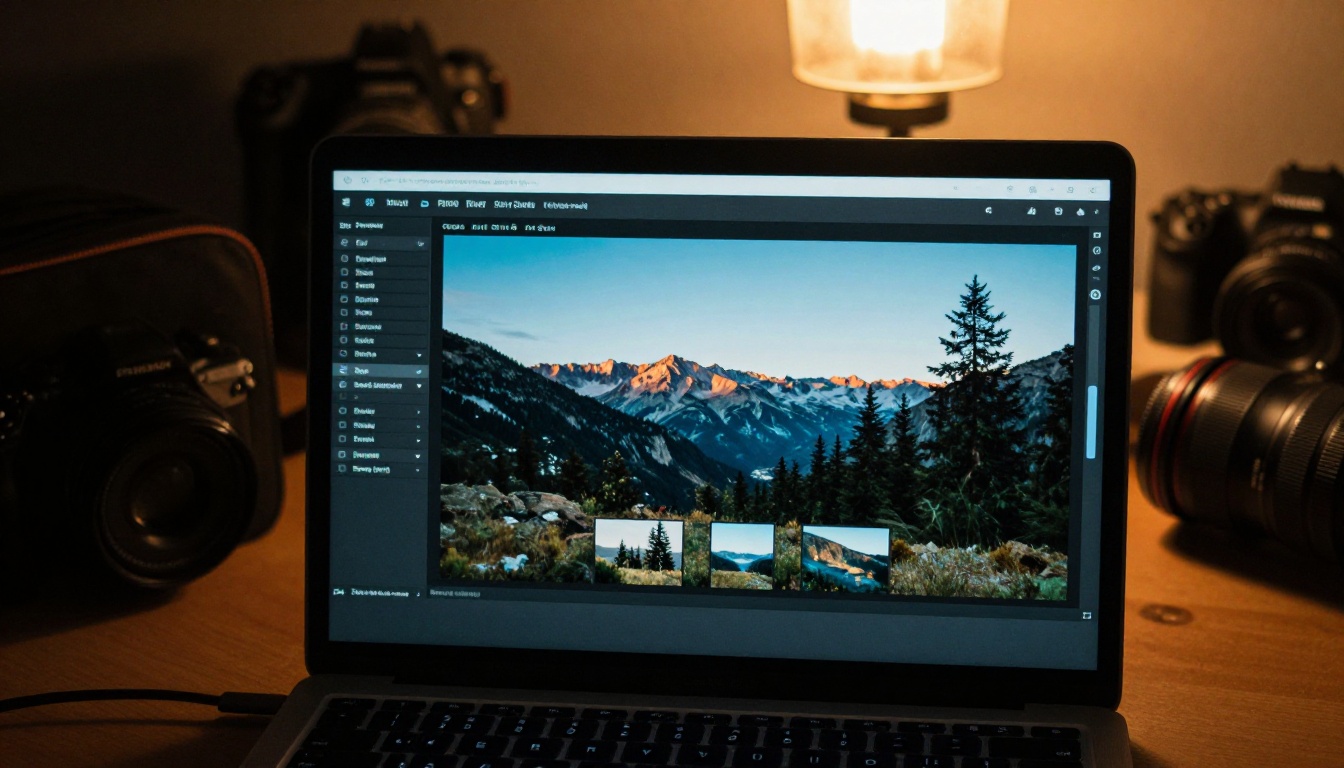
Flipbooks AI has purpose-built tools for exactly this use case. The Photography Portfolio tool and the broader Portfolio Flipbook Builder handle everything from PDF conversion to branding customization in minutes.
Step 1: Design and Export Your PDF
Start in your preferred design environment. Lightroom's Book module is excellent for photographers because it already thinks in terms of page spreads. Alternatively, Canva has strong templates. Export at the highest quality setting, aiming for at least 150 DPI for screen and 300 DPI if clients may also print.
Keep your PDF under 200MB for optimal upload and conversion speed.
Step 2: Create Your Account and Upload
Head to Flipbooks AI and create your free account. Once inside the dashboard:
- Click "Create New Flipbook"
- Select "Upload PDF"
- Drag and drop your portfolio PDF into the upload area
- Wait for conversion, typically under 60 seconds for a 20 to 30 page portfolio
💡 The platform automatically detects page spreads and preserves your two-page layouts during conversion.
Step 3: Brand It to Your Style
This is where most photographers skip a step and lose a major opportunity. A branded flipbook does not just look professional: it creates consistency across every touchpoint in your client experience.
Inside the customization panel:
- Upload your logo in the top corner (stays visible on every page)
- Set your brand colors for the background, controls, and UI elements
- Add your website URL so every share of your flipbook links back to you
- Customize the favicon for when clients bookmark your link
- Choose page flip sound on or off, depending on your brand feel
Step 4: Configure Sharing and Privacy
Not every portfolio is public. If you are presenting a bespoke package to a specific wedding client, you may want to password-protect that flipbook so it is only seen by the right eyes.
Options available:
- Public link: Anyone with the URL can view
- Password protected: Require a code to open (great for exclusive clients)
- Embedded on website: Drop an embed code into your site's portfolio page
- Direct social sharing: Copy link for Instagram bio, WhatsApp, or email
The Embed Flipbook on Website tool makes the embed process straightforward, even if you have zero coding experience.
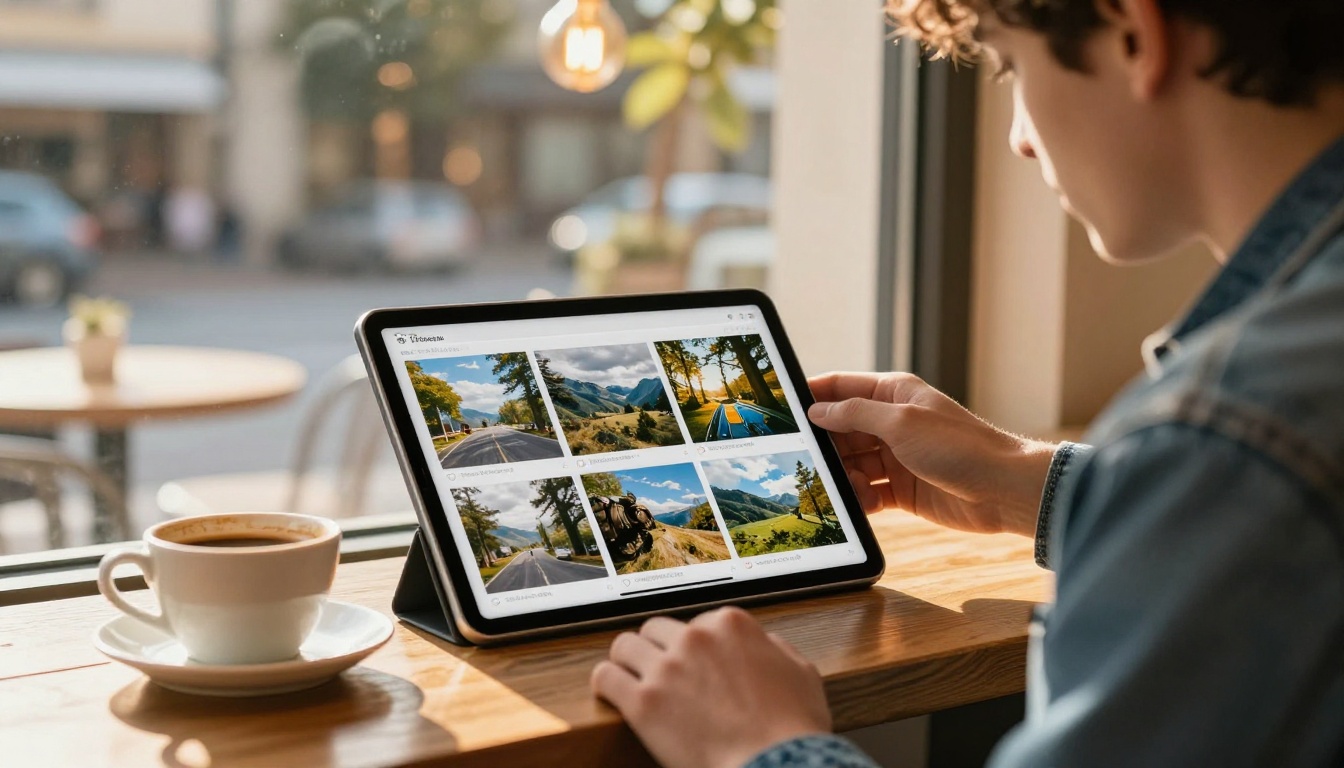
Step 5: Activate Analytics
If you are on the Professional plan, turn on analytics immediately. This is one of the most underused features among photographers, and one of the most valuable.
Analytics shows you:
- How long each viewer spent on your flipbook
- Which pages they spent the most time on
- How many times it was opened
- Whether they reached the end and your CTA page
This data tells you exactly which images are stopping people in their tracks and which ones they skip. Use it to continuously refine your portfolio. If clients consistently bounce on page 8, something about page 8 is not working.
⚠️ Analytics and lead generation are Professional plan features. Check the pricing page to see which plan fits your workflow.
Plan Comparison for Photographers
Different photographers have different needs. A freelance portrait photographer just starting out has different requirements than a commercial photography studio producing multiple client presentations per month.
| Feature | Free | Standard | Professional |
|---|
| Number of Flipbooks | 1 | Unlimited | Unlimited |
| Watermark | Yes | No | No |
| Custom Branding | No | Yes | Yes |
| Password Protection | No | Yes | Yes |
| Analytics | No | No | Yes |
| Lead Generation Forms | No | No | Yes |
| Offline Downloads | No | No | Yes |
| Embed on Website | Limited | Yes | Yes |
| Custom Domain | No | No | Yes |
For most working photographers, Standard covers the essentials. If you regularly pitch to agencies or corporate clients and want to track who is reading what, Professional pays for itself with a single booked job.
Start with Flipbooks AI free to see the platform and upgrade when your portfolio needs grow.
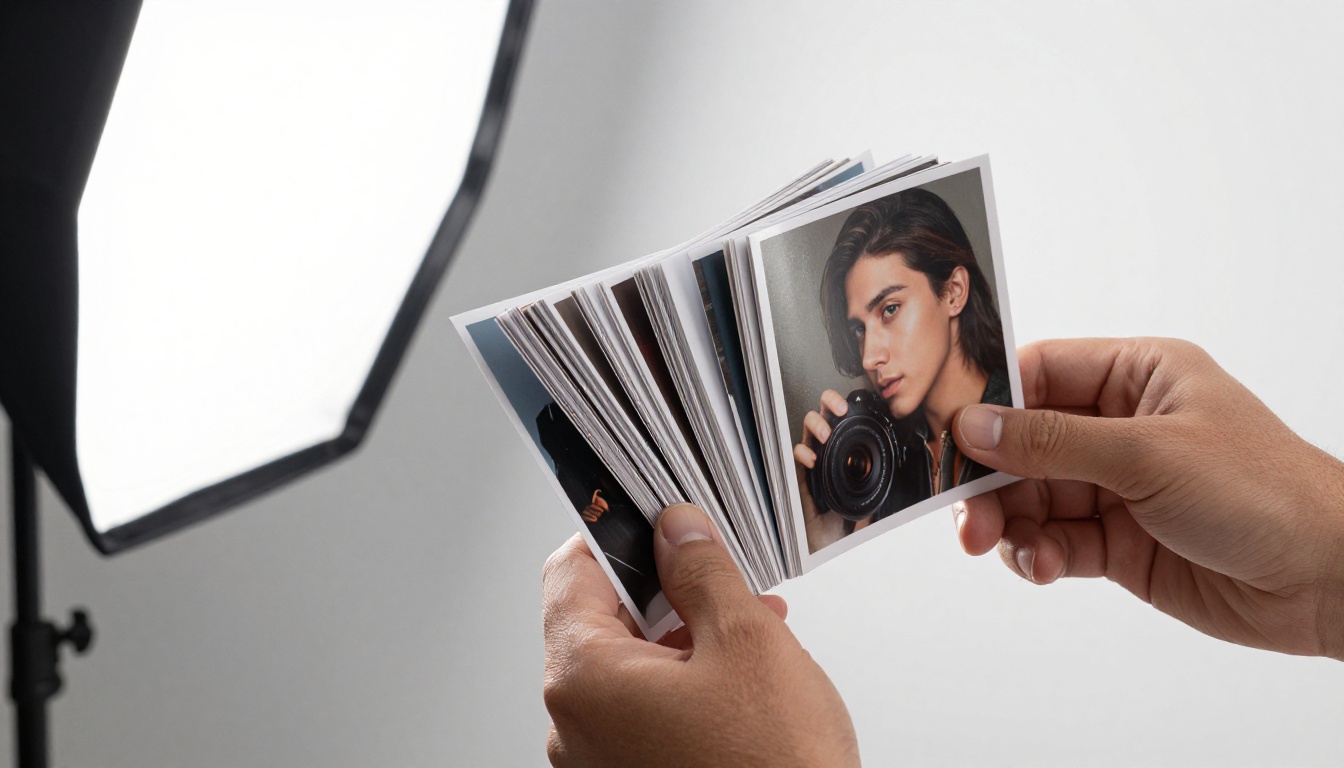
Specialty Flipbooks by Photography Type
Not all photography portfolios work the same way. The platform has specialized tools built around the specific presentation needs of different photographic disciplines.
Wedding Photography
Wedding photographers need to show emotion, storytelling, and variety across a full event. The Wedding Album Flipbook tool is built for this, with page layouts that handle the natural progression from preparation through ceremony to reception.
Present different wedding "stories" as separate flipbooks. Send a specific couple the flipbook from a wedding that matches their style and venue type. That specificity books jobs.
Commercial and Fashion
Commercial photographers pitching to brands need a tight, impactful presentation with a clear agency-ready feel. The Interactive Lookbook Designer creates exactly the editorial spread feel that art directors expect.
Fashion photographers can use the Lookbook Flipbook Builder to present seasonal campaigns or editorial series as standalone interactive documents that can be shared with brands and agencies instantly.
Portrait and Headshot Photography
Portrait photographers working with actors, executives, or personal branding clients benefit from the Digital Portfolio Creator. Keep individual client portfolios as separate flipbooks, giving each person a private, branded link to their own images.
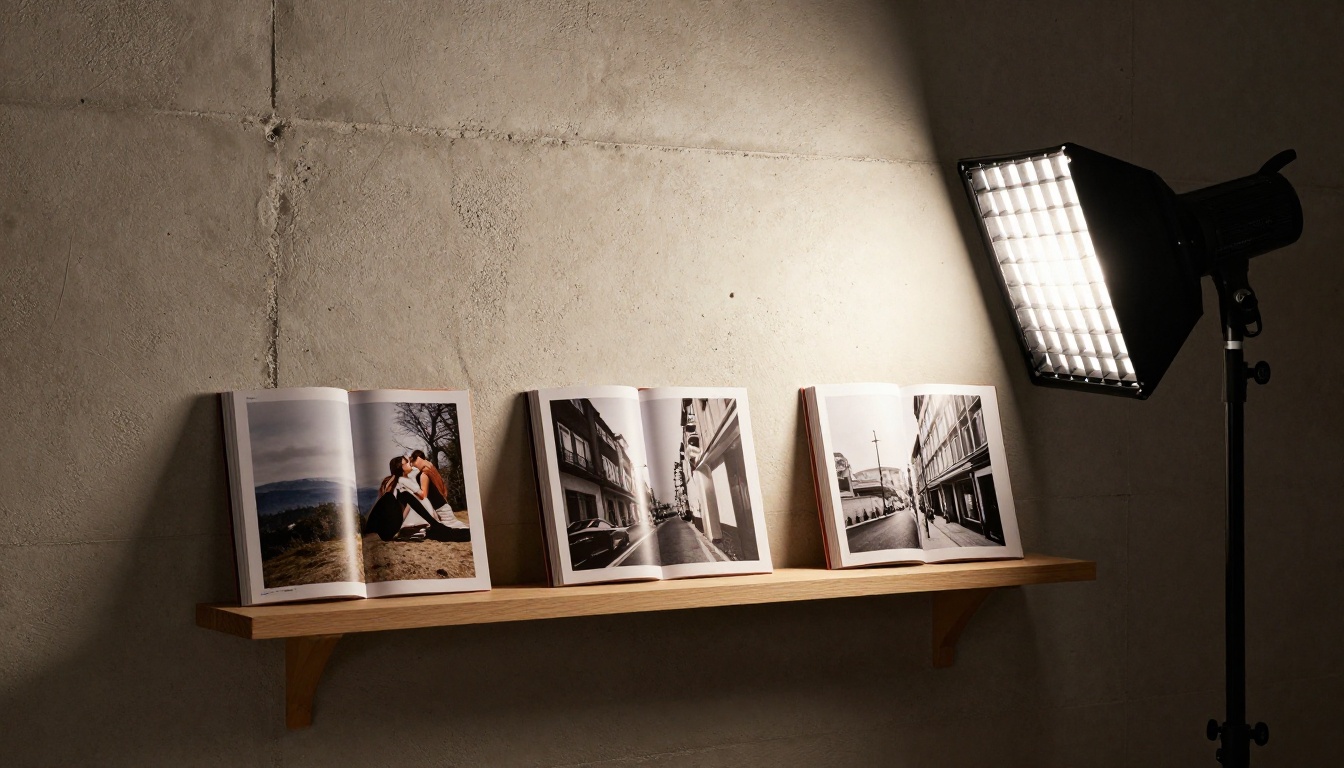
Real-World Scenarios Where Flipbooks Win
Theory is one thing. Here are specific situations where switching from PDFs to flipbooks directly impacts your business.
The Cold Pitch Email
You are approaching a hotel brand about a collaboration. Instead of attaching a 25MB PDF that might get caught in spam filters, you include a single link: "Here is my portfolio." The client opens it on their phone during lunch, flips through 20 pages of hospitality photography, and replies before they finish their coffee.
The Wedding Consultation
A couple is meeting you over video call. Instead of screen-sharing a PDF that shows scroll bars and file menus, you send them a flipbook link before the call. They arrive having already seen your work, with specific pages they want to talk about. The consultation becomes a booking conversation, not an introduction.
The Social Media Bio
Your Instagram bio has one link. A flipbook link in that spot converts better than a website because it is a single focused experience. No navigation, no distractions, just your best work in the most compelling format.
The Agency Submission
Agencies receive hundreds of submissions. A flipbook that opens instantly, looks polished, and can be forwarded to a creative director without file size issues puts you ahead of photographers still sending zip files or Dropbox links.

Common Mistakes Photographers Make
Even with the right platform, there are patterns that hurt more than they help.
Too Many Photos
More photos do not mean a stronger portfolio. They mean a longer decision fatigue journey for your client. Curate ruthlessly. If a photo is "pretty good," cut it. Only "this stops people" makes the final selection.
Weak First Page
Your flipbook's first page is the most important. It is what clients see when they open the link before they interact at all. Treat it like a magazine front page: one strong image, your name, and nothing else.
No Call to Action
The last page of your portfolio should always tell the client what to do next. "Book a consultation," "Email me," "Visit my website." Something clear and direct. A portfolio with no CTA is a presentation with no destination.
✅ Add your email, phone, and website URL on the last page. Make it impossible not to reach you.
Ignoring Mobile Preview
Always preview your flipbook on your phone before sharing it. What looks perfect on desktop can have text that is too small or images that feel cramped on mobile. The Flipbooks AI platform previews are mobile-responsive by default, but always verify your specific layouts.
One of the most strategic uses of a flipbook platform is running multiple specialized portfolios simultaneously. Rather than one catch-all portfolio, create separate flipbooks for each audience:
- A weddings portfolio for engaged couples
- A commercial portfolio for brand inquiries
- A portrait portfolio for personal branding clients
- A landscape portfolio for editorial submissions
- A behind-the-scenes portfolio for workshop or mentoring leads
Each flipbook speaks directly to a specific audience. When a real estate agency contacts you, send the commercial portfolio. When a couple messages you, send the wedding portfolio. The same images, organized differently, with different CTAs, create dramatically better conversion rates.
The Standard plan at Flipbooks AI includes unlimited flipbooks, meaning there is no penalty for running five or ten specialized portfolios at once.
Making Your Flipbook Work Harder
A flipbook is not just a passive document. With the right setup, it becomes an active part of your client acquisition workflow.
Lead Generation Forms
The Professional plan allows you to add a lead capture form directly inside your flipbook. A viewer finishes browsing your wedding portfolio, sees a "Check Availability for Your Date" form on the last page, and fills it in without ever leaving the document. Those leads go directly to your inbox.
Offline Access
Sometimes clients want to show your work to a partner who is traveling or in a location without reliable internet. The offline download feature (Professional plan) lets them save the flipbook to their device for viewing anywhere.
Version Control
Keep multiple versions of the same portfolio, organized by season or recent work. When you shoot something exceptional in October, update your portfolio flipbook and everyone who has bookmarked your link automatically sees the new version. No re-sending, no "here is my updated portfolio" emails.
Where to Go From Here
Your photography is already strong enough. What it needs is a presentation format that matches the quality of what you shoot. A portfolio flipbook does not change your images. It changes how people experience them, and that experience is what converts browsers into clients.
Ready to build yours? Create your first flipbook free on Flipbooks AI and see the difference in under five minutes. If you want to see every tool available for photographers specifically, start with the Photography Portfolio tool or the Digital Portfolio Creator. When you are ready to go all-in, review the pricing plans to find the tier that fits your business.
Browse all flipbook tools to see the full range of presentation formats available, from portfolio lookbooks to digital catalogs, all built on the same platform.
Your work deserves to be seen at its best. Start flipping.



