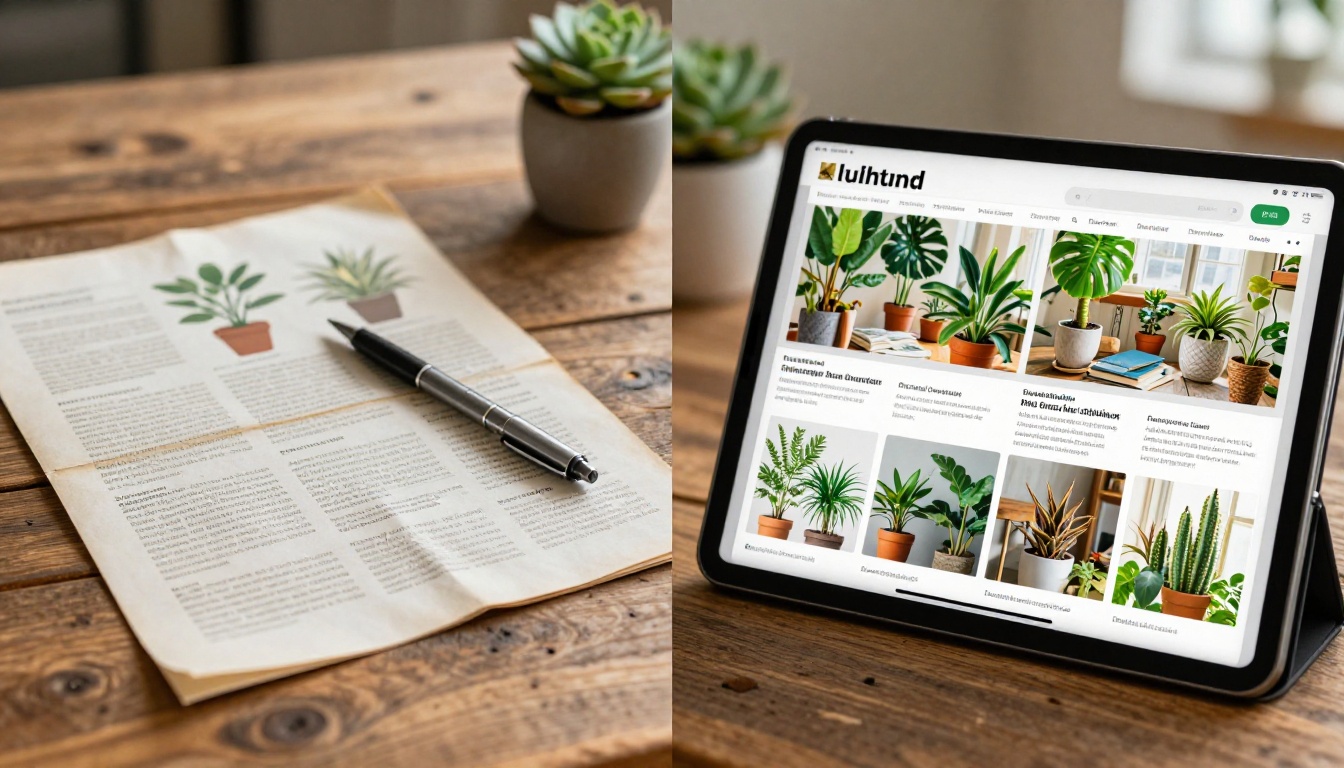
If you run a plant shop, you already know the inventory problem: new arrivals every week, seasonal stock that changes monthly, and customers who want to browse before they commit to a visit. A printed catalog goes stale in days. A PDF sent via email gets lost in inboxes. But a digital flipbook built from your plant stock? That stays current, looks incredible, and works on any device your customers use.
Flipbooks AI makes it possible to take any plant shop inventory, whether you carry 20 varieties or 2,000, and turn it into a polished, page-turning digital catalog that customers can browse from home, share with friends, and revisit anytime.
Why Paper Catalogs Are Costing You Sales
The Real Price of Printing
Print catalogs look great on day one. By week three, half the plants listed are sold out, three new arrivals are missing, and your prices have changed. You either hand out outdated materials or absorb another print run. For small and mid-size plant shops, this cycle drains hundreds of dollars every season with very little return.
Consider what a single 50-page print run actually costs:
| Cost Factor | Print Catalog | Digital Flipbook |
|---|
| Initial design | $200-800 | One-time setup |
| Per-copy printing | $3-8 per unit | $0 |
| Distribution | Postage or in-store only | Instant, unlimited |
| Updates | Reprint entire run | Edit anytime |
| Analytics | None | Page views, clicks, time on page |
| Shelf life | Days to weeks | Indefinitely current |
The math is not complicated. A digital plant catalog built on Flipbooks AI costs less over a single season than one mid-size print run, and it never goes out of date.
Customers Browse Online Before They Visit
The way people shop for plants has shifted. A customer considering a monstera or a rare aroid spends time researching online first. They check Instagram, search plant shops near them, and look for someone who can show them the full stock. If your plant shop has no browsable digital catalog, that customer often lands somewhere else.
A flipbook solves this without requiring a full e-commerce build. It sits on your website, lives in your Instagram bio link, gets sent in emails, and shows your entire stock with photos, care notes, and pricing in one place.

What a Plant Shop Flipbook Actually Does
More Than a Static PDF
A PDF is flat. You can scroll it, zoom in awkwardly on mobile, and maybe print it. A flipbook built with the Digital Catalog Maker on Flipbooks AI is something different. Pages actually turn. Thumbnails let customers jump to sections. On mobile it reads like a magazine, not a zoomed-out document that requires pinching and dragging.
For a plant shop, this matters because customers browse emotionally. They are not just looking for a plant in the abstract. They want to feel inspired by what they see. A page-turning experience with vivid plant photography does that in a way a scrolling PDF simply cannot.
Interactive Features That Drive Visits
Beyond the look, flipbooks bring real functionality to your plant catalog:
- Clickable links: Every plant listing can include a link to buy online or reserve in-store
- Embedded contact info: Customers tap your phone number directly from the catalog page
- Password protection: Perfect for wholesale buyer catalogs you do not want public
- Embed anywhere: Drop the flipbook into your website with one line of code
- Analytics: See which plants customers spend the most time on (Professional plan)
💡 The Product Catalog tool on Flipbooks AI is purpose-built for exactly this use case. It handles the heavy lifting of layout so you can focus on photographing your stock.

Organize Your Stock Before You Digitize It
How to Group Your Plant Inventory
The best plant catalog flipbooks are organized by the way customers think, not by how you receive stock. Before you design your PDF, decide on your catalog sections:
- By plant type: Tropicals, succulents, herbs, flowering annuals, perennials, trees and shrubs
- By light requirement: Full sun, part shade, low light
- By price range: Under $15, $15-40, $40-100, Statement plants
- By care level: Easy care, intermediate, collector varieties
- Seasonal features: What is arriving this week, this month, or this season
Most plant shops find that organizing by plant type works best for general customers, while organizing by price works well for gifting-focused catalogs sent around Mother's Day or the holidays.
What Each Page Should Show
Every plant listing in your flipbook should carry:
- A clear photo on white or neutral background, or in a styled setting
- Common and botanical name for credibility with serious plant people
- Price for the standard size, with notes on other sizes available
- Care summary: Light, water, humidity in two or three words each
- Availability status: In stock, limited, preorder, or coming soon
- Pot size options if you carry multiple
✅ Add a short one-sentence personality line for each plant. "The monstera that started everyone's houseplant obsession" sells better than "Monstera deliciosa, $38."
How to Build Your Plant Shop Flipbook
Creating your plant shop flipbook on Flipbooks AI takes less time than designing a print catalog. Here is the exact process:
Step 1: Design Your PDF Catalog
Use Canva, Adobe InDesign, or even Google Slides to lay out your plant catalog. Each page should be landscape orientation for best results on screens. Group your plants into sections with a clear title page and a simple table of contents.
⚠️ Keep each page visually clean. One to four plants per page works better than cramming in eight. White space makes plants look more premium.
Step 2: Upload to Flipbooks AI
Head to flipbooksai.com and create your account. Once inside:
- Click New Flipbook
- Upload your plant catalog PDF
- Wait roughly 60 seconds for conversion
- Your flipbook is live and ready to customize
The PDF to Flipbook Converter handles files up to hundreds of pages with no quality loss on your plant photography.
Step 3: Brand It to Your Shop
After conversion, customize your flipbook to match your shop's identity:
- Upload your logo to the header
- Set your brand colors for the navigation bar
- Add your shop name, address, and social links to the footer
- Choose a page-turn style (classic flip, slide, or fade)
- Add a background texture if you want a premium feel
Step 4: Share It Everywhere
Once published, Flipbooks AI gives you:
- A direct link to paste into Instagram, Facebook, or Google Business
- An embed code to drop the flipbook directly into your website or Squarespace page
- A QR code to print on your market signage so customers can scan and browse
💡 Put the QR code on every pot label, every shelf edge card, and at the checkout counter. Customers scan while they wait and find plants they missed on the floor.

Photography Tips for Plant Catalogs That Sell
Light Is Everything
You do not need a studio. You need a large north-facing window or a cloudy day outside. Flat, diffused light shows leaf color and texture without harsh shadows. Avoid direct midday sun, which bleaches greens and creates blown-out spots.
For terracotta pots, warm amber late-afternoon light adds richness. For succulents and cacti, bright but diffused light shows off the geometry better than anything else.
Backgrounds That Make Plants Pop
| Background | Works For | Avoid For |
|---|
| Matte white | Succulents, colorful foliage, cacti | Dark-leaved plants (they disappear) |
| Light gray | Most tropical houseplants | Silvery or pale plants |
| Natural wood surface | Lifestyle shots, herbs, small pots | Very dark plants, cluttered shots |
| Outdoor stone | Specimen trees, large tropicals | Anything needing clean isolation |
| Kraft paper | Earthy, rustic shop vibe | High-end statement plants |
Shoot Consistently
Every photo in your plant catalog should look like it belongs in the same publication. That means:
- Same distance from the subject (standardize at roughly 18 inches from the pot)
- Same height (lens at soil level for most plants, slightly above for low growers)
- Same background per section or per catalog
- Same editing preset across all images

Plans and Pricing: What Plant Shops Need
Most independent plant shops and garden centers need one of two plans. Here is a straight comparison:
| Feature | Standard | Professional |
|---|
| Flipbooks | Unlimited | Unlimited |
| Custom branding | Yes | Yes |
| Password protection | Yes | Yes |
| Embed on website | Yes | Yes |
| Analytics and page tracking | No | Yes |
| Lead generation forms | No | Yes |
| Offline downloads | No | Yes |
| Custom domain | No | Yes |
| Watermarks | Never | Never |
For a plant shop that wants a public-facing catalog with basic sharing, the Standard plan handles everything. For shops that also run wholesale accounts, send catalogs to nursery buyers, or want to know which plants generate the most interest before restocking, the Professional plan pays for itself quickly.
Compare all plans on Flipbooks AI to find the right tier for your shop size.
Real Ways Plant Shops Use Their Flipbook
Farmers Markets and Weekend Pop-Ups
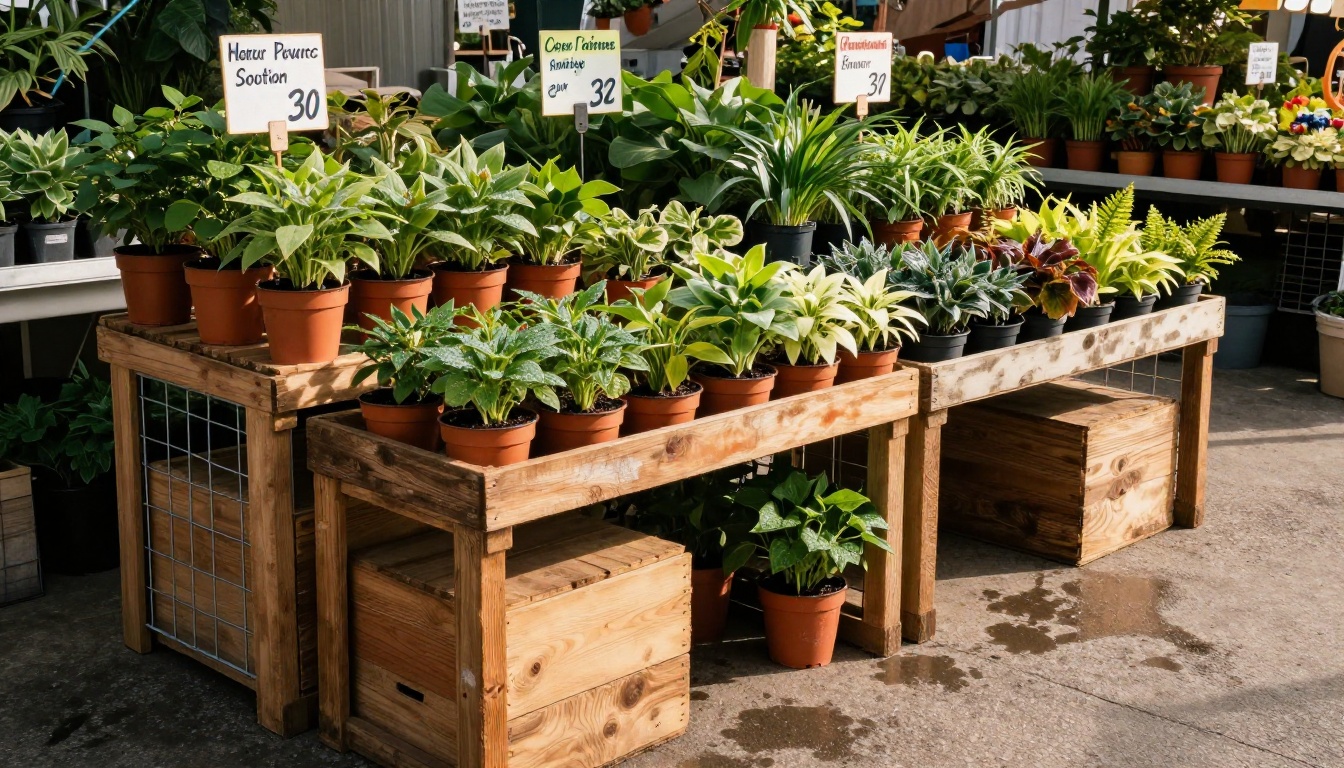
At an outdoor market, you can only bring a fraction of your stock. A QR code on your market table links to your full plant flipbook, so customers who want a six-foot fiddle leaf fig (that would not fit in your van) can see it, contact you, and arrange pickup. Market sales consistently increase when customers can see what they are missing.
Wholesale Buyer Catalogs
Plant shops that supply restaurants, offices, hotels, or interior designers need a professional catalog that does not look like a hobbyist's spreadsheet. A password-protected flipbook sent to wholesale buyers looks polished and keeps your pricing private from retail customers. Use the Catalog Flipbook Creator for this specific use case.
Seasonal Drop Announcements
Every time you get a new shipment: rare aroids, spring annuals, holiday poinsettias, heirloom tomato starts, create a short new-arrivals flipbook and send the link to your email list. It takes 30 minutes to build and lands in customer inboxes looking like a professionally produced magazine.

How to Share Your Plant Flipbook Effectively
Sharing Methods Compared
| Method | Reach | Effort | Best For |
|---|
| Instagram bio link | High | Low | General customers |
| Website embed | High | One-time setup | All visitors |
| Email newsletter | Medium-high | Low | Repeat buyers, subscribers |
| QR code at market | Medium | Print once | In-person events |
| Wholesale direct link | Low, targeted | Very low | B2B buyers |
| Facebook post | Medium | Low | Local community groups |
Embed on Your Website
If you use Squarespace, Wix, Shopify, or WordPress, the embed code from Flipbooks AI drops in as a block. The flipbook loads inline on your page, so visitors browse without leaving your site. Use the Embed Flipbook on Website tool for a one-click setup.
Digital Price Lists
For shops that rotate stock rapidly, a Digital Price List flipbook updated weekly gives customers a reason to check back and keeps your shop top-of-mind without ongoing ad spend.

Your Plant Shop Flipbook, This Week
The barrier is low. You have the inventory. You probably have photos already, or can take them on your phone this afternoon. Your plant stock deserves to be seen by more people than walk through your door on a Saturday, and a digital flipbook is the fastest way to make that happen.
What to do right now:
- Pick 20-30 of your best current plants and photograph them today
- Drop them into a Canva template and export as PDF
- Create a free account on Flipbooks AI
- Upload, customize with your branding, and share the link
The whole process takes a few hours the first time and about 30 minutes for every update after that. Your competitors are still handing out paper flyers. You do not have to.
Ready to build it? Get started free on Flipbooks AI, or compare pricing plans if you want wholesale buyer tools and analytics from day one. Browse all plant catalog tools to find the right format for your shop.