Your portfolio PDF is sitting in someone's downloads folder right now. Unopened. Maybe renamed to "portfolio_v3_FINAL_USE_THIS.pdf." You sent it three days ago and haven't heard back. This is not a coincidence.
The way people share portfolios hasn't kept up with how people actually consume content. A PDF is a print document. It was designed for paper. When you email it as an attachment, you're asking someone to download a file, open it in Adobe Reader or Preview, scroll through flat static pages, and somehow feel impressed. That friction kills momentum before it starts.
There's a better way. Flipbooks AI lets you take that exact same PDF and turn it into a page-turning, mobile-responsive, shareable interactive experience that clients can open with a single click, no download required.
Why PDFs Get Ignored
The Download Problem
Think about the last time someone sent you a PDF. You probably glanced at it in your email preview, saved it "for later," and never opened it again. That's what happens to your portfolio. The act of downloading creates a psychological barrier. It requires a decision, storage space, and an application to open the file. Most people never make it past step one.
The stats back this up. Email attachments have significantly lower open rates than linked content. When someone has to take four steps to see your work, most of them won't bother. And the ones who do are now viewing your carefully crafted design work inside a grey rectangle with a toolbar they didn't ask for.
What Clients Actually Do
Clients are busy. They're reviewing multiple candidates. They're on their phone between meetings, on a laptop with 30 tabs open, or skimming during a commute. They don't want to manage files. They want to see your work fast, decide if they're interested, and move on.
A link they can click right now beats an attachment they'll "check out later" every single time. And a link that opens into something visually engaging, with pages that actually turn, keeps them there longer and creates a stronger impression.
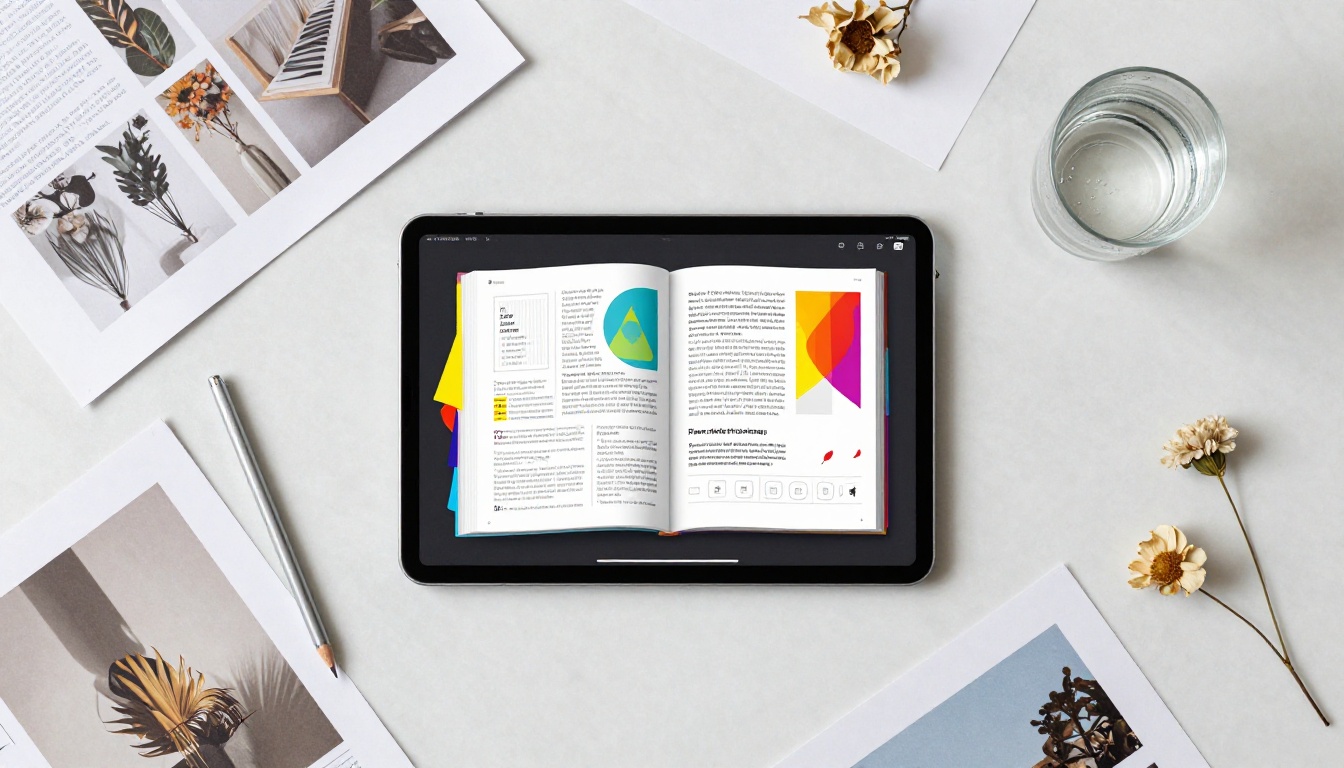
What an Interactive Portfolio Does Differently
The Page-Turn Experience
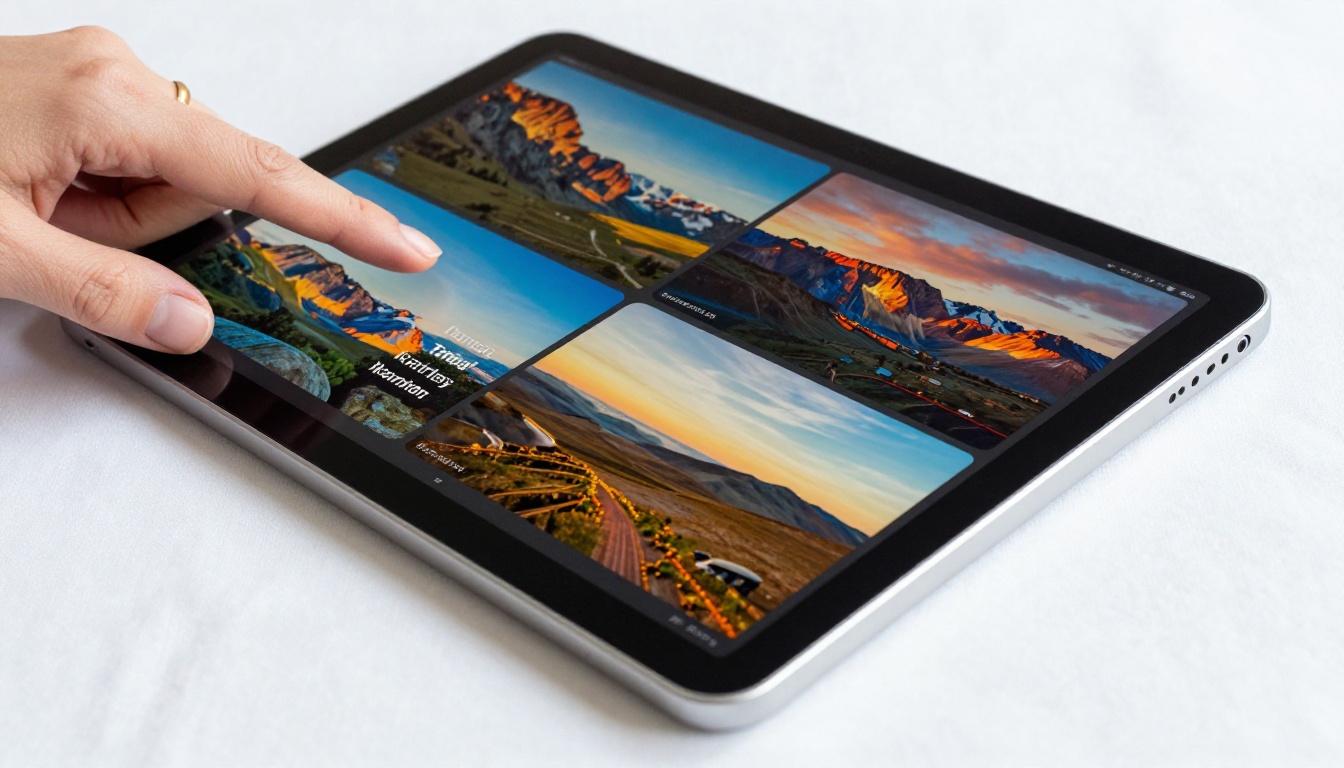
There's something about watching a page turn that static scrolling can't replicate. It signals: this is a publication worth reading. The visual metaphor of a real book or magazine creates perceived value before a client reads a single word. Your photography portfolio isn't just images in a grid anymore. It's a curated editorial spread.
This matters psychologically. Presentation affects perceived quality. The same work shown in a polished flipbook feels more premium than the same work in a flat PDF. That's not an opinion. It's how human perception works.
Mobile-First Viewing
More than half of all web browsing happens on mobile. A standard PDF on mobile is a disaster. Pinch to zoom, horizontal scrolling, text that's too small to read. Most people give up within seconds.
An interactive flipbook built with Flipbooks AI is fully responsive. It reflows and resizes for any screen. Clients can view your full portfolio on their phone without squinting or fighting with the interface.
PDF vs. Interactive Flipbook
The differences aren't subtle. Here's a direct comparison of what each format actually offers:
| Feature | Static PDF | Interactive Flipbook |
|---|
| Requires download | Yes | No |
| Mobile-friendly | Poor | Excellent |
| Page-turn animation | No | Yes |
| Shareable as a link | Rarely | Always |
| Embeddable on website | No | Yes |
| Password protection | Complex | Built-in |
| Analytics tracking | None | Full stats |
| Custom branding | No | Yes |
| Works in browser | Inconsistent | Always |
| Lead generation | No | Yes (Pro plan) |
💡 Pro tip: When you share a flipbook link instead of a PDF attachment, clients face zero friction getting to your work. No app to open, no file to download, no toolbar in the way.
Who Actually Needs This
Photographers and Visual Artists
Photography portfolios live and die by presentation. Your images deserve a full-screen, page-turning experience, not a scrollable PDF that compresses your color work and ignores your sequencing decisions. The Photography Portfolio tool is built specifically for this.
A wedding photographer sending a proposal can include a flipbook link in the email body. The couple clicks it on their couch, full-screen, and sees the work exactly as intended. No downloads, no weird color profiles, no missing fonts.
Graphic Designers and Creatives
Designers need to show context: the brief, the process, the final output. A flat PDF often strips the nuance out of that story. An interactive digital portfolio lets you sequence the narrative properly, with pages that turn in order, moving the viewer through your intended flow rather than letting them jump around randomly.
The Digital Portfolio Creator and Portfolio Flipbook Builder give designers a dedicated space to present work the way it was meant to be seen.
Architects and Interior Designers
Architectural and interior design work demands scale and detail. A PDF shrinks your renders and flattens your material boards. A flipbook presents them at the right size, in sequence, with the visual weight each spread deserves. The Interactive Lookbook Designer handles exactly this type of richly visual, spread-based content.

How to Create Your Portfolio Flipbook
This is the part that surprises people: converting your PDF takes about two minutes. Here's the full process on Flipbooks AI:
-
Create your account: Head to Flipbooks AI and sign up. No credit card required to start.
-
Upload your PDF: From your dashboard, click "New Flipbook" and drag in your portfolio PDF. The platform accepts any standard PDF, regardless of how it was created.
-
Watch the conversion: Flipbooks AI processes your PDF and generates a live preview in real time. The page-turn engine handles the animation automatically. You don't configure anything.
-
Brand it: Go to the customization panel. Add your logo, set your brand colors, choose a background style, and pick a page-turn effect. This takes your flipbook from generic to yours.
-
Add interactive elements: Want to embed a video showreel on the opening page? Drop in a link. Want a contact button on the final spread? Add it. You can layer multimedia onto any page without touching your original PDF.
-
Set your sharing options: Choose whether your flipbook is public, password-protected, or accessible only to people with the direct link. For client proposals, password protection keeps the work private until you're ready.
-
Share: Copy the link and paste it into your email, message, or proposal. Or embed it directly on your website using the embed code. Clients click once and they're in.
✅ Best practice: Create a custom subdomain or vanity URL for your flipbook link so it looks professional when you share it. Clients see something that matches your brand, not a long string of characters.
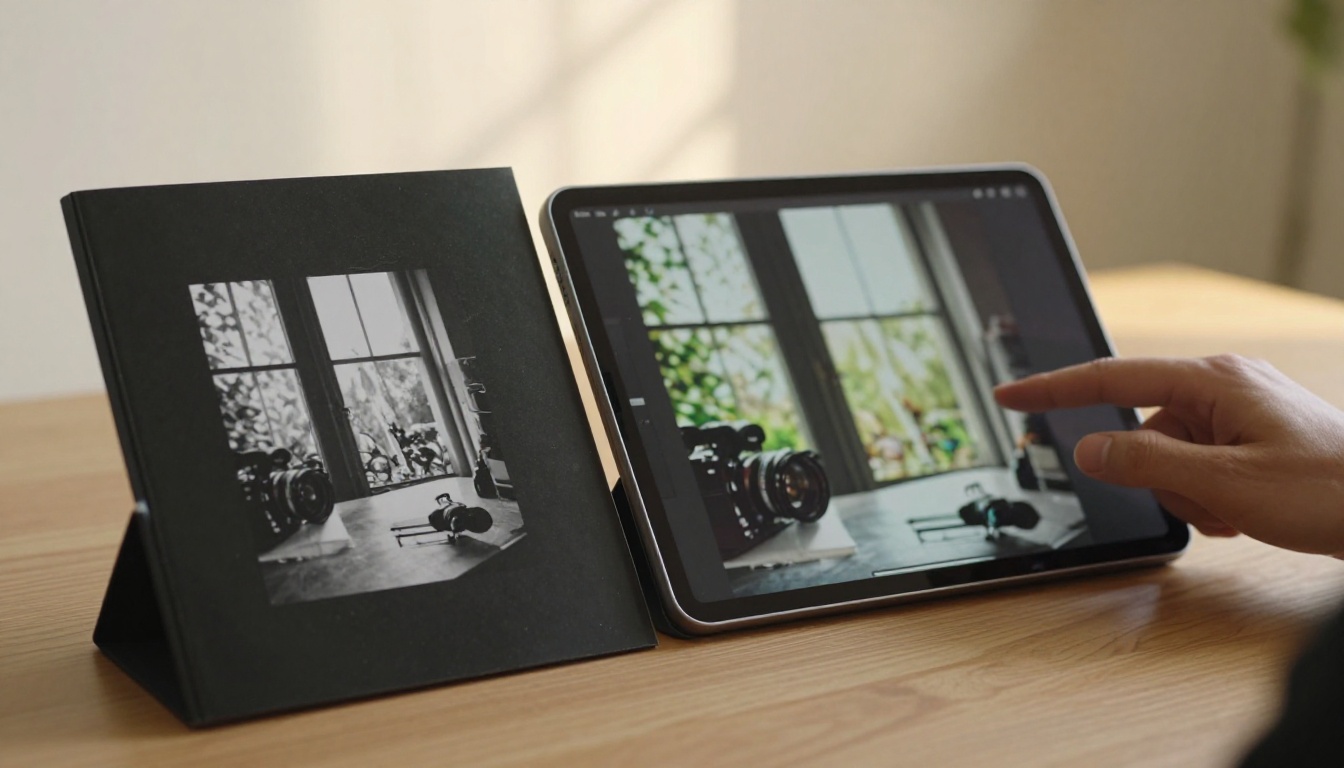
Customization That Matters
Branding Your Flipbook
The default flipbook experience is already clean. But the details that make it feel like yours are in the branding options. Your logo replaces the generic header. Your color palette replaces the default neutral. Your typography choices echo your existing visual identity.
This is particularly important when sharing with high-value clients. A flipbook that opens with your logo, in your colors, with your name in the URL feels like a deliberate, professional presentation. A generic PDF opener feels like a draft.
Adding Interactive Elements
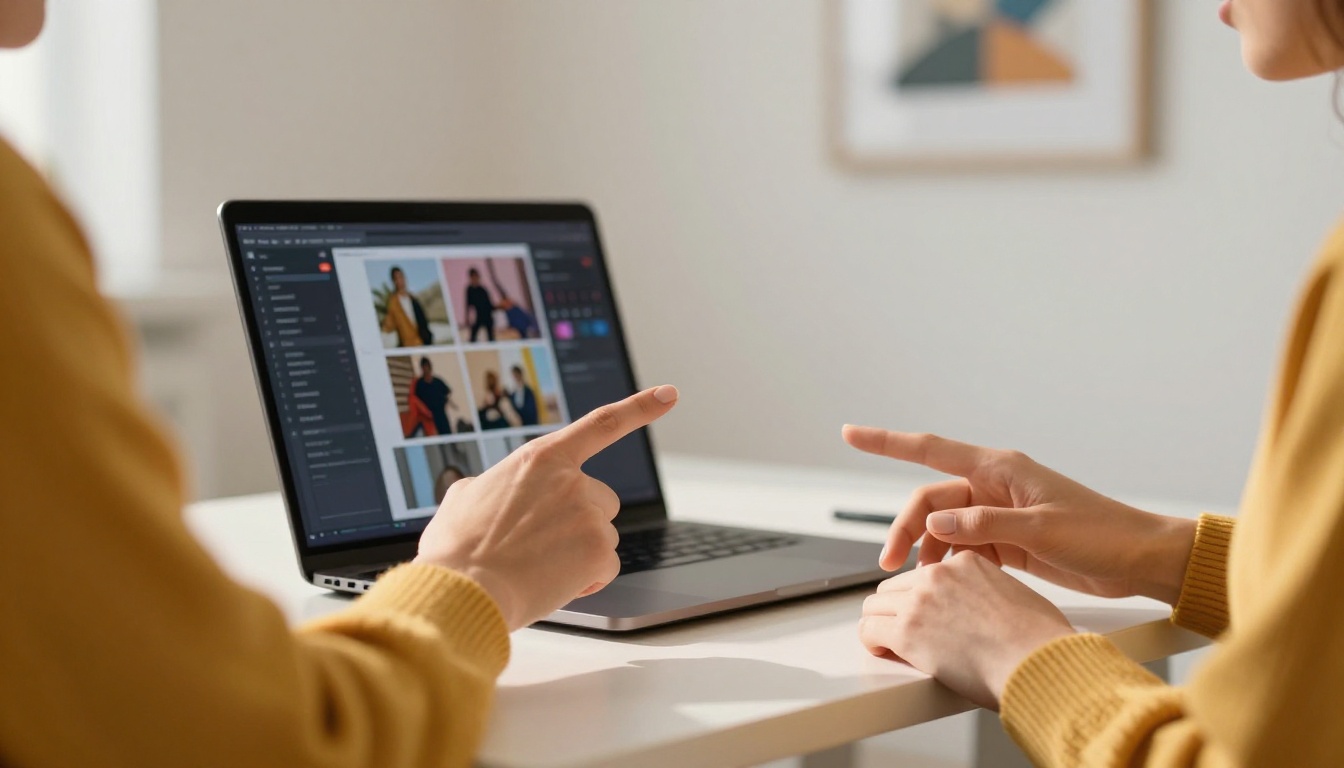
Static portfolios can't include a video walkthrough of a project. They can't embed a client testimonial clip. They can't have a "Book a Call" button on the last page. Your interactive flipbook can have all of these.
💡 Pro tip: Add a short 60-second video introduction on the first page of your portfolio. Clients who hear your voice and see your face before reading your work are significantly more likely to reach out.
Interactive multimedia support sets Flipbooks AI apart from simply hosting a PDF online. You're building a presentation, not just storing a file.

Sharing and Getting Seen
Sharing Options That Work Everywhere
One of the underrated advantages of a flipbook is that it works anywhere a link works:
- Email: Paste the link directly in the body, no attachment needed
- LinkedIn: Drop the link in a message or post it to your profile
- Instagram bio: Link directly to your live portfolio
- Website: Embed the flipbook inline so visitors never leave your page
- WhatsApp or DM: Send the link and clients open it right there on mobile
The Embed Flipbook on Website tool makes website embedding a copy-paste operation. No coding knowledge required.
Analytics and Tracking
Here's something a PDF cannot do at all: tell you who looked at it and for how long. With the Professional plan on Flipbooks AI, you get full analytics. Page-by-page read time, total views, geographic data, and lead generation forms that capture contact information from interested viewers.
This changes your follow-up approach entirely. Instead of emailing into the void hoping someone opened your PDF, you know exactly which pages they spent time on. You know if they stopped at your pricing page. You know if they shared the link with someone else.
⚠️ Warning: If you're relying on PDF attachments with no tracking, you're making follow-up decisions based on zero data. That's a real disadvantage against anyone using analytics-enabled digital portfolios.
Flipbooks AI Plans at a Glance
Choosing the right plan depends on how actively you're using your portfolio to win clients:
| Plan | Flipbooks | Watermarks | Password Protection | Analytics | Offline Downloads |
|---|
| Free | 3 | Yes | No | No | No |
| Standard | Unlimited | No | Yes | No | No |
| Professional | Unlimited | No | Yes | Full analytics + leads | Yes |
💡 For active freelancers: The Standard plan removes watermarks and adds password protection, which is the minimum you want when sharing with paying clients. The Professional plan adds analytics that most working creatives find pays for itself after a single won client.
For a full comparison, visit the pricing page.
Real-World Use Cases by Profession
Different creative fields use interactive portfolios differently. Here's what actually works in practice:

The Practical Shift Worth Making
The argument for keeping a PDF portfolio gets weaker every year. Clients are busier. Attention is shorter. The bar for professional presentation keeps rising. What felt polished in 2018 feels clunky in 2026.
Converting your portfolio to an interactive flipbook isn't a major project. It takes the work you've already done, wraps it in a format that respects how people actually browse content today, and gives you tools like analytics, password protection, and lead capture that a static file simply cannot offer.
The creatives winning more clients right now aren't necessarily showing better work. They're showing the same work in a more compelling way, through a link that opens instantly, looks stunning on mobile, and invites the viewer to keep turning pages.
Your portfolio deserves that kind of presentation. And so does your time.
Make Your Portfolio Work Harder
You've put real effort into building your portfolio. Make sure people actually see it.
The PDF had a good run. It's time to send something people will actually read.



