Most presentations never get read. They land in inboxes as attachments, get downloaded once, and disappear forever. The problem is not the content. It is the format. A flipbook changes that entirely, turning a flat PDF or slide deck into an interactive, page-flipping experience that people actually want to open. With Flipbooks AI, you can turn your presentation slides into a flipbook online in minutes, with no design skills required.
Why Static Slides Fall Flat
Sending a PowerPoint file or a PDF attachment feels standard. But from the recipient's side, it feels like homework. They need to download it, open it in a specific app, scroll through it without real navigation, and hope nothing looks broken on their device.
The Attachment Problem
Static files have a shelf life of about 30 seconds. If the viewer cannot immediately see the value, the file gets closed. There is no tracking, no analytics, and no way to know if anyone actually looked at it. You send it into the void.
Beyond that, compatibility issues are real. A beautifully formatted PowerPoint on your machine often looks broken when opened in Google Slides or on a mobile phone. Fonts shift, images move, and layouts collapse. The presentation you spent hours building no longer looks the way it should.
What Viewers Actually Want
People want information fast and in a format that feels native to how they browse. They swipe. They scroll. They expect interactivity. A digital flipbook meets those expectations: it opens in a browser, works on any device, and provides a tactile page-turning experience that feels intentional rather than purely functional.
💡 Interactive content holds reader attention far more effectively than static documents. Flipbooks keep readers on page longer and reduce the immediate-close rate common with email attachments.
What a Flipbook Presentation Actually Looks Like
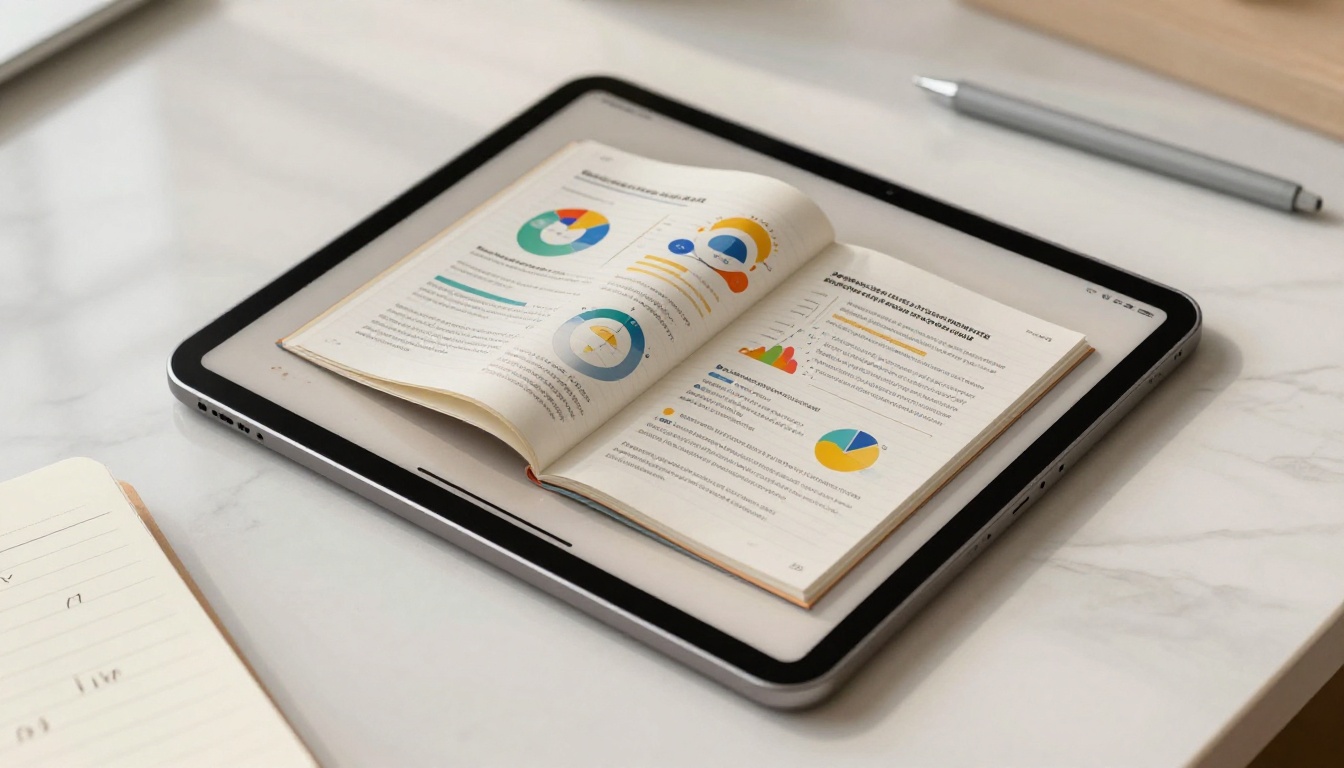
A flipbook is not just a PDF with a fancy viewer. It is a fully interactive publication with animated page turns, zoom capability, embedded links, and optional multimedia content. Every page of your original presentation becomes a leaf in a digital book that readers can flip through naturally.
The Page-Turn Effect
The visual effect of page turning is psychologically powerful. It signals that there is more to see, that the content has depth, and that it is worth continuing. This is why magazines and catalogs have held attention for decades. The flipbook format borrows that same principle and applies it to your slides.
Static vs. Interactive: Side by Side
Here is how a traditional presentation file compares to an online flipbook:
| Feature | Static PDF or PPT | Online Flipbook |
|---|
| Opens in browser | No, requires app | Yes |
| Mobile-friendly | Unreliable | Always |
| Page animations | None | Realistic page turns |
| Tracking and analytics | None | Full view data |
| Embed on website | No | Yes |
| Password protection | No | Yes |
| Shareable link | No | Yes |
| Watermark | N/A | None on Flipbooks AI |
| Offline access | Download only | Offline download available |
The difference is not cosmetic. It is functional. A flipbook is a living document that works wherever your audience is.
Types of Presentations That Work as Flipbooks
Almost any slide deck benefits from being converted to a flipbook. But some formats gain a particularly strong advantage.
Sales Decks and Proposals
A sales presentation that lands in a prospect's inbox as an attachment has maybe a 30% chance of being opened. The same deck as a flipbook link gets clicked because it opens instantly, looks polished, and requires nothing from the recipient. You can even use the dedicated Sales Presentation tool for purpose-built layouts.
Corporate Reports and Annual Summaries
Dense, data-heavy documents like annual reports, quarterly reviews, and investor presentations benefit from the flipbook format. Readers can navigate by section, zoom in on charts, and share specific pages. The Corporate Report Maker and Annual Report Creator tools make this conversion even faster.

Training and Course Materials
HR teams and educators who distribute training manuals, onboarding materials, or course content via email are missing a significant opportunity. A flipbook makes those materials feel professional, keeps them updated centrally, and removes the need for recipients to manage files. The Training Manual Flipbook and Course Material Publisher tools are built for exactly this.
Event Programs and Pitch Decks
Conference programs, event schedules, and startup pitch decks are high-value presentation content that deserves a premium format. A flipbook raises the perceived quality of the document immediately. The Presentation Flipbook Designer handles these formats well, with flexible templates that suit both formal and creative presentations.
✅ Best practice: Any presentation you plan to share via a link or embed on a website should be a flipbook. If it will only ever be projected on a screen in the same room, a static file is perfectly fine.
How to Turn Slides into a Flipbook on Flipbooks AI
Flipbooks AI makes the conversion process fast and requires no technical knowledge. Here is the exact workflow from slides to published flipbook.
Step 1: Export Your Slides as a PDF
Before uploading, convert your presentation to PDF format. This preserves your layout, fonts, and images exactly as designed.
- PowerPoint: File > Export > Create PDF/XPS
- Google Slides: File > Download > PDF Document
- Keynote: File > Export To > PDF
Keep the resolution at 150 DPI or higher when the option is available. This ensures sharp text and crisp images in the final flipbook.

Step 2: Create Your Account
Go to flipbooksai.com/account to sign up. The Standard plan and above include unlimited flipbooks with no watermarks, which is what you want for professional sharing.
Step 3: Upload and Convert
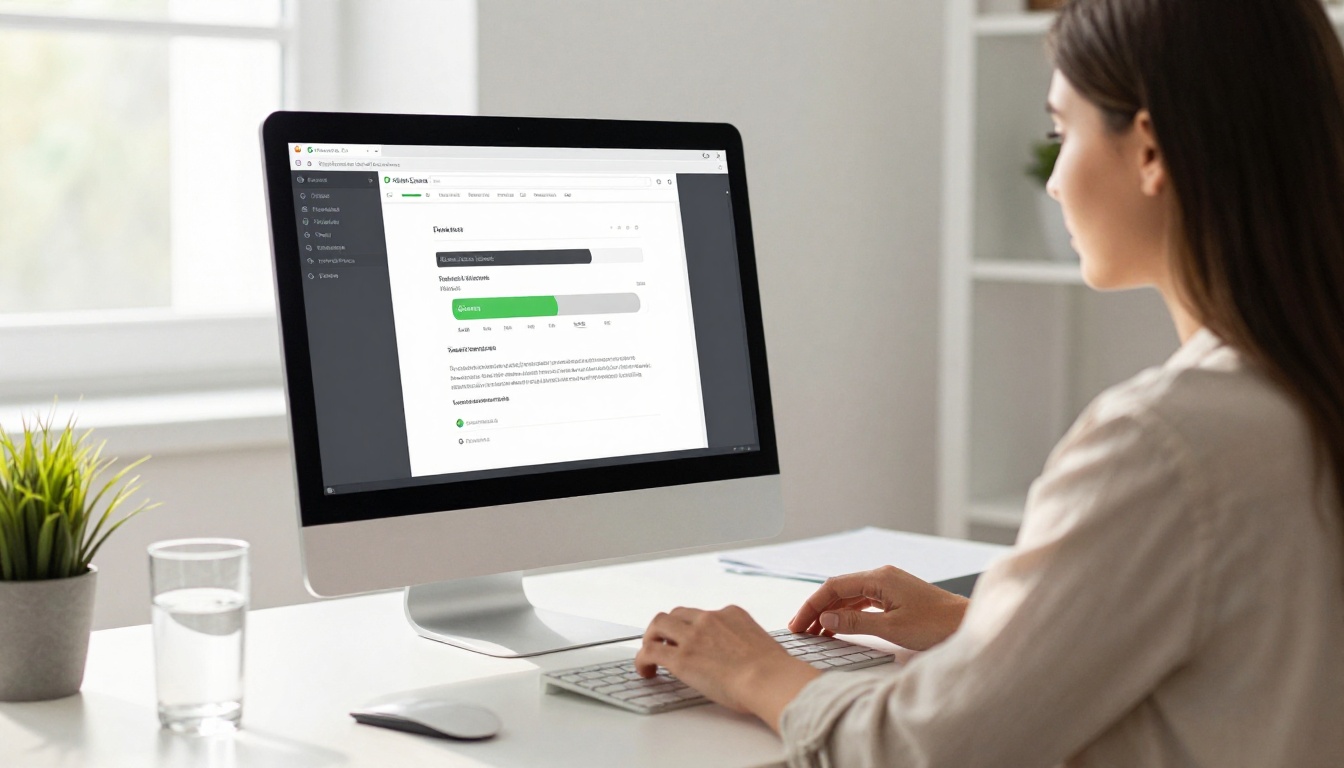
Once logged in, upload your PDF directly to the platform. It processes your file automatically, and within seconds your slides appear as flipbook pages. No configuration is needed for the initial conversion — it works immediately.
⚠️ If your PDF contains vector graphics or unusual embedded fonts, review each page after conversion to confirm everything rendered correctly. Most standard fonts and embedded images convert without issues.
Step 4: Customize Your Flipbook
This is where a basic PDF becomes a polished, branded presentation. Flipbooks AI offers several customization options:
- Branding: Add your logo, set brand colors, and choose a custom background
- Cover and back page: Design a distinctive cover that sets the tone
- Table of contents: Auto-generated from your page structure
- Embedded links: Hyperlinks in your PDF remain clickable in the flipbook
- Multimedia: Embed video or audio into specific pages on paid plans
- Page effects: Choose from different flip animation styles
Step 5: Share, Embed, and Track
When your flipbook is ready, you have several distribution options:
- Direct link: Copy a clean URL and paste it anywhere — email, Slack, LinkedIn, or a proposal document
- Embed code: Drop an iframe snippet into your website or CMS
- Password protection: Restrict access to approved viewers only
- Analytics: On the Professional plan, track page views, time spent per page, and capture leads directly from the flipbook
The embed feature works particularly well for sales teams who want to place a flipbook on a landing page. See the Embed Flipbook on Website tool for the specific steps.

Flipbooks AI Plan Comparison
Choosing the right plan depends on how many flipbooks you need and whether analytics matter to your workflow.
| Feature | Free | Standard | Professional |
|---|
| Number of flipbooks | 1 | Unlimited | Unlimited |
| Watermark | Yes | No | No |
| Password protection | No | Yes | Yes |
| Custom branding | No | Yes | Yes |
| Analytics | No | No | Yes |
| Lead generation | No | No | Yes |
| Offline downloads | No | Yes | Yes |
| Embed on website | No | Yes | Yes |
| Multimedia embeds | No | Yes | Yes |
💡 For most business users, the Standard plan covers everything needed for professional flipbook presentations. The Professional plan is worth it if you send presentations to prospects and want to know who reads what and for how long.
Compare all options on the Flipbooks AI pricing page.
Real-World Use Cases by Industry
Different industries use presentation flipbooks in different ways. Here are concrete examples of how they apply:
Each of these flipbooks can be shared via a single link, embedded on a site, or sent as a password-protected document to specific recipients.
Pro Tips for Better Flipbook Presentations
Getting the conversion right is only part of the job. These habits will make your flipbooks perform better from the start.

Keep slides visually clean. Flipbooks display one spread at a time. Slides loaded with text or too many elements look cluttered when flipped through. If your original presentation is dense, simplify before converting.
Use consistent slide dimensions. Export at a standard 16:9 or 4:3 ratio. Mixing dimensions within a single PDF can cause odd page sizing in the flipbook viewer.
Embed your most important links. Any URL inside your PDF becomes clickable in the flipbook. Use this to link to product pages, booking forms, or contact details directly within the slides themselves.
Set a strong custom cover. The cover is the first impression. Use Flipbooks AI's cover editor to add your logo, a headline, and a visual that matches your brand identity.
Test on mobile before sending. Open your published flipbook on a phone before sharing it with anyone. What looks great on desktop sometimes needs minor adjustments for the mobile reading experience.
✅ If your presentation will be embedded on a website, use the iframe embed with a fixed height. This gives website visitors a contained flipbook reading experience without navigating away from the page.
Who Actually Benefits from This
The conversion from slides to flipbook is not always necessary, but when it fits the situation, the impact is clear.

Sales teams sending proposals to prospects benefit from the tracking data. Knowing that a prospect spent four minutes on your pricing page but skipped the case studies tells you something useful before your next call.
Marketing teams embedding presentations on landing pages benefit from the embed feature and mobile responsiveness. A flipbook looks intentional on a website. A PDF iframe does not.
HR and L&D teams distributing training materials benefit from centralized updates. When you update a flipbook, every shared link automatically points to the new version. No one is reading an outdated document.
Educators and course creators benefit from the clean reading format and the ability to add embedded media without rebuilding their slide decks from scratch.
Browse all available flipbook tools to find the format that fits your specific use case.
Start Sharing Presentations That Actually Get Read
Your next presentation does not have to end up as a forgotten attachment. With Flipbooks AI, you can turn your presentation slides into a flipbook online in under five minutes, share it via a clean link, and actually know whether people read it.
Create your free account and upload your first presentation today. When you are ready for analytics, lead capture, and full branding control, check out the Professional plan to see what fits your workflow.



