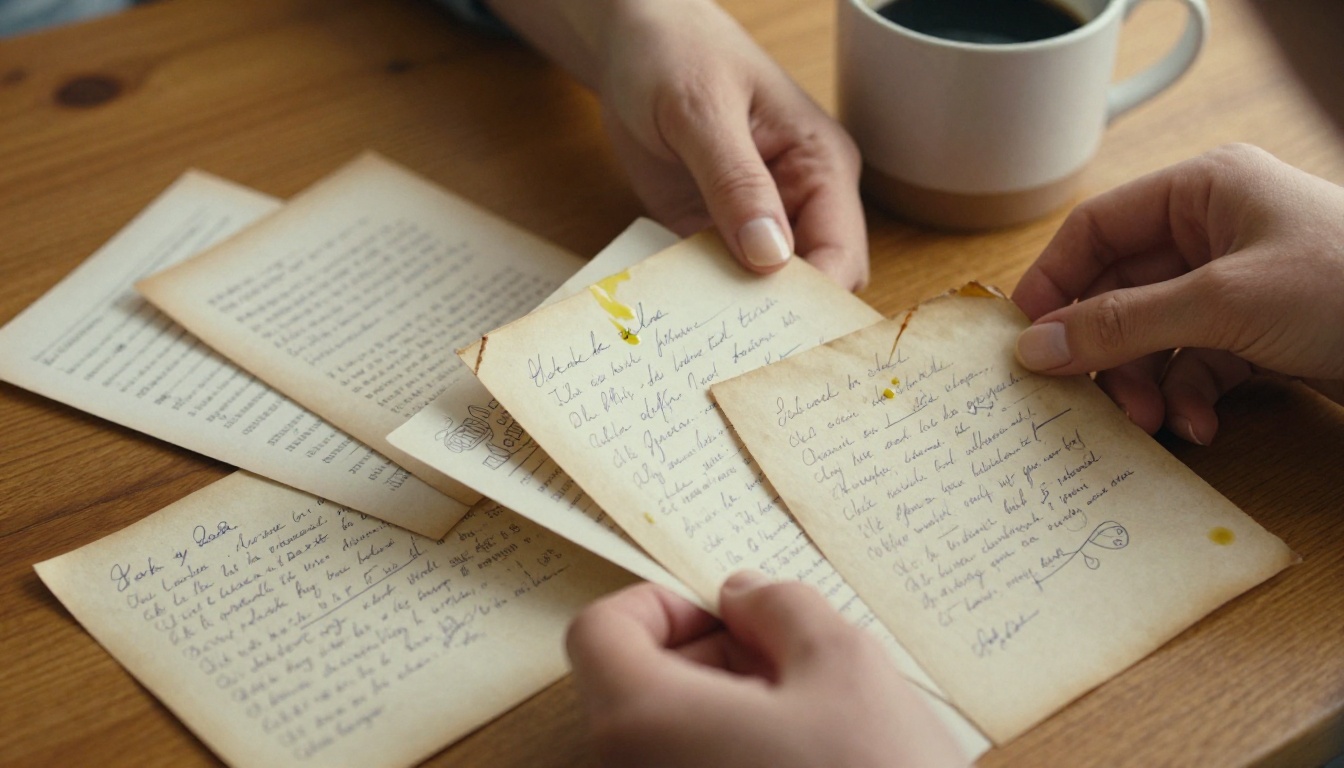
Your grandmother's lasagna. That curry you perfected after three years of tweaking. The holiday cookie recipe written on the back of an envelope that somehow survived two moves. These recipes deserve better than a crumpled folder or a forgotten Google Drive doc.
Turning your recipe collection into a digital flipbook is one of the most satisfying things you can do for your food content. It feels like a real book, it reads like a real book, and it shares like nothing a PDF can match. Flipbooks AI makes this process straightforward, giving your recipes a presentation that actually does the food justice.
Why a PDF Alone Falls Short
You've probably tried the PDF route. You save your recipes as a file, send it to family or post it online, and it lands flat. There's no interactivity. No page-turning. No sense that you're holding something crafted with care. People download it, maybe open it once, and it disappears into their downloads folder.
A flipbook changes all of that.
Pages That Feel Like a Real Book
The page-turning effect isn't cosmetic. It signals to the reader that they're holding a publication, not just a document. They scroll through it differently. They spend more time. They share it more readily. The psychological effect of a page that physically turns applies just as strongly to a recipe collection as it does to a fashion magazine.
Sharing Without the Attachment Problem
When you send a flipbook, you send a link. No file size limits. No "I can't open this format" replies. No compression artifacts on your carefully shot food photos. The reader clicks and sees your recipes exactly as you intended them, on their phone, tablet, or desktop.
The Difference at a Glance
| Format | Page-turn effect | Mobile-friendly | Shareable link | Analytics | Embedding |
|---|
| PDF | No | Limited | No | No | No |
| Word Doc | No | Poor | No | No | No |
| Google Doc | No | Partial | Yes | Basic | No |
| Flipbook | Yes | Yes | Yes | Yes | Yes |
What Makes a Recipe Flipbook Actually Good
There's a difference between converting a recipe collection and creating a genuinely beautiful one. The distinction lives in a few key decisions made before you even upload a file.
Visual Hierarchy and Layout
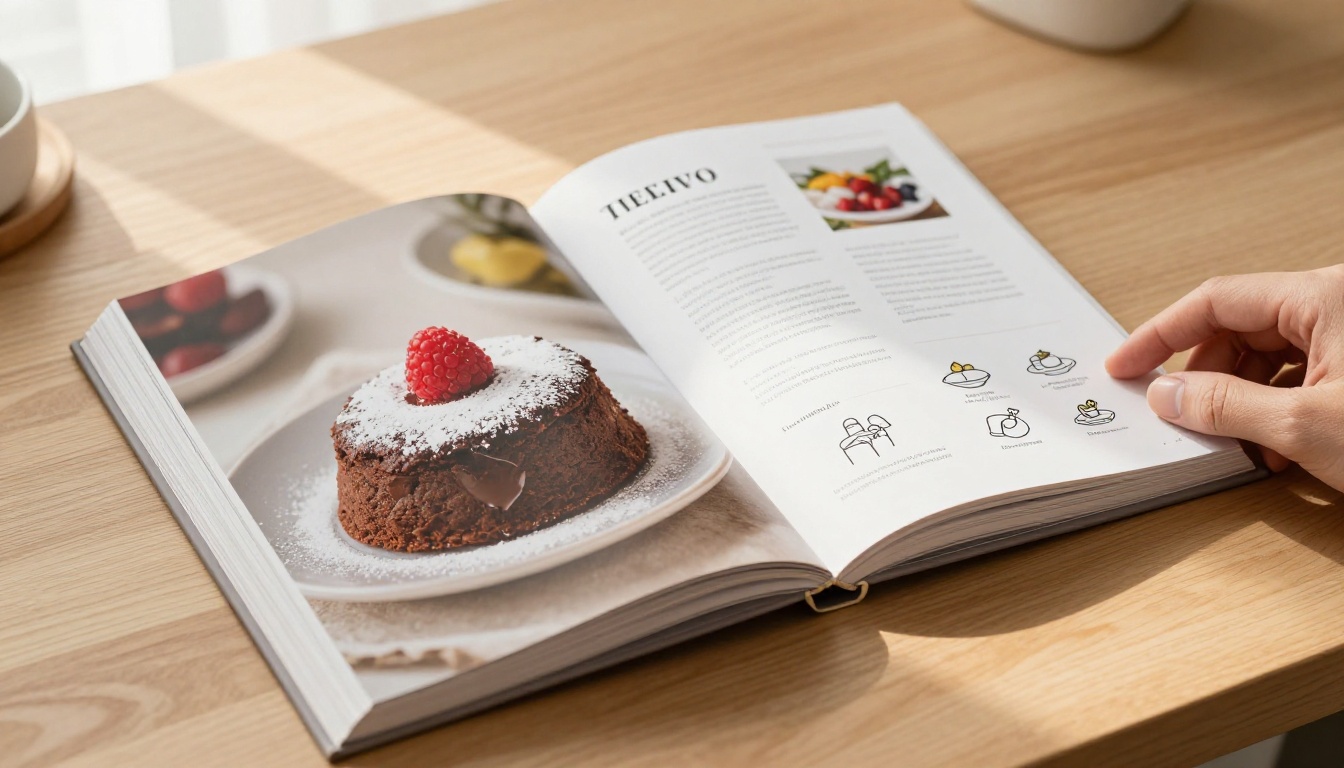
Your flipbook pages need clear structure. Each recipe should have a prominent title, a hero image, the ingredient list in a scannable format, and instructions that don't bury the reader in walls of text. Think in columns. Think in white space. A recipe page crammed with dense paragraphs loses the reader before they've even considered cooking the dish.
💡 Use a dedicated cookbook design tool like Canva, Adobe InDesign, or even Google Slides to design your pages before converting to PDF. The extra layout work pays off immediately in the final flipbook quality.
Food Photography That Sells the Dish
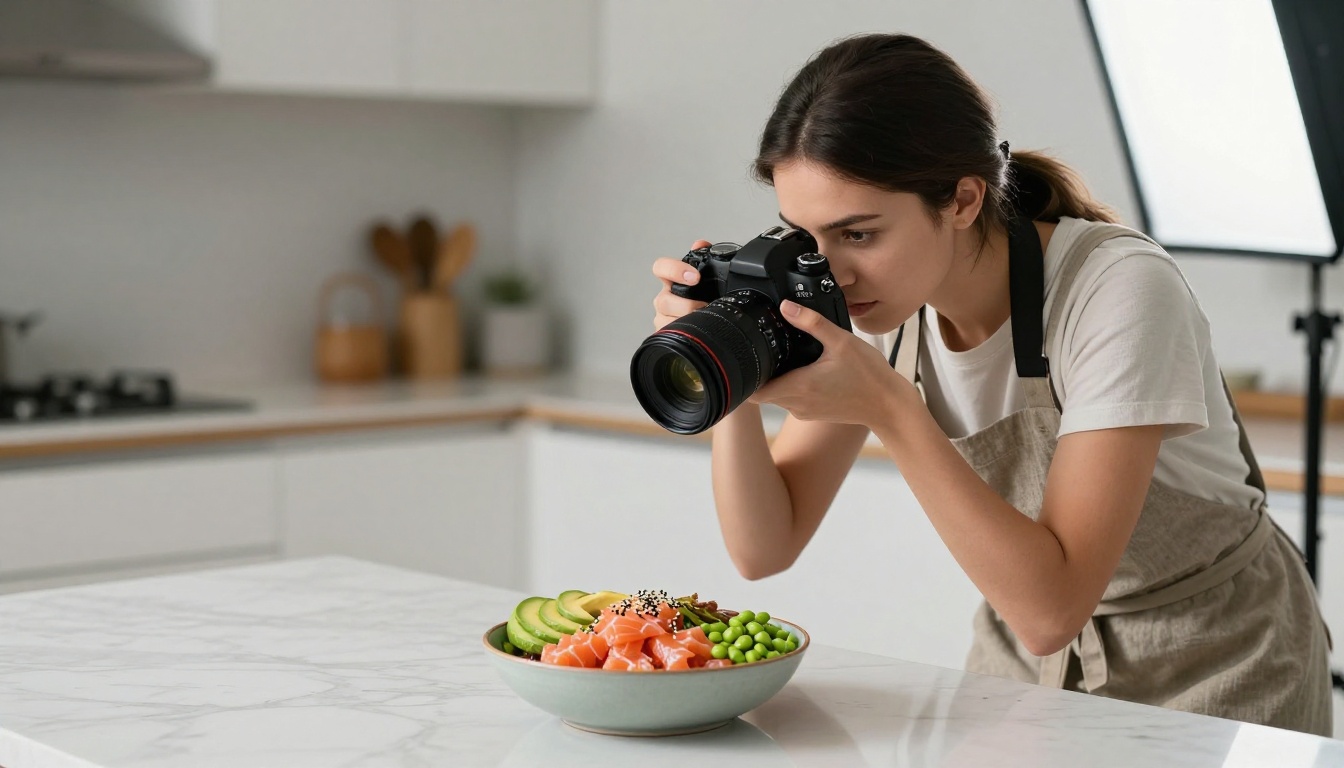
The difference between a recipe people actually cook and one they scroll past is almost always the photo. You don't need professional equipment. You need good light (a window works), a clean background, and a moment when the dish looks its absolute best.
✅ Shoot each dish from at least two angles. A tight close-up for atmosphere, and a full overhead shot showing all components. Use the overhead for the recipe page itself and the close-up as an accent.
Categories and Navigation
A recipe collection without structure is just a pile of recipes. Organize by category before you design your pages:
- Breakfasts (smoothie bowls, eggs, baked goods)
- Mains (weeknight dinners, weekend projects, vegetarian)
- Sides & Salads (quick prep, make-ahead options)
- Desserts (everyday, celebration, no-bake)
- Drinks & Cocktails (mocktails, seasonal, classics)
A simple table of contents page at the front of your flipbook, with page numbers clearly marked, makes the whole collection dramatically more usable.
How to Organize Before You Convert
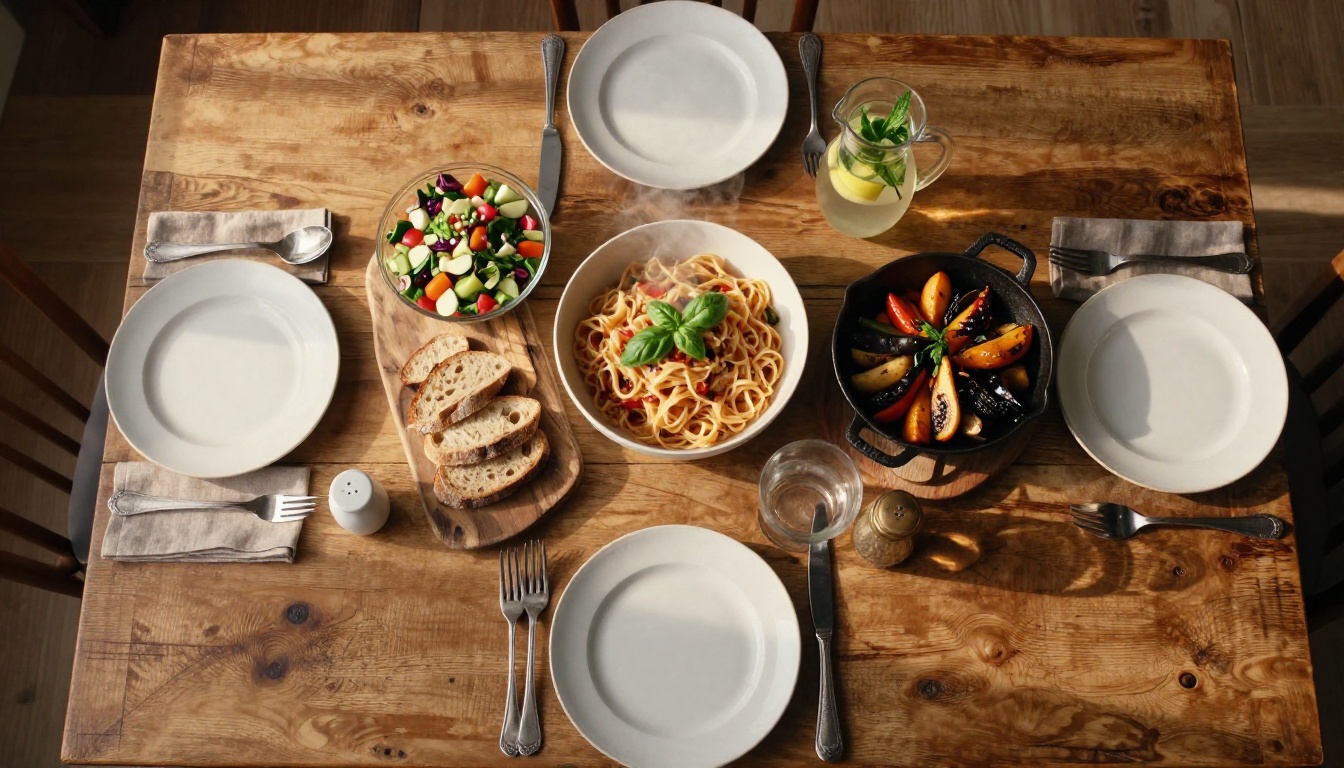
The biggest mistake people make is jumping straight to conversion without organizing their content first. Spend an hour on structure and you'll save three hours of frustration.
Sort by Meal Type or Cuisine
Group your recipes into logical sections. If you're making a family heritage cookbook, organize by family member ("Grandma Rosa's Classics") or by decade. If it's a food blogger's collection, organize by season or trending topic. The categories you choose shape how readers experience the whole book.
Add Prep Times and Serving Sizes
Every recipe should have:
- Prep time and cook time clearly listed
- Servings count (with notes on scaling)
- Difficulty level (even a simple Easy / Medium / Involved label helps)
- Dietary tags (vegan, gluten-free, nut-free, etc.)
These details aren't just helpful for the reader. They make your flipbook feel like a real published cookbook rather than a personal notes dump.
One Image Per Recipe, Minimum
Aim for at least one image per recipe. If you have photos for only half your recipes, fill the gaps with styled ingredient shots rather than leaving the page image-free. A bowl of colorful spices is better than white space.
How to Create Your Recipe Flipbook with Flipbooks AI
Flipbooks AI has a dedicated Recipe Book Flipbook tool that takes your PDF and converts it into a fully interactive digital flipbook. Here's the full process.
Step 1: Prepare Your PDF
Before uploading anything, make sure your PDF is:
- Single-file: All recipes in one document, in order
- High-resolution images: At minimum 150 DPI for screen-sharp photography
- Consistent margins: Uniform margins ensure clean page rendering
- Named clearly: Use a descriptive filename (not "final_v3_REAL.pdf")
If you've designed your recipe book in Canva, export as PDF Print for best quality.
Step 2: Upload and Convert
- Go to flipbooksai.com and create a free account
- Click New Flipbook and select your PDF file
- Wait for the conversion to finish (typically under 2 minutes for a 40-page recipe book)
- Preview the result page by page before publishing
✅ Always preview on mobile before sharing. Most of your audience will view on their phones.
Step 3: Customize Branding and Appearance
Once converted, Flipbooks AI gives you full control over the presentation:
- Custom thumbnail: Upload a specific cover image rather than using the default first page
- Brand colors: Match your blog or brand palette in the toolbar and background
- Page effects: Choose from standard flip, hard cover, or magazine-style page turns
- Background texture: Soft textures behind the flipbook add depth to the reading experience
💡 If you're publishing a family recipe book as a gift, use the password protection feature to keep it private until you're ready to share.
Step 4: Share Anywhere
Flipbooks AI gives you multiple distribution options:
| Method | Best For | How |
|---|
| Direct link | Social sharing, email | Copy the flipbook URL |
| Embed code | Website or blog | Paste the iframe snippet |
| QR code | Printed materials, events | Download and print |
| Password protected | Private family sharing | Set a password in settings |
| Offline download | Backup, offline viewing | Available on Professional plan |
Step 5: Track How People Engage
With the Professional plan, you get access to analytics that show you exactly how readers interact with your flipbook: which pages they spend the most time on, how far they read, and where they drop off. For food bloggers, this is genuinely useful data for deciding which recipes to feature more prominently.
Who Actually Uses Recipe Flipbooks
The use cases here are broader than most people initially think.
Family Recipe Archives
This is the most personal application. A multigenerational family recipe collection, converted into a flipbook and shared with a password-protected link, becomes a living family heirloom. No printing costs, no mailing complications. Everyone gets access on their own device.
Food Bloggers and Content Creators
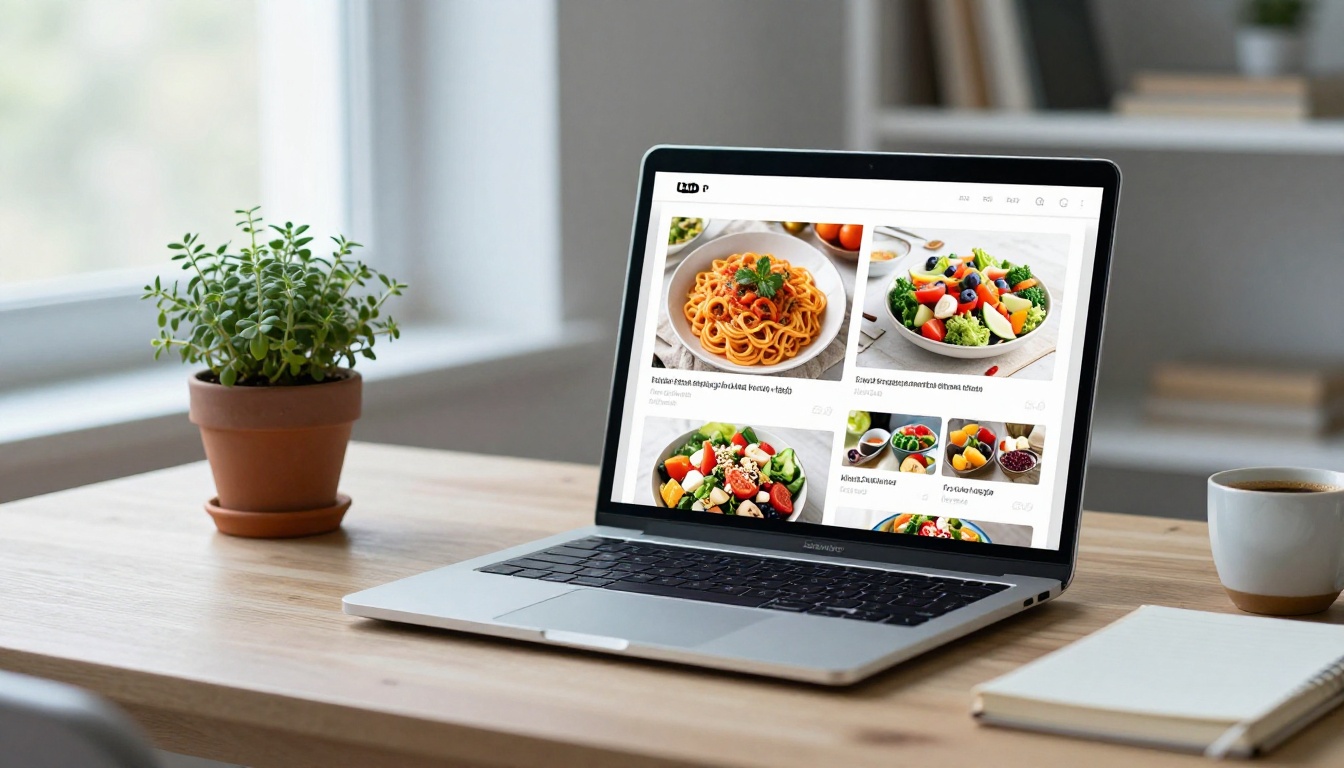
If you have a recipe archive on your blog, a flipbook compilation is a high-value lead magnet. Offer "Download our Spring Recipes Flipbook" in exchange for an email address. With Flipbooks AI's lead generation feature (Professional plan), this capture is built right into the flipbook itself, no third-party tools needed.
Restaurant Seasonal Menus
A flipbook works beautifully as a seasonal menu. Rather than reprinting physical menus every quarter, a restaurant can update and redistribute a digital flipbook in minutes. The Restaurant Menu Creator and Menu Flipbook Designer tools are built exactly for this.
Catering Packages and Event Menus
Catering companies benefit from shareable menu packages. A beautifully designed flipbook of your catering offerings, with photos of plated dishes and pricing tiers, is far more compelling than a text email or a flat PDF. It signals professionalism and attention to detail before the client has even spoken to you.
Flipbooks AI Plan Comparison for Recipe Publishers
| Feature | Free | Standard | Professional |
|---|
| Flipbooks | 1 | Unlimited | Unlimited |
| Watermark | Yes | No | No |
| Custom branding | No | Yes | Yes |
| Password protection | No | Yes | Yes |
| Analytics | No | No | Yes |
| Lead generation | No | No | Yes |
| Offline downloads | No | No | Yes |
| Embed on website | Yes | Yes | Yes |
| Mobile responsive | Yes | Yes | Yes |
For a one-time family recipe book, the Standard plan gives you everything you need. For food bloggers running lead generation campaigns or restaurants wanting page-level analytics, the Professional plan pays for itself quickly. See the full breakdown at flipbooksai.com/pricing.
Pro Tips for a Flipbook That Actually Gets Shared
These are the details that separate forgettable flipbooks from ones people forward to their whole family.
1. Start strong. Your first two pages determine whether someone continues reading. Open with your most visually impressive recipe, not an introduction about your cooking philosophy.
2. Keep recipe pages consistent. Use the same layout template for every recipe. Consistency makes the book feel professional and makes it easy for readers to find the information they need quickly.
3. Write headnotes that add value. A single paragraph above each recipe with context, personal stories, or practical tips transforms a list of ingredients into a reading experience. "This is the soup my mother made every Sunday" is more compelling than a blank space.
4. Optimize image file size before uploading. Very large image files can slow down flipbook loading, especially on mobile. Use a tool like Squoosh or TinyPNG to reduce file size without visible quality loss. Target under 300KB per image at 150 DPI.
5. Use the flipbook thumbnail strategically. The image viewers see before they click is your biggest marketing asset. Make it beautiful, high-contrast, and reflective of the best content inside.
⚠️ Don't upload a recipe PDF that's just text with no images. The page-turning effect is wasted on text-only pages. Invest in food photography or use styled ingredient shots at minimum.
Flipbooks AI offers specific tools depending on what kind of recipe publication you're creating:
Browse all available options at flipbooksai.com/tools to find the format that fits your exact project.
Your Recipes Deserve a Better Stage
A recipe collection built over years of cooking, testing, and sharing deserves something better than a PDF attachment. The flipbook format gives it the presentation, the shareability, and the interactivity that actually matches the care you've put into the food itself.
Whether you're preserving a family legacy, publishing for an audience, or creating a marketing asset for a food business, the tools are there and they're not complicated.
Get started for free on Flipbooks AI and upload your recipe PDF. See how it looks with a real page-turn in under five minutes. If you want to take it further, compare pricing plans to find the tier that fits what you're building.
Your recipes are already good. Now give them a presentation that matches.



