Your record label's artist roster is one of the most powerful sales tools you have, but most labels bury it inside a static PDF or a plain spreadsheet that nobody wants to scroll through. A digital flipbook changes that completely. Instead of sending a forgettable attachment, you hand bookers, agents, and media contacts an interactive, page-turning publication that showcases every artist on your roster with professionalism that matches the music itself. Flipbooks AI makes this process fast, polished, and shareable without any design experience required.
The music industry moves on first impressions. A booking agent receiving fifty emails a day is not going to stop and read through a ten-page Word document about your artists. They are looking for something that immediately communicates quality, professionalism, and story.
The Problem With Static PDFs
Static PDFs have a few specific problems that quietly kill opportunities:
- No page-turn effect: PDFs feel like reading a corporate report, not a creative pitch
- Hard to share: Sending a 25MB file attachment gets flagged as spam or ignored
- No tracking: You have no idea if the recipient opened it, how long they spent on it, or which artist profiles they lingered on
- No interactivity: Links, video embeds, and audio previews are impossible in most PDF viewers
- Dated appearance: In 2027, sending a PDF roster signals that your label is not keeping up
A flipbook solves every one of these problems while keeping your content exactly as you designed it.
What a Flipbook Does Differently
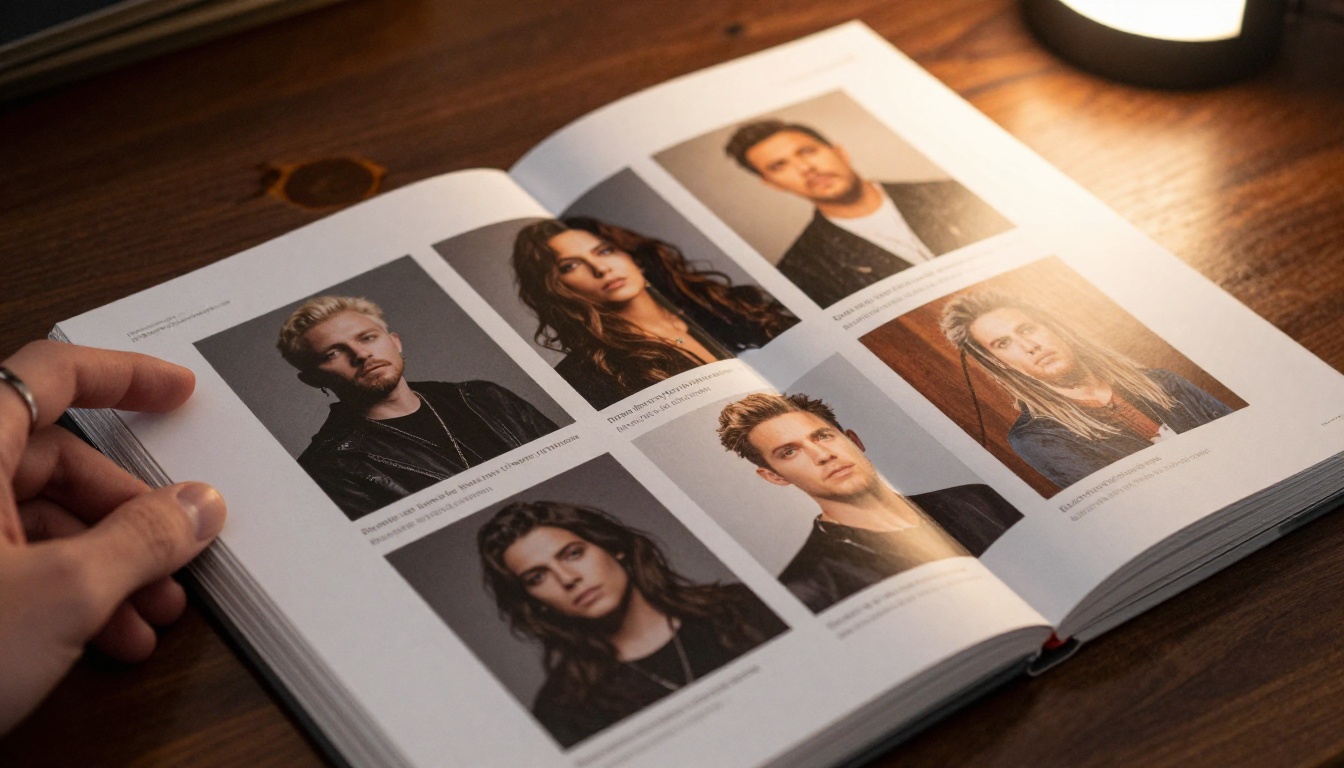
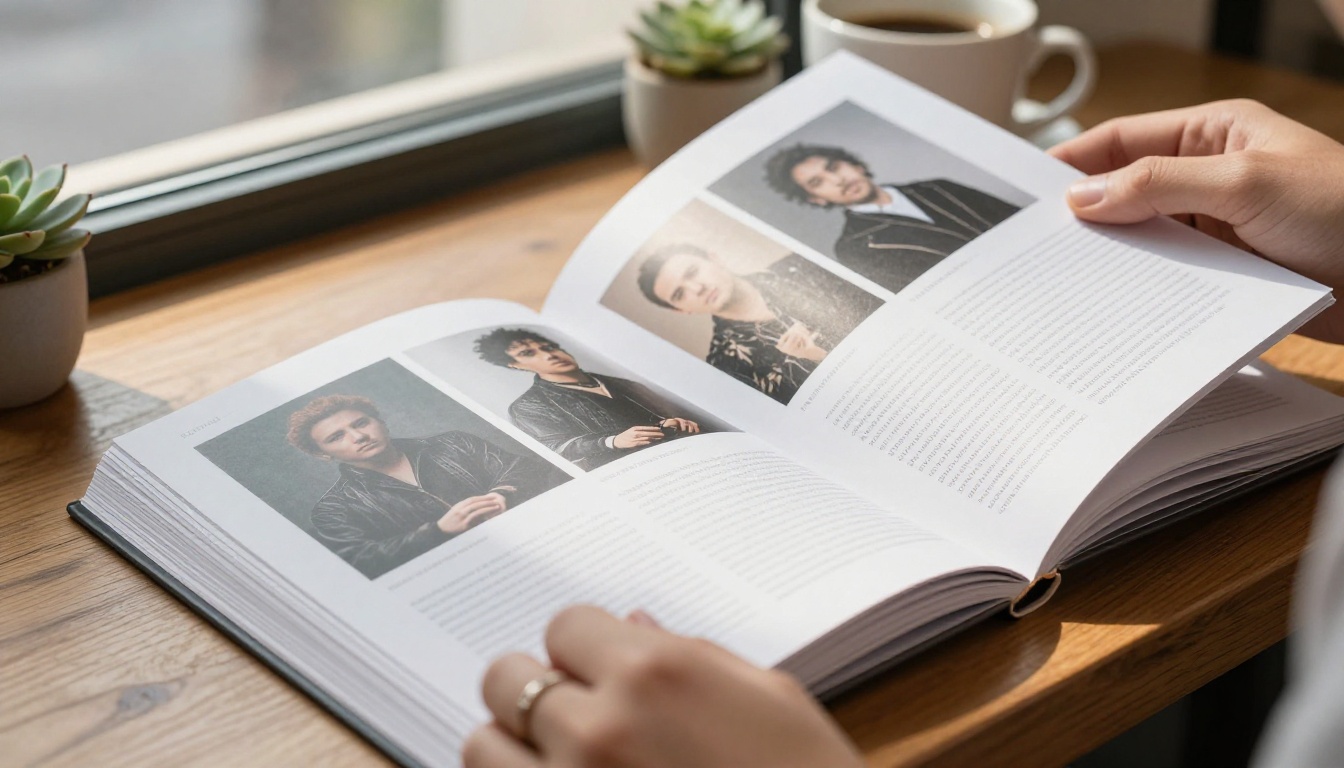
A record label roster flipbook is a digital publication that mimics the feel of a physical magazine or press kit, with realistic page-turning animation, clickable links, embedded multimedia, and mobile-responsive design. Recipients open it in any browser with no downloads required. They flip through artist profiles, click through to streaming pages, and share it with a single link.
The format works because it creates emotional engagement. The page-turn motion triggers a reading behavior associated with quality publications. Your roster stops feeling like a file and starts feeling like a feature.
What to Include in Your Roster Flipbook
Getting the content right matters as much as the format. A roster flipbook that just lists names and genres is only slightly better than a spreadsheet. Here is what separates a roster flipbook that books shows from one that gets skimmed and forgotten.

Per-Artist Profile Essentials
Each artist in your roster deserves at minimum:
- High-resolution press photo (full bleed across one page, ideally)
- Artist bio (200-300 words, written for the industry reader, not the fan)
- Genre and subgenre clearly stated
- Notable achievements: chart positions, sync placements, tour history, festival appearances
- Streaming links: Spotify artist page, Apple Music, YouTube, SoundCloud
- Contact or booking info: direct email or management contact
- Social media handles with follower counts if relevant
💡 Pro tip: Write bios in third person and avoid superlatives. "Emerging soul singer with two Billboard Adult R&B charted singles" outperforms "an electrifying artist who has taken the industry by storm" every time.
Label Overview Section
Open the flipbook with a label overview before diving into individual artists. This section should include:
- Label name, founding year, and core genres
- Notable signings or catalog highlights
- Distribution and publishing partnerships
- Contact information for A&R, licensing, and booking inquiries
This gives recipients immediate context about who they are dealing with before they reach individual profiles.
Discography Highlights Page
Include a condensed discography spread showing your top releases across the roster. A visual grid of album artwork with release years and streaming numbers creates instant credibility.
Not every format is equal for pitching your roster to industry contacts. Here is a direct comparison:
| Format | Shareability | Visual Impact | Interactivity | Tracking | Mobile |
|---|
| Static PDF | Medium | Low | None | No | Poor |
| Word Document | Low | Very Low | None | No | Very Poor |
| PowerPoint/Slides | Medium | Medium | Limited | No | Poor |
| Website Bio Page | High | Medium | High | Partial | Good |
| Flipbook | Very High | Very High | Very High | Yes | Excellent |
The flipbook wins across every category that matters for music industry outreach. The combination of high visual impact and built-in analytics makes it the strongest format for both cold outreach and follow-up tracking.
Who Actually Receives Your Roster
Knowing your audience shapes how you design every page. Your roster flipbook is likely to land in front of:
| Recipient Type | What They Need First | Time They Spend |
|---|
| Festival Booker | Genre tags, draw size, live presence | 30-60 seconds |
| Sync Licensing Agent | Genre mood, notable placements, contact | 45-90 seconds |
| Music Journalist | Artist story, press photos, bio | 1-3 minutes |
| Venue Talent Buyer | Genre, location, touring history | 20-45 seconds |
| Brand Partnership Manager | Aesthetic, audience demographics, reach | 2-5 minutes |
| Distribution Partner | Catalog size, release cadence, genre spread | 1-2 minutes |
Each of these recipients has a different primary question. A great roster flipbook answers all of them on the first flip-through, without requiring anyone to hunt for information.
⚠️ Warning: Designing your flipbook only for fans is a common mistake. The people booking your artists are industry professionals who need clear, factual information fast. Save the fan-facing language for social media.
How to Build Your Roster Flipbook with Flipbooks AI
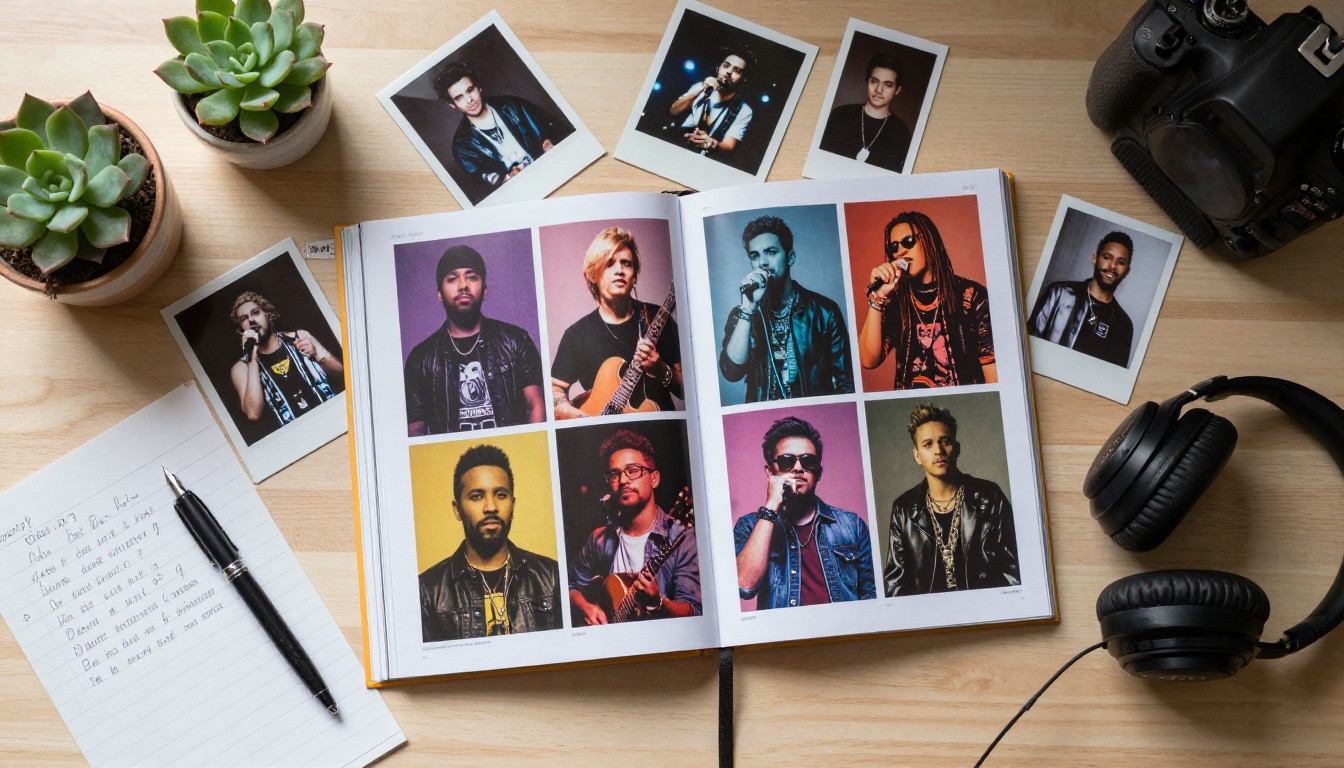
Flipbooks AI is purpose-built for exactly this kind of professional digital publication. The platform converts your designed PDF into a fully interactive flipbook in minutes, with no coding and no design software required beyond what you use to create your PDF.
Step 1: Design Your Roster PDF
Start in Canva, Adobe InDesign, Affinity Publisher, or any design tool you are comfortable with. Use a consistent layout:
- Opening page with label logo and roster title
- Label overview page
- One or two pages per artist (portrait photo on one side, bio and links on the other)
- Discography highlights spread
- Contact page with booking inquiry details
Keep fonts consistent, use your label's color palette, and make sure every press photo is at least 300 DPI for sharp printing and screen rendering. Export as PDF when complete.
Step 2: Create Your Account and Upload
Head to Flipbooks AI and create your account. The upload process is straightforward:
- Click New Flipbook from your dashboard
- Drag and drop or browse to upload your roster PDF
- Wait 30-60 seconds for conversion (most rosters are under 20 pages, so conversion is fast)
- Your flipbook renders with realistic page-turn animation automatically
✅ Best practice: Name your flipbook file clearly before upload. Something like "LabelName_Roster_2026.pdf" makes organization easy if you manage multiple clients or multiple roster editions.

Step 3: Apply Branding and Customization
Once uploaded, Flipbooks AI gives you full control over how the publication looks and behaves:
- Custom colors: Match your label's brand palette for the flipbook interface
- Logo placement: Add your label logo to the reader header or footer
- Background: Choose a solid color or subtle texture that frames the flipbook professionally
- Page effects: Enable soft-page or hard-cover effects depending on your aesthetic
- Auto-play: Configure whether pages auto-advance or require reader interaction
These details are what separate a professional label roster from one that looks self-published. Spend 15-20 minutes on customization and the result looks like something a design agency produced.
Step 4: Add Multimedia and Links
This is where a flipbook separates itself from any static format. Within Flipbooks AI:
- Embed audio previews directly on artist pages (Spotify embed codes work seamlessly)
- Add video links to live performance footage, music videos, or artist interviews
- Insert clickable links on streaming platform logos, social handles, and contact buttons
- Link artist names in your table of contents directly to the relevant page in the flipbook
This turns your roster from a document into an interactive experience. A booking agent can read an artist bio and immediately click through to a live performance video without ever leaving the flipbook.
Step 5: Share, Embed, and Track
Your flipbook is ready to deploy. Flipbooks AI gives you multiple sharing options:
- Direct link: One URL to paste into emails, Slack messages, or DMs. No file attachment required.
- Embed code: Drop the flipbook into your label's website or artist press page using the Embed Flipbook on Website tool
- Password protection: Restrict access to invited recipients only. Useful for sensitive pre-release roster reveals
- QR code: Generate a QR code to print on physical business cards or event materials
On the Professional plan, you get access to analytics that show you exactly who opened your flipbook, how long they spent on each page, and which artist profiles received the most attention. This data is invaluable for follow-up outreach: you know exactly which artist a booker spent three minutes on before closing the tab.
💡 Pro tip: When following up with a booking agent after sending your roster flipbook, reference the specific artist you think is a fit for their venue. If analytics show they lingered on your R&B duo, open that follow-up conversation with that artist specifically.
Use Cases Beyond Booking Outreach
A record label roster flipbook is not a single-use tool. Once built, it works across multiple contexts with minor updates.
Sync Licensing Pitches
Music supervisors for film, TV, and advertising work on extremely tight timelines. When you pitch a song placement, sending a flipbook roster alongside the track means the music supervisor can immediately see the artist's aesthetic, discography, and brand partnerships, all in one document. The visual quality of a flipbook signals that your label takes presentation seriously.
Brand Partnership Proposals
When pitching your artists for brand collaborations, a flipbook roster serves as the equivalent of an agency capabilities deck. Include a page showing each artist's estimated audience demographics, social reach, and past brand partnerships. Brands receive hundreds of these pitches; the ones that look like a proper publication get read.

Industry Conference Presence
At SXSW, A3C, MIDEM, or any music industry conference, having a QR code on your business card that opens a polished flipbook roster is a conversation-starter. While other labels hand out paper one-sheets, you direct people to an interactive digital experience they can share with colleagues before the end of the day.
New Artist Signing Announcements
When you sign a new artist, add them to your roster flipbook and share the updated link. Existing contacts who already have your roster link always see the current version. No re-sending required.
Flipbooks AI Plan Comparison for Labels
Different labels have different needs. Here is how the plans break down for a record label roster use case:
| Feature | Free | Standard | Professional |
|---|
| Number of flipbooks | 1 | Unlimited | Unlimited |
| Watermark | Yes | No watermarks | No watermarks |
| Custom branding | No | Yes | Yes |
| Password protection | No | Yes | Yes |
| Analytics and tracking | No | No | Yes |
| Offline download | No | No | Yes |
| Lead generation forms | No | No | Yes |
| Embed on website | No | Yes | Yes |
For a working label, the Standard plan is the minimum you need (unlimited flipbooks, no watermarks, custom branding). Upgrade to Professional when you want analytics on who is reading your roster, which is almost always worth it for serious booking and licensing outreach.
See all pricing plans to find the right fit for your label's scale.

Common Mistakes to Avoid
These are the roster flipbook errors that cost labels credibility:
- Too much text per page: A page with 600 words of bio kills the reading experience. Keep bios tight and use the page layout to breathe.
- Low-quality press photos: Blurry or poorly lit photos undermine everything else. Invest in one good photoshoot for each artist before building the flipbook.
- Missing contact information: Every artist page and the final page should have a direct booking contact. Making someone hunt for your email after they are interested is a failure.
- Outdated information: A roster flipbook with last year's tour history or an old Spotify follower count signals neglect. Update it quarterly at minimum.
- No call to action: End each artist bio with a clear next step. "For booking inquiries, contact [email]" is simple and effective.
✅ Best practice: Treat your roster flipbook as a living document, not a one-time project. Flipbooks AI makes it easy to upload an updated PDF and replace the existing flipbook while keeping the same URL. All existing recipients automatically see the refreshed version.
Building a Digital Portfolio for Your Label
A roster flipbook is also one of the most powerful elements of a broader digital portfolio strategy for your label. You can use the Digital Portfolio Creator or Portfolio Flipbook Builder tools on Flipbooks AI to build complementary materials: a label history piece, an artist showcase for specific genres, or a catalog flipbook organized by mood or sync category.
The Press Kit Designer tool is also worth considering for individual artist press kits that sit alongside your main roster document. When you send a targeted pitch for a single artist, a dedicated artist press kit flipbook is more focused than your full label roster.
Making the Most of Every Opportunity
The music industry is competitive, and the window to make an impression on a booking agent, music supervisor, or brand manager is short. A record label roster flipbook built on Flipbooks AI gives you a presentation format that matches the quality of your music, works on any device, tracks reader behavior, and shares in a single click.
The labels that get bookings are not always the ones with the best music. They are the ones who make it easiest for decision-makers to say yes. A polished, interactive roster flipbook removes every obstacle between your artists and the people who can advance their careers.
Ready to build yours? Create a free account on Flipbooks AI and have your first roster flipbook live in under an hour. When you are ready to add analytics and unlimited publishing capacity, compare plans at the pricing page to find the right option for your label.
Browse the full list of flipbook tools to see how Flipbooks AI can support every piece of your label's marketing, from artist catalogs to press kits to event programs.



