Every restaurant owner has been there: the menus come back from the printer, the ink smells fresh, and they look great for about two weeks. Then customers spill wine on them, fold pages back, and by the third month your beautiful menu looks like it has been through a flood. Printing costs stack up. Updating a single price means reprinting hundreds of copies. There is a better way, and it starts with turning your restaurant menu into a flipbook.
Flipbooks AI makes this process simple enough that any restaurant, from a solo-owner neighborhood diner to a multi-location fine dining group, can have a polished digital menu live in under an hour.
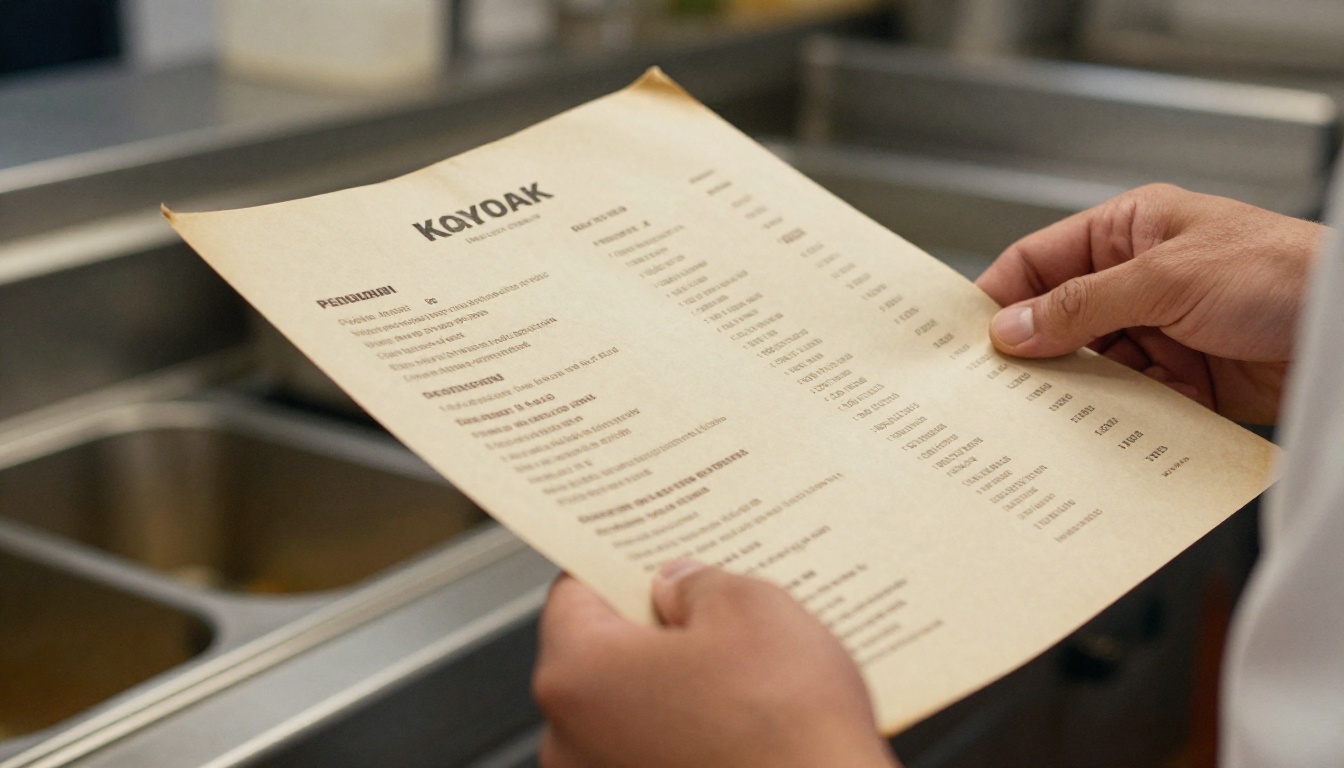
The real cost of printed menus goes far beyond the invoice from your print shop. Consider what happens every time you update a dish, adjust a price, introduce a seasonal special, or change service hours. Every one of those updates triggers a full reprint cycle.
A mid-size restaurant printing 100 laminated menus every quarter is easily spending $800 to $2,500 per year just on menu printing. Add in the design fees, the turnaround time, and the environmental cost of paper waste, and that number climbs further.
The hidden costs of printed menus:
- Reprinting costs every time prices or items change
- Design fees for layout updates
- Physical storage and replacement inventory
- Hygiene concerns (menus are among the most bacteria-laden surfaces in a restaurant)
- Zero data on what customers actually browse or decide from
A digital flipbook menu eliminates every one of those costs. Once you upload your PDF, updates are instant. A price change goes live in seconds, not two weeks.
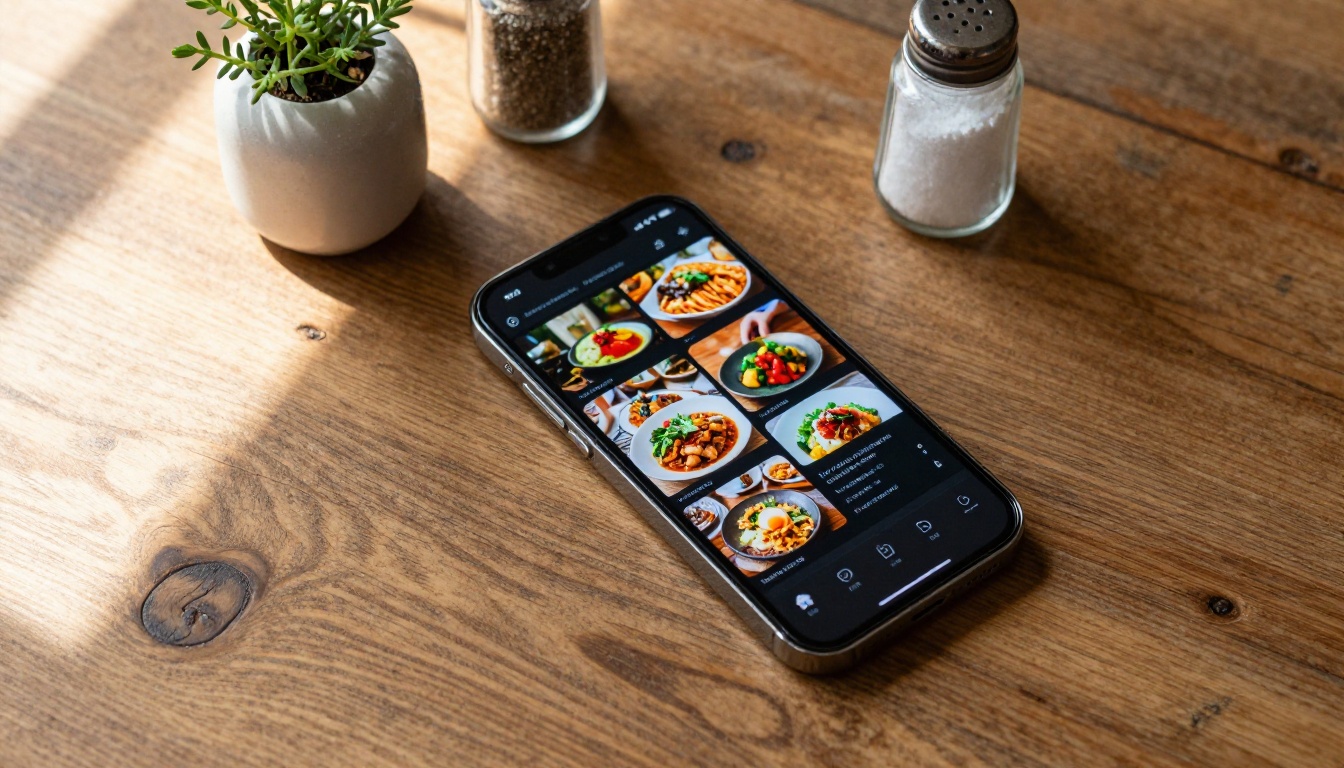
A flipbook menu is not just a PDF you email to customers. It is an interactive, page-turning digital publication that replicates the tactile feel of flipping through a physical menu but with far more capability.
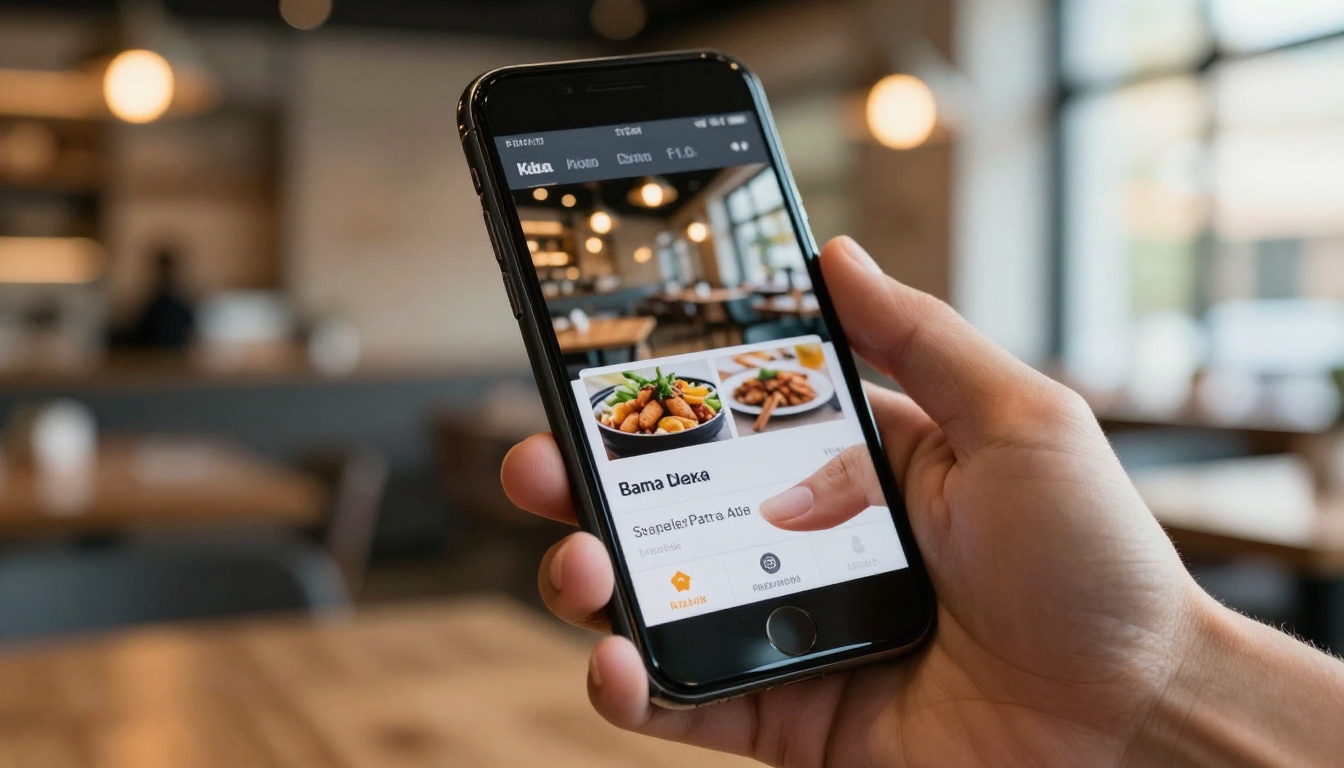
When a customer opens your digital flipbook on their phone or tablet, they see smooth page-turn animations, crisp food photography that fills the screen, and the ability to zoom in on any section. It behaves like a magazine, not a flat document.
How a flipbook menu compares to a static PDF:
| Feature | Static PDF | Flipbook Menu |
|---|
| Page-flip animation | No | Yes |
| Mobile-optimized layout | Limited | Fully responsive |
| Zoom on food photos | Basic pinch-zoom | Smooth and interactive |
| Shareable via link or QR | Awkward | One-click share |
| Embed on your website | No | Yes |
| Analytics on viewer behavior | No | Yes (Professional plan) |
| Password protection | No | Yes |
| Offline access | Download only | Yes |
| Instant updates without reprinting | No | Yes |
💡 Customers who browse a visually rich digital menu spend an average of 23% longer reviewing options, which correlates directly with higher average order values.
This is where the process becomes straightforward. Flipbooks AI has a dedicated Restaurant Menu Creator built specifically for food and beverage businesses. Here is the full process from start to published.
Step 1: Create Your Account
Head to flipbooksai.com/account and sign up. The free plan lets you test the platform immediately. For a full restaurant deployment, the Standard plan gives you unlimited flipbooks with no watermarks, which is the right starting point for most operations.
Step 2: Prepare Your PDF Menu
Export your current menu design as a PDF. If you use Canva, Adobe InDesign, or Google Slides, each platform has a direct PDF export function. Aim for:
- High resolution (300 DPI minimum for print-quality images)
- Landscape orientation if your menu spreads across two pages
- Embedded fonts so your brand typography renders correctly on every device
⚠️ Low-resolution PDFs will look pixelated on retina screens. Always export at the highest quality setting your design software allows.
Step 3: Upload and Convert
On the Flipbooks AI dashboard, click "New Flipbook" and upload your PDF. The PDF to Flipbook Converter processes your file and generates the interactive flipbook automatically. Conversion typically takes under 60 seconds for a standard 8 to 12 page menu.
Step 4: Customize Your Branding
Once converted, you can:
- Add your restaurant logo to the flipbook cover and header
- Set brand colors for navigation elements and backgrounds
- Choose page-turn effects (classic flip, slide, or fade)
- Add a custom domain if you want the URL to match your restaurant brand
- Set background audio for an ambient dining atmosphere
Step 5: Enable Sharing Options
This is where your digital menu becomes a real business tool. Flipbooks AI gives you several sharing methods:
- Direct link you can text to customers, share on social media, or add to your Google Business Profile
- QR code for tabletop cards or window displays
- Embed code to place the flipbook directly on your restaurant website
- Password protection for private tastings or exclusive preview menus
✅ Place your QR code on table tent cards so customers can pull up the menu on their own device the moment they sit down.
Step 6: Publish and Share
Hit publish. Your menu is now live at a shareable URL. Any future updates you make, whether price changes, seasonal items, or new photos, go live instantly without generating a new link or redistributing QR codes.
The QR code menu went from novelty to necessity in 2020, and customers now expect it as a baseline. Restaurants that implemented QR menus saw 30 to 40% reductions in server flag-down frequency for menu questions, freeing staff for higher-value interactions and faster table turns.
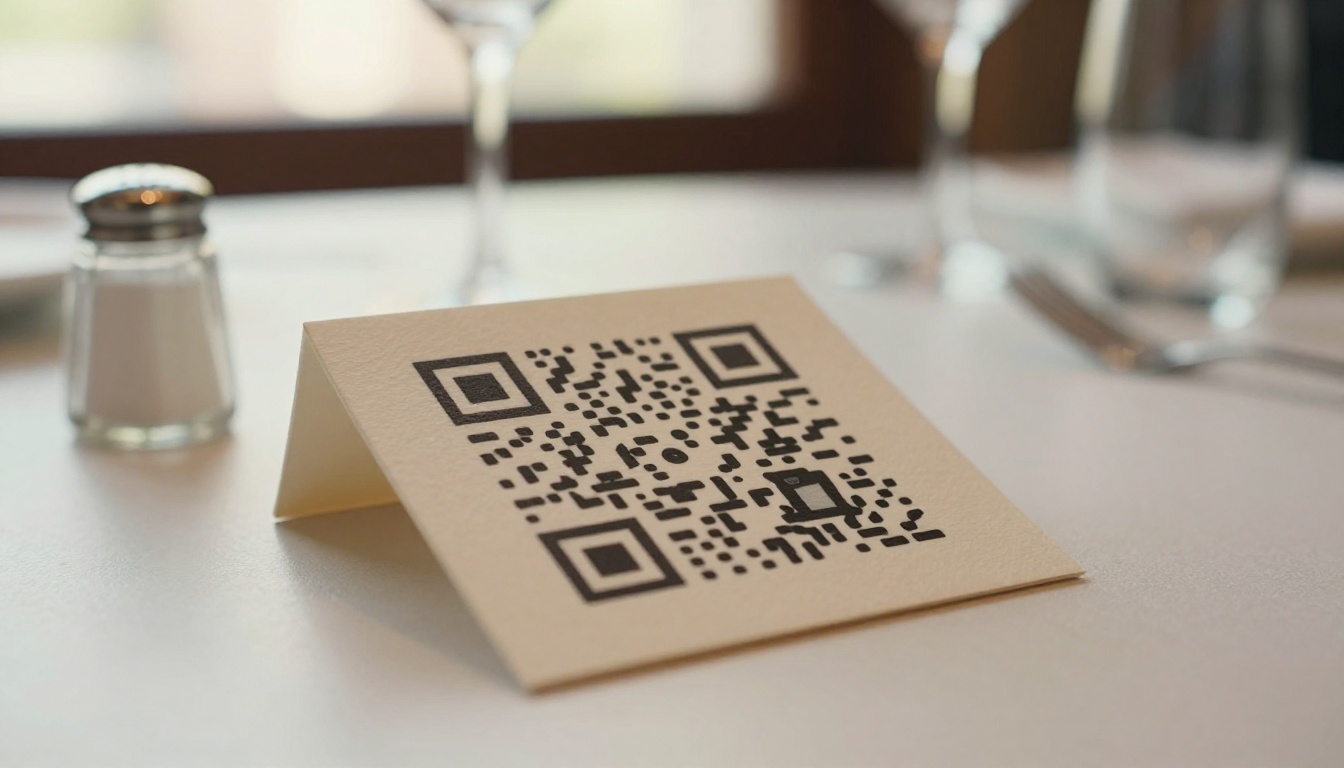
A static QR code pointing to a PDF is a poor experience. The PDF opens differently on every device, requires constant pinch-zooming, and tracks nothing. A QR code pointing to a Flipbooks AI menu is a completely different experience: it opens as a full-screen interactive publication, scales perfectly on any device, and gives you real data.
Three places every restaurant should put their QR code:
- Table tent cards at every place setting
- Front door or window so waiting customers can browse before they are seated
- Google Business Profile as the primary menu link for search discovery
What Great Food Photography Does for Your Flipbook
A flipbook menu is only as effective as the food photography inside it. This is the single biggest lever restaurants can pull to increase average order values.
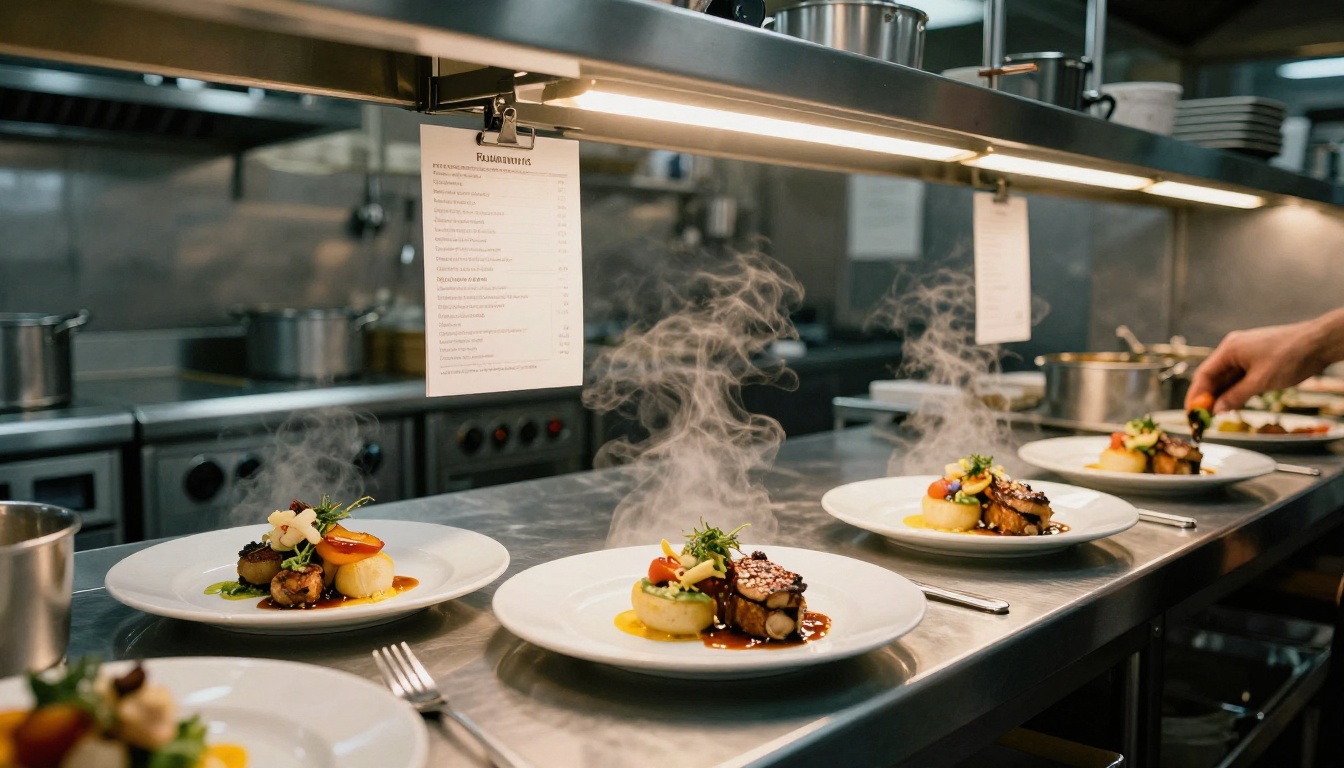
Restaurants using professional food photography in their digital menus report 15 to 30% higher average check values compared to text-only menus. When a customer can see exactly what the truffle pasta looks like before ordering, decision anxiety drops and upgrade rates increase.
Photography tips that perform well in flipbook menus:
- Full-bleed spreads: Design your PDF with one hero image per section that fills the entire two-page spread
- Consistent lighting: Match the warm tones of your dining room so photos feel authentic to the real experience
- Dish groupings: Photograph related items together to encourage multi-course ordering
- Seasonal updates: Swap photography seasonally to signal freshness and give regulars a reason to browse again
💡 Even smartphone photography with natural light and basic composition beats blurry stock images. Authenticity converts better than overly polished visuals when customers can tell the difference.
Customers Notice the Difference
The customer experience of a flipbook menu is genuinely different from anything else at the table. Watch a group the first time they open one. People lean in. They pass the phone around. They flip back to photos they liked. No static text menu gets that kind of attention.
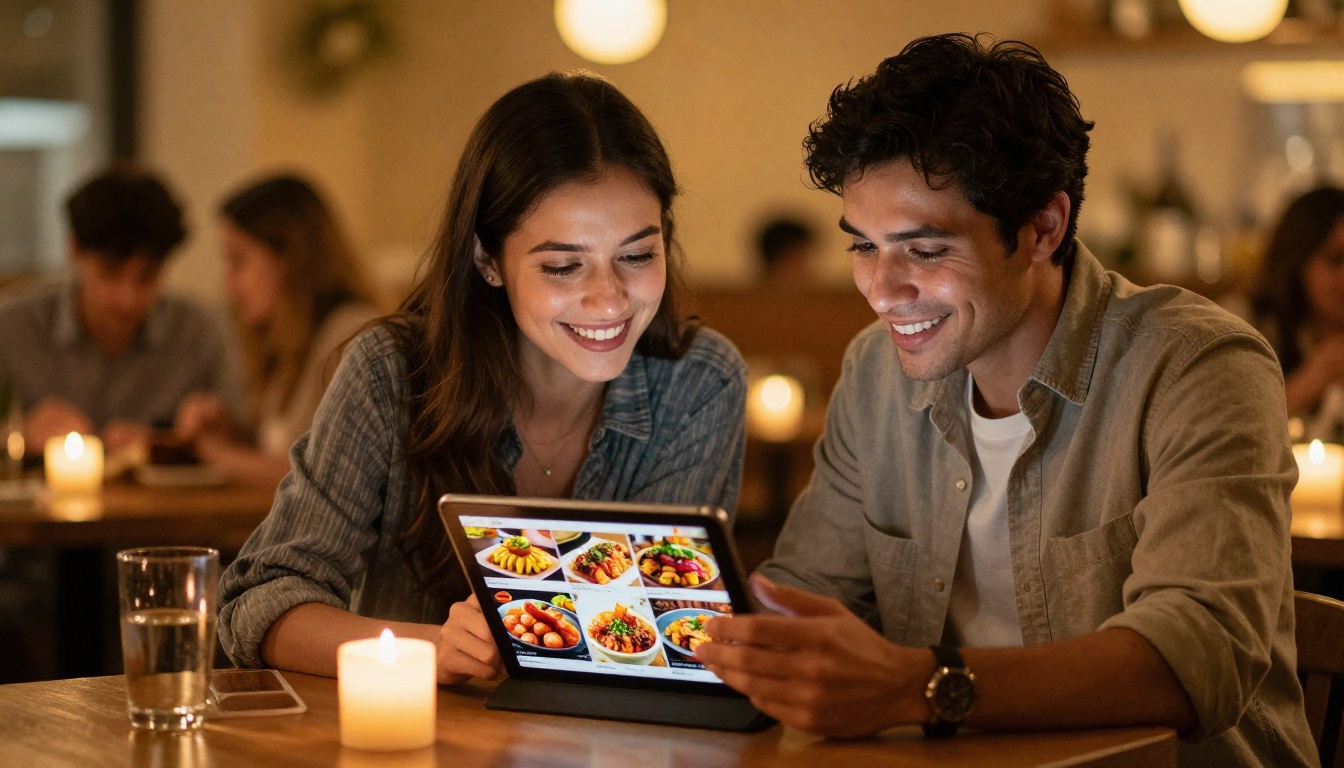
A few real-world scenarios where a digital flipbook outperforms paper:
- Families with children: Kids immediately gravitate toward the visual flipbook. They browse photos and tell parents what they want, reducing decision friction for the whole table.
- Groups with dietary restrictions: Zoom capabilities and clearly organized sections help customers quickly identify allergen-safe options without waiting for a server.
- First-time visitors: New customers with no frame of reference for your dishes benefit enormously from vivid food photography before committing to an order.
- Bar and cocktail lists: Cocktail menus with ingredient descriptions and glassware photos significantly increase bar revenue from food-first diners.
Comparing Flipbooks AI Plans for Restaurants
Not every restaurant has the same needs. A food truck operating at weekend markets needs something different from a 200-seat fine dining establishment. Here is how the plans stack up for food and beverage operations.
| Plan | Best For | Top Features | Watermarks |
|---|
| Free | Testing and small cafes | Limited flipbooks, basic sharing | Yes |
| Standard | Most independent restaurants | Unlimited flipbooks, custom branding, QR codes, embedding | No |
| Professional | Restaurant groups and franchises | Analytics, lead capture, offline downloads, priority support | No |
✅ The Standard plan is the sweet spot for independent restaurants. Unlimited flipbooks mean you can have a separate menu for lunch, dinner, brunch, cocktails, and seasonal specials without paying more.
See full details on the pricing page to choose the right tier for your operation.
Beyond the Main Menu
Once you see how simple the process is, most restaurant operators immediately think of other applications. Your digital flipbook platform handles much more than just the food menu.
Other flipbooks your restaurant can create:
- Wine and cocktail lists with tasting notes and pairing suggestions
- Private event packages with venue photos, catering options, and pricing tiers
- Staff training materials with standardized recipes and plating photos
- Takeout and delivery menus with a simplified format optimized for quick decisions
- Seasonal specials published for limited-time windows without reprinting anything
- Press kits with your restaurant story, chef bio, and media-ready photography
The Menu Flipbook Designer handles any menu format, while the broader tools directory covers everything from spa and wellness menus to event programs, useful if your restaurant operates within a hotel or resort context.
Tracking What Customers Actually Browse
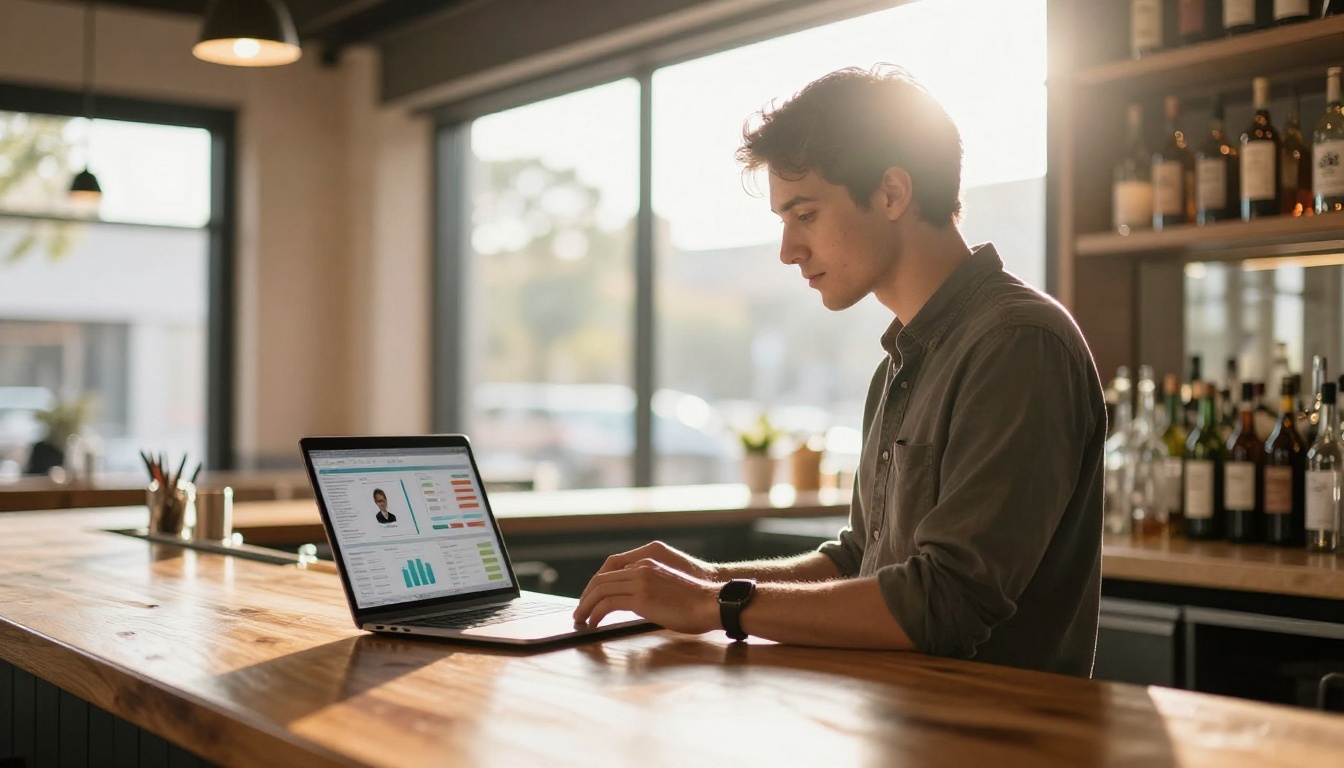
One capability that paper menus will never have is analytics. With a Professional plan on Flipbooks AI, you can see exactly how customers interact with your menu before they order.
| Metric | What It Shows You |
|---|
| Average time per page | Which sections get the most attention |
| Page turn rate | Where customers stop flipping and start deciding |
| Device breakdown | Whether most viewers are on phone vs. tablet |
| Geographic data | Where customers accessing your menu are located |
| Lead captures | Contact information from interested prospects |
This data is genuinely actionable. If your dessert page averages 12 seconds of view time but appetizers only get 4 seconds, you know exactly where to invest in better photography. If 80% of menu views happen on mobile, design your PDF layout for portrait orientation.
The Real Competitive Advantage
In most cities and towns, the majority of restaurants still hand customers the same laminated card they have been using for years. The restaurants that move to interactive digital menus stand out immediately, not because the technology is flashy, but because the experience is simply better.
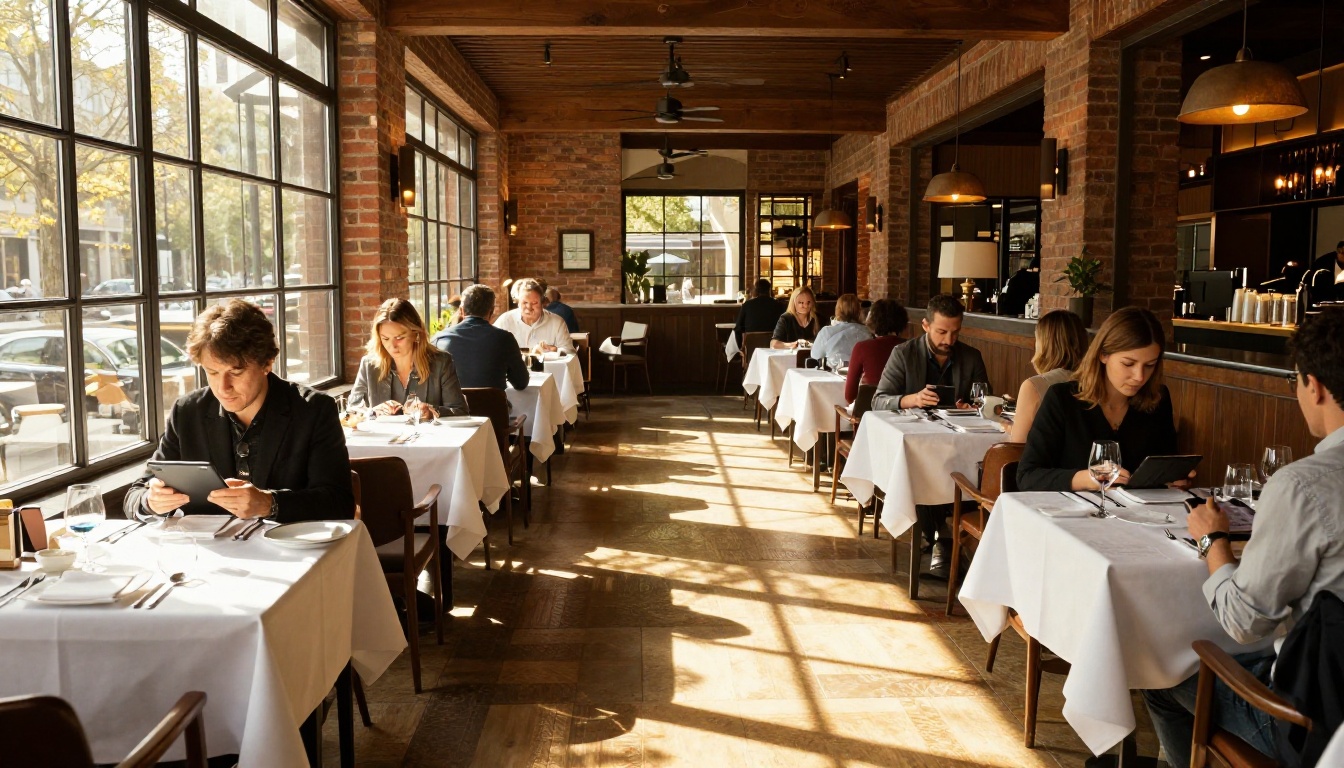
When a customer photographs your QR code and it opens a beautifully designed interactive flipbook with professional food photos and smooth page-turning, the signal is clear: this restaurant cares about every detail. That perception carries into how they rate the food, how much they spend, and whether they return.
The barrier to entry is low. The Restaurant Menu Creator on Flipbooks AI handles the technical side entirely. You design or export your menu as a PDF, upload it, customize the branding, and share the link or QR code. That is the entire process.
The business case in plain terms:
- Lower costs: Cut printing spend for every menu update going forward
- Better experience: Customers browse more, order more, and leave stronger reviews
- Operational flexibility: Update your menu in real time without waiting on a printer
- Data you can act on: See what customers look at before they decide what to order
- Wider reach: Share your menu on social media, Google, and via text before customers even arrive at your door
Ready to stop reprinting menus and start running a sharper operation? Create your flipbook menu for free and have it live before your next service. When you are ready to go unlimited and remove watermarks, compare pricing plans to find the right fit. Browse all available restaurant and menu tools to see everything the platform offers.



