Most resumes sit in a pile. Yours doesn't have to. Flipbooks AI gives job seekers a way to present the same experience and skills as everyone else, but in a format that actually stops a recruiter mid-scroll. A resume flipbook is a digital document with interactive page-turning effects, shareable via a single link, viewable on any device, and completely unforgettable.
The job market in 2026 is relentless. For every open position at a mid-size company, hiring managers are reviewing anywhere from 100 to 500 applications. Most of those resumes follow the exact same Word template, use the exact same font, and check the exact same boxes. Standing out isn't about adding a colored border to your header. It's about changing the format entirely.
Why Most Resumes Get Ignored
The 6-Second Problem
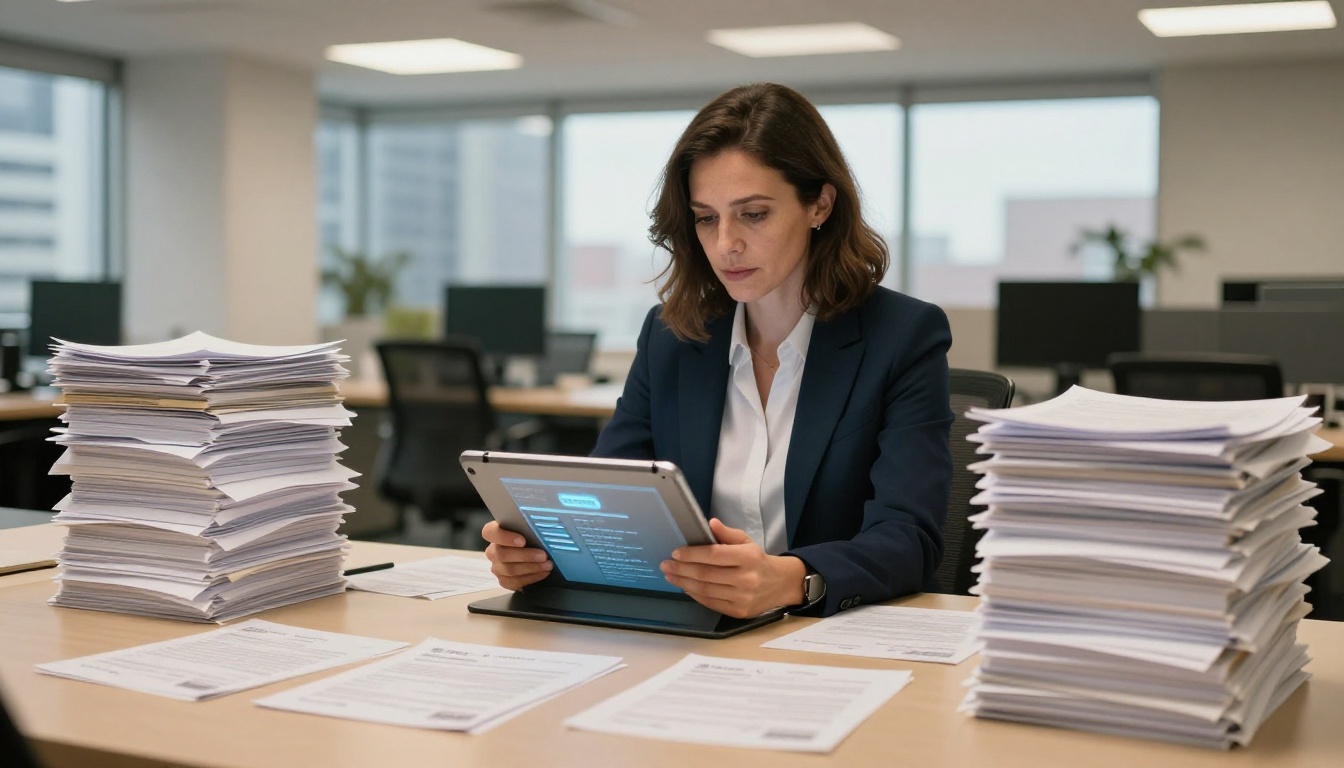
Multiple eye-tracking studies have found that recruiters spend an average of 6 seconds on an initial resume scan. Six seconds to find your name, current title, last company, previous company, education, and one other detail. If those six seconds don't trigger something memorable, your resume goes to the rejection folder.
The structure of a traditional PDF resume hasn't changed since the 1990s. It's a static block of text. There's no visual hierarchy beyond bold and italic. No interactivity. No way to signal who you actually are as a professional, beyond your job titles and bullet points.
What Actually Gets Remembered
Recruiters remember resumes that feel different. Not gimmicky different. Not neon-colored different. Different in a way that communicates professionalism AND personality. A flipbook resume achieves this because:
- It has physical weight in the digital world. The page-turn effect mimics a real document being handled.
- It feels curated. Like you took the time to think about how it's presented, not just what it contains.
- It's shareable. Send a link, not an attachment. No version confusion. No "file too large" bouncebacks.
- It's trackable. You can see who opened it, when, and how long they spent on each page.
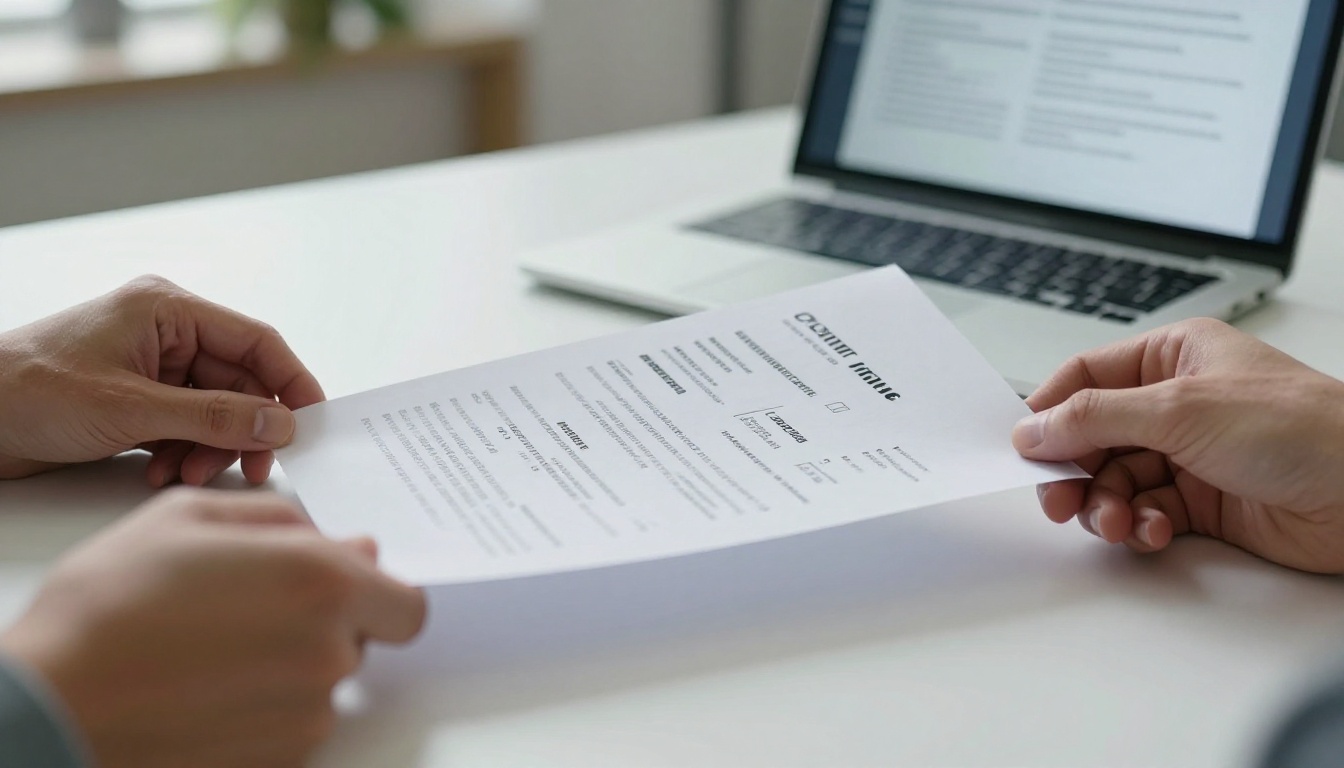
Before diving into the how, it's worth looking at what you're actually changing and why it matters.
| Feature | Traditional PDF Resume | Resume Flipbook |
|---|
| Format | Static flat document | Interactive, page-turning |
| Shareability | Email attachment | Single shareable link |
| Mobile Experience | Requires zoom and scroll | Fully responsive |
| Visual Branding | Limited | Full color, fonts, layout control |
| Analytics | None | Views, time per page, location |
| Impressiveness Factor | Standard | Memorable |
| Update Flexibility | Re-send file | Update once, link stays fresh |
| File Size Issues | Often blocked by email filters | No attachment, zero size issues |
The difference isn't cosmetic. It's functional. A flipbook resume works better across every touchpoint in the hiring process.
💡 A flipbook link also works perfectly in a LinkedIn bio, portfolio site, or QR code printed on a business card. One document, infinite delivery channels.
How to Build Your Resume Flipbook with Flipbooks AI
This is where it gets practical. Flipbooks AI handles the technical conversion so you can focus on the content. Here's the exact process:
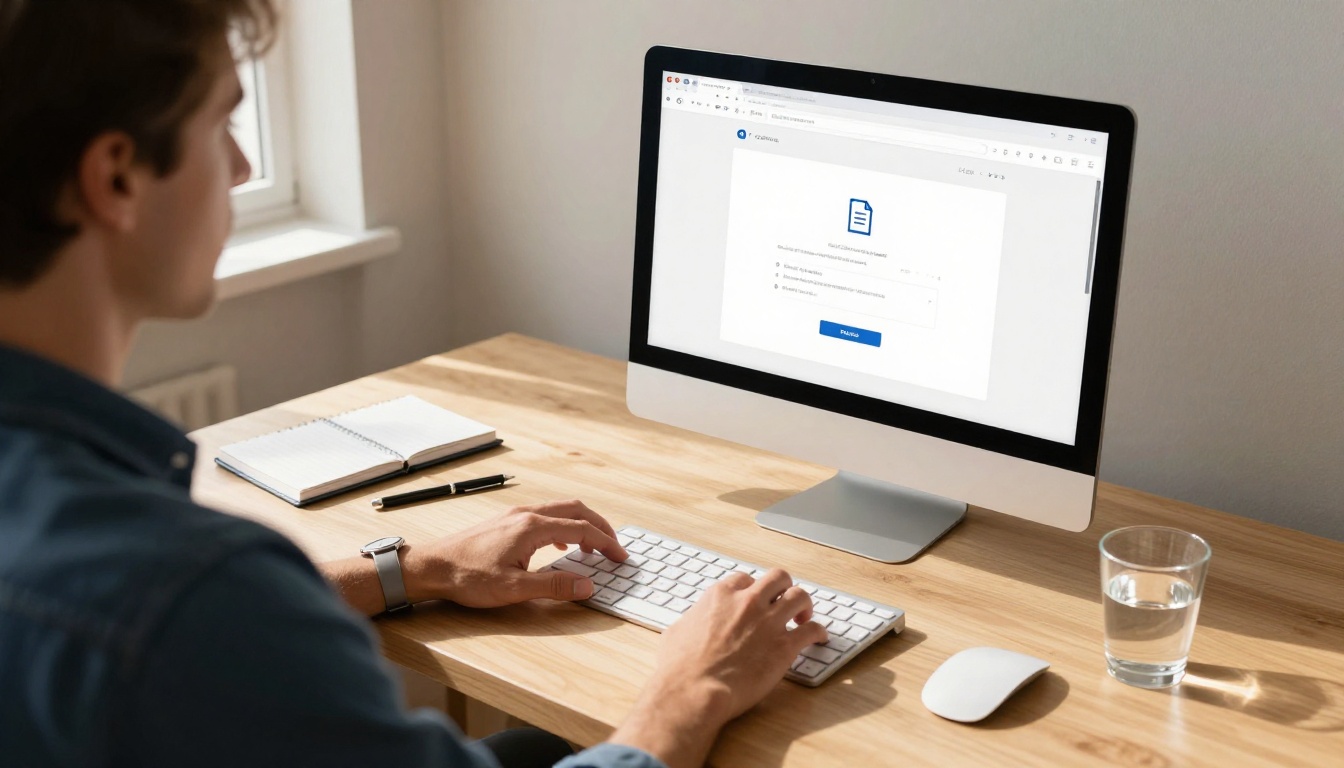
Step 1: Prepare Your Resume PDF
Before uploading, make sure your resume PDF is print-ready:
- Export from your design tool (Canva, Adobe InDesign, Google Docs, Word) as a PDF.
- Use standard page sizes (A4 or US Letter). Odd dimensions may cause layout shifts.
- Embed all fonts to prevent rendering issues on other systems.
- Keep file size under 50MB (most resumes are well under 5MB).
✅ Design your resume in landscape format (11 x 8.5 inches) if you want it to display like a two-page spread in the flipbook. Portrait format works perfectly for single-page flip layouts.
Step 2: Upload and Convert
Head to Flipbooks AI and create an account. Once inside your dashboard:
- Click "Create New Flipbook" from your dashboard.
- Select your resume PDF and upload it.
- The platform processes and converts it automatically, maintaining all your original formatting, colors, and fonts.
- Within seconds, you have a live preview of your resume with working page-turn animations.
The PDF to Flipbook Converter handles this in one click. No manual configuration, no technical setup.
Step 3: Customize Your Flipbook
This is where your resume goes from "good" to "remarkable." The customization panel gives you full control over:
- Background color of the flipbook viewer (match it to your personal brand colors)
- Page shadow intensity (deeper shadows feel more tactile and physical)
- Flip sound (subtle click when pages turn, on or off)
- Flipbook thumbnail (the first thing someone sees when they open your link)
- Branding elements (your name, logo, or professional headshot in the viewer header)
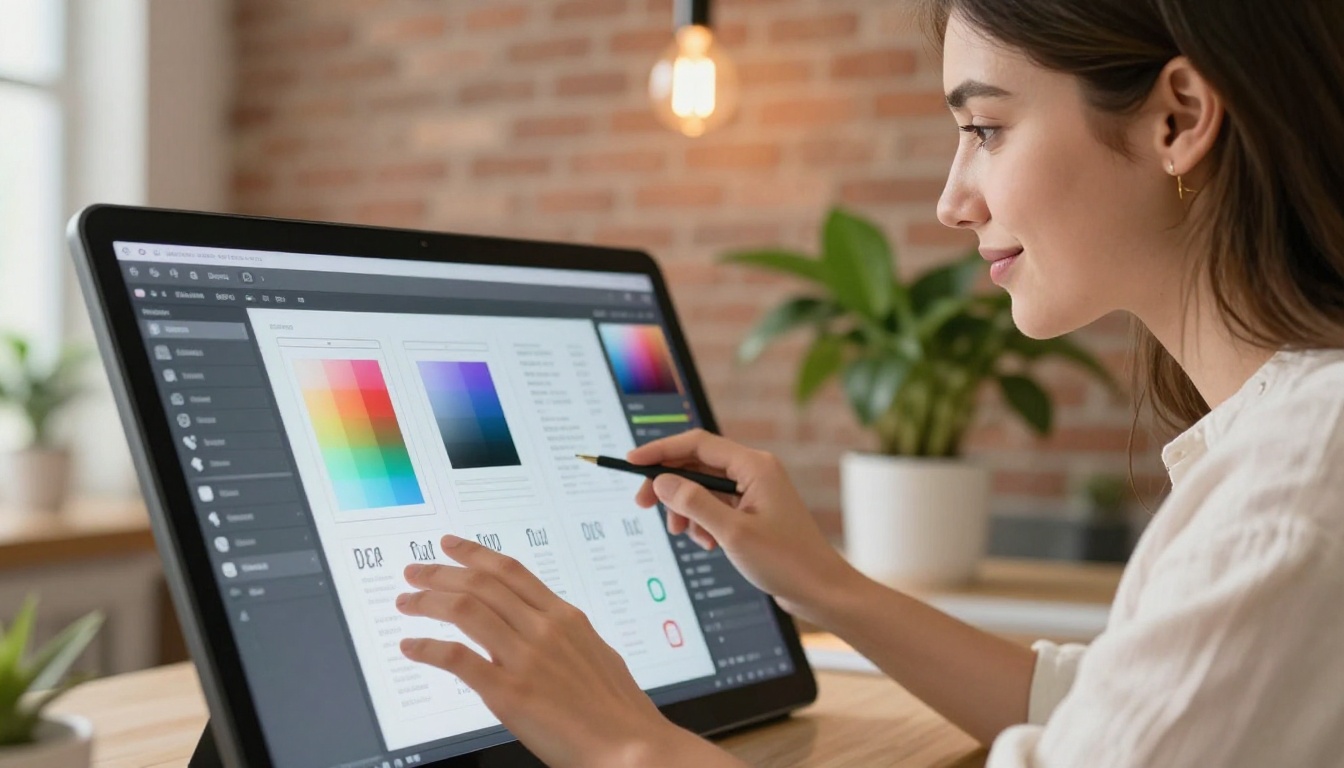
💡 Set your flipbook background to deep navy or charcoal. White resumes on a dark background create a dramatic, high-contrast presentation that looks exceptional on both desktop and mobile.
Step 4: Share and Track
Once your flipbook is ready, you get multiple sharing options:
- Direct link: Copy and paste into emails, LinkedIn messages, or your portfolio site.
- Embed code: Drop your resume directly into a personal website using the Embed Flipbook on Website tool.
- Password protection: Lock your resume behind a password for selective sharing only.
- QR code: Download a QR code image that links directly to your flipbook for print materials.

The Page-Turn Effect in Action
It sounds like a small thing. It's not.
The physical act of turning a page, even a digital one, creates a psychological sense of presence. It communicates effort, intentionality, and care. A recruiter clicking through your flipbook resume is not scanning a static document. They're interacting with it.
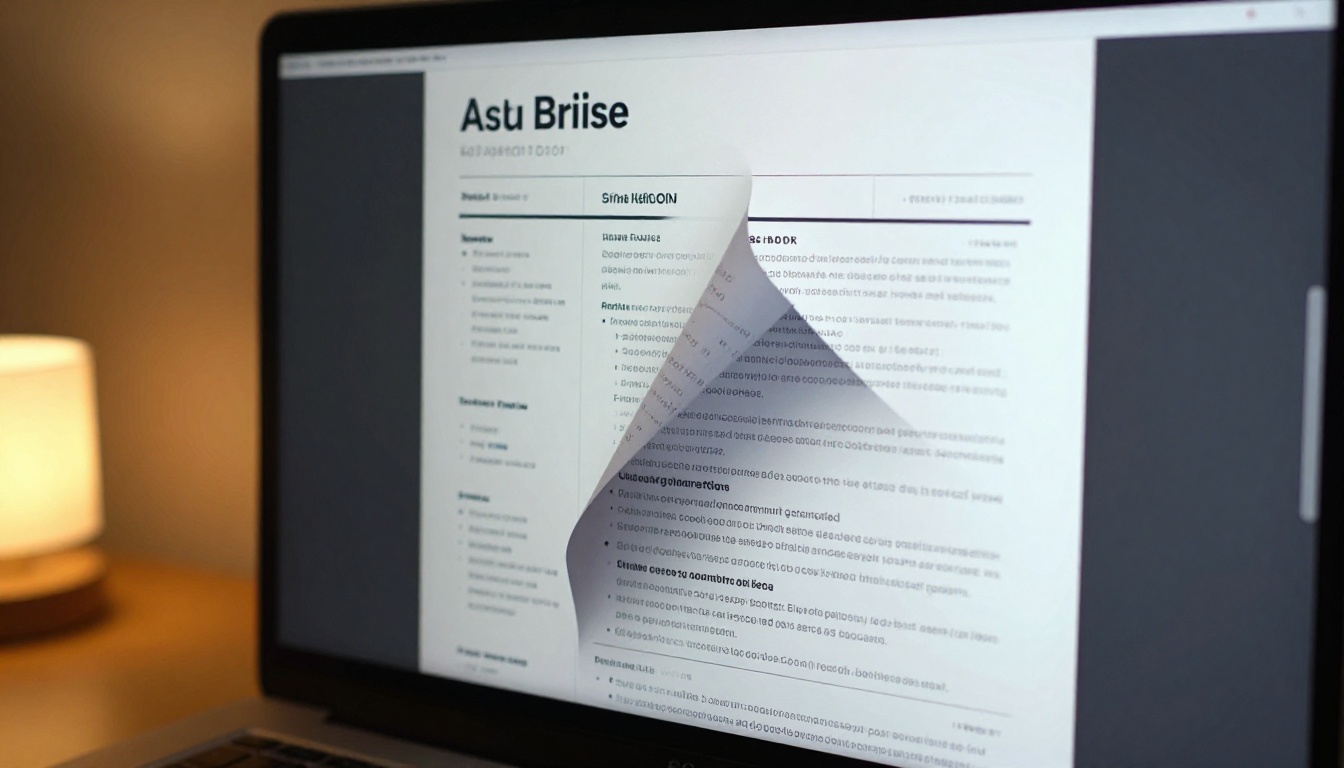
The page-turn effect also slows down the viewer. Instead of an instant scroll to the bottom of a PDF, they move through your resume at a natural reading pace. That's an advantage when your content is strong. And for candidates whose content is strong, format is the only remaining differentiator.
Who Benefits Most from a Flipbook Resume
Creative Professionals
If you work in design, photography, marketing, advertising, film, fashion, or any visual field, a flipbook resume is practically non-negotiable. Your resume format is a work sample. Submitting a plain Word document when you're applying for a Creative Director position tells hiring managers you don't apply your skills to yourself.
Use the Digital Portfolio Creator or Portfolio Flipbook Builder to build a combined resume and portfolio in one document. Your experience section on page one. Your best work on pages two through five.

Corporate and Business Professionals
Even in more traditional industries, a flipbook resume signals tech-savviness and initiative. An investment banker, consultant, or product manager who sends a flipbook link instead of a PDF attachment makes an immediate impression: this person thinks about presentation.
For corporate roles, keep the resume content conservative but let the format speak. Clean layout, two-page spread, dark professional colors. The content stays traditional. The delivery does not.
Freelancers and Consultants
Freelancers pitching for new clients can use the same flipbook as both a resume and a pitch document. Add a page for service offerings, a page for client testimonials, and a page for contact details. One link does the work of five separate emails.
Flipbooks AI Plans: What You Need
Not every feature matters for every job seeker. Here's how the plans break down for resume use:
| Feature | Free | Standard | Professional |
|---|
| Number of Flipbooks | 1 | Unlimited | Unlimited |
| Watermark | Yes | No | No |
| Password Protection | No | Yes | Yes |
| Custom Branding | No | Yes | Yes |
| Analytics (Views, Time on Page) | No | No | Yes |
| Lead Generation Forms | No | No | Yes |
| Offline Download | No | No | Yes |
| Embed on Website | No | Yes | Yes |
| Custom Domain | No | No | Yes |
For job seekers sending one polished flipbook resume, the Standard plan covers everything needed. No watermarks, unlimited flipbooks, password protection for selective sharing, and website embedding for your personal site.
The Professional plan becomes essential when actively applying to multiple positions and tracking which companies are actually opening your resume. See the full breakdown on the pricing page.
⚠️ Don't use the Free plan for serious job applications. The watermark on your flipbook signals that you didn't invest in your own presentation, which is exactly the opposite impression you want to create.
Tracking Who Views Your Resume
This is the feature that changes the entire follow-up strategy.
With the Professional plan, your analytics dashboard on Flipbooks AI shows:
- Total views on your resume link over time
- Average time spent on each individual page
- Geographic location of viewers (city and country level)
- Device type (mobile vs. desktop, so you can optimize layout)
- Peak viewing times (when your link gets the most traffic during the day)
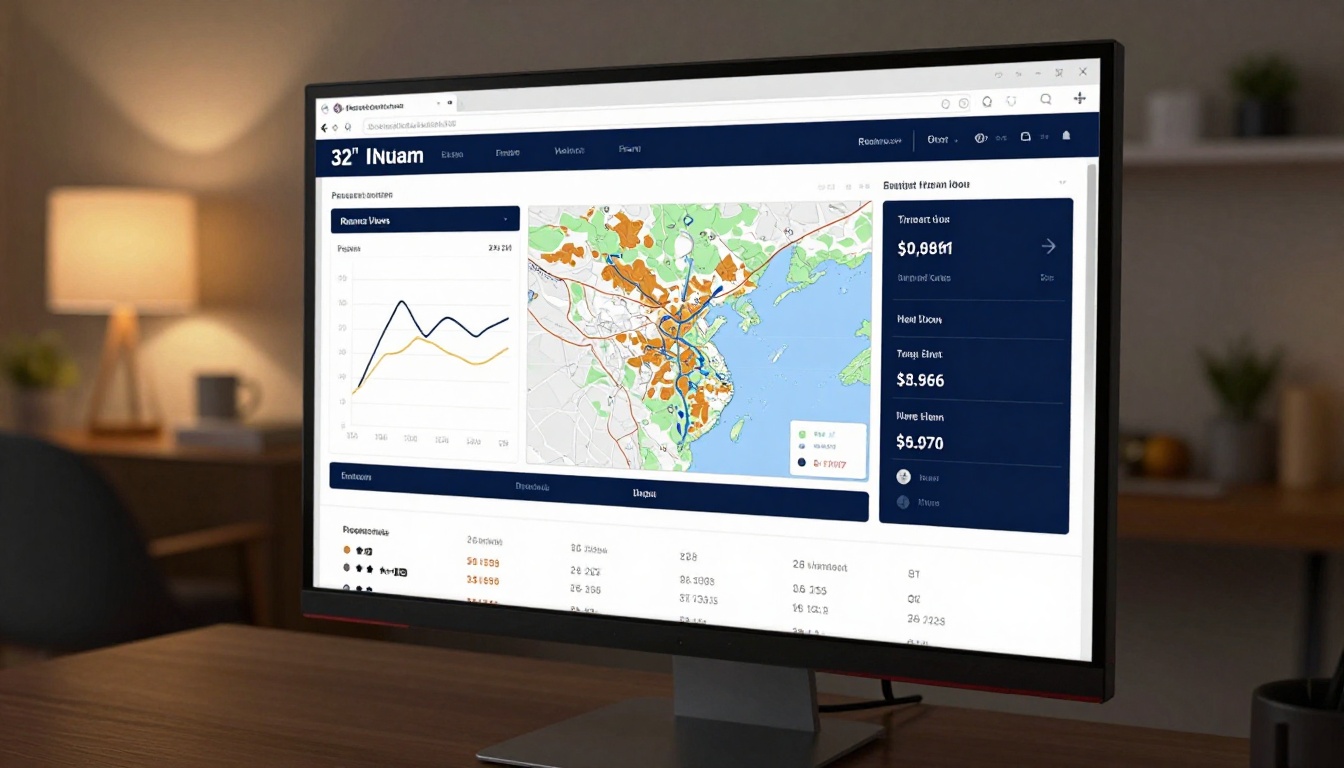
A recruiter opens your link on Tuesday at 2pm and spends 3.5 minutes on it? Follow up on Thursday. They spent most of their time on page 2 (your experience section)? Your follow-up note can reference a specific role in more detail. This is information a PDF attachment can never give you.
Using Your Flipbook Resume in Interviews
Most candidates show up to interviews and hand over a printed resume. Some bring a laptop. Almost none present their resume as a polished, interactive presentation.
Walk into a panel interview with your resume flipbook open on your laptop, projected on the conference room screen, and you've already done something 99% of candidates never do.
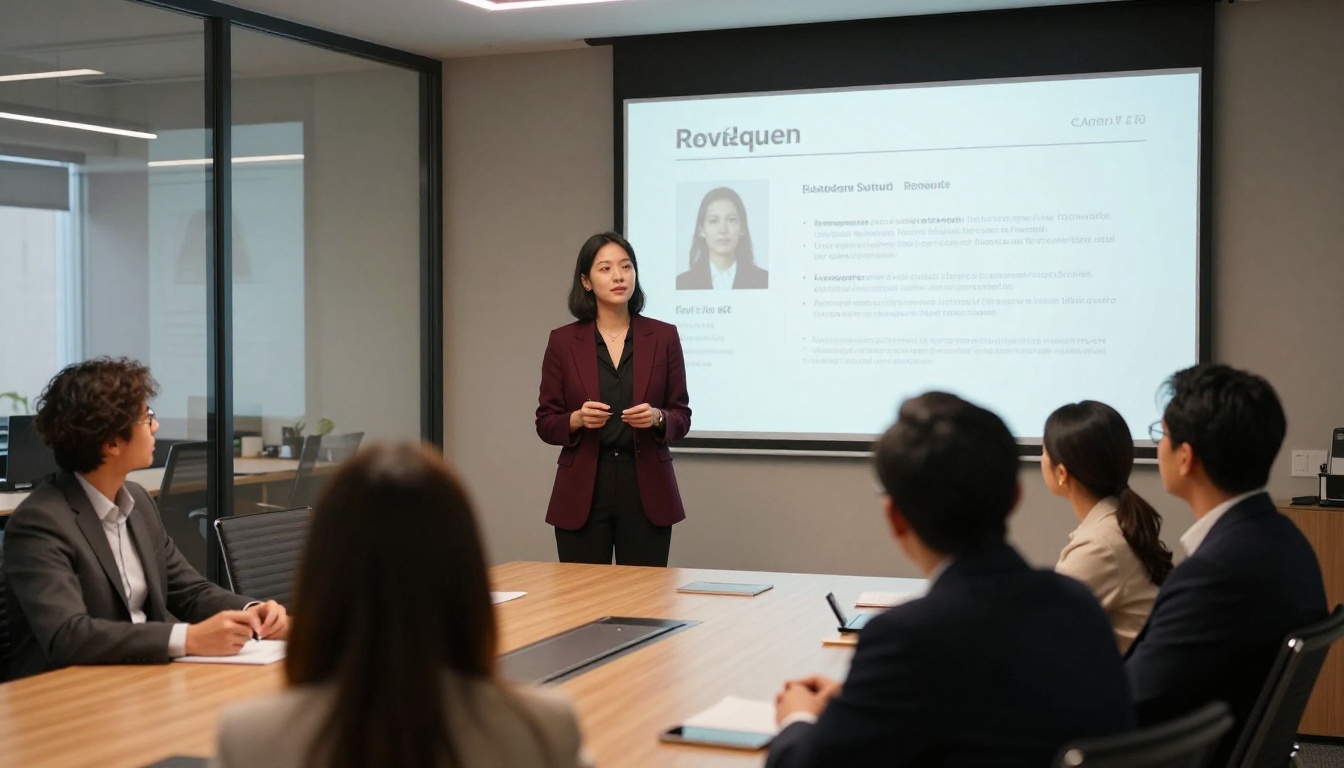
It also works as a leave-behind. After an in-person interview, send a follow-up email with your flipbook link. The interviewer can revisit your resume at their convenience, in the same polished format you first presented.
Common Flipbook Resume Mistakes
Even with the right tools, there are ways to undercut the impact. Avoid these:
- Too many pages: A resume should be 1-2 pages for most professionals. A flipbook with 8 pages becomes a portfolio, not a resume. Keep it tight.
- Overdesigned layouts: Heavy graphics can slow down the reading experience. Let the flipbook format carry the visual weight. Keep the resume content clean.
- No mobile testing: Always preview your flipbook on a phone before sending. Flipbooks AI renders responsively, but your PDF's font sizes matter on small screens.
- Poor color contrast: Light text on light backgrounds becomes unreadable. Dark text on white pages, always.
- Forgetting to update: One of the best features of a flipbook is that you can update the underlying PDF and the link stays the same. Don't let your resume go stale while the link is still circulating.
| Format | Pros | Cons | Best For |
|---|
| PDF Resume | Universal, ATS-compatible | Static, no analytics | ATS submissions, entry-level roles |
| Word Document | Easy to edit | Loses formatting across devices | Internal HR system requirements |
| Personal Website | Full creative control | Requires coding or setup | Developers, designers with time to invest |
| LinkedIn Profile | High visibility | Limited format control | Passive job searching, networking |
| Resume Flipbook | Memorable, shareable, trackable | Not directly ATS-compatible | Direct outreach, interviews, referrals |
💡 Use both. Submit a plain PDF to ATS systems when required. Send your flipbook link in every human-to-human interaction: emails to hiring managers, LinkedIn messages, and post-interview follow-ups.
Stop Being Forgettable
The job market doesn't always reward the most qualified candidate. It rewards the candidate who made the strongest impression. A resume flipbook is one of the simplest ways to shift that dynamic in your favor without rewriting a single word of your experience.
Create your first flipbook resume on Flipbooks AI in minutes. Upload your existing PDF, customize the viewer, and get a shareable link that works on any device, in any context, without a single email attachment.
If you're ready to move beyond the Standard plan and start tracking every view of your resume, compare pricing plans and see what Professional analytics can do for your job search strategy.
Browse all available tools and templates to find the right format for your field, whether that's a clean one-page resume, a combined portfolio flipbook, or a multi-page professional presentation.
Your next opportunity is one shareable link away.



