Your sales deck is working against you. Not because the content is bad, but because a static PDF attached to an email is one of the least engaging ways to share your pitch in 2027. Buyers get dozens of attachments a week. Most never open them. The ones that do click away in seconds.
Converting your sales deck into a flipbook changes all of that. A flipbook turns your PDF into an interactive, page-turning presentation that prospects actually want to spend time with. It feels premium. It's shareable via a simple link. And with the right platform, you can track exactly who viewed it and for how long.
Flipbooks AI makes this process fast and straightforward. Upload your PDF, apply your branding, and share a live link. No software installation required, no design skills needed.

Why Static PDFs Are Killing Your Sales
The attachment problem nobody talks about
Email attachments have three problems that hurt your close rate: they get flagged by spam filters, they require downloads before viewing, and they give you zero data on what happens after you hit send. You have no idea if your prospect opened the deck, skimmed it, or forwarded it to five other decision-makers.
When a prospect receives a link instead of an attachment, the psychology shifts immediately. A link says "this is a resource I can access on my terms." An attachment says "here's some work for you to do." That friction, however small, compounds across every touchpoint in a long sales cycle.
What buyers actually want
Buyers want information delivered in a format that respects their time. That means fast loading, mobile-friendly, and visually engaging. A well-made flipbook delivers all three. Pages load instantly in any browser, the layout adapts to any screen size, and the page-turn animation signals that this is something worth interacting with, not just skimming.
Research consistently shows that interactive content generates significantly higher engagement than static formats. When a prospect physically "turns" a page, even digitally, they're more invested in what comes next.

What Makes a Flipbook Better for Sales
The engagement difference
A flipbook isn't just a prettier version of your PDF. It's a different kind of experience. The tactile page-turn animation creates a reading rhythm that keeps attention locked in. Readers are less likely to skip past important slides because the sequential format guides them through your narrative exactly as you intended.
For sales specifically, this matters. Your deck has a story: problem, solution, proof, pricing, next steps. A flipbook preserves that narrative arc instead of letting prospects jump straight to pricing and miss everything that justifies it.
Shareable links vs. attachments
| Feature | PDF Attachment | Flipbook Link |
|---|
| Opens in browser | No, requires app | Yes, instantly |
| Mobile-friendly | Often broken | Always |
| Spam filter risk | High | Low |
| View tracking | None | Full analytics |
| Easy to forward | Clunky download | One clean link |
| Password protection | No | Yes |
| Branded experience | Limited | Full control |
💡 A single shareable link can be sent via email, LinkedIn message, WhatsApp, or embedded directly in a proposal document. Your flipbook goes wherever your prospect is.
Real-world impact across industries
SaaS companies use flipbooks to share product demos and feature comparisons. Instead of a 30-slide PDF that gets lost, they send a branded interactive deck with embedded screenshots and clickable calls to action.
Real estate agents convert property brochures into flipbooks that showcase listings with full-bleed photography and virtual tour links. A prospect can flip through a property on their phone during their commute.
Consulting agencies package their methodology decks as flipbooks, giving them a polished, premium feel that reinforces the value of their services before a single meeting takes place.
How to Turn Your Sales Deck into a Flipbook
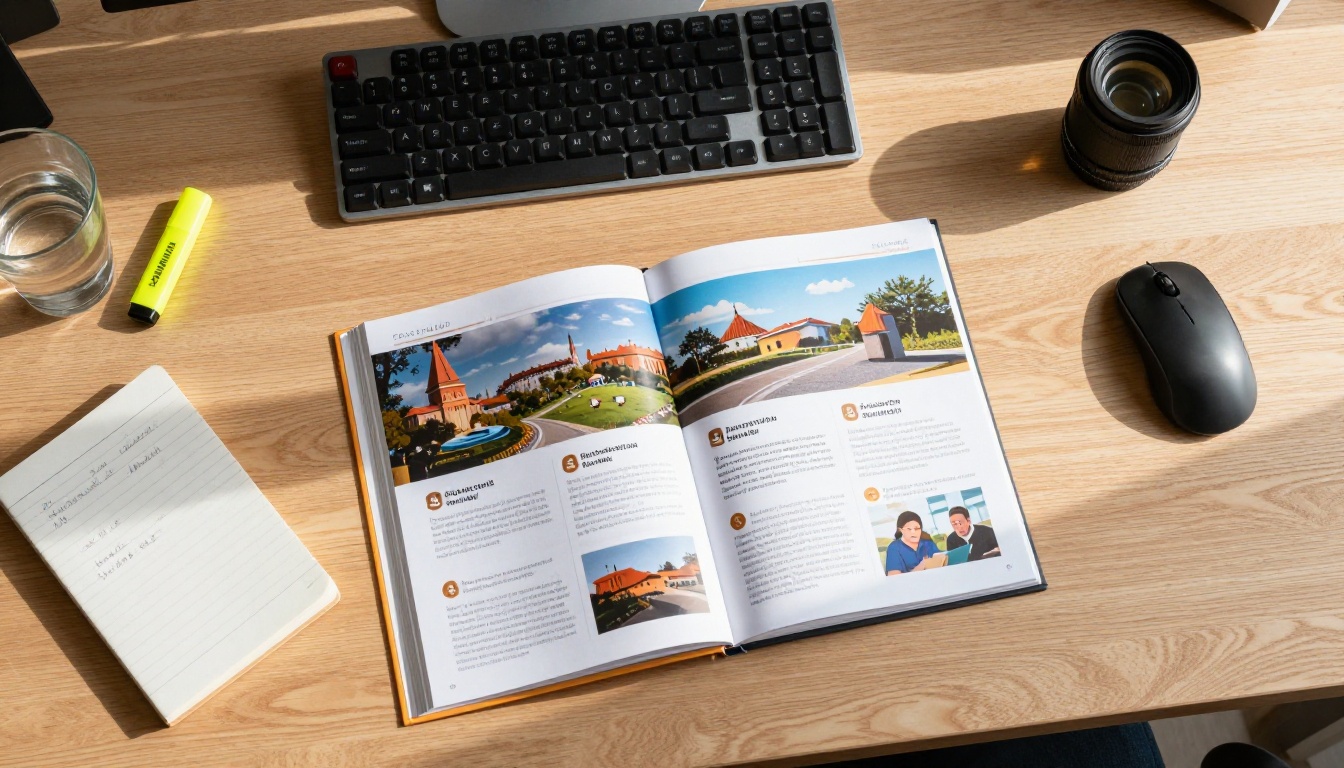
The process is simpler than most people expect. You don't need to redesign your deck or learn any new software. Your existing PowerPoint or Keynote file converts to a PDF in seconds, and from there, Flipbooks AI handles the rest.
Step 1: Export your deck as a PDF
Open your sales deck in PowerPoint, Keynote, or Google Slides. Export or download it as a PDF. Make sure your slides are set to landscape format (widescreen 16:9) for the best flipbook layout. Check that fonts are embedded and images aren't compressed too aggressively, because quality matters when a prospect views your deck on a large monitor.
Step 2: Upload to Flipbooks AI
Go to Flipbooks AI and create your account. From the dashboard, click the upload button and select your PDF. The platform processes your file and generates the flipbook automatically. For a typical 20-30 slide deck, this takes under a minute.

Step 3: Apply your branding
This is where your flipbook becomes distinctly yours. In the editor, you can:
- Set your brand colors for the flipbook background and toolbar
- Add your company logo to the cover
- Choose page-turn animation styles (classic flip or smooth slide)
- Enable a custom domain so your link reads
yourcompany.flipbooksai.com
- Add background music or ambient audio for immersive presentations
- Embed video clips directly into specific pages for product demos
The Sales Presentation Flipbook tool gives you templates and layout options specifically built for sales contexts, including pricing page designs and feature comparison slides.
Step 4: Set your sharing preferences
Before sending, decide how you want the deck shared:
- Public link: Anyone with the link can view it. Best for top-of-funnel outreach
- Password protected: Ideal for confidential pricing or enterprise proposals requiring a code
- Embedded on your site: Use the Embed Flipbook on Website tool to drop your deck into a proposal page or landing page
- Offline download: Available on Professional plans, letting prospects view the deck without internet access
✅ Best practice: Use password protection for late-stage deals where the deck includes custom pricing, detailed scope, or confidential client data.
Step 5: Send and track engagement
Copy your flipbook link and paste it into your sales email, LinkedIn message, or proposal document. From your Flipbooks AI dashboard, monitor:
- Total views and unique opens
- Time spent on each individual page
- Number of repeat visits
- Geographic location of viewers
This data tells you which slides are holding attention and which ones people skip. Use that insight to refine your deck over time. A follow-up email that references a specific slide the prospect lingered on is one of the most effective personalization tactics in modern sales.

Features That Help You Close More Deals
Analytics and viewer tracking
Knowing that a prospect opened your deck is useful. Knowing they spent 4 minutes on the pricing page and 12 minutes on the case studies is actionable. That's the difference between a generic follow-up and a targeted message that references exactly what they found compelling.
Analytics are available on the Professional plan. For high-volume sales teams, the return from one well-timed, data-driven follow-up typically covers the plan cost many times over.
Lead generation forms
Professional plan users can add lead capture forms directly inside the flipbook. This is particularly useful for outbound campaigns where you're sending a deck to cold prospects. Instead of waiting for a reply, the flipbook prompts them to submit contact information at a natural moment in the reading experience.
Password protection
For enterprise sales cycles involving multiple stakeholders, password protection keeps your pricing and proposal details from circulating beyond your intended audience. Set a unique password per deal and revoke access after the proposal window closes.

Choosing the right format for your sales content depends on your stage, audience, and goals. Here's how the main options stack up:
| Format | Best For | Engagement | Tracking | Shareable |
|---|
| PDF attachment | Internal docs | Low | None | Clunky |
| PowerPoint file | Live presentations | Medium | None | Difficult |
| Google Slides link | Quick sharing | Medium | Limited | Good |
| Flipbook link | Sales outreach | High | Full | Excellent |
| Video recording | Product demos | High | Platform-dependent | Good |
⚠️ If your prospect needs to annotate or edit the content, a PDF companion document still makes sense alongside your flipbook. The flipbook handles the experience; the PDF handles the logistics.
The Presentation Flipbook Designer and Press Kit Designer tools both offer templates that work well for agency and consulting proposals, giving your pitch a visual authority that generic slide exports simply can't match.
Plan Comparison for Sales Teams
Choosing the right Flipbooks AI plan depends on your team size and how much you rely on analytics and lead capture.
| Feature | Free | Standard | Professional |
|---|
| Flipbooks | 1 | Unlimited | Unlimited |
| Watermarks | Yes | No | No |
| Password protection | No | Yes | Yes |
| Analytics | No | No | Yes |
| Lead capture forms | No | No | Yes |
| Offline downloads | No | No | Yes |
| Custom branding | Limited | Full | Full |
| Embed on website | No | Yes | Yes |
💡 For solo consultants sending fewer than 10 decks a month, the Standard plan covers everything you need. For sales teams operating at scale and following up based on engagement data, Professional is the tier worth considering.
Common Mistakes That Hurt Results
Skipping the PDF quality check: If your source file has pixelated images or non-embedded fonts, the flipbook will reflect those issues. Always export at maximum quality from your design tool.
Using the default flipbook URL: Generic URLs look unprofessional in client-facing emails. Take two minutes to set a custom domain or at least rename your flipbook to something specific to the deal.
Ignoring mobile layout: Most prospects open links on their phone first. Preview your flipbook on mobile before sending and confirm that critical information isn't cut off on smaller screens.
Sending the same deck to everyone: Flipbooks make it easy to create multiple versions. Maintain a core deck and two or three industry-specific variants so your content feels relevant to each prospect's world.
Not following up with data: If you have analytics, use them. A follow-up that references a specific slide shows the prospect you're prepared and attentive. It's one of the few tactics that feels considerate rather than pushy.
What to Include in Your Sales Flipbook
A great sales deck translates directly into a great flipbook. The structure that converts best:
- Cover slide: Company name, logo, and a one-line value proposition
- Problem slide: The specific pain point your prospect is experiencing right now
- Solution overview: What you offer and how it addresses that problem directly
- How it works: A 3-5 step process, ideally visual with icons or diagrams
- Case studies or testimonials: Real results with numbers, not vague quotes
- Feature comparison: Your offer vs. competitors or vs. the status quo, in table format
- Pricing: Clear tiers with feature breakdowns, no surprises
- Next steps: One clear call to action with zero ambiguity
Keep the deck to 15-25 slides. Longer decks lose attention even in flipbook format. Every slide should earn its place.
✅ Put your strongest case study immediately after your solution overview, not at the end. Buyers make emotional decisions early and justify them logically later. Front-loading proof accelerates that process.

Make Every Pitch Count
A sales deck that sits in someone's downloads folder is a missed opportunity. A flipbook that loads instantly, looks polished on any device, and tells you exactly how your prospect engaged with it is a sales tool that earns its place in every pipeline stage.
The shift from PDF to flipbook takes less time than you'd expect. Your content stays exactly the same. What changes is the experience your prospect has the moment they open it, and in sales, experience shapes perception before a single word lands.
Two professionals closed deals today because their decks felt different. Yours can too.
Ready to send a deck that actually gets read? Create your flipbook for free and see the difference for yourself. Browse the full tools library to find templates built for your specific use case, or compare pricing plans to find the right fit for your team.