School newsletters deserve better than getting buried in an email inbox or crumpled at the bottom of a backpack. When you turn your school newsletter into an interactive flipbook, you give it a second life as something parents genuinely open, read, and share. Flipbooks AI makes this conversion simple: upload your PDF, customize your branding, and publish a page-turning digital publication in minutes. No technical background needed. No design team required.
Why Static Newsletters Fail Parents
The average PDF email attachment gets opened by fewer than 20% of recipients. School newsletters are no exception. Parents are busy, inboxes are flooded, and a flat document with no interactivity offers little reason to keep reading once it is opened.
Print newsletters cost money to produce, get lost in backpacks, and reach only whoever happens to be in the pickup line. Email PDFs get downloaded, maybe opened once, then forgotten in a Downloads folder. The problem is not the content. Content matters. The problem is the format, and the format is fixable.
The Attention Gap in School Communication
Schools that switch to interactive flipbooks report immediate jumps in how many families actually read each issue. Parents who receive a shareable link to a page-turning publication are far more likely to read from start to finish and forward it to a partner or grandparent who would otherwise never see it.
What "Interactive" Actually Means
An interactive flipbook is not just a PDF with a different file extension. It includes:
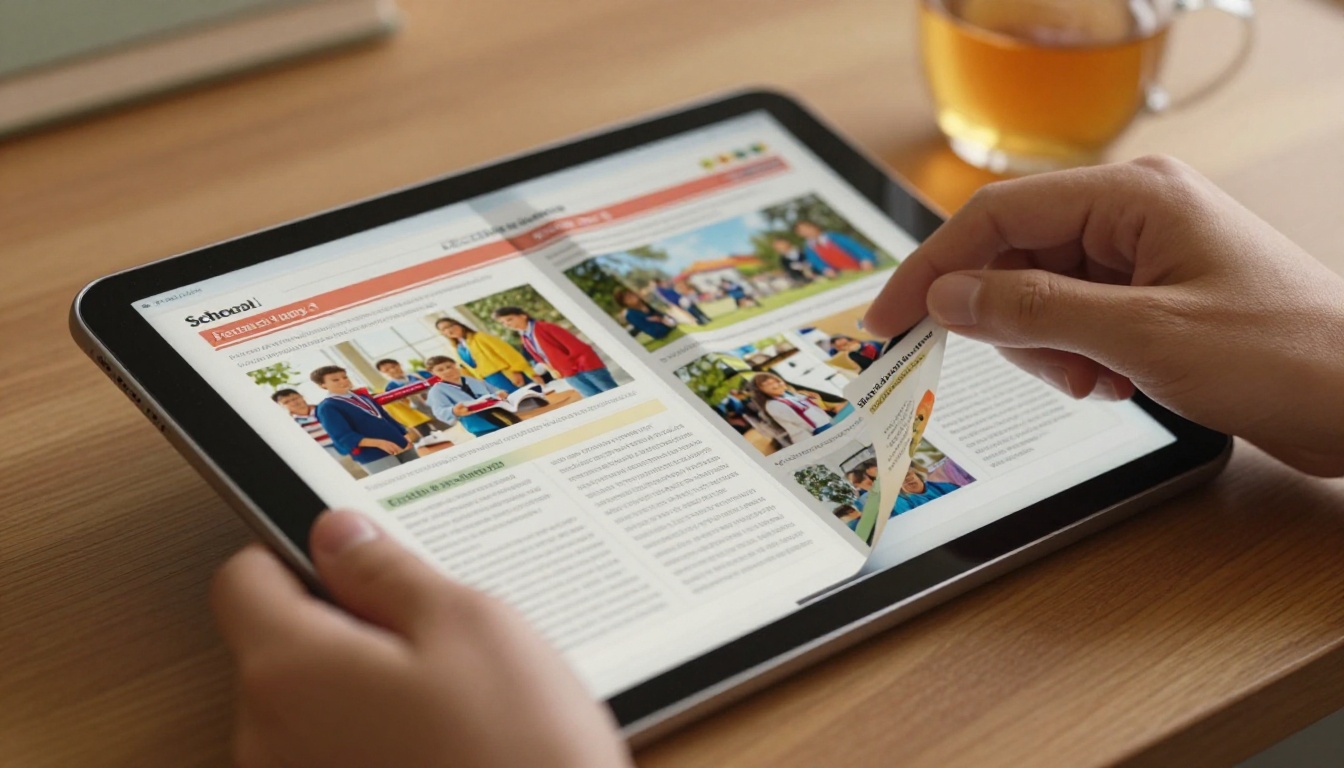
- Realistic page-turning animations that mimic a physical magazine
- Embedded clickable links that open directly in a browser
- Mobile-optimized layout that works on any phone without pinching or zooming
- Shareable URL that works without downloading anything
- Password protection for sensitive staff content
Print vs. Digital Flipbook: The Real Comparison
Before committing to a format, it helps to see the differences side by side.
| Feature | Printed Newsletter | Email PDF | Interactive Flipbook |
|---|
| Cost per issue | High (printing + distribution) | Low | Low |
| Mobile readability | Poor | Poor | Excellent |
| Analytics available | None | Basic open rates | Page views, time on page |
| Shareable by parents | No | Sometimes | Yes, one-click |
| Embedded links | No | Sometimes | Yes |
| Searchable content | No | Sometimes | Yes |
| Eco-friendly | No | Yes | Yes |
| Readership rate | ~15% | ~20% | ~60-80% |
The flipbook format wins on almost every metric that matters to a school communications coordinator.
How to Convert Your Newsletter Step by Step

This is where Flipbooks AI does the heavy lifting. The entire process takes under 10 minutes for a first-time user.
Step 1: Prepare Your Newsletter PDF
Your existing newsletter PDF works exactly as it is. No redesign required. If you are creating a new one, design it in your usual tool (Word, Google Docs, Canva, InDesign) and export as PDF. Recommended specs:
- Resolution: 150 DPI minimum, 300 DPI preferred
- Format: PDF/A or standard PDF
- Pages: Any length works, but 4-12 pages is typical for school newsletters
💡 Pro tip: Make sure text in your PDF is selectable (not a scanned image) for best accessibility and searchability within the flipbook.
Step 2: Upload to Flipbooks AI
Head to Flipbooks AI and create your account. The upload process is drag-and-drop:
- Click New Flipbook from your dashboard
- Drag your PDF into the upload area or click to browse files
- Wait 30-60 seconds while the platform converts each page
- Your flipbook preview appears automatically
The School Newsletter Creator tool is purpose-built for this exact use case and includes templates sized and structured for school communication.
Step 3: Customize Your School Branding
Once your flipbook is generated, you have full control over its appearance:
- Logo: Upload your school crest or district logo to appear in the viewer header
- Brand colors: Match your school's official color palette throughout the interface
- Background: Choose white, dark mode, or a custom color
- Page effects: Enable realistic page-curl animation or smooth slide transitions
- First page display: Set the first page as a full-bleed display image showing the newsletter title

Step 4: Set Distribution Options
This is where the flipbook format separates from a static PDF:
- Direct link: Copy a clean URL to paste in your school email or SMS broadcast
- Embed code: Drop it into your school website with one HTML snippet using the Embed Flipbook on Website tool
- Password protection: Lock the flipbook for staff-only editions or sensitive content
- Offline download: Allow parents to save the PDF version if needed
Step 5: Track Readership with Analytics
On the Professional plan, you gain access to per-page analytics showing exactly which sections parents are reading, how long they spend on each page, and how many unique visitors the flipbook received. This data is invaluable for improving future issues.
✅ Best practice: Include a table of contents on page 2 with clickable links to each section. Parents who know where to jump will spend more time overall.
Features Worth Knowing About

Not all flipbook platforms are equal. Here is what makes Flipbooks AI the right choice for schools specifically:
| Feature | Basic Plan | Standard Plan | Professional Plan |
|---|
| Flipbooks per month | Limited | Unlimited | Unlimited |
| Custom branding | Partial | Full | Full |
| Password protection | No | Yes | Yes |
| Analytics | No | No | Yes |
| Lead generation forms | No | No | Yes |
| Offline downloads | No | Yes | Yes |
| Embed on website | Yes | Yes | Yes |
| Watermarks | None | None | None |
💡 No watermarks on any plan is a major advantage for schools that need a professional presentation without paid branding cluttering their publication.
Real-World Use Cases for School Flipbooks

Schools use interactive flipbooks for much more than the weekly newsletter. Once your team is comfortable with the tool, these formats become natural extensions of existing workflows:
Monthly Parent Newsletter
The classic use case. Replace your PDF email attachment with a shareable flipbook link. Parents open it on their phones, tap through the pages, and click directly on event registration links or school calendar dates. One link sent by SMS reaches families who never check email.
Weekly Classroom Updates
Individual teachers can create their own mini-flipbooks for classroom highlights, photo galleries from projects, and reading lists. The Course Material Publisher tool supports this format with a teacher-friendly upload interface requiring no design experience.
School Event Programs
Graduation programs, spring concert schedules, and sports day brackets all work beautifully as flipbooks. Families can access the program on their phone without printing hundreds of copies. The Event Program Maker is built exactly for this scenario.
Yearbook Preview
A yearbook preview flipbook distributed before the physical yearbooks arrive creates excitement and drives pre-orders. The Yearbook Flipbook Maker supports high-resolution photo pages with custom layouts that do the publication justice.
Staff Handbook
New teacher onboarding documents, substitute protocols, and staff policy manuals benefit from password-protected flipbooks that can be updated instantly without reprinting. The Training Manual Flipbook tool handles this with a professional output that looks polished from day one.
What Makes a School Newsletter Worth Reading
The format change alone will increase readership. But the content still has to earn attention. These are the newsletter sections that parents consistently read most, based on school communication research:
Most-Read Sections:
- Calendar of upcoming events (the most-read section in virtually every survey)
- Student spotlight or achievement recognition
- Principal's personal message (short, direct, conversational)
- Photo galleries from recent events or class projects
- Volunteer opportunities with direct sign-up links
Sections to Shorten or Cut:
- Policy reminders that belong in a separate handbook
- Lengthy administrative notices
- Board meeting summaries (link out to full minutes instead)
⚠️ Warning: A newsletter longer than 8-10 pages sees significant drop-off in readership. If your content runs long, split it into themed editions rather than one massive document.
Writing Headlines That Get Clicks
Inside a flipbook, each page headline competes for attention just like a magazine spread. Avoid:
- "October Newsletter Update"
- "A Message from Administration"
Try instead:
- "What's Happening in the Gym This Month"
- "3 Students Won Regional Science Awards"
- "How to Sign Up for the Winter Concert"
Short, specific, result-focused headlines match how parents actually scan content on their phones. The flipbook format rewards good headlines because readers navigate by flipping pages quickly, and a compelling headline stops the scroll.
Flipbooks AI offers several purpose-built tools for educational institutions. Here is how they stack up by use case:
Browse the full suite at flipbooksai.com/tools to find the tool that fits your specific publication type.
How Often Schools Should Publish
There is no single right answer, but the most effective school communication calendars follow a rhythm that parents can predict:
- Weekly: Short classroom-level updates (4-6 pages max)
- Monthly: Full school newsletter with events, achievements, and news (8-12 pages)
- Quarterly: Deeper publication with longer stories, board updates, and community features (12-20 pages)
- Annual: Year-end publication or yearbook preview
Consistency matters more than frequency. A newsletter that reliably arrives on the first Monday of every month will build a reading habit. One that appears randomly gets treated as optional by most families and skipped without guilt.
Students as Readers and Creators
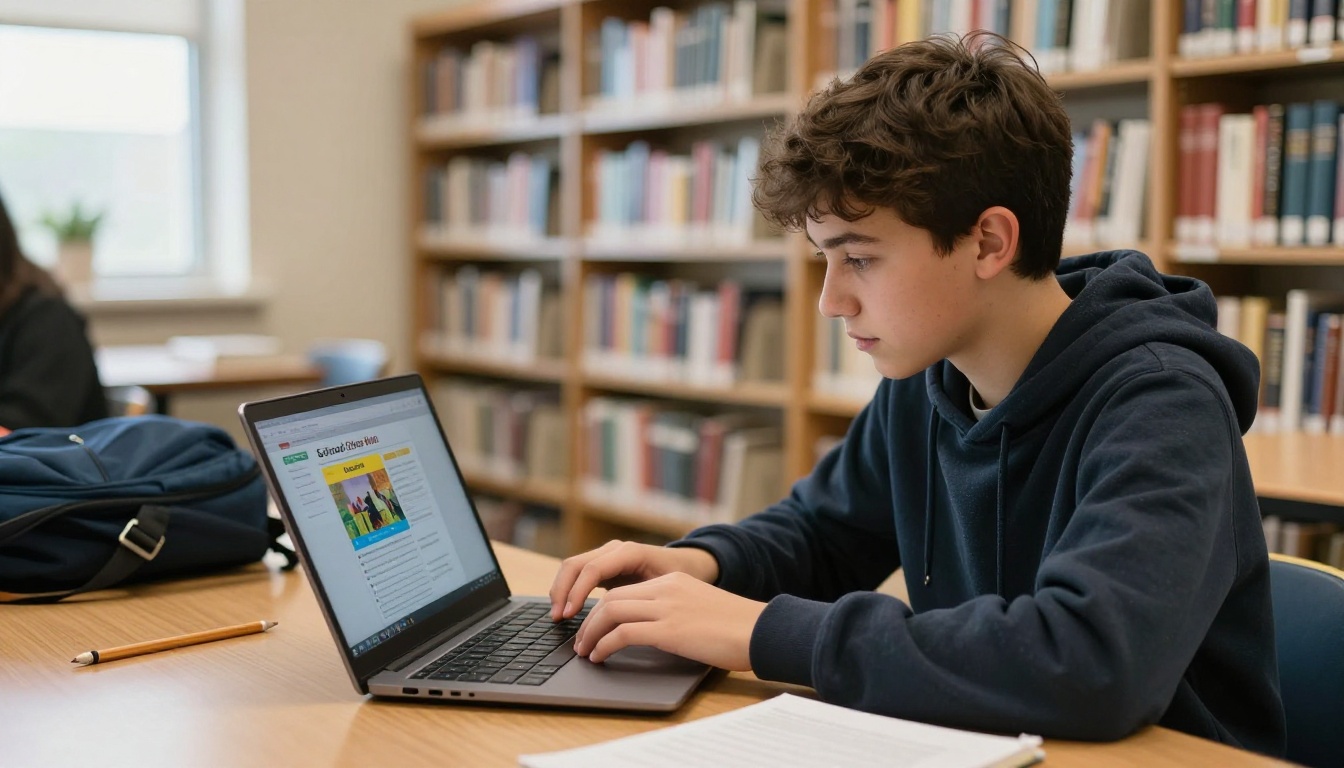
Beyond parent communication, digital flipbooks have real educational value in classrooms and school libraries. Students who see their own work published in a professional-looking format take ownership of their contributions. Library displays of student-written publications, photography projects, or literary magazines in flipbook format give student work the presentation it deserves.
Teachers who assign writing projects can publish class anthologies as flipbooks and share them with parents as a reading activity. The professional format motivates students to take editing seriously because the final product looks like a real publication, not a Word document stapled in the corner.
The Interactive E-Book Publisher supports student-created publications with the same professional output quality as faculty-produced documents, making it suitable for classroom literary journals, science project showcases, and art portfolio distributions sent home to families at the end of a term.
Start Publishing Today
Static newsletters have had their run. Schools that move to interactive flipbooks are not just following a trend. They are solving a real communication problem that affects parent satisfaction, event attendance, and community involvement.
Flipbooks AI gives you everything needed to make the switch: a fast conversion tool, professional branding options, analytics to measure what works, and no watermarks on any plan. Your first flipbook can be live before the end of the school day.
Ready to make the change? Create your free account and upload your next newsletter as a flipbook. Or compare pricing plans if you need analytics and advanced features from day one. Either way, the first upload takes less than five minutes and costs nothing to try.



