Every school year brings the same cycle: spend hours on a project, format everything carefully, export to PDF, and submit something that looks exactly like every other document in the pile. Your teacher opens it, scrolls through, closes it. That's it.
Flipbooks AI changes that equation entirely. A flipbook turns your static PDF into an interactive, page-turning digital publication that opens in any browser, works on every device, and actually holds attention from the first page. No app downloads required. No technical skills needed.
This article covers everything: why flipbooks work better for school projects than PDFs, which types of assignments benefit most, a step-by-step process for creating your first one, and tips that make the difference between a good flipbook and one that gets remembered.
Why a Flat PDF Is Holding You Back
Teachers See Hundreds of Documents
A typical teacher receives 25 to 30 student submissions per assignment. They're reading the same file format, the same fonts, the same static layouts, day after day across multiple classes and grade levels. Your content might be exceptional, but the presentation format itself works against you before a single word gets read.
Consider what happens when your teacher opens a PDF versus a flipbook. The PDF: a familiar document viewer, page scrolling, the same interface they've used all week. The flipbook: a full-screen, interactive publication that opens in the browser, pages turning with realistic animations, a professional cover page, and embedded multimedia if you chose to add it. That contrast is immediate and visible in the first two seconds.
A PDF communicates "I finished the assignment." A flipbook communicates "I took this seriously." That difference registers in how the work gets evaluated.
Static Pages Kill Momentum
Reading a 15-page research report as a scrollable PDF creates cognitive friction. There's no sense of physical progress, no visual weight to the pages, no satisfying movement through the material. An interactive flipbook solves this naturally. The page-turn animation creates micro-moments of completion as the reader moves through sections. Each turn feels like an achievement. The content breathes.
💡 Research on digital reading formats shows that paginated interactive content increases average reading time by up to 40% compared to scrollable documents of equivalent length.
PDFs Don't Stand Out
This isn't about the quality of your work. It's about signal clarity. When everyone submits the same format, the format itself becomes invisible. Standing out requires changing one of two things: the content itself, or the presentation. The flipbook changes the presentation without touching a single word of your research.
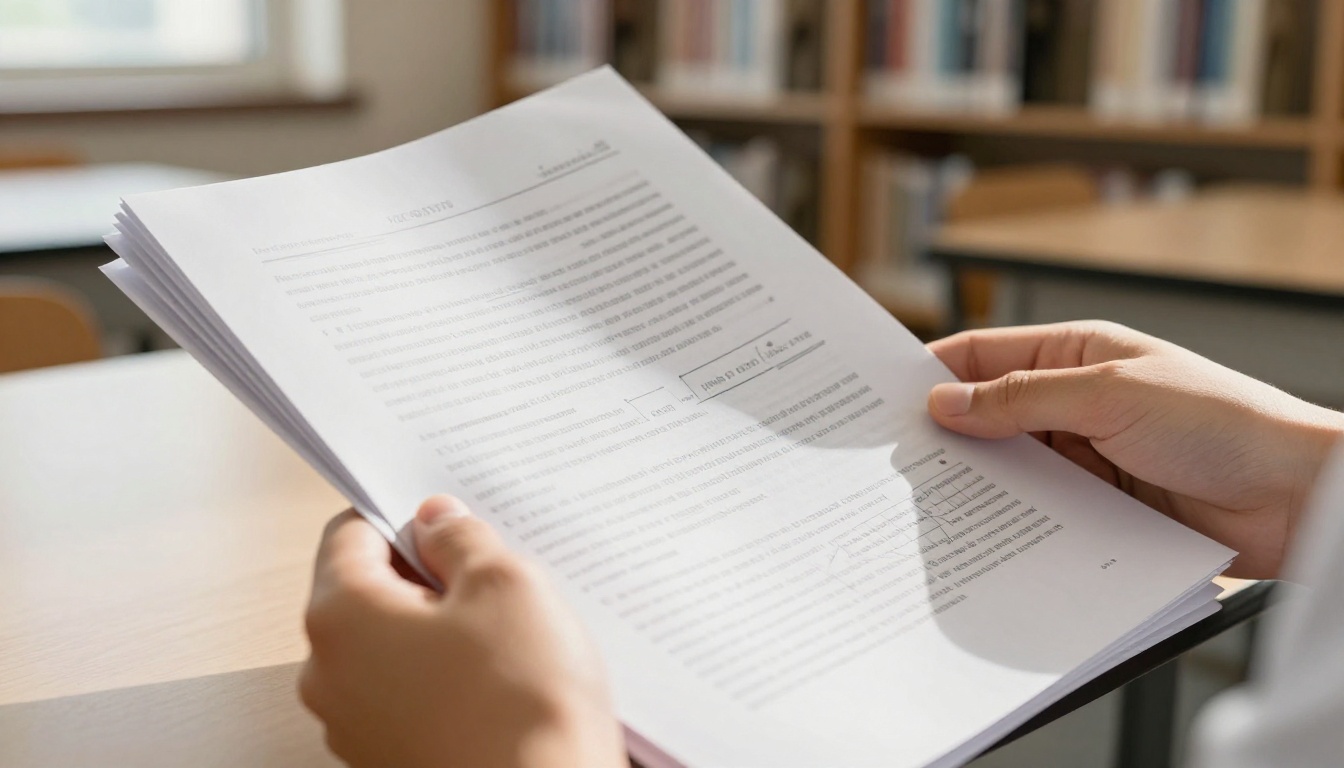
What an Interactive Flipbook Actually Does
Before creating your first one, it's worth understanding exactly what the format offers and why it works for academic submissions.
Realistic Page-Turning Animations
The defining feature is the animated page flip. Your flipbook opens as a book-like interface where pages curl and turn when clicked or swiped. This isn't purely decorative. It creates a reading experience that feels deliberate, like the content was designed to be read in sequence, not just dumped into a file. That structure gives your project a published authority that a scrollable document can't replicate.
Embedded Video and Audio
This is the feature that genuinely separates interactive flipbooks from every other format. Flipbooks AI lets you embed video clips directly into individual pages. The implications for school projects are significant:
- A biology project with an embedded dissection walkthrough video
- A history timeline where clicking a page opens a relevant documentary clip
- A literature analysis where a film adaptation scene plays inline with your written commentary
- A geography report with embedded footage of the location being studied
- A physics experiment where the lab video plays right next to your written observations
No other student submission format allows this without specialized software that requires specific app installations on the teacher's device.
Full Mobile Responsiveness
Your teacher reviews assignments on a laptop at their desk. A classmate might view your flipbook on a phone during a presentation. A parent might see it shared on a class portal. The PDF to Flipbook Converter generates a fully mobile-responsive flipbook automatically. Every layout adapts. Every page renders correctly. Nothing breaks on smaller screens.
No Downloads, No Compatibility Problems
A PDF requires a viewer that renders your fonts and formatting correctly. A Word document can look completely different on a machine that doesn't have your fonts installed. A flipbook opens as a webpage. No installs. No compatibility warnings. No "this file couldn't be opened" messages at 11 PM the night before grades are due.
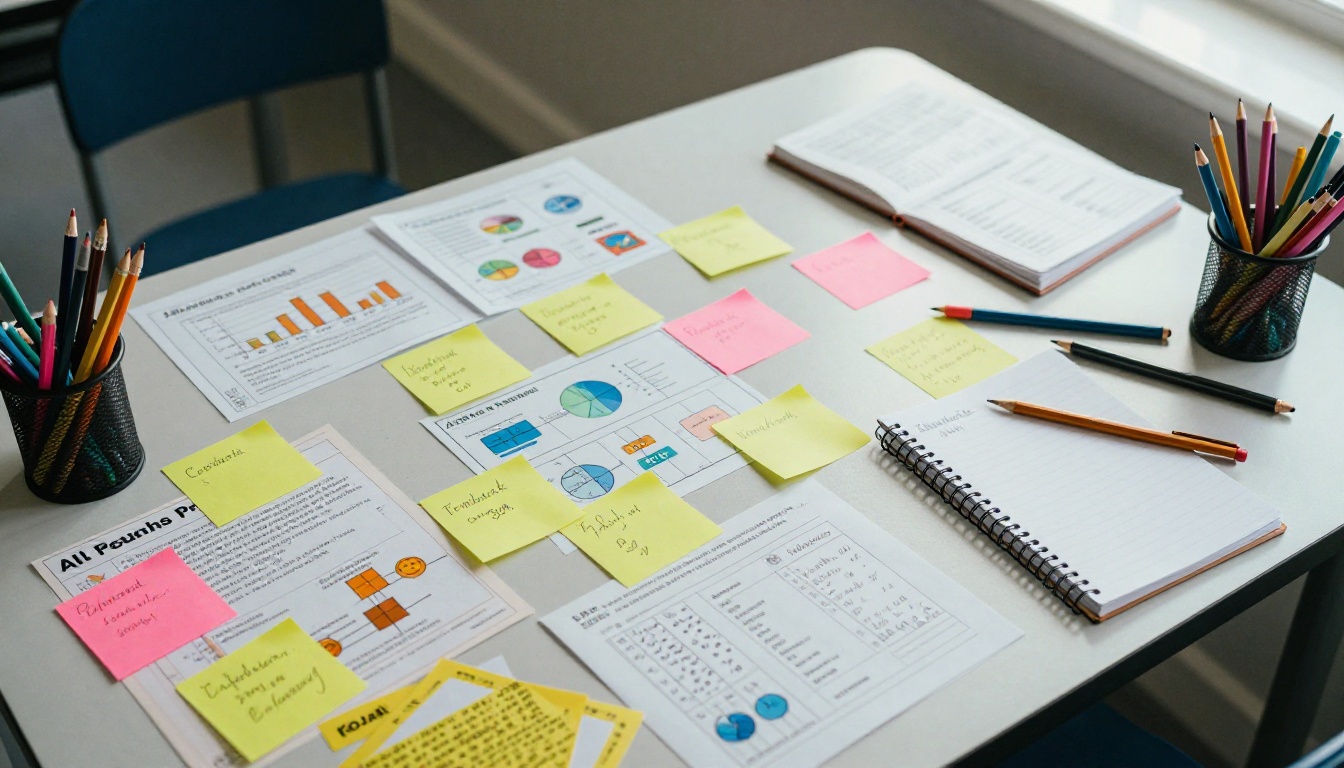
Which School Projects Benefit Most
Not every assignment warrants conversion to flipbook format, but certain project types benefit dramatically from the interactivity and visual presentation.
| Project Type | Why Flipbook Works | Best Feature to Use |
|---|
| Research Reports | Multi-page content flows naturally with page turns | Table of contents with clickable links |
| Science Fair Projects | Visual data and lab photos display at full resolution | Full-bleed image pages |
| History Timelines | Sequential narrative suits book format perfectly | Animated page progression per era |
| Book Reports | Mirrors the physical book experience | Cover page design and chapter structure |
| Student Portfolios | Showcases creative work professionally | Digital Portfolio Creator |
| Class Presentations | Interactive alternative to static slides | Embedded videos per section |
| School Newsletters | Distributable to classmates and parents digitally | School Newsletter Creator |
| Course Summaries | Organizes semester notes in one shareable document | Course Material Publisher |
| Yearbooks | Class-wide collaborative digital publication | Yearbook Flipbook Maker |
✅ Science fair projects and history timelines show the most dramatic improvement in presentation quality when converted to flipbook format, primarily because both involve significant visual content that benefits from full-page rendering.
Preparing Your Project for Conversion
Before uploading anything to Flipbooks AI, a few preparation steps ensure the best possible result.
Design for the Page, Not the Scroll
If you're building your project from scratch, or still have time before it's finished, design each page as a discrete unit. Each page should be readable on its own, with a clear heading, contained text, and relevant visuals. This mirrors how a book or magazine is designed and translates directly to a strong flipbook layout.
If your project is a long essay with minimal visual breaks, consider adding section dividers, pull quotes, or relevant images to create visual rhythm across pages before exporting.
Export at the Highest Quality
When exporting your PDF, always choose the highest quality option available. Flipbooks AI renders each page as a high-resolution image. If your source PDF is low resolution, the flipbook pages will reflect that quality. Most word processors offer a "Best quality" or "Print quality" option in the PDF export dialog.
Keep File Sizes Manageable
Very large PDF files above 100MB may slow the upload and conversion process. If your project contains many high-resolution images, consider compressing them slightly before exporting. Most PDF export tools have a "Compress images" option that reduces file size without noticeable quality loss at typical screen viewing sizes.
⚠️ Check your page dimensions before exporting. Standard letter (8.5x11 inches) or A4 works best for flipbook conversion. Unusual dimensions like wide-format poster sizes may need layout adjustments before the PDF is created.
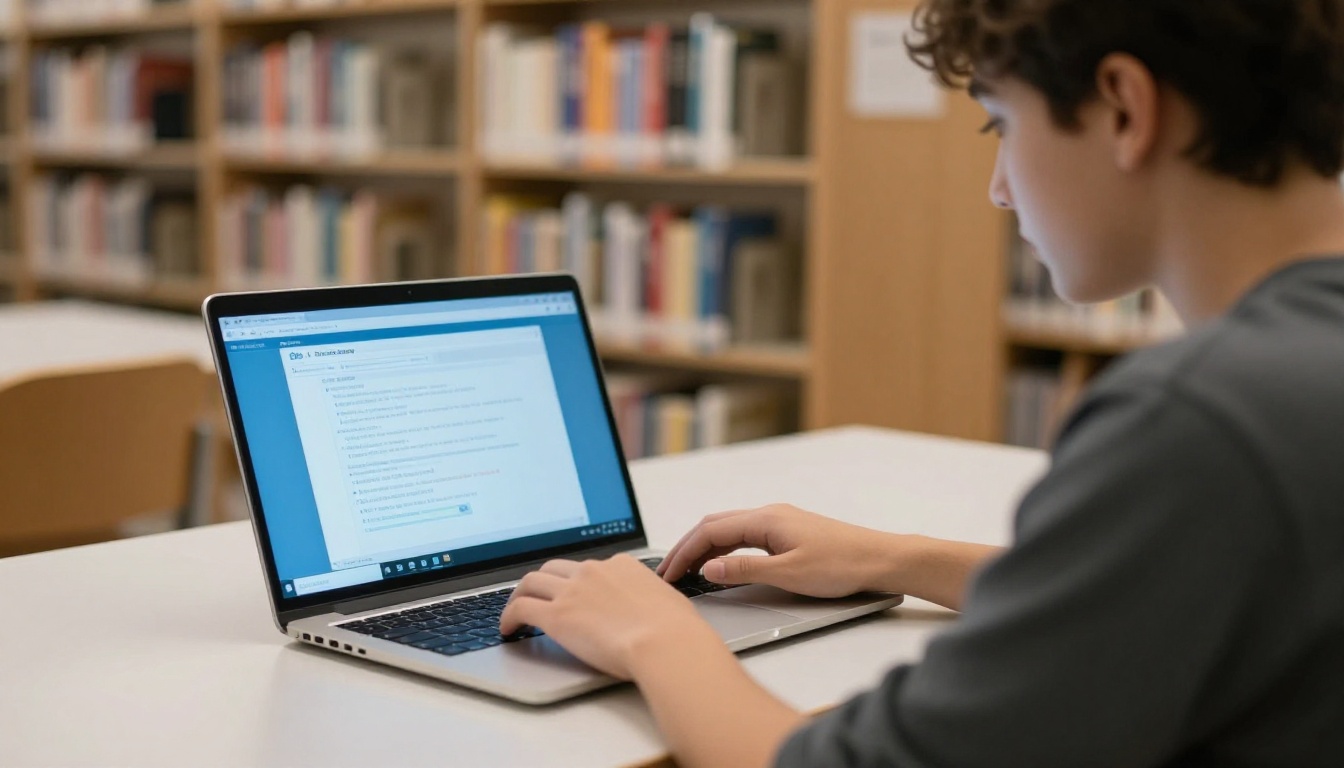
How to Create Your School Project Flipbook
This is the complete process, start to finish. Once your PDF is ready, the conversion itself takes under 10 minutes.
Step 1: Create Your Free Account
Go to Flipbooks AI and sign up. The free tier gives you access to the core PDF converter and lets you create your first flipbook immediately. No credit card required for the initial account creation.
Step 2: Export Your Project as a PDF
Confirm your school project is in PDF format. Google Docs, Microsoft Word, Canva, and PowerPoint all have built-in PDF export options. For presentations, exporting from Google Slides or PowerPoint as PDF creates one page per slide, which converts cleanly to one flipbook page per slide.
Step 3: Upload Your PDF
On your Flipbooks AI dashboard, click Create New Flipbook and select your PDF file. The conversion runs automatically and typically completes within 30 seconds for documents up to 30 pages. Every page renders with the original layout preserved, including fonts, images, and color schemes.
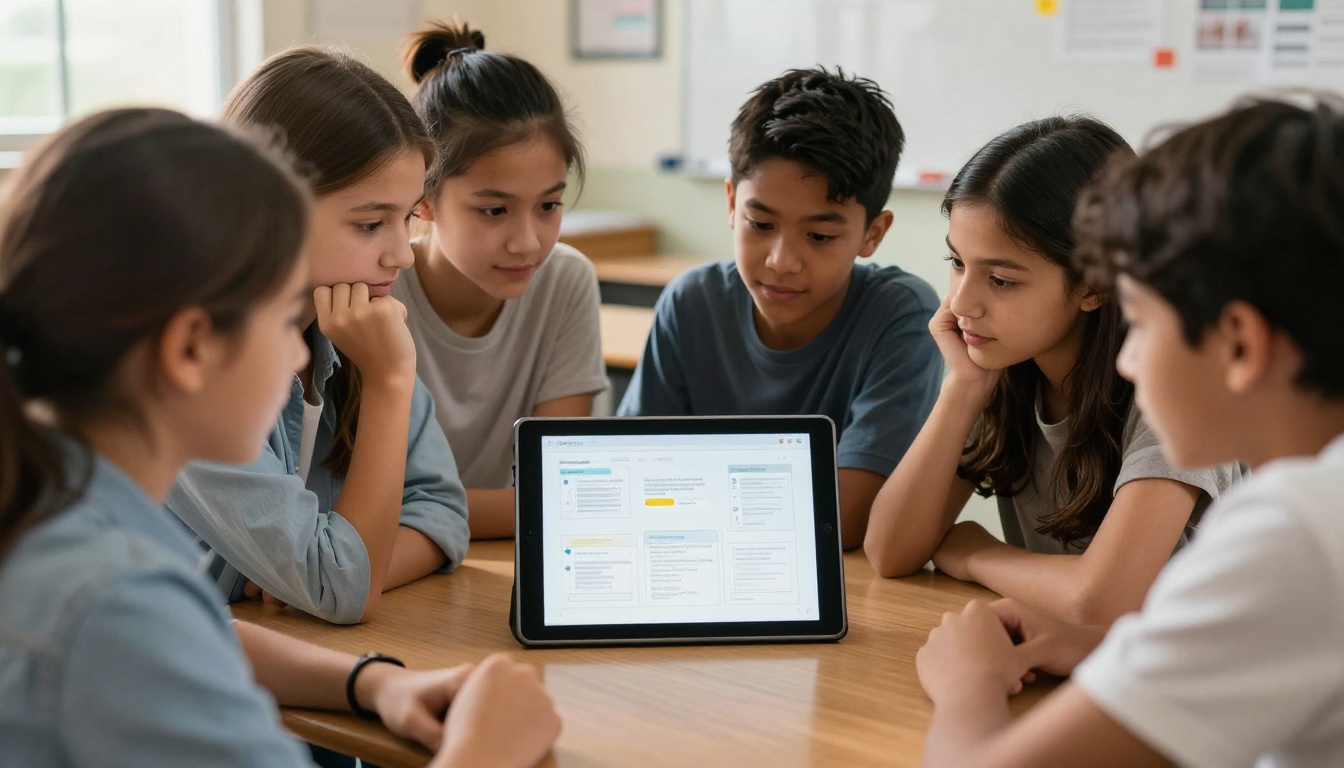
Step 4: Customize Your Flipbook
This is where your submission separates itself from everyone else's. The editor provides:
- Cover design: Set your title, name, and a cover image that establishes the project's theme
- Color scheme: Choose interface colors that match your project's visual identity
- Page effects: Adjust the page-turn animation style, spine shadow, and page curl behavior
- Multimedia embedding: Insert video URLs directly onto specific pages
- Table of contents: Create clickable navigation for projects over 8 pages
- Branding: Add your name and class information consistently across the publication
For a history project, a sepia-toned color scheme matches the content. For a science project, a clean white and blue palette communicates precision and focus. These small decisions create a coherent visual identity that reads as intentional.
Step 5: Share with Your Teacher
Once published, your flipbook gets a permanent, shareable URL. Copy it and paste it directly into your assignment submission on Google Classroom, email it to your teacher, or include it as a hyperlink in a written cover page. Your teacher clicks once, and your interactive project opens in their browser.
For group projects, password-protect the flipbook and share the password only with your teacher and the classmates involved.
Flipbook Features That Actually Impress Teachers
Not all features matter equally for academic submissions. Here is an honest breakdown of what affects how your project is received:
| Feature | Academic Impact | Available On |
|---|
| Animated page turns | High: instantly professional presentation | All plans |
| Custom cover page | High: strong first impression | All plans |
| Embedded videos | Very High: demonstrates initiative and depth | All plans |
| No watermarks | Critical: maintains submission credibility | Standard plan and above |
| Password protection | Medium: useful for draft submissions | All plans |
| Analytics and view tracking | Medium: shows teacher engagement data | Professional plan |
| Offline download | Medium: reliable backup for presentations | Professional plan |
| Mobile-responsive design | High: works on any device without issues | All plans |
💡 The single highest-impact feature over a PDF is embedded video. A two-minute lab walkthrough video placed inside a science project page demonstrates more depth than three additional written pages.
Sharing Options Every Student Needs
Direct Link Sharing
Every flipbook gets a unique URL automatically. Copy it, paste it into a Google Classroom submission, email it, or share it in a class group chat. Anyone with the link views it instantly in any browser without downloading anything. There is no "wrong version" of the file because the URL always points to the live, current flipbook.
Embed Codes
If your school has a class website or learning management system that accepts HTML, Flipbooks AI provides an embed code that inserts your flipbook directly into any webpage. Use the Embed Flipbook on Website tool to generate the code. This works especially well for class portfolios or collaborative publications hosted on a school platform.
Password-Protected Submissions
Not ready to make your project fully public? Set a password before sharing the link. Only people with the password can access the flipbook. This is particularly useful for submitting drafts for teacher review, for projects that contain sensitive personal research, or for final submissions you don't want indexed publicly before grading is complete.
Free vs Paid Plans for Students
For most individual school projects, the free tier is enough to test the format. Here is an honest breakdown of what each plan delivers:
| Plan | Monthly Price | Flipbooks | Watermark | Best For |
|---|
| Free | $0 | 1 | Yes | Single project test run |
| Starter | ~$9/mo | 10 | No | Regular assignments across a semester |
| Standard | ~$19/mo | Unlimited | No | Multiple classes, ongoing academic use |
| Professional | ~$39/mo | Unlimited | No | Analytics, offline access, lead generation |
✅ For students who want to use flipbooks across multiple assignments throughout the year, the Starter plan covers everything needed: no watermarks, enough flipbooks for every major submission, and access to all core customization features.
See current pricing and available offers on the Flipbooks AI pricing page. Students at institutions with bulk licensing may have access to discounted plans through their school.
Real Student Applications
Science fair reports converted to flipbooks regularly include embedded video of the experiment itself, charts and graphs displayed at full resolution, and a structured narrative that reads like a published scientific paper rather than a student handout. The table of contents lets judges jump directly to methodology or results without scrolling through the entire document.
History timelines gain enormously from the format. Each historical period becomes a visual chapter. Maps fill entire pages. Primary source images display at sizes that actually communicate their significance. The linear page-turning format mirrors the sequential logic of historical events in a way that scrolling through a document never achieves.
Portfolio submissions for art, writing, or design classes work exceptionally well using the Digital Portfolio Creator approach: each piece of work gets its own spread, the layout is curated rather than random, and the final document reads as a professional body of work rather than a file attachment.
Class newsletters produced by student groups use the School Newsletter Creator format to distribute a polished publication to the whole class, embedded directly in a school website or shared as a link in a group chat. The result looks like a professionally published magazine, not a Google Doc.
Training manuals and study guides for group projects benefit from the Training Manual Flipbook format, creating structured reference documents that teammates can access on any device during collaborative study sessions.
Tips That Separate Good from Memorable
Make the cover earn its page. Your flipbook cover is the first visual your teacher sees. Use the highest-quality relevant image you have, set a clean readable title, and include your name and course clearly. Treat it like a book cover, not a filename.
Keep text pages readable on screens. Flipbook pages are read on monitors and phones, not printed on paper. Use fonts no smaller than 12pt, write clear section headings, and leave breathing room between elements. Dense walls of text work in print but feel overwhelming on screen.
One embedded video per major section. Video embeds are powerful precisely because they're unexpected in a school submission. Using too many dilutes the impact. One well-chosen, relevant video per major section adds genuine informational value without overwhelming the reading experience.
Test your flipbook on a phone before submitting. Open the link on your phone the day before the submission deadline. Confirm every page renders correctly, navigation works smoothly, and any embedded media loads properly on mobile. This takes two minutes and prevents submission-day surprises.
Match colors to your project theme. If your project uses a green and white environmental theme, set your flipbook interface colors to match. If your literary analysis focuses on a Victorian novel, use a warm, period-appropriate palette. Visual consistency at this level signals attention to detail.
Add a table of contents for projects over 10 pages. Anything over 10 pages benefits from a clickable table of contents. It tells the reader exactly what's inside and lets your teacher navigate directly to the sections they want to review most closely, which in turn makes your project easier to grade well.
Proofread inside the flipbook, not just in the source file. After conversion, open your flipbook and read through every page in the actual flipbook interface. Occasional layout shifts can occur during conversion and are easy to miss if you only proofread the original PDF.
Your Work Deserves Better Than a PDF
You put real effort into your school projects. Submitting them as a flat, static PDF is letting the format underrepresent the work. An interactive flipbook takes the exact same content and presents it in a way that signals care, initiative, and professionalism from the first click.
Whether it's a single book report or a semester-long research capstone, the PDF to Flipbook Converter takes minutes and produces something that stands apart from every other submission in the class. Your research stays exactly as you wrote it. The format does the rest.
Start your first flipbook free on Flipbooks AI and see the difference for yourself.
Browse all available tools and templates to find the format that fits your specific assignment type, or review pricing options to pick a plan that works for the rest of your school year.



