Years of late nights, relentless revisions, and rigorous research all compressed into one document. Your thesis is arguably the most substantial intellectual work you will ever produce, yet most students share it as a flat, lifeless PDF attachment in an email. That disconnect deserves a direct fix. Flipbooks AI offers exactly that: a way to turn your academic dissertation into a polished, interactive digital flipbook that actually does justice to the depth of your work.
Why PDFs Are Failing Academic Researchers
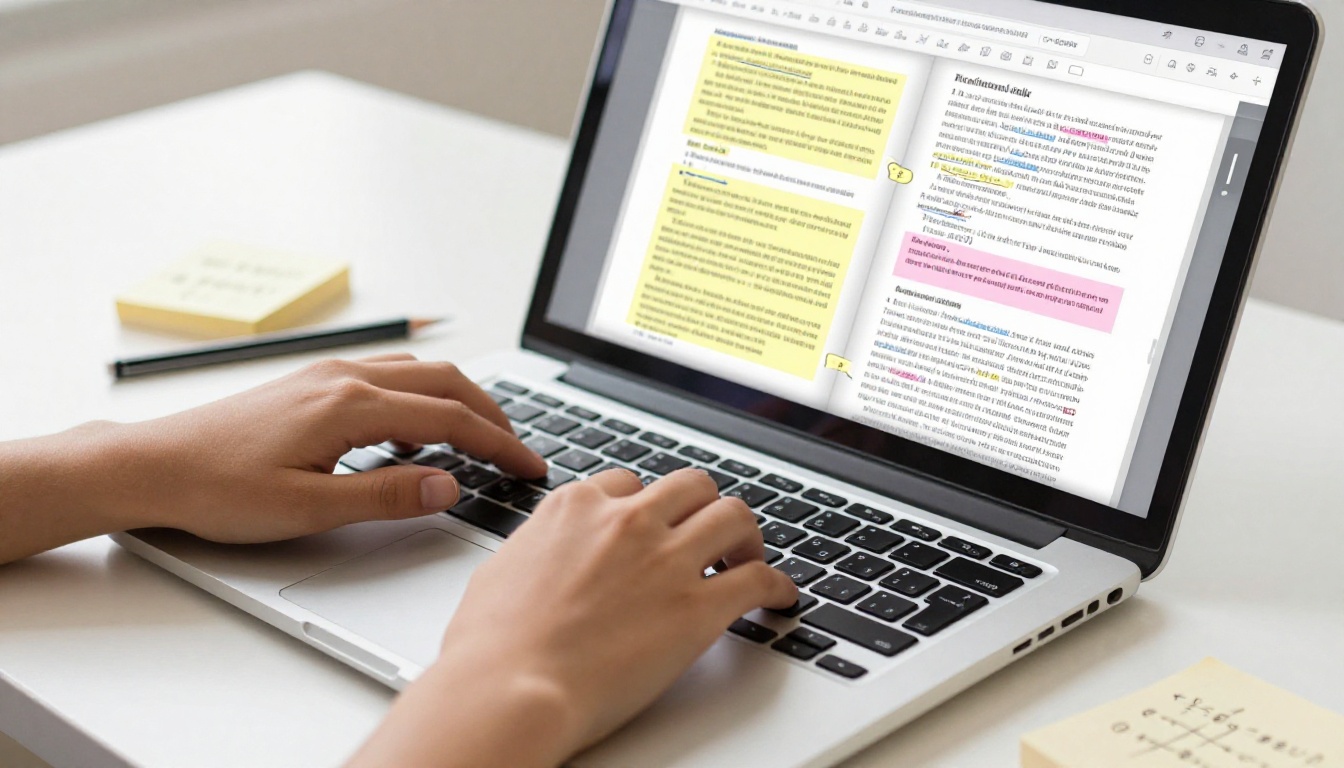
A static PDF is fine for submitting to your university repository, but it does nothing for you beyond that. When you send a PDF to a professor, potential employer, or academic journal editor, you are asking them to do all the work. They have to download it, open it in a separate reader application, scroll manually through hundreds of pages, and zoom in on charts that were formatted for print, not screens.
There is no interactivity, no visual hierarchy beyond what your word processor produced, and no way to know whether anyone actually read it. A digital flipbook solves every one of those problems at once.
How Most Students Share Their Research Today
Most graduate students distribute their thesis in one of these ways:
- Emailing a PDF attachment (often ignored or lost in an inbox)
- Uploading to an institutional repository (limited visibility, zero shareability)
- Printing a bound copy (expensive, fragile, impossible to share digitally)
- Posting a Google Drive link (zero presentation quality, raw file access only)
None of these options position your work as the professional, polished research it genuinely is. And in an increasingly digital academic environment, presentation quality does matter.
What Your Thesis Actually Deserves
Your dissertation contains original methodology, carefully constructed arguments, data visualizations that took months to build, and a bibliography representing years of reading. A digital flipbook preserves all of that formatting, adds a realistic page-turning experience, and makes your research accessible to anyone through a clean shareable link on any device, desktop, tablet, or phone.
💡 Academic recruiters and hiring managers spend an average of fewer than 60 seconds on a CV. A direct link to your interactive thesis flipbook creates immediate differentiation that static documents simply cannot replicate.
PDF vs. Digital Flipbook: The Full Comparison
Here is a side-by-side look at what you gain by converting your thesis from a static PDF to a professional digital publication:
| Feature | Static PDF | Digital Flipbook |
|---|
| Shareable via link | ✅ (but clunky) | ✅ (clean, direct URL) |
| Mobile-responsive | ❌ | ✅ |
| Page-turning animation | ❌ | ✅ |
| Embedded multimedia | ❌ | ✅ (video, audio) |
| Custom branding | ❌ | ✅ |
| Analytics (viewership data) | ❌ | ✅ (Professional plan) |
| Password protection | ❌ | ✅ |
| Embeddable on websites | ❌ | ✅ |
| Download option | ✅ | ✅ |
| Print quality preserved | ✅ | ✅ |
| Clickable references | Limited | ✅ |
The difference is not cosmetic. When someone opens your digital thesis flipbook and sees it load with a page-turn animation, a responsive layout, and embedded hyperlinks directly to your referenced sources, the first impression is of a researcher who takes their own work seriously enough to present it properly.

Who Benefits Most from a Thesis Flipbook
This approach works for anyone with a substantial academic document, not just PhD candidates.
Graduate students presenting dissertations to committees or sharing research with professional networks benefit from the immediate professionalism of the flipbook format.
Undergraduate students showcasing capstone projects or honors theses to employers during job applications create a stronger impression than any resume attachment.
Research teams sharing collaborative papers with institutions, grant bodies, or partner universities make their work significantly more accessible to diverse audiences.
Academic supervisors creating publicly accessible versions of research for outreach, institutional reports, or departmental communications reach a broader audience with no extra formatting effort.
Postdocs and early-career researchers building a professional online presence before publishing in peer-reviewed journals need to show their research capacity in the clearest possible way.
✅ The Course Material Publisher and Training Manual Flipbook tools on Flipbooks AI are particularly useful for academics who also teach, letting them package lecture materials in the same polished format as their research publications.

How to Create Your Thesis Flipbook Step by Step
The process from PDF to professional digital flipbook is direct on Flipbooks AI. Here is the exact sequence from start to sharing:
Step 1: Create your account
Go to flipbooksai.com/account and register. The Standard plan and above offer unlimited flipbooks with no watermarks, which is exactly what you need for a thesis you will share publicly and professionally.
Step 2: Prepare your PDF
Before uploading, make sure your thesis PDF is fully finalized. Verify that:
- All fonts are embedded in the PDF, not dependent on system fonts
- All images are at print resolution, ideally 300 DPI minimum
- Your table of contents has working internal bookmarks if your software supports them
- Page numbering is consistent and correct throughout the entire document
Step 3: Upload and convert
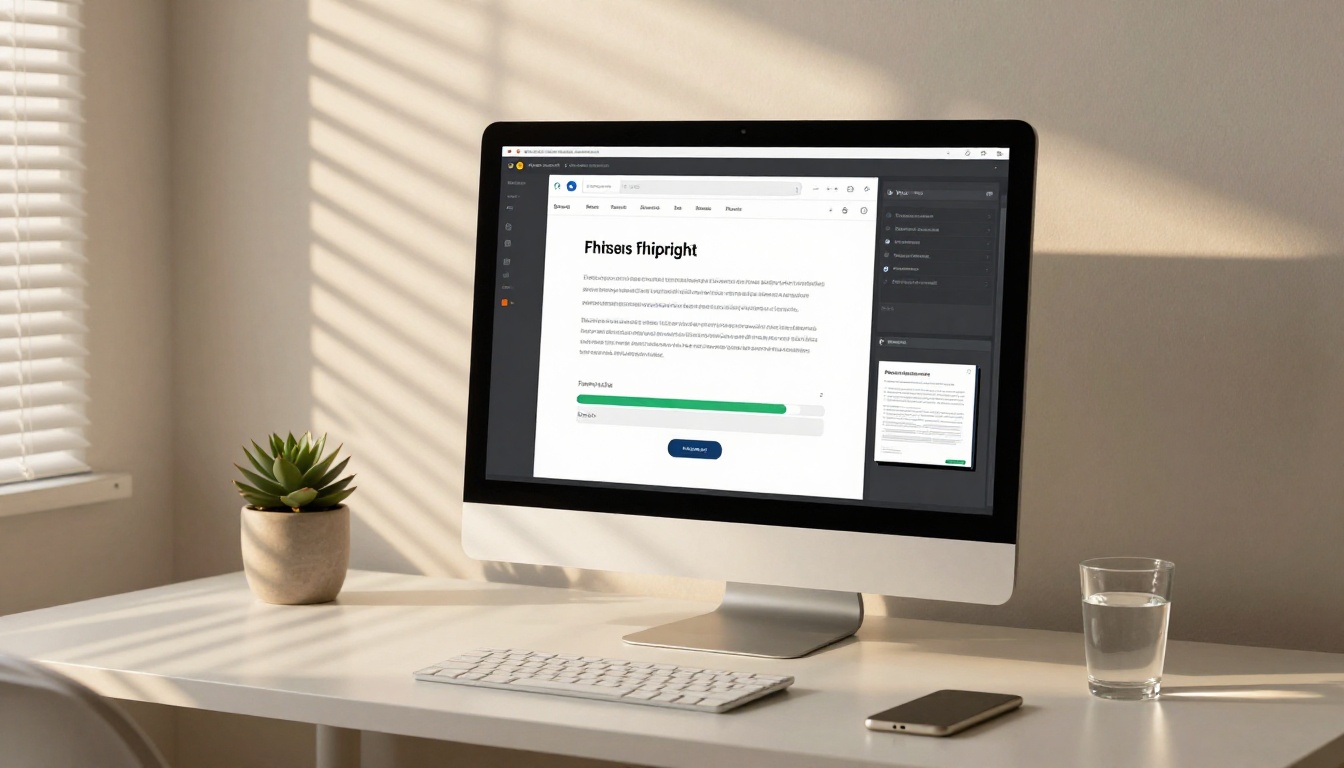
Use the PDF to Flipbook Converter tool. Drag and drop your PDF into the upload interface. Flipbooks AI processes every page and renders it at high fidelity, preserving your academic formatting, column layouts, headers, and footnotes exactly as designed.
Step 4: Add custom branding
Once converted, customize the presentation:
- Add a cover image that represents your research topic visually
- Set colors to match your institution's brand if sharing in an official capacity
- Place your university logo or department name for institutional context
- Adjust background style and page texture to suit your field's conventions
Step 5: Configure your sharing settings
Choose your distribution approach based on your audience:
- Public link: Anyone with the URL views your flipbook instantly
- Password protection: Restrict access to your committee, reviewers, or specific institutions
- Embed code: Paste directly into your academic portfolio, university profile page, or LinkedIn
Step 6: Share and analyze
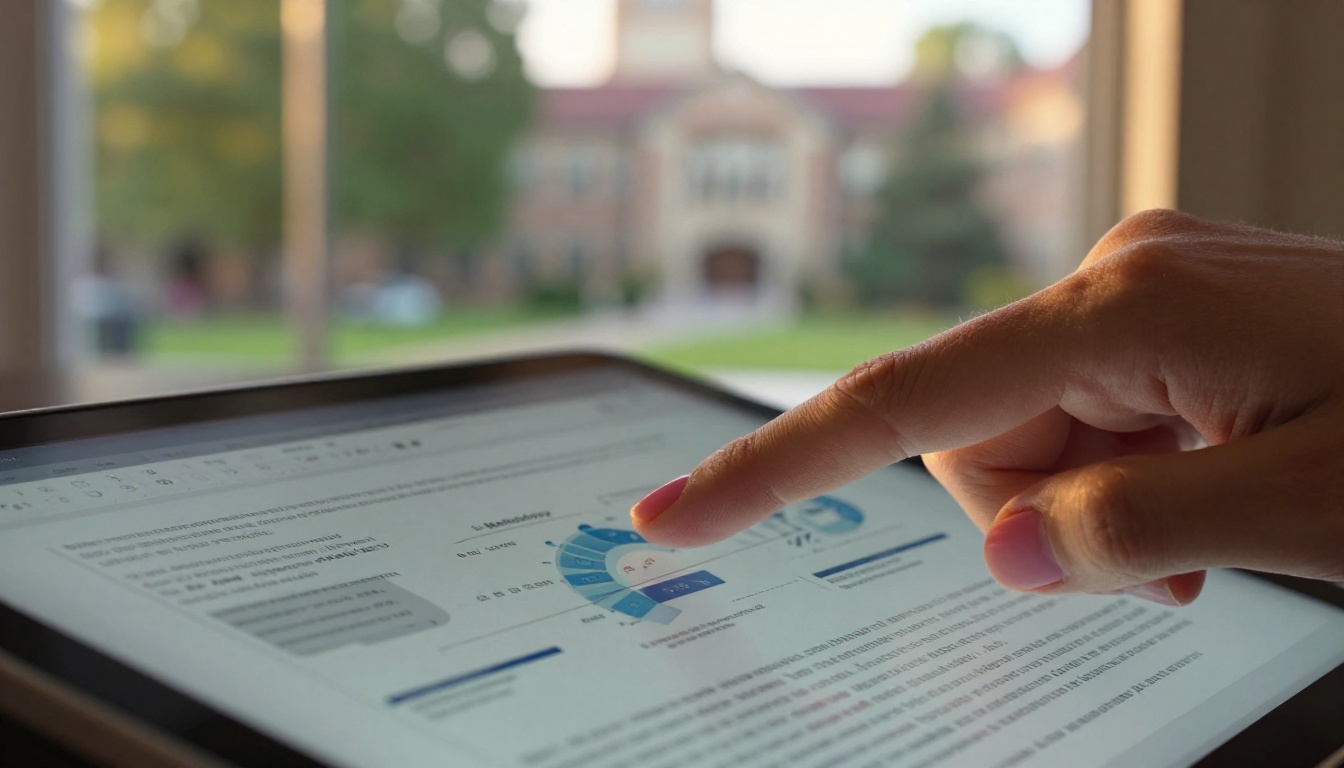
With the Professional plan, analytics show you exactly which pages held attention longest and how readership is distributed across chapters. This data helps you understand which parts of your research resonate most with different audiences, which is genuinely useful feedback for future writing.
⚠️ Do not publish a thesis containing confidential data, unpublished co-authored work, or proprietary research without first consulting your supervisor and institution. Many universities have embargo policies that restrict public distribution for a fixed period after submission.
Flipbooks AI Plans: Which One Fits Your Academic Needs
| Feature | Free | Standard | Professional |
|---|
| Flipbooks | Limited | Unlimited | Unlimited |
| Watermarks | Yes | No | No |
| Password protection | ❌ | ✅ | ✅ |
| Custom branding | ❌ | ✅ | ✅ |
| Offline downloads | ❌ | ✅ | ✅ |
| Embed on website | ❌ | ✅ | ✅ |
| Multimedia embeds (video, audio) | ❌ | ✅ | ✅ |
| Analytics dashboard | ❌ | ❌ | ✅ |
| Lead generation | ❌ | ❌ | ✅ |
For a student sharing a single thesis publicly, the Standard plan covers every essential feature. For researchers managing multiple papers or those who want detailed readership analytics across publications, the Professional plan is the right level. View the full breakdown at flipbooksai.com/pricing.

Making Your Thesis Look Professional Inside the Flipbook
The visual quality of your flipbook reflects directly on your research. These specific elements make an academic flipbook genuinely compelling rather than just a PDF with animation:
Chapter Openers That Create Impact
Each major chapter of your thesis should ideally open with a strong visual that signals the section's content. If your research involved fieldwork, photographs from that work create immediate context. If your methodology was quantitative, a well-formatted chart on the chapter opening page signals analytical depth before the reader even begins to read the first sentence.
Typography and Whitespace for Screen Reading
Academic PDFs often use tight line spacing and narrow margins to meet institutional page limits. When converting to a flipbook that people will read on screens ranging from smartphones to large monitors, sufficient whitespace improves readability significantly. If your PDF has very dense formatting, consider whether minor adjustments to your source document before conversion would improve the screen reading experience.
Data Visualization at Full Resolution
Charts and graphs that looked fine at A4 print size may lose clarity when rendered at full-screen resolution on a large display. For best results, ensure your original PDF was created from vector-based visualizations, not rasterized screenshots exported from statistical software. Vector charts scale infinitely without any quality loss.
Hyperlinked References That Actually Work
If your thesis PDF contains hyperlinked in-text citations or DOI links in your bibliography, these remain fully clickable in the digital flipbook. This is a substantial advantage over print that most students overlook. Readers who can verify your sources with a single click are more likely to trust and engage deeply with your arguments.
💡 Before converting, run through your PDF's bibliography and manually hyperlink each DOI if your writing software did not do it automatically. It takes an hour for most theses and significantly increases the practical value of the final flipbook for academic readers.
Where and How to Share Your Digital Thesis
Getting the flipbook live is half the work. Strategic distribution creates real academic impact:
LinkedIn: Post the flipbook link as a featured publication or in a detailed post describing your research findings. Academic and professional networks on LinkedIn actively share research content. A direct flipbook link generates far more clicks than a PDF attachment in a connection request.
Personal academic website: Use the embed code from Flipbooks AI to drop your flipbook directly into your portfolio page. The Embed Flipbook on Website tool generates a clean iframe code you can paste into any website builder or content management system.
ResearchGate and Academia.edu: Both platforms allow external links in your profile. Add your flipbook URL alongside the official DOI of any published version, giving readers a more accessible and visually rich way to engage with the research before accessing the archived version.
Conference presentations: Share a QR code or short URL pointing to your flipbook as your final slide. Attendees can pull up your full thesis on their phones before they have left the session room.
Email signature: A line like "Dissertation: Research Title" in your academic email signature creates passive visibility with every email you send, reaching advisors, collaborators, and potential employers without any extra effort.
| Thesis Section | Flipbook Impact | Why It Stands Out |
|---|
| Abstract | Very High | Sets professional tone immediately on page one |
| Literature Review | Medium | Dense text benefits from clean screen typography |
| Methodology | High | Diagrams, flowcharts, and process maps render sharply |
| Results and Data | Very High | Charts and tables display at full resolution |
| Discussion | Medium | Readable with proper whitespace on any screen size |
| Bibliography | High | Every DOI becomes a live, clickable reference link |
| Appendices | High | Supplementary material stays organized and accessible |
✅ If your thesis includes multimedia outputs such as interview recordings, data visualization demos, or field recordings, the flipbook format lets you embed these directly as playable content within the publication itself, something no PDF can replicate.
Building a Long-Term Academic Portfolio
One thesis converted to a flipbook is useful. A collection of research outputs in the same flipbook format becomes a serious, cohesive academic portfolio. As you publish papers, develop conference presentations, or create course materials, Flipbooks AI handles all of them in the same professional format, building visual consistency across your entire body of work.
The Digital Portfolio Creator and Interactive E-Book Publisher tools extend the same page-turn experience to other academic outputs. Your thesis, published chapters, conference proceedings, and academic CV can all live in the same visual ecosystem, presenting a consistent and professional scholarly identity to every audience you reach.
What Committees and Employers Actually Notice
Academic hiring committees and professional reviewers consistently respond to presentation quality as a signal of professional standards. A flipbook does not change the intellectual quality of your research, but it signals that you understand how to communicate it effectively. In fields where communication skills are valued as highly as analytical ones, that signal carries real weight.
Repository Submission vs. Your Presentation Copy
Most institutional repositories are functional but not impressive. They exist to archive and index your work, not to showcase it. Your digital flipbook sits alongside the official record as the version you want real readers to actually open and engage with.
Think of the repository submission as your legal academic record and the flipbook as your live presentation copy. Same content. Dramatically different reading experience for every person who encounters your research.

3 Mistakes to Avoid When Converting Your Thesis
1. Uploading a draft instead of the final approved version
Make absolutely certain you are converting the final, committee-approved version of your thesis. Once shared publicly, a flipbook based on an earlier draft creates confusion if the official submitted version differs in any meaningful way. Always convert from the final document.
2. Skipping the cover customization
The default first page of your PDF is rarely visually compelling on its own. Use the branding tools in Flipbooks AI to create a strong, well-designed first impression that sets the tone for the depth and quality of work inside. A strong cover is not vanity, it is the difference between someone clicking through or closing the tab.
3. Using the Free plan for a professional audience
Watermarks undercut the professional credibility you are working to build. If you are sharing your flipbook with employers, grant committees, or academic peers, use at minimum the Standard plan to remove watermarks and access custom branding. The cost difference is negligible compared to the impression difference.
⚠️ A watermarked flipbook signals a student project. A cleanly branded flipbook with your own cover and institution colors signals a researcher. The perception gap between those two outcomes is significant and immediate.

Your Research Deserves to Be Read
Your thesis is not just a submission requirement. It is a demonstration of your ability to conduct original research, synthesize evidence, and communicate complex ideas with precision. A professional digital flipbook makes sure that work is actually seen, read, and properly appreciated by the people who should see it.
Ready to convert your thesis? Create your account on Flipbooks AI and build your academic flipbook in minutes. The PDF to Flipbook Converter handles the technical conversion automatically, preserving every detail of your original formatting.
Browse all available tools and templates to find formats for other academic outputs. Compare pricing plans to choose the right level for your needs. Your research went through years of work to reach this point. Make sure the way you share it reflects that effort.



