Travel memories deserve better than a cluttered camera roll that nobody ever opens. Whether it's a solo trip through Southeast Asia, a family road trip across Europe, or a honeymoon in Greece, your photos tell a story worth sharing. The problem is that most people never find a way to present those photos in a way that does them justice. That's exactly where a flipbook album changes everything. Flipbooks AI lets you turn any collection of travel photos into an interactive, page-turning flipbook that people actually want to browse, share, and revisit for years.
Why a Flipbook Album Beats a Regular Photo Dump
The Real Problem with Digital Photo Overload
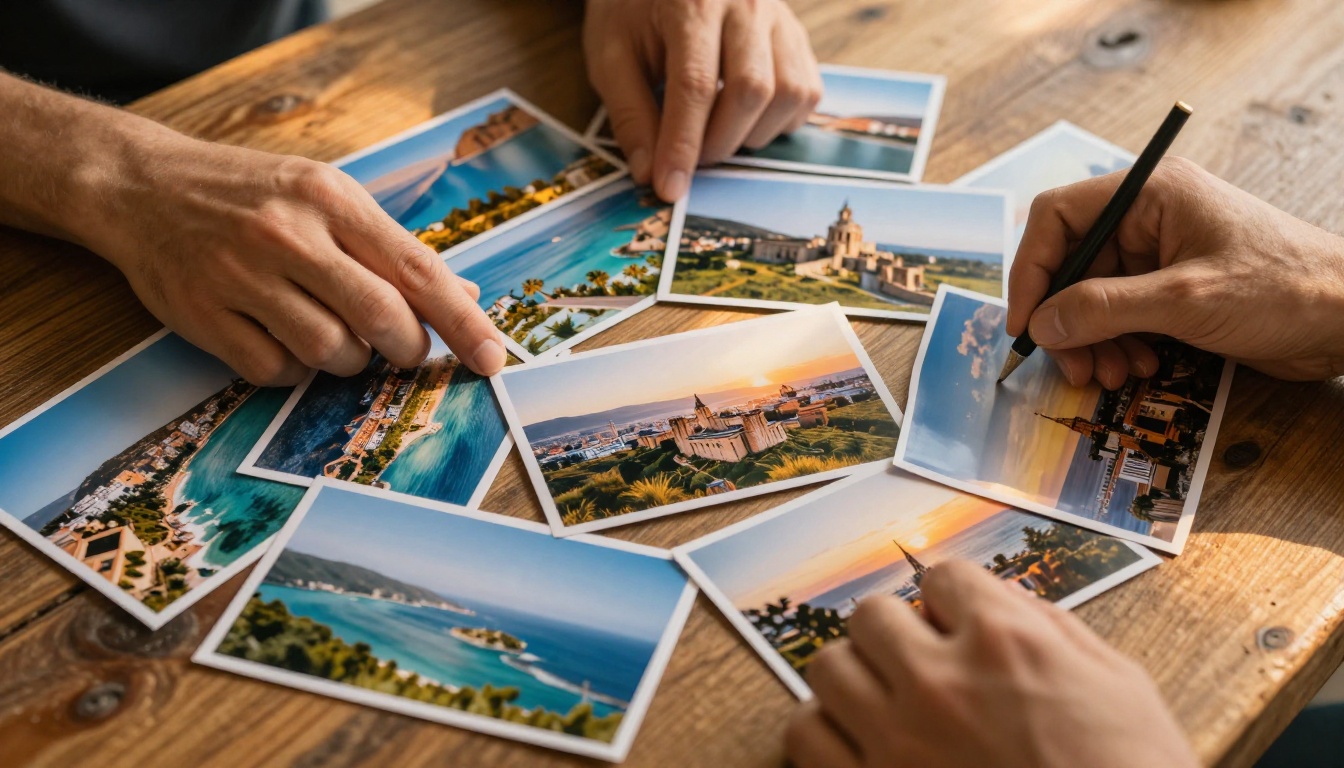
Most people take hundreds, sometimes thousands, of photos on a single trip. They come home, dump everything onto a hard drive or Google Photos, and then nothing happens. The photos sit there, rarely seen, never shared properly. Sending someone a link to a shared folder of 400 images is not storytelling. It's a chore.
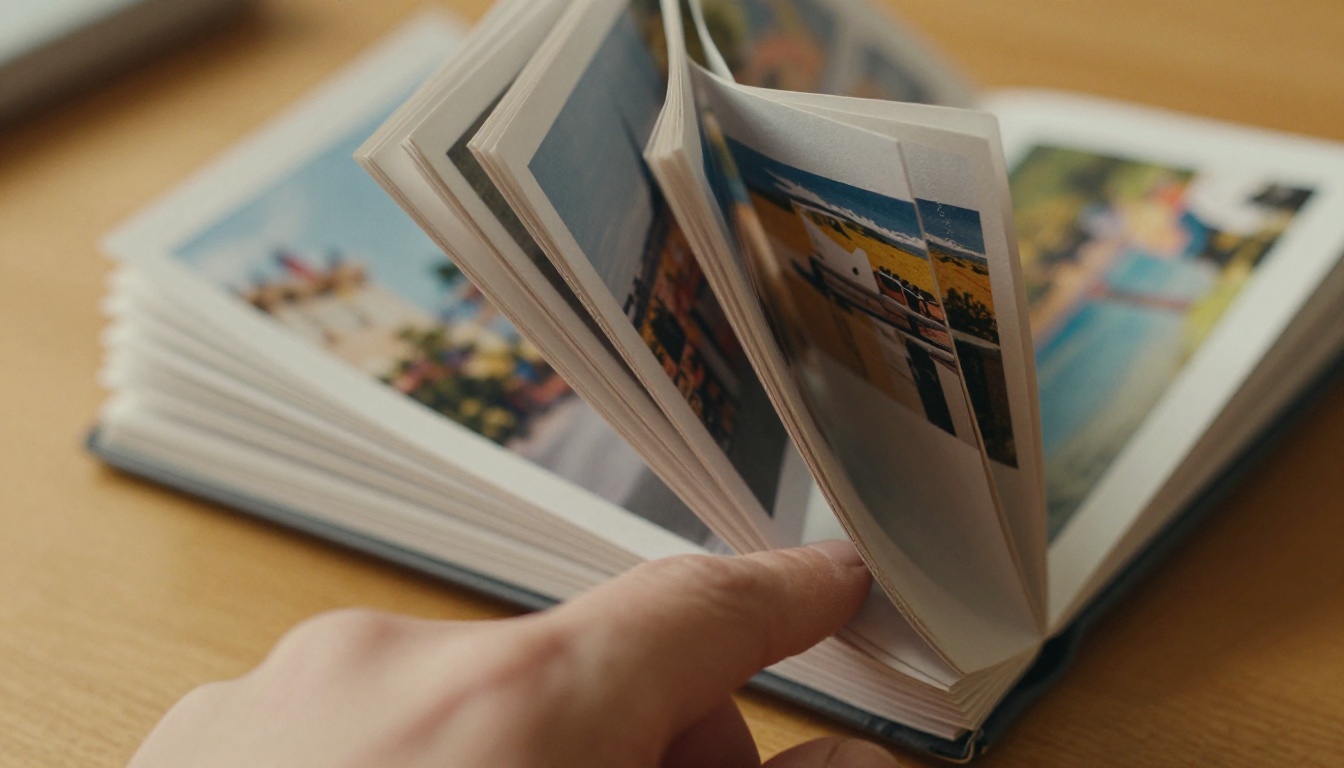
A flipbook album changes the dynamic entirely. Instead of a chaotic photo dump, you get a curated, flowing visual narrative. The page-turn format mimics the physical experience of browsing a printed album, but without the printing costs, the fading photos, or the shelf space it demands.
💡 A great flipbook album is not about showing every photo you took. It's about choosing the 40-80 images that tell the story of your trip from beginning to end.
What Sets Interactive Flipbooks Apart
A static PDF is flat. A flipbook is alive. With an interactive travel flipbook, viewers can:
- Flip through pages with a natural page-turn animation
- Zoom into fine details on specific photos
- Access the album from any device without downloading anything
- Share with a single link via WhatsApp, email, or social media
The difference in how people respond is dramatic. A photo book mailed to grandma gets glanced at once. A flipbook link shared in the family group chat gets opened on phones, tablets, and laptops, multiple times, by multiple people, across days and weeks.
Picking the Right Photos for Your Album
Quality Over Quantity, Always
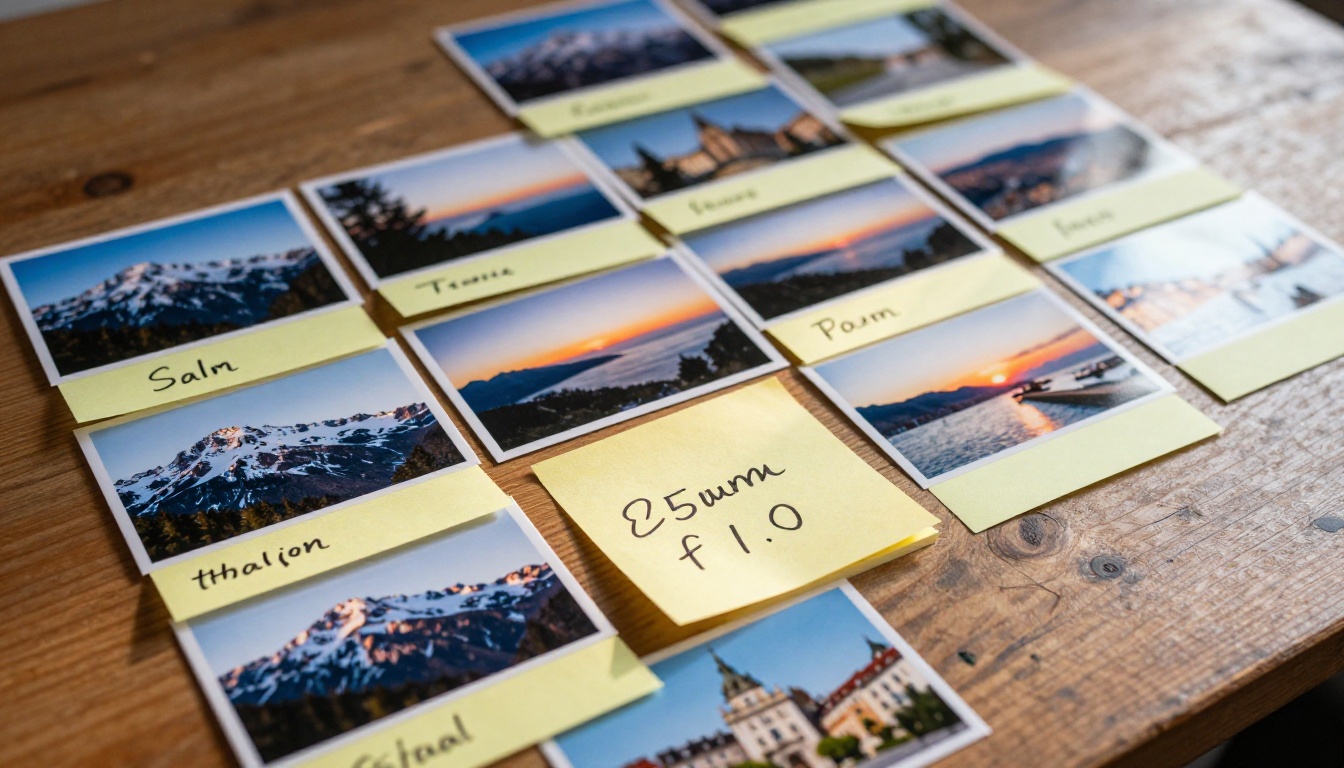
The biggest mistake people make when building a travel flipbook is trying to include every photo from the trip. An album with 300 images loses narrative momentum and overwhelms viewers. The sweet spot is 40-80 photos for a 2-3 week trip. That's roughly 20-40 spreads, enough to tell a full story without losing your audience halfway through.
Selection criteria that actually work:
| Keep This Photo | Skip This Photo |
|---|
| Best version of a scene, sharp and well-lit | Duplicates and near-identical shots |
| Candid moments with genuine emotion | Blurry or poorly exposed images |
| Establishing shots of new destinations | Test shots and accidental captures |
| Photos that move the narrative forward | Filler images that add no context |
| Unique details: food, textures, signage | Any photo you would skip in a slideshow |
Sorting by Story, Not Just by Date
Chronological order works for most trips, but it's not always the best approach. Consider organizing your flipbook by story arc instead:
- The arrival: First impressions, the airport, the hotel room
- The exploration: Landmarks, streets, natural scenery
- The food and culture: Markets, restaurants, local scenes
- The unexpected moments: The detours, the spontaneous decisions
- The people: Portraits, friendships, brief connections
- The farewell: Last sunsets, final evenings, the journey home
This structure gives your flipbook album an actual beginning, middle, and end, which is what transforms a folder of photos into a story worth sharing.
How to Organize Your Photos Before Building
Group by Destination or Mood
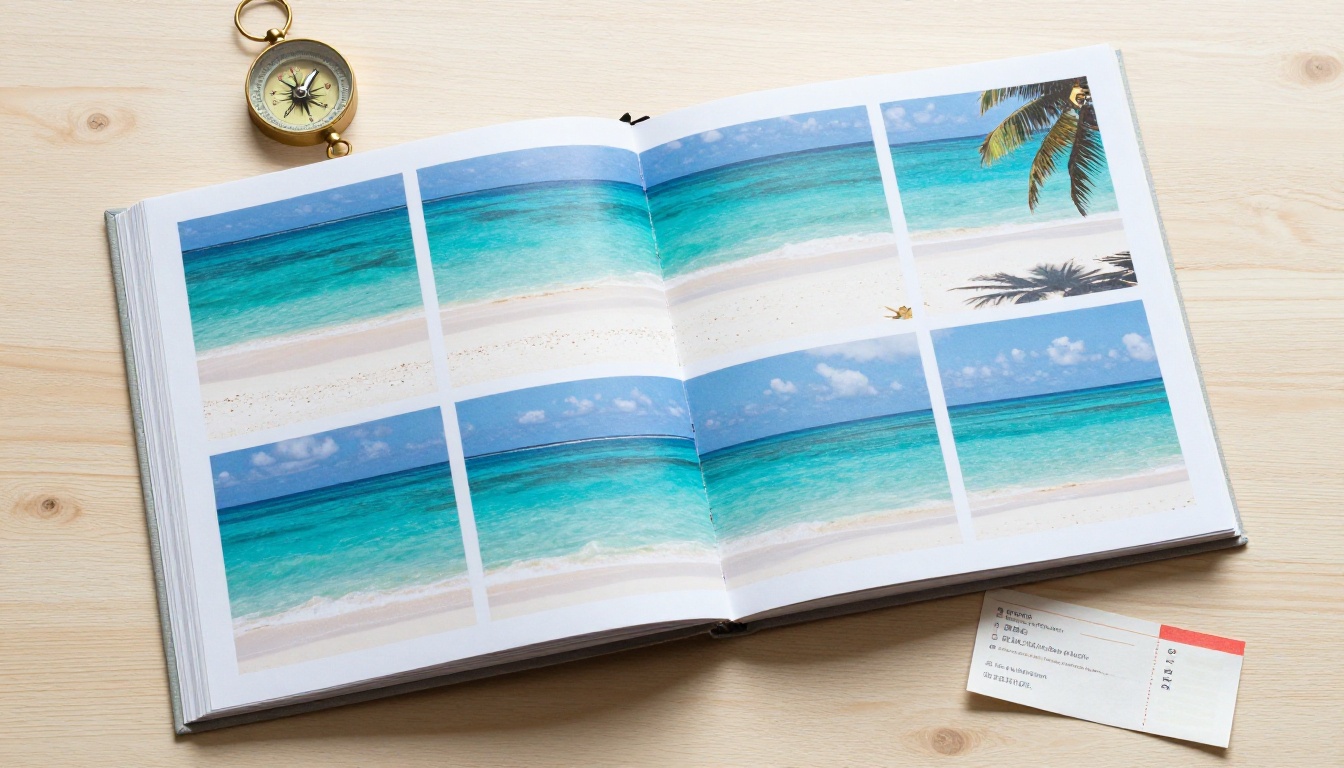
If your trip covered multiple cities or countries, grouping by destination is the most natural approach. Paris photos together. Rome photos together. Each destination becomes its own chapter within the flipbook, helping viewers follow the journey spatially as it actually happened.
Alternatively, organize by mood or theme: golden hour shots clustered in one section, food photography together, architecture as its own chapter. This approach works beautifully for photography-focused albums, solo travel journals, or honeymoon collections where aesthetic consistency matters more than geography.
The 3-Section Formula That Works Every Time
For most trips, this simple structure delivers a satisfying album:
- Opening (10-15 photos): Arriving, first day, establishing the setting
- Middle (25-50 photos): The main adventure, organized by day or destination
- Closing (5-10 photos): The final moments, the last sunset, the journey home
This formula creates natural rhythm. Viewers feel the buildup, the peak, and the winding down. It mirrors how we actually experience travel, which is exactly why it resonates.

How to Create a Travel Flipbook Album with Flipbooks AI
This is where everything comes together. Flipbooks AI provides the most direct path from a folder of travel photos to a shareable, polished flipbook album. Here's the exact process.
Step 1: Create Your Account
Head to flipbooksai.com/account to create your free account. No credit card required to start. Once you're in, you'll land on your dashboard where all your flipbooks are organized and managed from one place.
Step 2: Build Your PDF
Before uploading to Flipbooks AI, compile your selected photos into a PDF file. This takes less than five minutes:
- On Mac: Open all selected photos in Preview, select all, and export as PDF
- On Windows: Print selected photos to PDF using Microsoft Print to PDF
- Using Canva: Drag your photos into a landscape template, then export as PDF for full layout control over spacing and page design
✅ Use a 16:9 landscape layout for your PDF pages. This gives your flipbook a cinematic, widescreen feel that works perfectly for travel photography on any screen size.
Step 3: Upload and Convert
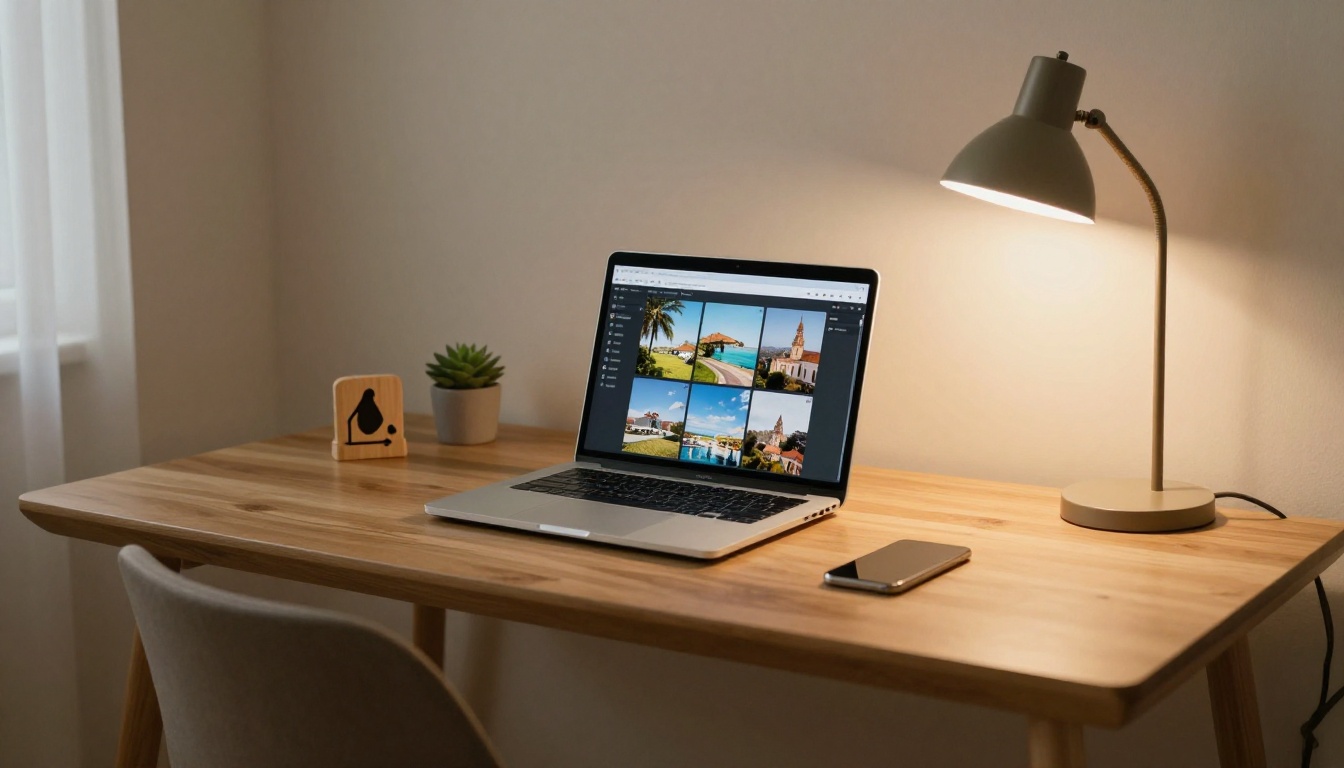
From your dashboard, click New Flipbook and upload your PDF. Flipbooks AI processes the file and converts each page into a crisp, high-resolution digital flipbook page. For a 60-page album, this takes under a minute.
The PDF to Flipbook Converter handles any PDF size and maintains full image quality throughout the conversion process, with no compression artifacts.
Step 4: Customize Your Flipbook
Once converted, personalize the album before sharing:
- Cover title and thumbnail: Add a title like "Italy 2025" or "Our Thailand Adventure"
- Background color: Choose a dark or light canvas that complements your photo palette
- Page effects: Enable the realistic page-turn sound and animation for a tactile browsing feel
- Custom branding: Add your name, social handle, or website link to the flipbook footer
💡 Use your single strongest photo as the cover thumbnail. It's the first frame viewers see, and it determines whether they click through or scroll past.
Step 5: Share Anywhere
Once your flipbook is ready, you get immediate access to:
- A direct shareable link you can paste into any message, email, or social post
- An embed code for blogs and websites via the Embed Flipbook on Website tool
- Password protection to keep family albums private from the public
- Social sharing buttons for direct posting to Instagram, Facebook, and more
⚠️ Password protection, analytics, and lead generation are available on the Professional plan. If you're a travel blogger tracking viewership or collecting emails from readers, that's the tier to look at.
Sharing Your Travel Flipbook
Private Links vs. Public Sharing
Not every album is meant for the world. A honeymoon flipbook stays in the family. A solo travel photography portfolio might be something you want publicly discoverable. Flipbooks AI gives you full control over visibility:
| Sharing Mode | Best For | Available On |
|---|
| Public link, no password | Social media, travel blogs, open sharing | All plans |
| Password-protected link | Family albums, client galleries, private trips | All plans |
| Embedded on website | Personal travel blog, portfolio sites | Standard and above |
| Analytics tracking | Travel content creators, photographers | Professional plan |
| Offline download | Gifts, archiving, no-internet access | Professional plan |
Embedding in Travel Blogs and Websites
If you run a travel blog, embedding a flipbook directly into a post is a significant upgrade over a standard image gallery. Readers spend more time on the page, and the interactive format is far more captivating than a scrollable grid of static photos.
Use the embed code from your flipbook settings and paste it into any HTML block in your blog editor. The result is a fully interactive, mobile-responsive flipbook sitting right inside your article, with no third-party apps required.

Plans and Features at a Glance
Finding the right plan depends on how often you create flipbooks and what features you need. Here's a clear breakdown:
| Feature | Free | Standard | Professional |
|---|
| Flipbook limit | 1 | Unlimited | Unlimited |
| Watermarks | Yes | No | No |
| Password protection | No | Yes | Yes |
| Custom branding | No | Yes | Yes |
| Embed on website | No | Yes | Yes |
| Video and audio embed | No | Yes | Yes |
| Analytics dashboard | No | No | Yes |
| Lead generation | No | No | Yes |
| Offline downloads | No | No | Yes |
For most people creating personal travel albums, the Standard plan covers everything you need. Travel content creators and photographers who need analytics and lead generation tools should look at Professional. See all pricing plans for the full breakdown.
Real Uses That Actually Deliver Results
Honeymoon and Anniversary Albums
A honeymoon flipbook is one of the most thoughtful things you can create for a partner. Instead of a photo book that sits on a shelf, it's a live, interactive album accessible from any device, shareable with family, and revisitable every anniversary with no extra effort.
The Wedding Album Flipbook tool is built for exactly this kind of project, with layouts designed for mixing portrait and landscape photography across a long, flowing album.
Group Trip Recaps
After a group trip, everyone wants the photos. The usual approach is a shared drive link that nobody opens more than once. A flipbook link shared in the group chat is a completely different experience. People flip through it on their phones during commutes, share individual pages with their partners, and actually come back to it weeks later.
For group travel photography, the Photography Portfolio tool helps you present curated photo sets with a professional, gallery-style layout.
Travel Photography Portfolios
Travel photographers use flipbooks as a primary portfolio format. Instead of a static website gallery, a flipbook gives clients and picture editors a cinematic browsing experience that better represents the quality and storytelling behind the work.
The Digital Portfolio Creator and the Portfolio Flipbook Builder are purpose-built for this, with high-resolution display and clean professional layouts built in.
Interactive Travel Itineraries
If you organize group travel or want to package your trip knowledge into something useful for others, the Travel Guide Flipbook tool combines photography with text-based itinerary content in a format that's easy to share and far more readable than a plain document.
What Separates Good Albums from Memorable Ones
A flipbook album succeeds when it feels like a story, not a slideshow. These elements make the biggest difference:
- A strong cover image: The first frame sets the tone for everything that follows
- Consistent color mood: Warm tones for beach trips, cool blues for mountain photography
- Varied compositions: Mix wide establishing shots with tight close-up details
- Light use of text: A single location name or date per spread is enough
- A real ending: The final spread should feel like a satisfying close, not an abrupt stop
✅ Browse through your completed flipbook as if seeing it for the first time before you share it. Pages that feel slow or repetitive should be trimmed. Trust that first impression.
6 Mistakes to Avoid
| Mistake | Why It Hurts | Fix |
|---|
| Too many photos | Kills narrative pacing, overwhelms viewers | Cap at 80 photos maximum |
| Random photo order | Confuses the viewer, breaks the story | Use a story arc structure |
| Weak or blurry cover image | Poor first impression, low click rate | Use your sharpest, most striking shot |
| Skipping mobile preview | Most viewers are on phones | Always preview on mobile before sharing |
| No customization at all | Looks generic and unpolished | Add a title and pick a matching background color |
| Sharing a raw folder link | Nobody opens it more than once | Convert to flipbook for far higher viewership |
Your Memories Are Worth More Than a Folder
Your travel photos are sitting on a hard drive right now, doing nothing. The memories are real, the stories are there, but they're locked inside files that nobody ever opens after the initial upload.
A flipbook album fixes that in 20-30 minutes. You go from a folder of images to a polished, interactive, shareable album that people actually want to browse, revisit, and pass around.
Create your first flipbook for free on Flipbooks AI. No design skills needed, no complicated software, no printing costs. Browse all available tools and templates to find the right format for your trip type. Compare pricing plans and pick what fits your needs.
Your trip deserves better than a forgotten folder. Give it an album worth opening.



