Your wedding vows were never meant to be forgotten. They were spoken in front of everyone you love, charged with emotion, and carefully crafted to capture exactly how you felt in that irreplaceable moment. Yet most couples watch those words fade into memory within months, buried under photos, speeches, and the beautiful chaos of married life. Flipbooks AI gives you a way to change that, turning your handwritten or printed vows into a stunning, interactive digital flipbook that you can share, revisit, and pass down for generations.
Why Wedding Vows Belong in a Flipbook
The Problem With "Just Saving" Vows
Most people tuck their written vows into a drawer or photograph the pages and bury them in a camera roll. Neither solution does justice to the weight of what was written. Paper yellows. Photos get scrolled past. A flipbook, on the other hand, is an experience, not just a document.
When someone opens your wedding vow flipbook, they do not just read words. They feel pages turning. They see your wedding photos alongside the text. They can hear the music you chose if you embed it. The whole moment comes alive again in a way that a photo or a folded piece of paper never could.
A Keepsake That Grows With You
Your vows carry different weight at different stages of your marriage. What you read on your first anniversary feels different from what you read on your tenth. A flipbook that lives online, always accessible, always shareable, becomes one of those rare objects that gives more over time rather than less. It is not just a memory. It is a living document of your commitment.

What Goes Into a Wedding Vow Flipbook
More Than Just Words
The beauty of a digital flipbook is that you are not limited to text. A vow flipbook can include:
- The vows themselves, formatted in a beautiful font on a matching background
- Your engagement or wedding photos woven between the pages
- A photo of the handwritten original, preserving the raw intimacy of pen on paper
- Your wedding date, names, and location as a dedicated opening spread
- A personal note from you to your partner, visible only when they open the book
- Music or audio embedded directly into pages (Professional plan)
- A closing page with a link to your wedding video or album gallery
💡 The most memorable vow flipbooks treat each page spread as a distinct visual moment. Think of it as a short film told one page at a time.
Page Structure That Works
| Section | Content Idea | Suggested Page Count |
|---|
| Cover spread | Wedding photo, names, and date | 1 to 2 pages |
| Opening note | A private message to your partner | 1 page |
| Vow scans | Photographed handwritten originals | 2 to 4 pages |
| Formatted vow text | Styled typography on matching backgrounds | 4 to 8 pages |
| Memory gallery | Ceremony and reception highlights | 4 to 6 pages |
| Closing | A final photo and favorite quote | 1 to 2 pages |

How to Create Your Wedding Vow Flipbook
Step 1: Gather and Prepare Your Content
Before opening the editor, pull together everything you want to include. Scan or photograph your handwritten vows at the highest resolution your phone allows. Collect your five to ten favorite wedding photos that capture the ceremony moment, not just the posed portraits. If you have a video clip of the vow exchange, export a few key still frames from it.
Organize everything into a single folder and decide on a color palette. Most couples stick close to their wedding colors since the familiarity feels natural and cohesive throughout the flipbook.
Step 2: Design Your PDF Layout
The fastest route is to use Canva, Adobe Express, or Google Slides to arrange your pages into a designed document. This gives you full control over typography, background colors, and photo placement. Save the finished design as a PDF when you are done.
⚠️ Keep your PDF under 200MB for the smoothest upload experience. Compress large images before including them to avoid slow load times.
Step 3: Upload to Flipbooks AI
Head to Flipbooks AI and sign in or create your account. Once inside your dashboard:
- Click New Flipbook
- Select Upload PDF
- Drag and drop your file or browse to select it
- Wait for the conversion to complete (usually under 60 seconds)
- Preview your flipbook in the built-in viewer before publishing
The platform converts every page of your PDF into a smooth, page-turning digital experience with no watermarks on Standard plan and above.
Step 4: Customize the Look
Once your flipbook is live in the editor, use the customization panel to:
- Set a custom background behind the flipbook viewer to match your wedding color scheme
- Add a page flip sound for an authentic, tactile book feel
- Embed a music track to play softly as someone reads through the pages (Professional plan)
- Enable password protection so the flipbook stays private, just for family and close friends
- Set a branded sharing link for a more personal URL when you send it out
The Wedding Album Flipbook tool is specifically built for moments like these and comes pre-configured with settings that suit personal, intimate keepsakes.

Step 5: Share With the People Who Matter
After publishing, Flipbooks AI gives you several ways to share your vow flipbook:
- Direct link: Copy and paste into a text message, email, or social post
- Embed code: Place the flipbook directly into your wedding website or personal blog
- QR code: Print it on a card or include it in a thank-you note to guests
- Password-protected access: Share the password only with those you want reading it
✅ Many couples send the flipbook link to parents and siblings the week before an anniversary. It becomes an instant annual tradition.
Flipbooks AI Plan Comparison
Choosing the right plan depends on how many vow flipbooks you plan to create and which features matter most to you.
| Feature | Free | Standard | Professional |
|---|
| Flipbooks included | 1 | Unlimited | Unlimited |
| Watermark-free | No | Yes | Yes |
| Password protection | No | Yes | Yes |
| Custom branding | No | Yes | Yes |
| Embed on website | No | Yes | Yes |
| Audio and music embedding | No | No | Yes |
| Analytics and lead generation | No | No | Yes |
| Offline downloads | No | No | Yes |
| Custom domain | No | No | Yes |
For a personal wedding vow flipbook you want to share privately with family, the Standard plan covers everything you need. If you are creating vow flipbooks professionally as gifts or as a service for multiple clients, the Professional plan unlocks analytics and branding at full scale.
Explore pricing plans to find the right fit for your situation.
Design Ideas That Make Vow Flipbooks Shine
Typography That Matches the Tone
Your font choice sets the emotional register of the entire flipbook. Here are the combinations that tend to work best for wedding vow content:
- Script and Serif: A flowing script for the vow text itself paired with a clean serif for headings and dates. Warm, romantic, and readable at any size.
- Modern Minimalist: Clean sans-serif typography with generous white space. Works especially well for couples whose wedding aesthetic was sleek and contemporary.
- Vintage Press: A slightly irregular typewriter-style font that gives handwritten vows a sense of historic weight and permanence.
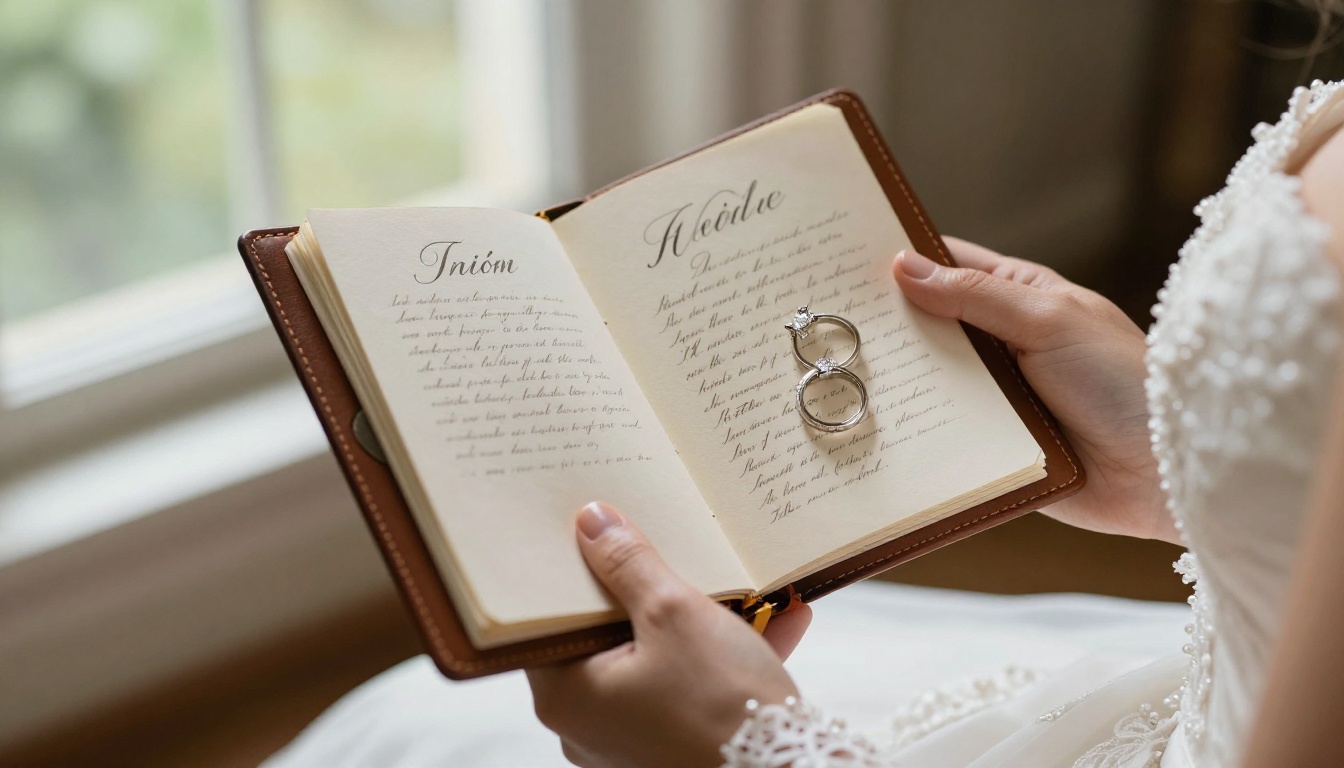
💡 If you photographed your actual handwritten vows, consider placing the scan on the left page and a typeset version on the right. Readers get both the raw authenticity of the original and the easy legibility of formatted text.
Color Palettes That Resonate
| Palette Name | Colors | Best For |
|---|
| Soft Bloom | Ivory, blush, sage green | Garden or outdoor ceremonies |
| Timeless Classic | Cream, navy, gold | Traditional church or ballroom weddings |
| Modern Romance | White, charcoal, dusty rose | Contemporary venue settings |
| Rustic Warmth | Terracotta, warm beige, forest green | Barn or vineyard celebrations |
| Coastal Light | Pale blue, white, sandy gold | Beach and waterfront ceremonies |
Photos That Carry Weight
Not all wedding photos read the same way inside a flipbook. The ones that tend to create the most emotional impact are:
- The moment right before the first vow is read, the slight pause visible on the speaker's face
- A close-up of the handwritten paper held slightly unsteady in a nervous hand
- The officiant's expression while listening to the words
- Guests with tears or wide smiles reacting in the pews or seats
These are the photos that make someone reading the flipbook feel like they were standing in that room, even if they attended from the back row or could not make it to the ceremony at all.

Vow Flipbooks as Gifts
For Your Partner
A vow flipbook delivered on your first anniversary is one of those gifts that catches someone completely off guard. It says: I did not forget. I went back and turned those words into something we can return to every single year.
Pair the link with a small printed card that includes a QR code leading directly to the flipbook. Keep the opening page as a surprise by using a private first-page message that only they see when the book loads for the first time.
For Parents and Family
Your vows were not just for each other. They were witnessed by the people who shaped who you became. Sharing the flipbook with parents, siblings, and close friends — especially those who could not attend the ceremony — is a gesture that carries real, lasting weight.
Use the password protection feature to keep the flipbook semi-private, then send the password inside a personal note. It transforms a simple digital link into something that feels handcrafted and intentional.
For Friends Getting Married
If you know someone currently preparing for their own vows, a finished flipbook of yours is the best possible source of inspiration. Showing them what the finished product looks like, how the words sit alongside photos, how the page-turning experience actually feels, often convinces them to create one of their own before they have even written the first line.

When to Create One (It Is Never Too Late)
The best time to create a wedding vow flipbook is right after the wedding, while the original documents are fresh and the emotions are close to the surface. But most couples reading this are probably months or years past their ceremony, and that is fine. Better, in some ways.
Distance from the day gives you perspective. You know which photos defined the moment. You have had time to see which lines of your vows proved true and which ones challenged you in ways you did not anticipate. That context makes the flipbook richer and more meaningful, not weaker.
A vow flipbook created on a third or fifth anniversary, looking back with full knowledge of what those promises actually cost and gave, becomes something different entirely: a testament to the promises you actually kept.
✅ Vow renewal ceremonies are a perfect occasion to create a fresh flipbook that honors both the original words and all the years that followed them.
Sharing Your Flipbook Beyond the Couple
Making It a Family Archive
Some couples extend their vow flipbook into something larger: a full wedding memory archive that combines vows, readings, guest messages, and ceremony photos into a single multi-section document. Tools like the Digital Portfolio Creator can help structure longer documents before converting them to flipbook format.
Embedding in a Wedding Website
If you built a wedding website that you have kept live as a memory page, the embed code from Flipbooks AI drops the interactive flipbook directly into any webpage. Visitors do not need to leave your site or download anything. The book opens right there, pages turning in the browser, fully mobile-responsive on any device.
This is particularly meaningful for couples who had many guests who could not attend in person. The flipbook embedded on the website becomes the closest thing to sitting in the front row.
Common Mistakes to Avoid
- Too much text per page: Vow flipbooks read best when each page has real breathing room. Break long vow sections across multiple pages rather than cramming them together.
- Low-resolution photos: Always use the original, full-resolution files from your photographer. Small images look pixelated when pages scale to full screen.
- No clear opening or closing: Even a short flipbook benefits from a defined cover and a proper closing page. Without them, the book feels like it ends abruptly mid-sentence.
- Skipping the handwritten scan: Even if your vows were typed out, scanning a personally signed copy of the final version adds authenticity that formatted digital text alone cannot replicate.
- Making it too long: The most powerful vow flipbooks run between 12 and 20 pages. Every page should earn its place in the sequence.
⚠️ Avoid using low-contrast color combinations such as pale text on a pale background. Wedding aesthetics tend toward soft and muted tones, but readability still matters above all else.
Your Vows Deserve More Than a Drawer
Your vows were the most honest thing you have ever said to another person in a room full of witnesses. They deserve more than a folded piece of paper in a memory box or a photo buried thousands of scrolls deep in your camera roll. They deserve to be read again, felt again, and shared with the people who were there when you said them, and even those who were not.
Creating a wedding vow flipbook takes a single afternoon. What it produces is something that will outlast the flowers, the dress, and the cake by decades. It is the version of your wedding day you can actually open up and walk back into any time you want.
Ready to turn those words into something permanent? Create your account on Flipbooks AI and upload your first vow flipbook today. Browse the Wedding Album Flipbook tool built for exactly this kind of personal keepsake, or explore all flipbook tools to find the format that fits your vision best. When you are ready to add password protection, custom branding, and audio embedding, compare pricing plans and pick the one that works for you.



