If you've ever emailed a client a workout PDF and never heard about it again, you already know the problem. The file gets downloaded, ignored, buried in a folder, or worse, printed and lost. Flipbooks AI changes that entirely, turning any static training document into an interactive digital flipbook your clients will actually open, scroll through, and follow week after week.
Why Static PDFs Are Killing Your Fitness Brand
The Problem with Flat Workout Documents
A workout plan is only effective if the client actually reads it. PDFs, for all their portability, are passive objects. They don't animate, they don't engage, and on a mobile screen, a multi-column training table becomes a pinch-and-zoom nightmare. The average fitness PDF gets opened once and closed.
That's a professional credibility problem. If your training document looks the same as a free template from a fitness forum, clients have no reason to perceive your service as premium. The format you deliver in IS part of the product.
⚠️ A high-quality workout plan buried in a bland PDF is invisible. The delivery method shapes the perceived value of everything inside it.
What Clients Actually Want
Clients don't want a document. They want an experience they can reference between sessions without friction. They want something that:
- Loads instantly on their phone
- Looks clean and professional without scrolling sideways
- Feels like it was made specifically for them
- Can be bookmarked, shared with a training partner, or embedded in an app
An interactive flipbook checks every one of those boxes. Pages turn like a real book. Videos and audio can be embedded. The layout is responsive and mobile-first. That's the shift from forgettable PDF to a professional coaching tool.
What Goes Into a Workout Flipbook
Pages That Feel Like a Real Book
The page-flip effect isn't just aesthetic. It creates a mental model of progress. Clients instinctively understand: Week 1 is the beginning, Week 12 is the end. That narrative structure motivates follow-through in ways a flat scroll never does.
A well-built workout flipbook typically includes:
- Cover page: Client name, program name, coach branding
- Overview section: Goals, program philosophy, how to use the plan
- Weekly breakdown: Each week as its own spread with daily sessions
- Exercise library: Photos or diagrams per movement
- Nutrition guidelines: Macro targets, meal timing, supplement notes
- Progress tracking pages: Space for notes, PRs, body measurements
- Contact and community page: Links, check-in schedules, social handles
Content Worth Packing In
One of the most underused features of digital flipbooks is embedded media. Because Flipbooks AI supports video and audio embedding, your training plan can include:
- Short-form exercise demonstration videos
- Audio coaching cues for complex lifts
- Motivational voice notes for tough training days
- QR codes linking to private YouTube tutorials
This is the kind of content a static PDF physically cannot deliver.
Structuring the Pages
Before you upload anything, structure your PDF with a flipbook mindset. Each spread (two facing pages) should work as a visual unit. Avoid content that bleeds awkwardly across pages.
Recommended page structure for a 12-week program:
| Section | Pages | Content Type |
|---|
| Cover and Welcome | 1-3 | Branding, coach intro, client name |
| Program Overview | 4-6 | Goals, schedule, equipment needed |
| Weeks 1-4 | 7-22 | Daily sessions, exercise descriptions |
| Weeks 5-8 | 23-38 | Progressive overload, deload week |
| Weeks 9-12 | 39-54 | Peak phase, testing weeks |
| Exercise Library | 55-65 | Photos, cues, scaling options |
| Nutrition | 66-72 | Macros, meal timing, hydration |
| Progress Tracking | 73-80 | Logs, measurement tables, notes |
💡 Design in Canva or Google Slides at 1920x1080px (16:9) for clean conversion. Use consistent fonts, brand colors, and section dividers throughout.
Formatting for Readability
Fitness clients read on phones. That means:
- Font size minimum 14pt for body text
- High-contrast color combinations (dark text on light backgrounds)
- One primary exercise per page, not a wall of text
- Bold key instructions, italicize modifications
- Generous white space between sections
Avoid the temptation to cram seven exercises onto one page. A clean, spacious layout communicates professionalism. Clients slow down and actually read.

How to Create Your Workout Flipbook with Flipbooks AI
Step 1: Design Your PDF
Open Canva, Adobe Express, or Google Slides. Use one of the fitness presentation templates or build from scratch. Set dimensions to 1920 x 1080px for best results on screen. Design each page with the structured layout above. Export as a high-quality PDF.
✅ Include your logo on every page spread. Flipbooks AI preserves your branding exactly as designed, so your visual identity stays consistent throughout.
Step 2: Upload to Flipbooks AI
- Go to Flipbooks AI and create your account
- Click "New Flipbook" from your dashboard
- Drag and drop your PDF file or click to upload
- Wait for the automatic conversion (typically under 60 seconds for standard plans)
- Preview the flipbook in the built-in viewer to check page alignment and formatting
The PDF to Flipbook Converter handles the heavy lifting automatically. No coding, no design tools at this stage.
Step 3: Customize Branding and Style
Once converted, open the customization panel:
- Colors: Set primary and secondary brand colors for UI elements
- Page effects: Choose between soft page curl, hard cover, or flat scroll
- Background: Match your brand palette or use a neutral dark or light background
- Thumbnail: Set the cover image for social sharing previews
- Embed videos: Paste YouTube or Vimeo links directly into specific pages
- Password protection: For client-only programs, add a password on the Professional plan
💡 Use password protection to add perceived exclusivity to premium programs. Clients feel they're accessing something private and valuable, not just another document.
Step 4: Share with Clients
Flipbooks AI gives you multiple distribution options that work for different coaching setups:
| Sharing Method | Use Case | Plan Required |
|---|
| Direct link | Email, WhatsApp, DMs | All plans |
| Embed code | Website, member portal | All plans |
| Password-protected link | Premium programs | Professional |
| Offline download | No-internet access clients | Professional |
| Lead capture form | Growing email list | Professional |
| Analytics dashboard | Tracking who reads what | Professional |
Copy the direct link and send it via email, text, or your coaching app. Your client taps the link and the flipbook opens in-browser, no app download required. On mobile, it renders perfectly with touch-to-turn page navigation.
Before committing, it helps to see how an interactive flipbook compares to alternatives coaches commonly use.
| Feature | Static PDF | Google Doc | Printed Plan | Flipbook |
|---|
| Mobile-friendly | Partial | Yes | No | Yes |
| Page-flip experience | No | No | Yes | Yes |
| Embedded video and audio | No | No | No | Yes |
| Custom branding | Yes | Partial | Yes | Yes |
| Password protection | No | Partial | No | Yes |
| Analytics and tracking | No | No | No | Yes |
| Lead capture | No | No | No | Yes |
| Shareable link | Yes | Yes | No | Yes |
| Offline access | Yes | No | Yes | Professional |
| Client perception | Low | Low | Medium | High |
The flipbook wins on almost every dimension that matters for a professional coaching brand. Static PDFs are fine for internal drafts. For client delivery, they're a missed opportunity every single time.

Who Gets the Most Out of This
Personal Trainers and Online Coaches
For anyone running a remote coaching business, the flipbook is the closest thing to handing a client a printed manual, except it's trackable, updatable, and impossible to lose. Online coaches with 20+ clients save hours per month by creating one master flipbook template per program tier, then personalizing the cover and introduction page per client.
The Digital Portfolio Creator is worth exploring here too. Many coaches build a second flipbook as a coach portfolio to send prospective clients, showcasing methodology, testimonials, and sample programming before the sales call.
✅ Build a client-facing sample flipbook from your best program week and use it as a lead magnet. Prospects get a taste of your coaching quality before committing to a paid program.
Athletes Tracking Their Own Progress
Competitive athletes, powerlifters, marathon runners, and bodybuilders increasingly self-program. A personal flipbook lets them document their own macrocycles, track progress, and share their periodization with coaches for review.
The page-by-page format is ideal for periodized programming where each block has distinct goals. Block 1 builds a base. Block 2 adds volume. Block 3 is peaking. Reading it as a flipbook reinforces the intentionality behind the design.
Group Fitness and Corporate Wellness
Gyms running 6-week challenges or corporate HR departments building employee wellness programs both benefit from a shared flipbook link. One URL sent to 200 people, each getting a consistent experience. No version control issues, no outdated PDFs floating around in email chains.
The Training Manual Flipbook tool is built specifically for this use case and handles multi-section, long-form training documents with ease.
Corporate wellness coordinators can distribute a flipbook covering:
- Monthly workout challenges
- Nutrition education modules
- Ergonomics and movement breaks
- Mental health and recovery resources
All in one polished, navigable document their employees actually want to open.
Flipbooks AI Plans at a Glance
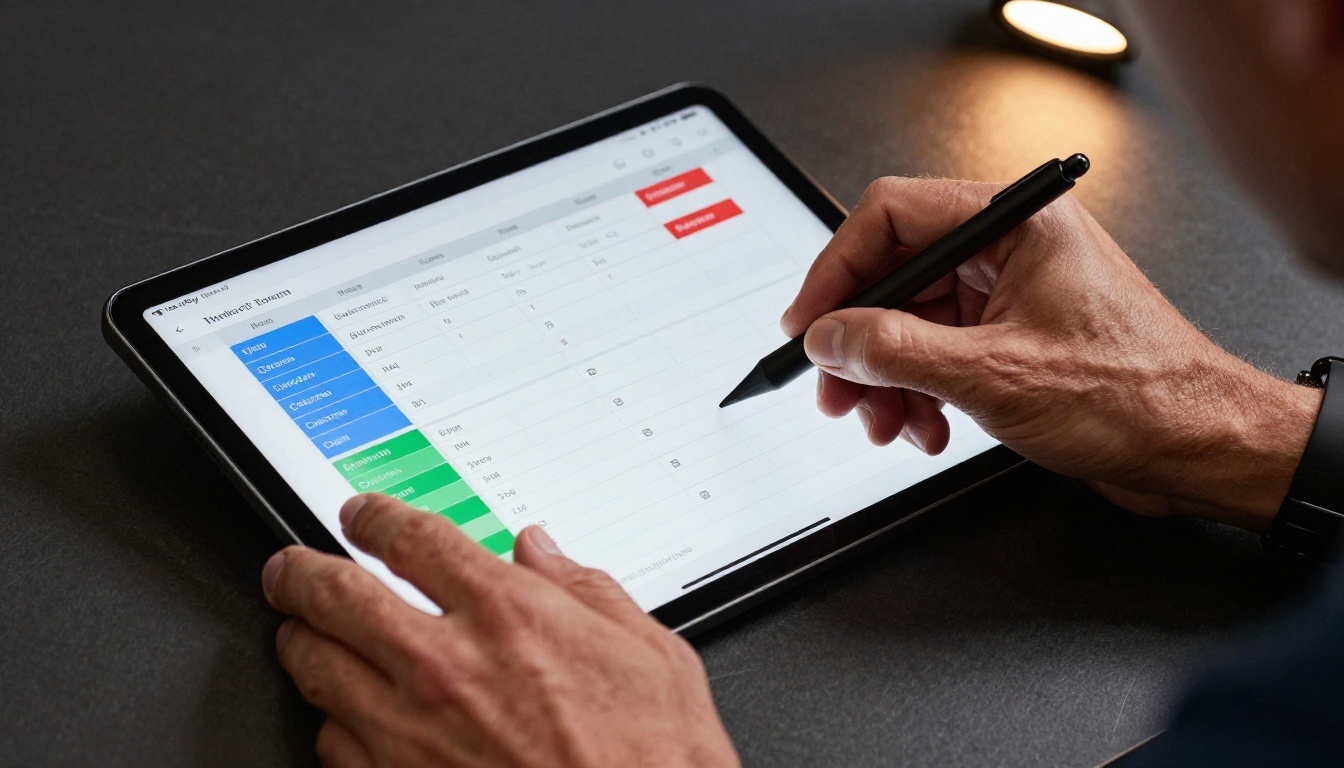
Choosing the right plan comes down to how many clients you serve and which professional features matter most to your workflow.
| Feature | Free | Standard | Professional |
|---|
| Flipbooks | 1 | Unlimited | Unlimited |
| Watermark | Yes | No | No |
| Custom branding | No | Yes | Yes |
| Password protection | No | No | Yes |
| Video and audio embedding | No | Yes | Yes |
| Analytics dashboard | No | No | Yes |
| Lead capture forms | No | No | Yes |
| Offline downloads | No | No | Yes |
| Price | Free | Affordable | See pricing |
For solo coaches with a handful of clients, the Standard plan covers everything essential. For agencies, large coaching practices, or anyone monetizing their training content, the Professional plan's analytics and lead generation tools pay for themselves quickly.
Compare all plans to see what fits your current client volume.
Real Scenarios That Work
The format is versatile. Here is how different fitness professionals are already using it:
Online strength coach: A 16-week powerlifting prep program delivered as a single flipbook. Each week is its own spread with daily training loads, RPE targets, and video links to form checks. Clients reach out less because the program answers their questions before they ask them.
Yoga studio: Monthly class calendar and pose progression guide as a flipbook. Embedded audio for guided breathing practices on specific pages. Students access it from the studio's website using the embed flipbook on website feature.
Sports nutritionist: A 90-day nutrition protocol with weekly meal plans, shopping lists, and macro calculations. Password-protected for paying clients. Analytics show exactly which pages clients spend the most time on, which informs follow-up coaching calls.
Running coach: A marathon training plan as a 20-week flipbook with links to GPS route maps, race-day protocols, and a built-in lead form on the last page capturing testimonials post-race.

Each of these scenarios starts the same way: design a solid PDF, upload it, customize the experience, share a link. The tool does the rest.
💡 Update your flipbook any time without sending clients a new link. Changes publish instantly to the same URL your clients already have bookmarked.
What You Are Missing Without Analytics
Flat documents don't tell you anything. Flipbooks with analytics do. On the Professional plan, you see:
- Total opens per flipbook
- Time spent on each page
- Drop-off pages where clients stop reading
- Lead capture data from embedded forms
- Device type (mobile vs. desktop)
That data is coaching intelligence. If 80% of clients drop off on page 14 of your 12-week program, something on page 14 is confusing or overwhelming. You can fix it. A PDF gives you nothing to work with.
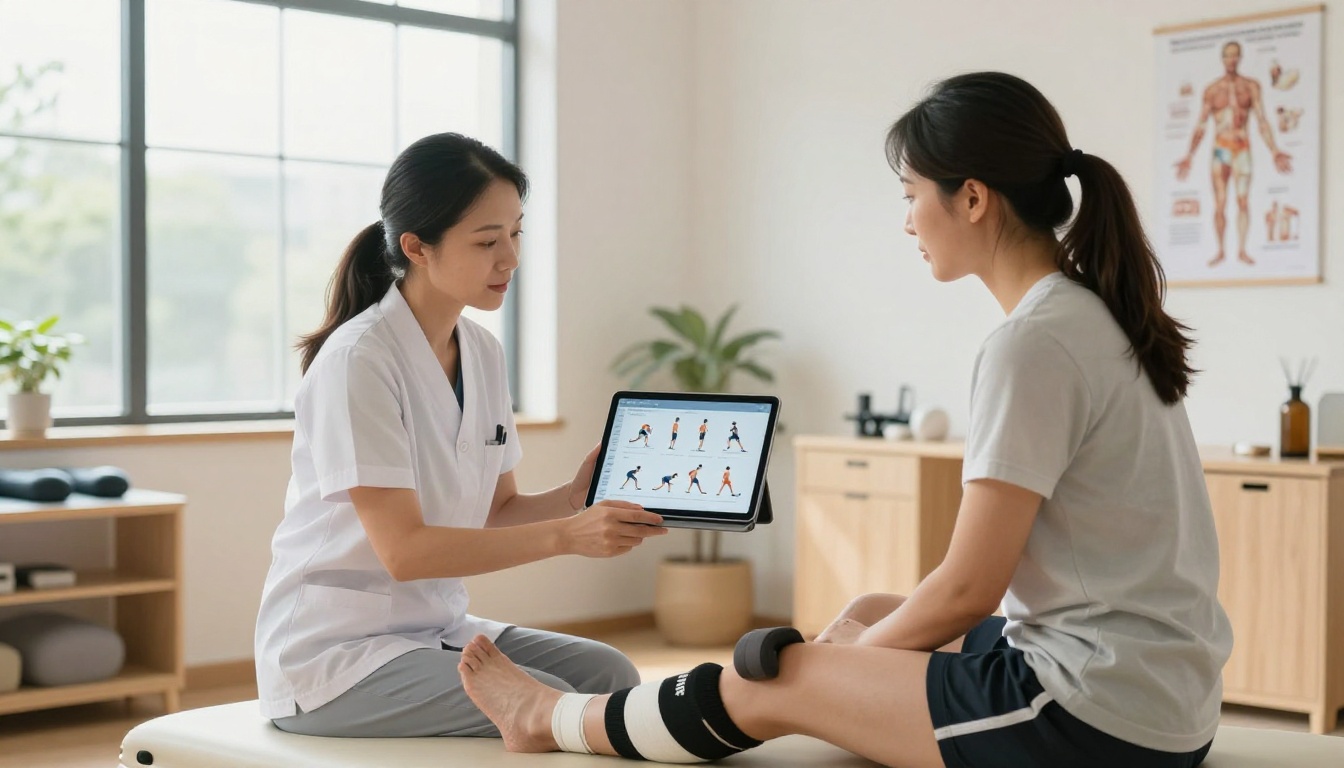
The fitness professionals building sustainable, scalable coaching businesses are the ones treating every client touchpoint as a brand moment. The workout plan is one of the most frequent touchpoints in any coaching relationship. Make it count.
Ready to create your first workout flipbook? Get started for free on Flipbooks AI and convert your first training plan in under five minutes. Need more features for your growing business? Explore pricing plans to find the right tier. Browse all fitness and training tools to see every format the platform supports.
Your clients are ready for something better than a PDF. Give them a flipbook.



