Sorting through 400 raw shots from a single product catalog shoot used to mean hours of tedious clicking, squinting, and second-guessing. Today, AI photo selection tools do that work in minutes, scanning every frame for sharpness, composition, color accuracy, and emotional impact before you have poured your second coffee. If you publish those curated results as an interactive digital catalog on Flipbooks AI, you get a professional-grade flipbook your customers can browse, share, and buy from without a printing budget.
Why Your Catalog Photos Either Sell or Sink You
First Impressions Happen in Milliseconds
Research consistently shows shoppers form visual opinions in roughly 50 milliseconds. In a catalog context, that window is all a product photo gets before the viewer decides to linger or scroll past. Strong images with clean focus, balanced exposure, and a clear subject keep eyes moving forward. Weak ones, even slightly soft or awkwardly cropped, create a subtle sense of untrustworthiness that buyers cannot always articulate but always act on.
The problem is that most brands accumulate hundreds of photos per shoot. A typical fashion catalog session might produce 500 to 800 raw frames for 30 hero SKUs. A furniture shoot covering 20 pieces could run to 400 shots before the photographer packs up. Manually reviewing all of those while applying consistent standards is exactly where quality control breaks down.
The Real Price of Weak Product Images
The stakes are concrete. Studies from e-commerce platforms show that listings with high-quality images generate 40% higher click-through rates than comparable listings with poor images. For a catalog with 60 products, that gap compounds quickly. Choosing the wrong hero shot per product is not just an aesthetic issue. It is a revenue issue.
AI photo selection solves the volume problem by applying the same evaluation criteria to every frame simultaneously, with no fatigue, no inconsistency, and no "good enough for now" shortcuts.

How AI Scores and Ranks Your Photos
Modern AI photo selection is not a single algorithm. It layers multiple models on top of each other, each evaluating a different dimension of image quality. Here is what happens under the hood.
Sharpness, Exposure, and Technical Quality
The first pass is purely technical. The AI measures focus accuracy across the frame, checking whether the intended subject is sharp or whether camera shake or missed focus has degraded it. It reads the histogram to flag overexposed highlights and crushed shadow detail. It checks for motion blur, noise levels, and lens distortion artifacts.
This alone filters out roughly 30 to 40% of raw frames in a typical shoot. You are left with only the technically viable candidates before any creative judgment happens.
Composition and Subject Framing
The second layer applies compositional analysis. The model checks whether the subject falls near compositional sweet spots, whether the horizon line is level, whether negative space is balanced, and whether any important product details are cut off by the frame edge.
For fashion catalogs specifically, it evaluates whether the model's face, hands, or critical garment areas are in frame and well-positioned. For product shots, it checks whether the product fills an appropriate proportion of the frame without feeling cramped or lost.
💡 AI composition scoring works best when you input your intended crop ratio. If your catalog uses 3:4 portrait frames for apparel, configure the tool to evaluate framing within that crop rather than the full sensor output.
Color Harmony and Brand Consistency
The third dimension is color. AI tools compare a batch of photos against a defined color profile or reference image, flagging frames where white balance drifted, where the background color shifted between shots, or where skin tones landed outside a reference range.
This is particularly valuable for fashion and cosmetics catalogs where color accuracy is not optional. A lipstick photographed five degrees warmer than the actual product is a customer service call waiting to happen.
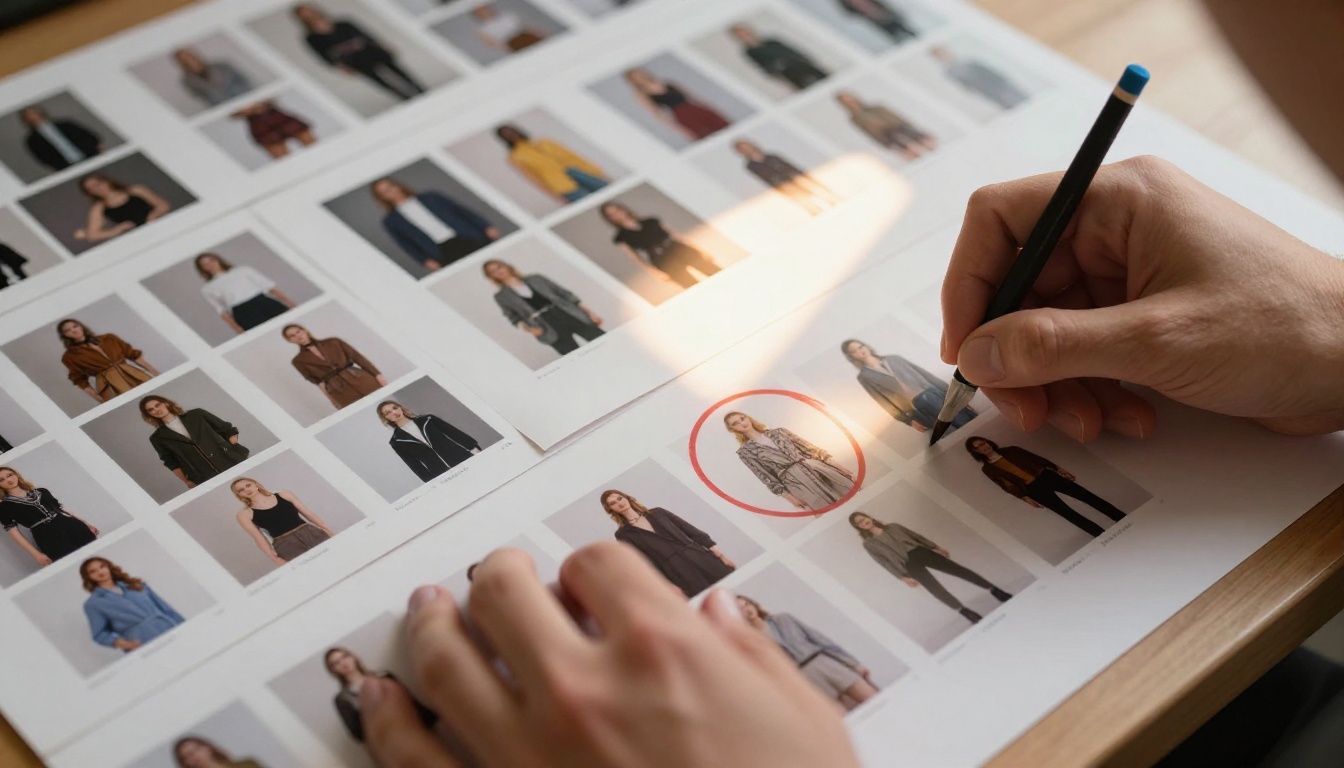
Several platforms now offer automated image curation as either a primary feature or as part of a broader workflow tool. Here is how the major options compare:
| Tool | Best For | Top AI Features | Pricing Model |
|---|
| AfterShoot | High-volume photography | Facial expression, sharpness, duplicate removal | Subscription |
| Narrative Select | Portrait and editorial | Smart culling, expression rating | Subscription |
| Imagen AI | Studio and commercial work | Custom AI profile training | Per-image credit |
| Lightroom AI Select | Adobe ecosystem users | Subject masking, auto-select similar | Included with CC |
| PhotoRoom AI | E-commerce product shots | Background removal, quality scoring | Freemium |
| Picsart AI Curator | Social and catalog content | Style matching, quality ranking | Freemium |
⚠️ Tool quality varies significantly by catalog type. Portrait-focused tools perform better on fashion catalogs. Product photography benefits more from tools with object detection and background analysis capabilities.
The most effective approach for catalog workflows is to use a dedicated curation tool for the initial technical and compositional cull, then run a secondary color consistency check in your retouching software.
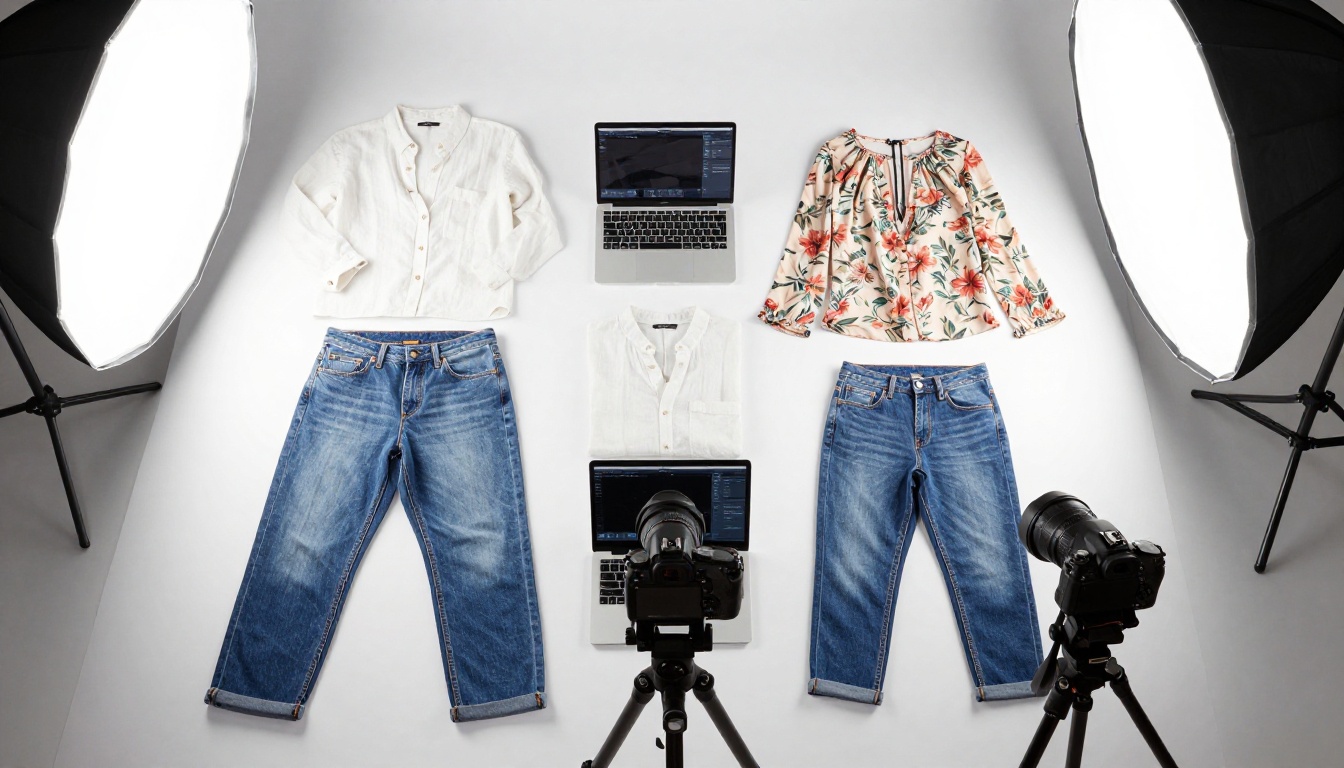
Your AI Photo Workflow, Step by Step
Here is a repeatable process for taking a full shoot from raw files to a curated final selection ready for catalog layout.
1. Batch Upload Every Shot
Import your entire shoot, raw or JPEG, into your chosen AI curation tool. Do not pre-edit manually. Every frame you exclude before the AI sees it is a potential best shot removed from consideration. AI selection tools perform better with more data, not less.
Most tools automatically group frames into logical sequences based on shot timing, which keeps similar setups together and makes reviewing the AI picks much easier.
✅ Best practice: Shoot tethered and sync to your curation software in real time. By the time the shoot wraps, the AI has already scored everything and your shortlist is waiting.
2. Define Your Selection Criteria
Before the AI runs its cull, configure your parameters:
- Minimum sharpness threshold: Set high for product shots, slightly more forgiving for lifestyle and fashion images where a touch of motion reads as energy
- Expression scoring: For model-inclusive shots, enable face detection and set a minimum expression score to prioritize natural, approachable looks over blank or strained expressions
- Duplicate removal sensitivity: Decide how many variants per look to retain. For most catalogs, one to three hero shots per product is sufficient
- Color reference: Upload a reference frame shot under ideal conditions and calibrate the tool to flag frames that deviate beyond an acceptable threshold
3. Review AI Rankings
The AI produces a ranked shortlist. Your job now is creative director, not sorter. You are reviewing top-ranked candidates for those final intangible qualities: Does this shot feel right for the brand? Does the model's body language communicate the product's lifestyle positioning correctly?
Most curation tools let you override individual rankings and provide feedback that trains a custom profile for your specific visual style over time.
💡 Spend no more than 3 to 5 seconds per frame during the review pass. If a photo needs more than that to argue for itself, it probably does not belong in the catalog.
4. Export and Organize Winners
Export your selected finals organized by product SKU, look number, or page position. Most tools produce structured folder outputs that drop directly into InDesign, Canva, or whatever layout tool your catalog production uses.
From there, selected images go into your catalog layout, get retouched if needed, and eventually land in a PDF export ready for publishing.
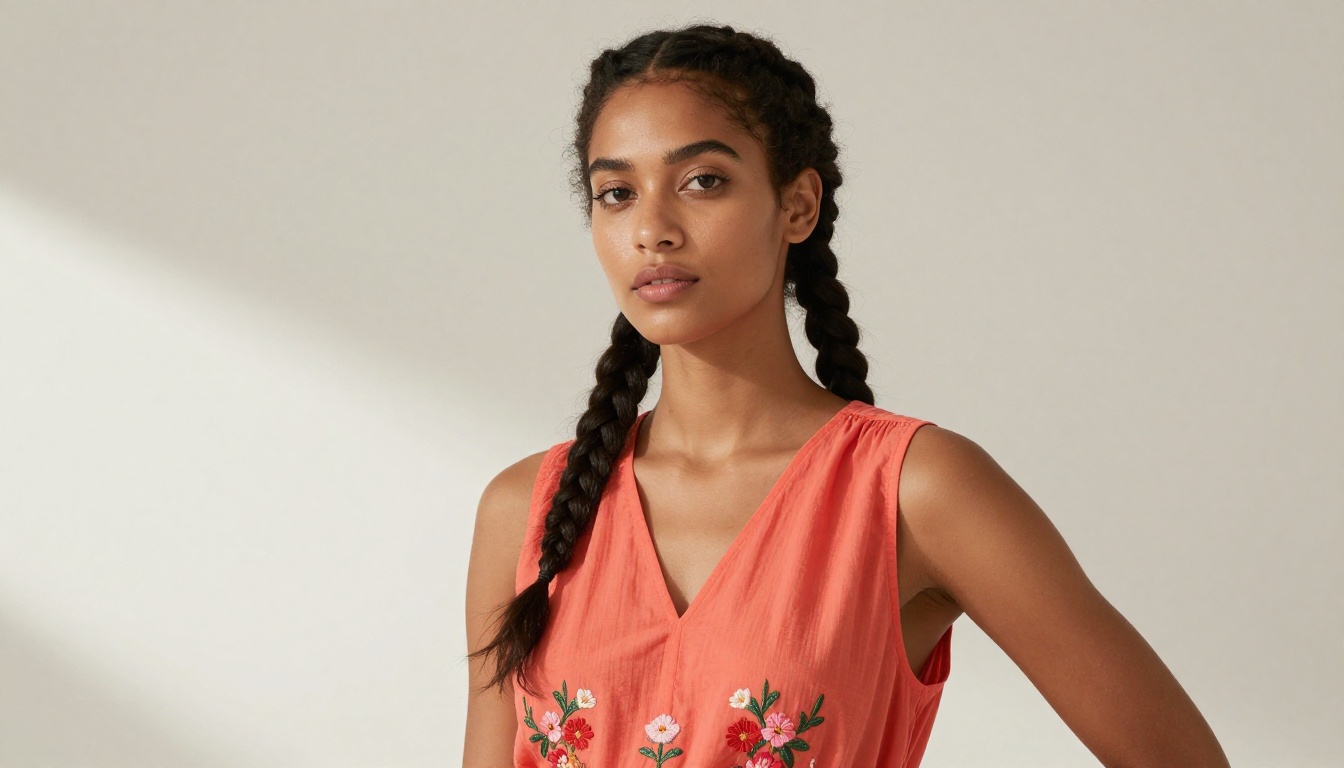
Real Results by Catalog Type
The impact of AI photo selection varies by catalog format. Here is what brands typically experience across the most common catalog categories:
| Catalog Type | Average Photos Per Shoot | AI Cull Rate | Time Saved | Top AI Benefit |
|---|
| Fashion Apparel | 400 to 800 | 70 to 80% eliminated | 3 to 6 hours | Expression and pose scoring |
| Furniture and Home | 200 to 400 | 60 to 75% eliminated | 2 to 4 hours | Composition and lighting balance |
| Food and Menus | 100 to 300 | 55 to 70% eliminated | 1 to 3 hours | Color accuracy and texture detection |
| Jewelry and Accessories | 300 to 600 | 75 to 85% eliminated | 3 to 5 hours | Macro sharpness and specular highlights |
| Beauty and Cosmetics | 250 to 500 | 65 to 80% eliminated | 2 to 5 hours | Skin tone and product color fidelity |
Fashion Catalogs
Fashion shoots are the highest-volume scenario and the category where AI selection delivers the most dramatic time savings. Beyond sharpness and exposure, AI fashion tools evaluate the model's posture and expression in relation to the garment. A dress that photographs beautifully in a relaxed pose might look entirely different when the model's shoulders are tense. AI that can read body language context catches that distinction reliably.

Furniture and Home Decor
Furniture photography involves complex staging with multiple props, natural and artificial light sources, and wide compositions where any element being slightly off, a crooked cushion, an uneven shadow, can ruin an otherwise strong frame. AI composition analysis excels at catching geometric distortions and perspective issues that human eyes often forgive on first pass but notice the moment an image goes to print.
Brands using the Furniture Catalog Maker report that AI-curated shots require significantly less post-production correction than manually selected frames, because the algorithm never gets tired or sentimental about a shot it spent time setting up.
Restaurant and Food Menus
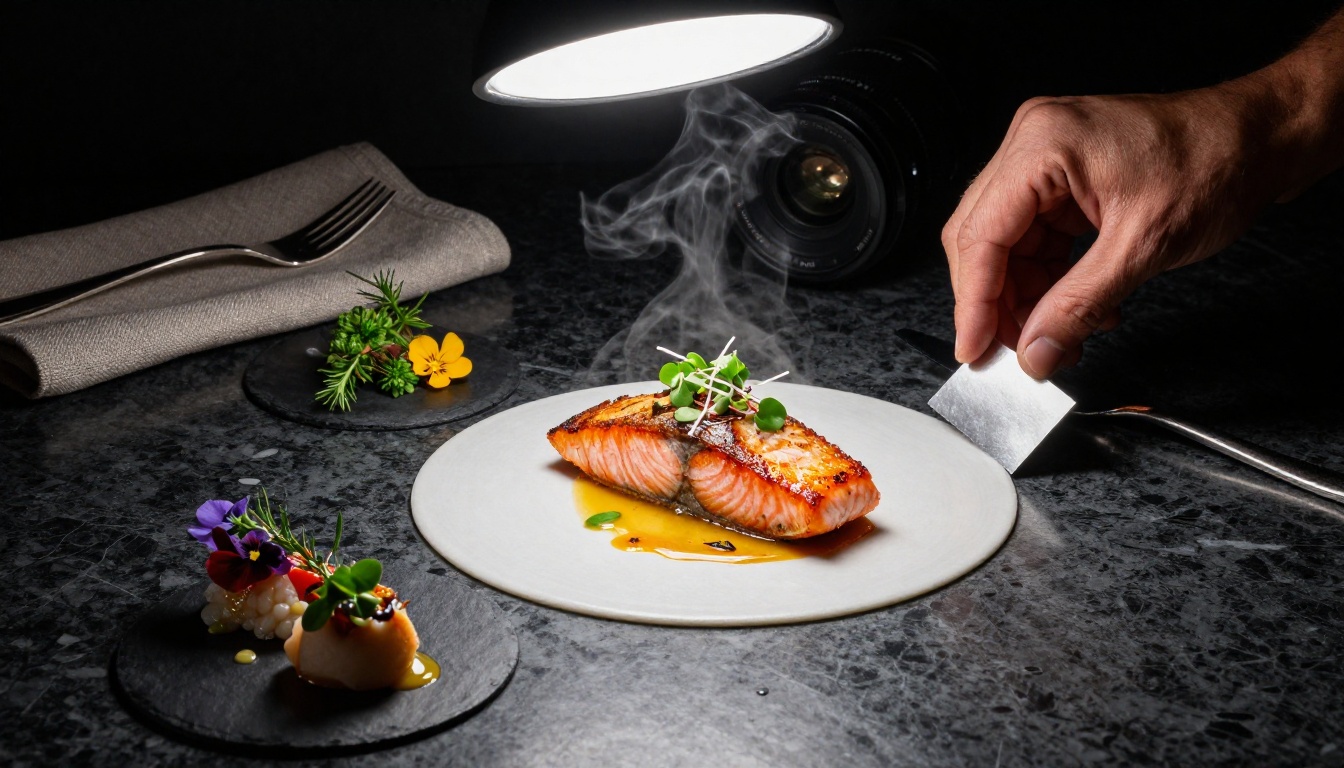
Food photography has a uniquely perishable quality: steam, glistening sauces, and fresh garnishes last minutes before they look flat. A 200-shot food session might have a 15-minute window where the hero dishes looked their absolute best. AI tools that score for texture richness and color saturation reliably surface those peak frames automatically.
Restaurants building their menus with the Restaurant Menu Creator typically use AI to identify three to five hero shots per dish from a batch, then select the final image based on how it fits the overall menu visual flow.
How to Publish Your Curated Catalog Online
Once your AI-selected photos are laid out and exported as a PDF, the next question is how to distribute your catalog in a way people actually want to consume. Static PDFs sent by email get downloaded, ignored, and lost. An interactive digital catalog that people can flip through on any device, share with a link, and browse at their own pace performs entirely differently.
Flipbooks AI converts your finished PDF into an interactive flipbook in under two minutes. Here is the full workflow from upload to live:
Step 1. Create Your Account and Upload
Head to Flipbooks AI and sign up. Once inside, click to create a new flipbook and upload your catalog PDF. The platform processes the file and generates a page-flip preview automatically.
Standard plan and above supports unlimited flipbooks with no watermarks, meaning your professional catalog looks exactly as polished online as it does in print.
Step 2. Customize Branding and Experience
Inside the editor, you can:
- Set your brand colors for the flipbook interface and controls
- Add your logo to the header or title page
- Choose page transition styles from soft page turns to slide effects
- Embed video clips to bring certain catalog pages to life, perfect for a hero product walkthrough
- Add clickable links on individual pages so readers can jump directly to product pages or inquiry forms
💡 Use password protection for wholesale or VIP catalogs. Flipbooks AI includes this feature on all paid plans, so sensitive pricing or exclusive collections stay completely private.
Step 3. Share and Track Performance
When your flipbook is live, you get a shareable link and an embed code. Distribution options include:
- Embed directly on your website using the Embed Flipbook on Website tool
- Share the direct link via email, social media, or messaging apps
- Set a custom domain path so the catalog URL reflects your brand identity
Professional plan users get access to analytics: page views, time spent per page, and lead capture forms you can embed directly in the catalog. That data tells you exactly which products your catalog visitors spend the most time on, information that feeds directly back into your next shoot brief and helps you set AI selection criteria even more precisely.
✅ The Digital Catalog Maker is built specifically for product brands. It handles everything from PDF ingestion to interactive page customization in one place.

4 Mistakes That Ruin AI Photo Selection
Even with strong tools, avoidable errors undercut the quality of AI-curated catalogs. These are the four most common:
1. Giving the AI too few photos to work with. AI curation requires variety to find the best. If you only gave the photographer two opportunities per look, the AI does not have enough to choose from. Brief your photographer to shoot a minimum of five to eight exposures per hero setup.
2. Not calibrating to your brand's visual style. A default AI profile optimizes for generic quality. Fashion brands with a deliberately moody, lower-contrast aesthetic will get mismatched results from a tool tuned for bright, vibrant e-commerce shots. Spend 30 minutes training a custom profile on your previous best-performing catalog images before running any new batch.
3. Accepting AI results without a human review pass. AI is a sorter, not a creative director. The final selection of the single hero shot per product should always involve a human who understands the brand story. Use AI to get from 500 images down to 50. Use judgment to get from 50 to 10.
4. Publishing great photos in a poor format. All that work selecting the perfect shots falls flat if your catalog ends up as a PDF attachment nobody opens. Convert it to an interactive flipbook so your images display in the high-quality, zoomable format they deserve, on any device, without downloads.


Make Every Photo Count
Your best catalog photos do not come from shooting more. They come from selecting smarter. AI photo curation gives you a repeatable, consistent, and fast process for surfacing the shots that actually perform, regardless of shoot volume.
Pair that with an interactive digital catalog and your product photography investment finally reaches the audience it was built for, in a format they genuinely want to browse.
Ready to put your curated catalog in front of buyers? Get started free on Flipbooks AI and publish your first interactive catalog today. Browse all catalog tools to find the right format for your products, or compare pricing plans to see which features fit your workflow.



