Most people shopping for flipbook software make the same mistake: they open a pricing page, see a low monthly number, and stop reading. That monthly number is rarely the full story. Between annual billing commitments, feature-gating, storage overage charges, and branding removal fees, what looks like a $15/month tool can quietly balloon into $400 a year with half the features locked behind an upsell. Flipbooks AI is one of the few platforms that shows you upfront what you get at each tier, but even there, knowing how to read a pricing table matters. This breakdown covers every real cost in plain terms, so you know exactly what you are signing up for before you commit.
The Free Tier Trap

Free plans are a legitimate starting point, but they are almost never a permanent home for serious work. Most flipbook platforms use free tiers to demonstrate value, and they do it by making the free experience just good enough to get you hooked, then just limited enough to push you toward a paid plan.
What Free Plans Actually Give You
Across the major flipbook platforms, free tiers typically include:
- 1 to 5 published flipbooks maximum
- Platform watermarks on every published document
- Limited storage (usually 50MB to 200MB)
- No custom domain or branded sharing link
- No analytics (you cannot see who is viewing your content)
- No password protection for private documents
For hobbyists or someone who needs to publish a single document once, that is usable. For a business trying to share product catalogs, training materials, or client proposals, watermarks and page limits make free tiers practically unusable in a professional context.
When Free Costs You More
Here is the counterintuitive part: "free" can be more expensive than paid in certain scenarios. If you are spending three hours working around a 5-flipbook limit by archiving and re-uploading documents, or if a watermarked catalog loses you a single client, the apparent savings from a free plan evaporate immediately.
💡 Free tiers work best as a proof-of-concept phase. Treat them as a 30-day evaluation, not a long-term strategy.
Breaking Down Paid Plans

Flipbook software paid plans fall into three broad bands. Knowing what separates them is the difference between picking the right tier and paying for features you will never touch.
Starter Plans: $0 to $20 Per Month
Starter-level plans across most platforms typically cost between $8 and $20 per month billed annually, or $15 to $30 per month on a monthly basis. These plans generally remove watermarks, increase flipbook limits to 10 to 50 documents, and add basic sharing features.
What you typically still do not get at this level:
- Analytics and viewer tracking
- Lead generation forms embedded in flipbooks
- Offline download capability
- Custom embedding options
- White-label or custom branding
Professional Plans: $20 to $60 Per Month
This is where meaningful business features start appearing. Professional plans typically cost $25 to $60 per month billed annually. The jump in price is justified if you actually use what is included, but many small businesses pay professional tier prices for features they access maybe once a quarter.
At this level, most platforms add:
- Full analytics: page views, read time, device breakdown
- Lead capture forms: collect emails directly from your flipbooks
- Custom branding: replace platform logos with your own
- Password protection: control exactly who accesses each document
- Offline downloads: readers can save and access without internet
Business and Enterprise Tiers
Enterprise plans for flipbook software range from $80 to $300+ per month, primarily targeting agencies, large marketing teams, and companies managing dozens of active documents simultaneously. These tiers add team member seats, API access, dedicated support, and sometimes white-label reseller options.
For most small to mid-sized businesses, enterprise pricing is overkill. The professional tier covers 90% of real-world use cases.
Annual vs Monthly Billing

This is where annual costs often catch people by surprise. The pricing page says "$25/month" in large text. Then in smaller text: "billed annually." That is $300 up front, not $25 when you feel like it.
The Math Behind Annual Savings
Most platforms offer a 15% to 40% discount for annual prepayment. That sounds generous, but it also means you are committing a significant sum before you have fully tested the platform.
| Billing Cycle | Typical Monthly Rate | Annual Total | Effective Savings |
|---|
| Monthly | $35 | $420 | Baseline |
| Annual (prepaid) | $25 | $300 | $120 (29%) |
| Annual (billed monthly) | $30 | $360 | $60 (14%) |
The prepaid annual row looks attractive. But if you cancel after month 3, you have effectively paid $100/month for three months of use. Annual plans only save money if you actually use the platform for the full year.
What to Look For Before Committing
Before you pay a full year upfront, verify these five things:
- Refund policy: Can you get a prorated refund if the platform does not work for you?
- Feature lock-in: Will a plan downgrade delete your published flipbooks?
- Storage rollover: Does unused storage carry forward, or does it reset monthly?
- Seat limits: Are you paying per user, or is it one price for the whole team?
- Price lock guarantee: Can the platform raise your renewal price mid-contract?
⚠️ Many platforms reserve the right to increase prices at renewal. Read the terms before you prepay a full year.
Hidden Costs Nobody Mentions

The listed price is just the starting point. Here are the costs that do not show up until you are already paying.
Storage Limits and Overage Fees
Free plans usually cap storage at 50MB to 200MB, and even paid plans often limit you to 1GB to 5GB. If you are publishing high-resolution product catalogs or annual reports with embedded media, you can hit those limits fast.
Overage fees vary: some platforms charge $0.10 to $0.50 per additional GB, others require you to upgrade your entire plan to get more storage, even if you only need 500MB more.
💡 Calculate your average document size (PDF filesize before upload) multiplied by the number of flipbooks you plan to publish. Compare that to the plan storage cap before buying.
Branding Removal Fees
Some platforms sell "remove watermarks" as a feature of every paid plan. Others make branding removal a separate add-on, or restrict fully white-labeled output to enterprise pricing. Read the fine print carefully. If a platform footer link appears on every flipbook you publish, that is their brand on your document, not yours.
Flipbooks AI takes a different approach: no watermarks on any paid tier, which removes this hidden cost entirely.
Support Tier Pricing
Basic email support is standard across most paid plans. Live chat is often reserved for professional tiers. Priority phone or dedicated account support typically requires an enterprise contract. If your workflow depends on fast resolutions when something breaks, factor support access into your actual cost calculation, because the cheapest plan often comes with the slowest help.
Feature-by-Feature Cost Comparison

Not all features are created equal, and not all platforms include the same things at the same price points. This comparison maps real features to the tier where they typically become available across the market.
| Feature | Free | Starter | Professional | Enterprise |
|---|
| No watermarks | ✗ | ✓ | ✓ | ✓ |
| Unlimited flipbooks | ✗ | Varies | ✓ | ✓ |
| Custom branding | ✗ | ✗ | ✓ | ✓ |
| Analytics | ✗ | ✗ | ✓ | ✓ |
| Lead generation forms | ✗ | ✗ | ✓ | ✓ |
| Password protection | ✗ | Sometimes | ✓ | ✓ |
| Offline downloads | ✗ | ✗ | ✓ | ✓ |
| Embed video and audio | ✗ | ✗ | ✓ | ✓ |
| Custom domain | ✗ | ✗ | Sometimes | ✓ |
| API access | ✗ | ✗ | ✗ | ✓ |
| Priority support | ✗ | ✗ | ✗ | ✓ |
Who Pays for Analytics
Analytics deserves special attention because it directly affects your ROI measurement. Without page-level analytics, you cannot know which pages of a catalog readers actually spend time on, which products generate the most interest, or how long people interact with your content before closing. That data shapes your next campaign, your next catalog layout, your next sales call.
Platforms that lock analytics behind professional pricing are essentially charging you not just for distribution, but for the ability to prove your content works. Flipbooks AI's professional plan includes full analytics, making it possible to track real viewer behavior without paying enterprise rates.
Lead Generation Gating
Lead generation forms embedded directly inside flipbooks are one of the highest-ROI features in the entire category. A reader flipping through your catalog can submit their email without ever leaving the document. Most platforms reserve this for professional or enterprise tiers, and it is worth paying for if you are using flipbooks as part of any sales or marketing funnel.
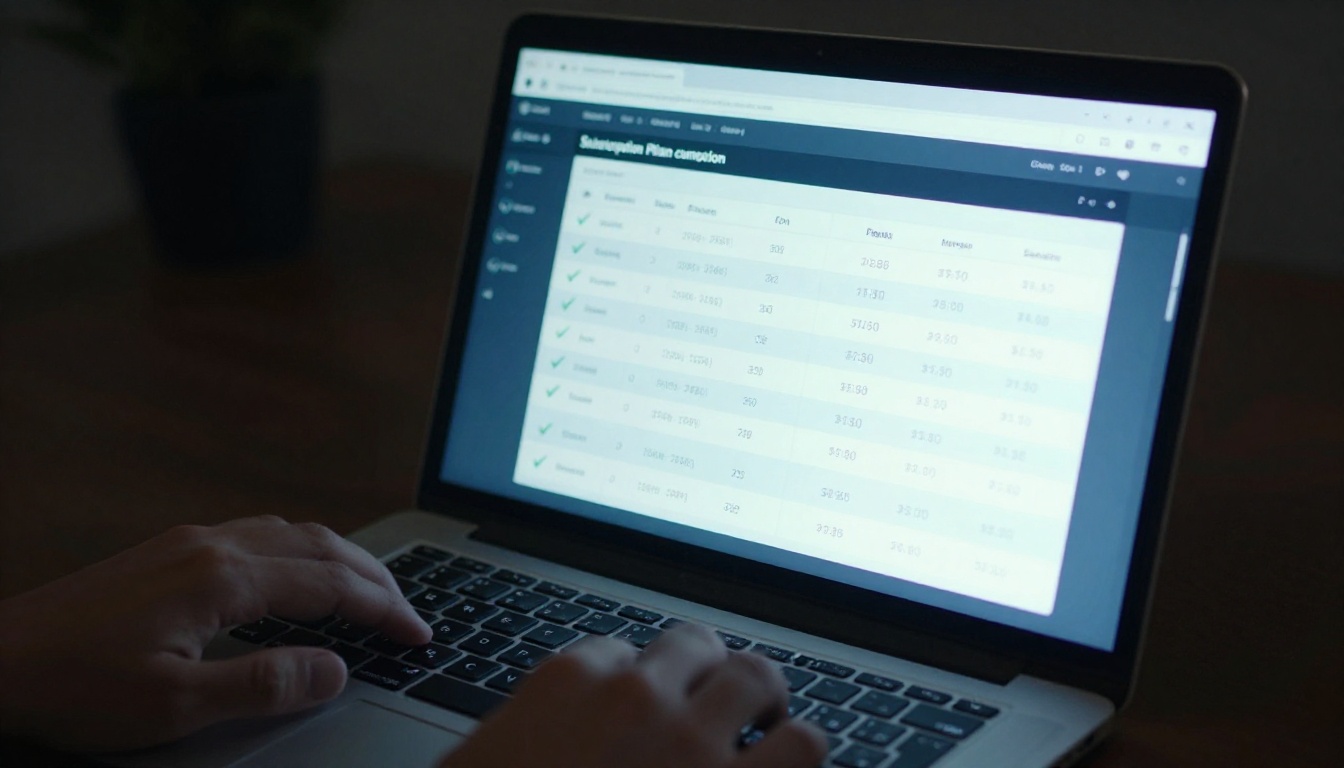
The flipbook software market has a range of players at very different price points. Here is how annual costs stack up across the spectrum.
| Platform Type | Annual Cost (Starter) | Annual Cost (Pro) | Watermark-Free | Unlimited Flipbooks |
|---|
| Budget platforms | $60 to $120 | $180 to $300 | Paid only | Paid only |
| Mid-range platforms | $120 to $240 | $300 to $600 | Standard | Pro tier |
| Flipbooks AI | Competitive | See pricing | All paid tiers | Standard and above |
| Enterprise-focused | $500+ | $1,200+ | Included | Included |
Which Plan Fits Which Business
Choosing a plan without a realistic audit of your actual usage leads to either overpaying (enterprise features for a solo freelancer) or under-buying (a basic plan for a team that publishes 30 documents a month). Here is a practical match:
-
Freelancers and solopreneurs: Starter plan with unlimited flipbooks. You likely need clean output without watermarks, reasonable storage, and basic sharing. Analytics are nice but not critical if you have direct client relationships.
-
Small businesses (2 to 10 people): Professional plan. Analytics, lead forms, and custom branding are all active ROI levers at this scale. The cost is justified by even one converted lead per month.
-
Marketing agencies: Professional or light enterprise. Managing multiple client accounts means you need separate workspaces, custom branding per client, and enough storage to handle high-volume production.
-
Enterprises and large teams: Enterprise tier. API access, white-labeling, dedicated support, and multi-seat management become practical necessities, not luxuries.
How to Use Flipbooks AI Without Overpaying

Flipbooks AI is built around a clean tier structure with no watermarks on any paid plan and unlimited flipbooks from the Standard plan upward. Here is how to get the most out of it without climbing to a plan you do not need.
Step 1: Test with Real Documents First
Before committing any budget, create a free account and upload one or two actual documents you plan to publish. Test the conversion quality, the viewer experience on mobile, and the embed options. This is your real-world trial, not a demo with placeholder content.
Step 2: Track Which Features You Actually Click
During your trial, note which features you actually use. If you never open the analytics dashboard, you may not need the Professional plan. If you find yourself sharing flipbooks with passwords for client previews, that feature alone can justify a plan upgrade.
Use tools like the PDF to Flipbook Converter to understand the upload and conversion process before you are paying monthly. The Digital Catalog Maker and Product Catalog Generator are particularly useful for retail and e-commerce teams evaluating the platform.
Step 3: Calculate Your Real Annual Number
Take the monthly plan price, multiply by 12 if you pay monthly. If the platform offers annual billing, compare the total. Factor in:
- Number of team members who need access
- Average document size times expected volume
- Whether you will use lead forms (if yes, Professional is a must)
- Whether you need offline access for field sales teams
Step 4: Publish and Test Before Scaling
Start with 5 to 10 flipbooks before flooding your account with every document in your archive. The Sales Presentation Flipbook and Corporate Report Maker tools are excellent starting points for B2B teams because they produce polished output immediately.
Step 5: Let Analytics Justify the Cost
Once you are on a plan with analytics, pull the data regularly. If your product catalog flipbook shows 40% of readers drop off at page 3, that is actionable. Redesign page 3, retest, and watch readership rates climb. This is the feedback loop that makes the professional tier worth its cost. Without it, you are publishing blind.
✅ Best practice: Set a quarterly review date. Pull analytics, check your storage usage, and confirm you are on the right plan tier for your actual volume.
The Real ROI of Flipbook Software

At the end of the year, the question is not "what did I spend on flipbook software?" It is "what did I get for it?" A $300/year professional plan that converts 10 leads per month from an embedded form pays for itself in the first week of January.
The businesses that think of flipbook software as a cost are the ones who keep downgrading to the cheapest plan. The businesses that think of it as a distribution and conversion tool are the ones who actually measure what it returns.
Real estate agents using the Real Estate Brochure Creator to publish interactive property listings are not paying for a PDF viewer. They are paying for a shareable, trackable, lead-generating asset that replaces printed materials. Hotels using the Hotel Brochure Designer embed their flipbooks directly on booking pages, where analytics show exactly how many visitors interact with the full brochure before converting.
Training teams using the Training Manual Flipbook tool remove printing costs entirely, and the offline download feature means sales reps can access training materials without wifi, a real operational advantage.
The math on ROI is straightforward:
| Business Type | Annual Plan Cost | Measurable Return |
|---|
| E-commerce (product catalog) | $300 to $600 | Reduced print costs + lead capture |
| Real estate agency | $300 | More active property inquiries |
| Hotel and hospitality | $300 | Higher booking page conversions |
| B2B sales team | $600 | Tracked proposal interactions |
| Training department | $300 | Eliminated print budget |
The platforms that generate real ROI share two characteristics: they are professional enough to send to clients without hesitation, and they give you data to prove the investment is working. Flipbooks AI hits both marks at a price point that fits most business budgets without pushing you into enterprise territory before you need it.

The smartest move before budget season is to review current pricing plans and map each tier's features to your team's actual workflow. Do not buy the cheapest plan and hope it works. Do not buy the most expensive plan because someone said so. Buy the plan that matches where your business is right now, with room to grow when the data proves the investment is paying off.
Get started for free on Flipbooks AI and spend the first month figuring out which features matter to you. Then review the full pricing breakdown with that real-world usage data in hand. You will make a much better decision, and you will know exactly what you are paying for and why.
Browse all flipbook tools to find the specific use case that fits your business, from restaurant menu creators to interactive e-book publishers, before you commit to any plan.



