The moment you upload a PDF to a flipbook converter, something shifts. What was a flat, scrollable document with no life to it becomes something people actually want to read, share, and return to. That shift sounds simple, but the downstream effects on how your content performs are significant, measurable, and often surprising for anyone who has spent years relying on PDFs as their default publishing format.
PDFs became dominant because they solved a real problem: consistent formatting across any operating system. But that problem was solved in the 1990s. What PDFs never solved was the reader experience, the shareability bottleneck, the mobile rendering disaster, and the complete absence of data about what happens after you hit send. That is the gap a flipbook fills. Flipbooks AI turns static PDFs into interactive, page-turning digital publications in minutes. But what does that actually mean in practice? What really changes, and does it matter?
From Flat Pages to Physical Feel
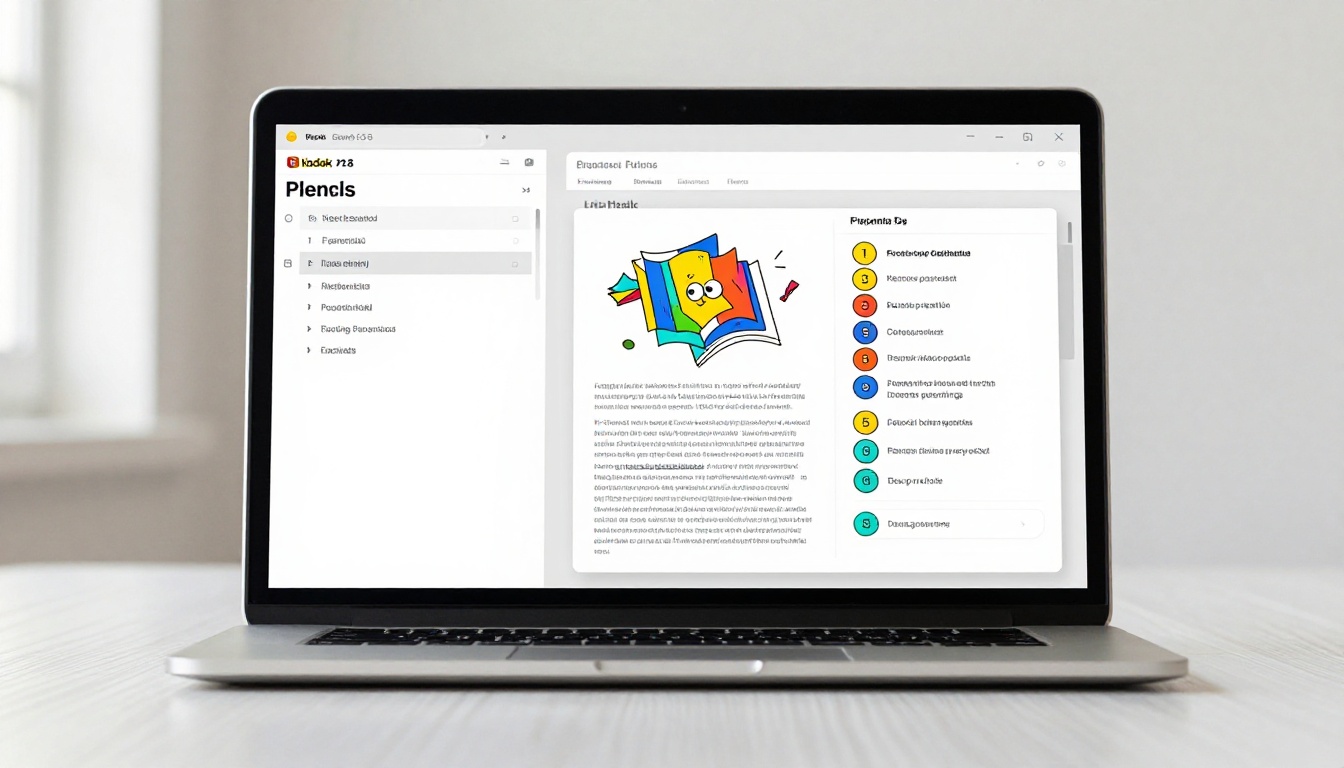
The most immediate change is visual. A standard PDF renders as a scrollable document: one long vertical strip of content with no inherent sense of structure or progression. A flipbook renders as a physical book simulation, complete with realistic page-curl animations that respond to clicks or swipes.
That sounds purely cosmetic. It is not.
Research on digital reading behavior consistently shows that the physical metaphor of a book triggers a different mode of attention in the reader. People slow down. They orient to the content as a structured experience rather than a wall of information to push through. The page-turn creates a natural rhythm, a built-in pause that PDF scrolling never offers. Readers know where they are in the document. They can see the thickness of pages remaining. That spatial awareness reduces anxiety and increases the sense that finishing is achievable.
What the Page Flip Actually Does
When a page flips in a digital flipbook, three things happen simultaneously:
- Spatial memory activates: Readers remember roughly where content lives in a book format, which aids both retention and navigation when returning to a specific section
- Cognitive load drops: The turn signals "new section" without the reader needing to scroll and mentally judge where they are in the hierarchy
- Curiosity spikes: The partial reveal of the next page during the curl creates a micro-moment of anticipation that keeps reading sessions going longer
These are not abstract benefits. They translate directly into longer time-on-page, lower abandonment rates, and more pages viewed per session. All of which matter significantly when the goal is actually communicating something rather than just technically sharing a file.
Shareability Changes Completely
A PDF lives on someone's hard drive or buried in a shared folder. A flipbook lives at a URL. That single distinction rewrites how your content moves through the world.
With a flipbook, you get a shareable link that works on any device in any browser without downloading anything, an embed code that drops the full reading experience directly into a website or landing page, and social sharing that previews correctly in feeds with a visual thumbnail rather than a generic file icon.
💡 Pro tip: The embed flipbook on website tool from Flipbooks AI lets you drop your publication directly into any HTML page with a single iframe snippet. No plugins, no third-party scripts, no configuration headaches.
When you share a PDF, you are asking someone to download, open, and navigate a file on their terms. When you share a flipbook, you are sharing an experience that opens instantly in a browser tab.

Embedding vs. Linking: A Direct Comparison
| Method | PDF | Flipbook |
|---|
| Shareable URL | No, download required | Yes, instant browser access |
| Embeds in websites | Not supported | Yes, with iframe |
| Social media preview | File icon only | Rich visual thumbnail |
| Mobile-friendly | Inconsistent by app | Always, every device |
| Password protection | Rarely supported natively | Yes, fully supported |
| Analytics and tracking | None | Available on Pro plan |
Your Brand Stays Intact
A raw PDF renders in whatever viewer the recipient has installed. Your typography, your colors, and your brand identity are at the mercy of Adobe Reader or the browser's built-in PDF engine. Footers get cut off. Custom fonts fail to load. The careful layout work your designer spent hours refining collapses on certain screens and operating systems.
A flipbook is a controlled environment. The reading experience is rendered by the platform, not the recipient's software. That means your brand colors render exactly as specified, your chosen fonts load consistently across all devices, your layout proportions stay correct regardless of screen dimensions, and your logo stays present throughout the reading experience. Flipbooks AI applies custom branding to every page with no watermarks on the Standard plan and above.
PDFs are static by design. A flipbook is not. Once your document exists as a flipbook, you can embed video clips, audio narration, and interactive hyperlinks directly into the pages themselves.
This opens up use cases that simply do not exist in the PDF format:
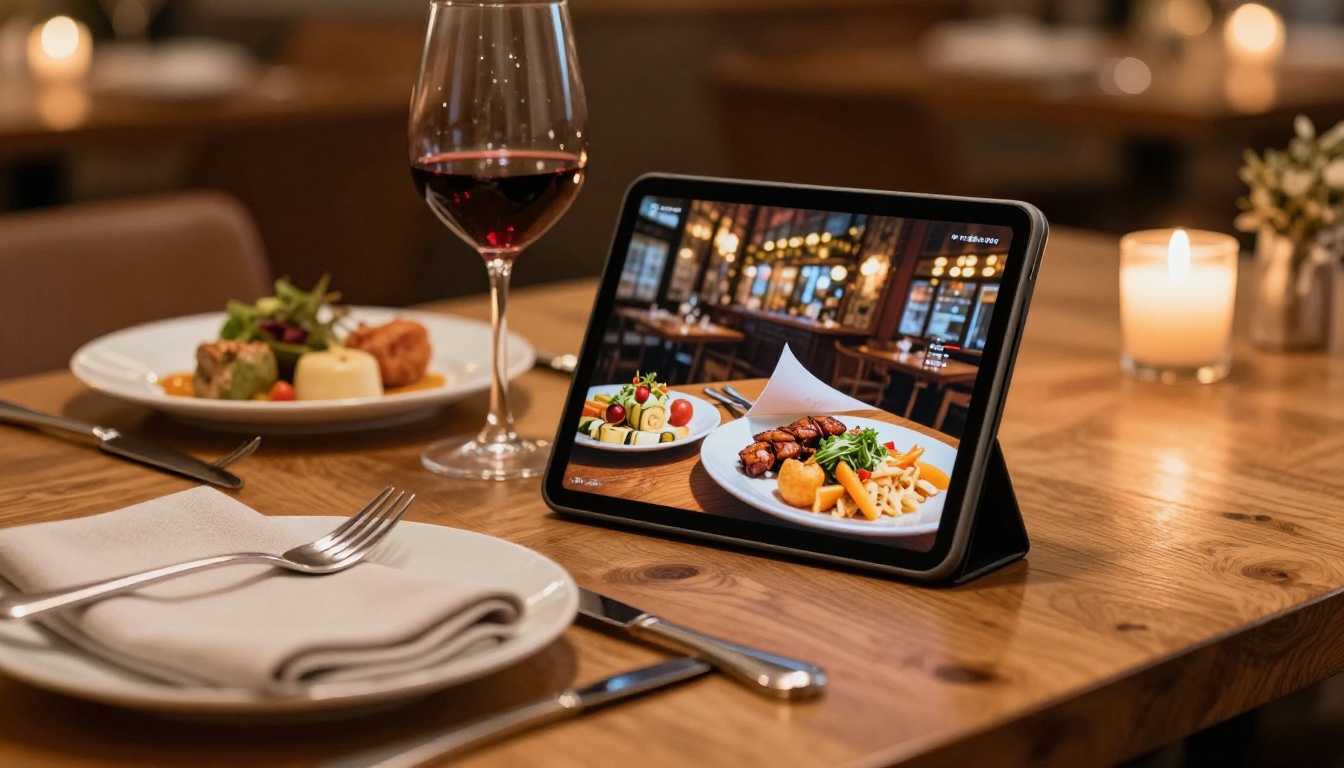
- A restaurant menu can include a short video clip of a signature dish being prepared
- A real estate brochure can embed a virtual walkthrough video of the property interior
- A product catalog can include direct purchase links on each product page
- A training manual can include audio explanations for complex step-by-step procedures
- An e-book can embed author commentary, supplementary materials, or related podcast episodes
The Interactive E-Book Publisher and E-Magazine Publishing Tool both support full multimedia embedding, producing publications that behave more like a website than a document.
✅ Best practice: Keep embedded media contextual. A video that appears directly next to the content it explains adds measurable value. Multimedia placed arbitrarily throughout a document just adds loading time and confusion.
Mobile Reading Actually Works
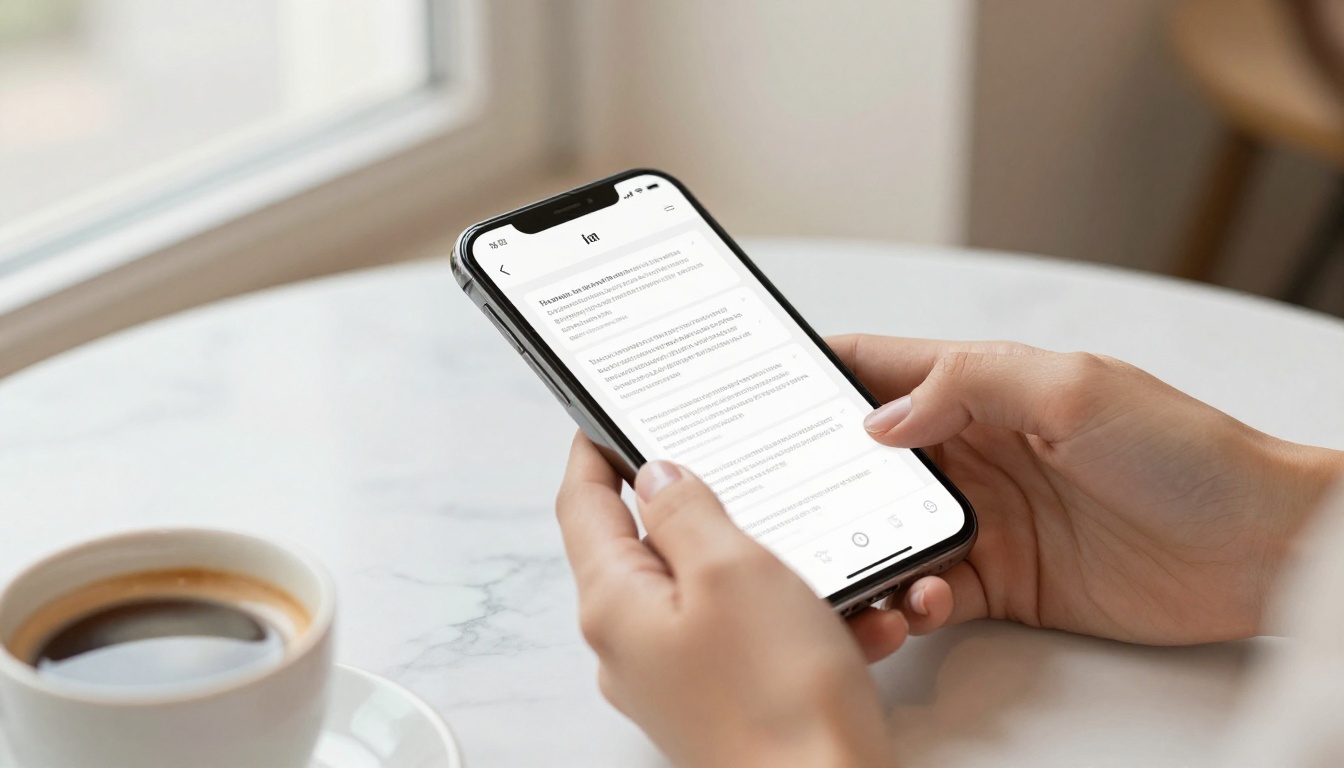
Try opening a standard PDF on a smartphone. You zoom in, scroll horizontally, zoom out, lose your place, zoom back in, and eventually close the tab in frustration. PDF layouts are designed for A4 or Letter-size pages printed at 72 to 300 DPI. Smartphone screens are neither.
A flipbook adjusts to the device. The PDF to Flipbook Converter renders your content in a mobile-responsive format that works equally well on a 5-inch phone screen and a 27-inch desktop monitor. The reading interface scales intelligently and swipe gestures replace click-to-turn on touch devices.
Given that over 60% of web traffic now originates from mobile devices, this is not a minor convenience feature. It is the difference between content that reaches your audience wherever they are, and content that gets closed in the first ten seconds on every phone.
Format Performance by Device
| Device Type | PDF Performance | Flipbook Performance |
|---|
| Desktop browser | Good | Excellent |
| Laptop | Good | Excellent |
| Tablet | Moderate, zoom often required | Excellent |
| Smartphone | Poor, constant zoom and scroll | Excellent |
| Embedded in a webpage | Not supported | Fully supported |
| Offline access | Manual download required | Available via Pro plan |
You Finally Get Data
A PDF tells you nothing about what happens after you send it. A flipbook tells you quite a lot.
With the Flipbooks AI Professional plan, analytics show you total views and unique visitors, pages viewed per session, average time spent on each individual page, geographic data on your readers, and lead capture data when contact forms are enabled within the flipbook.
This data changes how you iterate on content in ways that were previously impossible. If readers consistently stop at page 7 of your catalog, that page needs work. If your pricing section gets the most time-on-page of anything in the document, that signals purchase intent worth acting on immediately.
💡 Pro tip: Use page-level time data to identify where your strongest content is. High time-on-page usually means high interest, not confusion. Confusion tends to show up as early exits.

Who Benefits Most: Real Use Cases
The benefits of flipbook conversion sharpen considerably when you look at specific industries and what the format change actually does for each one.
Real Estate
A property brochure shared as a PDF leaves the agent's hands the moment it is downloaded. The same brochure as a flipbook is a living document: updatable after sharing, trackable for views, and embeddable directly on the property listing page. When the price drops or the open house date changes, the flipbook can be updated once and every shared link reflects the change instantly. The Real Estate Brochure Creator is built exactly for this workflow.

Restaurants and Hospitality
A printed menu PDF shared via QR code at the table requires a download that most diners will not bother with. A flipbook link opens instantly, renders beautifully on any phone, and can be updated the moment a dish sells out or a seasonal special is added. No reprint. No re-upload. Just update and save. The Restaurant Menu Creator handles the conversion with purpose-built templates. The Hotel Brochure Designer covers property marketing with the same approach.
Education and Training
Course materials and training manuals in PDF format get downloaded, lost, and referenced in outdated versions for months after updates are made. As a flipbook at a permanent URL, the instructor controls the content and every reader always sees the current version. The Training Manual Flipbook and Course Material Publisher both address this directly, with options for password-protecting materials accessible only to enrolled students or authorized employees.

Corporate Publishing
Annual reports represent weeks of design and editorial effort. Sharing the final result as a flat PDF undersells the investment significantly. As a flipbook, a corporate publication looks like what it is: a polished, professional document that people will actually open and read from cover to back. The Annual Report Creator and Corporate Report Maker produce output that matches the effort behind the content.

Fashion and Retail
Lookbooks and product catalogs are visual by nature. A PDF viewer strips the editorial, tactile feel from them. A flipbook restores it, adding the page-turn rhythm that makes fashion publishing work. The Interactive Lookbook Designer and Digital Catalog Maker are purpose-built for retail content that needs to look as premium digitally as it does in print.

How to Convert Your PDF on Flipbooks AI
The process is direct and requires no technical skills. Here is the full workflow from upload to published:
-
Create your account at flipbooksai.com/account. The free tier lets you start without entering payment details.
-
Upload your PDF from the dashboard by clicking "New Flipbook." The converter processes each page and renders it into the flipbook format. Most standard documents are ready in under a minute.
-
Customize your branding. Set brand colors, upload your logo, and choose your page-turn animation style. Add a custom table of contents if your document is long or multi-section.
-
Add multimedia (optional). Click any page in the editor to add video embeds, audio clips, or hyperlinks. This is where a static PDF gets the second interactive layer that no PDF viewer can match.
-
Configure privacy settings. Choose public, password-protected, or unlisted. Password protection allows only people with the correct password to open the flipbook, with no account required on their end.
-
Publish and share. Copy your shareable link, grab the embed code for your site, or download the offline version for in-person presentations. If you are on the Professional plan, your analytics dashboard starts populating with view data immediately after the first reader opens the link.
⚠️ Warning: Always preview your flipbook after conversion before sharing publicly. Complex multi-column PDF layouts occasionally need minor adjustments to render cleanly in flipbook format. The editor makes these adjustments straightforward.
Flipbooks AI Plan Comparison
| Feature | Free | Standard | Professional |
|---|
| Number of flipbooks | Limited | Unlimited | Unlimited |
| Watermarks | Yes | No | No |
| Custom branding | No | Yes | Yes |
| Password protection | No | Yes | Yes |
| Analytics | None | Basic | Full |
| Lead generation forms | No | No | Yes |
| Offline downloads | No | Yes | Yes |
| Embed on websites | Yes | Yes | Yes |
| Custom domain | No | No | Yes |
See the complete breakdown on the Flipbooks AI pricing page.
What Does Not Change
In the interest of being direct: conversion does not fix poorly structured content. A badly organized PDF becomes a badly organized flipbook. The page-turn animation does not rescue weak writing, low-resolution images, or a layout with no visual hierarchy.
The flipbook format is an amplifier. It makes well-structured content reach further, perform better on every device, and stay in front of your audience for longer. But the content itself still needs to do its job. If a PDF is not working because the underlying content is weak, the right move is to improve the content first and then convert it. If a PDF is not working because the format is getting in the way of people actually reading it, converting to a flipbook is the direct fix.
The Real Difference
The difference between a PDF and a flipbook is not about file formats. It is about friction. A PDF adds friction: download, open, zoom, scroll, lose your place, close the tab. A flipbook removes it: click the link, read, flip, share.
When the barrier to reading drops, readership goes up. When the format respects the reader's time and their device, the content gets a fair chance to land. That is what really happens when you turn a boring PDF into a flipbook: the content you already have starts working harder, reaching further, and telling you what is actually resonating.
Ready to see the difference for yourself? Start for free on Flipbooks AI and convert your first document today. Browse all available tools and templates to find the right fit for your content type, or view pricing plans to choose the right tier for your publishing volume.



