You'd be surprised how many people search for "flipbook" expecting something from childhood, only to find the modern version has nothing to do with cartoons sketched in a notebook corner. Today, a flipbook is one of the most versatile tools in digital publishing, used by businesses, educators, marketers, and creatives across every industry. Flipbooks AI has made it easier than ever to convert a PDF into one in seconds, but before diving into the how, let's settle the what.
What a Flipbook Actually Is
The word "flipbook" originally described small paper booklets you'd thumb through rapidly to create the illusion of animation. Each page held a slightly different image, and when flipped fast enough, they created movement. That concept of page-by-page progression carried directly into the digital world.
The Classic Version, Reimagined
A digital flipbook mimics that familiar page-turn sensation in a browser or app. Instead of physical paper, you get an interactive HTML5 publication that responds to clicks, swipes, and taps. Pages turn with a realistic 3D fold effect, spines curve, and paper shadows shift, all rendering in real time. The illusion is convincing enough that readers slow down and actually interact with the content rather than skimming past it.
From PDF to Interactive Publication
The modern workflow is straightforward: upload a PDF, and a platform like Flipbooks AI converts it into a fully interactive digital publication in seconds. No coding, no design degree, no third-party plugins required. The resulting flipbook can be embedded on any website, shared via a direct link, or sent in an email.

Why a Static PDF Just Doesn't Cut It Anymore
PDFs were a revelation in 1993. In 2026, they're the digital equivalent of a fax machine: technically functional, but completely out of step with how people consume content online. The comparison below shows exactly where PDFs fall short and where flipbooks deliver.
| Feature | Static PDF | Digital Flipbook |
|---|
| Page-turn animation | No | Yes |
| Mobile-responsive | Poor | Fully optimized |
| Embedded video/audio | No | Yes |
| Analytics tracking | No | Yes (Professional) |
| Password protection | Limited | Built-in |
| Embeddable on websites | Awkward | Native embed code |
| Offline access | Download required | Optional |
| Custom branding | No | Yes |
| Lead generation forms | No | Yes (Professional) |
The data tells the story plainly. A PDF forces readers to download a file, zoom in awkwardly, scroll horizontally, and leave your platform entirely. A digital flipbook keeps them on your page, interacting with content the way it was designed to be read.
💡 Interactive content consistently drives 2x more reader attention than static documents. Flipbooks put every page in front of readers the way a printed magazine would.
Who Is Actually Using Flipbooks
The short answer: everyone. But here's a breakdown of the industries where flipbooks have become the default format for professional publishing.
Businesses and Marketing Teams

Product catalogs, company brochures, annual reports, and sales presentations all look dramatically better as flipbooks. A product catalog sitting in a downloads folder gets ignored. The same catalog published as an interactive flipbook, embedded directly on a product page, gets read. The Product Catalog Generator makes this conversion effortless.
Marketing teams love the analytics specifically. With a Professional plan, you can see which pages readers spend the most time on, where they drop off, and what drives click-throughs. That kind of data is impossible to pull from a static file.
Restaurants and Hospitality
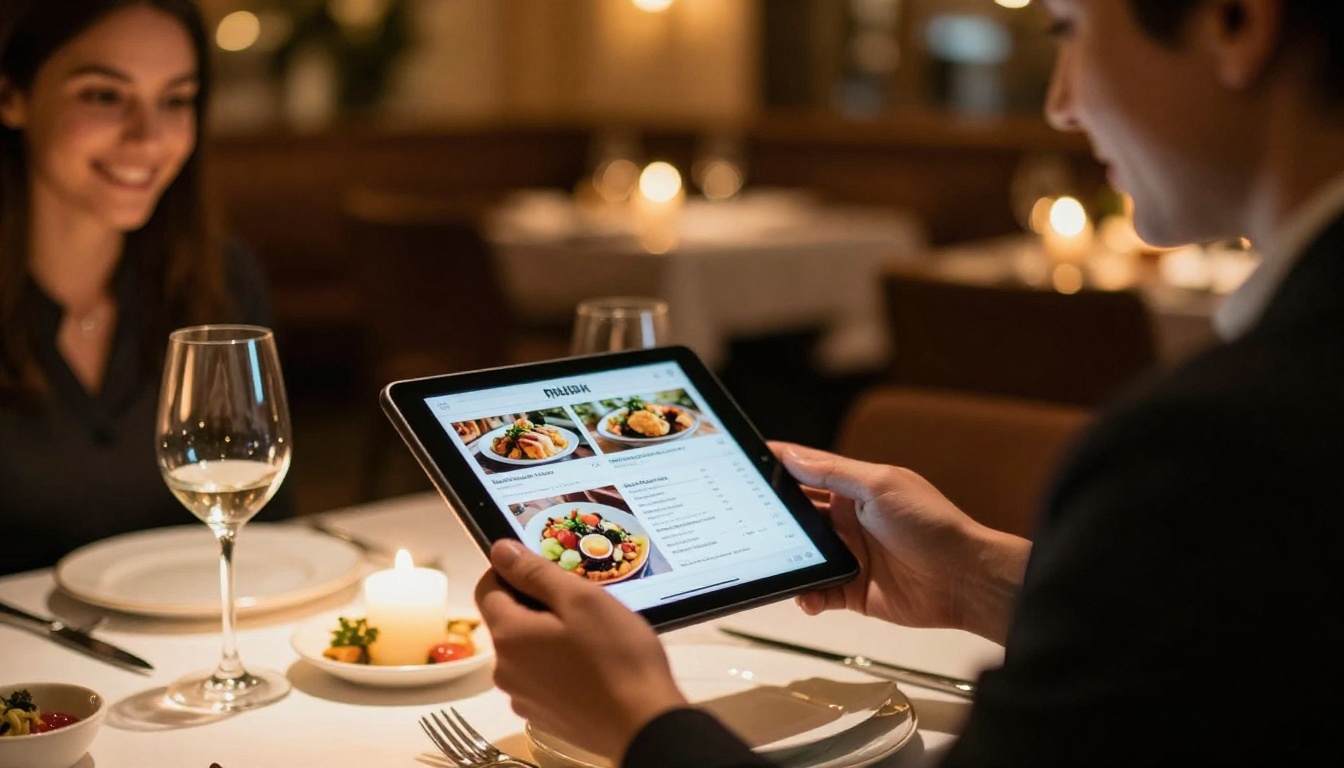
Digital menus became necessary during the pandemic and never went away. A flipbook menu is better than a QR code linking to a basic PDF because it's visually rich, easy to navigate, and works perfectly on any phone screen. The Restaurant Menu Creator handles the conversion without any technical skill required.
Spa and wellness businesses, hotels, and event venues have adopted the same approach. A hotel brochure as a flipbook can embed virtual tour video clips, pricing tables, and booking links, all within the page-flip interface.
Real Estate

Property listings are inherently visual. A PDF brochure with 20 photos gets opened once and forgotten. A flipbook version of the same brochure gets shared, bookmarked, and revisited. Real estate agents use the Real Estate Brochure Creator to turn listings into shareable interactive publications within minutes.
Educators and Students

Textbooks, course materials, school newsletters, and training manuals all benefit from the flipbook format. Students interact more with content they can click through. Teachers find that publishing course materials as flipbooks reduces the "did you even read this?" problem because students actually do.
The Course Material Publisher and Training Manual Flipbook tools are built for exactly this audience.
Creatives and Designers
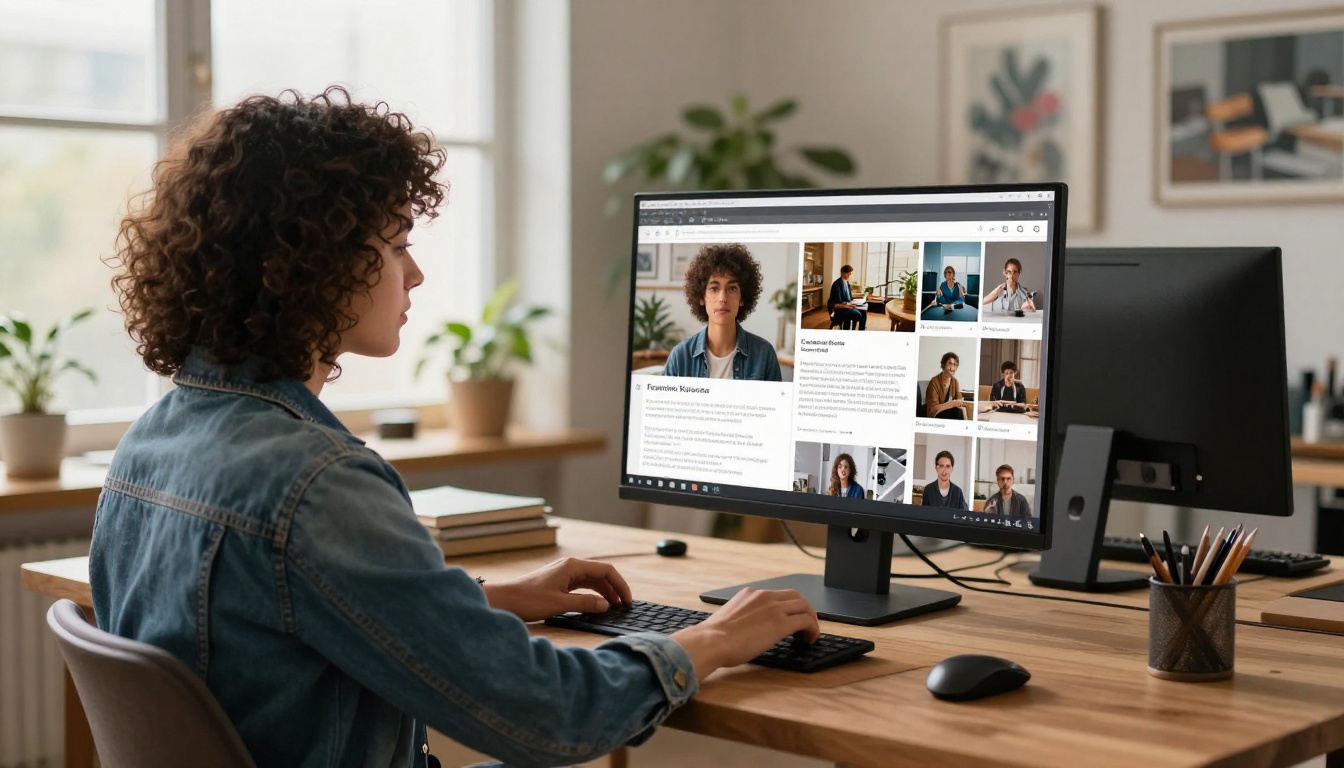
Photographers, illustrators, and designers use flipbooks as living portfolios. Instead of attaching PDFs to client emails or directing people to a clunky gallery page, they share one link that opens a beautifully paginated portfolio. The Digital Portfolio Creator and Photography Portfolio Flipbook make this possible without a custom website.
Fashion and lifestyle brands use the lookbook format for seasonal collections. A printed lookbook photographed and uploaded becomes an interactive digital publication in minutes.
Types of Flipbooks You Can Make
The format adapts to almost any type of document. Here's a breakdown of the most popular flipbook types and their primary use cases.
| Flipbook Type | Best For | Primary Industries |
|---|
| Product catalog | Showcasing items for sale | Retail, e-commerce, wholesale |
| Digital menu | Food and service listings | Restaurants, cafes, hotels |
| Lookbook | Seasonal collections | Fashion, lifestyle, beauty |
| Annual report | Corporate publishing | Finance, nonprofits, enterprise |
| Portfolio | Creative work showcase | Design, photography, architecture |
| Course material | Educational publishing | Schools, training, HR |
| Real estate brochure | Property listings | Real estate agencies |
| Travel publication | Destination content | Tourism, hospitality |
| Event program | Schedules and info | Conferences, weddings, events |
| E-magazine | Editorial content | Media, associations, newsletters |
✅ Each of these formats has a dedicated tool on Flipbooks AI. No generic templates: purpose-built tools for each use case.
How to Create a Flipbook With Flipbooks AI
The process takes about five minutes from start to finish. Here's exactly how it works.
1. Set Up Your Account
Head to Flipbooks AI and sign up. The free plan lets you test the platform immediately, with paid plans available for teams that need unlimited flipbooks, custom branding, and analytics.
2. Upload Your PDF
Click "New Flipbook" and upload your PDF file. The converter processes it automatically, preserving all fonts, images, colors, and layout exactly as designed. No reformatting required. The page-flip animation applies automatically during conversion.
3. Customize the Appearance
Once uploaded, you can:
- Set custom brand colors for the flipbook viewer interface
- Add a logo to the header bar
- Choose a background (solid color, texture, or custom image)
- Adjust page effects including shadow depth and flip speed
- Embed video and audio clips into specific pages
- Add clickable hyperlinks throughout the document
💡 Custom branding is available on Standard plan and above. The Professional plan adds lead generation forms that capture visitor information directly from inside the flipbook.
4. Configure Privacy Settings
Not every flipbook should be public. Options include:
- Public: Anyone with the link can view
- Password protected: Require a password before access
- Private: Visible only to account holders
Password protection is built in on all paid plans, making it ideal for internal documents, client deliverables, and confidential reports.
5. Share or Embed
Once published, you get three ways to distribute your flipbook:
- Direct link: Share a URL that opens in a full-screen viewer
- Embed code: Drop an iframe snippet onto any webpage for inline display
- Download: Allow readers to save an offline copy (configurable per flipbook)
The Embed Flipbook on Website tool provides the exact code you need for any CMS or custom site.
Flipbook Plans at a Glance

Choosing the right plan depends on your publishing volume and which features matter most. Here's how the tiers compare.
| Plan | Flipbooks | Branding | Analytics | Lead Gen | Offline |
|---|
| Free | Limited | Platform branding | No | No | No |
| Standard | Unlimited | Custom branding | No | No | Yes |
| Professional | Unlimited | Custom branding | Yes | Yes | Yes |
For individuals just testing the format, the free plan covers the basics. Standard handles most business needs. Professional is the right tier for marketing teams that need page-level analytics and lead capture built into their publications.
See the full breakdown at the pricing page.
⚠️ If you're creating flipbooks for client presentations or gated content, go straight to Standard or Professional. Free plan publications include platform branding, which looks unprofessional in client-facing scenarios.
Real Scenarios Where Flipbooks Win
The format solves concrete problems. Here are three scenarios where the switch makes an immediate difference.
A fashion brand launches a seasonal collection. Instead of emailing a PDF lookbook, they publish a digital flipbook. Recipients click a link, flip through the collection, watch embedded video clips from the runway, and click through directly to product pages. There's nothing to download, nothing to open, just pages to flip.
A nonprofit publishes its annual report. The PDF version gets two reads and disappears into inboxes. The flipbook version gets embedded on their website, shared on social media, and viewed by donors who would never have downloaded a file. With analytics, the team sees that the impact stories section gets the most reading time, informing content priorities for the following year.
A restaurant chain updates its menu weekly. Instead of reprinting constantly, they publish an updated flipbook every Monday. The QR code on every table stays the same. The content behind it refreshes. Printing costs drop to zero.
Not all PDFs make equally strong flipbooks. The ones that convert best share a few traits.

- Image-heavy layouts with clear visual hierarchy
- Magazine or brochure-style pagination where each spread tells a distinct story
- Documents designed for print that you want to bring online without redesigning from scratch
- Content that benefits from sequential reading like reports, catalogs, and publications
Documents that are mostly plain text, like terms of service or legal contracts, don't benefit much from the flipbook format. Those are better served as standard web pages or accessible PDFs.
Where Flipbooks Are Headed
The format keeps getting richer. Current digital flipbooks already support embedded video, audio, and hyperlinks throughout each page. The next wave includes AI-generated layout suggestions, real-time collaborative editing, and deeper integrations with e-commerce platforms where readers can add items to a cart directly from a catalog flipbook.
The trajectory is clearly toward full interactive publishing rather than simple page-flip conversion, and platforms like Flipbooks AI are building in that direction.
Start Publishing Better Content Today
If you're still distributing static PDFs, you're already behind the curve. Every type of document you currently share as a file is more interactive, more shareable, and more measurable as a flipbook.
The barrier to switching is lower than you'd expect. Upload a PDF, publish a flipbook, share a link. That's the entire process.
Ready to try it? Create your first flipbook on Flipbooks AI for free. Browse the full library of purpose-built tools for catalogs, menus, portfolios, reports, and more. Compare pricing plans to see which tier fits your publishing volume.
Your audience is already expecting interactive content. The flipbook format delivers exactly that, without requiring a design team, a developer, or a significant budget.



