You've probably seen one before, maybe as a child or in an old cartoon. Someone grabs a thick stack of paper, flips the corner with their thumb, and suddenly a stick figure runs across the pages. That simple optical trick is the original flipbook, and today it has evolved into one of the most powerful formats in digital publishing. If you've never considered using a flipbook for your content, this article will change that. Flipbooks AI takes that same concept and brings it entirely into the browser, turning any PDF into a beautifully interactive reading experience in minutes.
The Original Flipbook: A Brief History
From Novelty Toy to Communication Tool
The physical flipbook dates back to 1868, when British inventor John Barnes Linnett patented a device called the "kineograph." It was a simple stack of sequential drawings bound at one edge. Flipping the pages rapidly created the illusion of movement through persistence of vision, the same phenomenon that makes film possible.
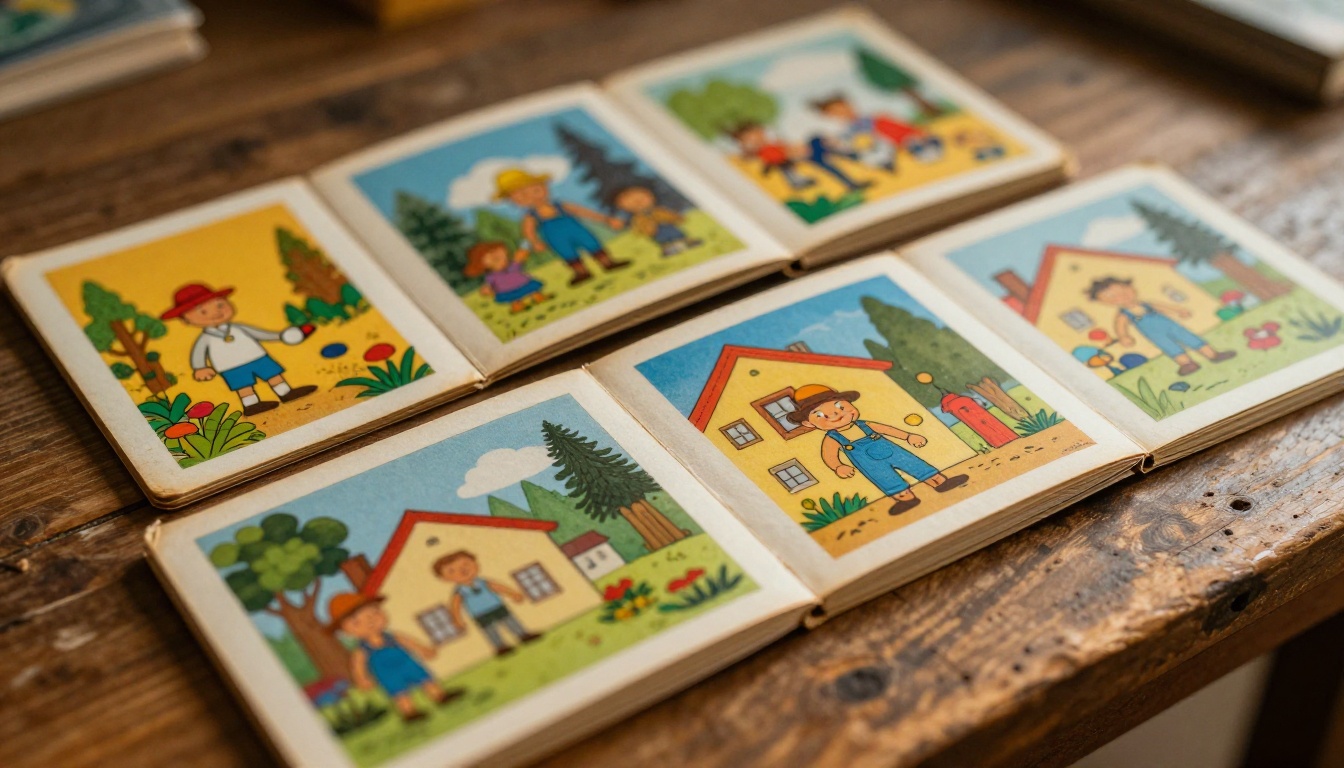
For over a century, flipbooks remained a novelty. Then the internet happened. As businesses began distributing catalogs, brochures, and magazines in PDF format, readers quickly realized something was missing. A PDF is just a document. You scroll it. You zoom in. You close it. There's no tactile joy, no sense of turning a page. Digital flipbooks solved that problem by bringing the physical sensation of reading back into the digital experience.
The Shift to Digital Publishing
By the mid-2000s, HTML5-based page-flip technology had become sophisticated enough to replicate realistic page-curl effects in a web browser, with no downloads or plugins required. This opened the door for businesses of all sizes to publish interactive documents that felt like magazines but lived on the web.
| Format | Page Interaction | Mobile Friendly | Analytics | Embeddable |
|---|
| Static PDF | Scroll only | Partial | No | No |
| Digital Flipbook | Page-turn flip | Yes | Yes | Yes |
| Plain webpage | Scroll only | Yes | Limited | N/A |
| Printed catalog | Physical flip | No | No | No |
The data tells a clear story: digital flipbooks offer something static formats simply cannot.
What a Digital Flipbook Actually Is
A digital flipbook is an interactive publication created from a PDF that mimics the physical sensation of turning printed pages. When someone opens your flipbook, they see a book-like layout with realistic pages they can click or drag to turn. The effect is rendered entirely in HTML5, meaning it works on any device with a modern browser.
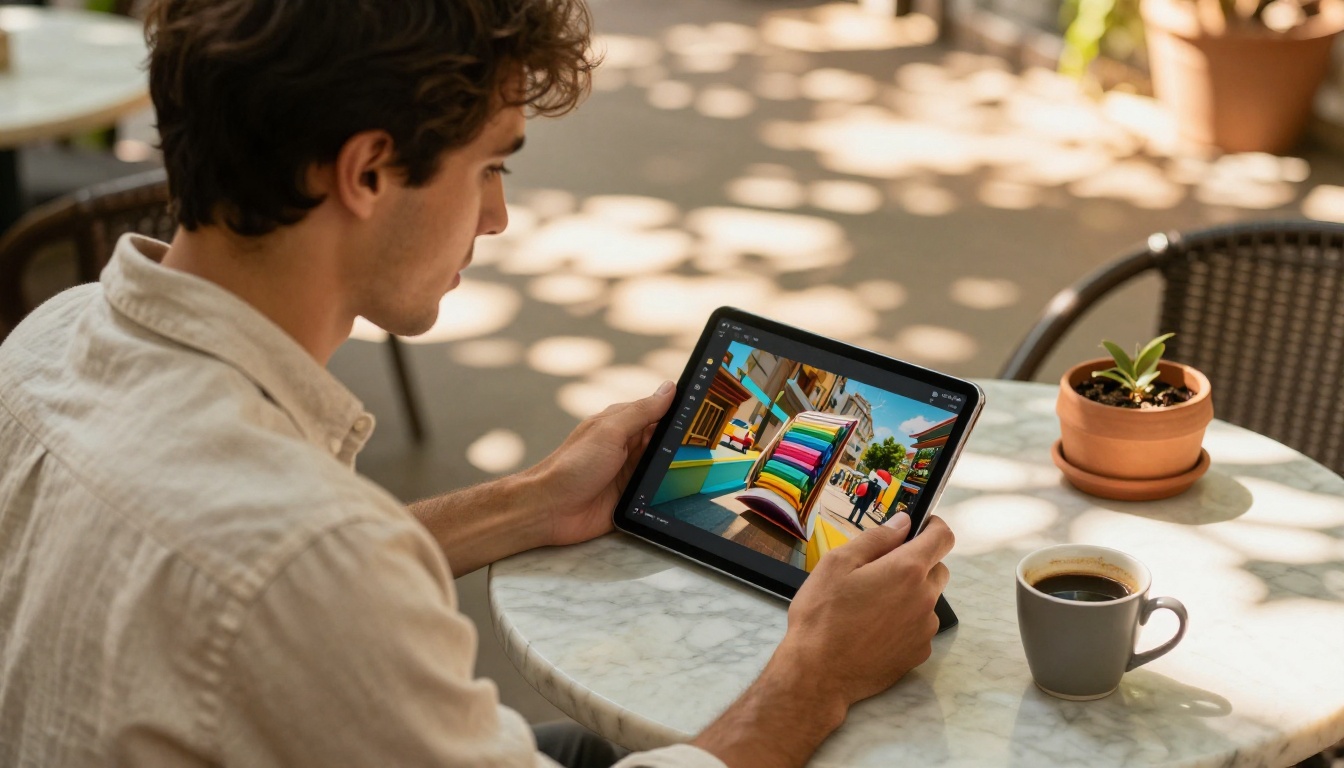
💡 A good digital flipbook isn't just about the flip animation. It's about creating a reading experience that keeps people on the page longer, which directly affects how much of your content actually gets consumed.
How the Page-Turn Effect Works
The page-turn effect uses layered CSS transformations and JavaScript calculations to simulate the three-dimensional curl of a paper page. As the user drags or clicks, the page appears to physically lift, bend, and fall to the other side. Modern implementations add subtle shadows, page depth, and paper texture overlays to heighten the realism.
The rendering happens entirely client-side, which means the experience is fast, smooth, and works offline once the page has loaded.
Static PDF vs. Digital Flipbook
This comparison gets to the heart of why flipbooks matter for anyone who distributes content digitally.
| Feature | Static PDF | Digital Flipbook |
|---|
| Reading experience | Linear scroll | Page-turn immersion |
| Multimedia support | Limited | Videos, audio, links |
| Mobile optimization | Often poor | Fully responsive |
| Branding options | Document only | Custom colors, logo |
| Sharing | File download | Direct link or embed |
| Password protection | Basic | Built-in |
| Reader analytics | None | Full page-level tracking |
| Offline access | Yes | With download option |
The flipbook wins on almost every dimension that affects reader experience and publisher control.
Who Uses Flipbooks (And Why)
The short answer: almost every industry that distributes printed or digital content. Certain use cases see the most dramatic benefits.
Businesses That Benefit Most
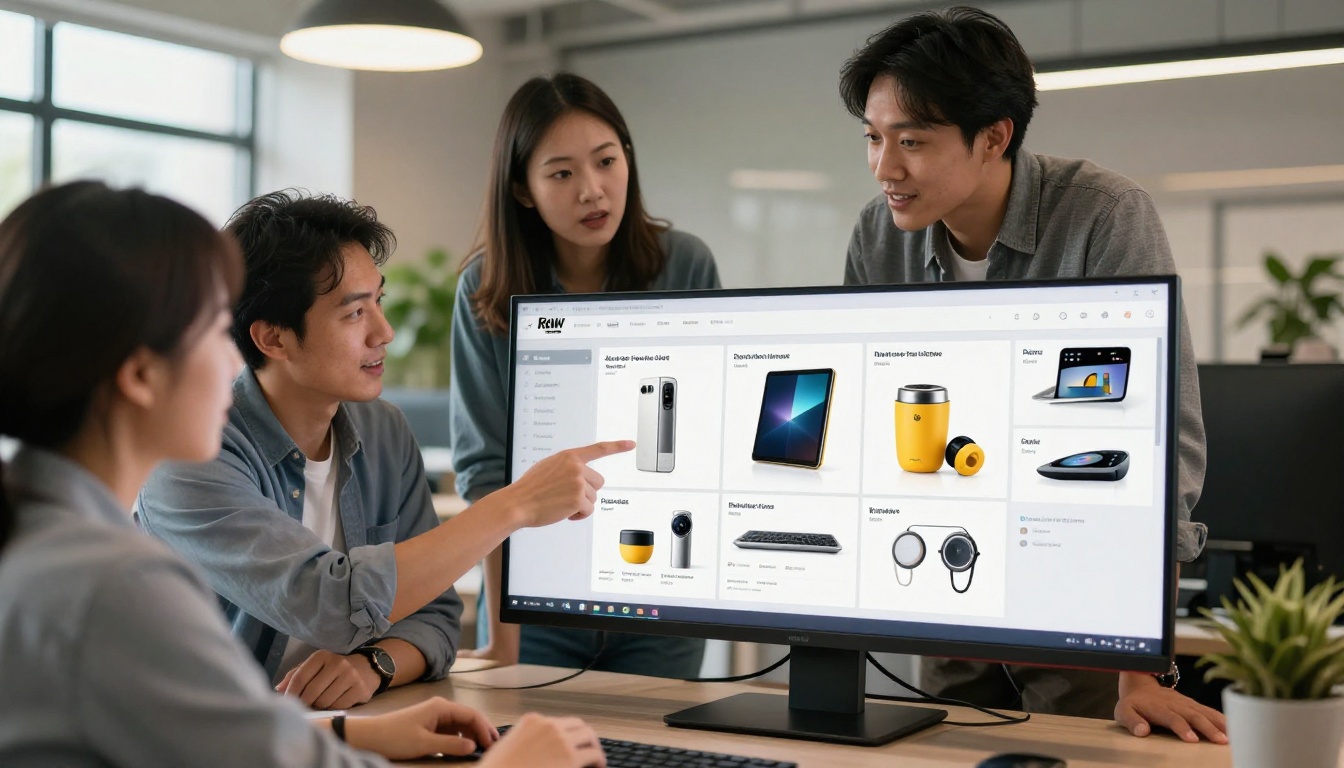
Retailers and product-focused brands benefit enormously. A PDF product catalog is forgettable. An interactive flipbook catalog with clickable product links and embedded video demonstrations is an experience. The Product Catalog Generator on Flipbooks AI is built specifically for this use case, letting brands publish catalogs that genuinely drive sales.
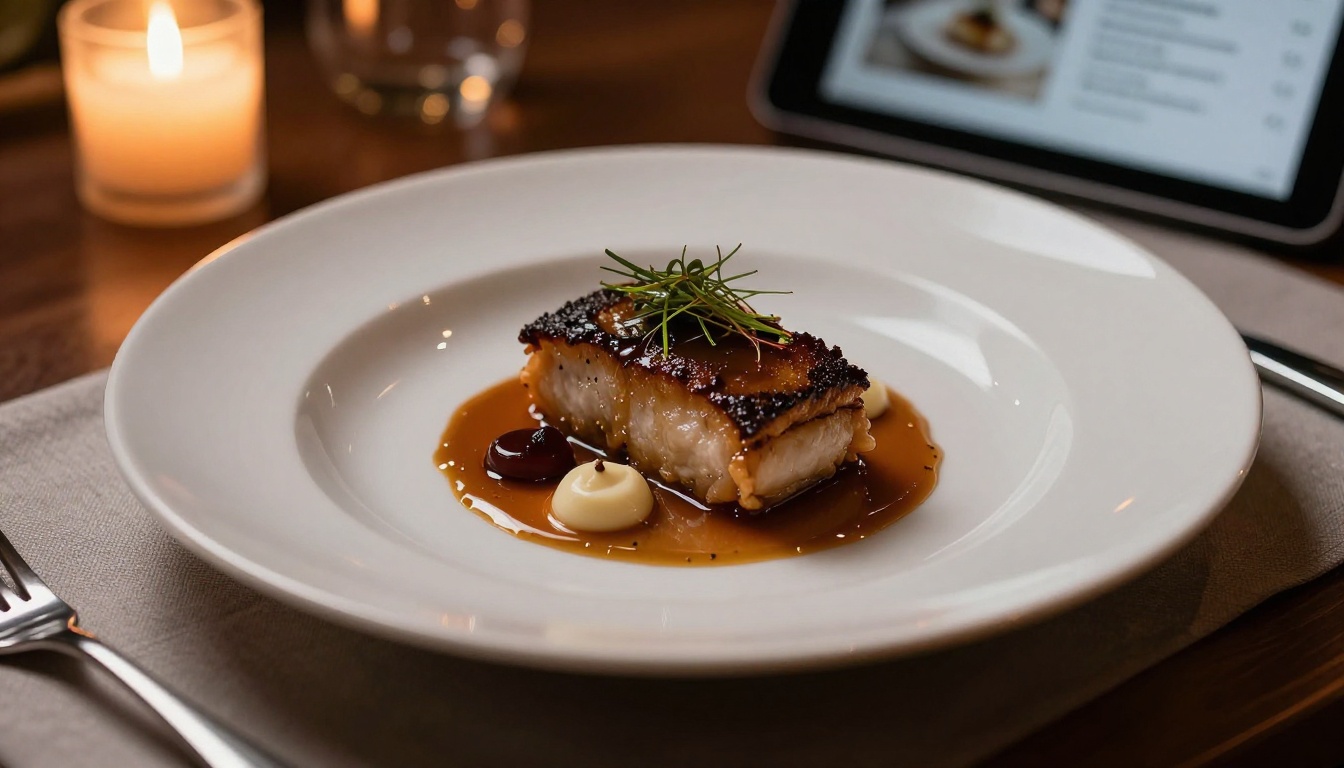
Restaurants use flipbooks to replace static PDF menus with interactive digital menus. A flipbook menu on an iPad at the table, or embedded on the restaurant's website, feels premium. The Restaurant Menu Creator makes this straightforward without requiring any design skills.
Real estate agencies use them for property brochures, area overviews, and development showcases. Buyers browsing listings expect a visual-first experience. A static PDF doesn't deliver that. A beautifully designed flipbook brochure does. The Real Estate Brochure Creator handles all layout complexity.
Schools and universities use flipbooks for course materials, yearbooks, and newsletters. The Yearbook Flipbook Maker and School Newsletter Creator make these tools accessible to educational institutions of any size.
Real-World Use Cases
Here are specific scenarios where a flipbook outperforms every alternative:
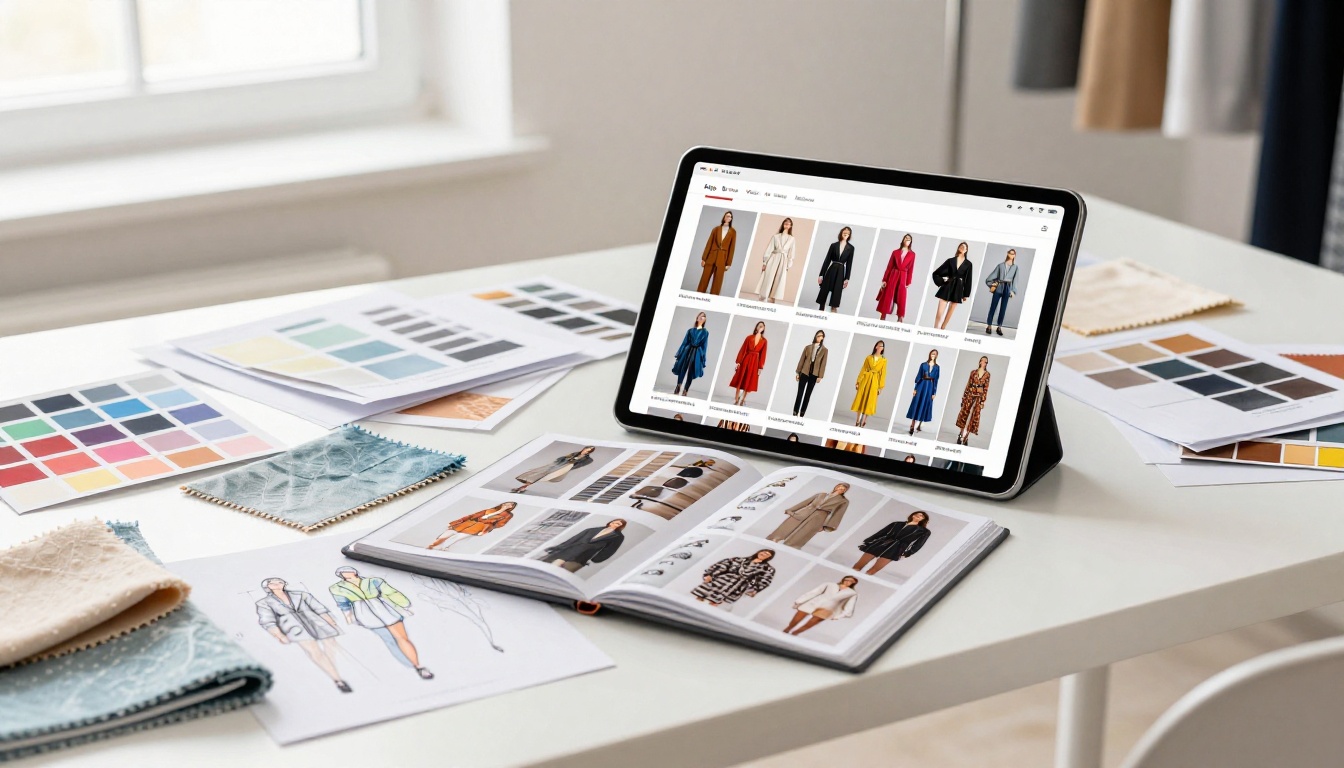
- Fashion brands launch seasonal lookbooks as interactive flipbooks, letting customers browse collections as if reading a glossy magazine. The Interactive Lookbook Designer is purpose-built for this.
- Hotels and resorts distribute digital brochures to travel agents and guests without printing a single page.
- Corporate teams share annual reports as polished, branded flipbooks rather than dense PDF attachments. The Annual Report Creator handles complex report layouts.
- Photographers and creatives publish portfolio flipbooks that feel like printed photobooks, accessible via a single shareable link.
- Event organizers replace printed programs with digital event flipbooks that can be updated instantly, even after distribution.
✅ Always match your flipbook tool to your use case. A fashion lookbook and a corporate annual report have completely different visual needs. Choosing a purpose-built template from Flipbooks AI tools will save significant design time.
Why Flipbooks Beat Plain PDFs
You can send a PDF. Anyone can. But when you send a flipbook link, you're sending an experience.
The Reading Experience Difference
Plain PDFs suffer from what content strategists call "scroll fatigue." Readers open them, scan the first few lines, and either download them to forget about later or close the tab. The lack of structure and interactivity makes them difficult to engage with on any device smaller than a desktop.
Digital flipbooks change the dynamic entirely. Page-turn animations create progress cues that tell the reader how far through the publication they are. The two-page spread layout mirrors the experience of reading a physical magazine. These psychological cues keep readers on the page longer.
⚠️ If you're relying on PDF downloads as your primary distribution method, you have no way of knowing whether anyone ever opened those files. A digital flipbook gives you page-level analytics, telling you exactly which pages readers spend the most time on.
What the Numbers Say
Studies on digital content consumption consistently show that interactive formats outperform static documents on every retention metric:
- Interactive publications see 47% longer average read times compared to static PDFs
- Flipbooks distributed via direct link achieve 3x higher completion rates than PDF downloads
- Mobile readers in particular show dramatically higher retention with page-flip formats because the two-page spread feels natural on a tablet screen
These aren't marginal improvements. They represent a fundamental shift in how your content gets consumed.
How to Create Your First Flipbook
Creating a flipbook with Flipbooks AI takes about three minutes from upload to share. Here's exactly how it works.

Step 1: Upload Your PDF
Start by creating an account at Flipbooks AI. Once inside your dashboard, click the upload button and select your PDF. The platform accepts PDFs of any size, from a two-page menu to a 200-page annual report.

The conversion engine processes each page and renders it in high fidelity. No design software required. Your PDF becomes a fully interactive flipbook in seconds. The PDF to Flipbook Converter handles the entire process automatically.
💡 Prepare your PDF with print-ready dimensions, typically A4 or letter size, for the sharpest page rendering. PDFs exported from InDesign, Canva, or Adobe Illustrator work perfectly.
Step 2: Customize Your Flipbook
Once converted, the editor gives you control over every visual aspect of the publication:
- Branding: Add your logo, choose brand colors for the reader interface, and customize the background
- Page effects: Adjust the page-turn animation style, shadow intensity, and page texture
- Multimedia: Embed YouTube or Vimeo videos directly into pages, add audio narration, or insert clickable links
- Table of contents: Generate an automatic table of contents from your PDF's heading structure
- Password protection: Set a password for private or confidential publications
Step 3: Share, Embed, and Track
Publishing is a single click. Flipbooks AI generates:
- A direct link you can share in email, on social media, or via messaging apps
- An embed code that places your flipbook inside any website or landing page using the Embed Flipbook on Website tool
- A QR code for print materials that links directly to your digital flipbook
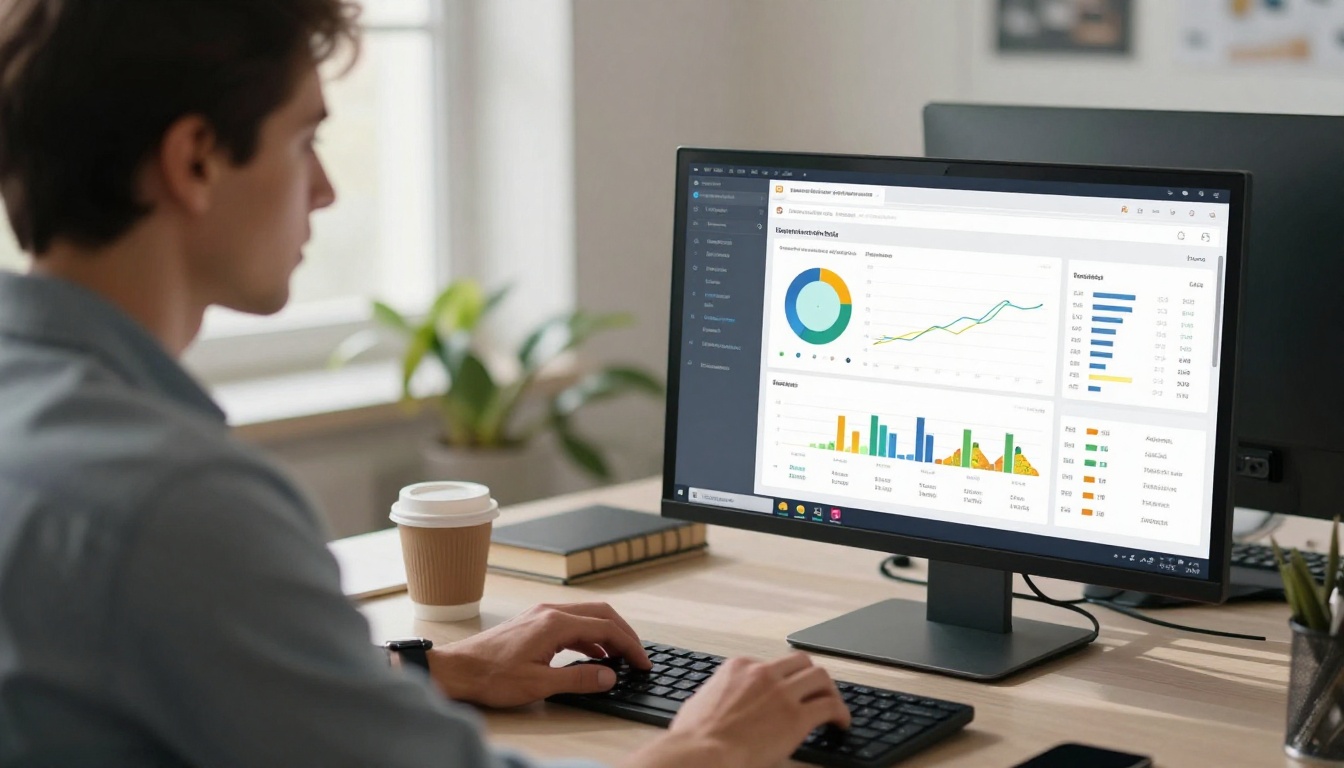
On the Professional plan, you also get access to full analytics: page-by-page read rates, average session duration, geographic reader distribution, and lead generation forms that capture reader contact information directly inside the flipbook.
Choosing the Right Plan
Flipbooks AI offers tiered plans designed to match different publishing volumes and feature needs. Here's a direct breakdown:
| Feature | Free | Standard | Professional |
|---|
| Flipbooks | 3 | Unlimited | Unlimited |
| Watermarks | Yes | No | No |
| Custom branding | No | Yes | Yes |
| Password protection | No | Yes | Yes |
| Analytics | No | No | Full page-level |
| Lead generation | No | No | Yes |
| Offline download | No | Yes | Yes |
| Embed on website | No | Yes | Yes |
| Video and audio embeds | No | Yes | Yes |
For individuals or small teams publishing occasional content, the Standard plan covers everything needed. For marketing teams that want deep reader insights and lead capture directly inside their publications, the Professional plan is where those features live. See the full pricing breakdown to choose what fits your workflow.
💡 The lead generation feature on the Professional plan lets you add a gated form inside any flipbook. Readers enter their email to access the full publication, turning every flipbook distribution into an active list-building tool.
Stop Sending PDFs, Start Sharing Experiences
The flipbook isn't a novelty. It's the natural evolution of how documents should be read in a browser. Whether you're a restaurant wanting a better menu, a brand launching a seasonal catalog, a school sending home a newsletter, or a photographer sharing a portfolio, the format solves a real problem: making people actually read what you publish.
Every use case has a dedicated tool on Flipbooks AI. No watermarks on paid plans, unlimited flipbooks on Standard and above, password protection, analytics, offline downloads, and embedded multimedia, all from a single platform.
Ready to create your first flipbook? Get started for free and have your first publication live in minutes. When you're ready for more, compare pricing plans to see which features match your workflow. Browse all flipbook tools to find the right template for your content type.



