Most people encounter a flipbook for the first time as a child, flipping the corner pages of a notepad and watching a stick figure run. Fast forward to today, and that same satisfying page-turn has become one of the most powerful tools in modern content publishing. Whether you are a business owner, educator, creative professional, or marketer, understanding what a flipbook actually is and what it can do for you is no longer optional. Flipbooks AI has made it easier than ever to create professional, interactive flipbooks from any PDF in minutes. But before you click "create," let's break down exactly what you are working with and why millions of content creators have already made the switch.
The Flipbook, Defined

A flipbook, in its original form, is a small booklet with sequential images printed on each page. When you thumb through them rapidly, the images appear to animate, creating the illusion of motion. This simple optical trick was invented in the 1860s and became a beloved novelty for generations.
From Physical Pages to Digital Screens
Today's digital flipbook takes that same concept and brings it into the browser. Instead of a physical booklet, you upload a PDF and the software converts it into an interactive HTML5 publication that users can flip through page by page, just like turning pages in a real book. The page-curl animation, the visual of a page lifting and landing, is replicated precisely on screen.
The difference between a flipbook and simply reading a PDF is dramatic. A PDF is static, flat, and often frustrating to read on a screen. A digital flipbook is alive. Pages turn naturally, thumbnails let readers jump to any section, and the whole experience feels like reading a real publication rather than staring at a document.
What Sets It Apart from a Plain PDF
Here is the core distinction most people miss: a PDF is a container, a flipbook is an experience.
When you share a PDF, you are handing someone a file. When you share a flipbook, you are handing them an interactive reading journey. The flipbook can include embedded videos, audio tracks, clickable hyperlinks, and animated page transitions. Readers engage with it rather than scroll past it.
💡 Pro Tip: A flipbook shared as a direct link opens instantly in any browser with zero downloads required. Your audience does not need any software, plugins, or apps installed.
Why the Page-Flip Effect Actually Matters
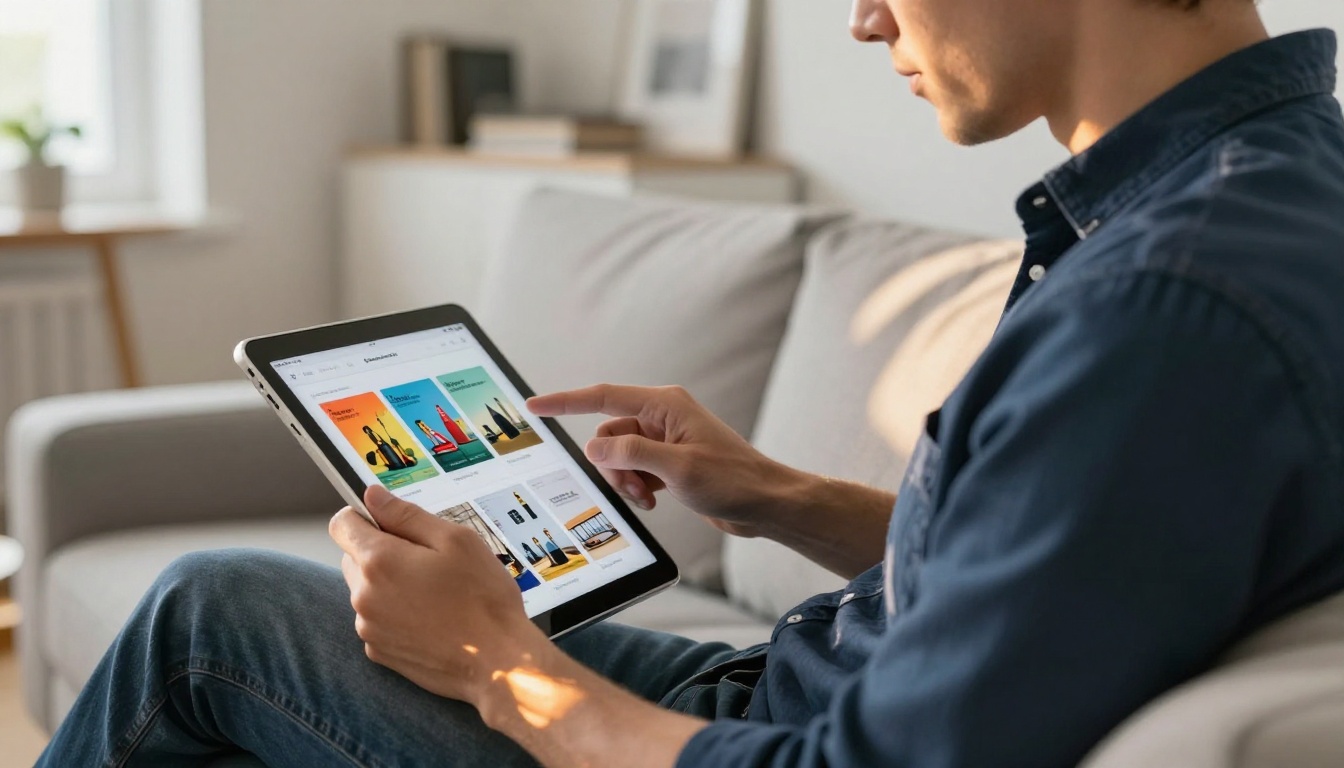
You might wonder whether the page-flip animation is just a visual novelty. The research says otherwise, and so does real-world adoption data.
The Psychology Behind Page Turning
There is genuine psychology at work when we turn pages. The physical act of flipping, even when simulated digitally, activates a sense of narrative progression. Readers feel they are moving through a story rather than consuming a document. This shift in perception changes how long they stay engaged and how much they actually absorb.
Studies on digital reading behavior consistently show that content presented in a magazine or book format generates higher dwell time than the same content in a standard scrollable format. People read more, retain more, and feel more satisfied with the overall experience.
This effect is rooted in what behavioral psychologists call embodied cognition, the idea that physical actions and sensory expectations shape how we process information. The familiar motion of page turning, even on a touchscreen, primes the brain to read more carefully and with greater focus.
What This Means for Your Content
- Longer time on page directly correlates with better SEO performance and lower bounce rates
- Higher perceived value means readers trust your brand and content more deeply
- Tactile familiarity lowers the psychological barrier to consuming longer documents
- Visual richness makes your content far more shareable across social platforms
- Professional presentation elevates any brand, regardless of budget
✅ Best Practice: Always add a table of contents with clickable page links inside your flipbook. Readers who can navigate freely stay longer and explore more sections than those forced to flip sequentially.
3 Common Misconceptions About Flipbooks
Many people avoid flipbooks based on assumptions that no longer hold. Here are the most common ones, corrected.
Misconception 1: "They are only for large companies with design teams."
Wrong. Tools like the PDF to Flipbook Converter convert any existing PDF in seconds. You do not need a designer.
Misconception 2: "They are slow to load on mobile."
Modern HTML5 flipbooks are optimized for mobile and load faster than most image-heavy web pages. They also adapt automatically to any screen size.
Misconception 3: "Nobody reads digital publications anymore."
The opposite is true. Digital magazine and catalog readership has grown consistently year over year. The format has matured, not declined.
Who Uses Flipbooks (and For What)
The short answer is: almost everyone who publishes content professionally. But let's get specific about the industries and roles where flipbooks deliver the clearest return.
Businesses and Marketing Teams
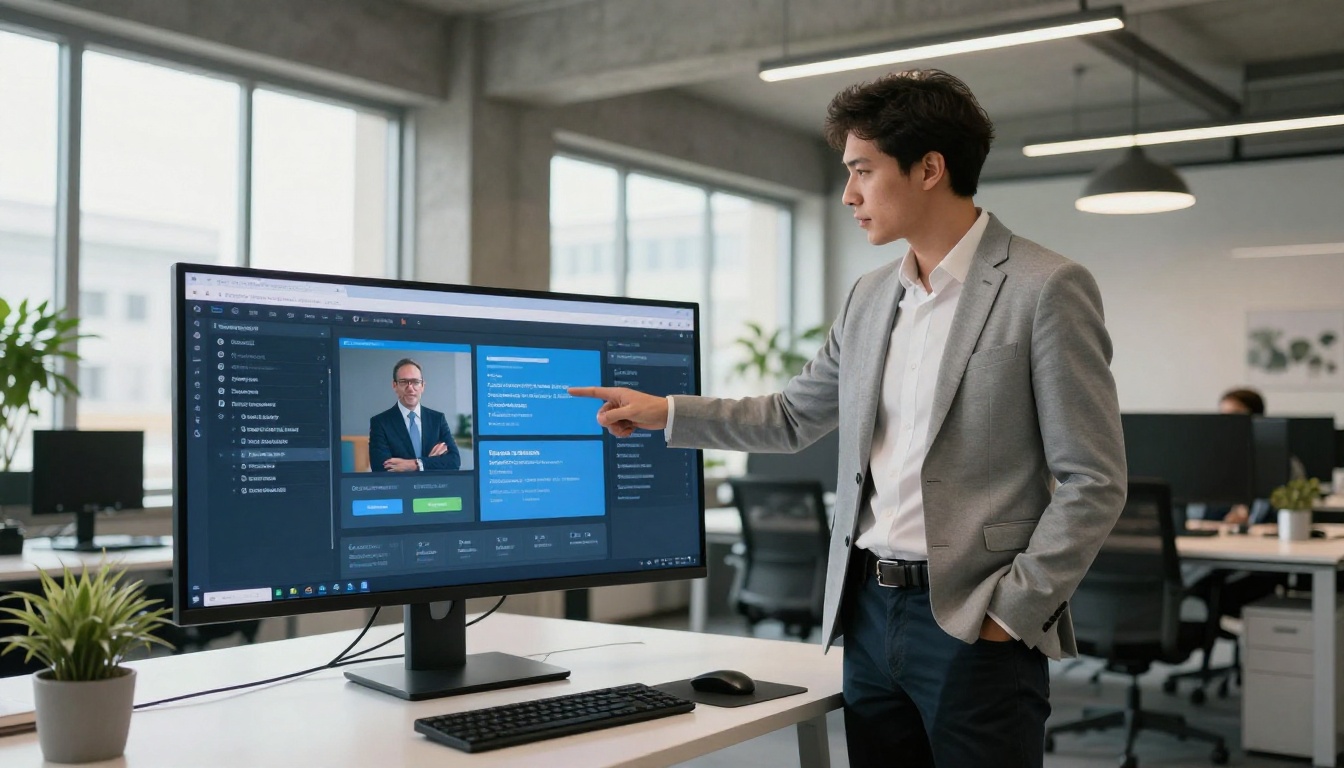
Marketing teams were among the first to adopt digital flipbooks at scale. A printed brochure is expensive to produce, impossible to update after printing, and limited to the people physically in the room. A flipbook version can be created once, updated instantly, and distributed globally without a single printing cost.
Common business use cases include:
- Product catalogs with clickable links to purchase pages
- Company brochures embedded directly on website homepages
- Seasonal promotions with time-limited offer pages
- Sales presentations shared via a single link before a client meeting
- Press kits for media and PR outreach
- Annual reports sent to stakeholders without a PDF attachment
The Online Brochure Designer and Sales Presentation Flipbook tools are purpose-built for these marketing workflows.
Educators and Trainers

Education is a natural fit for the format. Course materials, training manuals, school newsletters, and study guides all benefit from the flipbook reading experience. Students respond better to content that mimics a real textbook, and corporate trainers report higher completion rates when onboarding materials are delivered as flipbooks rather than PDF attachments.
Tools like the Training Manual Flipbook, Course Material Publisher, and School Newsletter Creator are built specifically for educators and L&D professionals.
Photographers and Creatives

For creatives, a flipbook portfolio is a step above a standard PDF portfolio in every measurable way. Page-turning navigation, full-bleed imagery, and the ability to embed video clips turn a static portfolio into an immersive showcase that clients actually spend time with.
Fashion designers use the Interactive Lookbook Designer. Photographers use the Photography Portfolio Flipbook tool. Wedding photographers offer clients a Wedding Album Flipbook they can share with friends and family in seconds, no download required.
Digital Flipbook vs. Static PDF
This comparison settles any remaining doubt about the value difference between the two formats.
| Feature | Static PDF | Digital Flipbook |
|---|
| Page-flip animation | No | Yes |
| Embedded video and audio | No | Yes |
| Clickable hyperlinks | Limited | Fully interactive |
| Mobile-responsive layout | Poor | Fully optimized |
| Analytics and view tracking | No | Yes (Professional plan) |
| Shareable via direct link | File download only | Instant browser load |
| Embeddable on website | No | Yes |
| Custom branding and colors | None | Fully customizable |
| Password protection | No | Yes |
| Lead generation forms | No | Yes |
⚠️ Warning: Sharing large PDFs via email often results in formatting issues on mobile devices. A flipbook link adapts perfectly to any screen size automatically, with no formatting loss.
Features That Make a Flipbook Worth Reading

The page-flip effect is just the beginning. Modern flipbook platforms pack in features that fundamentally change how documents function and perform.
Embedded Media
You can embed YouTube videos, Vimeo clips, or audio tracks directly inside individual flipbook pages. Imagine a real estate listing with a virtual tour video embedded on the property page, or a restaurant menu with a short chef's introduction video playing on the opening spread. This kind of multimedia depth is simply not possible in a PDF.
Analytics and Lead Generation
Professional plans on Flipbooks AI include built-in analytics that let you track:
- Total views and unique visitors per flipbook
- Time spent on each individual page
- Hyperlinks clicked and where readers go next
- Geographic location of your readers
Beyond analytics, lead generation forms can be embedded directly inside the flipbook itself, capturing reader contact details without redirecting them to a separate landing page.
Password Protection and Privacy
Not every document is for public consumption. Training manuals, internal reports, exclusive content offers, and confidential client proposals can all be password-protected so that only your intended audience gains access. This is a feature that PDF sharing through cloud links simply cannot replicate at the same level of control.
💡 Pro Tip: Use password-protected flipbooks to deliver premium gated content or client deliverables without building a separate member login system.
How to Create Your First Flipbook

Creating a flipbook with Flipbooks AI takes less time than you might expect. Here is the full process from account creation to publishing.
Step 1: Create Your Account
Visit flipbooksai.com/account and create a free account. No credit card is required to start. Standard and Professional plans include unlimited flipbooks with no watermarks.
Step 2: Upload Your PDF
Click "New Flipbook" and upload your PDF. The platform automatically converts every page into a high-fidelity interactive publication within seconds. Files ranging from a single page to hundreds of pages are all supported. You can also go directly to the PDF to Flipbook Converter to start from there.
Step 3: Customize the Experience
This is where your content gets its identity:
- Branding: Upload your logo, choose your brand colors, set a custom domain
- Background: Choose solid colors, gradients, or a custom background image
- Page effects: Enable or adjust the page shadow, curl intensity, and turn speed
- Table of contents: Auto-generated from your PDF headings or manually edited
- Multimedia: Embed videos, audio files, and hyperlinks on any individual page
- Mobile preview: Check how each page looks on phone screens before publishing
Step 4: Publish and Share
Once satisfied with the result:
- Click "Publish" to make your flipbook live
- Copy the direct link to share via email, messaging apps, or social media
- Paste the embed code to place the flipbook on your website or landing page
- Enable password protection if the content is private or client-facing
- Monitor reads and engagement through the analytics dashboard (Professional plan)
✅ Best Practice: Always test your flipbook on a mobile device before sharing. Over 60% of digital content is consumed on smartphones, and mobile display quality is non-negotiable for professional use.
Flipbooks AI Plan Comparison
| Feature | Free | Standard | Professional |
|---|
| Flipbooks | 3 | Unlimited | Unlimited |
| Watermark | Yes | No | No |
| Custom branding | No | Yes | Yes |
| Password protection | No | Yes | Yes |
| Analytics dashboard | No | No | Yes |
| Lead generation forms | No | No | Yes |
| Offline downloads | No | Yes | Yes |
| Embed on website | No | Yes | Yes |
| Embedded video and audio | No | Yes | Yes |
See the full breakdown on the pricing page.
Real-World Use Cases Worth Copying
Restaurant Menus That Impress
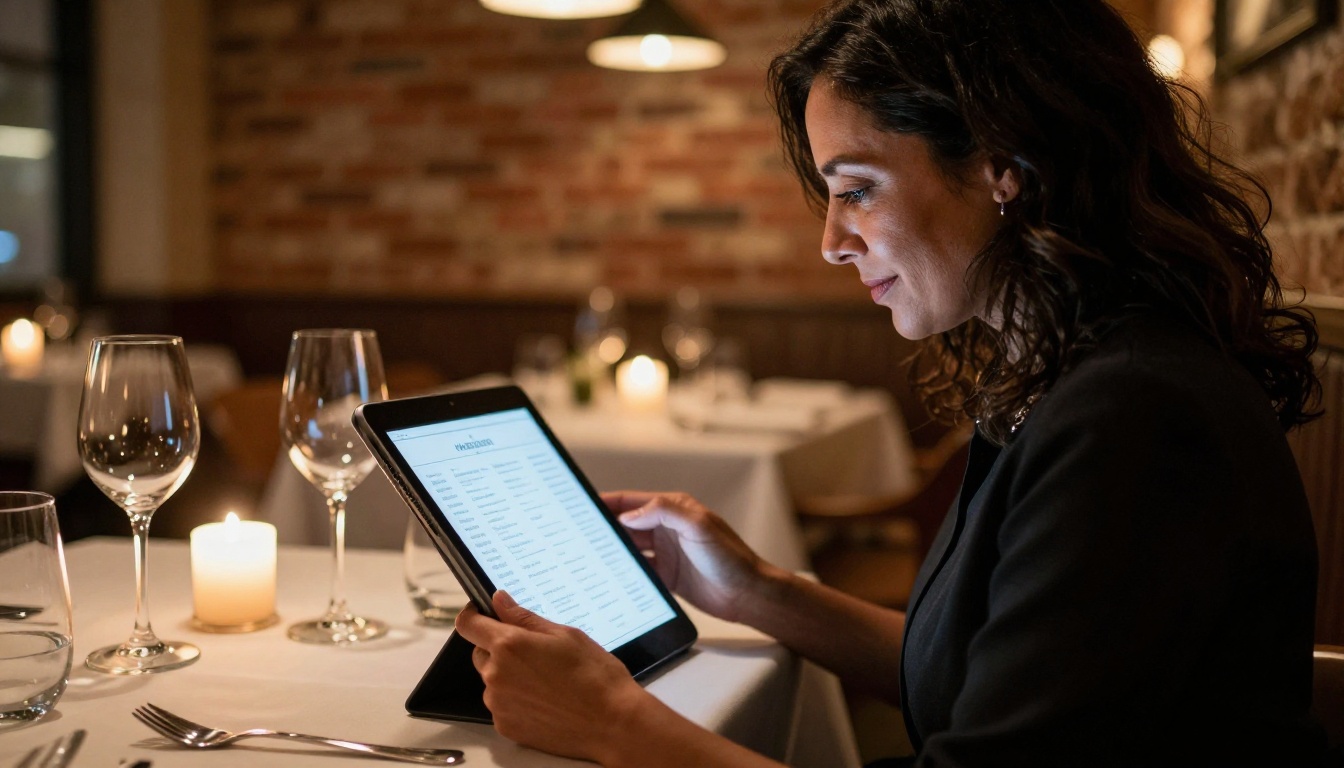
A QR code at every table linking to a beautifully designed digital menu costs nothing to update when prices change or seasonal items rotate. Customers browse on their phones, read dish descriptions, and even watch short video previews. No reprinting, no outdated menus, no wasted paper.
| Aspect | Printed Menu | Digital Flipbook Menu |
|---|
| Update cost | Reprint every change | Free, instant |
| Multimedia content | None | Video and audio possible |
| Simultaneous users | One per copy | Unlimited |
| Eco-friendly | No | Yes |
| View tracking | No | Yes (Professional plan) |
The Restaurant Menu Creator is built specifically for this setup, with hospitality-focused templates that look polished without needing a graphic designer.
Real Estate Listings That Sell
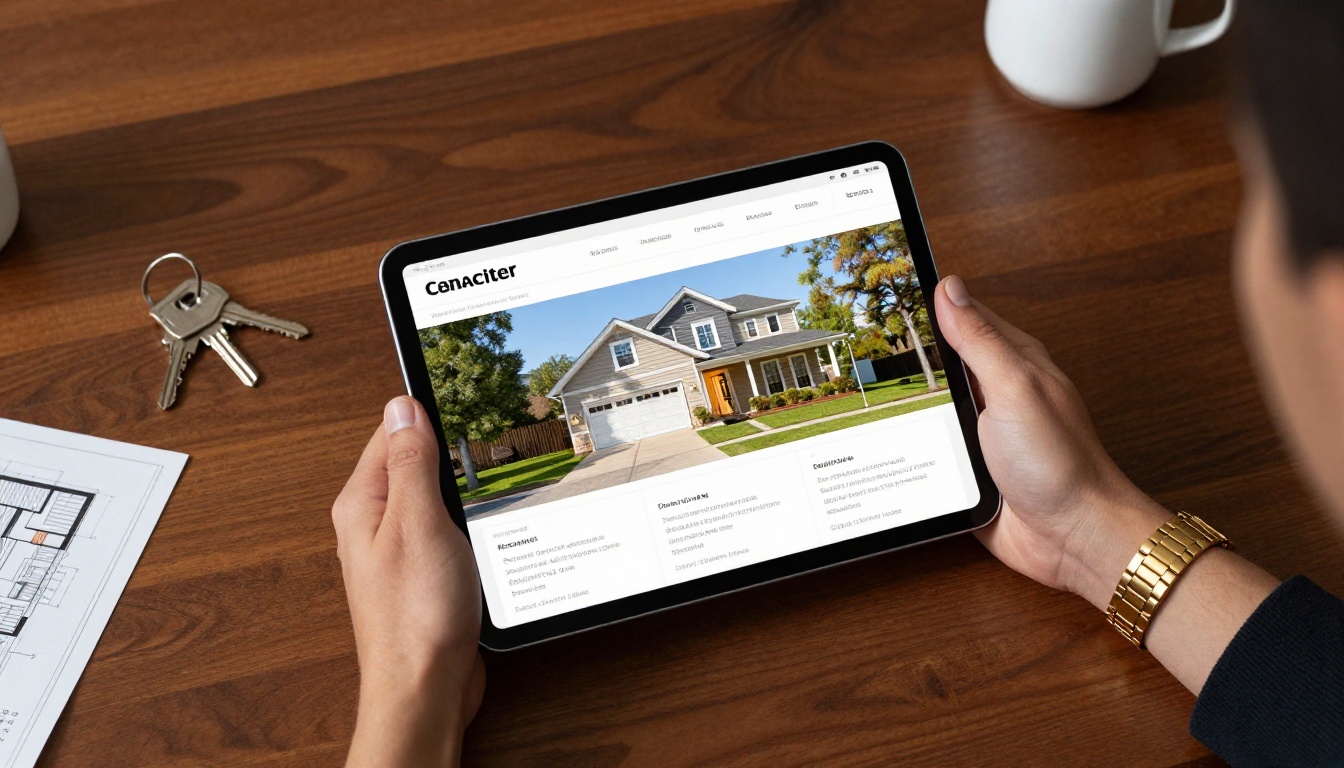
Real estate agents use flipbooks to turn property brochures into immersive listing experiences. Floor plans, high-resolution photography, neighborhood maps, and embedded virtual tour videos can all live within a single shareable link sent to prospective buyers before a showing.
The Real Estate Brochure Creator handles large image galleries without sacrificing load speed, making it the practical choice for agents managing multiple active listings.
Portfolios That Get Noticed
A static PDF portfolio is forgettable. A page-turning portfolio that loads instantly in a browser, displays full-bleed imagery, and can embed video case studies is not. Whether you are a graphic designer, architect, illustrator, or photographer, a flipbook portfolio stands out from the stack of attachments every creative director sees daily.
The Digital Portfolio Creator and Portfolio Flipbook Builder give any creative professional a polished edge without requiring any coding or technical setup.
💡 Pro Tip: Include a lead generation form on the last page of your portfolio flipbook. Interested clients can leave their contact details without ever leaving your document, turning views into warm leads automatically.
Is a Flipbook Right for You?
If you publish any type of document, whether a catalog, menu, report, portfolio, proposal, or training material, the answer is almost certainly yes. The question is not whether a flipbook improves your content. The question is which format fits your specific situation.
Browse all available flipbook tools to find what fits your workflow, from niche solutions like the Spa and Wellness Menu Creator to versatile tools like the Interactive E-Book Publisher and the E-Magazine Publishing Tool.
The page-flip effect is not nostalgia. It is a proven mechanism for holding attention, communicating quality, and delivering content that people actually finish reading instead of skimming and closing.
Ready to see the difference firsthand? Create your first flipbook for free and have it live and shareable within minutes. When you are ready to access analytics, lead generation, and unlimited publishing power, compare plans to find exactly what your content deserves.



