If you've ever shared a PDF online and watched people scroll past it without a second glance, you already know the problem. PDFs are functional, yes, but they're flat, static, and uninspiring to read on a screen. A PDF to flipbook converter changes that by taking your document and turning it into something people actually want to interact with: a digital publication that mimics the physical experience of flipping through a real book or magazine. Flipbooks AI is built specifically to make this conversion fast, clean, and professional without requiring any technical knowledge.
But how does the conversion actually work? What happens between uploading a PDF and seeing those pages flip on screen? And is it actually worth switching from a static file to an interactive flipbook? This article answers all of that in plain terms.
From Static Files to Interactive Pages
Why PDFs Fall Short Online
PDFs were designed for print. They look perfect when printed, but on a browser or mobile device they require a plugin, a download, or at minimum a special viewer just to open. The reading experience is clunky: you scroll vertically through a layout that was designed to be viewed horizontally across two pages. Pinch-zoom on mobile, tiny text, no interactivity. For business content, catalogs, or publications meant to impress, that experience sends the wrong message.
What Makes a Flipbook Different
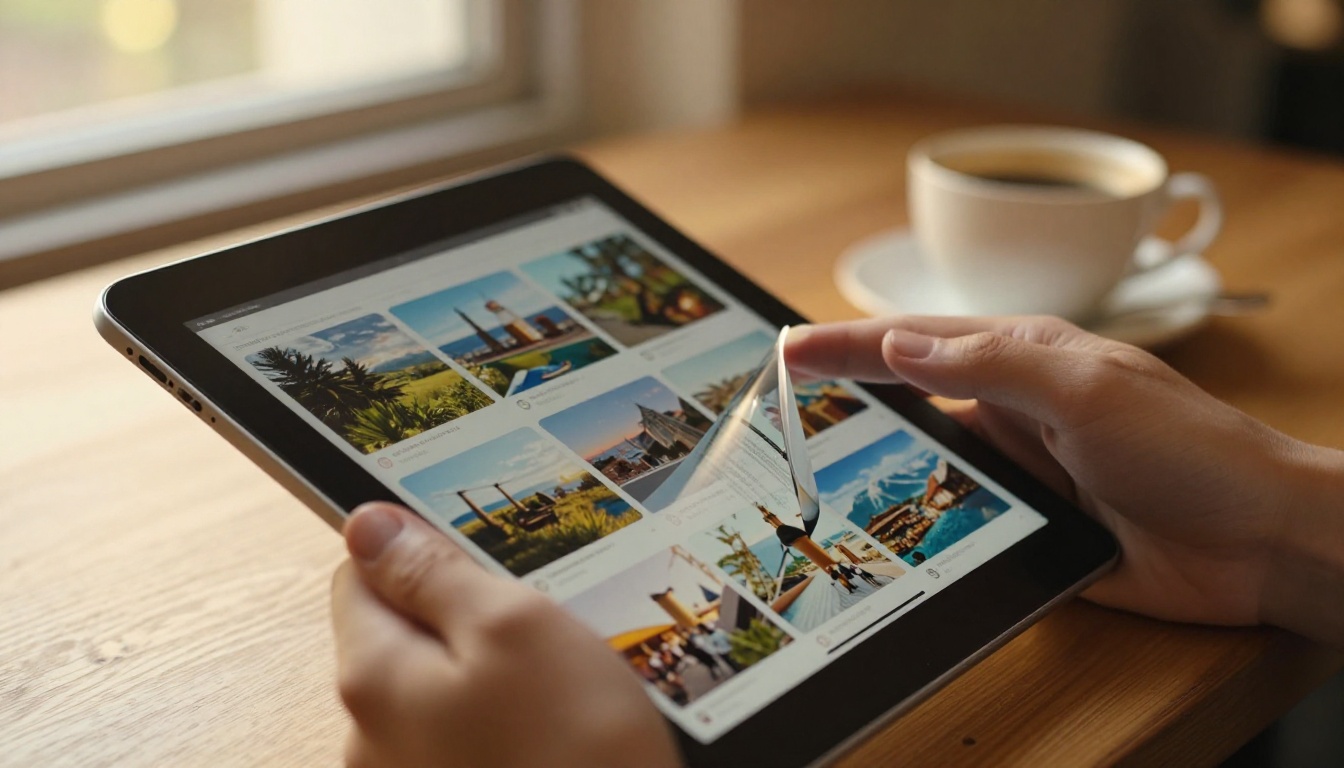
A digital flipbook replaces the static scroll with a page-flip animation, presenting your document the way it was designed to be seen: as a two-page spread with a natural turning motion. The result is more engaging, more professional, and far more shareable. Instead of attaching a file to an email, you share a link. Instead of forcing someone to download something, they click and read in their browser immediately, on any device.
The key difference is format: a flipbook is rendered as HTML5, which means it runs natively in any modern browser, works on mobile without plugins, and can be embedded directly into a website or sent as a standalone link.
How the Conversion Process Works Step by Step

Parsing and Rendering the PDF
When you upload a PDF to a flipbook converter, the first thing the software does is parse the file. It reads the internal structure: every page, text block, image, vector graphic, font, and color profile. PDF files store this data in a standardized format based on PostScript, so the converter can reliably extract high-fidelity versions of each page.
Each page is then rendered as a high-resolution image or vector layer, preserving all visual elements exactly as they appeared in the original document. This rendering step determines image sharpness, text clarity, and overall visual quality in the final flipbook.
Building the Page-Flip Animation
Once each page is rendered, the converter maps them into a 3D page-flip engine built with HTML5 and JavaScript. This engine creates the illusion of physical pages by:
- Applying a perspective transform that curves the page as it turns
- Using shadow layers to simulate depth and the underside of a turning page
- Adding easing curves to make the motion feel natural rather than mechanical
- Calculating z-index stacking so pages appear to pass in front of or behind each other realistically
The result is a flipbook viewer that feels tactile despite being entirely digital. Users can click arrows, drag pages with their cursor, or swipe on touchscreens.
HTML5 vs Flash: The Technology Shift
Older flipbook tools relied on Adobe Flash, which is now completely defunct. Modern converters use HTML5 and WebGL instead, which means:
| Feature | Flash-Based (Old) | HTML5-Based (Modern) |
|---|
| Mobile Support | None | Full iOS and Android |
| Browser Compatibility | Plugin required | Native in all browsers |
| Security | Frequent vulnerabilities | No plugin risk |
| Performance | Heavy, slow | Lightweight, fast |
| SEO Indexable | No | Yes (text layers) |
| Offline Access | Limited | Supported |
⚠️ If a tool still uses Flash or requires a plugin to view the flipbook, avoid it entirely. HTML5 is the only viable standard.
Core Features to Expect from Any Converter
Not all converters are equal. The basic function (PDF in, flipbook out) is the same, but the features surrounding that conversion determine whether the result is actually useful for professional publishing.
Here is what you should expect from a quality converter:
| Feature | Why It Matters |
|---|
| Page-flip animation | Core reading experience |
| Mobile responsiveness | Most readers use phones |
| Custom branding | Logo, colors, domain |
| Direct share link | Easy distribution |
| Embed code | Website integration |
| Password protection | Private or gated content |
| Analytics | Track views and page engagement |
| Multimedia support | Embed video or audio |
| No watermarks | Professional appearance |
| Fast load times | Reader retention |
Flipbooks AI includes all of these by default, with no watermarks on any paid plan and no arbitrary limits on how many publications you can create.
💡 The single most important technical feature is mobile responsiveness. Over 60% of web traffic comes from mobile devices. A flipbook that breaks on a phone is not worth publishing.
Types of Documents That Benefit Most

Not every PDF makes an equally compelling flipbook. The format works best for documents that are visually designed and intended to be read front-to-back rather than searched.
Product Catalogs and Brochures
This is the most common use case. A product catalog converted to a flipbook can be shared via a link, embedded on an e-commerce site, and updated seasonally without redesigning from scratch. The PDF to Flipbook Converter tool handles catalog conversions particularly well, preserving image quality and typography at full resolution.
Real-world example: A furniture retailer uploads their 40-page seasonal catalog. Instead of emailing a 15MB PDF attachment, they share a link. The flipbook loads in under 2 seconds, looks perfect on any screen, and lets customers share individual pages via social.
Menus and Event Programs
Restaurants and hospitality businesses have adopted flipbook menus at scale. A Restaurant Menu Creator converts a designed menu PDF into a shareable digital menu linked from a QR code at every table. Updates to prices or items require only a new PDF upload, no reprinting.
The same logic applies to event programs, spa menus, and seasonal specials. The Spa & Wellness Menu tool is built specifically for this format.
Reports and Presentations
Annual reports, investor decks, and sales presentations benefit enormously from the flipbook format. A static PDF attached to an email rarely gets read. The same content as an interactive flipbook, shared via a direct link with analytics tracking enabled, shows exactly who opened it, how long they stayed, and which pages received the most attention. This data is available through Flipbooks AI's Professional plan.
How to Convert a PDF to a Flipbook with Flipbooks AI

The process is straightforward and takes less than five minutes from start to publish.
-
Create your account: Go to flipbooksai.com/account and sign up. No credit card required on the free tier.
-
Upload your PDF: From the dashboard, select "New Flipbook" and drag your PDF file into the upload area. Files up to 200MB are supported. The system processes each page and renders it automatically.
-
Customize your flipbook: Once processed, use the editor to:
- Add your brand logo and choose custom brand colors
- Set a background for the viewer (solid color, gradient, or custom image)
- Configure page effects such as shadow depth, flip speed, and page sound effects
- Add multimedia embeds like YouTube videos or audio clips to specific pages
-
Set privacy and access: Choose between public, password-protected, or private (link-only) access. Password protection is available on Standard plans and above.
-
Publish and share: Click publish to receive:
- A direct link to the hosted flipbook
- An embed code for placing the flipbook on your website or landing page
- A QR code for print or in-person use
-
Track performance: On the Professional plan, open the analytics dashboard to see view counts, average reading time, and page-by-page data. Lead generation forms can also be embedded directly inside the flipbook.
✅ Flipbooks AI supports unlimited flipbooks on the Standard plan and above, with no watermarks on any publication.

Conversion quality is not just about visual fidelity. Several technical performance factors determine how well a flipbook performs in real-world use.
Page Loading Speed
A heavy, slow-loading flipbook causes readers to leave before they see your content. Good converters use lazy loading, which means only the pages currently visible (or about to become visible) are loaded at any given time. A 100-page catalog does not need to load all 100 pages at once.
Mobile Responsiveness
The flipbook viewer must reflow intelligently on small screens. On mobile, a two-page spread typically switches to single-page view, and touch swipe replaces mouse drag. These adaptations should happen automatically, not require manual configuration.
File Size and Compression
Quality converters apply image compression and optimization during rendering. A 50MB source PDF can often produce a flipbook that loads in under 3MB per page spread because images are optimized for screen resolution rather than print resolution (72 to 96 DPI vs 300 DPI for print).
Pricing and Plan Comparison
Most flipbook converters offer tiered pricing. Here is a breakdown of what you typically get at each level, using Flipbooks AI's pricing as the reference:
| Plan | Flipbooks | Watermarks | Password Protection | Analytics | Offline Downloads |
|---|
| Free | Limited | Yes | No | No | No |
| Standard | Unlimited | No | Yes | No | No |
| Professional | Unlimited | No | Yes | Yes + Lead Gen | Yes |
💡 For businesses sharing catalogs or reports with clients, the Standard plan removes watermarks and adds password protection. The Professional plan adds analytics and lead generation, which are worth the upgrade for sales and marketing teams.
Real-World Use Cases
Real Estate Agents

Real estate professionals use flipbooks to present property listings, neighborhood guides, and market reports. A beautifully formatted property brochure PDF converted to a flipbook can be sent to prospective buyers via a single link, embedded in a listing page, and opened on any device without downloading. The Real Estate Brochure tool is designed for exactly this workflow.
With analytics enabled, agents can see which properties prospective buyers spent the most time on, creating a natural opening for a follow-up conversation based on real data.
Marketing and Creative Teams
Marketing teams use flipbooks for lookbooks, digital portfolios, press kits, and sales presentations. The Interactive Lookbook Designer and Press Kit Designer tools let teams produce polished, shareable assets from existing brand materials with minimal additional design work.
A fashion brand, for example, can publish a seasonal lookbook as a flipbook and embed it directly on their website's editorial page, replacing a static PDF download with an immersive browsing experience.
Education and Training
Training manuals, course materials, and school newsletters all benefit from the flipbook format. The Training Manual Flipbook tool converts structured HR or onboarding documents into easy-to-read digital publications that employees access from any device, no printing required. The Course Material Publisher follows the same approach for educators.
What to Look for Before Choosing a Converter
Before committing to any tool, check these factors:
| Criteria | What to Check |
|---|
| Output format | Must be HTML5, not Flash |
| Mobile support | Test on an actual phone before publishing |
| Hosting included | Some tools require you to self-host |
| Watermark policy | Free tiers often force branding |
| Update workflow | Can you re-upload a revised PDF easily? |
| Embed options | iFrame embed for websites |
| Support quality | Live chat or email with fast response |
| Pricing structure | No hidden per-flipbook or per-page fees |
⚠️ Watch for tools that charge per flipbook or per page. A flat subscription like Flipbooks AI's plans is almost always better value for anyone publishing more than a handful of documents per year.
Start Publishing Smarter
Static PDFs have a ceiling. They do their job when the goal is simply delivering a file, but they fall short whenever you need to inform, impress, or persuade. A PDF to flipbook converter removes that ceiling by turning your existing documents into interactive, mobile-ready publications that readers actually want to spend time with.
Whether you're publishing a product catalog, a restaurant menu, a real estate brochure, or an annual report, the conversion process is the same: upload your PDF, customize the presentation, and share a link. The technology handling that conversion has matured to the point where the results are indistinguishable from professionally built digital publications.
Ready to see what your documents look like as flipbooks? Create your first flipbook for free on Flipbooks AI. Browse all available tools and templates to find the right format for your content, or compare pricing plans to choose the right tier for your publishing volume.



